Tumult alternatives
8 products to explore · 2026
Your shortlist, at a glance.
Read the comparisons ↓Check each product’s website for current pricing and features. A verified badge indicates a verified listing, not a ranking.
About Tumult and its alternatives
Users searching for Tumult alternatives are typically looking for macOS or cross-platform tools that let them build animated and interactive HTML5 content without writing code. Tumult Hype focuses on timeline-based animation, drag-and-drop elements, and export to lightweight HTML that runs everywhere from desktop browsers to iPads and smartphones. People often compare it when they need responsive layouts, physics effects, or reusable symbols but want to avoid subscription fatigue or steeper learning curves found in other creative suites. Alternatives range from browser-based design tools to full web animation platforms that may offer collaboration, code export flexibility, or integration with existing design systems. Choosing the right option depends on whether the priority is pixel-perfect animation control, rapid prototyping, or seamless handoff to developers.
Explore the alternatives

1.Adobe Animate
Design & CreativeAdobe Animate is a professional timeline-based animation tool used for web, games, and video. It supports vector drawing, bone rigging, and HTML5 Canvas export. Compared with Tumult Hype it offers deeper integration with Adobe Creative Cloud and stronger character animation features, yet requires a monthly subscription and runs on both macOS and Windows. Users who need code-level control or 3D may prefer Animate, while those wanting simpler no-code HTML export often find Tumult faster and lighter for banner and interactive web projects.

2.Webflow
Marketing & SalesWebflow is a visual web design platform that combines layout, interactions, and hosting. It lets users create responsive sites with scroll animations and component libraries. Unlike Tumult's focused animation export, Webflow builds complete production websites and requires a subscription. Teams that want design-to-live-site workflow without developers may choose Webflow over Tumult, while pure animators needing small standalone HTML files often stick with Tumult's simpler output.

3.Framer
Productivity & Project ManagementFramer is a browser-first prototyping tool with powerful animation and component systems. It supports code overrides and real-time collaboration. Compared to Tumult it trades native macOS performance for cross-platform access and team features. Designers who prototype high-fidelity interactions for stakeholder review frequently pick Framer, whereas Tumult remains preferable for final lightweight HTML5 deliverables without ongoing cloud costs.
- P
4.Principle
Productivity & Project ManagementPrinciple is a macOS app for creating animated interface prototypes. It offers timeline controls and device preview similar to Tumult Hype. Principle focuses more on app UI flows than general web content, and uses a subscription model. Mac users already comfortable with Tumult's interface may find Principle's learning curve low, but Tumult provides better HTML5 export options for web deployment.
5.Animaker
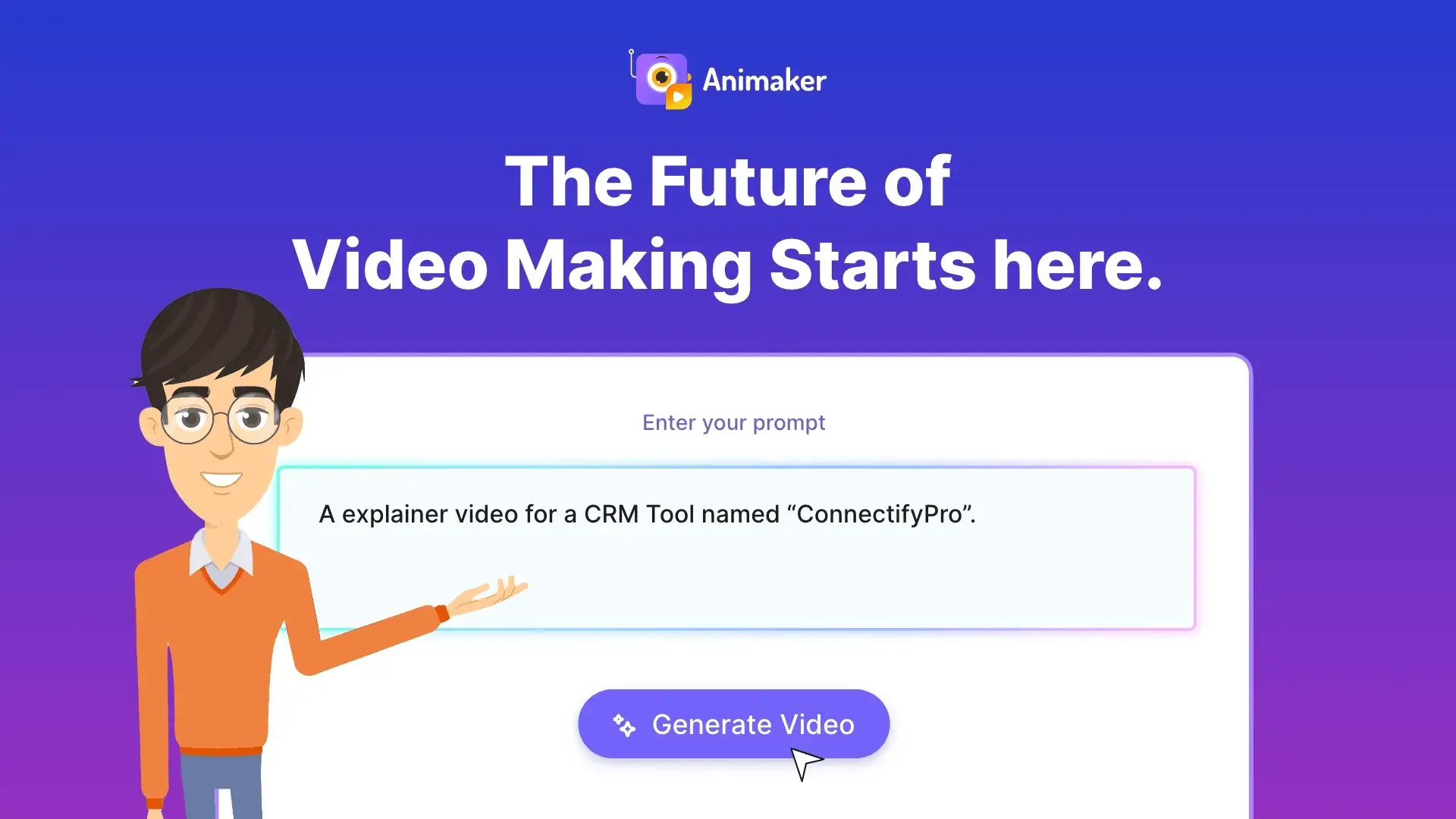
Marketing & SalesAnimaker is a web-based video and animation maker aimed at marketers. It includes templates, characters, and voiceovers. While easier for beginners than Tumult, it produces video rather than editable HTML5. Users needing quick social assets may choose Animaker; those requiring interactive, responsive web content usually return to Tumult for smaller file sizes and code-free precision.

6.Google Web Designer
Marketing & SalesGoogle Web Designer is a free tool for building HTML5 ads and interactive content. It provides timeline animation and component libraries. Compared with Tumult it lacks advanced physics and symbols yet offers zero cost and strong DoubleClick integration. Budget-conscious advertisers often test Google Web Designer first before investing in Tumult Pro for more sophisticated projects.

7.LottieFiles
Developer ToolsLottieFiles enables lightweight vector animations exported from After Effects or Figma. It supports playback across platforms via a small library. Unlike Tumult's direct authoring, Lottie relies on external creation tools. Teams already using After Effects may prefer Lottie for file size; Tumult users who want everything inside one macOS app without extra software often stay with Hype.
- H
8.Hype Pro alternatives like Pixate
Developer ToolsPixate was a mobile prototyping tool focused on native-feel interactions. Though discontinued, similar modern alternatives exist. They differ from Tumult by targeting app rather than web output. Designers comparing the two usually note Tumult's superior HTML5 compatibility and permanent licensing versus subscription-based mobile tools.
See more comparisons in Developer Tools alternatives.
Questions about Tumult alternatives
What are the best free Tumult Hype alternatives for creating HTML5 animations on a budget?
Free options include open-source web tools and limited-tier browser apps that support timeline animation and basic interactivity. These usually lack Tumult's polished macOS-native interface and may require more manual export tweaks or external hosting.
How does Tumult Hype compare to Webflow for building interactive websites?
Webflow offers visual design plus hosting and CMS features while Tumult focuses purely on animation and HTML export. Teams needing full site management often prefer Webflow, whereas pure animators stay with Tumult for lighter file sizes and macOS speed.
Can I use Tumult Hype alternatives to create physics-based animations without coding?
Several alternatives provide built-in physics engines or spring animations. Most require a subscription or usage limits, unlike Tumult's one-time professional upgrade that unlocks these features permanently.
Are there Tumult Hype alternatives that work on Windows or in the browser?
Yes, many competitors are browser-based or cross-platform, removing the macOS-only restriction. This comes at the cost of losing native performance and the simple Whisk/Reflect workflow that Tumult users enjoy.
What is the best Tumult alternative for exporting lightweight HTML5 banners?
Look for tools that emphasize clean code output and minimal dependencies. Tumult excels here; some alternatives produce heavier files or require runtime libraries that increase load times.
Do any Tumult alternatives offer education discounts similar to Tumult?
A few creative platforms provide student pricing or free classroom licenses. Check each vendor's education store directly since policies vary more than Tumult's straightforward academic options.