
Cerebro alternatives
12 products compared · Updated November 2, 2026
The short answer
For macOS users, Raycast is the strongest alternative with a large extension store and AI features, while Alfred offers deep native integration and automation. Linux users should consider Ulauncher for a themeable, community-driven launcher, or KDE Connect if device pairing is the priority. Windows power users should look at Keypirinha for speed and Python-based plugins.
Your shortlist, at a glance
Read the comparisons ↓- AAlbertNot publishedIndividuals in the US who want automated savings, budgeting, and investment help in one app.
UlauncherNot publishedLinux users who want a fast, themeable application launcher with community extensions and quick file browsing.
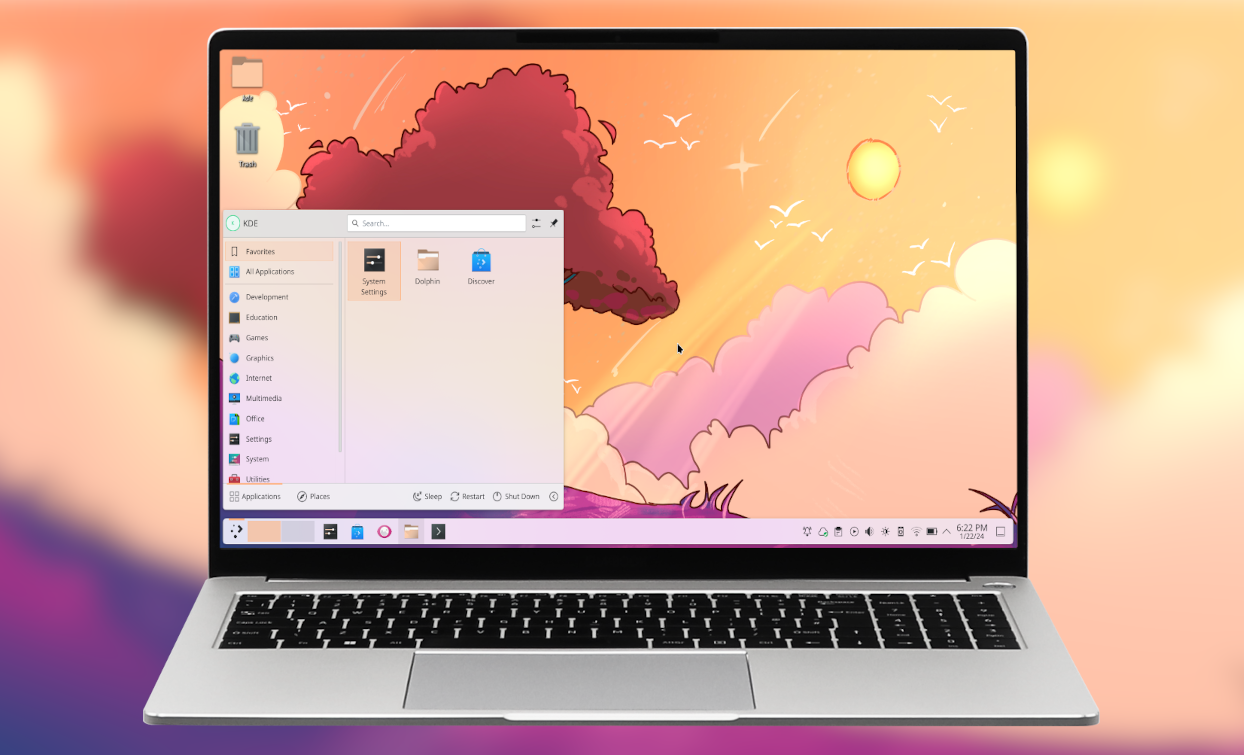 KDE ConnectNot publishedLinux and KDE users who want to pair their phone with their desktop for file sharing, notifications, and remote control.
- WWoxSee websiteOther
- KKeypirinhaNot publishedWindows power users who want a fast, plugin-extensible launcher with file-driven configuration.
- LLaunchyNot publishedTeams or individuals on older hardware who need a lightweight, no-frills launcher for Windows and Linux.
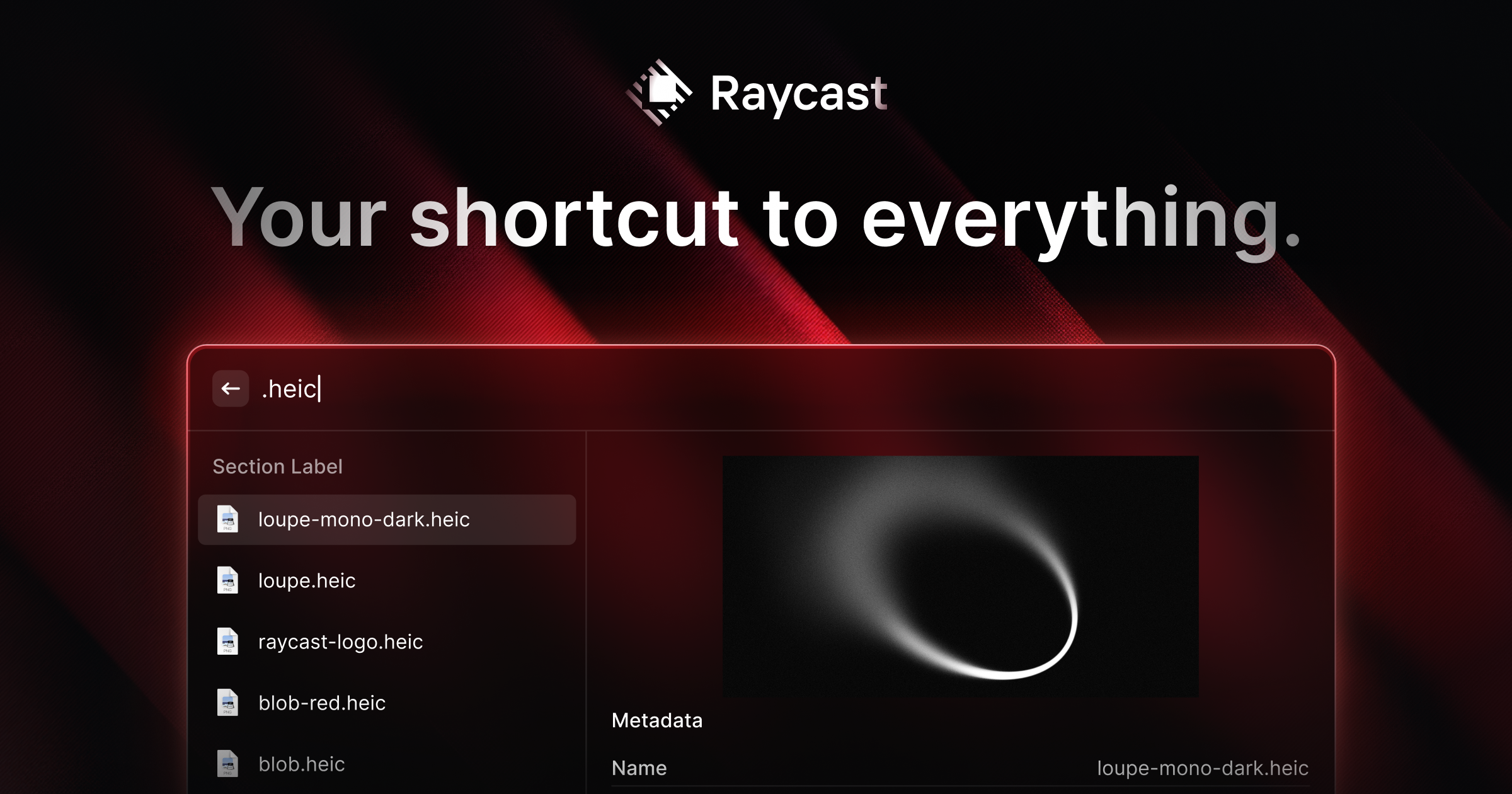 RaycastFree / $8+ per user/moEngineering and product teams on macOS who want a launcher with a rich extension ecosystem and AI assistance.
 AlfredNot publishedMac users who want a fast, keyboard-driven launcher with advanced automation and clipboard tools.
EspansoNot publishedSupport teams, developers, and writers who type the same responses, code snippets, or templates repeatedly and want a local, cross-platform tool.
 GitHub ProjectsFree / $4+/user/moSoftware development teams on GitHub that want issue tracking and project boards without leaving their codebase
 LaunchBarNot publishedMac users who want a fast, keyboard-driven launcher with a focus on privacy and a stable, long-standing product.
QuicksilverNot publishedMac users who want a keyboard-driven launcher with deep file actions and hundreds of plugins.
About Cerebro and its alternatives
Cerebro is an open-source, cross-platform launcher built with Electron. It lets you search files, get web suggestions, see maps and translations, and extend functionality through plugins. It is free and community-driven, with a focus on speed and flexibility.
When comparing alternatives, weigh the operating systems you support, the depth of integrations you need, and whether you want a plugin ecosystem or a simpler tool. Pricing varies from free open-source projects to paid plans with AI features. Check contract terms and support options, especially for team use.
Explore the alternatives
- ANot published
1.Albert
Best for: Individuals in the US who want automated savings, budgeting, and investment help in one app.

- Pricing
- Not published
- Category
- Other
Albert is a personal finance app that helps you budget, save, and invest with an AI assistant called Genius. Choose it over Cerebro if you want a financial copilot rather than a desktop launcher.
Where it is strong
- Genius assistant can handle tasks like transfers and trades
- Sees your full financial picture for personalized advice
- Combines budgeting, saving, and investing in one place
Where it falls short
- US-focused, so availability elsewhere is unclear
- No desktop launcher or plugin ecosystem like Cerebro
- Pricing:
- Pricing is not published on the site.
- Not published
2.Ulauncher
Best for: Linux users who want a fast, themeable application launcher with community extensions and quick file browsing.
- Pricing
- Not published
- Category
- Productivity & Project Management
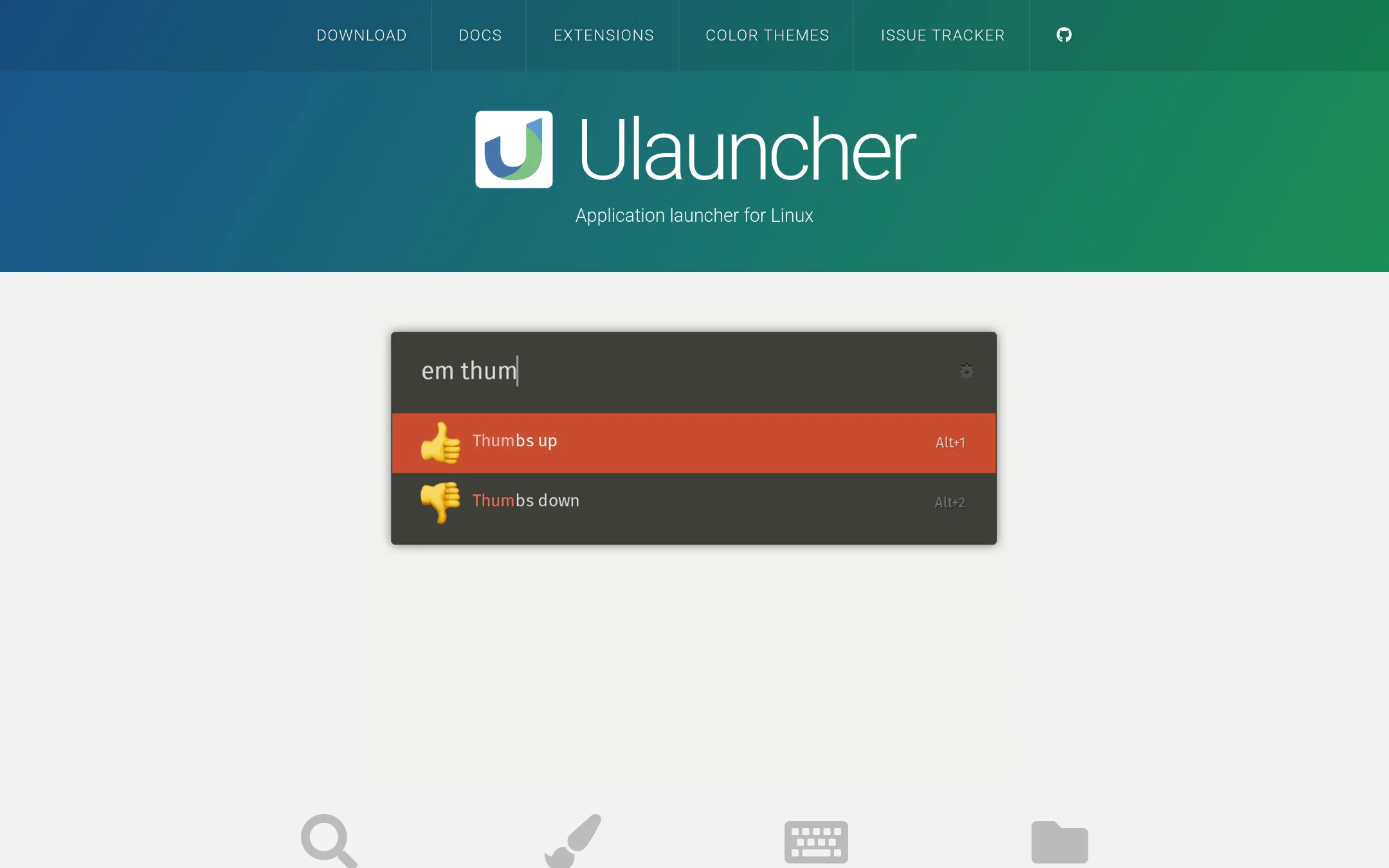
Ulauncher is a Linux-focused application launcher with fuzzy search, custom themes, and extensions. Choose it over Cerebro if you are on Linux and want a launcher that integrates tightly with your desktop environment rather than a cross-platform Electron app.
Where it is strong
- Fuzzy search that learns your most-used apps
- Custom color themes and four built-in themes
- Extensions and shortcuts for scripts and searches
Where it falls short
- Linux only, no Windows or macOS support
- No built-in web search or translation previews like Cerebro
- Pricing:
- Pricing is not published on the site.
- Not published
3.KDE Connect
Best for: Linux and KDE users who want to pair their phone with their desktop for file sharing, notifications, and remote control.
- Pricing
- Not published
- Category
- Productivity & Project Management
KDE Connect is a free, open-source tool that links your phone and desktop so you can share files, send notifications, and control media across devices. Choose it over Cerebro if your main need is device integration rather than a system-wide search launcher. It works well for people already in the KDE or Linux ecosystem who want a simple way to connect their devices.
Where it is strong
- Free and open-source with no cost
- Connects phones and desktops for file transfer and notifications
- Works across multiple platforms including Linux, Android, and Windows
Where it falls short
- No search or launcher features like Cerebro
- Setup requires installing apps on both devices and configuring a network connection
- Pricing:
- Pricing is not published on the site.
- WSee website
4.Wox
Other
An open-source launcher for Windows with plugin support, similar to Cerebro's functionality.
- KNot published
5.Keypirinha
Best for: Windows power users who want a fast, plugin-extensible launcher with file-driven configuration.
- Pricing
- Not published
- Category
- Other
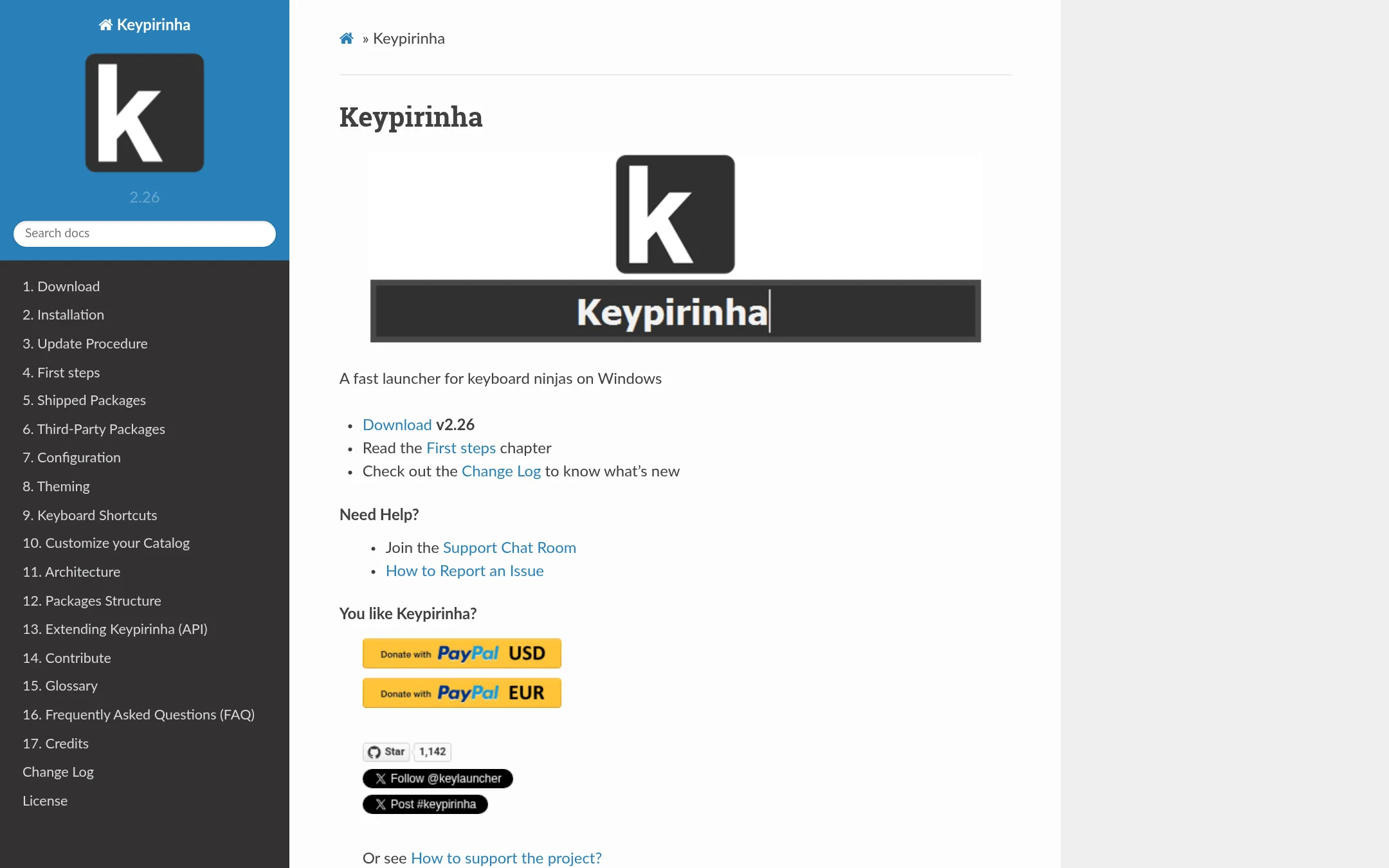
Keypirinha is a fast launcher for Windows that finds and launches apps, files, bookmarks, and more, with plugins for calculations, translations, and URL handling. Choose it over Cerebro if you're on Windows and want a lightweight, keyboard-driven tool with deep customization via Python plugins.
Where it is strong
- Very fast with a small memory footprint
- Plugin architecture with Python3 for extensions
- Supports many item types: apps, files, bookmarks, URLs, sessions
Where it falls short
- Windows only, no macOS or Linux support
- Steep learning curve for configuration and theming
- Pricing:
- Pricing is not published on the site.
- LNot published
6.Launchy
Best for: Teams or individuals on older hardware who need a lightweight, no-frills launcher for Windows and Linux.
- Pricing
- Not published
- Category
- Other
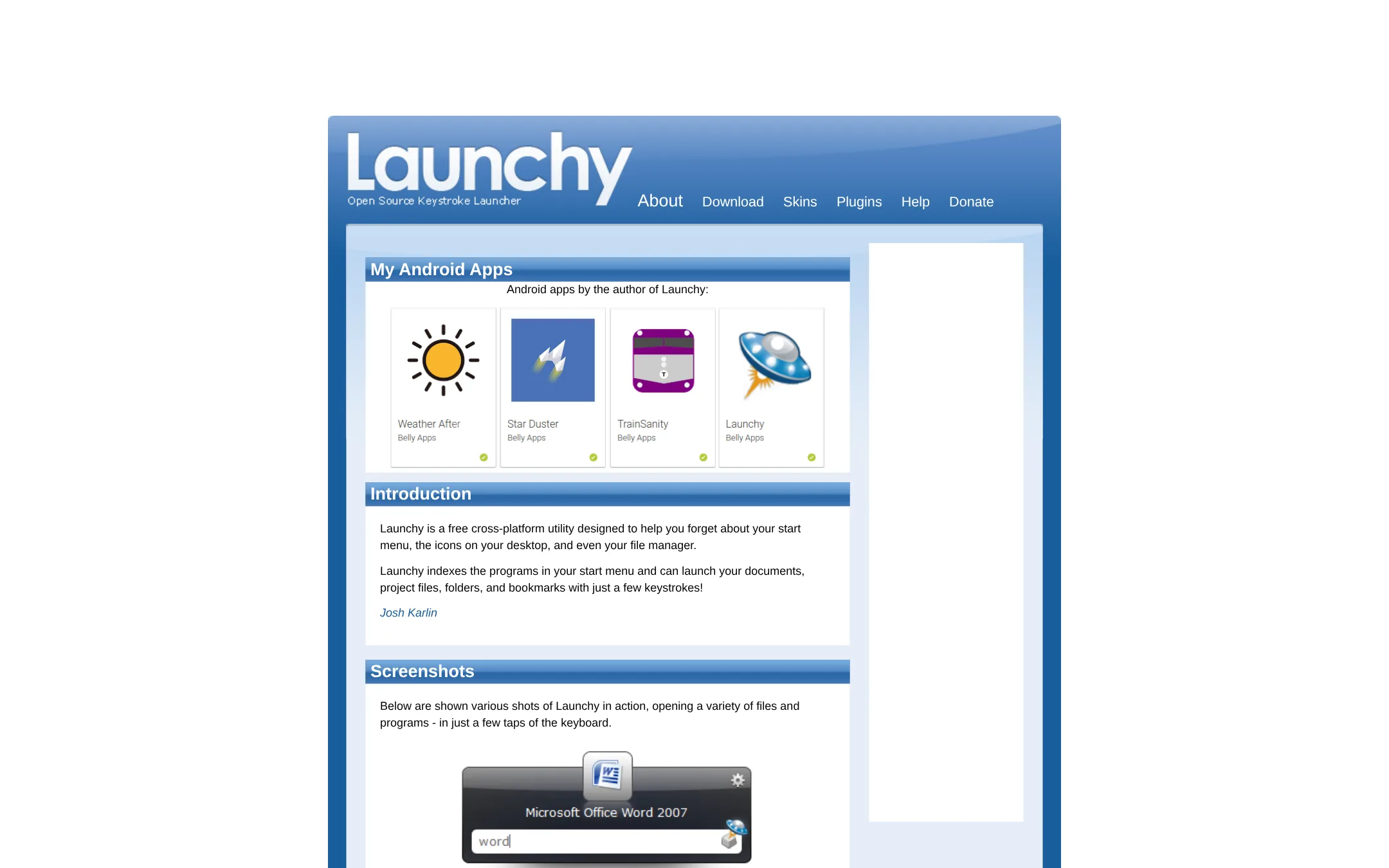
Launchy is a free, open-source keystroke launcher that indexes your start menu, documents, folders, and bookmarks for quick access. Choose it over Cerebro if you want a simpler, more traditional launcher focused purely on launching files and programs, without the plugin ecosystem or web search features.
Where it is strong
- Free and open-source
- Indexes start menu, documents, folders, and bookmarks
- Lightweight and cross-platform
Where it falls short
- No plugin system for extending functionality
- Lacks built-in web search, maps, or translation features
- Pricing:
- Pricing is not published on the site.
- Free / $8+ per user/mo
7.Raycast
Best for: Engineering and product teams on macOS who want a launcher with a rich extension ecosystem and AI assistance.
- Pricing
- Free / $8+ per user/mo
- Category
- Productivity & Project Management
Raycast is a fast, extendable launcher for macOS and Windows with a large extension store and built-in AI. Choose it over Cerebro if you want a polished, actively maintained tool with deep integrations for services like Jira, Notion, and Slack, plus AI features.
Where it is strong
- Large extension store with thousands of community-built integrations
- Built-in AI chat and quick actions for summarization and drafting
- Active development and regular feature updates
Where it falls short
- Windows version is newer and less mature than macOS
- AI features require a paid Pro plan
- Pricing:
- Free for personal use. Pro plans start at $8 per user per month (billed annually) and include AI. Team plans are $12 per user per month (billed annually).
- Switching from Cerebro:
- Moving from Cerebro to Raycast means learning a new command palette and re-creating any custom plugins as Raycast extensions.
- Not published
8.Alfred
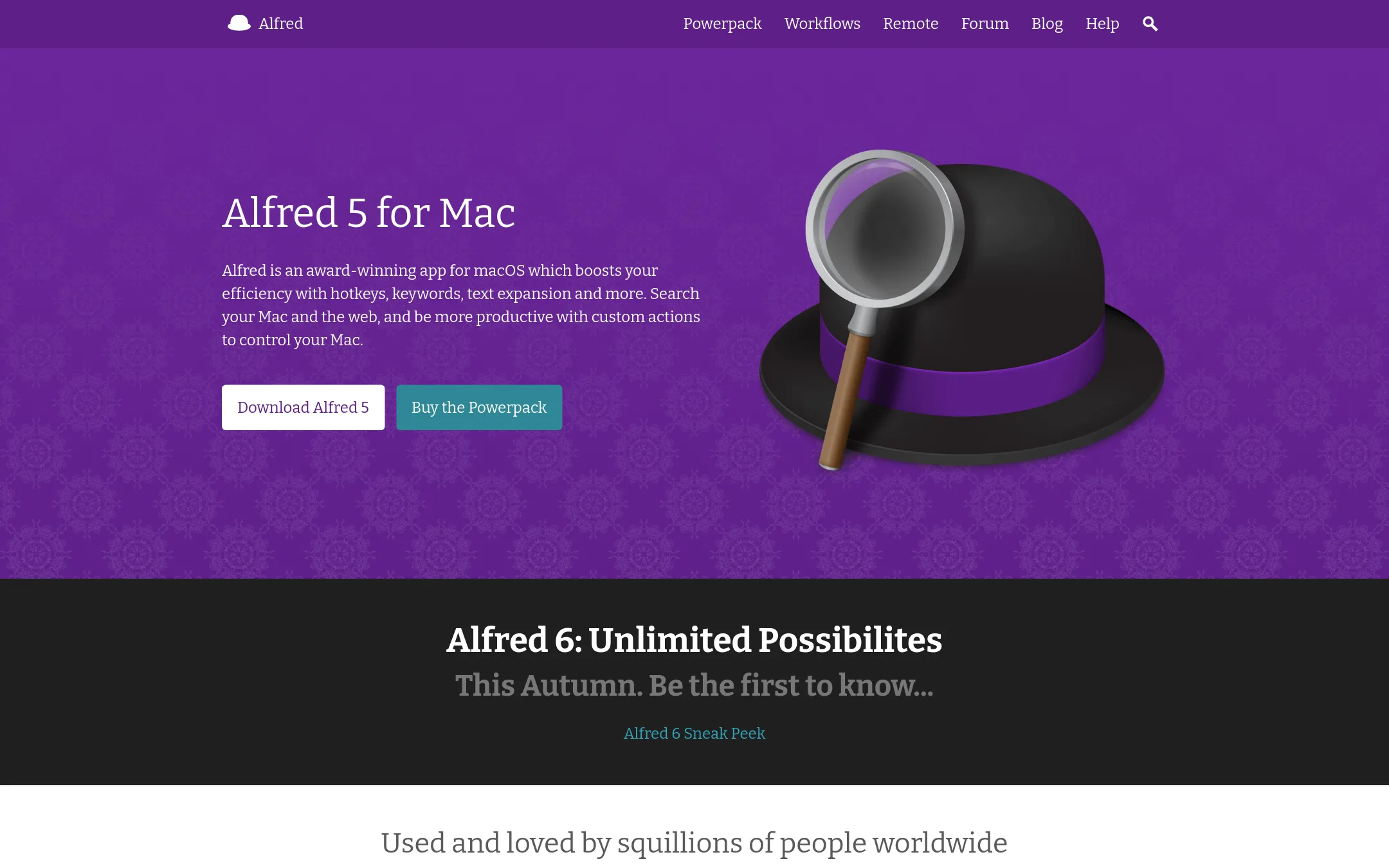
Best for: Mac users who want a fast, keyboard-driven launcher with advanced automation and clipboard tools.
- Pricing
- Not published
- Category
- Productivity & Project Management
Alfred is a macOS-only launcher that focuses on speed and deep system integration, with features like clipboard history, snippets, and workflows. Choose it over Cerebro if you're on a Mac and want a polished, native experience with a large community of shared workflows.
Where it is strong
- Deep macOS integration: controls music, system commands, and 1Password.
- Powerpack adds workflows, snippets, and clipboard history without coding.
- Large library of community-shared workflows and themes.
Where it falls short
- Only works on macOS, no Windows or Linux support.
- Core features like workflows and clipboard history require the paid Powerpack.
- Pricing:
- Pricing is not published on the site.
- Not published
9.Espanso
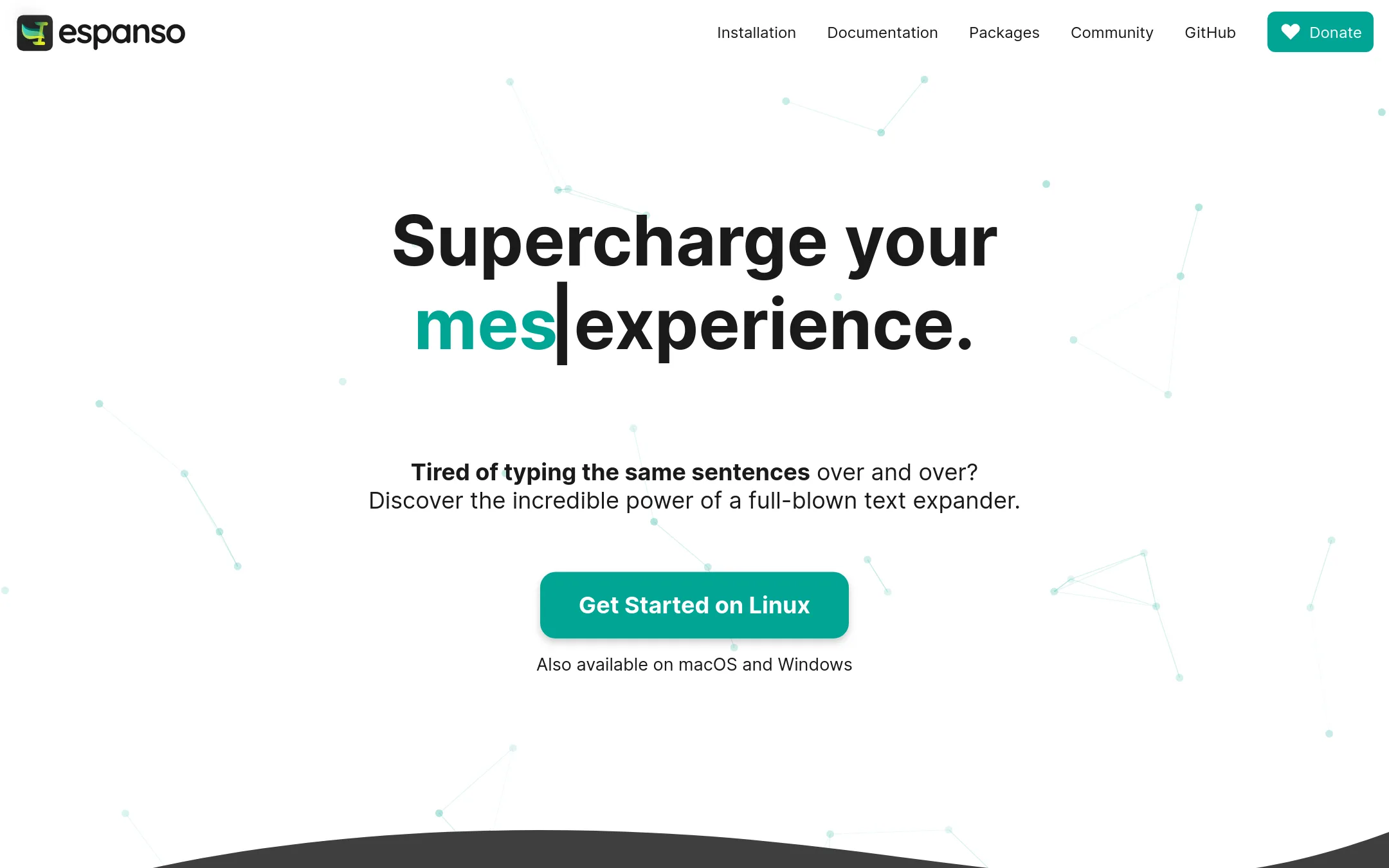
Best for: Support teams, developers, and writers who type the same responses, code snippets, or templates repeatedly and want a local, cross-platform tool.
- Pricing
- Not published
- Category
- Productivity & Project Management
Espanso is a text expander that replaces short keywords with longer snippets as you type. Choose it instead of Cerebro when your main need is fast, repetitive text insertion across apps, not launching files or searching the web. It is privacy-first and works offline, with no cloud dependency.
Where it is strong
- Works offline and keeps all data local, so privacy is a strong point.
- Supports shell commands and scripts, letting you inject dynamic output into any app.
- Has a search bar (ALT+Space) to find snippets when you don't remember shortcuts.
Where it falls short
- No GUI yet. Configuration is done through plain text files, which may be a hurdle for non-technical users.
- Limited to text expansion and snippets, so it won't replace file search or web lookups like Cerebro does.
- Pricing:
- Pricing is not published on the site.
- Free / $4+/user/mo
10.GitHub Projects
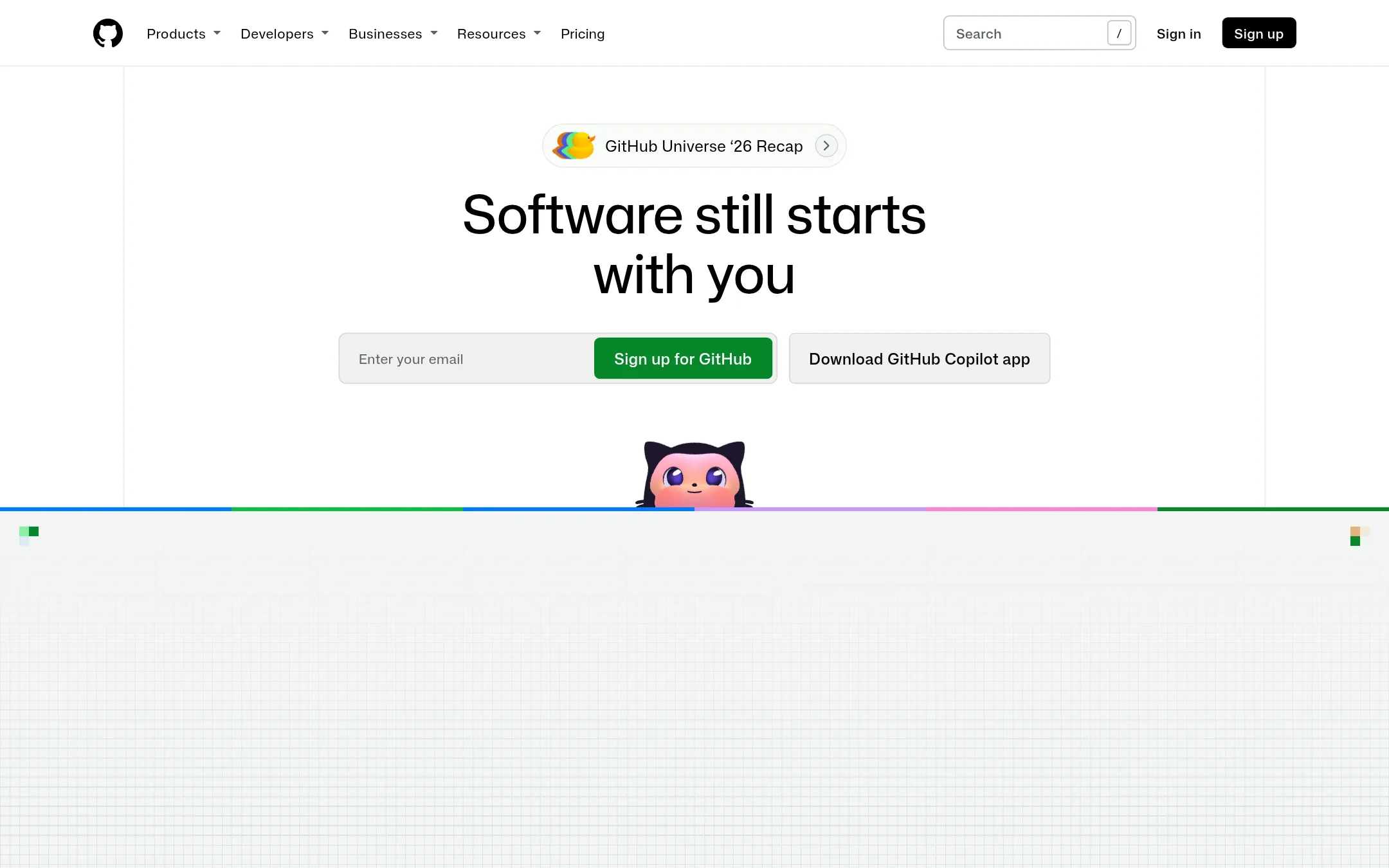
Best for: Software development teams on GitHub that want issue tracking and project boards without leaving their codebase
- Pricing
- Free / $4+/user/mo
- Category
- Productivity & Project Management
GitHub Projects is a project management layer built into GitHub, letting teams plan and track work next to their code. Choose it over Cerebro when your team already lives in GitHub and needs issues, boards, and automation tied to repositories, not a desktop launcher.
Where it is strong
- Tight integration with pull requests and code
- Free tier covers small teams
- Copilot access on Enterprise plan
Where it falls short
- Requires GitHub account and workflow
- No desktop launcher or offline search like Cerebro
- Pricing:
- Free plan includes unlimited public/private repositories and 2,000 CI/CD minutes/month. Team is $4 per user/month. Enterprise is $21 per user/month.
- Not published
11.LaunchBar
Best for: Mac users who want a fast, keyboard-driven launcher with a focus on privacy and a stable, long-standing product.
- Pricing
- Not published
- Category
- Productivity & Project Management
LaunchBar is a macOS launcher that lets you launch apps, search contacts, and perform online searches using keyboard shortcuts. You would choose it over Cerebro if you are a Mac user who wants a mature, native tool from a company with a long history on the platform.
Where it is strong
- Native macOS app with a 20+ year track record
- Keyboard-driven workflow for launching and searching
- From a developer known for privacy-focused tools
Where it falls short
- Only for macOS, no Windows or Linux support
- No plugin ecosystem mentioned on the site
- Pricing:
- Pricing is not published on the site.
- Not published
12.Quicksilver
Best for: Mac users who want a keyboard-driven launcher with deep file actions and hundreds of plugins.
- Pricing
- Not published
- Category
- Productivity & Project Management
Quicksilver is a macOS launcher that lets you control your Mac entirely from the keyboard, with actions like launching apps, manipulating files, and sending emails. Choose it over Cerebro if you live in macOS and want a mature, plugin-rich tool that learns your habits and supports triggers and clipboard history.
Where it is strong
- Hundreds of plugins for apps like Mail, Safari, and Calendar
- Smart learning adapts to your habits
- Triggers let you assign shortcuts or gestures to actions
Where it falls short
- Only works on macOS, no Windows or Linux support
- No official pricing page, so cost is unclear
- Pricing:
- Pricing is not published on the site.
See more comparisons in Productivity & Project Management alternatives.
FAQ
Questions about Cerebro alternatives
Which alternative is best for macOS users?
Raycast and Alfred are both strong for macOS. Raycast offers a large extension store and AI features, while Alfred provides deep system integration and automation via Powerpack. Both are polished and actively maintained.
Are there free alternatives to Cerebro?
Yes. Ulauncher, Launchy, and KDE Connect are free and open-source. Ulauncher is Linux-focused, Launchy works on Windows and Linux, and KDE Connect links your phone to your desktop. Raycast also has a free personal plan.
Which alternative works on Windows?
Keypirinha is a fast Windows-only launcher with Python plugins. Launchy is also cross-platform and works on Windows. Raycast has a newer Windows version, but it is less mature than its macOS version.
Do any alternatives have AI features?
Raycast includes built-in AI chat and quick actions, but these require a paid Pro plan. Albert, a finance app, uses an AI assistant called Genius, but it is not a launcher. Other alternatives like Alfred and Ulauncher do not mention AI features.
Which alternative is best for Linux users?
Ulauncher is a fast, themeable launcher with fuzzy search and community extensions, built specifically for Linux. KDE Connect is also good if you want to pair your phone with your desktop for file sharing and notifications. Both are free and open-source.
Last updated November 2, 2026.