Raycast alternatives
8 products compared · Updated October 18, 2026
The short answer
The strongest Raycast alternatives are Alfred for Mac users who want a mature, offline launcher with a one-time Powerpack purchase, GitHub Projects for software teams that want project management inside their existing code workflow, and Ulauncher for Linux users who need a free, customizable launcher. Each suits a different need: Alfred for deep macOS integration, GitHub Projects for code-centric planning, and Ulauncher for Linux environments.
Your shortlist, at a glance
Read the comparisons ↓ AlfredNot publishedMac users who want a fast, customizable launcher with deep system integration and a large library of community workflows.
 LaunchBarNot publishedMac users who want a fast, simple launcher for core tasks like app launching and contact search without a large extension marketplace.
QuicksilverNot publishedIndividual macOS users who want a free, extensible launcher with deep file and app control, and prefer open-source software.
 GitHub ProjectsFree / $4 per user/moSoftware teams that want issue tracking and project boards alongside their repositories without adding another tool.
UlauncherNot publishedLinux users who want a fast, customizable launcher without a subscription.
 CerebroNot publishedTeams on mixed operating systems that want a free, open-source launcher with plugin support.
EspansoNot publishedTeams on Windows or Linux that need fast, local text expansion without cloud dependencies
- TTypeLessNot publishedIndividuals who want AI-generated message suggestions in a mobile chat app and are willing to join an invite-only waitlist.
About Raycast and its alternatives
Raycast is a productivity launcher for macOS and Windows that speeds up non-coding tasks for engineering teams. It combines a fast launcher with extensions, snippets, and AI features, all accessible from the keyboard.
When comparing alternatives, weigh pricing structure (subscription vs one-time vs free), platform support (macOS, Windows, Linux), integration depth with your existing tools, and whether you need AI or team features. Also consider contract terms like free tiers, trial periods, and whether the tool requires an account or cloud dependency.
Explore the alternatives
- Not published
1.Alfred
Best for: Mac users who want a fast, customizable launcher with deep system integration and a large library of community workflows.
- Pricing
- Not published
- Category
- Productivity & Project Management
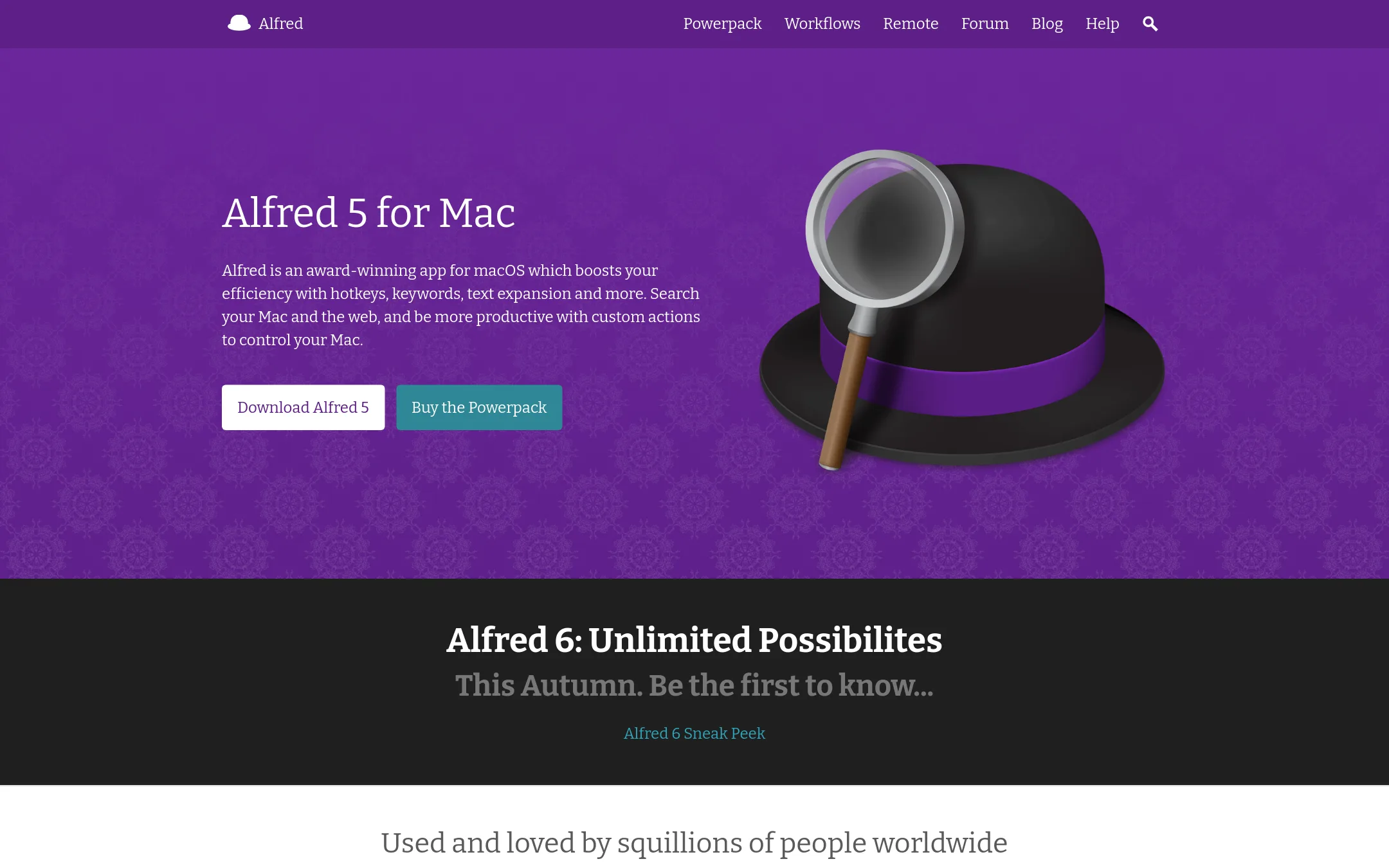
Alfred is a macOS launcher that focuses on local search, hotkeys, snippets, and workflows. Choose it over Raycast if you want a mature, lightweight tool that works offline and doesn't require an account, and if you prefer a one-time Powerpack purchase over a subscription.
Where it is strong
- Free core features: app launching, file search, web search, clipboard history, and snippets.
- Powerpack adds workflows, themes, and advanced actions without writing code.
- Deep macOS integration: control Music, contacts, system commands, and sync settings across Macs.
Where it falls short
- No built-in AI features. You need to rely on third-party workflows.
- Powerpack is a paid upgrade, and some features like Remote require an iOS app.
- Pricing:
- Pricing is not published on the site.
- Switching from Raycast:
- Moving from Raycast to Alfred means learning a different workflow syntax and re-creating any custom commands or extensions, since Alfred uses its own workflow system.
- Not published
2.LaunchBar
Best for: Mac users who want a fast, simple launcher for core tasks like app launching and contact search without a large extension marketplace.
- Pricing
- Not published
- Category
- Productivity & Project Management
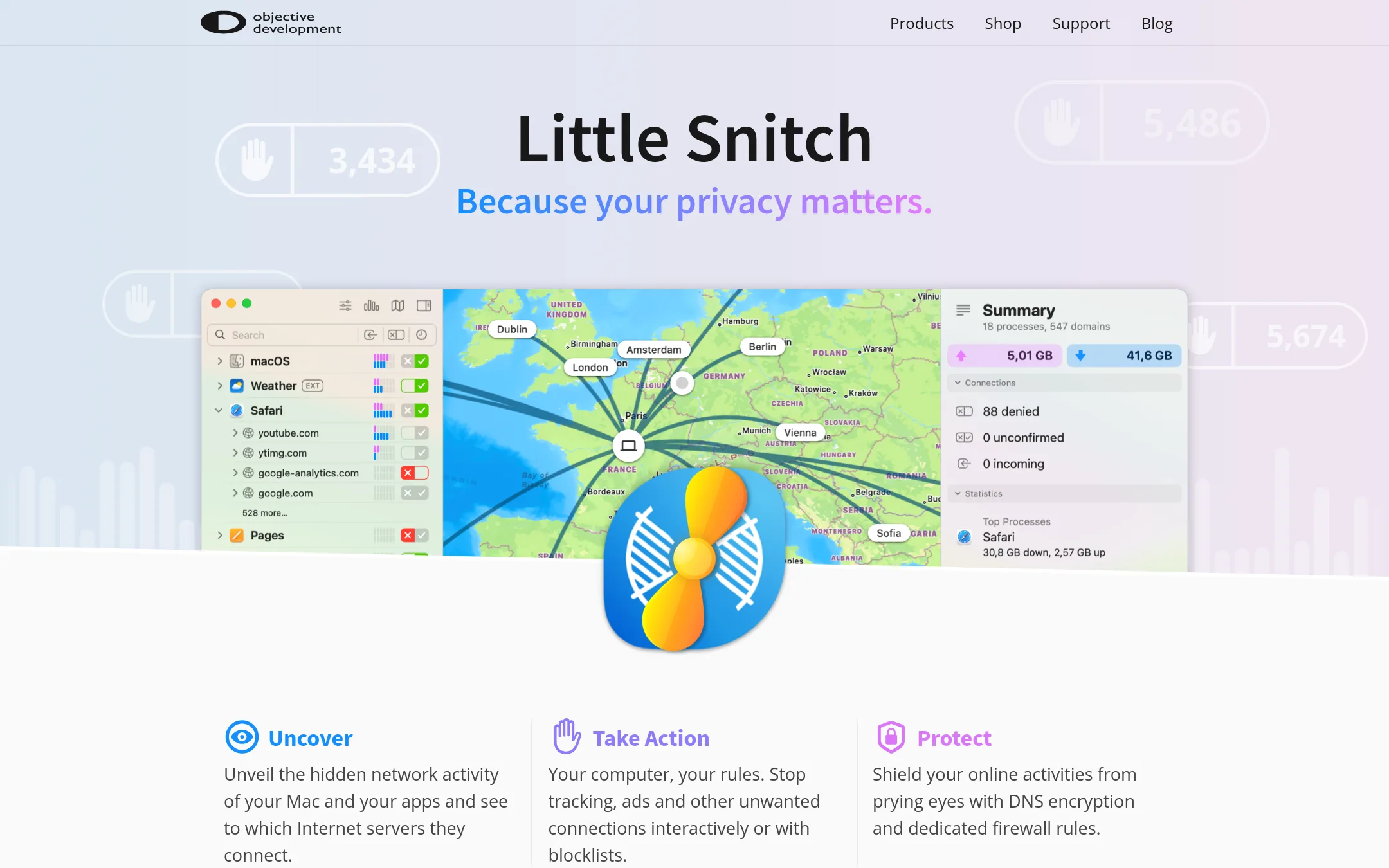
LaunchBar is a macOS launcher that focuses on launching apps, searching contacts, and performing online searches with keyboard shortcuts. Choose it over Raycast if you want a lightweight, long-established tool without the extension ecosystem and AI features.
Where it is strong
- Fast keyboard-driven launching and searching
- Over 20 years of macOS-specific polish
- No account or cloud dependency for basic use
Where it falls short
- No extension store or AI features like Raycast
- Limited to macOS, with no Windows support
- Pricing:
- Pricing is not published on the site.
- Not published
3.Quicksilver
Best for: Individual macOS users who want a free, extensible launcher with deep file and app control, and prefer open-source software.
- Pricing
- Not published
- Category
- Productivity & Project Management
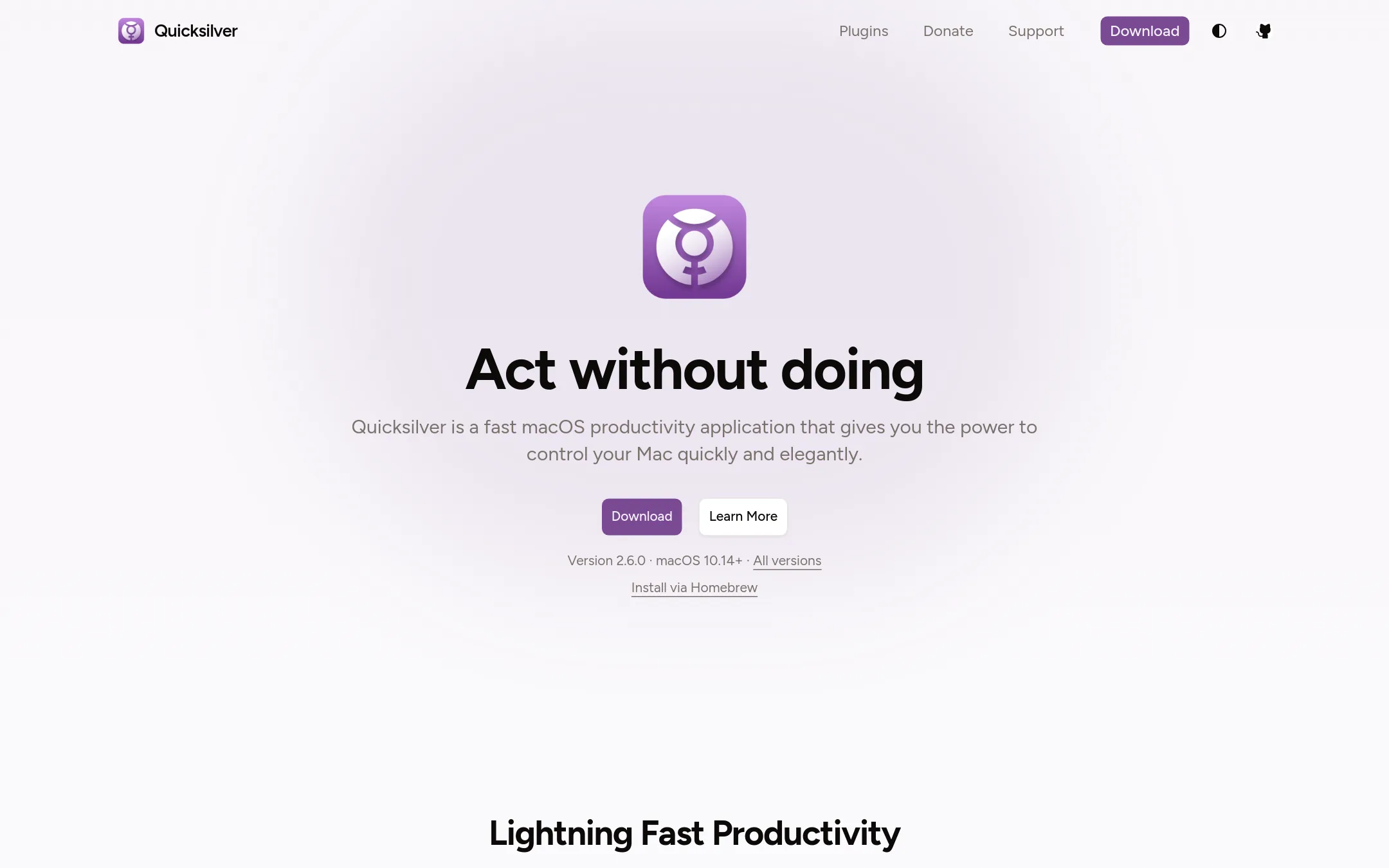
Quicksilver is a free, open-source macOS launcher that lets you start apps, manipulate files, and run actions from the keyboard. Choose it instead of Raycast if you want a lightweight, community-maintained tool with no paid tiers and don't need Raycast's AI or team features.
Where it is strong
- Free and open source, with no paid plans.
- Smart learning adapts to your habits over time.
- Hundreds of plugins for apps like Mail, browsers, and image tools.
Where it falls short
- No AI features or team collaboration tools.
- Limited to macOS. No Windows version.
- Pricing:
- Pricing is not published on the site.
- Free / $4 per user/mo
4.GitHub Projects
Best for: Software teams that want issue tracking and project boards alongside their repositories without adding another tool.

- Pricing
- Free / $4 per user/mo
- Category
- Productivity & Project Management
GitHub Projects is a project management layer built directly into GitHub, so issues, pull requests, and tasks live next to your code. Choose it instead of Raycast when your team already works in GitHub and you want planning to happen where the code is, not in a separate launcher.
Where it is strong
- Issues and projects are tied directly to code, so context is automatic.
- Free tier includes unlimited repositories and basic project management.
- Team plan adds Codespaces, repository rules, and multiple reviewers.
Where it falls short
- No global launcher or keyboard shortcuts outside the browser.
- Project features are basic compared to dedicated PM tools like Jira.
- Pricing:
- Free for unlimited public/private repositories with 2,000 CI/CD minutes per month. Team plan is $4 per user per month for the first 12 months.
- Not published
5.Ulauncher
Best for: Linux users who want a fast, customizable launcher without a subscription.
- Pricing
- Not published
- Category
- Productivity & Project Management
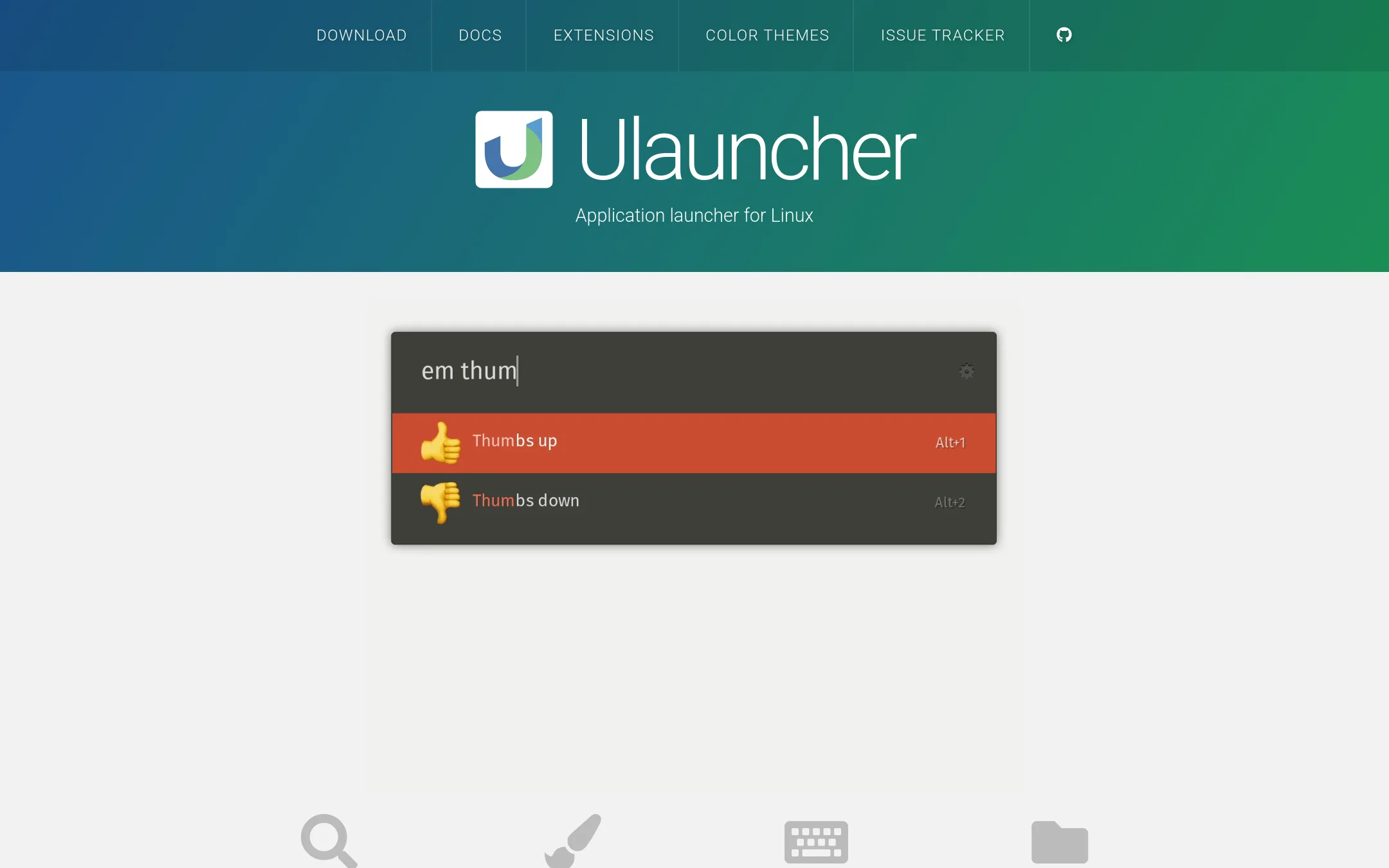
Ulauncher is a free, open-source application launcher for Linux with fuzzy search, custom themes, and extensions. Choose it over Raycast if you are on Linux and need a lightweight launcher that you can customize with scripts and community add-ons.
Where it is strong
- Fuzzy search that learns your preferences
- Supports custom color themes
- Extensions and shortcuts for scripts and searches
Where it falls short
- Linux only, no macOS or Windows support
- No built-in AI features or team sharing
- Pricing:
- Pricing is not published on the site.
- Not published
6.Cerebro
Best for: Teams on mixed operating systems that want a free, open-source launcher with plugin support.
- Pricing
- Not published
- Category
- Productivity & Project Management
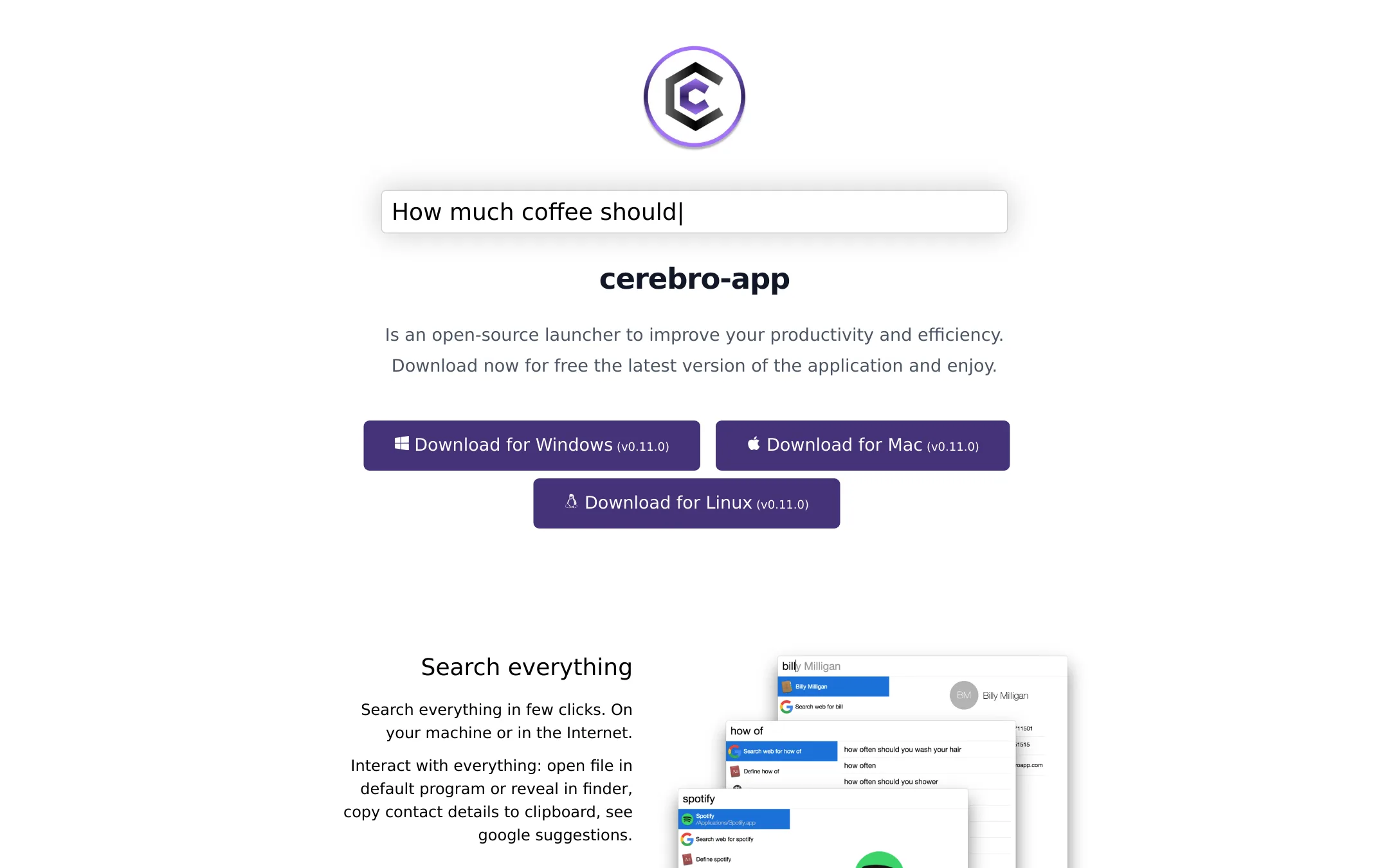
Cerebro is a free, open-source launcher that works across Windows, macOS, and Linux. You would choose it over Raycast if you need a cross-platform launcher, want to avoid vendor lock-in, or prefer to customize through community plugins.
Where it is strong
- Free and open-source, no cost to use.
- Cross-platform: works on Windows, macOS, and Linux.
- Plugin API lets you build custom plugins.
Where it falls short
- Fewer official plugins (10+) compared to Raycast's store.
- No built-in AI features or team sharing.
- Pricing:
- Pricing is not published on the site.
- Not published
7.Espanso
Best for: Teams on Windows or Linux that need fast, local text expansion without cloud dependencies
- Pricing
- Not published
- Category
- Productivity & Project Management
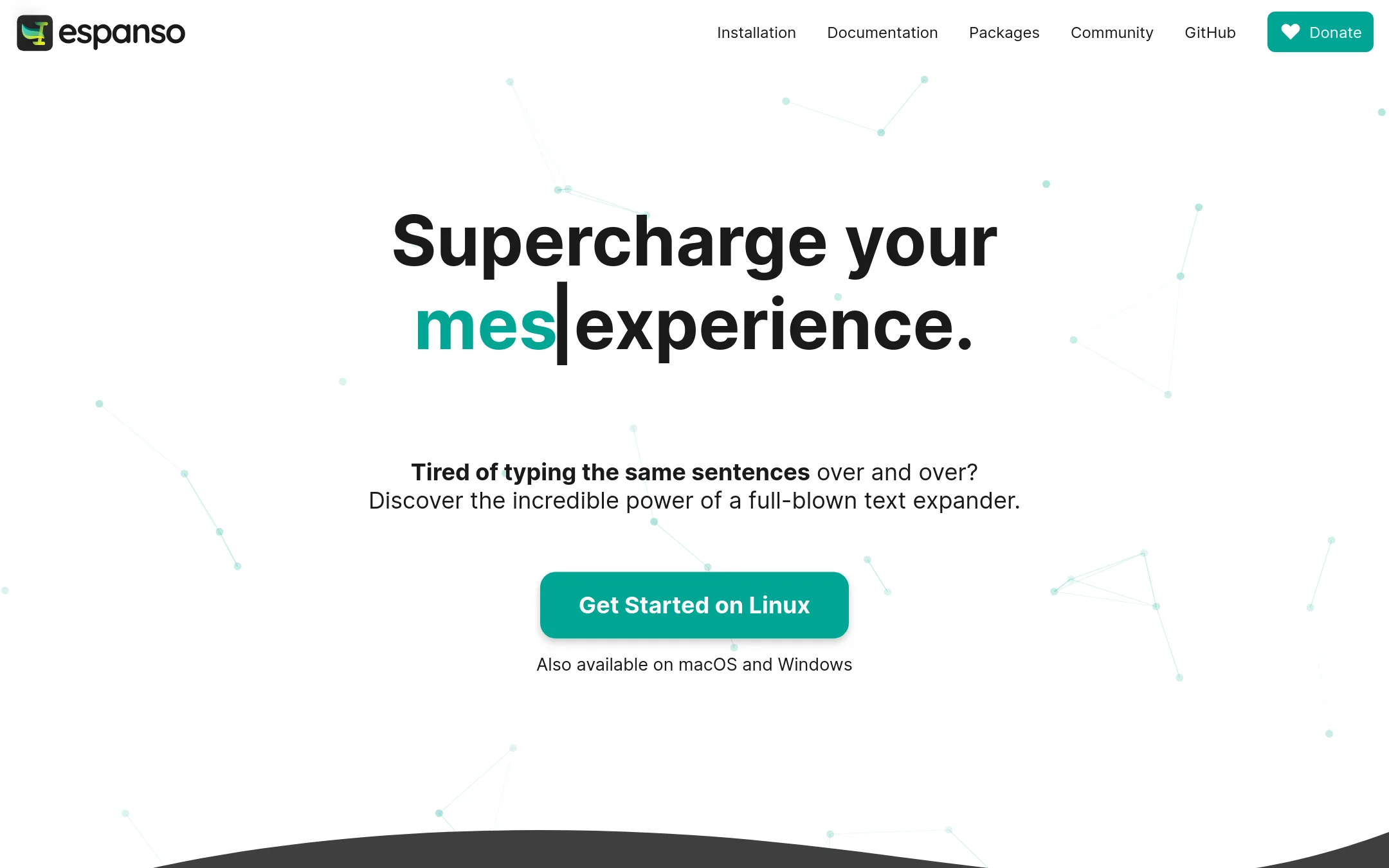
Espanso is a privacy-first, open-source text expander that runs on Windows, Linux, and macOS. Choose it over Raycast if you need a lightweight, cross-platform tool focused purely on snippet expansion and don't want a full launcher with AI and app integrations.
Where it is strong
- Open-source under GPL-3, free to use and modify
- Works on Windows, Linux, and macOS
- Supports shell commands, scripts, and forms for advanced automation
Where it falls short
- No GUI yet. Configuration is file-based, which may be steep for non-technical users
- Lacks Raycast's broader launcher features like app search, clipboard history, and AI chat
- Pricing:
- Pricing is not published on the site.
- Switching from Raycast:
- Moving from Raycast means giving up its launcher and AI features. You'd rely on Espanso solely for text expansion, and you'd need to migrate your snippets into its YAML config files.
- TNot published
8.TypeLess
Best for: Individuals who want AI-generated message suggestions in a mobile chat app and are willing to join an invite-only waitlist.
- Pricing
- Not published
- Category
- Communication & Collaboration
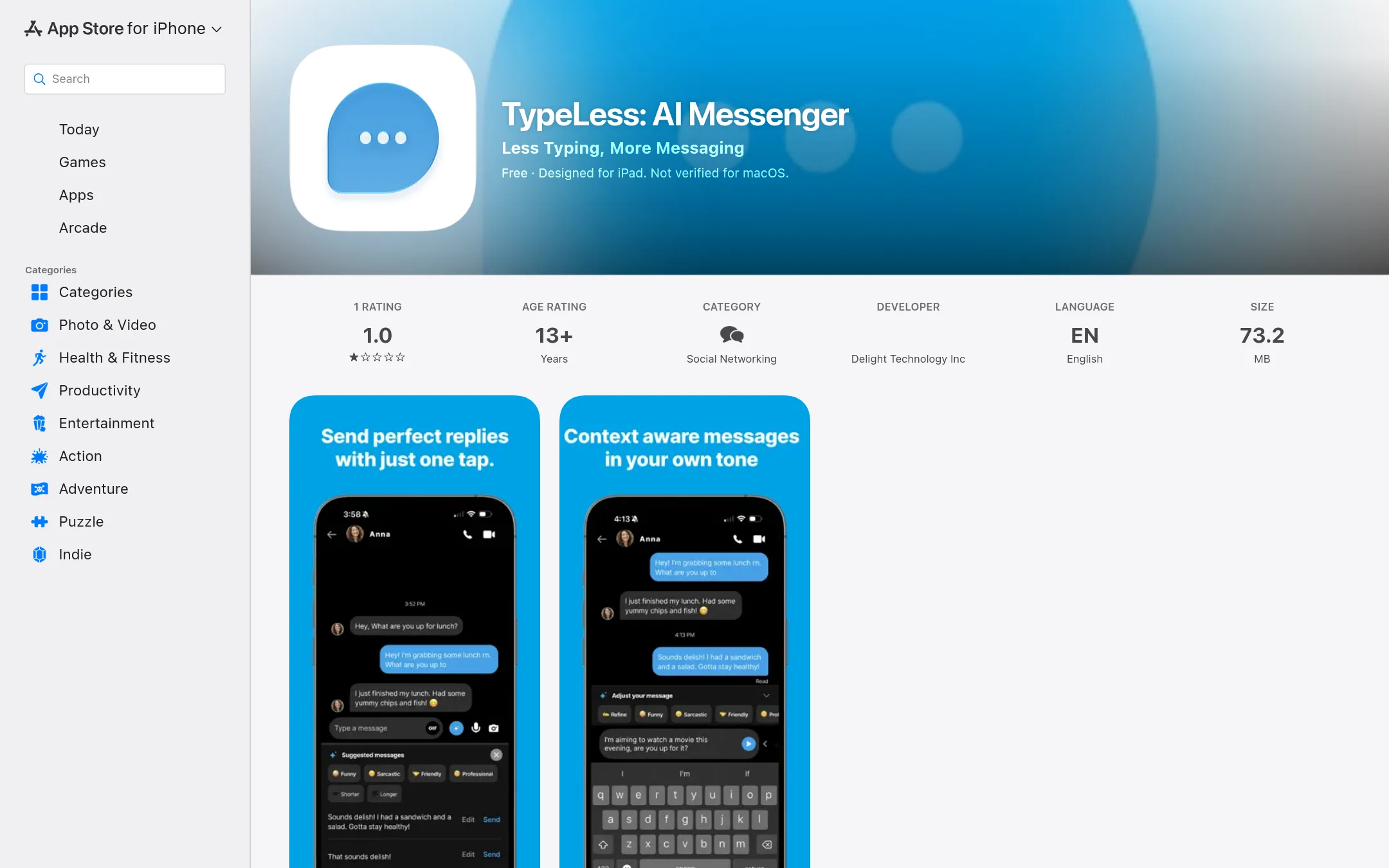
TypeLess is an AI messenger that suggests replies based on your chat history, location, calendar, and tweets. It is for people who want to reduce typing in personal messaging, not for desktop productivity tasks like Raycast. Choose it if you want AI-generated responses in a chat app, not a system-wide launcher.
Where it is strong
- AI suggestions adapt to your chat history, location, calendar, and tweets.
- Learns your preferences and style over time.
- Works on iPhone, iPad, Mac (Apple M1 or later), and Apple Vision.
Where it falls short
- Invite-only signup, so you cannot start using it immediately.
- Not verified for macOS and has a 1.0 rating from a single review.
- Pricing:
- Pricing is not published on the site.
See more comparisons in Productivity & Project Management alternatives.
FAQ
Questions about Raycast alternatives
Which Raycast alternative is best for macOS users?
Alfred is the strongest for macOS users who want a mature, lightweight launcher with deep system integration. It offers a free core and a one-time Powerpack purchase, avoiding subscriptions. LaunchBar is also a solid choice for simple, fast launching without an extension marketplace.
Are there free Raycast alternatives?
Yes, several are free and open-source. Quicksilver is free for macOS with no paid tiers, Ulauncher is free for Linux, and Cerebro is free across Windows, macOS, and Linux. Espanso is also free and open-source for text expansion on multiple platforms.
Which alternative works on Windows?
Cerebro and Espanso both support Windows. Cerebro is a cross-platform launcher with plugin support, while Espanso focuses on text expansion. Ulauncher is Linux-only, and Alfred, LaunchBar, and Quicksilver are macOS-only.
Do any alternatives include AI features like Raycast?
None of the listed alternatives include built-in AI features. Alfred relies on third-party workflows for AI, and others like LaunchBar and Ulauncher have no AI at all. If AI is essential, you may need to stick with Raycast or use separate AI tools.
Which alternative is best for software teams?
GitHub Projects is best for software teams because it integrates issue tracking and project boards directly into GitHub, where code already lives. It's free for unlimited repositories and offers a low-cost Team plan, making it a natural fit for code-centric workflows.
Last updated October 18, 2026.