
Alfred alternatives
10 products compared · Updated October 31, 2026
The short answer
The three strongest Alfred alternatives are Raycast for engineering and product teams wanting a rich extension ecosystem and AI assistance, LaunchBar for Mac users who want a fast, keyboard-centric launcher without a subscription, and Espanso for teams on Windows or Linux needing a simple, open-source text expander. Each suits different needs: Raycast for deep integrations, LaunchBar for mature macOS performance, and Espanso for cross-platform snippet expansion.
Your shortlist, at a glance
Read the comparisons ↓ RaycastNot publishedEngineering and product teams on macOS who want a launcher with a rich extension ecosystem and AI assistance.
 LaunchBarNot publishedMac users who want a fast, keyboard-centric launcher with a long track record and no subscription.
QuicksilverFree (open source)Mac users who want a free, open-source launcher with plugin-based extensibility and are comfortable with a steeper learning curve.
 TypeLessNot publishedPeople who want AI-generated message suggestions to reduce typing in chats on Apple devices.
- HHammerspoonNot publishedDevelopers and power users who want to script macOS automation with Lua and are comfortable writing their own configuration.
- KKeyboard Maestro$36 one-timePower users on macOS who want to automate complex, multi-step workflows with hundreds of built-in actions and flow control.
 CerebroFreeTeams on mixed operating systems that want a free, open-source launcher with plugin extensibility.
EspansoNot publishedTeams on Windows or Linux that need a simple, open-source text expander without the macOS-only limitations of Alfred.
 GitHub ProjectsFree / $4+ per user/moSoftware teams that want to track issues and plan sprints directly alongside their repositories.
UlauncherNot publishedLinux users who want a free, customizable app launcher with fuzzy search and community extensions.
About Alfred and its alternatives
Alfred is a macOS productivity app that boosts efficiency with hotkeys, keywords, and text expansion. It is known for its search and browse capabilities, clipboard history, snippets, and workflows that automate tasks without coding.
When comparing alternatives, weigh pricing structure, supported regions, integrations, support options, and contract terms. Some tools are free and open-source, others require a one-time purchase or subscription. Consider whether you need cross-platform support, deep macOS integration, or a specific feature like text expansion or automation.
Explore the alternatives
- Not published
1.Raycast
Best for: Engineering and product teams on macOS who want a launcher with a rich extension ecosystem and AI assistance.
- Pricing
- Not published
- Category
- Productivity & Project Management
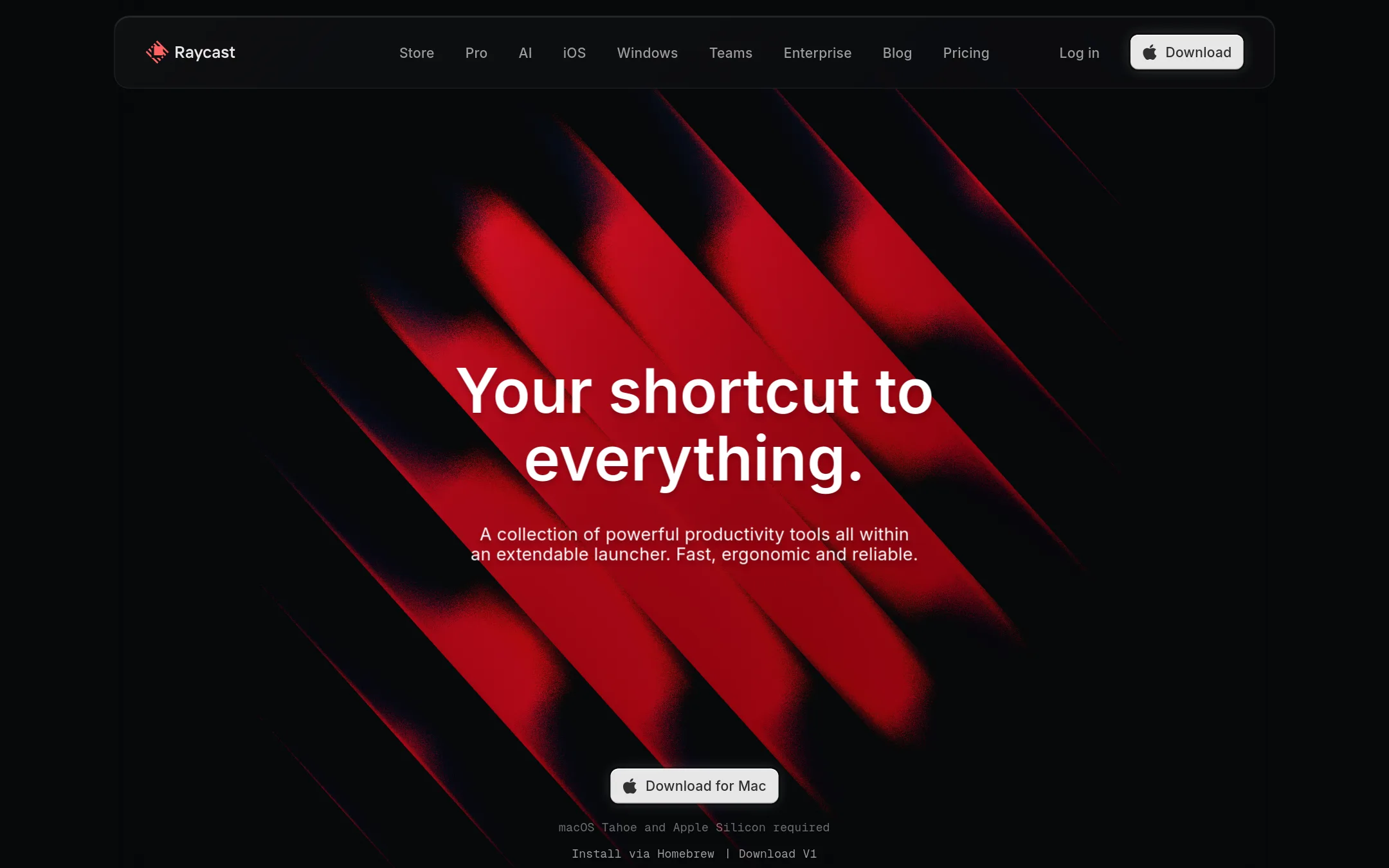
Raycast is a macOS launcher that extends beyond Alfred's core features with a large extension store and built-in AI. Choose it if you want deep integrations with tools like Jira, Notion, and 1Password without writing workflows yourself.
Where it is strong
- Large extension store with integrations for Jira, Notion, Slack, and more
- Built-in AI chat and quick actions included in paid plans
- Free for personal use with all core features
Where it falls short
- AI features require a paid Pro plan
- Windows version is newer and less mature than the macOS one
- Pricing:
- Pricing is not published on the site.
- Switching from Alfred:
- Moving from Alfred means learning Raycast's extension-based approach and re-creating any custom workflows, but many common Alfred workflows have direct equivalents in the Raycast Store.
- Not published
2.LaunchBar
Best for: Mac users who want a fast, keyboard-centric launcher with a long track record and no subscription.
- Pricing
- Not published
- Category
- Productivity & Project Management
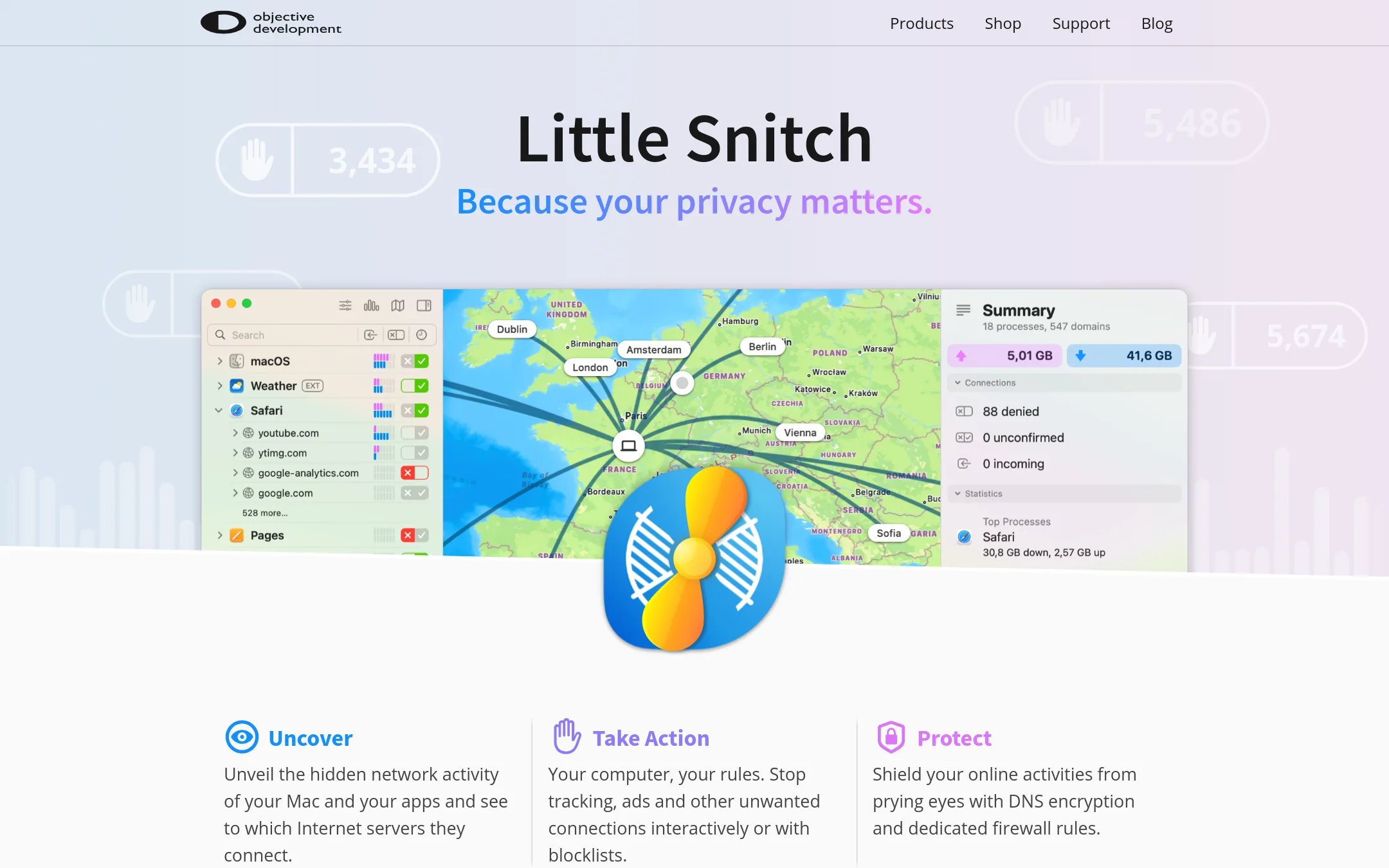
LaunchBar is a macOS launcher that focuses on keyboard-driven app launching, file search, and quick actions. Choose it if you want a mature, privacy-focused alternative to Alfred that doesn't require a paid Powerpack for core features.
Where it is strong
- Fast and responsive keyboard launcher with deep macOS integration.
- No paid add-on needed for core features like launching and searching.
- Developed by a company known for privacy tools (Little Snitch).
Where it falls short
- No built-in snippet expansion or clipboard history in the free version.
- Workflow automation is less extensive than Alfred's Powerpack.
- Pricing:
- Pricing is not published on the site.
- Free (open source)
3.Quicksilver
Best for: Mac users who want a free, open-source launcher with plugin-based extensibility and are comfortable with a steeper learning curve.
- Pricing
- Free (open source)
- Category
- Productivity & Project Management
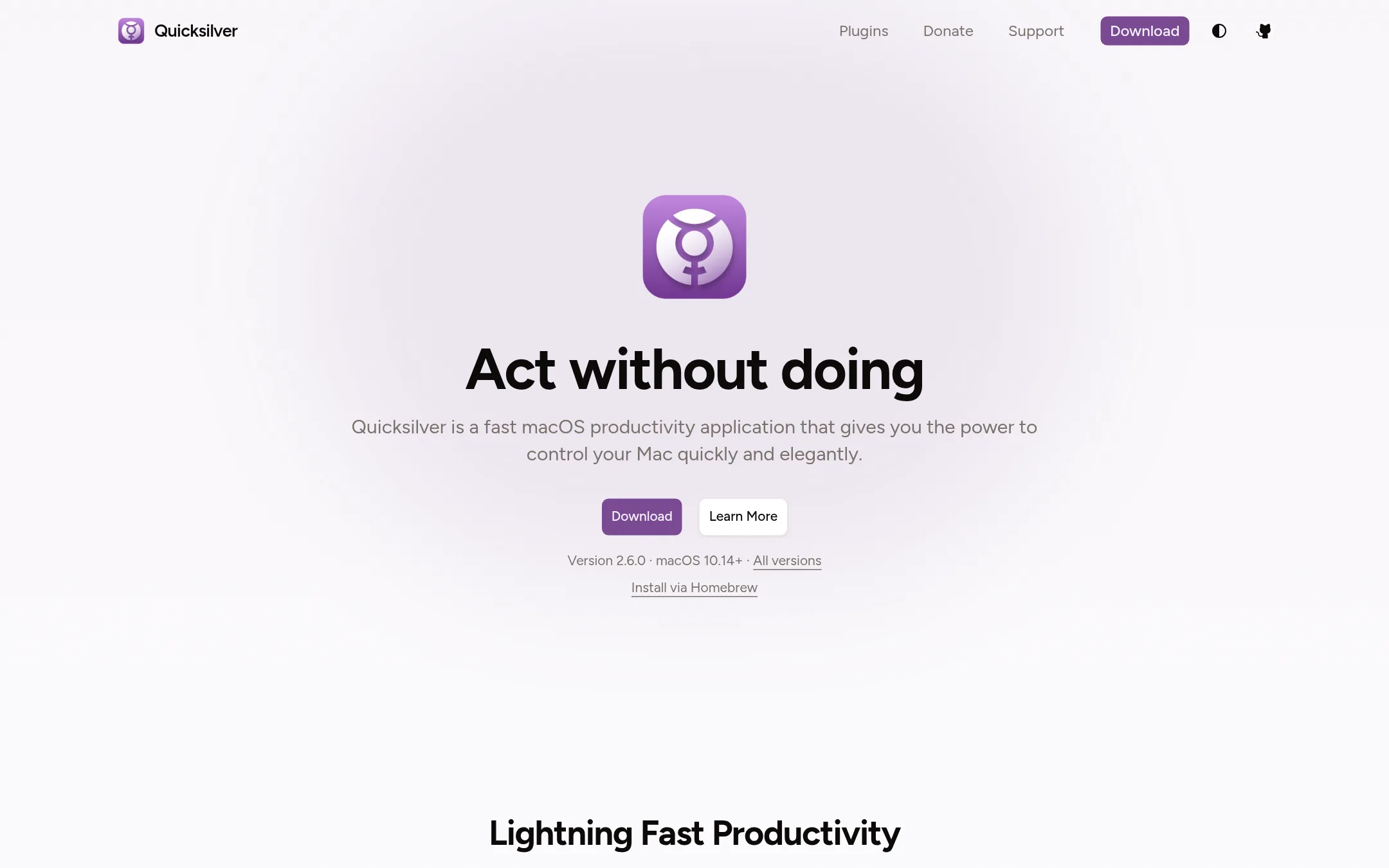
Quicksilver is a free, open-source macOS launcher that lets you start apps, manipulate files, and run actions from the keyboard. Choose it over Alfred if you want a no-cost, community-maintained tool with a plugin ecosystem and don't need Alfred's commercial support or advanced workflow editor.
Where it is strong
- Free and open source, with active community maintenance.
- Hundreds of plugins for mail, browsers, calendar, and image manipulation.
- Smart learning adapts results to your habits.
Where it falls short
- No built-in snippet expansion or clipboard history in the core app (requires plugins).
- Steeper learning curve than Alfred for new users.
- Pricing:
- Pricing is not published on the site.
- Not published
4.TypeLess
Best for: People who want AI-generated message suggestions to reduce typing in chats on Apple devices.
- Pricing
- Not published
- Category
- Communication & Collaboration
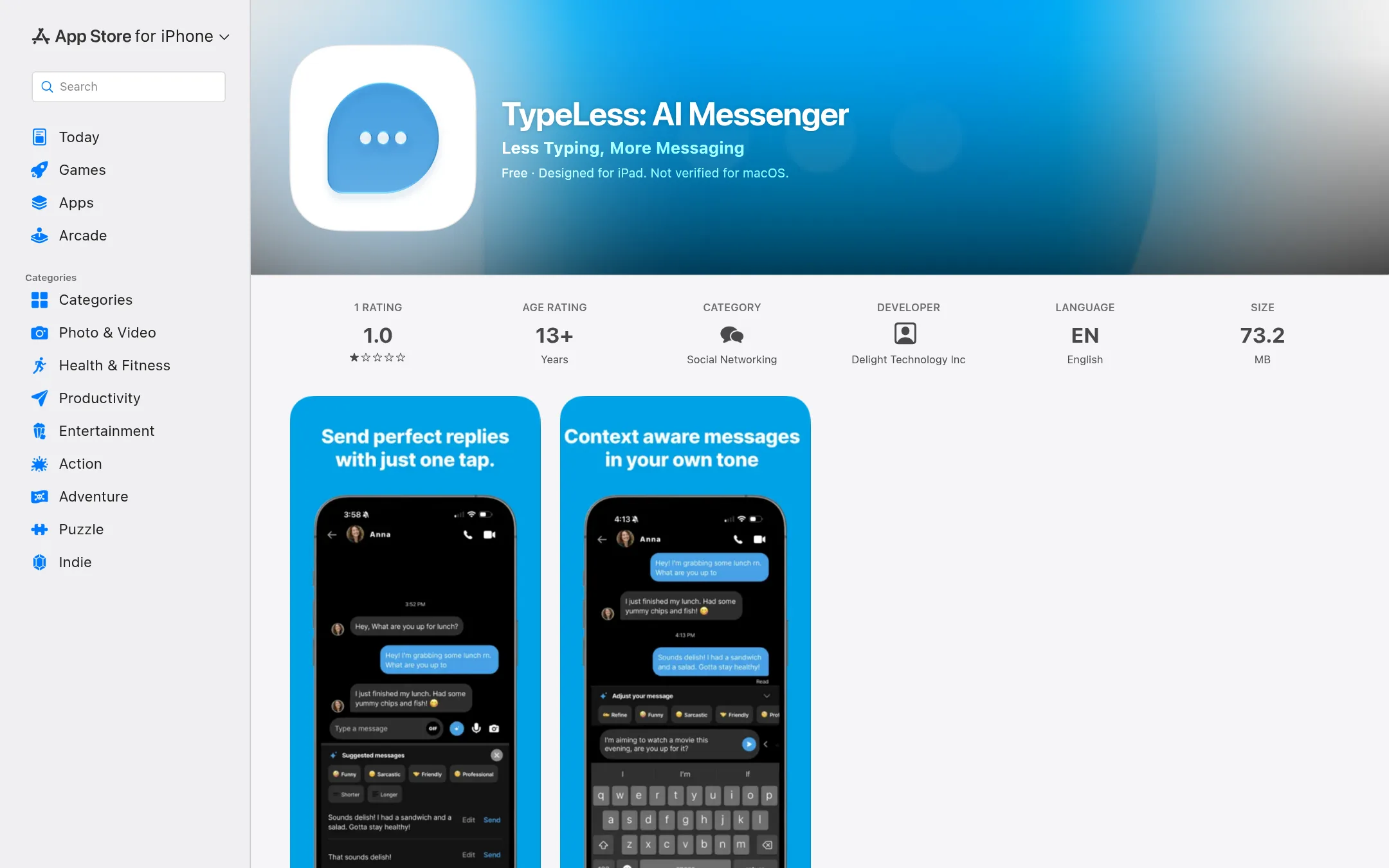
TypeLess is an AI messaging app that suggests replies based on your chat history, location, calendar, and tweets. It is for people who want to reduce typing in conversations, not for Mac productivity tasks like Alfred. Choose TypeLess if you want AI-generated message suggestions on iOS, iPadOS, or macOS.
Where it is strong
- AI suggests replies based on context like chat history and calendar.
- Learns your preferences and style over time.
- Works on iPhone, iPad, Mac, and Apple Vision.
Where it falls short
- Invite-only, so you cannot sign up freely.
- Not verified for macOS and has a low rating (1.0).
- Pricing:
- Pricing is not published on the site.
- HNot published
5.Hammerspoon
Best for: Developers and power users who want to script macOS automation with Lua and are comfortable writing their own configuration.
- Pricing
- Not published
- Category
- Other
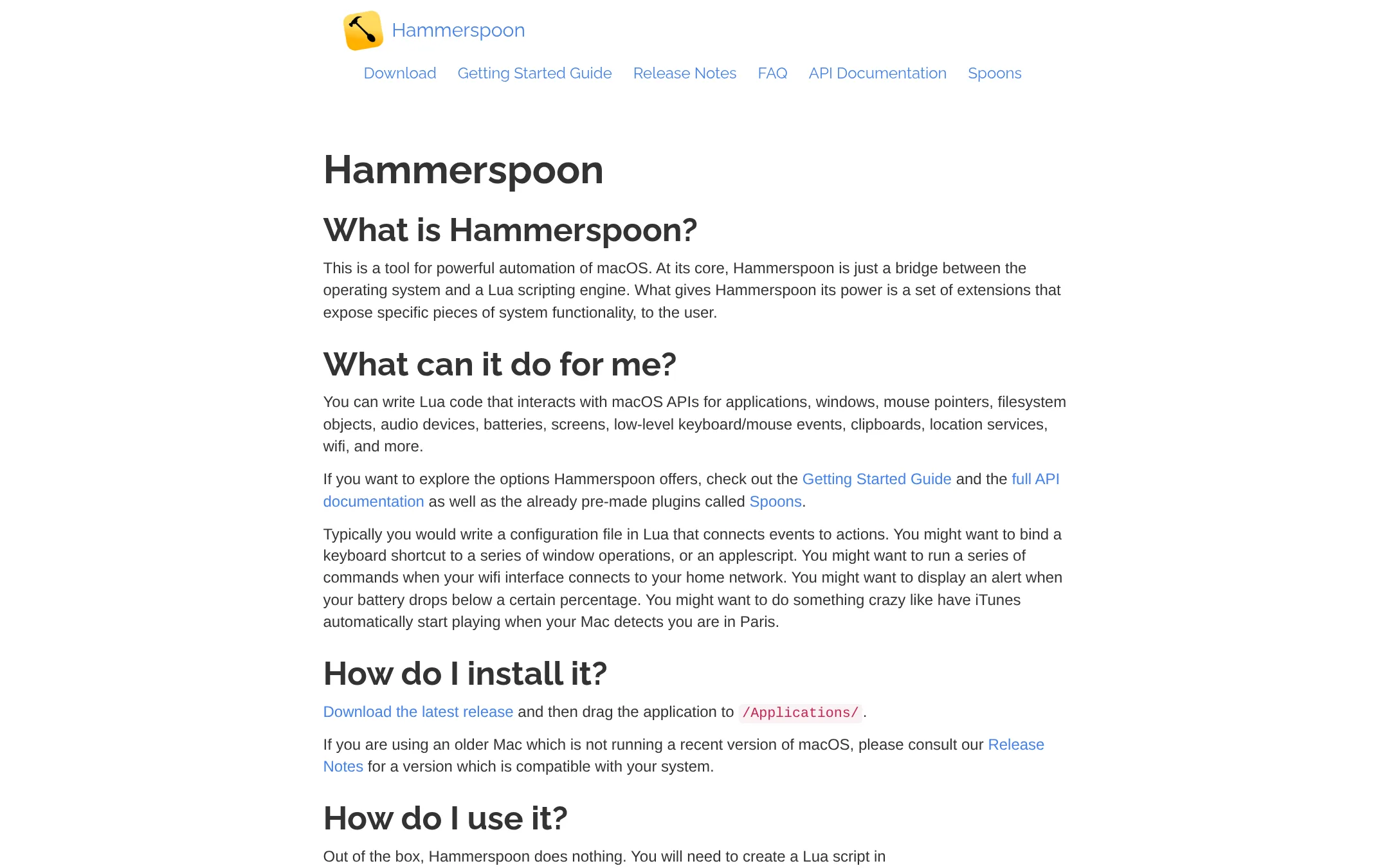
Hammerspoon is a macOS automation tool that lets you write Lua scripts to control apps, windows, files, and system events. Choose it over Alfred if you want to build custom automations with code and don't need Alfred's ready-made search and snippet features.
Where it is strong
- Scriptable with Lua for deep macOS control
- Free and open source
- Extensible via Spoons and custom Lua modules
Where it falls short
- Requires coding knowledge. No GUI for setup
- No built-in search, snippets, or clipboard history like Alfred
- Pricing:
- Pricing is not published on the site.
- K$36 one-time
6.Keyboard Maestro
Best for: Power users on macOS who want to automate complex, multi-step workflows with hundreds of built-in actions and flow control.
- Pricing
- $36 one-time
- Category
- Other
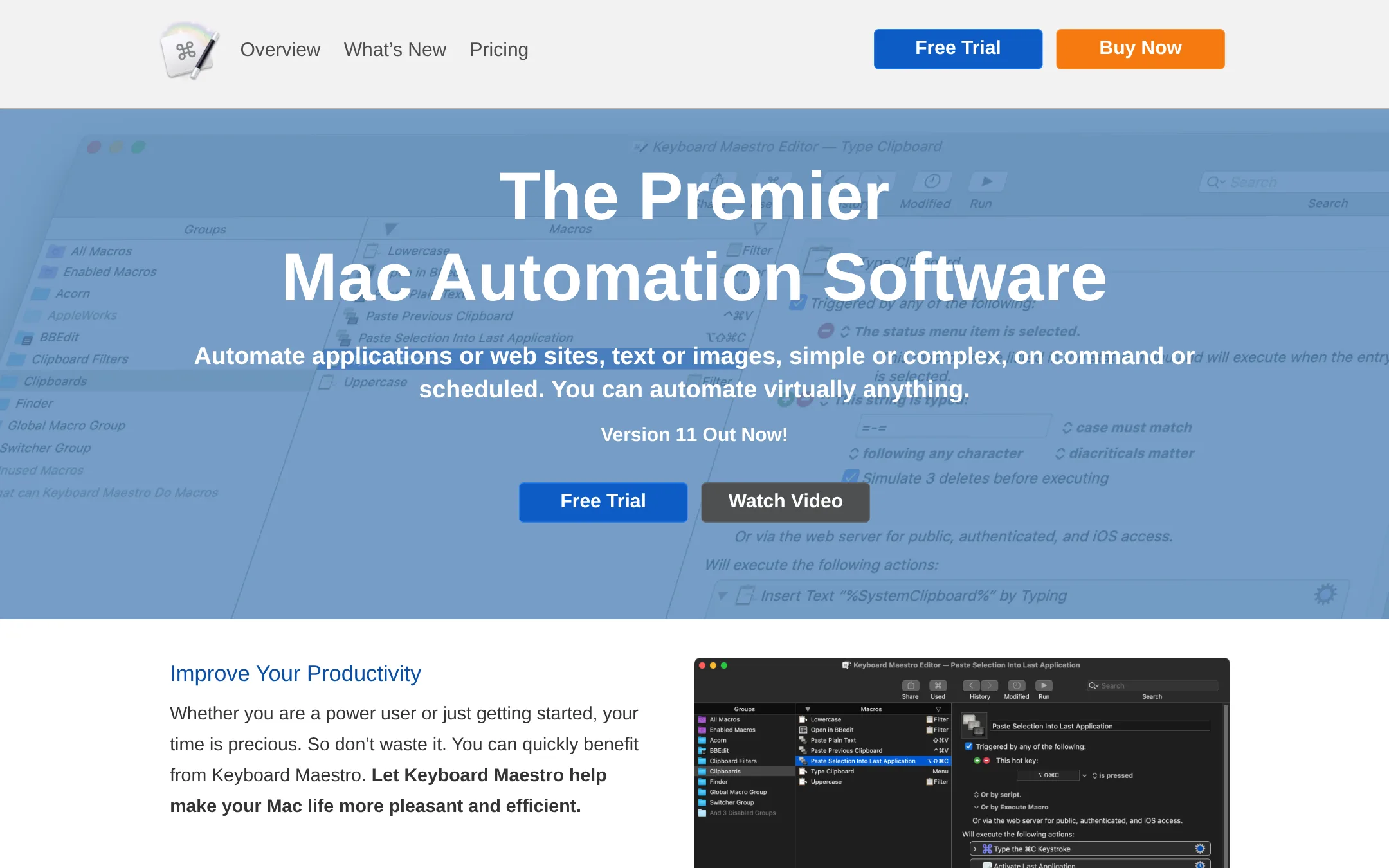
Keyboard Maestro is a macOS automation tool that turns manual tasks into macros triggered by hotkeys, typed strings, or schedules. Choose it over Alfred when you need deep, conditional automation across multiple apps rather than quick launching and searching.
Where it is strong
- Hundreds of built-in actions for automating almost any task
- Flow control, conditions, and loops for complex macros
- One-time purchase, no subscription
Where it falls short
- Steeper learning curve than Alfred's simpler workflows
- No built-in web search or file launch features like Alfred
- Pricing:
- One-time purchase of US$36 for version 11, with upgrades from previous versions at US$25.
- Switching from Alfred:
- Moving from Alfred means recreating your workflows as macros, which may take time if you rely on Alfred's search and snippet features.
- Free
7.Cerebro
Best for: Teams on mixed operating systems that want a free, open-source launcher with plugin extensibility.
- Pricing
- Free
- Category
- Productivity & Project Management
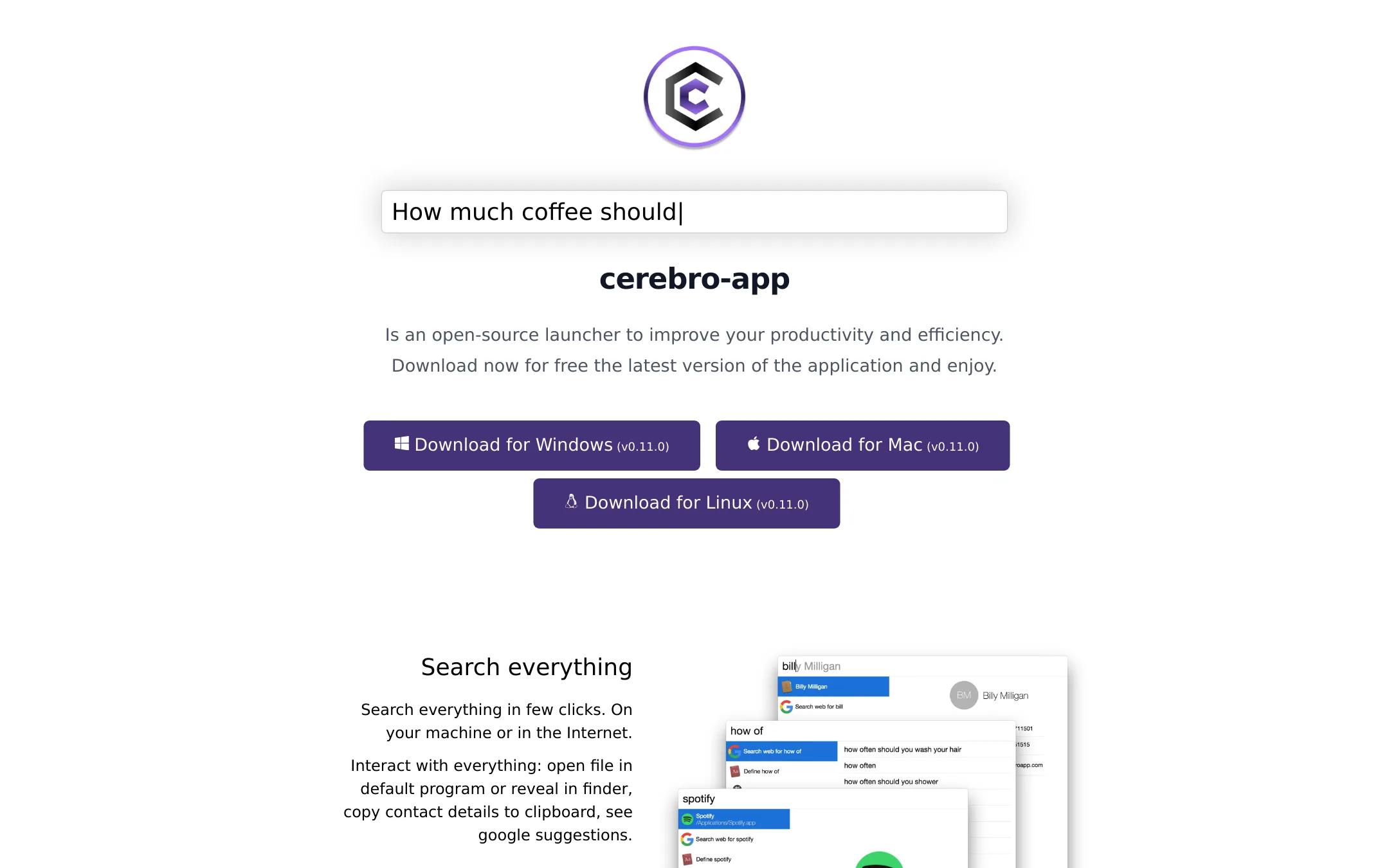
Cerebro is a free, open-source launcher that works on macOS, Windows, and Linux. You would choose it over Alfred if you want a cross-platform tool with plugin support and no cost, and you don't need Alfred's deep macOS integrations.
Where it is strong
- Free and open-source with an active GitHub community.
- Cross-platform: works on macOS, Windows, and Linux.
- Plugin manager and API for building custom plugins.
Where it falls short
- Fewer built-in features than Alfred, such as no clipboard history or snippet expansion.
- Lacks deep macOS integration like controlling Music.app or using Alfred Remote.
- Pricing:
- Pricing is not published on the site.
- Not published
8.Espanso
Best for: Teams on Windows or Linux that need a simple, open-source text expander without the macOS-only limitations of Alfred.
- Pricing
- Not published
- Category
- Productivity & Project Management
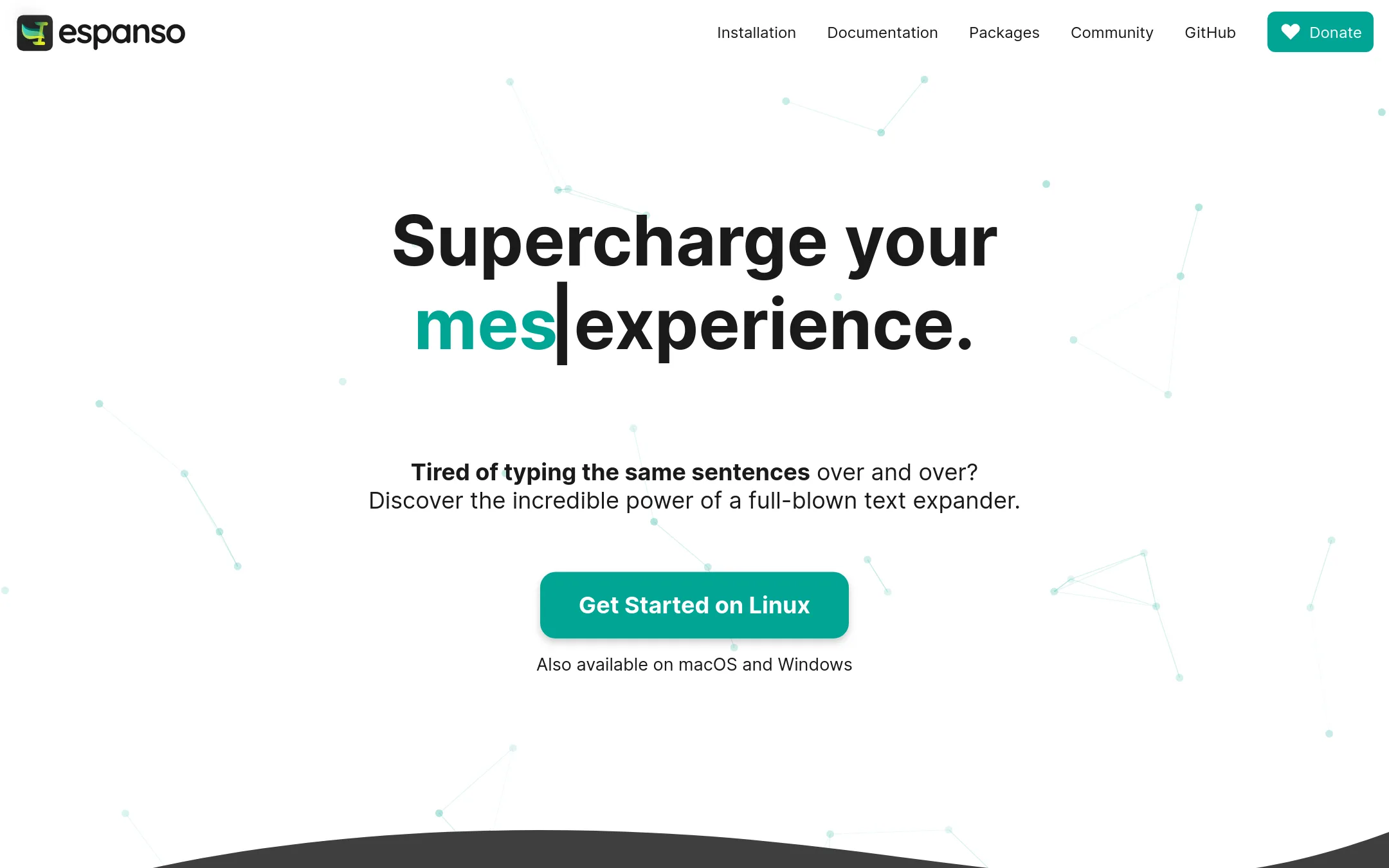
Espanso is a free, open-source text expander that works on Windows, Linux, and macOS. Choose it over Alfred if you need cross-platform snippet expansion and value privacy, since it runs entirely offline.
Where it is strong
- Cross-platform: Windows, Linux, and macOS
- Open-source and privacy-first, no cloud sync
- Extensible with packages and custom scripts
Where it falls short
- No GUI yet. Configuration is file-based
- Lacks Alfred's app launcher and file search features
- Pricing:
- Pricing is not published on the site.
- Switching from Alfred:
- Moving from Alfred to Espanso means giving up macOS-specific features like app launching and file search, and you'll need to recreate your snippets in Espanso's YAML format.
- Free / $4+ per user/mo
9.GitHub Projects
Best for: Software teams that want to track issues and plan sprints directly alongside their repositories.
- Pricing
- Free / $4+ per user/mo
- Category
- Productivity & Project Management
GitHub Projects is a project management layer built into GitHub, so issues, pull requests, and tasks live next to the code. Choose it over Alfred when your team already works in GitHub and needs lightweight planning without leaving the platform.
Where it is strong
- Tight integration with pull requests and issues
- Free tier covers basic project tracking
- Built-in automation with GitHub Actions
Where it falls short
- Not a macOS launcher or text expander
- Requires a GitHub account and code-centric workflow
- Pricing:
- Free plan includes unlimited public/private repositories and Issues & Projects. Team is $4 per user/month. Enterprise is $21 per user/month.
- Not published
10.Ulauncher
Best for: Linux users who want a free, customizable app launcher with fuzzy search and community extensions.
- Pricing
- Not published
- Category
- Productivity & Project Management
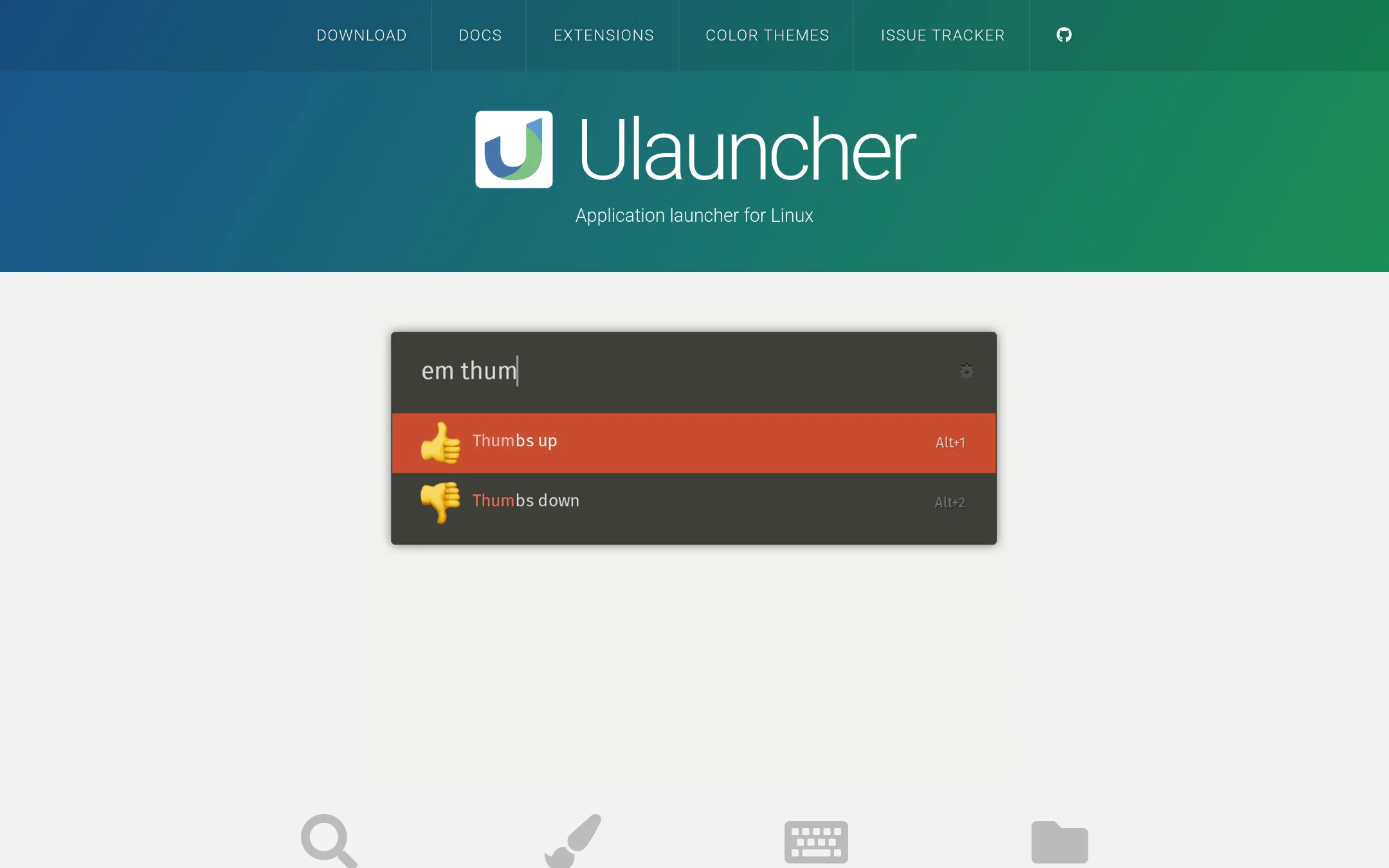
Ulauncher is a free, open-source application launcher for Linux that uses fuzzy search and supports extensions and custom themes. Choose it over Alfred if you are on Linux and need a fast, keyboard-driven launcher without paying for a Powerpack.
Where it is strong
- Fuzzy search that learns your habits and auto-selects the best match.
- Supports custom color themes and community-built extensions.
- Fast directory browser with advanced options via Alt+Enter.
Where it falls short
- Only available on Linux, not macOS or Windows.
- No built-in clipboard history or snippet expansion like Alfred.
- Pricing:
- Pricing is not published on the site.
See more comparisons in Productivity & Project Management alternatives.
FAQ
Questions about Alfred alternatives
What is the best free alternative to Alfred?
Quicksilver is a free, open-source macOS launcher with plugin-based extensibility. Ulauncher is free for Linux users, and Espanso is free for cross-platform text expansion. Each lacks some of Alfred's advanced features but covers core launching and search.
Which alternative has the best integrations with other tools?
Raycast has a large extension store with integrations for Jira, Notion, Slack, and more. It is designed for teams that use these tools daily. GitHub Projects integrates tightly with pull requests and issues for software teams.
Are there alternatives that work on Windows or Linux?
Yes. Espanso works on Windows, Linux, and macOS for text expansion. Ulauncher is Linux-only, and Cerebro works on macOS, Windows, and Linux. These are good choices if you need cross-platform support.
Which alternative is best for complex automation?
Keyboard Maestro is best for complex automation with hundreds of built-in actions and flow control. Hammerspoon allows scripting with Lua for deep macOS control. Both require more learning than Alfred but offer more power.
Do any alternatives have a one-time purchase instead of a subscription?
Yes. Keyboard Maestro is a one-time purchase of US$36 for version 11. LaunchBar also has no subscription, though its pricing is not published. Raycast requires a paid Pro plan for AI features, but the core is free.
Last updated October 31, 2026.