Sketch alternatives
12 products compared · Updated October 31, 2026
The short answer
For teams needing a structured handoff layer between design and development, Zeplin is the strongest alternative. For those who want to design and publish a live website without code, Framer is the best fit. For teams seeking an open-source, browser-based design tool with deep code integration, Penpot is the top choice.
Your shortlist, at a glance
Read the comparisons ↓ FigJamNot publishedTeams that need a shared canvas for workshops, retrospectives, and early-stage concept mapping rather than pixel-perfect design work.
 Adobe AnimateNot publishedAnimators and motion designers creating vector-based web animations, cartoons, and interactive content.
 InVisionNot publishedTeams that need a collaborative, browser-based prototyping and feedback tool, especially those already using Miro for whiteboarding.
 FramerFrom $10/moTeams and freelancers who want to go from design to a live, hosted website without engineering help.
- PPenpotNot publishedTeams that want an open-source, browser-based design tool with deep code and AI workflow integration, especially those already using CSS Grid and Flex layouts.
- LLunacyNot publishedDesigners and AI agents that need a large library of icons, illustrations, and AI image tools to speed up asset creation.
- AAvocodeNot publishedTeams that previously used Avocode for design handoff and now need a live alternative like Sketch, which still offers free developer handoff.
 MarvelNot publishedTeams that want a lightweight, browser-based design tool for quick wireframing and prototyping, especially those with mixed platforms.
- PPrincipleSee websiteAnimate Your Ideas, Design Better Apps
- SSympliSee websiteSympli platform.
UXPinNot publishedProduct teams that want to design with coded components and export production-ready React code directly from prototypes.
 ZeplinNot publishedProduct teams that want a structured, versioned handoff layer between design tools and development, especially those using Jira or Storybook.
About Sketch and its alternatives
Sketch is a Mac-based design and prototyping toolkit made by designers for designers. It is known for its vector editor, real-time collaboration, offline capability, and free developer handoff tools.
When comparing alternatives, weigh pricing structure, platform availability, integration depth, and support. Some tools are browser-based, others are native. Some offer free plans, while others require contacting sales. Consider whether you need a full design tool or a specialized handoff or animation solution.
Explore the alternatives
- Not published
1.FigJam
Best for: Teams that need a shared canvas for workshops, retrospectives, and early-stage concept mapping rather than pixel-perfect design work.
- Pricing
- Not published
- Category
- Communication & Collaboration
FigJam is a digital whiteboard for brainstorming, diagramming, and team collaboration. You would choose it instead of Sketch when your main need is real-time group ideation and planning, not high-fidelity UI design or prototyping.
Where it is strong
- Real-time collaboration with sticky notes, shapes, and connectors
- Free starter plan with unlimited drafts
- Integrates with the Figma design ecosystem
Where it falls short
- Not a substitute for Sketch's vector editing or prototyping depth
- Requires a Figma account, which may be redundant if you already use Sketch
- Pricing:
- Pricing is not published on the site.
- Not published
2.Adobe Animate
Best for: Animators and motion designers creating vector-based web animations, cartoons, and interactive content.
- Pricing
- Not published
- Category
- Design & Creative
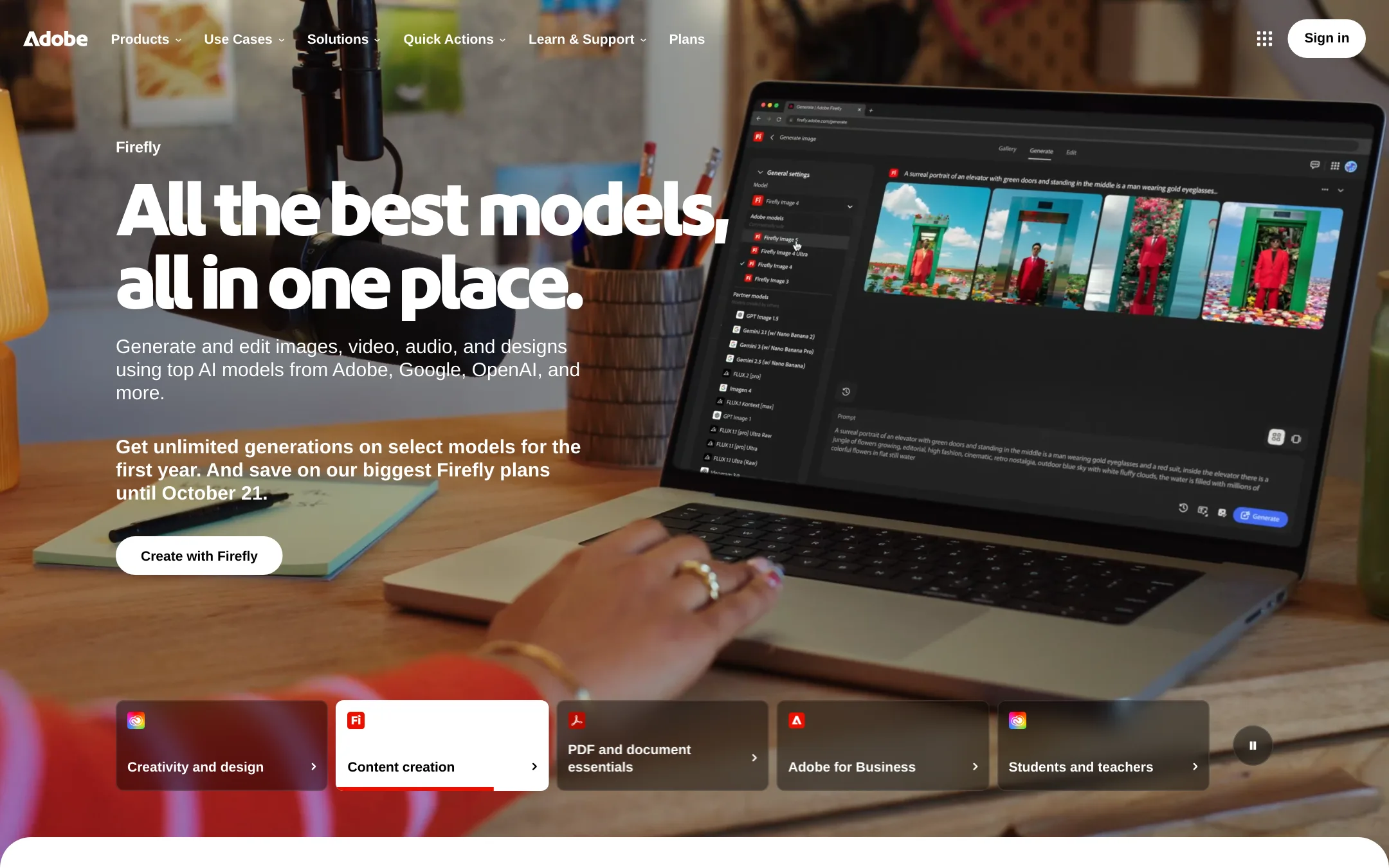
Adobe Animate is a vector animation tool for interactive web content, cartoons, and games, while Sketch is a Mac-based UI design and prototyping app. Choose Animate if your work is animation-heavy and you need timeline-based motion, not screen design.
Where it is strong
- Timeline-based animation for frame-by-frame and tweening
- Vector drawing tools for scalable graphics
- Exports to HTML5 canvas and other web formats
Where it falls short
- No native Mac app. Runs via Creative Cloud
- Not designed for UI prototyping or collaborative design
- Pricing:
- Pricing is not published on the site.
- Not published
3.InVision
Best for: Teams that need a collaborative, browser-based prototyping and feedback tool, especially those already using Miro for whiteboarding.
- Pricing
- Not published
- Category
- Design & Creative
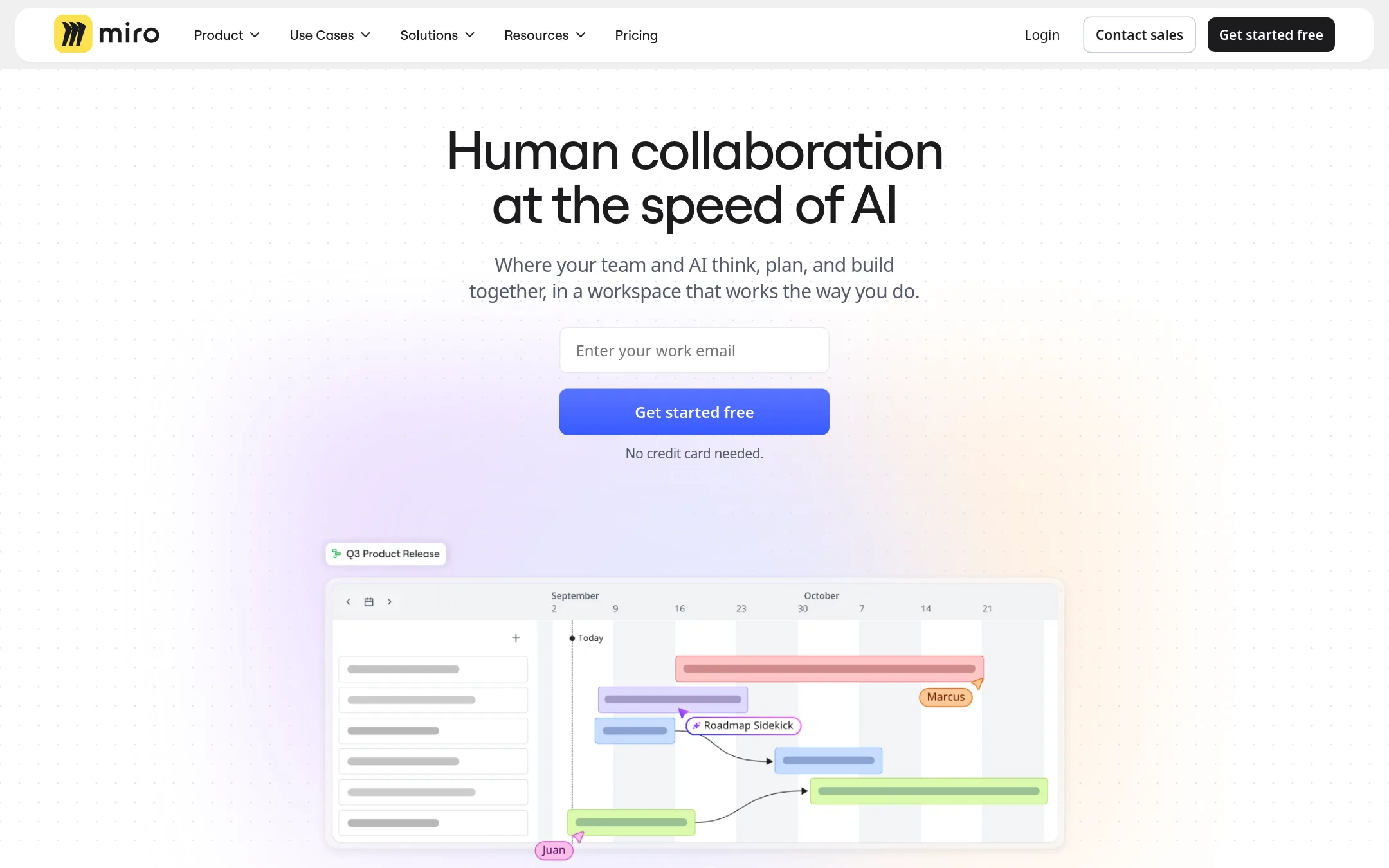
InVision is a prototyping and collaboration platform for digital product teams, now part of Miro. It is a good choice if you want a browser-based tool for creating interactive prototypes and gathering feedback, rather than a native Mac app for detailed design work.
Where it is strong
- Browser-based, so no native app installation needed.
- Real-time collaboration and feedback features.
- Integrates with Miro's visual workspace.
Where it falls short
- Pricing details are not publicly listed.
- Not a full vector design tool like Sketch. Focuses on prototyping and collaboration.
- Pricing:
- Pricing is not published on the site.
- From $10/mo
4.Framer
Best for: Teams and freelancers who want to go from design to a live, hosted website without engineering help.
- Pricing
- From $10/mo
- Category
- Design & Creative
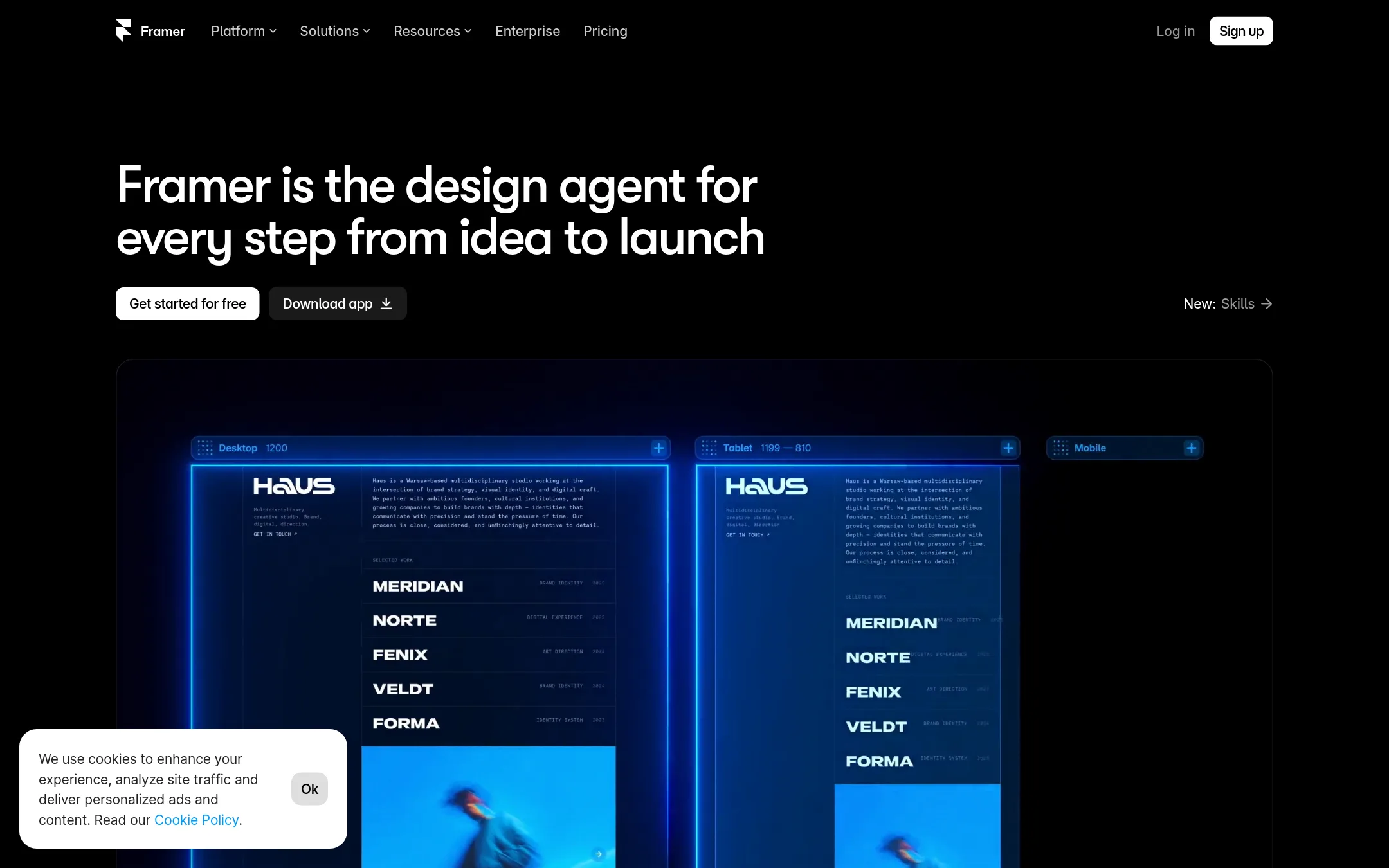
Framer is a no-code website builder that lets you design, build, and launch a site without writing code. You would choose it over Sketch when your goal is a published website with hosting, CMS, and SEO, rather than a design tool for app UI and prototypes.
Where it is strong
- Design and publish a site in one tool, no code needed
- Built-in CMS, SEO, and hosting
- Free plan with 500 AI credits to try
Where it falls short
- Not a native Mac app. Runs in the browser
- Less suited for complex app UI design and prototyping compared to Sketch
- Pricing:
- Free plan available. Basic starts at $10 per month, Pro at $30 per month with yearly billing.
- PNot published
5.Penpot
Best for: Teams that want an open-source, browser-based design tool with deep code and AI workflow integration, especially those already using CSS Grid and Flex layouts.
- Pricing
- Not published
- Category
- Other
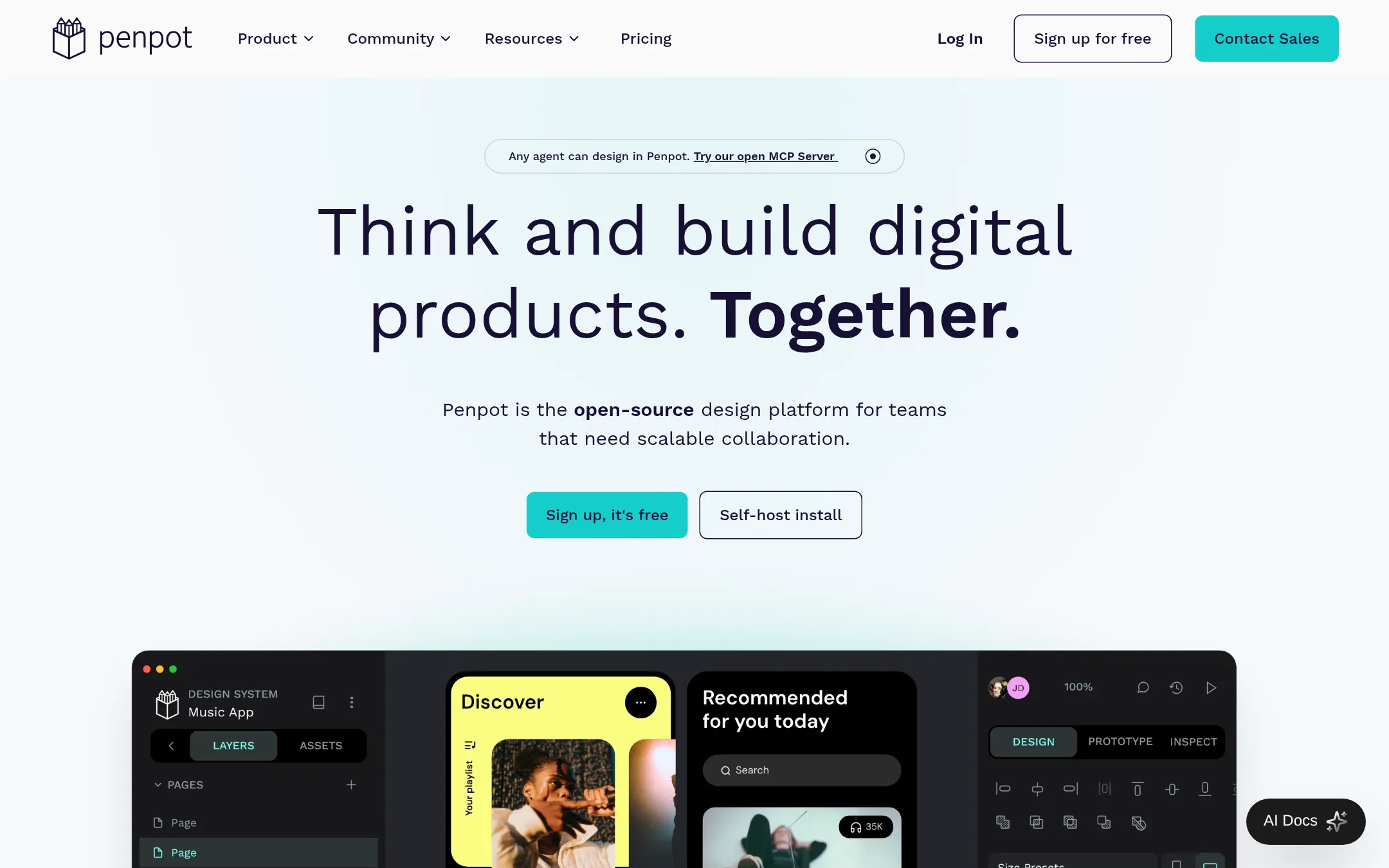
Penpot is an open-source design platform that runs in the browser and works with open web standards like CSS, HTML, and SVG. You would choose it over Sketch if you want a free, self-hostable tool that gives developers and AI agents direct access to the design files.
Where it is strong
- Open-source and free to self-host
- Native CSS Grid and Flex layout support
- Built-in AI workflow integration via MCP server
Where it falls short
- No native Mac app. Browser-based only
- Pricing details not disclosed on the site
- Pricing:
- Pricing is not published on the site.
- LNot published
6.Lunacy
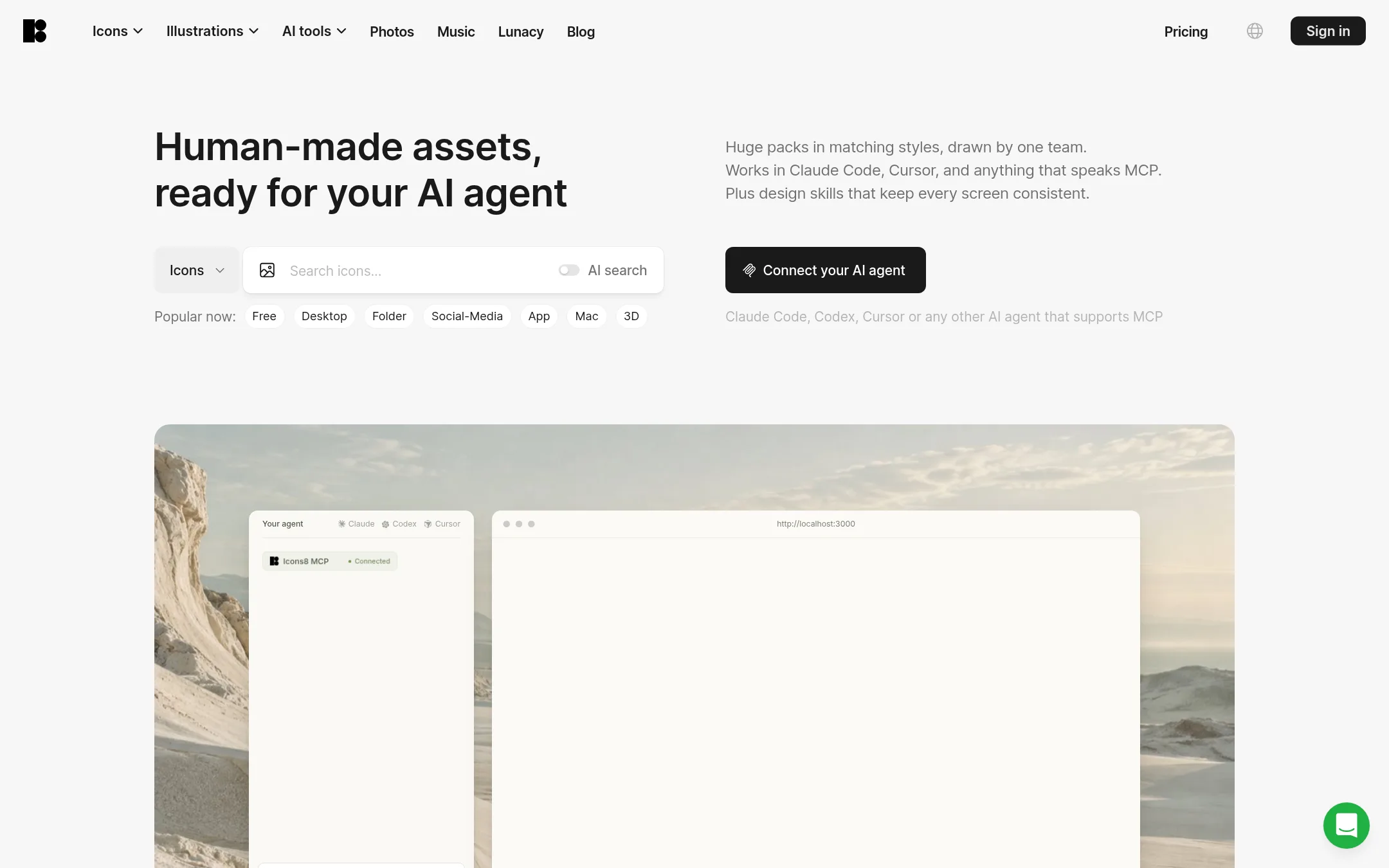
Best for: Designers and AI agents that need a large library of icons, illustrations, and AI image tools to speed up asset creation.
- Pricing
- Not published
- Category
- Other
Lunacy is an asset library and AI toolset from Icons8, not a design tool like Sketch. You would choose it when you need icons, illustrations, and AI-powered image editing to complement your design work, rather than a full design and prototyping app.
Where it is strong
- Huge library of icons and illustrations in consistent styles
- AI tools for generating and editing visuals
- Works with MCP for AI agents like Claude and Cursor
Where it falls short
- Not a design tool. No prototyping or vector editing
- Subscription-based with download limits
- Pricing:
- Pricing is not published on the site.
- ANot published
7.Avocode
Best for: Teams that previously used Avocode for design handoff and now need a live alternative like Sketch, which still offers free developer handoff.
- Pricing
- Not published
- Category
- Other
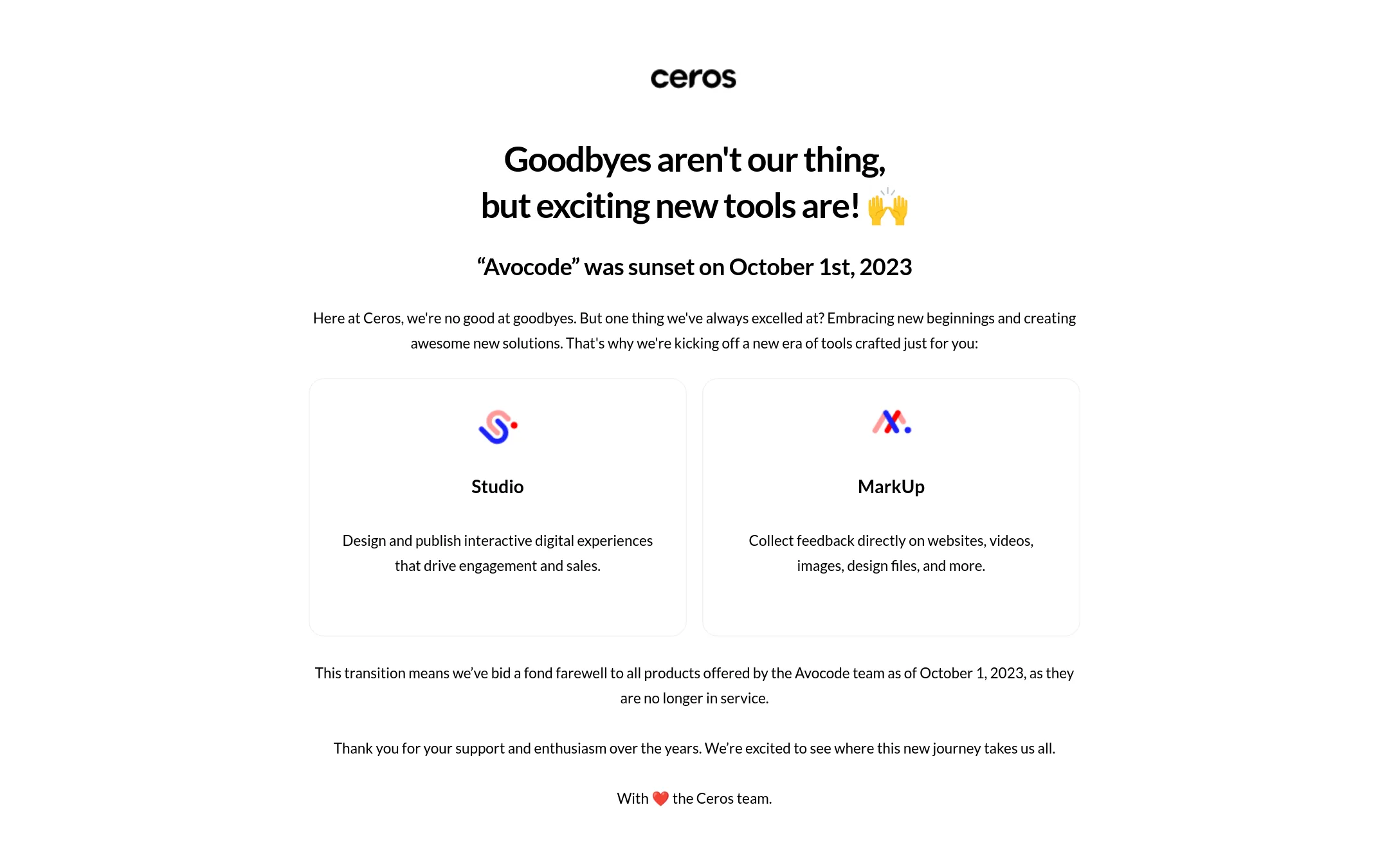
Avocode was a tool for viewing and handing off design files, but it was sunset on October 1, 2023, and is no longer in service. Its maker, Ceros, now offers Studio and MarkUp instead, so there is no reason to choose Avocode over Sketch today.
Where it is strong
- Was used for design handoff and file inspection.
- Part of Ceros's product family.
- Sunset notice is clearly communicated.
Where it falls short
- No longer available as of October 1, 2023.
- No active product to compare with Sketch.
- Pricing:
- Pricing is not published on the site.
- Switching from Sketch:
- Since Avocode is discontinued, moving to Sketch means starting fresh with a new design and handoff workflow.
- Not published
8.Marvel
Best for: Teams that want a lightweight, browser-based design tool for quick wireframing and prototyping, especially those with mixed platforms.
- Pricing
- Not published
- Category
- Design & Creative
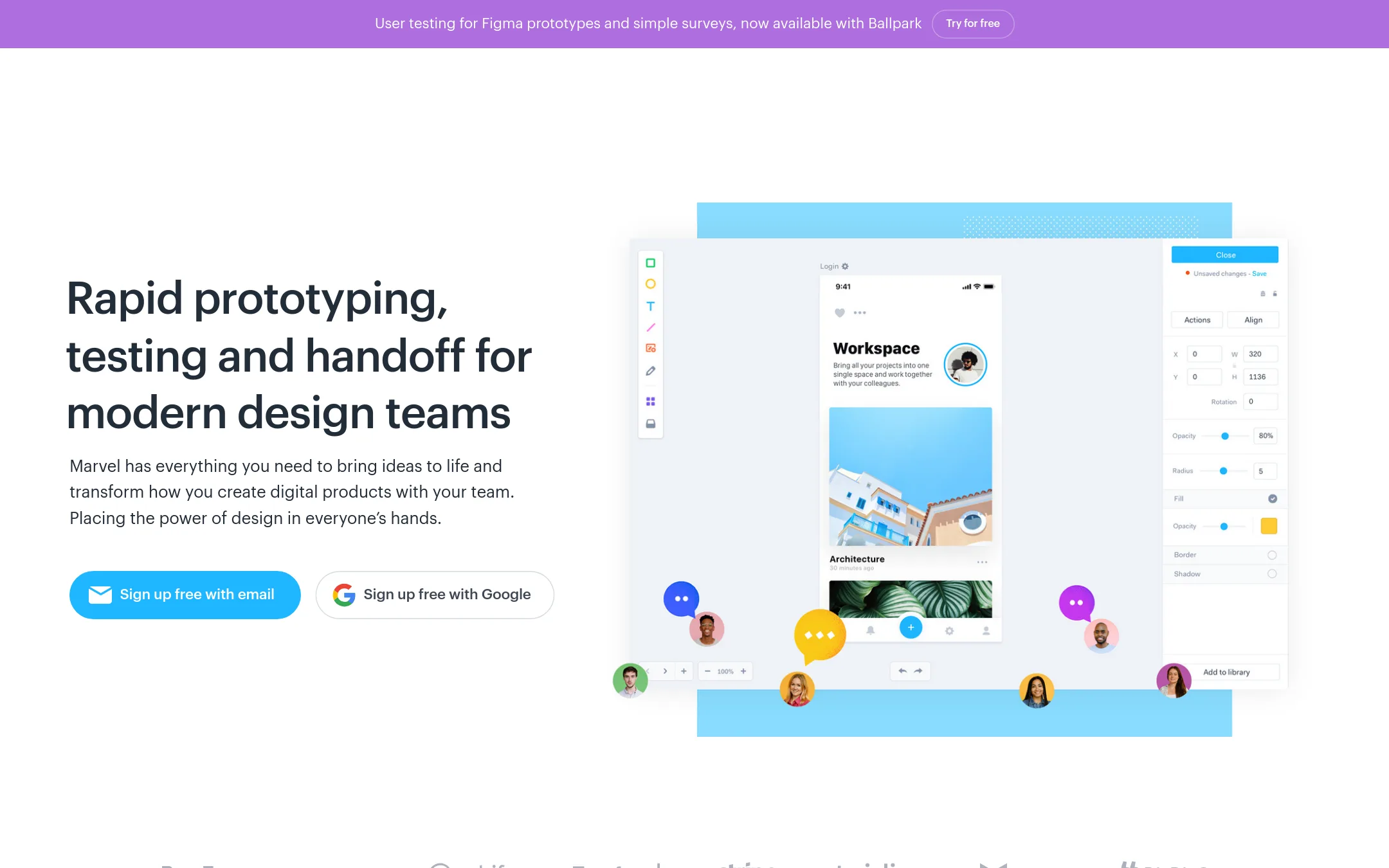
Marvel is a browser-based design platform for wireframing, prototyping, and handoff. Choose it over Sketch if you need a tool that works on any device without installing a Mac app, or if you want to involve non-designers in the process.
Where it is strong
- Works entirely in the browser, no Mac required.
- Includes built-in user testing features.
- Offers integrations with popular tools like Slack and Dropbox.
Where it falls short
- Pricing details are not listed on the site.
- May lack the advanced vector editing capabilities of Sketch.
- Pricing:
- Pricing is not published on the site.
- PSee website
9.Principle
Design & Creative
Animate Your Ideas, Design Better Apps
- SSee website
10.Sympli
Design & Creative
Sympli platform.
- Not published
11.UXPin
Best for: Product teams that want to design with coded components and export production-ready React code directly from prototypes.
- Pricing
- Not published
- Category
- Design & Creative
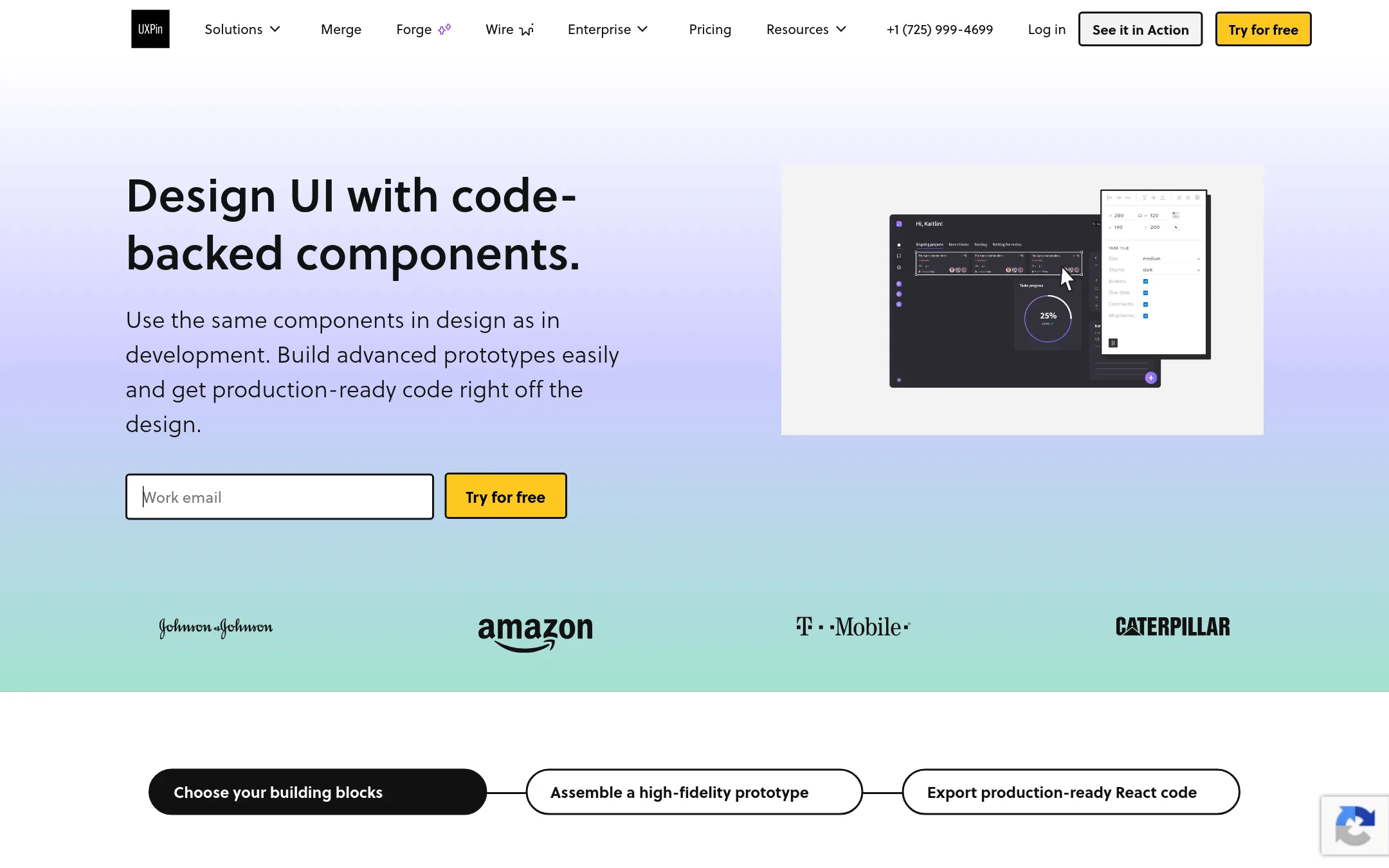
UXPin is a prototyping tool that lets you design with real code components and export production-ready React code. Choose it over Sketch when your team needs prototypes that behave like the final product and a tighter design-to-development handoff.
Where it is strong
- Design with real React components from built-in libraries or your own Git repo.
- Export production-ready React code with dependencies, reducing handoff friction.
- Advanced interactions, variables, and conditional logic for realistic prototypes.
Where it falls short
- Pricing is not transparent. You must contact sales for costs.
- Custom design system integration is limited to Enterprise plans.
- Pricing:
- Pricing is not published on the site. Plans start with a 14-day free trial, then Core, Growth, and Enterprise tiers with monthly AI credits.
- Switching from Sketch:
- UXPin supports Sketch import, so you can bring existing Sketch files into UXPin, though you may need to rebuild interactions and component mappings.
- Not published
12.Zeplin
Best for: Product teams that want a structured, versioned handoff layer between design tools and development, especially those using Jira or Storybook.
- Pricing
- Not published
- Category
- Design & Creative
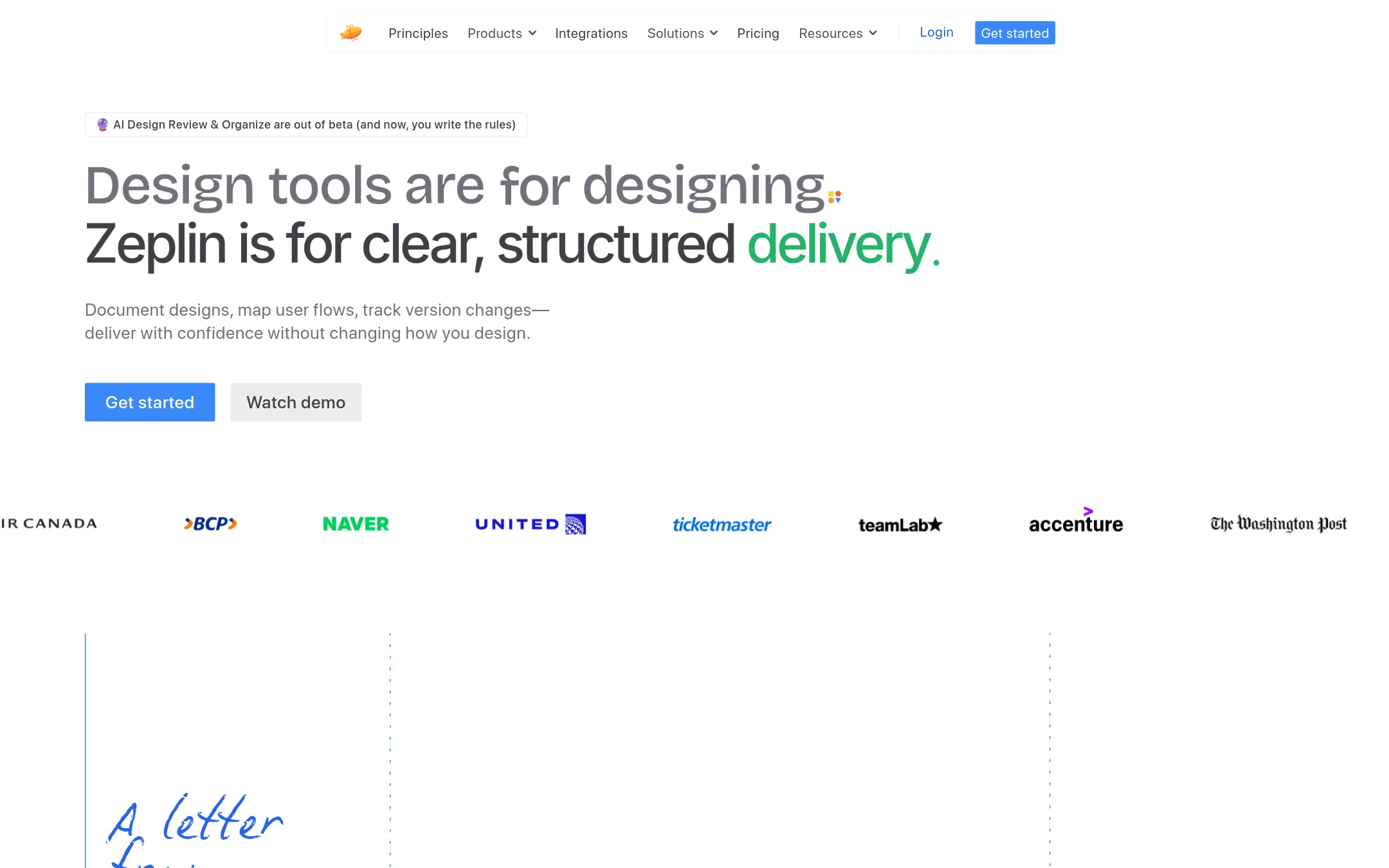
Zeplin is a design delivery platform that takes finished designs from tools like Sketch and turns them into structured specs, versioned screens, and code snippets for developers. Choose it over Sketch when you need a dedicated handoff space that keeps design files and dev work separate, with versioning and AI review built in.
Where it is strong
- Deliberate versioning per screen, inspired by Git, so devs always see the final version.
- AI Design Review catches off-system colors, spacing issues, and accessibility problems before handoff.
- Unlimited free reviewers on paid plans, so stakeholders can comment without extra cost.
Where it falls short
- Not a design tool itself. You still need Sketch or another editor for creating designs.
- Free plan is limited to 100 screens and 1 project, which may be restrictive for larger teams.
- Pricing:
- Pricing is not published on the site.
- Switching from Sketch:
- Moving from Sketch to Zeplin means publishing frames from Sketch into Zeplin projects, then using Zeplin's specs, versions, and integrations for handoff instead of Sketch's built-in collaboration.
See more comparisons in Design & Creative alternatives.
FAQ
Questions about Sketch alternatives
What is the best alternative to Sketch for design handoff?
Zeplin is the strongest for structured handoff. It turns finished designs into specs, versioned screens, and code snippets for developers. It includes AI review and unlimited free reviewers on paid plans.
Can I use a browser-based alternative to Sketch?
Yes. Framer, FigJam, InVision, Marvel, and Penpot all run in the browser. Penpot is open-source and free to self-host. Framer lets you design and publish a live website without code.
Are there any free alternatives to Sketch?
Penpot is open-source and free to self-host. FigJam has a free starter plan with unlimited drafts. Framer offers a free plan with 500 AI credits. Sketch itself has a 30-day free trial and free education plans.
Which alternative is best for animation-heavy work?
Adobe Animate is the best for vector-based web animations, cartoons, and interactive content. It uses a timeline-based approach with frame-by-frame and tweening. It is not a UI design tool, so pair it with Sketch or another editor for screen design.
What should I consider about pricing when choosing an alternative?
Many alternatives do not publish pricing, so you must contact sales. Framer lists prices starting at $10 per month. Penpot is free if self-hosted. Zeplin and UXPin require sales contact, and UXPin's custom design system integration is limited to Enterprise plans.
Last updated October 31, 2026.