
Framer alternatives
12 products compared · Updated October 30, 2026
The short answer
For founders and operators, the strongest Framer alternatives are Webflow for marketing teams and agencies needing enterprise-grade collaboration and AI tools, Wix for small businesses and non-technical users wanting a complete website with built-in business features, and Bubble for those building data-driven web or mobile apps with a backend. Each suits a different need: Webflow for scalability, Wix for simplicity, and Bubble for application logic.
Your shortlist, at a glance
Read the comparisons ↓ WebflowFree, then from $10/moMarketing teams and agencies that need a scalable, AI-native platform with advanced collaboration and enterprise-grade control.
WixNot publishedSmall businesses and non-technical users who want a complete website with hosting, domains, and marketing tools in one place.
 SquarespaceFrom $19/mo + 2.9%Small businesses and entrepreneurs who need a website plus built-in ecommerce, booking, and invoicing tools.
 BubbleFrom $29/mo (annual)Founders and small teams building data-driven web or mobile apps who need a visual editor plus a backend without writing code.
 WebstudioFree + Pro yearlyTeams and developers who want a visual builder with the freedom to self-host and full CSS control.
 PinegrowNot publishedDevelopers and agencies who work with hand-coded HTML, Tailwind, Bootstrap, or WordPress themes and want visual editing without a proprietary platform.
 DudaSee websiteThe AI-Ready Website Platform Built for Pros
- GGladeSee websiteBuild games at the speed of thought
 InVisionSee websitePrototyping and collaboration platform for digital product teams
 JitterFrom $12/editor/moDesign teams and motion designers who need to produce animated content quickly, with AI assistance and collaboration features.
 Magic PatternsSee websiteGo from idea to production with AI.
OnlookSee websiteCursor for Designers
About Framer and its alternatives
Framer is a no-code website builder with AI, CMS, and design freedom for professional sites. It offers a free plan, hosting, analytics, SEO, and AEO built in, with pricing starting at $10 per month for Basic and $30 per month for Pro.
When comparing alternatives, weigh pricing structure (free tiers, monthly vs. annual, usage-based costs), regions served, integrations with your existing tools, support options, and contract terms like annual commitments or custom quotes. Consider whether you need a full website builder, a design handoff tool, or an animation platform, as the category spans these distinct use cases.
Explore the alternatives
- Free, then from $10/mo
1.Webflow
Best for: Marketing teams and agencies that need a scalable, AI-native platform with advanced collaboration and enterprise-grade control.
- Pricing
- Free, then from $10/mo
- Category
- Design & Creative
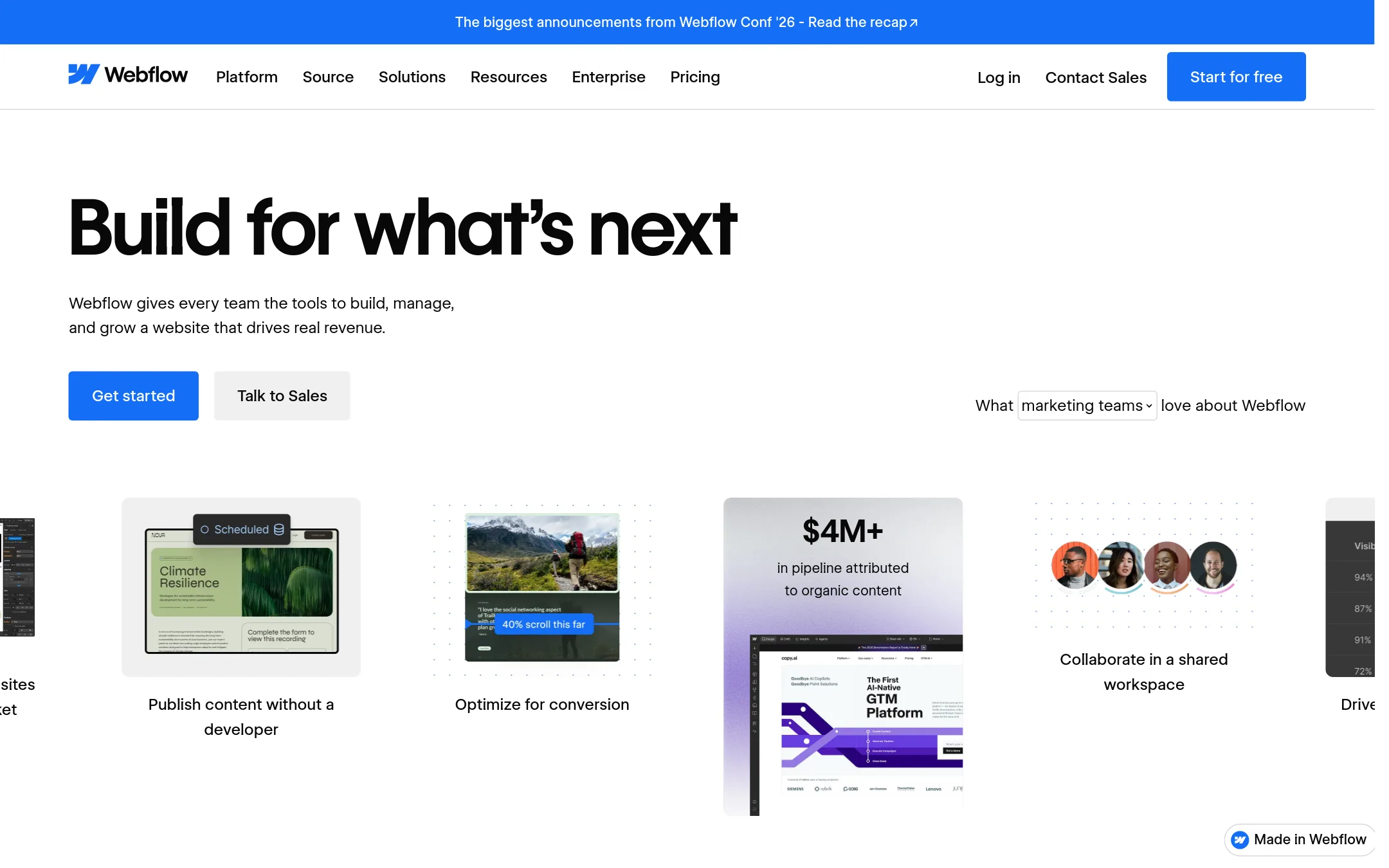
Webflow is a professional website design and publishing platform with a visual canvas, CMS, and AI tools. Choose it over Framer when you need deeper enterprise features like branching, shared libraries, and native analytics, or when your team relies on Webflow's ecosystem of templates and partners.
Where it is strong
- Visual canvas for design and content editing without code
- Built-in A/B testing and personalization with Optimize
- Branching and publishing workflows for team collaboration
Where it falls short
- Advanced features like branching and shared libraries may be limited to higher-tier plans
- Pricing for team and enterprise plans is not publicly listed
- Pricing:
- Pricing starts with a free Starter plan. Paid site plans include Basic and Premium, with team and enterprise plans requiring annual contracts or custom quotes. Add-ons like Optimize, Analyze, and Localize are priced based on usage.
- Switching from Framer:
- Moving from Framer to Webflow involves rebuilding your site in Webflow's editor, as there is no direct import tool mentioned.
- Not published
2.Wix
Best for: Small businesses and non-technical users who want a complete website with hosting, domains, and marketing tools in one place.
- Pricing
- Not published
- Category
- Design & Creative
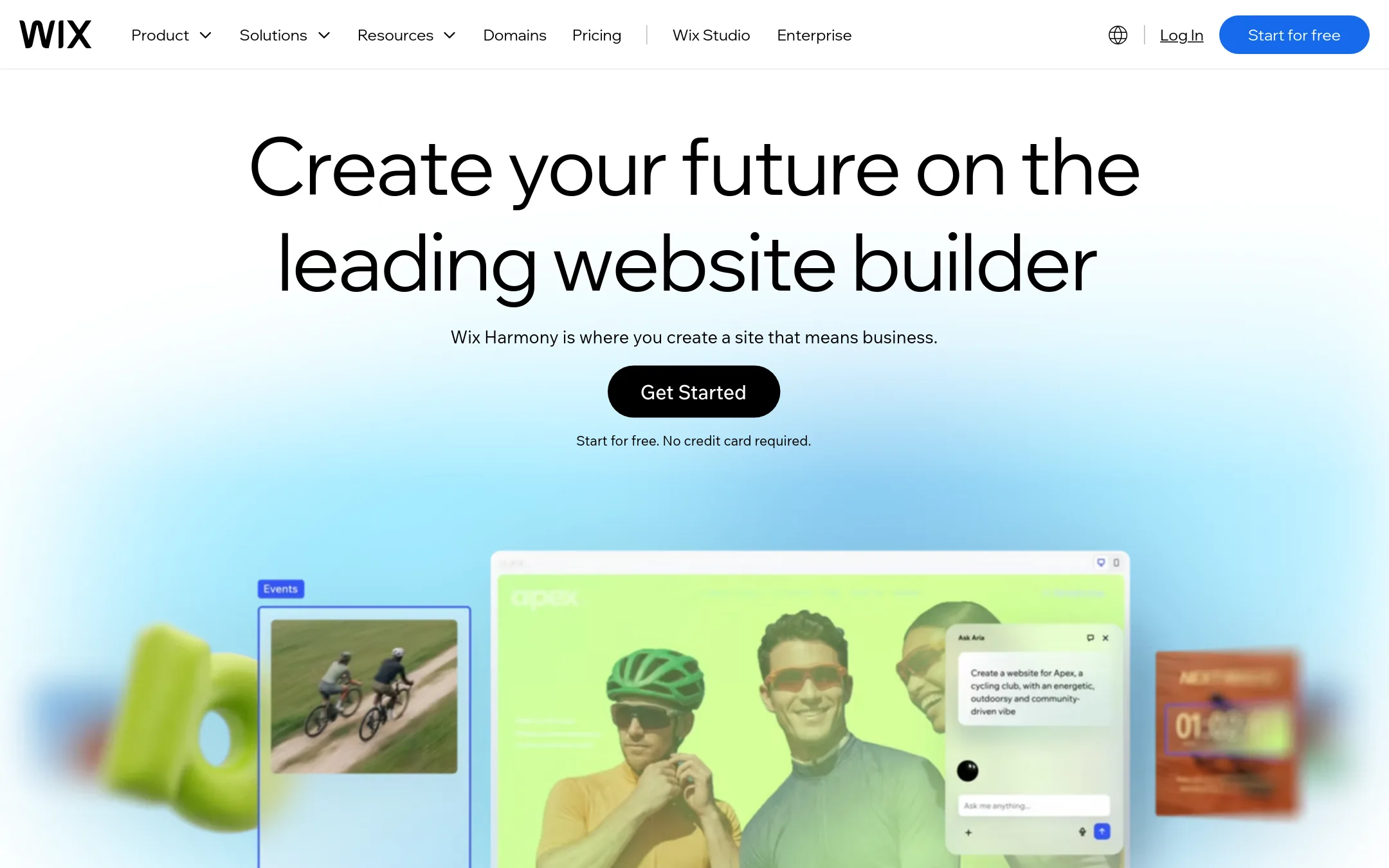
Wix is a full website builder with drag-and-drop editing, AI tools, and a large template library. Choose it over Framer if you want a more traditional builder with built-in business tools and a gentler learning curve.
Where it is strong
- 2000+ templates and drag-and-drop editor
- AI tools for site creation and text
- Built-in hosting, domains, and business apps
Where it falls short
- Less design freedom than Framer for custom layouts
- Pricing not transparent on the site
- Pricing:
- Pricing is not published on the site.
- From $19/mo + 2.9%
3.Squarespace
Best for: Small businesses and entrepreneurs who need a website plus built-in ecommerce, booking, and invoicing tools.

- Pricing
- From $19/mo + 2.9%
- Category
- Design & Creative
Squarespace is a website builder with templates, AI tools, and built-in ecommerce, invoicing, scheduling, and memberships. Choose it over Framer when you want a single platform to run a business site and sell products or services without needing Framer's design flexibility.
Where it is strong
- Built-in ecommerce, scheduling, invoicing, and memberships
- AI website builder and design tools included
- Unlimited bandwidth on all plans
Where it falls short
- Less design freedom than Framer's canvas
- Transaction fees on lower-tier plans
- Pricing:
- Pricing starts at $19 per month billed annually (Basic plan), with card rates from 2.9% + $0.30 and a 2% online store transaction fee on the Basic plan.
- From $29/mo (annual)
4.Bubble
Best for: Founders and small teams building data-driven web or mobile apps who need a visual editor plus a backend without writing code.
- Pricing
- From $29/mo (annual)
- Category
- AI & Machine Learning
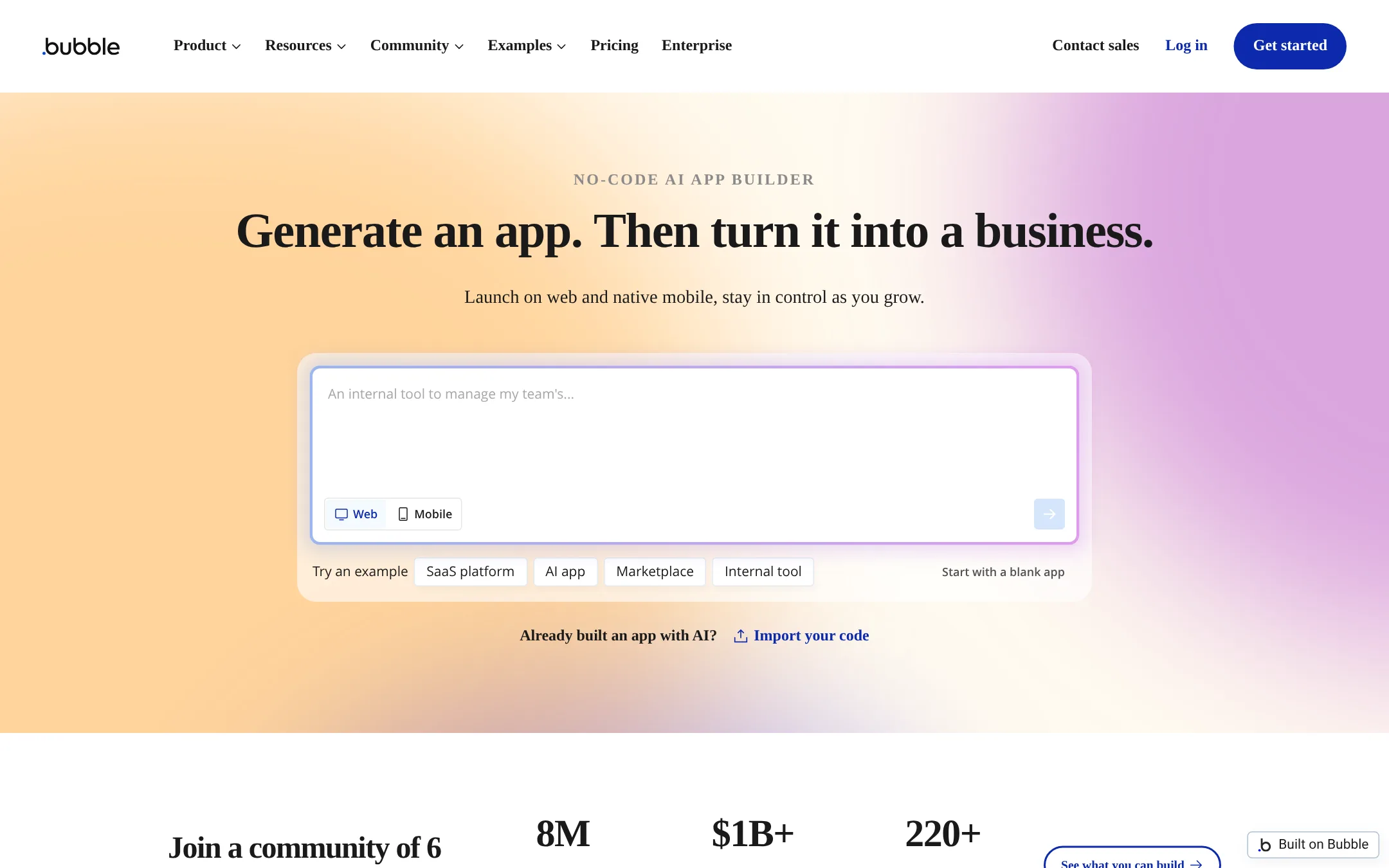
Bubble is a no-code platform for building full web and mobile applications with a database, logic, and workflows. Choose it instead of Framer when you need a functional app with user accounts, data models, and complex business rules, not just a marketing site.
Where it is strong
- Build web and mobile apps from one codebase
- Includes database, workflows, and API connector
- Free plan to start building without a card
Where it falls short
- Pricing is usage-based, so costs can scale with app traffic
- Steeper learning curve than Framer for design-focused sites
- Pricing:
- Free plan includes 50K workload units/mo and 500 AI credits. Starter is $29/mo billed annually. Growth is $119/mo. Team is $349/mo. Enterprise is custom.
- Switching from Framer:
- Moving from Framer means rebuilding your site as an application, since Bubble is not a website builder but an app development platform.
- Free + Pro yearly
5.Webstudio
Best for: Teams and developers who want a visual builder with the freedom to self-host and full CSS control.
- Pricing
- Free + Pro yearly
- Category
- Other
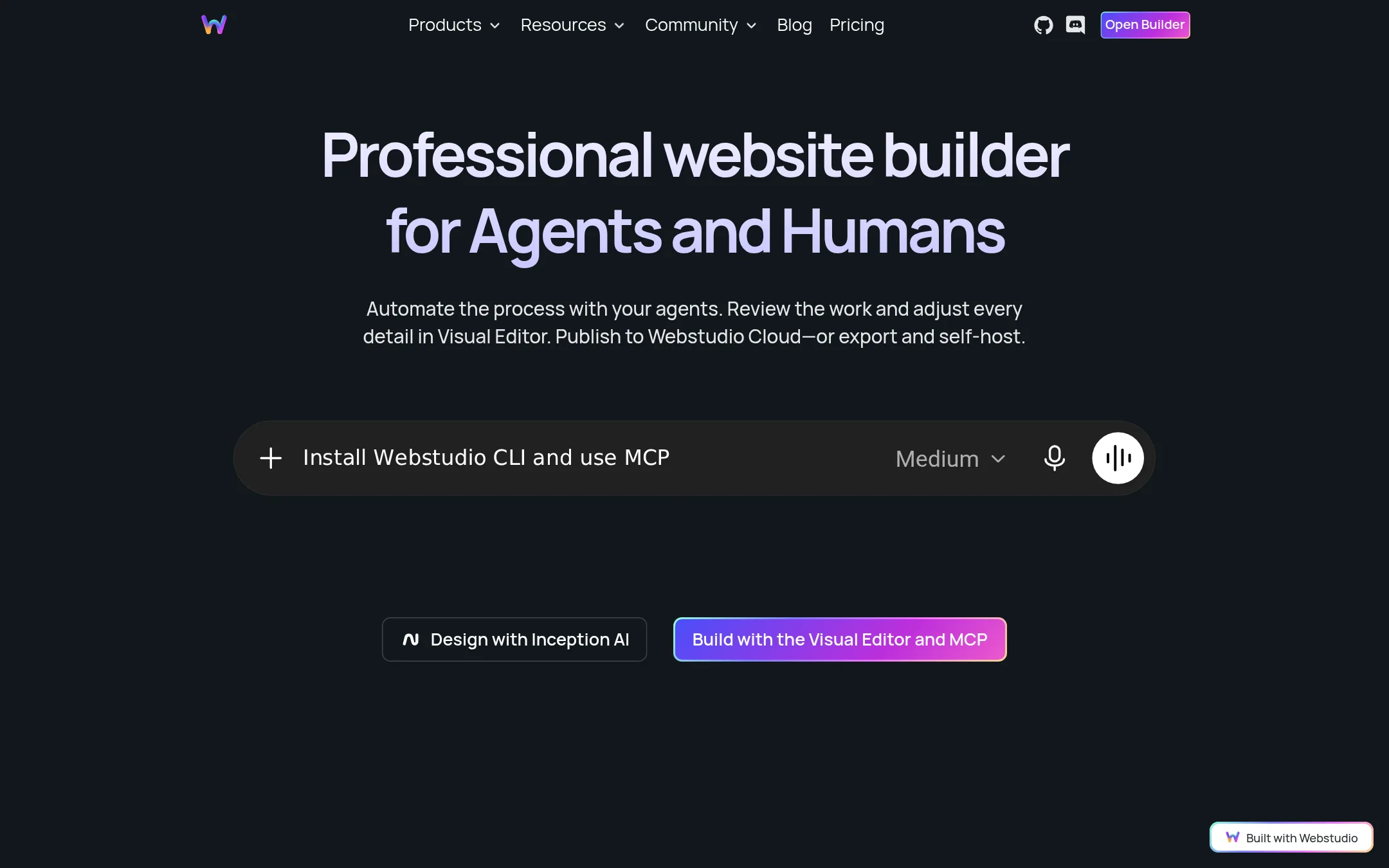
Webstudio is an open-source website builder that gives you full control over CSS and lets you export and self-host your site. Choose it over Framer if you want to avoid vendor lock-in, need to deploy anywhere, or prefer a tool that runs on open web standards.
Where it is strong
- Open source and community-driven
- Export projects and self-host anywhere
- Full CSS property control in a visual editor
Where it falls short
- Pro pricing not published on the page
- Cloud hosting is optional, so you manage your own infrastructure if self-hosting
- Pricing:
- Free plan includes a Wstd.io subdomain and unlimited projects/pages. Pro is billed yearly (price not shown in the provided text), and Team includes 5 seats. Extra page views cost $20 per 100,000 views on Pro.
- Switching from Framer:
- Moving from Framer means rebuilding your site in Webstudio, since there is no import tool mentioned.
- Not published
6.Pinegrow
Best for: Developers and agencies who work with hand-coded HTML, Tailwind, Bootstrap, or WordPress themes and want visual editing without a proprietary platform.
- Pricing
- Not published
- Category
- Other
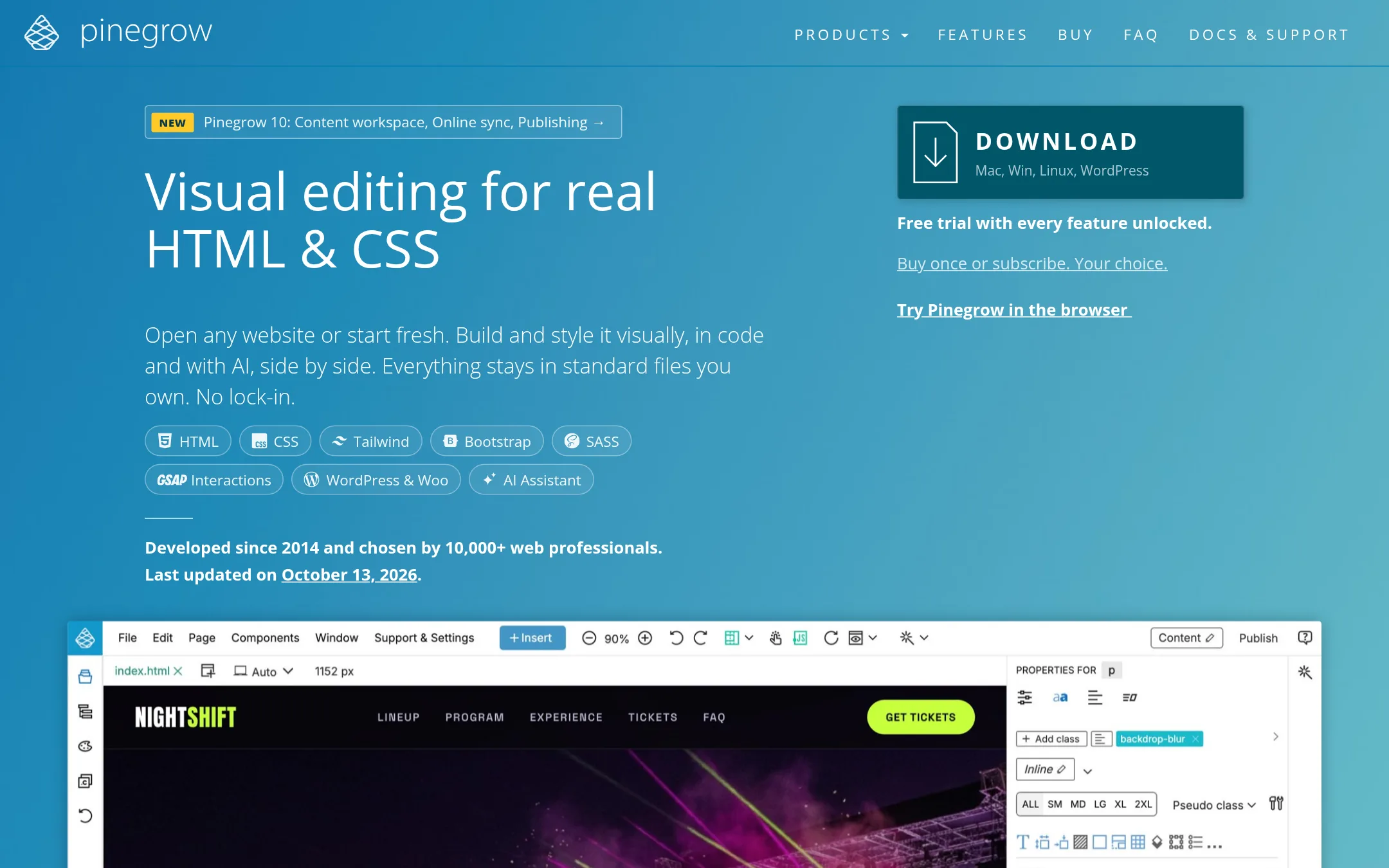
Pinegrow is a desktop editor for real HTML and CSS files, not a hosted website builder. You open any site, edit it visually or in code, and keep standard files you own. Choose it over Framer when you need to maintain existing HTML, Tailwind, Bootstrap, or WordPress projects without lock-in.
Where it is strong
- Edits real HTML and CSS files, no lock-in
- Visual tools for Tailwind, Bootstrap, and WordPress themes
- Built-in AI assistant and works with Codex and Claude Code
Where it falls short
- Desktop app, not a cloud builder like Framer
- No built-in hosting or CMS. You publish to your own server
- Pricing:
- Pricing is not published on the site.
- See website
7.Duda
Design & Creative
The AI-Ready Website Platform Built for Pros
- GSee website
8.Glade
AI & Machine Learning
Build games at the speed of thought
- See website
9.InVision
Design & Creative
Prototyping and collaboration platform for digital product teams
- From $12/editor/mo
10.Jitter
Best for: Design teams and motion designers who need to produce animated content quickly, with AI assistance and collaboration features.
- Pricing
- From $12/editor/mo
- Category
- Design & Creative
Jitter is a web-based motion design tool for creating animations, GIFs, and videos. Choose it over Framer when your focus is on animated assets for social media, ads, or product demos, not on building and hosting full websites.
Where it is strong
- AI generates animations and effects from text prompts.
- Batch export to video, GIF, Lottie, and other formats.
- Figma import and animated components for reuse.
Where it falls short
- Not a website builder. No hosting or CMS.
- Free plan limited to 3 workspace files and 720p export.
- Pricing:
- Free plan includes 3 workspace files and 720p export. Pro starts at $12 per editor per month (yearly) or $15 monthly, with 1080p export and no watermark. Max starts at $24 per editor per month (yearly) or $30 monthly, with 4K export.
- Switching from Framer:
- Moving from Framer means shifting from building and hosting sites to creating motion assets. You would export animations from Jitter and embed them in your Framer site.
- See website
11.Magic Patterns
Design & Creative
Go from idea to production with AI.
- See website
12.Onlook
Design & Creative
Cursor for Designers
See more comparisons in Design & Creative alternatives.
FAQ
Questions about Framer alternatives
What is the best Framer alternative for a small business website?
Wix is a strong choice for small businesses and non-technical users. It offers 2000+ templates, drag-and-drop editing, AI tools, and built-in hosting, domains, and business apps. Pricing is not published on the site, but it provides a complete solution in one place.
Which alternative is best for teams needing advanced collaboration?
Webflow is ideal for marketing teams and agencies that need advanced collaboration. It includes branching, shared libraries, and native analytics, with A/B testing and personalization via Optimize. Team and enterprise plans require annual contracts or custom quotes.
Can I build a web app with a Framer alternative?
Bubble is the best alternative for building full web and mobile applications. It includes a database, workflows, and API connector, with a free plan to start. Pricing is usage-based, starting at $29 per month billed annually for Starter, so costs can scale with traffic.
Are there free alternatives to Framer?
Yes, several alternatives offer free plans. Webflow has a free Starter plan, Zeplin includes 1 project and 100 screens, Jitter offers 3 workspace files and 720p export, and Bubble provides 50K workload units per month. Google Web Designer is completely free to download and use.
What if I need to create animations, not a full website?
For animations, consider Jitter, Adobe Animate, or Animaker. Jitter is web-based with AI assistance and starts at $12 per editor per month. Adobe Animate is a desktop tool for vector animation, and Animaker generates animated videos from text prompts. These are not website builders, so you would need separate hosting.
Last updated October 30, 2026.