Alternatives to Google Colab — Sign in to access Google Colab notebooks
Users searching for Google Colab alternatives often need accessible cloud environments for running Python notebooks without local setup. While Google Colab emphasizes free GPU access tied to a Google account sign-in, alternatives may offer different hardware limits, collaboration tools, or data privacy approaches. Some focus on enterprise security or seamless integration with specific IDEs, while others prioritize zero-cost tiers with fewer restrictions on runtime duration. Researchers and developers compare these options based on pre-installed libraries, sharing capabilities, and support for large-scale training jobs. Choosing an alternative depends on whether the priority is cost, performance consistency, or avoiding vendor lock-in to Google services. Exploring these platforms helps teams match their workflow to the right balance of usability and resource availability.
DatabricksDatabricks Notebooks deliver scalable Spark-based analytics with AI runtime support in a managed lakehouse environment. Strong for big data and ML pipelines, it is cloud-oriented and optimized for distributed compute rather than local Excel automation or simple Jupyter extension use. Mito provides lighter-weight, private infrastructure deployment for everyday EDA.
Deepnote is a cloud-based collaborative data notebook platform with AI features for SQL, Python, and visualization. It excels at real-time team editing and built-in data sources but requires uploading data to its servers, unlike Mito's fully on-premise Jupyter extension. Pricing is subscription-based with free tiers, making it accessible yet less suitable for enterprises needing strict data isolation or Excel-to-Python automation without workflow changes.
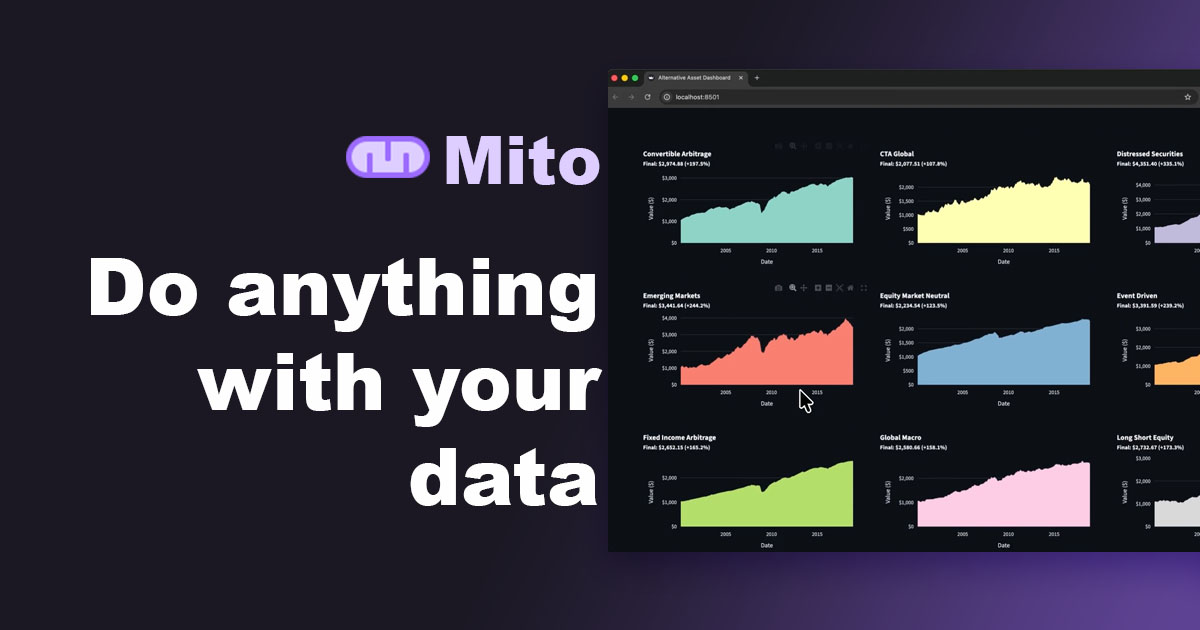
MitoDeepnote is a cloud-based collaborative data notebook platform with AI features for SQL, Python, and visualization. It excels at real-time team editing and built-in data sources but requires uploading data to its servers, unlike Mito's fully on-premise Jupyter extension. Pricing is subscription-based with free tiers, making it accessible yet less suitable for enterprises needing strict data isolation or Excel-to-Python automation without workflow changes.
CursorCursor is an AI-first code editor based on VS Code with strong chat and agent features for Python development. It accelerates coding but is not a Jupyter-native tool and lacks built-in Excel conversion or Streamlit app generation from notebooks. Mito's specialized notebook extension provides tighter integration for data analysts.
HexHex provides a modern notebook interface with strong SQL/Python integration and AI-assisted analysis aimed at data teams. It offers polished publishing and collaboration tools but operates as a hosted platform, sending data externally. Compared to Mito it lacks native Jupyter file compatibility and local deployment, trading privacy for easier sharing and dashboarding features.
AlteryxAlteryx is a low-code analytics platform focused on data preparation, blending, and automation with some AI capabilities. It appeals to Excel users moving to repeatable workflows but uses a desktop-plus-server model rather than integrating into Jupyter. Mito offers deeper notebook context awareness and Python generation at potentially lower friction for existing Jupyter users.
KNIMEKNIME is an open-source visual analytics platform for building data workflows with some Python and AI nodes. It targets non-coders through drag-and-drop but does not embed as a Jupyter extension or emphasize Excel-to-Python code generation. Mito better serves users who want to stay inside notebooks while adding AI assistance.
ObservableObservable provides reactive JavaScript notebooks optimized for data visualization and dashboards. It is strong for interactive storytelling yet operates in a different language ecosystem and hosted model. Mito remains preferable for Python-centric Jupyter users needing Excel automation and private deployment.