
1code (21st.dev) alternatives
10 products compared · Updated November 4, 2026
The short answer
The strongest alternatives to 1code (21st.dev) are Cursor for developers who want an editor-first AI coding agent with a polished UI, OpenHands for teams that need to automate SDLC workflows with self-hosted, model-agnostic agents, and Windsurf for teams that run multiple coding agents and need a single command center with cloud agent support. Each suits a different workflow: Cursor for IDE-centric development, OpenHands for automation and self-hosting, and Windsurf for multi-agent coordination.
Your shortlist, at a glance
Read the comparisons ↓ CursorFrom $8/moDevelopers and teams who want a fast, AI-powered coding agent directly in their IDE with a focus on productivity and parallel task execution.
- CClaude CodeFree / $17–$200/moDevelopers already using Claude's chat and API who want a terminal-based coding agent with tight Anthropic integration.
 ChatGPTSee websiteAI chatbot for exploring ideas, solving problems, and learning faster
- WWindsurfFrom $20/moTeams that run multiple coding agents and need a single command center with cloud agent support and enterprise integrations.
 GitHub ProjectsFrom $0 (Free plan)Teams already on GitHub that need lightweight project tracking without leaving their repository.
- AAiderNot publishedDevelopers who live in the terminal and want a git-native AI assistant that works with almost any LLM, including local models.
- OOpenHandsFrom $500/mo (10 usersTeams that want to automate repetitive SDLC tasks like PR reviews, CI fixes, and issue triage with self-hosted, model-agnostic agents.
- CContinueNot publishedTeams that previously used Continue and need an open-source coding agent client with multi-agent support and local-first execution.
- ZZedFree / $5 tokens + usaDevelopers who want a fast, open-source code editor with optional AI and the flexibility to use their own API keys or external agents.
- CClineFree + usage costsIndividual developers and teams who want a free, open-source coding agent that works in their existing editor or terminal with bring-your-own-key model access.
About 1code (21st.dev) and its alternatives
1code (21st.dev) is an open-source orchestration layer for coding agents like Claude Code and Codex. It provides a Cursor-like desktop app with diff previews, git worktree isolation, background agents in cloud sandboxes, and automations triggered from GitHub, Linear, or Slack. It is known for running multiple agents in one place with a visual UI and local-first execution.
When comparing alternatives, weigh pricing structure (free tiers, per-seat vs usage-based), regions and data residency, integrations with your existing tools (GitHub, Slack, Jira), support options, and contract terms like minimum seats or annual commitments. Also consider whether you need a desktop app, terminal-only workflow, or a self-hosted platform.
Explore the alternatives
- From $8/mo
1.Cursor
Best for: Developers and teams who want a fast, AI-powered coding agent directly in their IDE with a focus on productivity and parallel task execution.
- Pricing
- From $8/mo
- Category
- AI & Machine Learning
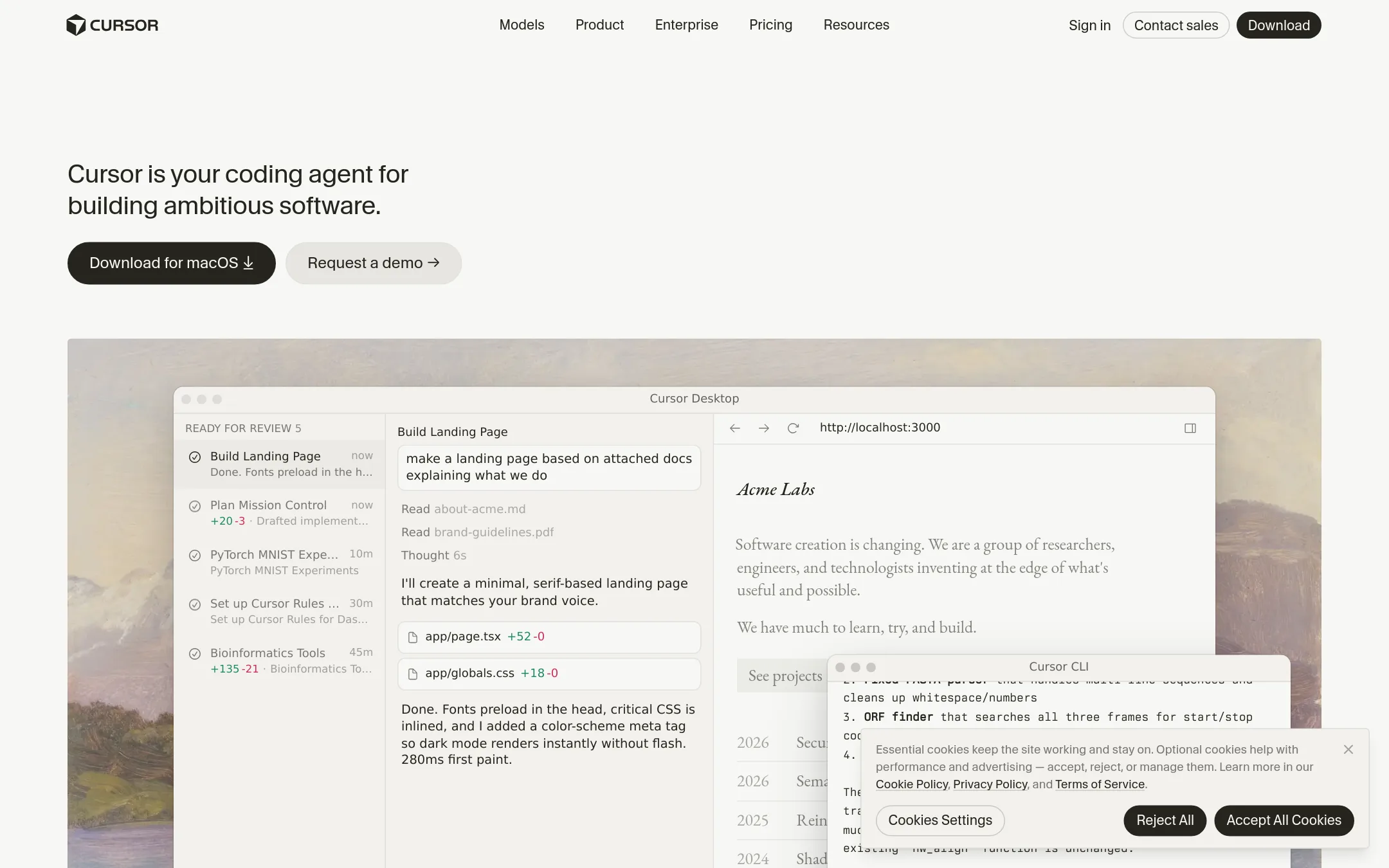
Cursor is a coding agent that works inside your editor and can run tasks autonomously. Choose it over 1code (21st.dev) if you want a more integrated, editor-first experience with a polished UI and don't need the orchestration layer for multiple agents like Claude Code and Codex.
Where it is strong
- Autonomous agents that can work in parallel and handle complex tasks.
- Supports multiple models, including third-party models at API list price.
- Built-in code hosting and AI code reviews with Bugbot.
Where it falls short
- Pricing:
- Pricing starts at $0/month for Free, $8/month for Plus, $30/month for Premium, $100/month for Super, and $200/month for Ultra, with Teams at $30+/user/month and Enterprise custom.
- CFree / $17–$200/mo
2.Claude Code
Best for: Developers already using Claude's chat and API who want a terminal-based coding agent with tight Anthropic integration.
- Pricing
- Free / $17–$200/mo
- Category
- Other
Claude Code is Anthropic's own coding agent that runs in the terminal and integrates with Claude's broader ecosystem. You would choose it over 1code (21st.dev) if you want a first-party tool from the model maker, with direct access to Claude's latest models and features like Projects and Dashboards.
Where it is strong
- First-party access to Claude models and features
- Usage credits included on Max and Ultra plans
- No separate subscription needed if you already pay for Claude
Where it falls short
- No built-in UI for diff previews or git management
- Limited to Claude models, no multi-agent support like Codex
- Pricing:
- Free tier with limited usage. Pro at $17 per month (annual) or $20 monthly. Max at $100 per month. Ultra at $200 per month.
- See website
3.ChatGPT
AI & Machine Learning
OpenAI's coding agent that 1Code also supports as a backend.
- WFrom $20/mo
4.Windsurf
Best for: Teams that run multiple coding agents and need a single command center with cloud agent support and enterprise integrations.
- Pricing
- From $20/mo
- Category
- Other
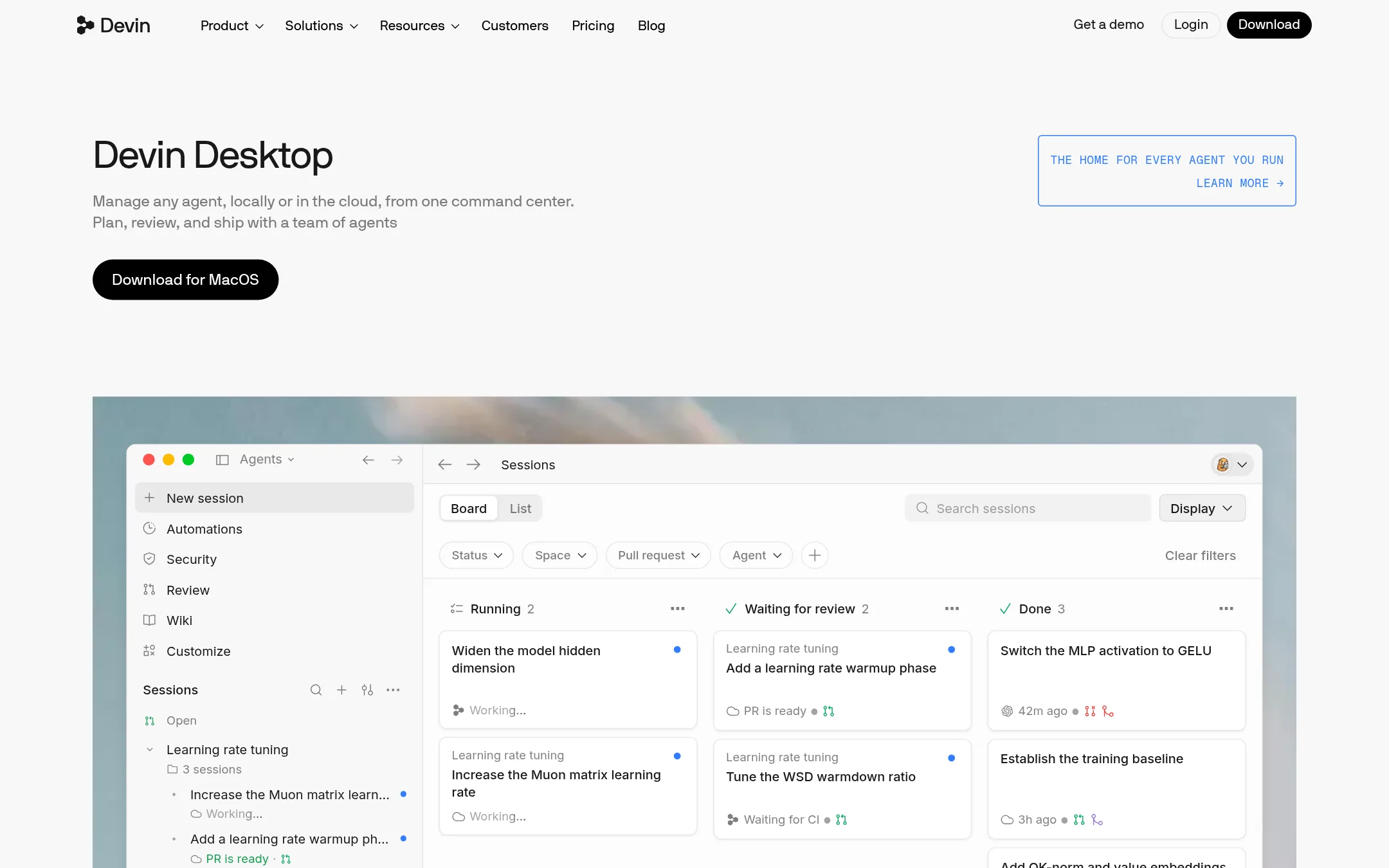
Windsurf is a desktop command center for managing multiple coding agents and models in one place, using the Agent Client Protocol. Choose it over 1code if you want to coordinate a swarm of agents, including Devin's cloud agents, and need deep integrations with tools like Slack, Jira, and GitHub.
Where it is strong
- Manage any agent and model via ACP
- Handoff between local and cloud agents
- Built-in Devin Review for diffs
Where it falls short
- Free plan has limited model availability
- Team plan requires per-seat fee on top of base
- Pricing:
- Free plan with light quota. Pro at $20/month. Max at $200/month. Teams at $80/month plus $40 per full dev seat. Enterprise custom pricing.
- Switching from 1code (21st.dev):
- Moving from 1code involves adopting ACP and possibly using Devin Cloud, which may require reconfiguring your agent workflows.
- From $0 (Free plan)
5.GitHub Projects
Best for: Teams already on GitHub that need lightweight project tracking without leaving their repository.
- Pricing
- From $0 (Free plan)
- Category
- Productivity & Project Management
GitHub Projects is a project management layer built into GitHub, so teams can track issues, pull requests, and tasks right next to their code. Choose it over 1code (21st.dev) if you want planning and tracking tightly integrated with your existing GitHub workflow, not a dedicated coding agent client.
Where it is strong
- Native integration with issues and pull requests
- Free tier includes unlimited repositories and 2,000 CI/CD minutes
- Familiar GitHub interface for developers
Where it falls short
- No coding agent orchestration or multi-agent support
- Limited to GitHub ecosystem, no local-first desktop app
- Pricing:
- GitHub Projects is included in GitHub's Free plan at $0, Team at $4 per user per month, and Enterprise at $21 per user per month.
- Switching from 1code (21st.dev):
- Moving from 1code (21st.dev) to GitHub Projects means giving up the coding agent client and adopting a simpler issue-tracking workflow, which requires no migration since your code is already on GitHub.
- ANot published
6.Aider
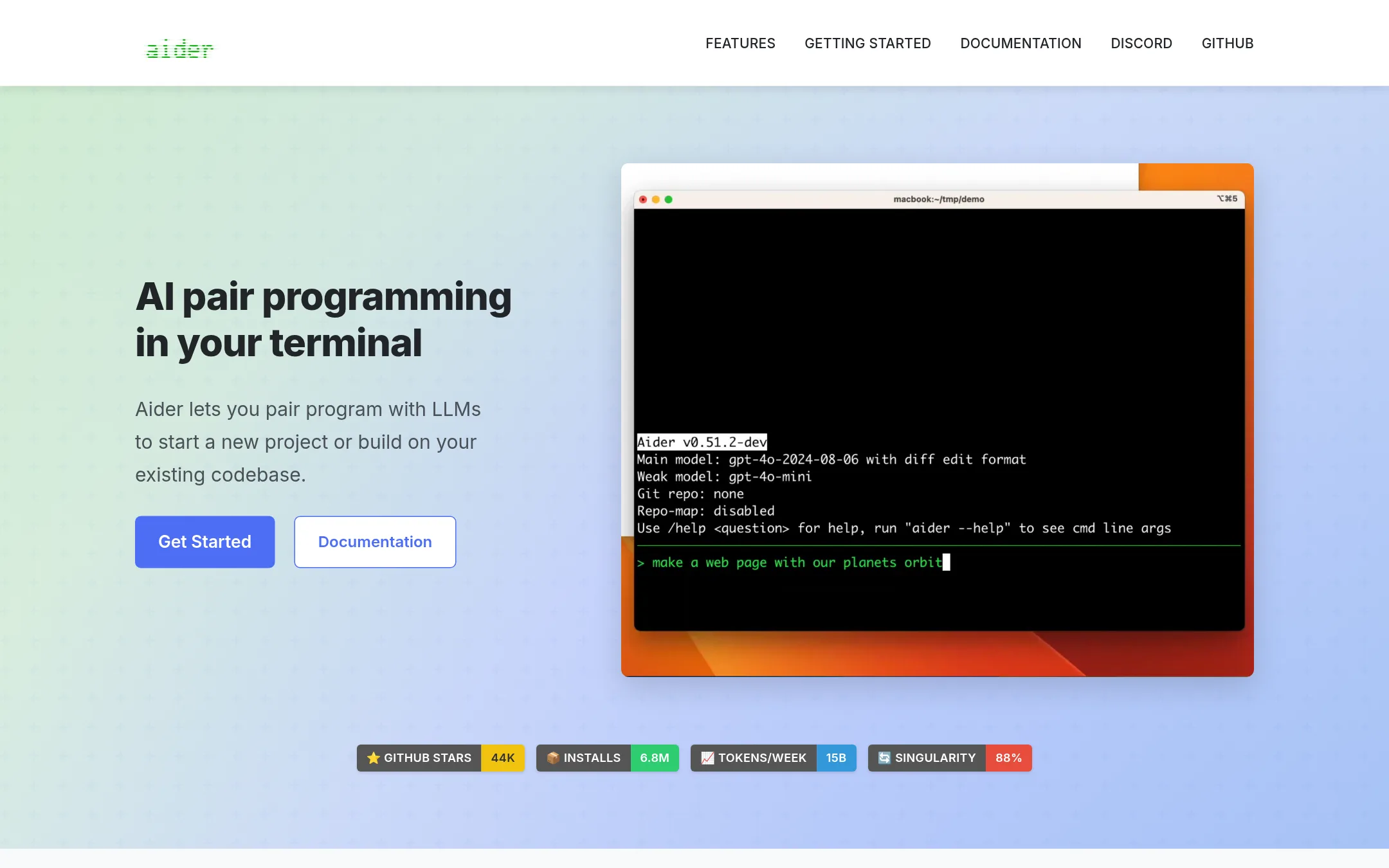
Best for: Developers who live in the terminal and want a git-native AI assistant that works with almost any LLM, including local models.
- Pricing
- Not published
- Category
- AI & Machine Learning
Aider is a terminal-based AI pair programming tool that works with many cloud and local LLMs. It maps your codebase, auto-commits changes to git, and supports linting and testing. Choose it over 1code (21st.dev) if you prefer a lightweight, terminal-first workflow and want to bring your own LLM API keys without a desktop app or cloud sandboxes.
Where it is strong
- Works with almost any LLM, including local models
- Auto-commits changes to git with sensible messages
- Maps your entire codebase for better context in large projects
Where it falls short
- No desktop UI, diff previews, or visual git client
- No background agents or cloud sandboxes for async work
- Pricing:
- Pricing is not published on the site.
- Switching from 1code (21st.dev):
- Moving from 1code (21st.dev) means giving up the visual desktop app and background agents, and adapting to a terminal-only workflow with your own LLM API keys.
- OFrom $500/mo (10 users
7.OpenHands
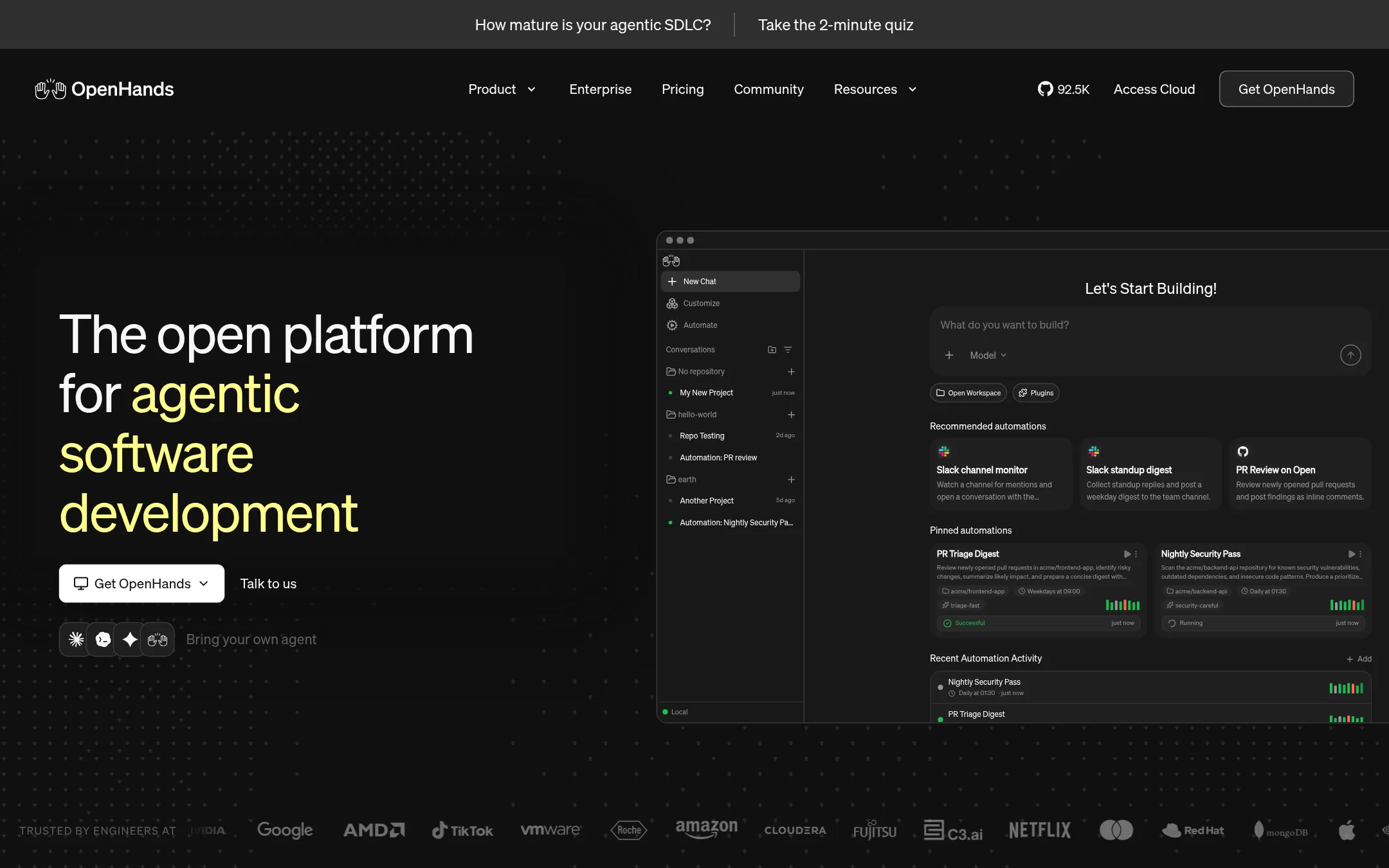
Best for: Teams that want to automate repetitive SDLC tasks like PR reviews, CI fixes, and issue triage with self-hosted, model-agnostic agents.
- Pricing
- From $500/mo (10 users
- Category
- Other
OpenHands is an open-source platform for building and running AI coding agents across the software development lifecycle. Choose it over 1code (21st.dev) if you need to automate workflows triggered by GitHub, Slack, Jira, or Linear, and want to run agents locally or in your own VPC with any model or agent stack.
Where it is strong
- Open source (MIT) and free to self-host on your laptop or VM.
- Works with any agent (Claude Code, Codex, Gemini CLI) and any model, including open weights.
- Built-in automations for GitHub, Slack, Jira, and Linear with RBAC and budgeting controls on Teams.
Where it falls short
- Teams plan is capped at 5,000 sessions per month. Enterprise is required for unlimited usage.
- No desktop app with diff previews or built-in git client like 1code (21st.dev) offers.
- Pricing:
- Agent Canvas is free and open source (MIT). Teams costs $500/month for up to 10 users, with additional seats at $50/month each. Enterprise has custom pricing.
- Switching from 1code (21st.dev):
- Moving from 1code (21st.dev) to OpenHands means setting up your own automations and integrations, and bringing your own LLM keys, since OpenHands does not bundle agent binaries or a managed cloud.
- CNot published
8.Continue
Best for: Teams that previously used Continue and need an open-source coding agent client with multi-agent support and local-first execution.

- Pricing
- Not published
- Category
- Developer Tools
Continue was an open-source coding assistant that has been acquired by Cursor. If you were using Continue, you can no longer rely on it as a standalone product, so 1code (21st.dev) is a viable replacement for running Claude Code and Codex locally with a visual UI.
Where it is strong
- Open-source codebase remains freely available
- Acquired by Cursor, indicating strong backing
- Built a pioneering open-source coding agent
Where it falls short
- No longer actively developed as a standalone product
- Subscriptions and data handling are unclear after acquisition
- Pricing:
- Pricing is not published on the site.
- Switching from 1code (21st.dev):
- Moving from Continue to 1code (21st.dev) means adopting a new client that supports Claude Code and Codex, with local worktrees and background agents.
- ZFree / $5 tokens + usa
9.Zed
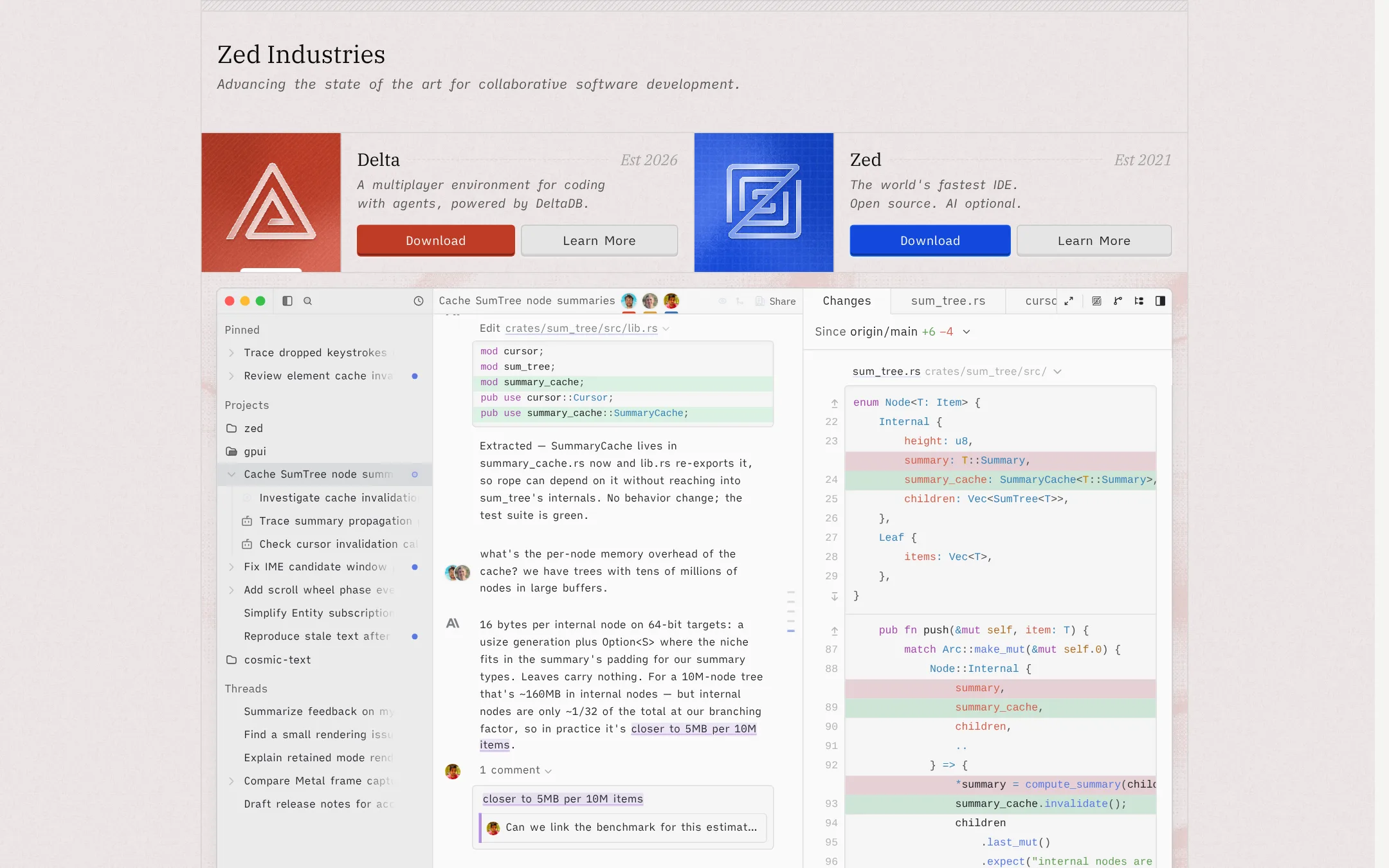
Best for: Developers who want a fast, open-source code editor with optional AI and the flexibility to use their own API keys or external agents.
- Pricing
- Free / $5 tokens + usa
- Category
- Other
Zed is a high-performance multiplayer code editor with optional AI, built by the creators of Atom and Tree-sitter. Choose it over 1code if you want a fast, open-source editor where AI is optional and you can bring your own API keys or external agents like Claude Agent and Codex CLI. It suits developers who prefer a traditional editor experience over a dedicated coding-agent orchestration client.
Where it is strong
- Fast, GPU-accelerated editor with multiplayer collaboration
- AI is optional. Bring your own keys or external agents
- Open source with weekly releases
Where it falls short
- Business plan lacks SSO, SAML, and SCIM (planned but not available)
- Pro's $5 token credit is small for heavy AI use
- Pricing:
- Personal plan is free forever with your own API keys. Pro costs $5 of tokens included with usage-based billing beyond that at API list price +10%. Business is for teams with org-level controls, no minimum seats, and order forms at 25+ seats.
- Switching from 1code (21st.dev):
- Moving from 1code means adopting a traditional editor workflow rather than a dedicated agent orchestration client, so you'll manage agents through external tools or your own keys.
- CFree + usage costs
10.Cline
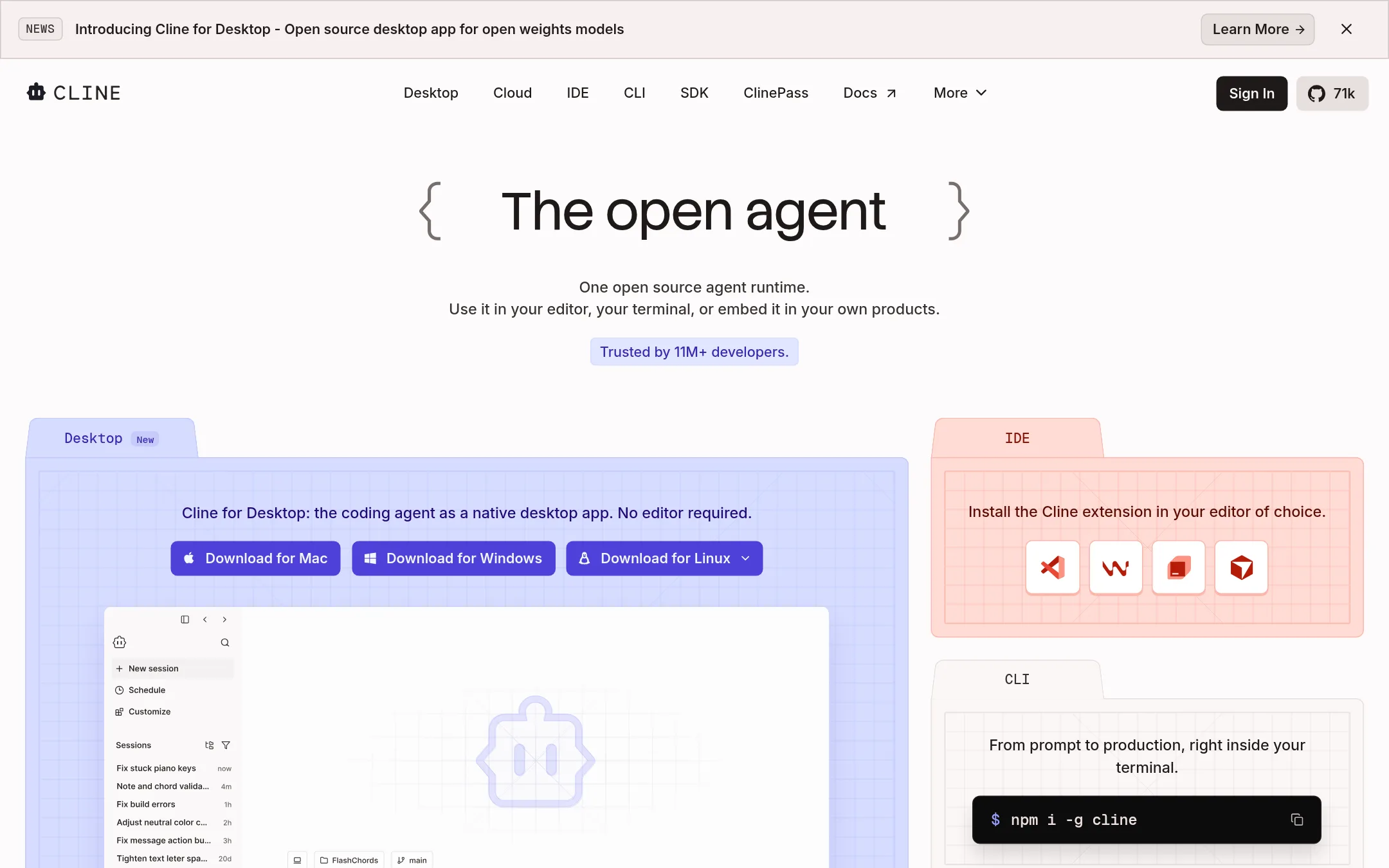
Best for: Individual developers and teams who want a free, open-source coding agent that works in their existing editor or terminal with bring-your-own-key model access.
- Pricing
- Free + usage costs
- Category
- Other
Cline is an open-source coding agent that runs in your editor, terminal, or as a desktop app. It supports Plan/Act modes, MCP integration, and works with any model provider. Choose Cline over 1code if you want a free, self-hosted agent that works inside your existing IDE or terminal without a separate orchestration layer.
Where it is strong
- Free for individuals, no subscriptions or seat fees
- Works in VS Code, JetBrains, Cursor, Windsurf, and terminal
- Bring your own API keys or use local models via Ollama/LM Studio
Where it falls short
- Enterprise features like SSO and centralized billing require a paid plan
- No built-in cloud sandboxes for background agents like 1code's Pro/Max
- Pricing:
- Cline is free for individual developers. You pay only for AI inference on a usage basis. Enterprise pricing is not published on the site.
- Switching from 1code (21st.dev):
- Moving from 1code to Cline means giving up the orchestration layer and built-in background agents. You'll run Cline directly in your editor or terminal and manage your own model keys.
See more comparisons in Developer Tools alternatives.
FAQ
Questions about 1code (21st.dev) alternatives
What is the cheapest way to get a coding agent with a visual UI?
Cline is free for individual developers with bring-your-own-key model access, and it works in VS Code, JetBrains, Cursor, Windsurf, and terminal. Zed's Personal plan is free forever with your own API keys. Cursor's Free plan starts at $0/month, but paid plans start at $8/month.
Which alternative supports multiple coding agents like Claude Code and Codex?
Windsurf manages any agent and model via the Agent Client Protocol, including Devin's cloud agents. OpenHands works with any agent (Claude Code, Codex, Gemini CLI) and any model, including open weights. 1code itself supports Claude Code and Codex in one app.
Can I run agents locally without cloud sandboxes?
Yes. Cline runs locally in your editor or terminal with no cloud dependency. Zed is a local editor with optional AI. OpenHands can be self-hosted on your laptop or VM. 1code also supports local-first execution with git worktree isolation.
Which alternative is best for automating PR reviews and CI fixes?
OpenHands has built-in automations for GitHub, Slack, Jira, and Linear, with RBAC and budgeting controls on Teams. 1code offers automations triggered from GitHub, Linear, or Slack, but they require a Pro or Max subscription. Windsurf also supports enterprise integrations like Slack and Jira.
Are there any free tiers with generous limits?
GitHub Projects is included in GitHub's Free plan at $0, which includes unlimited repositories and 2,000 CI/CD minutes. Cline is free for individuals with no subscription. Zed's Personal plan is free forever with your own API keys. Cursor's Free plan is $0/month but has limited usage.
Last updated November 4, 2026.