
42 alternatives
10 products compared · Updated October 15, 2026
The short answer
The strongest alternatives to 42 are Microsoft Power BI, Looker, and Domo. Power BI suits teams already in the Microsoft ecosystem needing a general BI tool. Looker fits enterprises on Google Cloud that need a flexible semantic layer and embedded analytics. Domo is best for teams wanting a broad, credit-based platform with unlimited users and AI features.
Your shortlist, at a glance
Read the comparisons ↓- TTableauSee websiteData visualization and analytics platform
 Microsoft Power BINot publishedTeams that need a general BI tool for dashboards and reports across multiple departments, especially those already using Microsoft 365.
 LookerNot publishedEnterprises on Google Cloud that need a flexible BI platform with embedded analytics and AI agents across multiple business functions.
DomoCustom quoteTeams that need a flexible, enterprise-grade analytics platform with AI features and don't require retail-specific data modeling.
 SisenseCustom quoteSoftware teams that need to embed white-labeled, AI-driven analytics into their customer-facing product.
 Qlik SenseNot publishedTeams that need a broad, self-managed analytics platform across industries, with strong data integration and visualization capabilities.
 KlipfolioFrom $120/moTeams that want a self-serve dashboard tool for connecting to many data sources and building custom reports without a dedicated data team.
 Google Looker StudioFreeSmall teams or individuals who want free, flexible dashboards from their own data sources without retail-specific modeling.
 ThoughtSpotFrom $25/user/moEnterprises that need governed AI analytics across multiple teams and want to embed insights into their own products.
 ChartMogulNot publishedSaaS companies with complex billing setups that need reliable subscription metrics and AI-driven insights.
About 42 and its alternatives
42 is a managed retail data and analytics platform for brands. It unifies data sources into one data warehouse and adds a retail semantic layer, so your team and AI work from consistent numbers. It is known for pre-built retail metrics like sell-through and markdown, and for serving global fashion and lifestyle brands.
When comparing alternatives, weigh pricing structure, regions served, integrations, support, and contract terms. Some tools are general-purpose BI with no retail-specific metrics. Others are credit-based or require contacting sales for quotes. Consider whether you need a managed service or are willing to handle your own data modeling and maintenance.
Explore the alternatives
- TSee website
1.Tableau
Analytics & Data
Tableau is a leading visual analytics platform used across industries. It offers powerful dashboards and data storytelling but requires more manual data modeling for retail hierarchies and calendars compared with 42's out-of-the-box retail metrics. Pricing is typically per-user subscription and can scale higher for enterprise teams.
- Not published
2.Microsoft Power BI
Best for: Teams that need a general BI tool for dashboards and reports across multiple departments, especially those already using Microsoft 365.
- Pricing
- Not published
- Category
- Analytics & Data
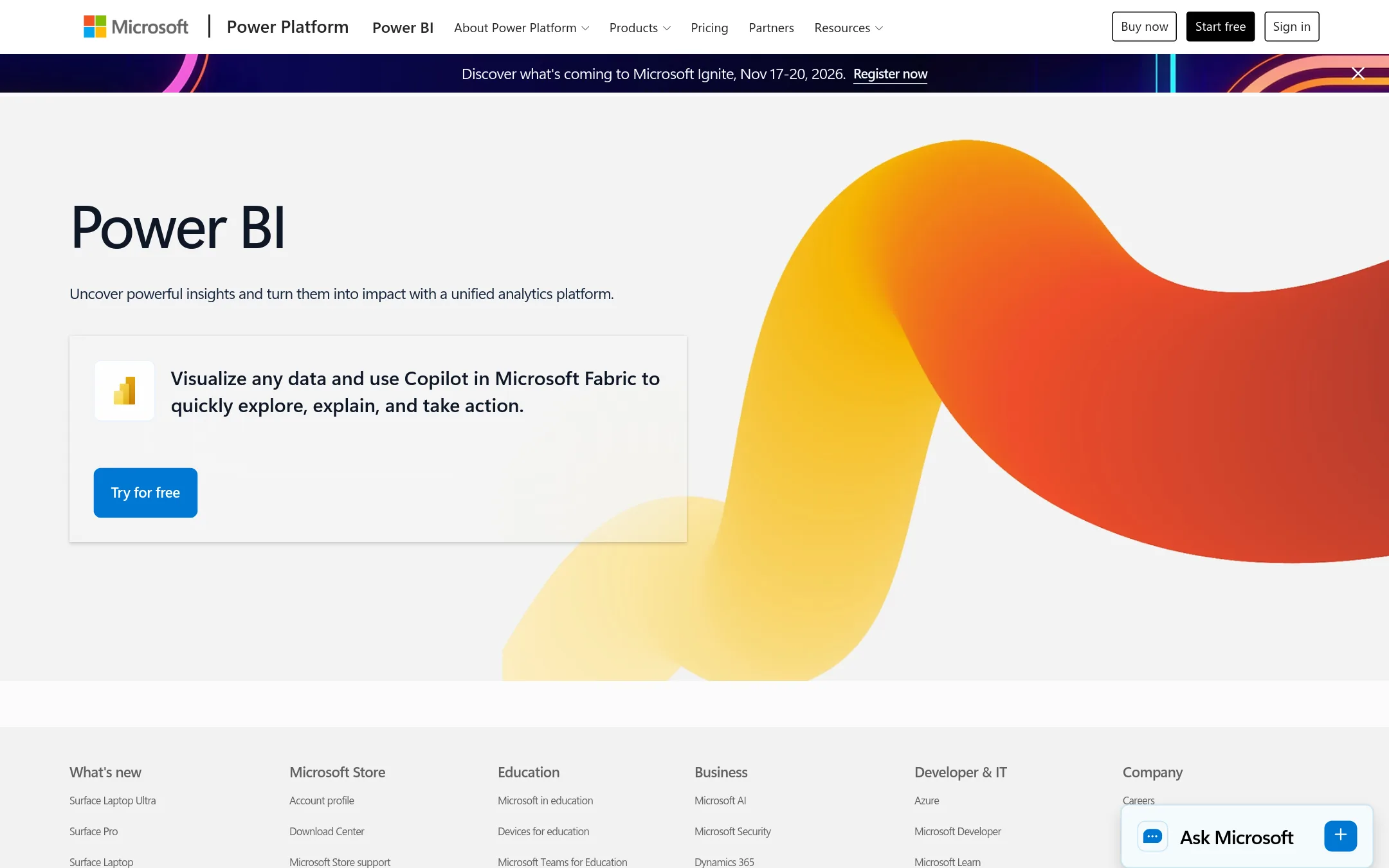
Microsoft Power BI is a general-purpose business intelligence platform for visualizing data from many sources. Choose it when you need a flexible, widely adopted BI tool and your team already lives in the Microsoft ecosystem, rather than a retail-specific analytics stack with pre-built retail metrics.
Where it is strong
- Connects to hundreds of data sources, from Excel to cloud databases.
- Strong integration with Microsoft 365 apps like Teams and Excel.
- Large community and extensive learning resources.
Where it falls short
- No retail-specific metrics or semantic layer out of the box.
- Requires your own data modeling and ETL work.
- Pricing:
- Pricing is not published on the site.
- Not published
3.Looker
Best for: Enterprises on Google Cloud that need a flexible BI platform with embedded analytics and AI agents across multiple business functions.
- Pricing
- Not published
- Category
- Analytics & Data
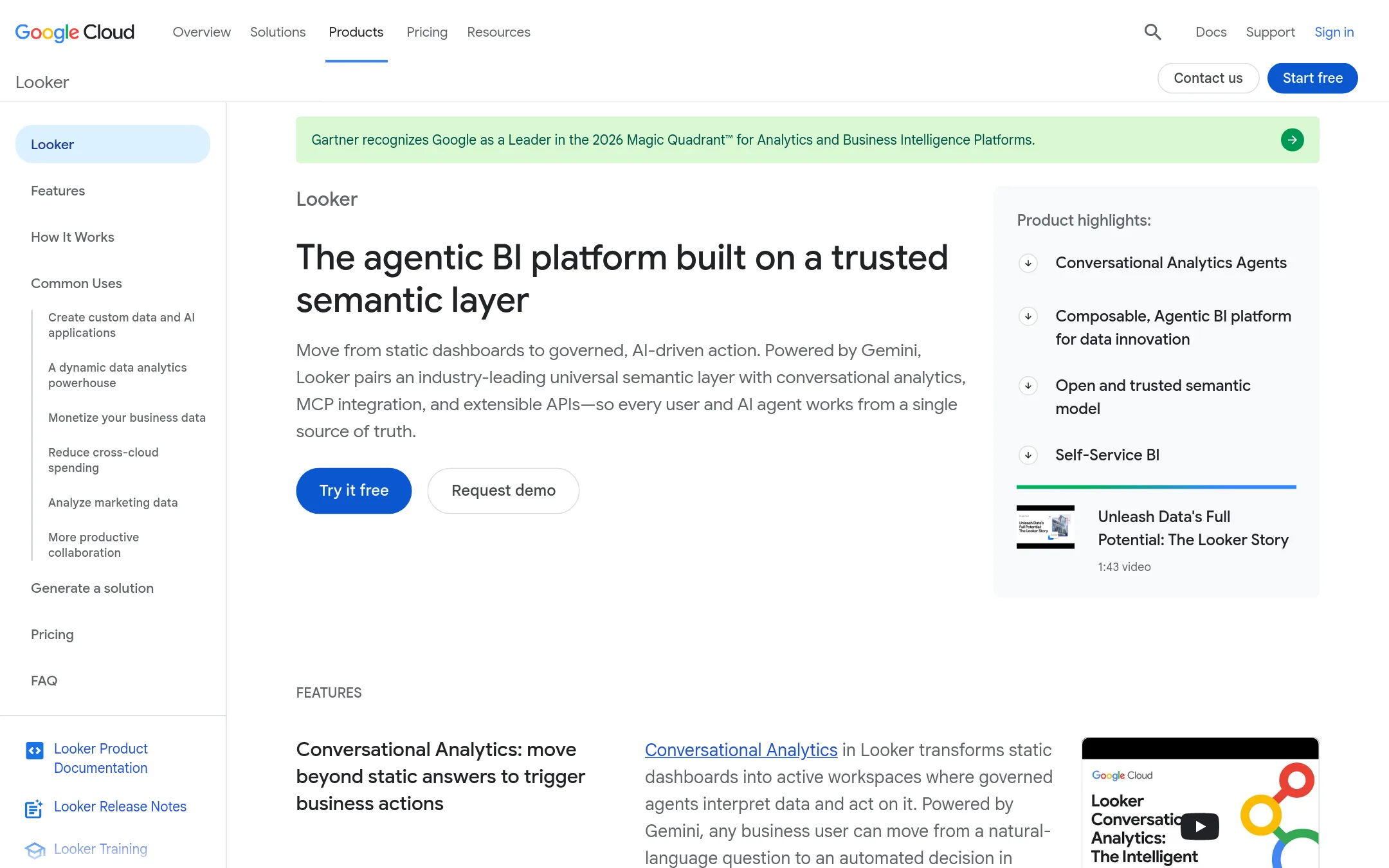
Looker is a general-purpose enterprise BI platform from Google Cloud. It gives you a semantic layer for defining metrics, embedded analytics, and Gemini-powered conversational agents. Choose it when you need a broad BI tool that works across many industries, not just retail, and you are already invested in Google Cloud.
Where it is strong
- Semantic layer keeps metric definitions consistent across teams.
- Embedded analytics let you put dashboards inside your own product.
- Gemini agents provide conversational access to your data.
Where it falls short
- Pricing is not public, so you have to contact sales.
- No retail-specific data models or pre-built retail connections.
- Pricing:
- Pricing is not published on the site. The pricing page returns a 404 error.
- Custom quote
4.Domo
Best for: Teams that need a flexible, enterprise-grade analytics platform with AI features and don't require retail-specific data modeling.
- Pricing
- Custom quote
- Category
- Analytics & Data
Domo is a general-purpose analytics platform that connects to over 1,000 data sources and offers AI agents, dashboards, and automation. Choose it over 42 if you need a broad, credit-based platform that works across industries, not just retail, and you want unlimited users without per-seat costs.
Where it is strong
- Unlimited users with no per-seat charges
- Connects to 1,000+ data sources
- Built-in AI agents and automation
Where it falls short
- No retail-specific metrics like sell-through out of the box
- Credit-based pricing can be unpredictable for small teams
- Pricing:
- Pricing is custom and credit-based. A 30-day free trial is available, but no specific prices are published.
- Switching from 42:
- Moving from 42 means rebuilding retail data models and definitions in Domo, as it lacks 42's retail semantic layer.
- Custom quote
5.Sisense
Best for: Software teams that need to embed white-labeled, AI-driven analytics into their customer-facing product.
- Pricing
- Custom quote
- Category
- Analytics & Data
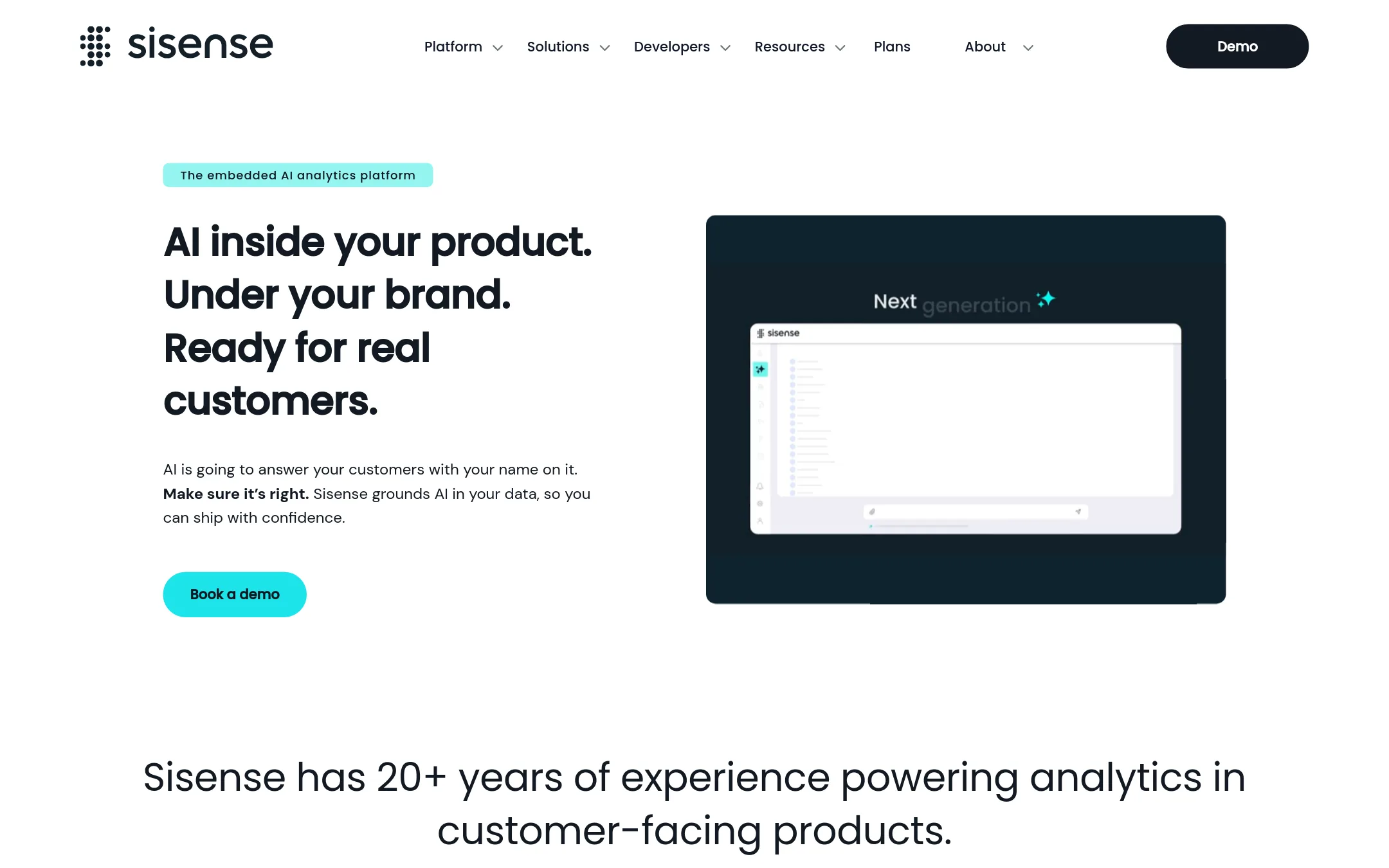
Sisense is an embedded analytics platform that lets you put AI-powered dashboards and natural-language queries inside your own product. Choose it over 42 when you are a software vendor that needs to offer analytics to your customers under your brand, rather than a retailer that wants a unified view of its own omnichannel data.
Where it is strong
- Embed analytics via iframe or Compose SDK with any tech stack.
- Multi-tenant architecture keeps each customer's data isolated.
- Bring your own LLM for governed AI, plus built-in natural-language queries.
Where it falls short
- Pricing is not transparent. You must contact sales for a quote.
- Geared toward product embedding, not retail-specific metrics like sell-through or markdown.
- Pricing:
- Pricing is not published on the site. Plans are Enterprise and Self-Serve, with Enterprise built to your specifications.
- Not published
6.Qlik Sense
Best for: Teams that need a broad, self-managed analytics platform across industries, with strong data integration and visualization capabilities.
- Pricing
- Not published
- Category
- Analytics & Data
Qlik Sense is a general-purpose analytics and data integration platform that combines data from many systems into dashboards and reports. Choose it over 42 if you need a flexible BI tool for multiple industries and use cases, not just retail, and you prefer to manage your own analytics stack.
Where it is strong
- Combines data integration and visualization in one platform
- Works across industries, not limited to retail
- Strong on-prem deployment option
Where it falls short
- No retail-specific semantic layer or metrics like sell-through
- Requires more in-house setup and maintenance than a managed retail platform
- Pricing:
- Pricing is not published on the site.
- From $120/mo
7.Klipfolio
Best for: Teams that want a self-serve dashboard tool for connecting to many data sources and building custom reports without a dedicated data team.
- Pricing
- From $120/mo
- Category
- Analytics & Data
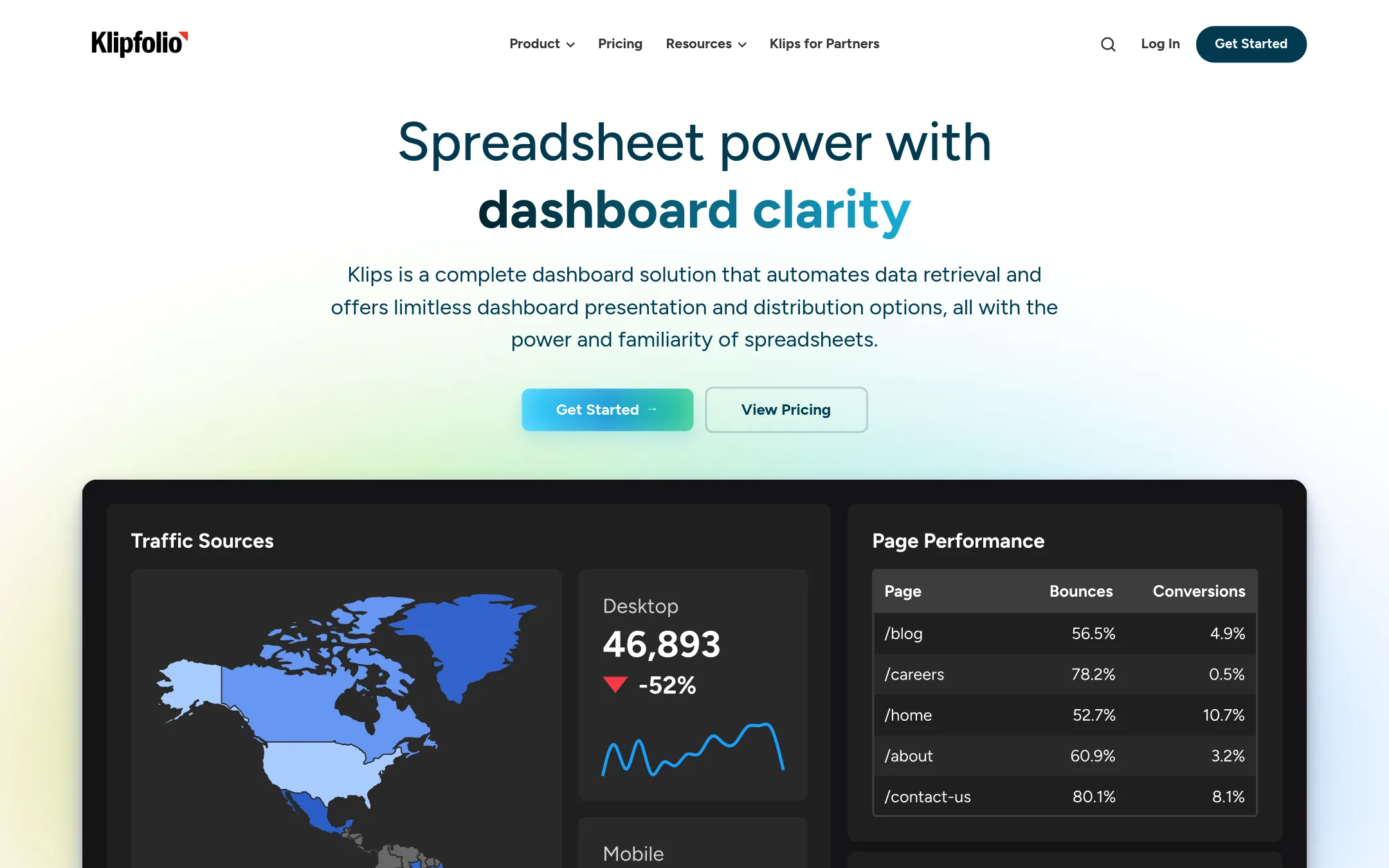
Klipfolio is a dashboard and reporting tool that connects to 200+ services and lets you build custom dashboards without code. Choose it over 42 if you need a general-purpose BI tool for any industry, not just retail, and you want to manage dashboards yourself rather than rely on a managed retail data platform.
Where it is strong
- Connects to 200+ data sources directly, no warehouse required
- Unlimited users on all plans, including the cheapest
- White-label and custom domain options for agencies and consultants
Where it falls short
- No retail-specific metrics like sell-through or markdown built in
- Dashboard limits on lower plans (3, 10, 20) may feel restrictive
- Pricing:
- Klipfolio starts at $120 per month billed annually ($140 monthly) for 3 dashboards, unlimited users, and 4-hour data refresh. Higher tiers go up to $600 per month billed annually ($690 monthly) for 40 dashboards and up-to-the-minute refresh.
- Switching from 42:
- Moving from 42 means rebuilding your retail metrics and dashboards in Klipfolio, since Klipfolio does not come with a retail semantic layer or pre-built retail definitions.
- Free
8.Google Looker Studio
Best for: Small teams or individuals who want free, flexible dashboards from their own data sources without retail-specific modeling.
- Pricing
- Free
- Category
- Analytics & Data
Google Looker Studio is a free, self-serve dashboard and reporting tool that connects to many data sources. Choose it when you need basic visualizations and sharing without a managed retail data warehouse or retail-specific metrics.
Where it is strong
- Free to use with Google account
- Connects to many built-in and partner data sources
- Easy sharing and embedding of reports
Where it falls short
- No retail-specific metrics or semantic layer
- Requires manual data preparation and maintenance
- Pricing:
- Pricing is not published on the site. The homepage says it is easy and free.
- Switching from 42:
- Moving from 42 means rebuilding your dashboards and metric definitions from scratch in Looker Studio, since it has no pre-built retail data models.
- From $25/user/mo
9.ThoughtSpot
Best for: Enterprises that need governed AI analytics across multiple teams and want to embed insights into their own products.
- Pricing
- From $25/user/mo
- Category
- Analytics & Data
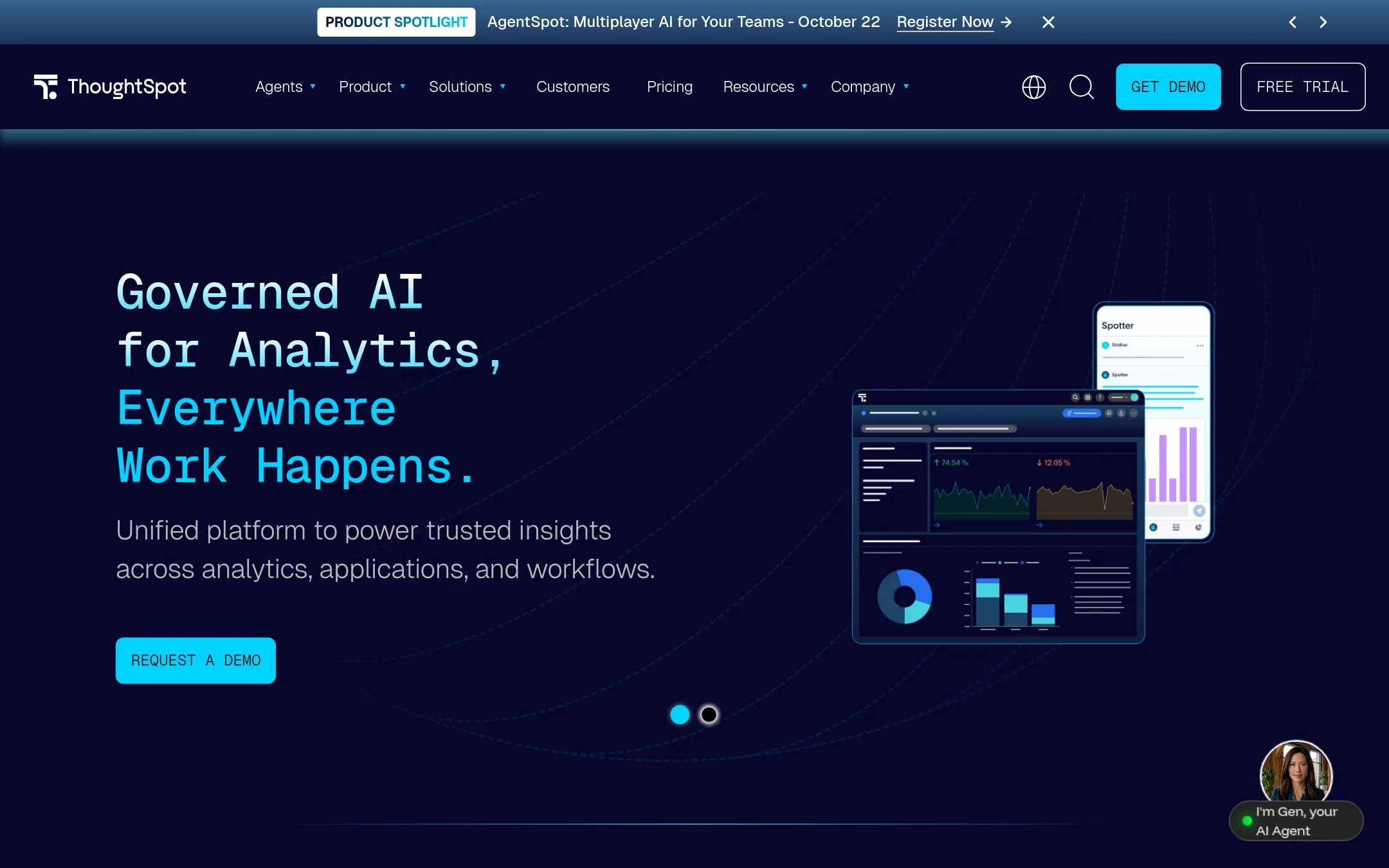
ThoughtSpot is a general-purpose agentic analytics platform that lets teams ask questions in natural language and get answers grounded in governed business definitions. It is a good choice if you need AI-driven analytics across many teams and want to embed analytics into your own applications, rather than focusing on retail-specific data modeling.
Where it is strong
- Natural-language search and AI agents for instant insights
- Semantic layer ensures consistent definitions and governed answers
- Embeddable analytics with API and SDK for product teams
Where it falls short
- No retail-specific data models or pre-built retail metrics
- Pricing can get complex with usage-based credits and custom enterprise quotes
- Pricing:
- Developer plan starts at $25 per user per month billed annually. Pro plan is $50 per user per month billed annually. Essentials is free for up to 10 users. Enterprise pricing is custom.
- Switching from 42:
- Moving from 42 means rebuilding your retail semantic layer and metric definitions in ThoughtSpot, since it does not come with retail-specific models.
- Not published
10.ChartMogul
Best for: SaaS companies with complex billing setups that need reliable subscription metrics and AI-driven insights.
- Pricing
- Not published
- Category
- Analytics & Data
ChartMogul is a subscription analytics platform that turns billing data from multiple systems into accurate MRR, churn, and LTV metrics. Choose it over 42 if you run a SaaS business and need deep recurring revenue intelligence, not retail-specific analytics.
Where it is strong
- Supports multiple billing systems and complex plans like add-ons and overages
- Tracks multi-currency revenue, separating FX effects from true growth
- AI answers give context behind numbers, saving time on manual analysis
Where it falls short
- No retail-specific features like inventory or sell-through metrics
- Pricing not transparent, requires contacting sales
- Pricing:
- Pricing is not published on the site.
See more comparisons in Analytics & Data alternatives.
FAQ
Questions about 42 alternatives
What is the main difference between 42 and general BI tools like Power BI or Looker?
42 is built specifically for retail, with pre-built metrics like sell-through and markdown, and a managed data warehouse. General BI tools require you to define your own metrics and do your own data modeling. Choose 42 if you want retail-specific insights without building them yourself.
Which alternative is best for a small ecommerce brand?
Google Looker Studio is free and simple, but lacks retail metrics. Klipfolio starts at $120 per month and offers unlimited users, but also lacks retail-specific features. For a small brand needing retail metrics, 42's entry plan at $1,000 per month might be more than needed, so consider a general BI tool if budget is tight.
Which alternative is best for a large enterprise with complex data needs?
Domo offers unlimited users and connects to over 1,000 sources, but pricing is credit-based. Looker provides a semantic layer and embedded analytics, but requires Google Cloud. ThoughtSpot offers governed AI analytics with a developer plan at $25 per user per month. Evaluate your existing cloud and integration needs.
Do any alternatives offer retail-specific metrics like sell-through?
None of the listed alternatives have pre-built retail metrics. 42 is unique in that regard. You would need to define these metrics yourself in tools like Power BI or Looker, which requires data modeling effort.
Which alternative has transparent pricing?
Klipfolio and ThoughtSpot publish pricing. Klipfolio starts at $120 per month, and ThoughtSpot's developer plan is $25 per user per month. Others like Power BI, Looker, Domo, and Sisense do not publish prices, so you must contact sales.
Last updated October 15, 2026.