
AIVideo.com alternatives
8 products compared · Updated November 9, 2026
The short answer
The three strongest alternatives to AIVideo.com are Synthesia, HeyGen and Descript. Synthesia suits enterprise L&D and sales teams that need presenter-led training videos localized into many languages. HeyGen suits corporate teams that need talking-presenter videos in many languages, including custom avatars of their own face and voice. Descript suits marketing, sales and support teams that edit recorded talking-head or podcast video by changing the transcript.
Your shortlist, at a glance
Read the comparisons ↓ RunwayNot publishedMobile engineering teams that ship iOS or Android apps and want release steps automated and tracked
- PPikaFrom $10/moSolo creators and small content teams who want several AI video and image models in one subscription
- KKling AINot publishedE-commerce and consumer brands that need on-model fashion showcases and product videos generated from existing product photos
- LLuma AIFrom $30/moCreative agencies and brand teams that need many video and image variants that stay on-brand
- SSynthesiaFrom $0/mo (Basic planEnterprise L&D and sales teams that need presenter-led training videos localized into many languages
- HHeyGenFrom $0 / $29/moCorporate L&D and sales teams that need presenter videos in many languages
Canva WhiteboardsNot publishedTeams that need a shared whiteboard for brainstorming and planning before production work begins
 DescriptFrom $16/mo per personMarketing, sales, and support teams that record talking-head or podcast video and need to edit it without a dedicated video editor
About AIVideo.com and its alternatives
AIVideo.com is an AI video production platform. Its site describes a set of generative models, a native editor, workflows, automations and an MCP for producing content, and it highlights music visuals, script-to-video tools and e-commerce ad formats.
When comparing alternatives in this category, look at how pricing is structured, including free tiers, credit systems and whether team plans are published or quoted. Check which regions and languages a tool supports, what integrations it offers, what kind of support comes with each plan, and what the contract terms are for enterprise buyers.
Explore the alternatives
- Not published
1.Runway
Best for: Mobile engineering teams that ship iOS or Android apps and want release steps automated and tracked
- Pricing
- Not published
- Category
- Developer Tools
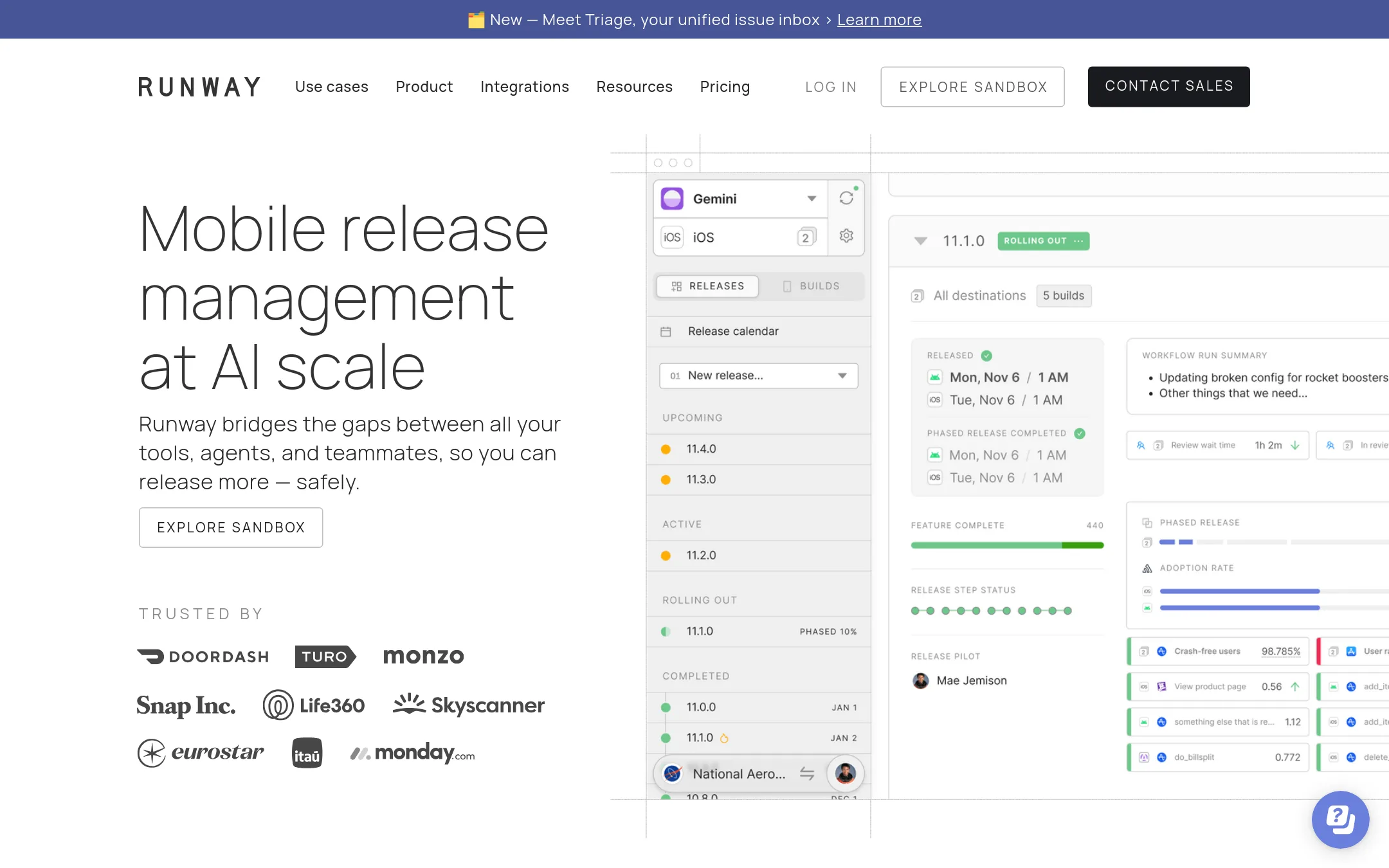
Runway is a mobile release management platform built for teams shipping iOS and Android apps. It tracks every step of a release in one place, automates routine release tasks, and sends status updates so nobody has to ask where a release stands. Someone would pick Runway over AIVideo.com when the job is shipping mobile app builds, not producing video content.
Where it is strong
- Tracks the whole release cycle from one dashboard
- Automates release steps so routine releases run without manual work
- Lists integrations with cloud tools and self-hosted tools on paid plans
Where it falls short
- Built only for mobile app releases, so it does nothing for video creation
- Advanced items such as SSO, RBAC and rollbacks sit in higher tiers
- Pricing:
- Pricing is not published on the site.
- PFrom $10/mo
2.Pika
Best for: Solo creators and small content teams who want several AI video and image models in one subscription
- Pricing
- From $10/mo
- Category
- Other
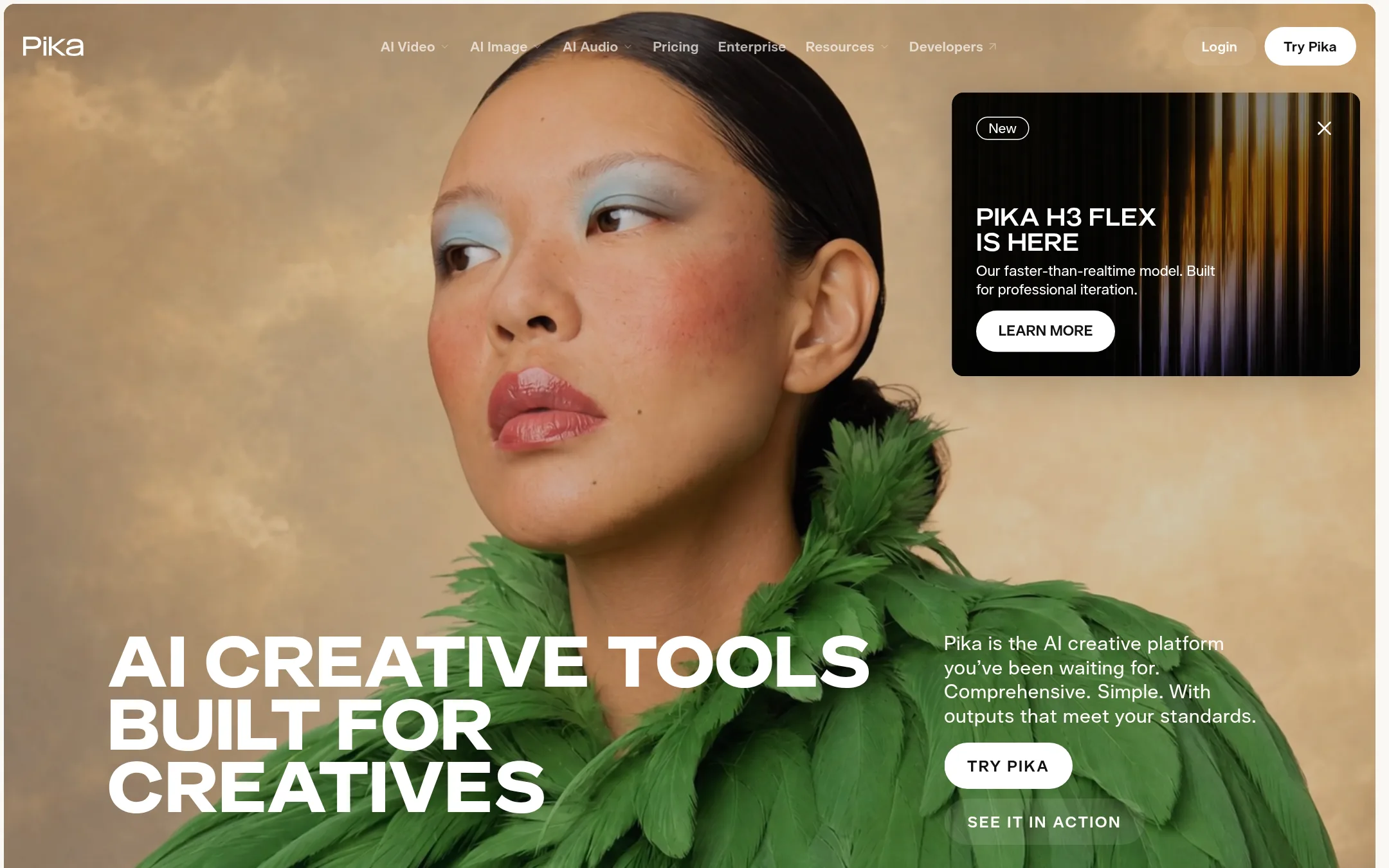
Pika is a creative platform that bundles video, image, audio and sound tools in one place, with many third-party generation models such as Seedance, Kling, Veo and Wan. Someone would pick it over AIVideo.com if they want a wide choice of models and dedicated tools like color grading, video extension, and a soundtrack generator for an existing clip.
Where it is strong
- Many models in one place, including Seedance, Kling, Veo and Wan
- Dedicated tools for color grading, extending footage and scoring clips with sound
- A free plan lets you try all models before paying
Where it falls short
- Free plan has no commercial license and no priority queue
- Credit costs vary a lot by model and resolution, so monthly output is hard to predict
- Pricing:
- Pika has a free plan with credit packs, Starter is $10/month, Creator is $35/month, and Fancy is $95/month when billed monthly, with annual billing lowering each price by about 20%.
- KNot published
3.Kling AI
Best for: E-commerce and consumer brands that need on-model fashion showcases and product videos generated from existing product photos
- Pricing
- Not published
- Category
- Other
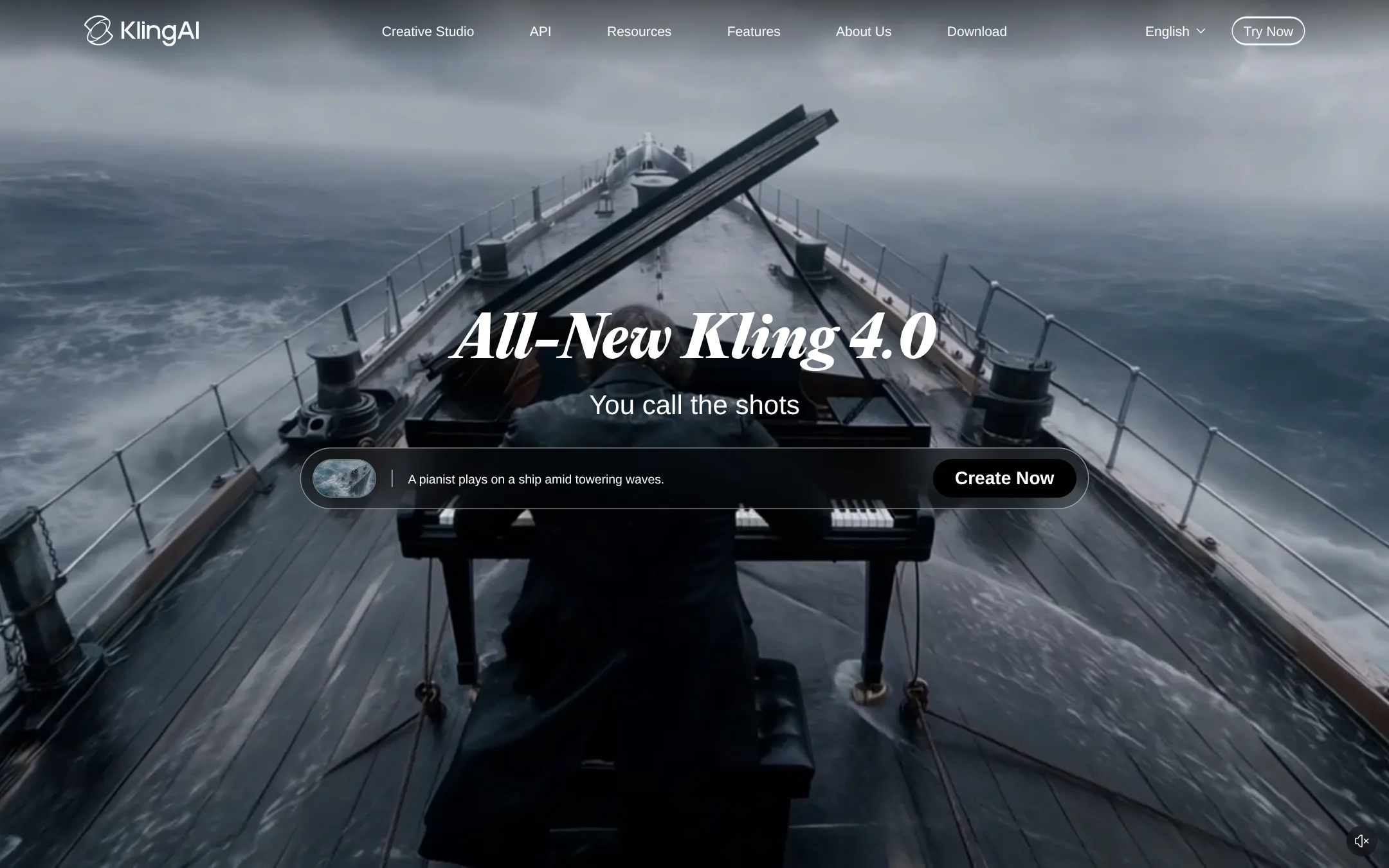
Kling AI is a video and image generator built around its own Kling models, with a Canvas workspace where you brainstorm scripts, build storyboards and generate clips in parallel, then edit across several rounds. Someone would pick it over AIVideo.com when the main goal is generating cinematic or e-commerce video from product or model images, since the site leads with video generation and audio-visual realism rather than a broad toolkit of models and automations.
Where it is strong
- Generates video from product images, model images or brand assets
- Canvas workspace keeps scripts, storyboards and clips in one project
- Audio-visual generation aimed at realistic, professional-grade output
Where it falls short
- Focused on Kling's own models, so it lacks AIVideo.com's breadth of third-party models
- No native editor or end-to-end automation is described on the site
- Pricing:
- In the United States, Kling AI's pricing page is public but the figures were not supplied here, so check the page for plan costs.
- LFrom $30/mo
4.Luma AI
Best for: Creative agencies and brand teams that need many video and image variants that stay on-brand
- Pricing
- From $30/mo
- Category
- Other
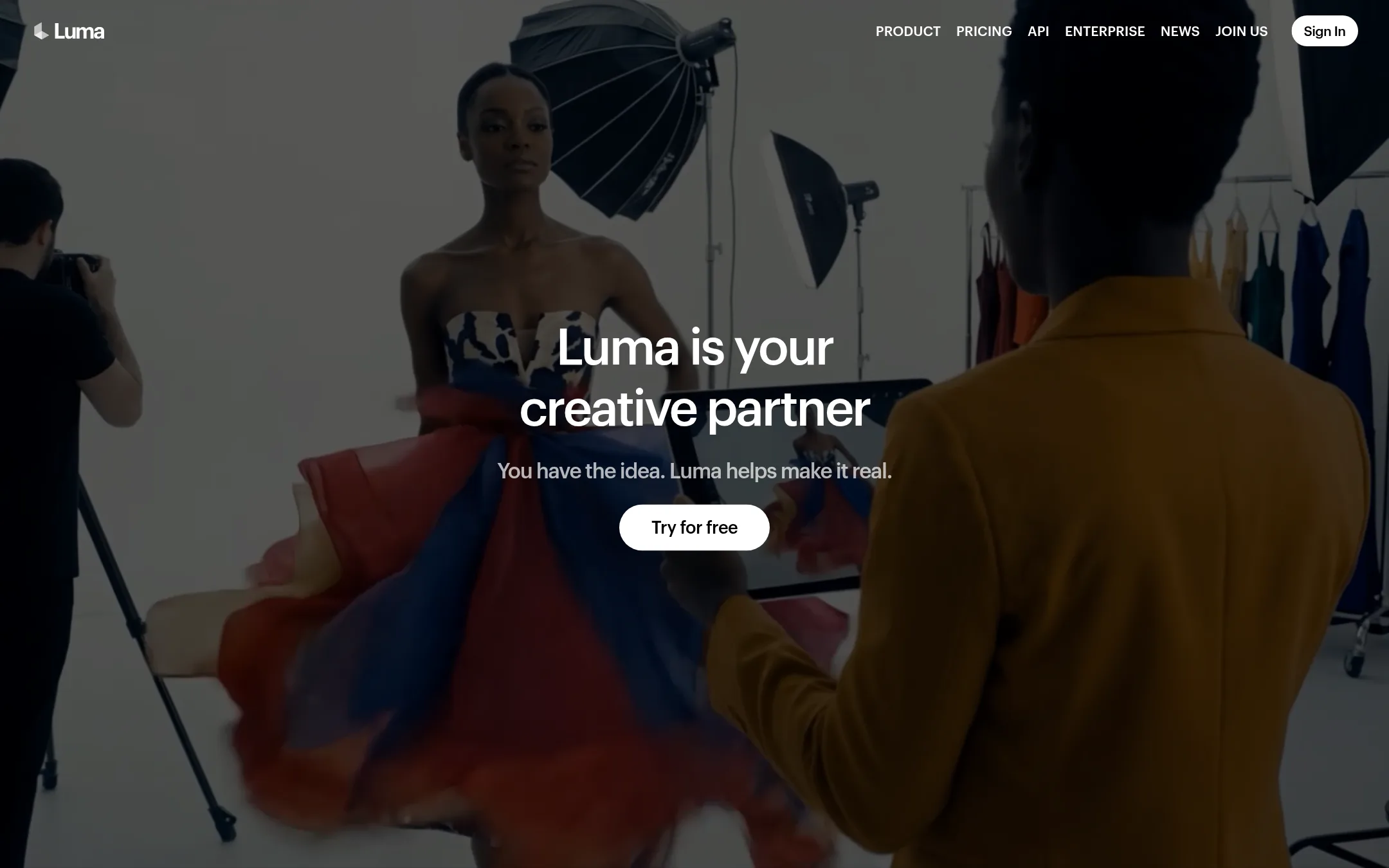
Luma AI is a creative platform for generating video and images, built around its own Ray and Uni models plus agents that run multi-step creative work across video, image, audio and text. Someone would pick it over AIVideo.com if they want to direct video shot by shot with frame-level control and keep a brand's look consistent across assets, rather than working inside a template-driven toolkit.
Where it is strong
- Frame-level control over video through the Ray 3.2 model
- Brand style and character references carried across images and video through Uni-1
- Agents can run research, generation and refinement across several media types in one workflow
Where it falls short
- Business plan pricing is not shown on the page, so larger team costs need a direct conversation
- The page does not list a native editor or a catalogue of e-commerce ad templates like the ones AIVideo.com offers
- Pricing:
- Individual plans are listed at $30 per month ($300 billed yearly), $90 per month ($900 billed yearly) and $300 per month ($3,000 billed yearly), with business plans priced separately.
- SFrom $0/mo (Basic plan
5.Synthesia
Best for: Enterprise L&D and sales teams that need presenter-led training videos localized into many languages
- Pricing
- From $0/mo (Basic plan
- Category
- Other
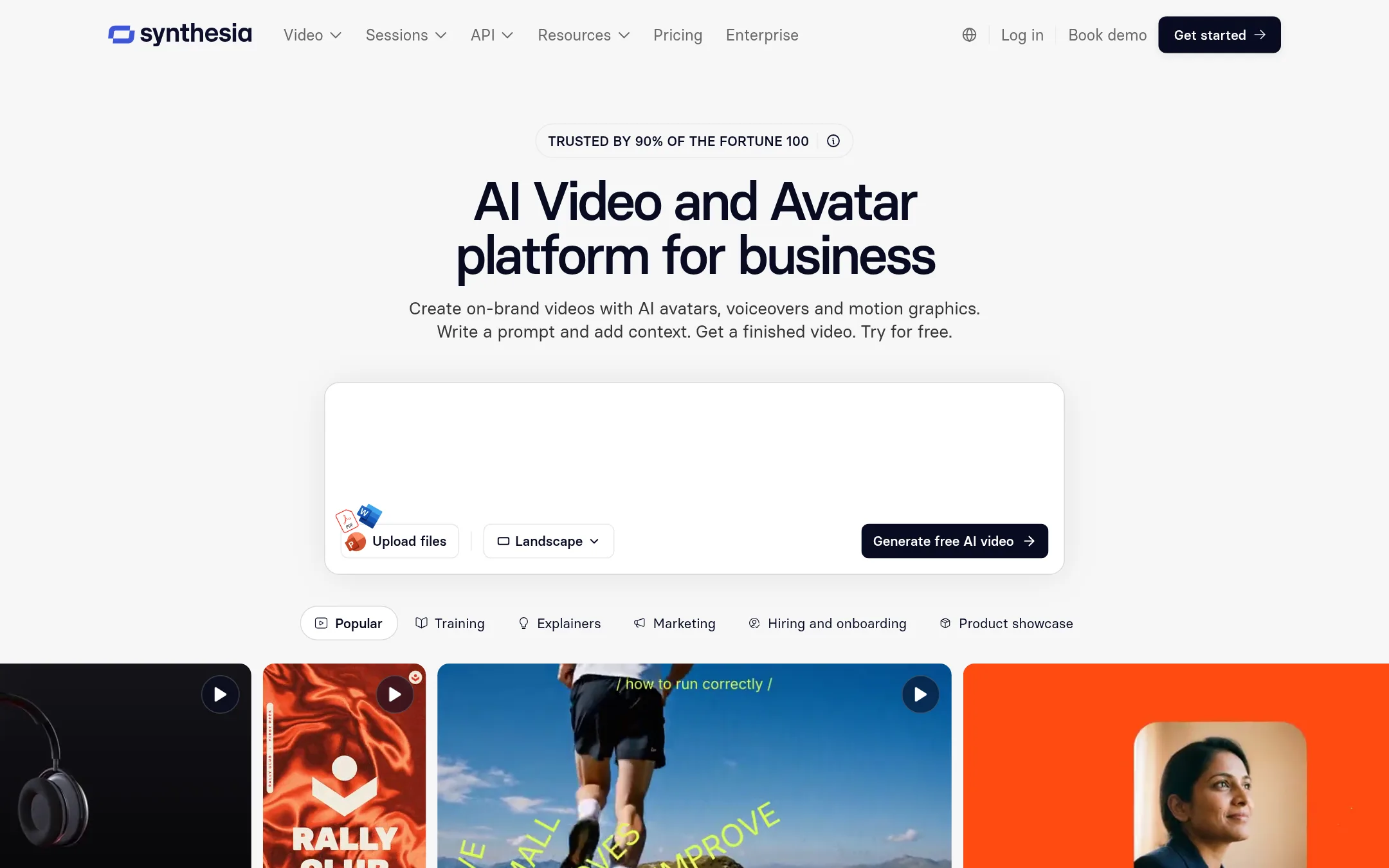
Synthesia makes business videos with AI avatars, voiceovers and motion graphics. Teams pick it over AIVideo.com when the job is presenter-led training, onboarding, sales outreach or internal updates, rather than music videos or ad creative. It also covers translation into 140+ languages and publishing to an LMS through SCORM.
Where it is strong
- Translates videos into 140+ languages with glossary controls for names and terms
- Publishes as a link, embed or SCORM, and edits update across all shared copies
- Includes analytics on views, watch-through and drop-off by version or language
Where it falls short
- Music video, visualizer and ad-style generation are not part of the product, so AIVideo.com is the better fit for those
- Avatar and presenter focus means it is less suited to cinematic or experimental footage
- Pricing:
- The Basic plan is $0 per month with 500 credits and 10 minutes of video, the Starter plan is $19 per month, the Pro plan is $89 per month, and Enterprise pricing is custom.
- HFrom $0 / $29/mo
6.HeyGen
Best for: Corporate L&D and sales teams that need presenter videos in many languages
- Pricing
- From $0 / $29/mo
- Category
- Other
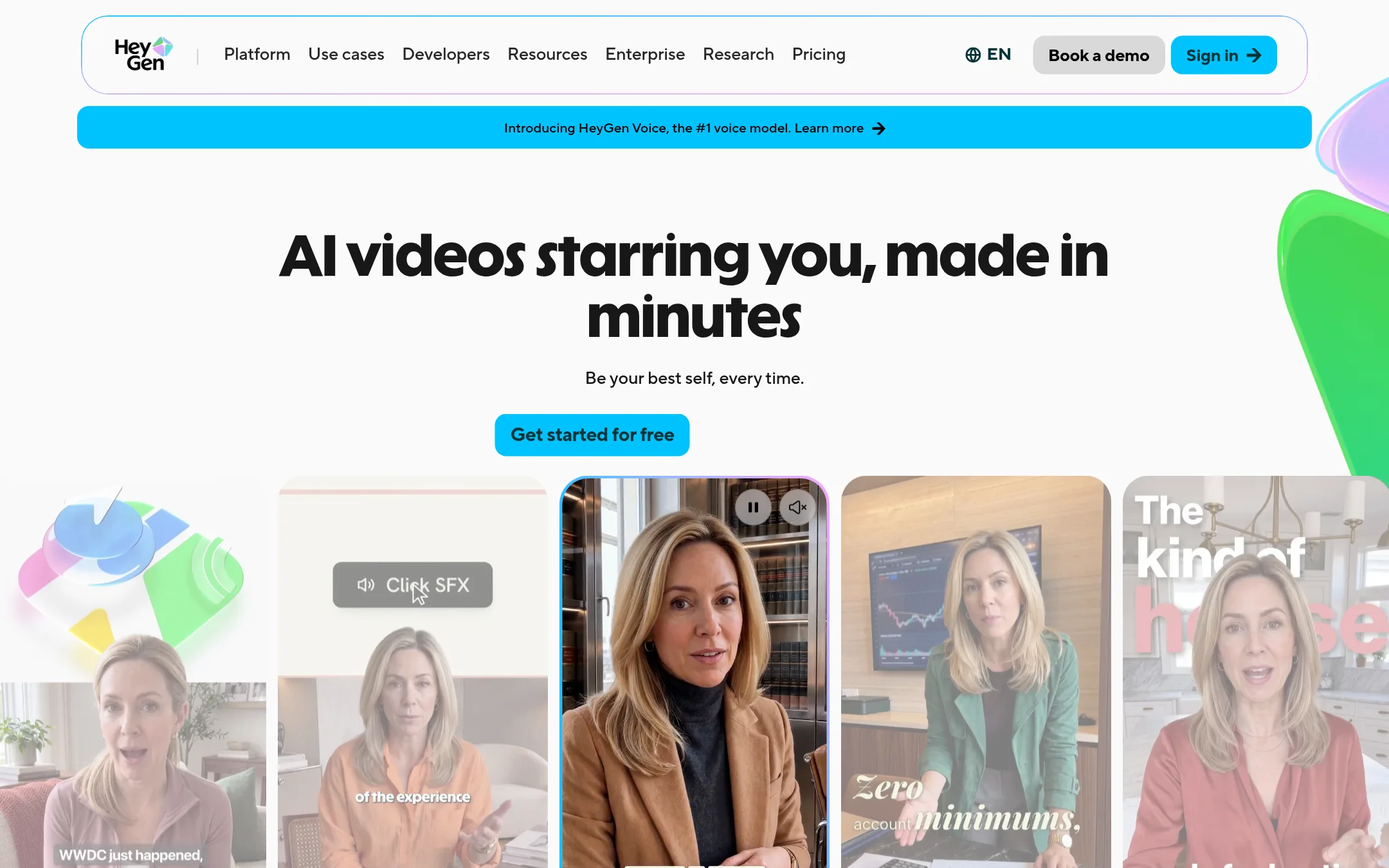
HeyGen makes talking-presenter videos from a script, using AI avatars that can be your own face and voice after a verification step. It also translates existing videos into 175+ languages with lip-sync. Someone would pick it over AIVideo.com for presenter-led content like training, sales explainers or localized company messages, where a consistent human face matters more than cinematic scenes.
Where it is strong
- Custom avatars of your own face and voice, with identity verification
- Video translation into 175+ languages with lip-sync
- Built-in LMS features such as SCORM export and interactive quizzes on higher plans
Where it falls short
- Built around talking presenters, so it has fewer cinematic and music-video tools than AIVideo.com
- Free tier videos are capped at 1 minute and carry a watermark
- Pricing:
- Plans run from a free tier with 3 watermarked videos a month, to Creator at $29/mo, Pro at $49/mo, Business at $149/mo, and custom Enterprise pricing.
- Not published
7.Canva Whiteboards
Best for: Teams that need a shared whiteboard for brainstorming and planning before production work begins
- Pricing
- Not published
- Category
- Communication & Collaboration
Canva Whiteboards is a visual collaboration space for brainstorming, mapping ideas and working through plans with a team. Someone would pick it over AIVideo.com when the job is planning and discussion rather than generating video, for example sketching a campaign structure before anything gets produced.
Where it is strong
- Built for live brainstorming and shared visual planning
- Lives in the Canva ecosystem for teams already using it
- Accessible from a browser on most desktop platforms
Where it falls short
- Does not generate AI video, so it cannot replace AIVideo.com's production features
- Our source did not confirm which browsers or devices are supported in detail, and the page we read only showed an unsupported browser notice
- Pricing:
- Pricing is not published on the site.
- From $16/mo per person
8.Descript
Best for: Marketing, sales, and support teams that record talking-head or podcast video and need to edit it without a dedicated video editor
- Pricing
- From $16/mo per person
- Category
- Media & Entertainment
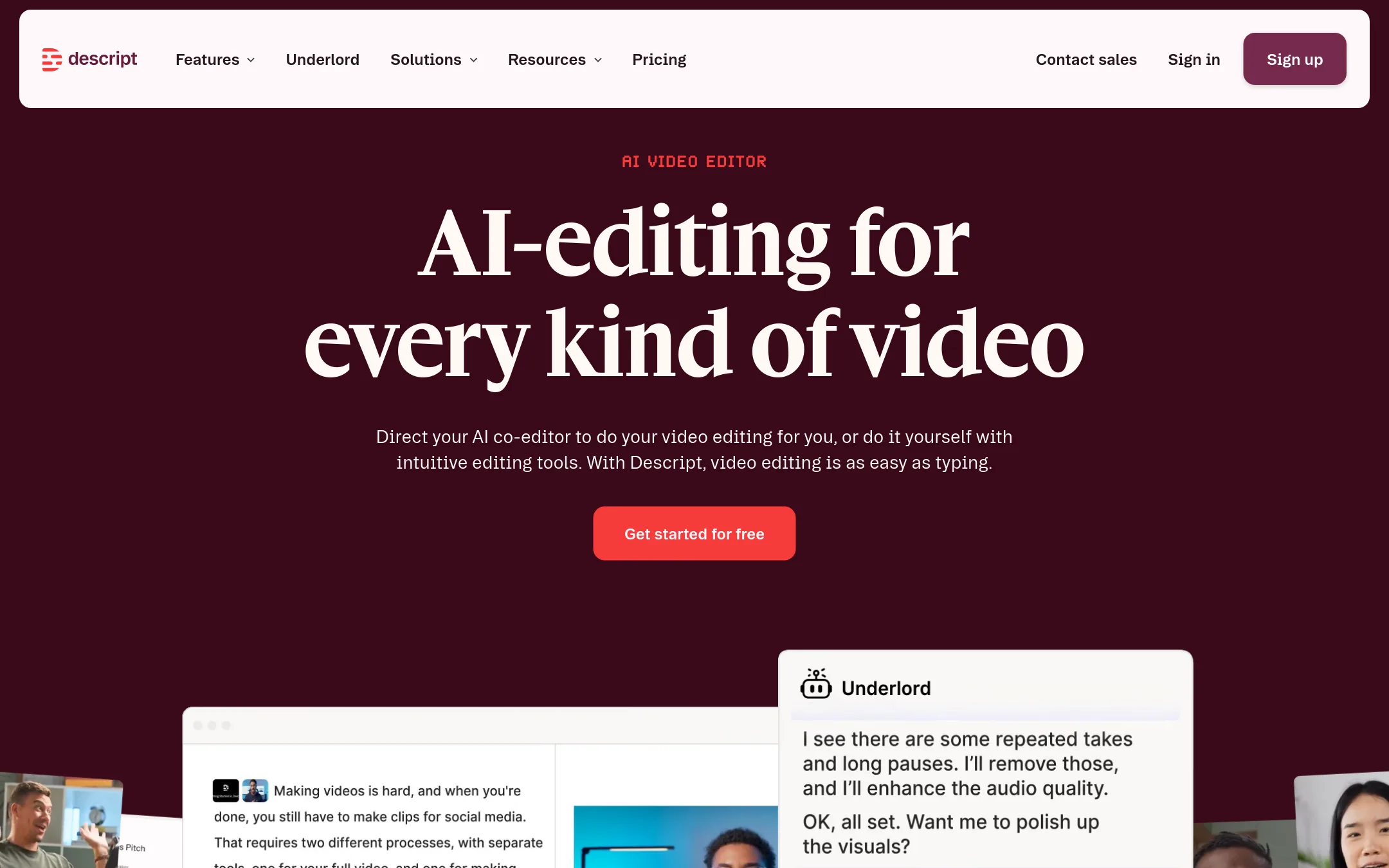
Descript is an AI video and audio editor where you cut footage by editing the transcript, so deleting a word removes that moment of video. Someone would pick it over AIVideo.com when the job is talking-head, podcast, or interview content that needs fast cleanup, captions, and clips rather than generating video from scratch.
Where it is strong
- Edit video by deleting or moving words in a transcript
- Free plan with no credit card required
- SOC 2 Type II, SAML SSO, and SCIM for team security
Where it falls short
- Its strength is editing recorded footage, so it is less focused on generating full videos from prompts than AIVideo.com
- Enterprise pricing is custom and must be quoted by sales
- Pricing:
- Descript lists a Free plan, Hobbyist at $16 per person per month billed annually ($24 monthly), Creator at $35, Business at $50 per person per month billed annually ($65 monthly), and custom Enterprise pricing.
See more comparisons in Media & Entertainment alternatives.
FAQ
Questions about AIVideo.com alternatives
Which alternative is best for presenter-led training videos?
Synthesia and HeyGen both make presenter videos with AI avatars and translate them into many languages. Synthesia lists translation into 140+ languages and SCORM publishing, while HeyGen lists 175+ languages and custom avatars of your own face and voice after verification.
Which alternative should I use if I edit recorded interviews or podcasts?
Descript is built for that job. You cut footage by editing the transcript, so deleting a word removes that moment of video. It has a free plan with no credit card required, and its paid plans are listed per person.
Which tool offers the widest choice of AI video models?
Pika bundles many third-party models, including Seedance, Kling, Veo and Wan, along with tools for color grading, extending footage and scoring clips. Its free plan lets you try the models before paying, though free output has no commercial license.
Are any of these tools priced publicly?
Yes, several are. Synthesia, Descript, HeyGen, Pika and Luma AI list plan prices on their sites, though Enterprise and some business tiers are custom. Runway, Canva Whiteboards and Kling AI do not show pricing in the content reviewed for this page, so you will need to check their sites or contact sales.
Do any alternatives cover music videos or e-commerce ad formats like AIVideo.com?
Not in the same way. Synthesia and HeyGen focus on presenters, Descript on editing recorded footage, and Runway is for mobile app releases. Kling AI is the closest for e-commerce, generating video from product and model images, but its site does not list the same toolkit of ad templates that AIVideo.com offers.
Last updated November 9, 2026.