
Anima App alternatives
7 products compared · Updated November 5, 2026
The short answer
The three strongest alternatives to Anima App are Figma, Bolt.new and Locofy. Figma suits product and design teams that want one shared canvas for UI, prototypes and handoff. Bolt.new suits founders, product managers and agencies who want to go from a text prompt to a hosted app with a database and login. Locofy suits frontend teams at larger companies that need design-to-code output in React, Vue or Angular.
Your shortlist, at a glance
Read the comparisons ↓- LLovableNot publishedNon-technical founders and internal teams who want a working app built from a written description
- BBolt.newFree plan. Pro from paProduct managers, founders and agencies who want to go from a text prompt to a hosted app with a database and login in one place
- vv0.devNot publishedDevelopers and small teams who start from a text prompt and want generated code synced to GitHub and deployed on Vercel
 FigJamFrom $12/mo per seatProduct and design teams of any size that want one shared design canvas for UI, prototypes, and developer handoff.
- BBuilder.ioNot publishedProduct and marketing teams with engineers that need non-technical staff to edit live pages and UI in their existing codebase
- LLocofyNot publishedFrontend teams at larger companies that turn Figma designs into React, Vue or Angular code inside an existing stack
- DDivriots Visual CopilotNot publishedFront-end teams that already work from Figma and want design-to-code output in their existing workflow
About Anima App and its alternatives
Anima App is a design-aware AI agent that turns Figma files, live website URLs or prompts into editable, production-ready HTML or React apps. According to its site, it is known for keeping brand and design system context intact through the build, and for offering an API and SDK that other coding platforms and agents can use. It also runs inside Bolt.new and Replit.
When comparing alternatives in this category, look at the starting point you actually have, whether that is a Figma file, a live website, a written prompt or existing code. Check how pricing is structured, including whether it is flat per seat, metered in tokens or quoted by sales. Confirm which regions and frameworks the tool supports, which integrations matter for your stack, what support and SLAs are included, and what contract terms apply to your team size and compliance needs.
Explore the alternatives
- LNot published
1.Lovable
Best for: Non-technical founders and internal teams who want a working app built from a written description
- Pricing
- Not published
- Category
- Other
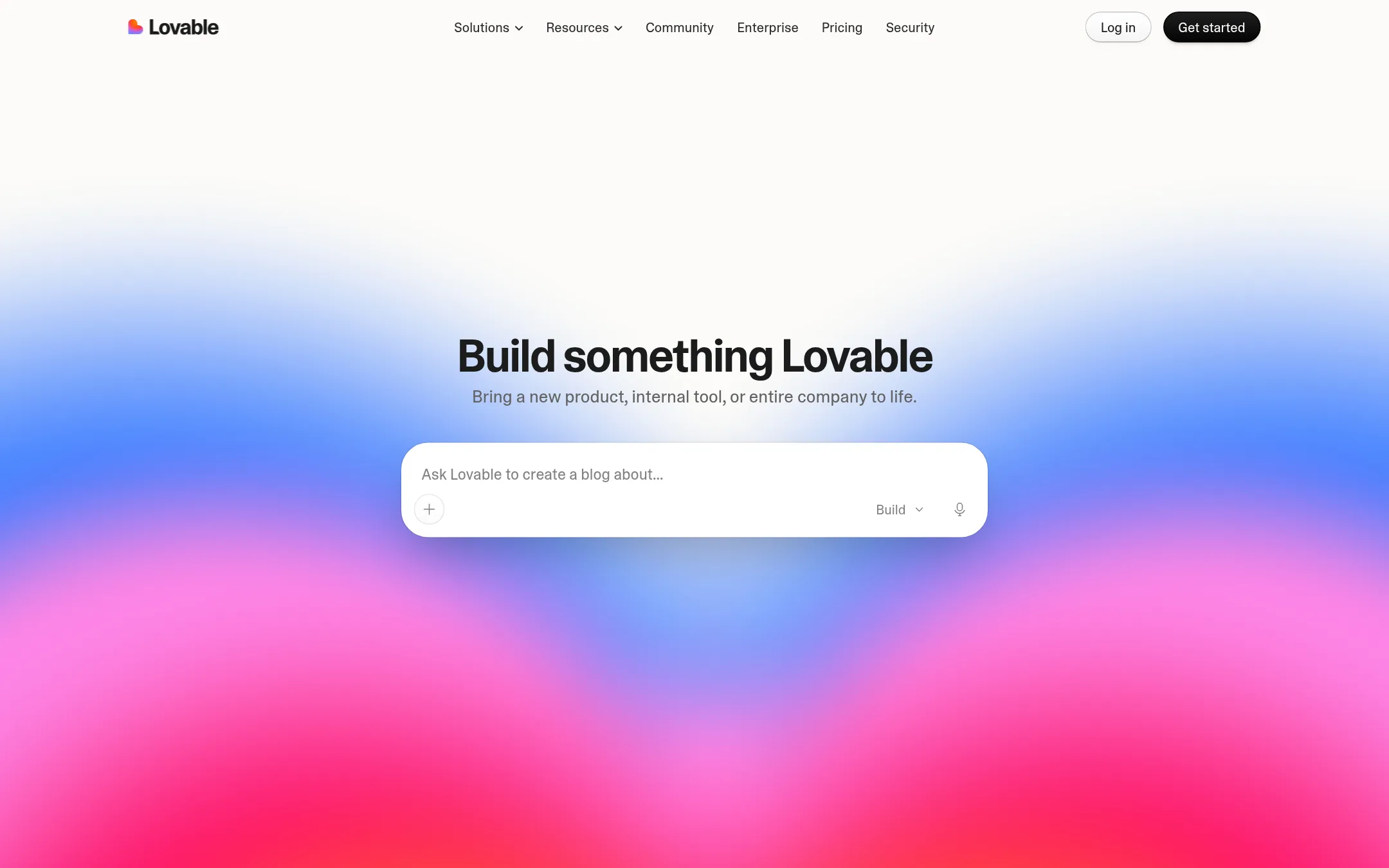
Lovable turns a plain-language description into a full-stack app, website, or internal tool. It handles hosting, authentication, payments, and integrations, so you do not write that plumbing yourself. Choose it over Anima App when your goal is a working product or internal tool built from an idea, not a design-to-code export from Figma or a live website.
Where it is strong
- Builds full-stack apps from plain-language descriptions
- Handles hosting, SSL, and backend infrastructure
- Connects to existing tools without writing integration code
Where it falls short
- Its homepage does not describe Figma import or design-to-code export, which is Anima App's core
- Its homepage does not mention an API or SDK for other agents to build on
- Pricing:
- Pricing is not published on the site.
- BFree plan. Pro from pa
2.Bolt.new
Best for: Product managers, founders and agencies who want to go from a text prompt to a hosted app with a database and login in one place

- Pricing
- Free plan. Pro from pa
- Category
- Other
Bolt.new is a chat-based builder that turns prompts into working websites and apps, with hosting, databases and authentication included in one interface. Someone would choose it over Anima App if they want to start from a plain prompt and keep working through chat, with Bolt Cloud handling backend needs without stitching platforms together. Anima App is the stronger pick when the starting point is a Figma file or live website.
Where it is strong
- Builds apps and websites from plain chat prompts without design files
- Hosting, unlimited databases and user authentication are included in Bolt Cloud
- Free plan available with no credit card required
Where it falls short
- Usage is metered in tokens, which can be harder to predict than flat pricing
- Enterprise compliance and SSO sit on the top tier, priced by quote
- Pricing:
- Bolt's Free plan includes 1 million tokens a month with a 300,000 daily limit, Pro starts at 10 million tokens a month without a daily cap, and Teams and Enterprise are priced per member or by quote.
- Switching from Anima App:
- Moving from Anima App to Bolt means rebuilding designs as prompts or re-importing the project into Bolt, since the two tools use different input and output workflows.
- vNot published
3.v0.dev
Best for: Developers and small teams who start from a text prompt and want generated code synced to GitHub and deployed on Vercel
- Pricing
- Not published
- Category
- Other
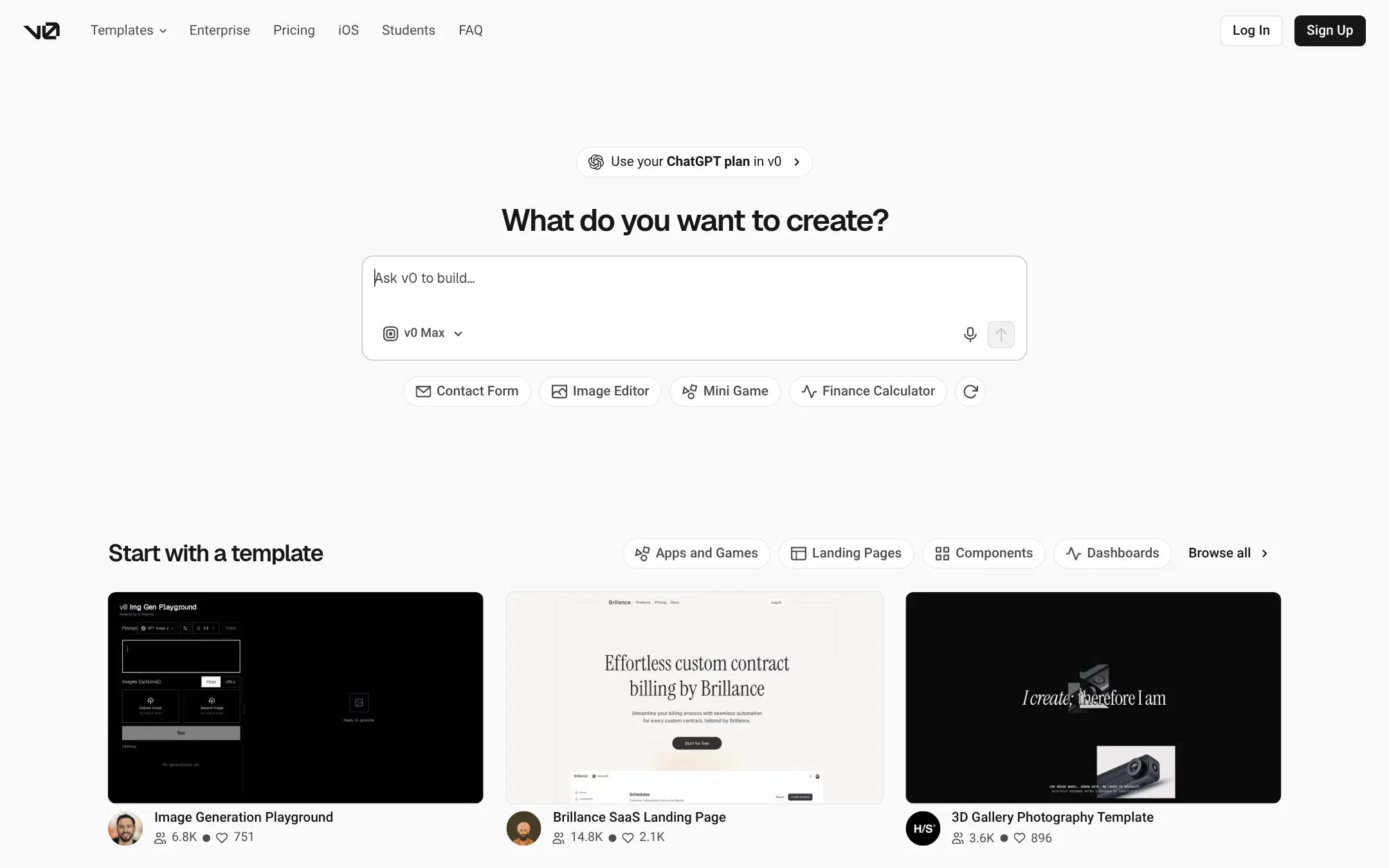
v0.dev generates full-stack web apps from a text prompt, publishes them as live sites, and can push the code to a GitHub repo. Choose it over Anima App when your starting point is a prompt and you want code that lands in your own repository and deploys to Vercel.
Where it is strong
- Generates working full-stack apps from a prompt in minutes
- Syncs code directly to a GitHub repository
- One-click deployment to Vercel
Where it falls short
- The site does not describe Figma import or design-file workflows the way Anima App does
- No published pricing or plan details to compare
- Pricing:
- Pricing is not published on the site.
- From $12/mo per seat
4.FigJam
Best for: Product and design teams of any size that want one shared design canvas for UI, prototypes, and developer handoff.
- Pricing
- From $12/mo per seat
- Category
- Communication & Collaboration
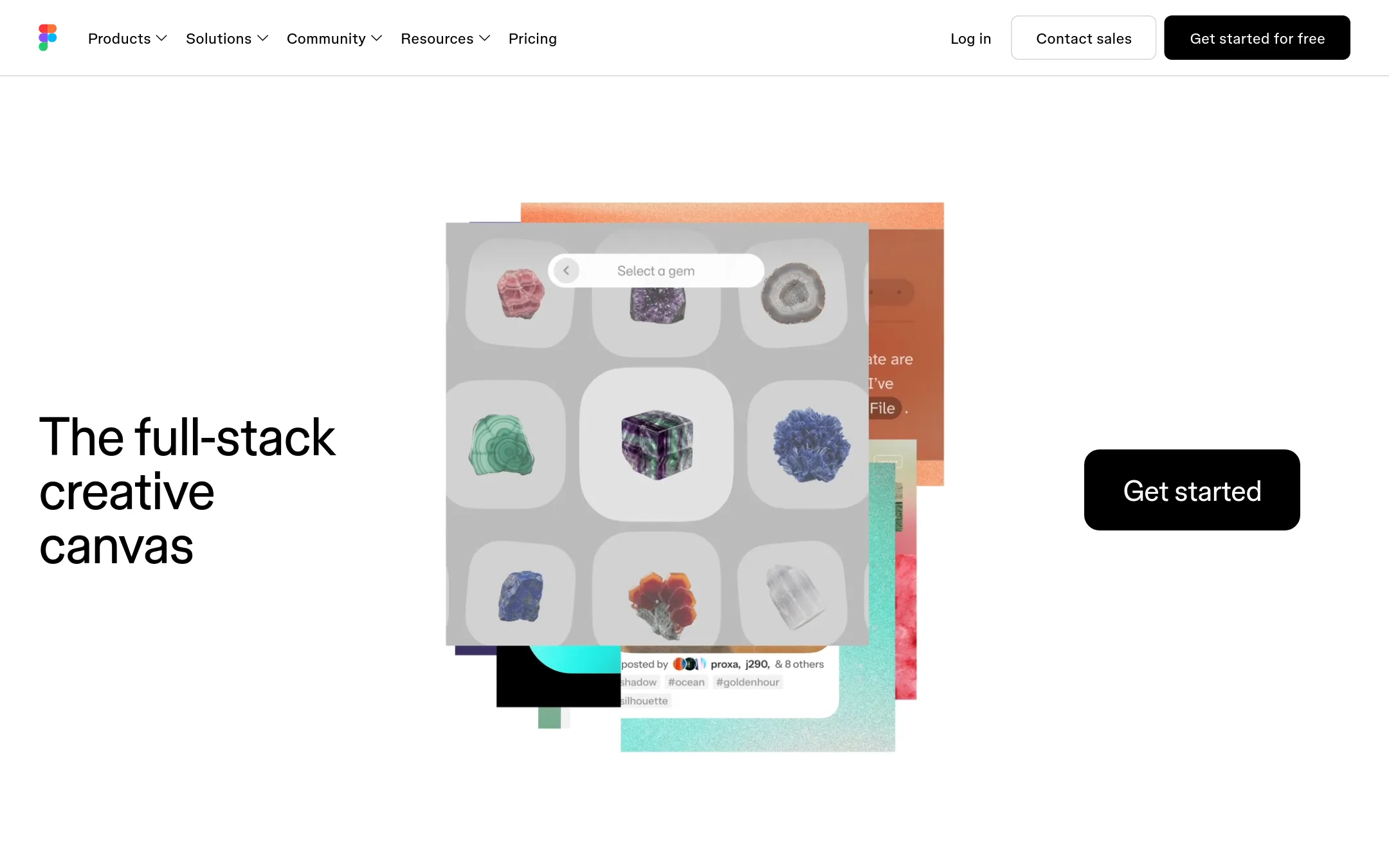
Figma is a design canvas where teams sketch, prototype, and hand off designs, with AI features and dev tools layered on. Teams usually choose it instead of Anima App when design is the core of the work and they want the whole team designing in one shared file, with code generation as a secondary step rather than the main output.
Where it is strong
- Shared canvas where designers, developers, and others work on the same file
- Free Starter plan with unlimited drafts and UI kits
- Large library of community templates and UI kits
Where it falls short
- Output is design files and prototypes, not generated production apps the way Anima App produces them
- Costs rise per seat as the team grows
- Pricing:
- Figma's paid seats run from $12 per month for Professional billed annually to $55 per month for Organization and $90 per month for Enterprise, each with a set number of AI credits, and a free Starter plan is also available.
- BNot published
5.Builder.io
Best for: Product and marketing teams with engineers that need non-technical staff to edit live pages and UI in their existing codebase
- Pricing
- Not published
- Category
- Other
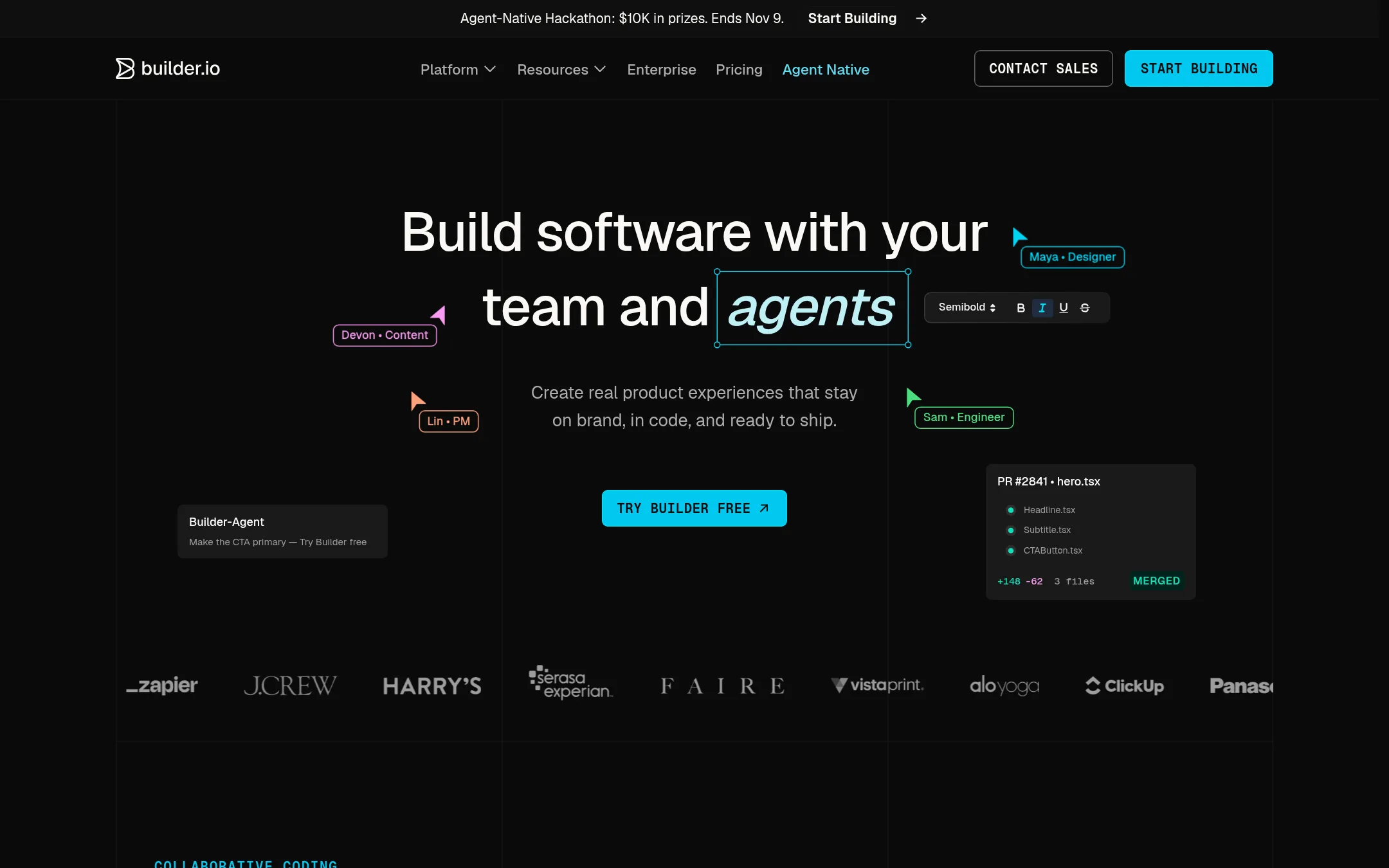
Builder.io is a visual development platform where engineers, designers, PMs and marketers work from one codebase. Teams code in Builder or their own AI tools, then ship changes to the real app through their normal Git review. Pick it over Anima App when the main problem is getting non-engineers to change live pages and UI without handoffs.
Where it is strong
- Works in your existing framework and Git workflow, with reviews through the same process engineers already use
- Visual editor is wired to your components and design tokens, so edits stay on brand and production-ready
- Includes an agentic CMS for prompt-driven content, A/B tests and scheduled publishing
Where it falls short
- Plan details, credit limits and seat costs are listed on the pricing page but the core price is not shown in the page text
- Its focus is the codebase and content workflow, so it is less of a design-to-code tool than Anima App
- Pricing:
- Pricing is not published on the site.
- LNot published
6.Locofy
Best for: Frontend teams at larger companies that turn Figma designs into React, Vue or Angular code inside an existing stack
- Pricing
- Not published
- Category
- Other
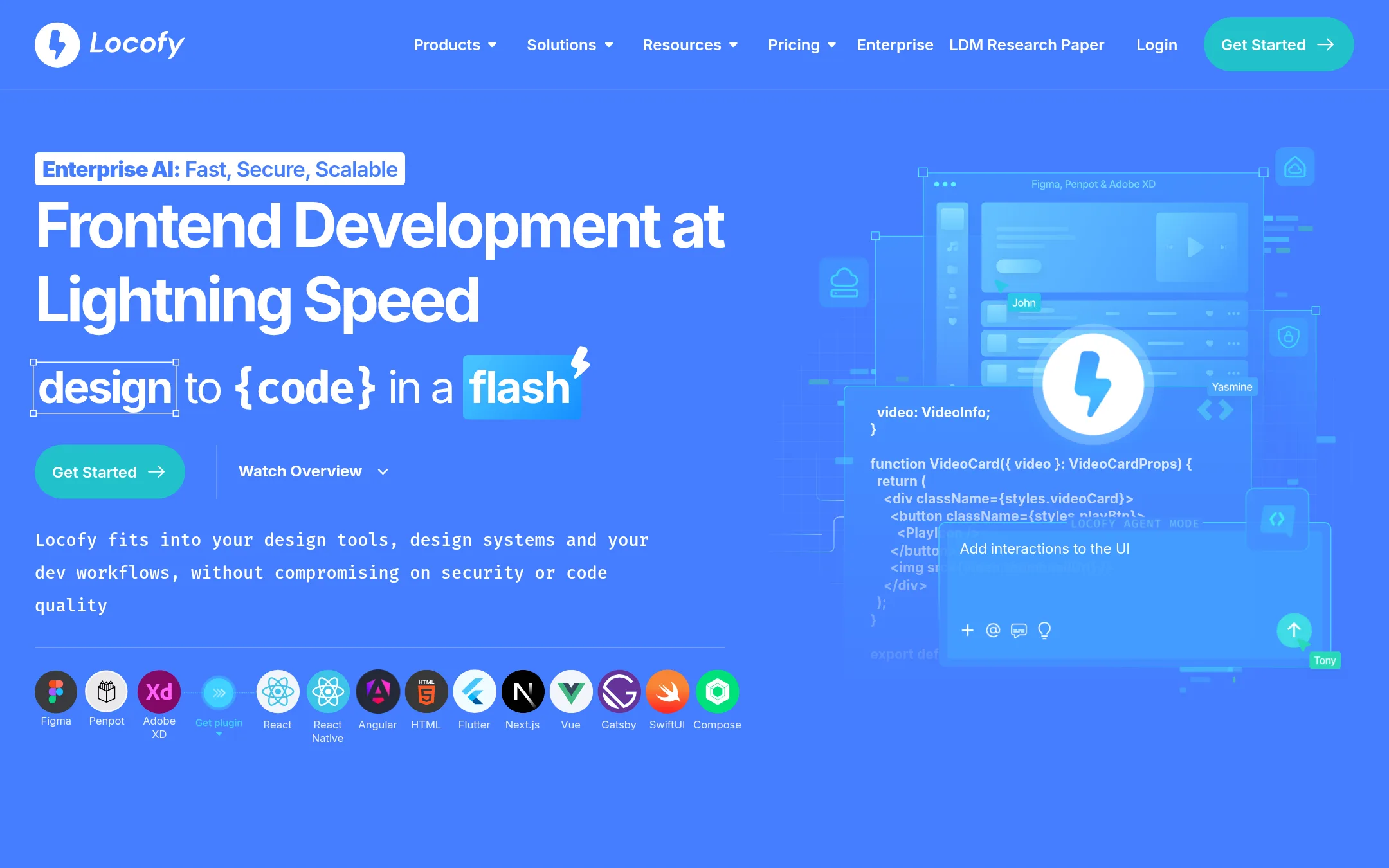
Locofy converts Figma and Penpot designs into frontend code for React, Vue, Angular, Next.js, Flutter and other stacks. Teams pick it over Anima App when the design-to-code output must match their existing frontend framework, or when they need on-prem deployment and SOC2 and ISO certification.
Where it is strong
- Supports many frameworks including React, Vue, Angular, Next.js and Flutter
- Works from Figma and Penpot files
- SOC2 and ISO certified, with on-prem or cloud deployment
Where it falls short
- Its homepage focuses on frontend code export, with no mention of building full apps from a prompt the way Anima App does
- No published pricing makes it hard to compare costs before a sales conversation
- Pricing:
- Pricing is not published on the site.
- DNot published
7.Divriots Visual Copilot
Best for: Front-end teams that already work from Figma and want design-to-code output in their existing workflow

- Pricing
- Not published
- Category
- Other
Divriots Visual Copilot is a Figma-to-code tool. It is aimed at teams whose main job is turning Figma designs into front-end code. Choose it over Anima App if your priority is the design-to-code step itself and you do not need the broader app building and hosting features Anima offers.
Where it is strong
- Focused on Figma-to-code conversion
- Suited to teams with an established design system in Figma
- Narrower scope can mean less to learn than a full app builder
Where it falls short
- The site could not be reached when this entry was checked, so features are unverified
- No pricing is published to compare against Anima's plans
- Pricing:
- Pricing is not published on the site.
See more comparisons in Design & Creative alternatives.
FAQ
Questions about Anima App alternatives
What is Anima App best known for?
According to its site, Anima App turns Figma files, live website URLs and prompts into editable, production-ready HTML or React apps while keeping brand and design system context. It also offers an API and SDK so other coding platforms and agents can generate code from its engine. Its engine runs inside Bolt.new and Replit.
Which alternative is best if I start from a text prompt instead of a design file?
Bolt.new is built for going from a plain chat prompt to a hosted website or app, with hosting, unlimited databases and user authentication included in Bolt Cloud. v0.dev and Lovable are also prompt-first, though their pages do not describe Figma import the way Anima does. Bolt.new's usage is metered in tokens, so cost can be less predictable than a flat plan.
Which option fits a team that needs design-to-code output in React, Vue or Angular?
Locofy converts Figma and Penpot designs into frontend code for React, Vue, Angular, Next.js and Flutter, and is SOC2 and ISO certified with on-prem or cloud deployment. Divriots Visual Copilot is also focused on Figma-to-code, though its site could not be reached when checked, so its features are unverified.
Can I compare pricing across these alternatives?
Only partly. Figma and Bolt.new publish their plan prices, with Figma's paid seats starting at $12 per month billed annually and Bolt.new offering a free plan with a monthly token allowance. Most other entries, including v0.dev, Lovable, Builder.io, Locofy and Divriots Visual Copilot, do not publish pricing, so you will need to speak with sales to compare costs.
Which alternative helps non-engineers change live pages without a developer handoff?
Builder.io is a visual development platform where designers, PMs and marketers edit pages and UI in the team's existing codebase. Changes go through the same Git review that engineers already use. Its focus is the codebase and content workflow, so it is less of a design-to-code tool than Anima App.
Last updated November 5, 2026.