Animaker alternatives
12 products compared · Updated November 1, 2026
The short answer
The strongest Animaker alternatives are Vyond for enterprise L&D and HR teams needing secure, on-brand video creation. Biteable for small businesses wanting fast, template-driven videos with AI avatars. And LottieFiles for design and development teams needing lightweight, interactive animations for web and app interfaces. Each serves a different primary use case, so choose based on whether you need full video production, quick business videos, or developer-ready motion graphics.
Your shortlist, at a glance
Read the comparisons ↓- VVyondFrom $58/mo (annual)L&D and HR teams in large organizations that need secure, on-brand video creation with AI avatars and translation.
PowtoonFrom $49/125 creditsEnterprise teams that need to turn documents and presentations into branded videos with compliance and security controls.
- MMoovlyNot publishedTeams and individuals who want a versatile online video editor for animated videos, presentations, and interactive content without a steep learning curve.
- RRenderforestNot publishedSmall businesses, freelancers, and marketing teams that want to produce videos, designs, logos, and websites from one subscription without deep animation expertise.
 BiteableFrom $15/mo (yearly)Small businesses and growing teams that want fast, template-driven videos with AI avatars and voiceovers, not deep character animation.
Canva WhiteboardsNot publishedTeams that need a shared digital whiteboard for workshops, sprint planning, and visual brainstorming sessions.
 TumultNot publishedDesigners and developers on macOS who want to create interactive HTML5 animations and prototypes with precise control.
 Adobe AnimateNot publishedProfessional animators and studios that need frame-by-frame control and advanced rigging for character animation.
 FramerNot publishedTeams and freelancers who want to design and publish polished websites without coding, with built-in CMS and hosting.
 Google Web DesignerFreeMarketing teams and agencies that need to produce HTML5 display ads and interactive banners with precise code-level control.
 LottieFilesFrom $19.99/user/moDesign and development teams that need lightweight, interactive animations for web and app interfaces, with a focus on performance and developer handoff.
- PPrincipleNot publishedProduct designers on macOS who want to prototype app flows and interactions with precise animation control.
About Animaker and its alternatives
Animaker is an AI-powered online animation maker that lets you create studio-quality animated videos in minutes. It is known for its character builder, AI voiceovers and subtitles, one-click translation, and a large template and asset library, trusted by over 35 million users including marketers, trainers, and Fortune 500 teams.
When comparing alternatives, weigh the pricing structure (monthly vs. annual, free plans, credit systems), supported regions and languages, integrations with tools like Figma or Google Drive, support availability, and contract terms such as annual billing or enterprise agreements. Some tools are macOS-only, some focus on HTML5 output, and others emphasize compliance or collaboration, so match the tool to your team's workflow and output needs.
Explore the alternatives
- VFrom $58/mo (annual)
1.Vyond
Best for: L&D and HR teams in large organizations that need secure, on-brand video creation with AI avatars and translation.
- Pricing
- From $58/mo (annual)
- Category
- Other
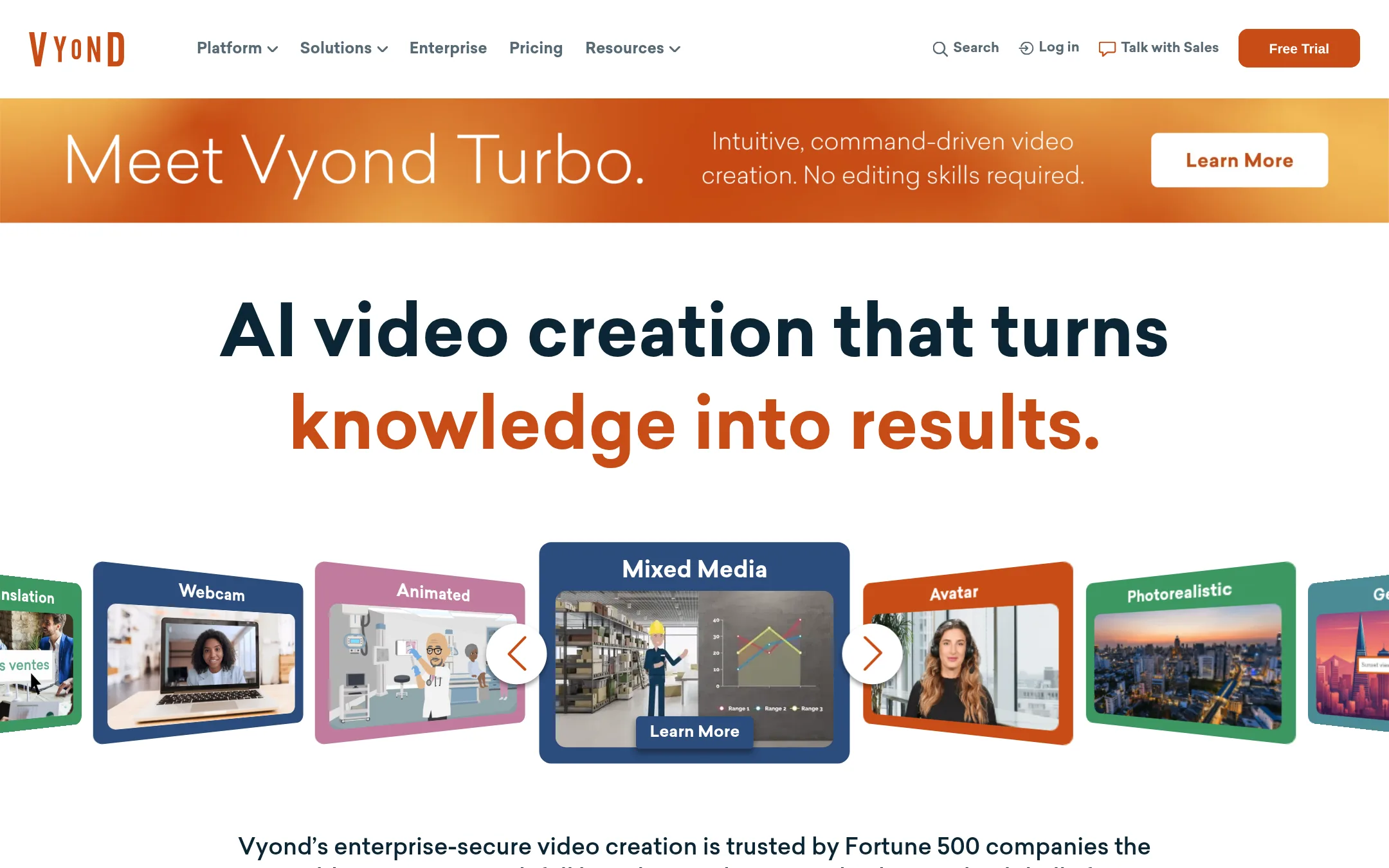
Vyond is a business-focused video creation platform with AI tools like Turbo for generating videos from prompts, plus a large template library and AI avatars. Choose it over Animaker if you need enterprise-grade security, brand management, and advanced collaboration for training and HR content at scale.
Where it is strong
- Enterprise security features and FedRAMP option for government
- AI avatars and text-to-video with credits system
- Instant translation into 95 languages
Where it falls short
- No free plan. Higher entry price than Animaker
- AI features consume credits, which may limit usage
- Pricing:
- Pricing starts at $58/mo billed annually for the Business plan, $100/mo for Professional, $137/mo for Enterprise, and $167/mo for Agency.
- Switching from Animaker:
- Moving from Animaker involves re-creating videos in Vyond's editor, but you can import scripts or use Vyond Go to generate videos from text prompts.
- From $49/125 credits
2.Powtoon
Best for: Enterprise teams that need to turn documents and presentations into branded videos with compliance and security controls.
- Pricing
- From $49/125 credits
- Category
- Media & Entertainment
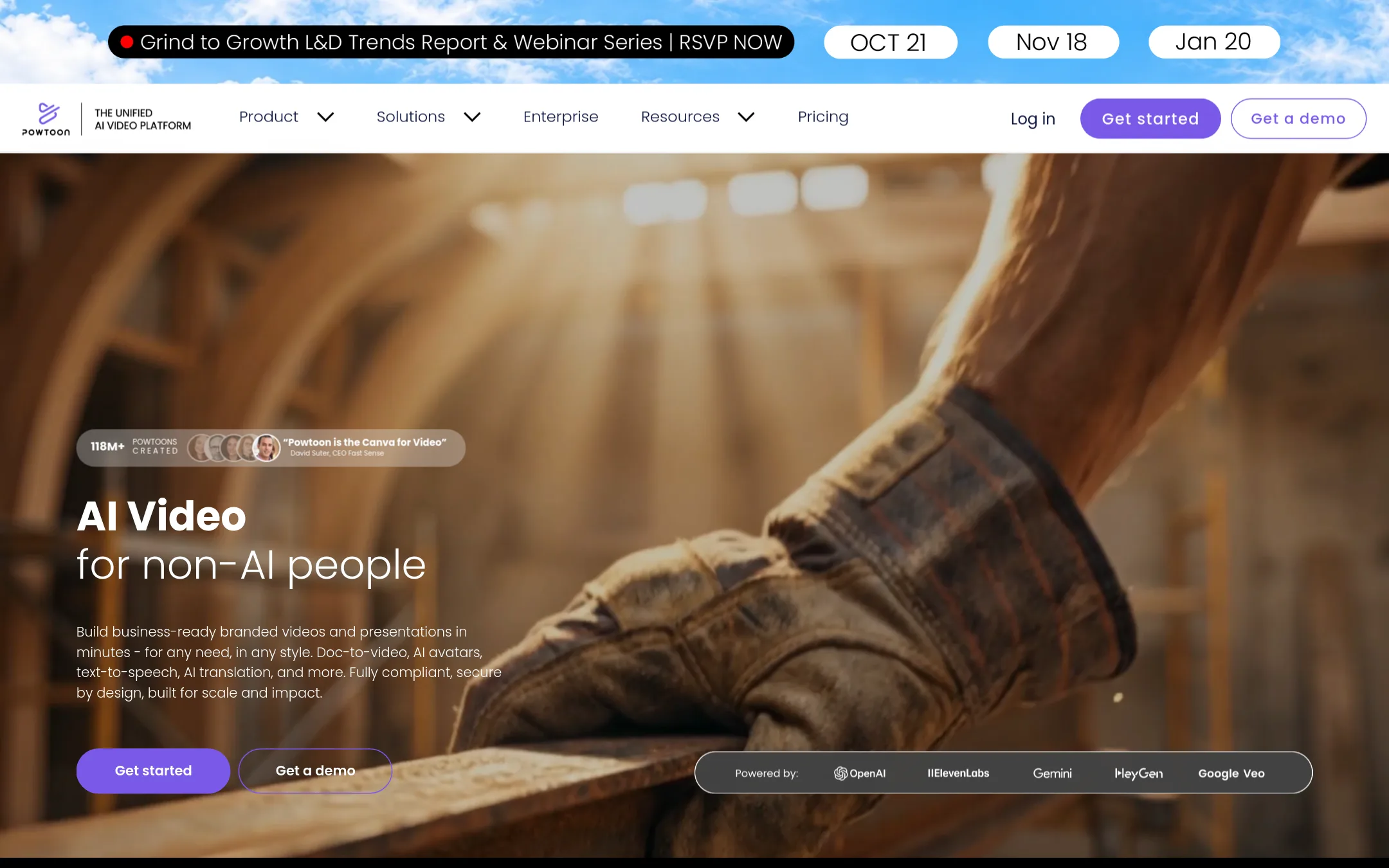
Powtoon is a video platform that turns documents and presentations into branded videos, with AI avatars, translation, and enterprise security features. Choose it over Animaker if you need to convert existing business materials into videos at scale and require ISO-27001 or GDPR compliance.
Where it is strong
- Doc-to-video conversion for PDFs and presentations
- ISO-27001 and GDPR compliance for enterprise
- AI avatars with lip-sync and translation
Where it falls short
- Pricing details require contacting sales
- Free plan includes a Powtoon watermark
- Pricing:
- Pricing is not published on the site. Plans are listed as Lite, Professional, and Advanced with credit packages starting at 125 credits for $49.
- Switching from Animaker:
- Moving from Animaker involves re-creating your videos in Powtoon's editor, as there is no direct import of Animaker projects.
- MNot published
3.Moovly
Best for: Teams and individuals who want a versatile online video editor for animated videos, presentations, and interactive content without a steep learning curve.
- Pricing
- Not published
- Category
- Other
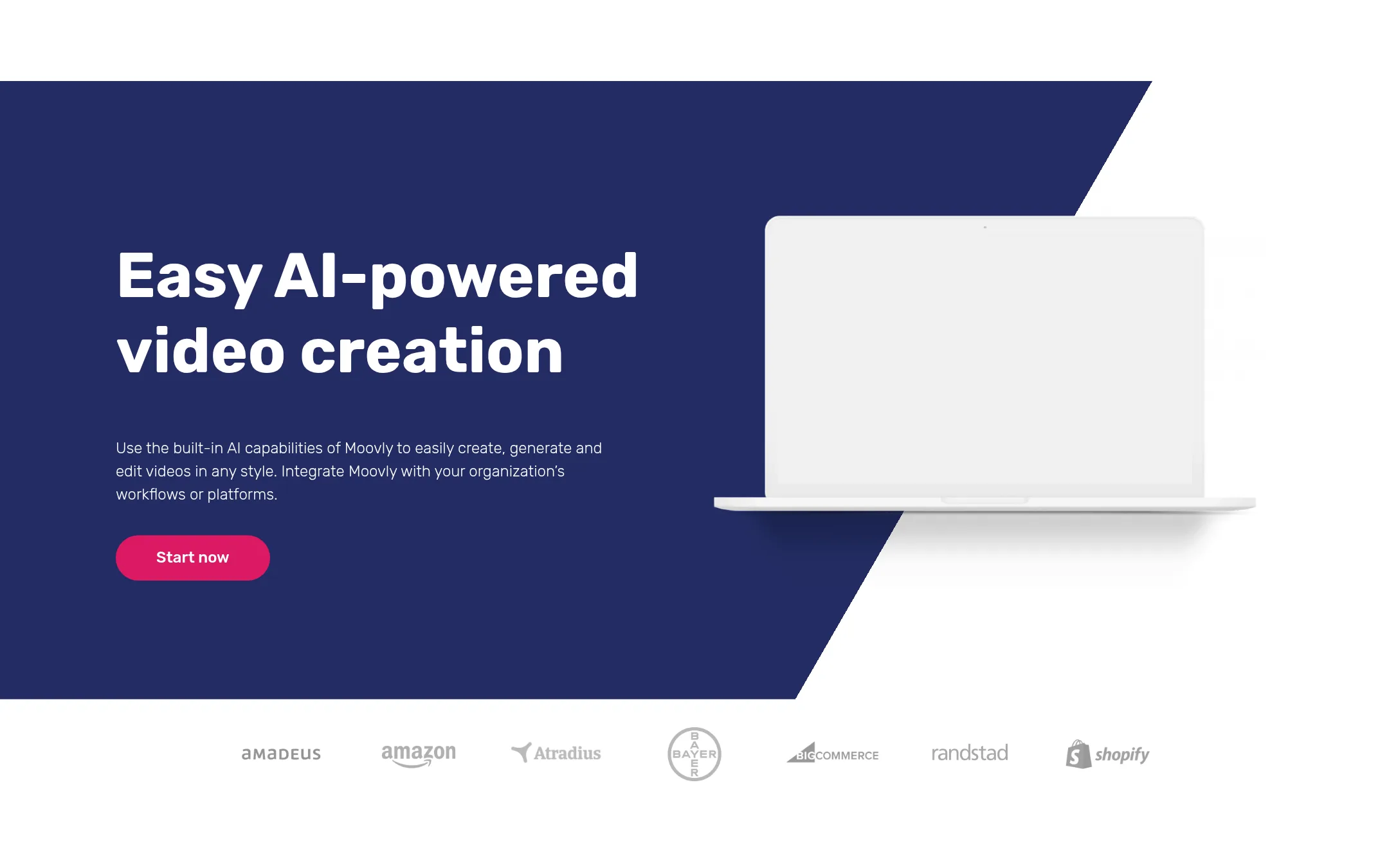
Moovly is an online video editor with AI features for text-to-speech, script generation, and subtitles, plus a large media library. Choose it over Animaker if you need a broader video editor that also handles presentations, display ads, and interactive infographics, not just animation.
Where it is strong
- AI text-to-speech with over 1200 voices in 150 languages
- Access to over 120 million stock images, videos, and sounds
- Supports screen recording, webcam recording, and translation
Where it falls short
- Pricing details are not shown on the site, so you must contact sales
- Less focused on character animation than Animaker's dedicated builder
- Pricing:
- Pricing is not published on the site.
- RNot published
4.Renderforest
Best for: Small businesses, freelancers, and marketing teams that want to produce videos, designs, logos, and websites from one subscription without deep animation expertise.
- Pricing
- Not published
- Category
- Other
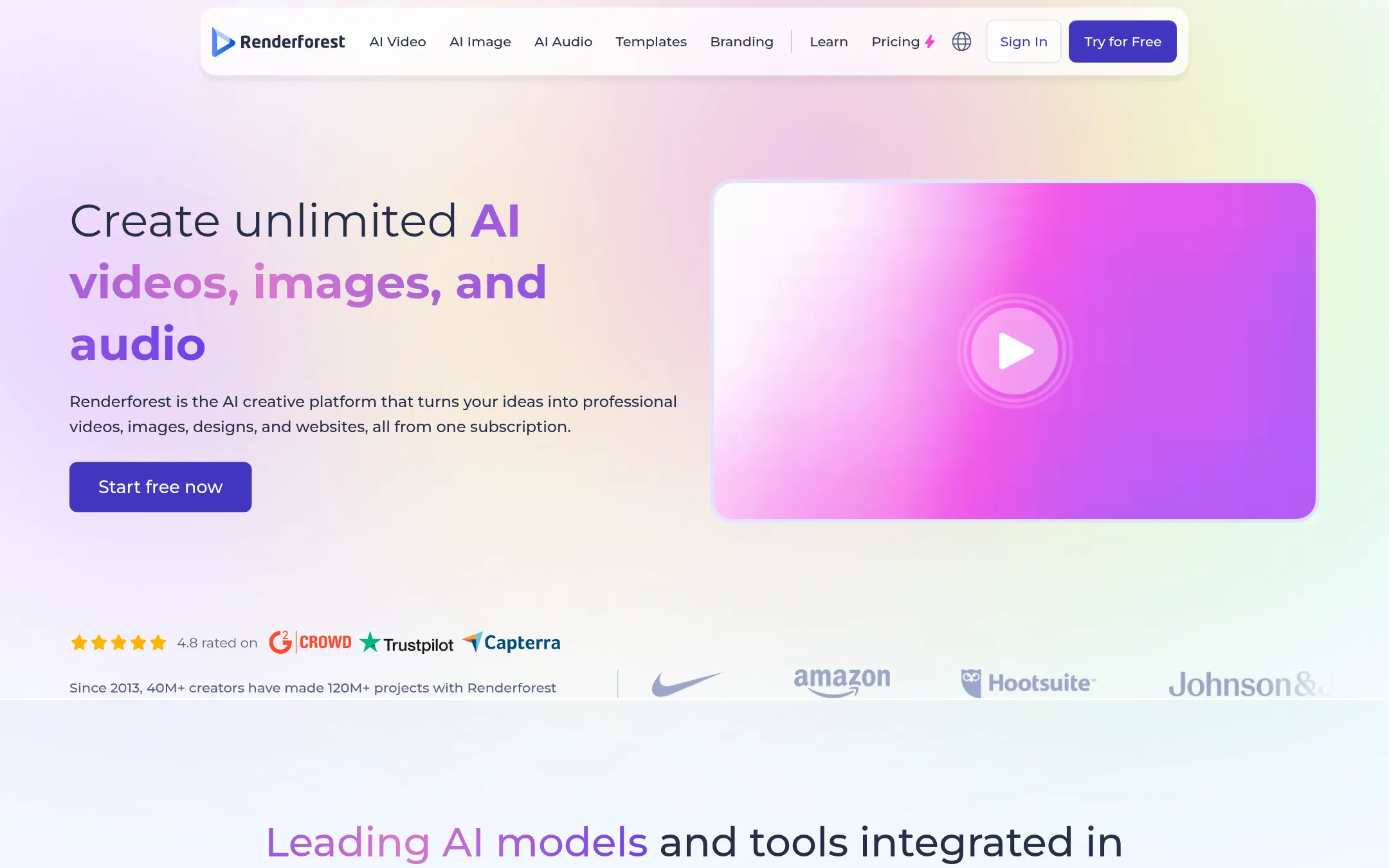
Renderforest is a broader creative platform that covers video, design, logo, and website creation, with AI video generation powered by multiple models. Choose it over Animaker if you need a single tool for varied visual content beyond just animation, or if you want access to a large template library for intros, promos, and social media videos.
Where it is strong
- Covers video, design, logo, and website creation in one platform
- AI video generator integrates multiple models (Gemini, Kling, Seedance, etc.)
- 1200+ studio-quality video templates for intros, promos, and social clips
Where it falls short
- Pricing details are not clearly listed on the site
- Less focused on character animation and lip-sync compared to Animaker
- Pricing:
- Pricing is not published on the site.
- From $15/mo (yearly)
5.Biteable
Best for: Small businesses and growing teams that want fast, template-driven videos with AI avatars and voiceovers, not deep character animation.
- Pricing
- From $15/mo (yearly)
- Category
- Media & Entertainment
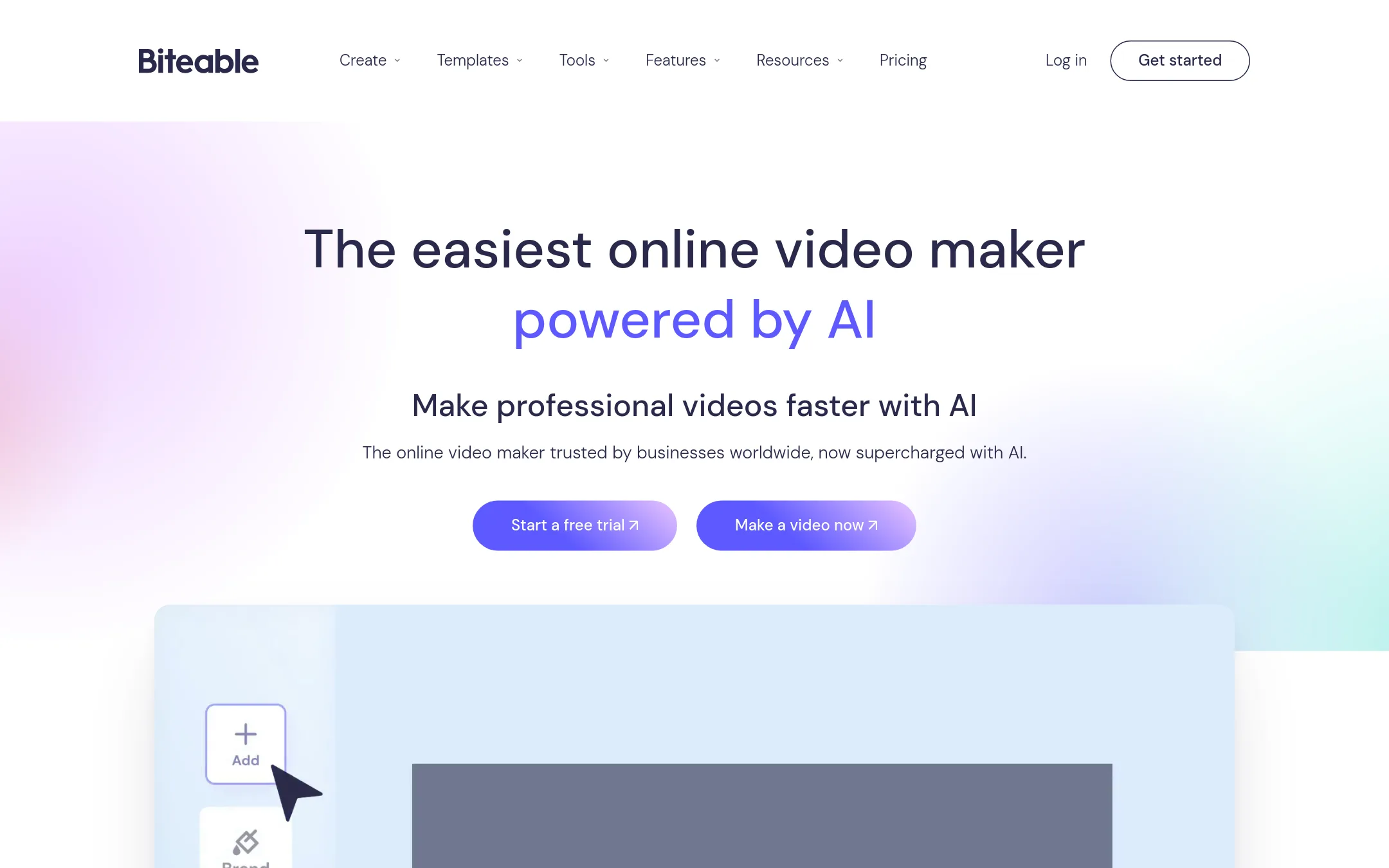
Biteable is an AI-powered online video maker that turns scripts into editable storyboards and finished videos with AI avatars and voiceovers. Choose it over Animaker when you need quick, affordable business videos like ads, training, and internal comms without a steep animation learning curve.
Where it is strong
- Unlimited HD exports on Pro and 4K on Premium
- AI avatars and 50+ voiceover languages
- Collaborative editing and video analytics included
Where it falls short
- No character builder or lip-sync animation like Animaker
- AI avatar clips are capped (20/month on Pro, 40/month on Premium)
- Pricing:
- Pricing starts at $15 per month billed yearly for Pro, and $49 per month billed yearly for Premium. Business is $99 per month billed monthly.
- Switching from Animaker:
- Moving from Animaker means adapting to a template-first workflow with AI avatars instead of custom characters, and your existing Animaker projects won't transfer over.
- Not published
6.Canva Whiteboards
Best for: Teams that need a shared digital whiteboard for workshops, sprint planning, and visual brainstorming sessions.
- Pricing
- Not published
- Category
- Communication & Collaboration
Canva Whiteboards is a collaborative visual workspace for brainstorming, planning, and diagramming. Choose it over Animaker when your priority is real-time team collaboration on ideas and concepts, not producing polished animated videos.
Where it is strong
- Real-time collaboration with multiple users on the same board
- Tight integration with Canva's design tools and asset library
- Simple, intuitive interface that requires no animation skills
Where it falls short
- No animation or video creation features
- Limited to whiteboard-style visuals, not suitable for explainer videos
- Pricing:
- Pricing is not published on the site.
- Not published
7.Tumult
Best for: Designers and developers on macOS who want to create interactive HTML5 animations and prototypes with precise control.

- Pricing
- Not published
- Category
- Design & Creative
Tumult Hype is a macOS app for creating animated and interactive HTML5 content without coding. You would choose it over Animaker if you need to build web-native animations and interactive prototypes that live inside your own site, rather than exporting video files.
Where it is strong
- Creates HTML5 output that works on desktops, smartphones, and iPads.
- No coding required for animations and interactive content.
- Includes a professional upgrade with Responsive Layouts, Physics, and Symbols.
Where it falls short
- Only available for macOS, so Windows and Linux users are excluded.
- No AI-powered video generation or template library like Animaker's.
- Pricing:
- Pricing is not published on the site.
- Not published
8.Adobe Animate
Best for: Professional animators and studios that need frame-by-frame control and advanced rigging for character animation.
- Pricing
- Not published
- Category
- Design & Creative
Adobe Animate is a professional-grade 2D animation tool for frame-by-frame and vector animation, used by studios and experienced animators. Choose it over Animaker when you need deep creative control, rigging, and timeline-based animation rather than AI-assisted template-driven video generation.
Where it is strong
- Frame-by-frame and vector animation with full timeline control
- Advanced rigging and bone tools for character animation
- Part of Adobe Creative Cloud, integrates with Photoshop and Illustrator
Where it falls short
- Steep learning curve compared to Animaker's AI-assisted workflow
- No built-in AI voiceovers, subtitles, or one-click translation
- Pricing:
- Pricing is not published on the site.
- Switching from Animaker:
- Moving from Animaker means learning a traditional animation timeline and building assets manually, since Adobe Animate does not generate videos from text prompts.
- Not published
9.Framer
Best for: Teams and freelancers who want to design and publish polished websites without coding, with built-in CMS and hosting.
- Pricing
- Not published
- Category
- Design & Creative
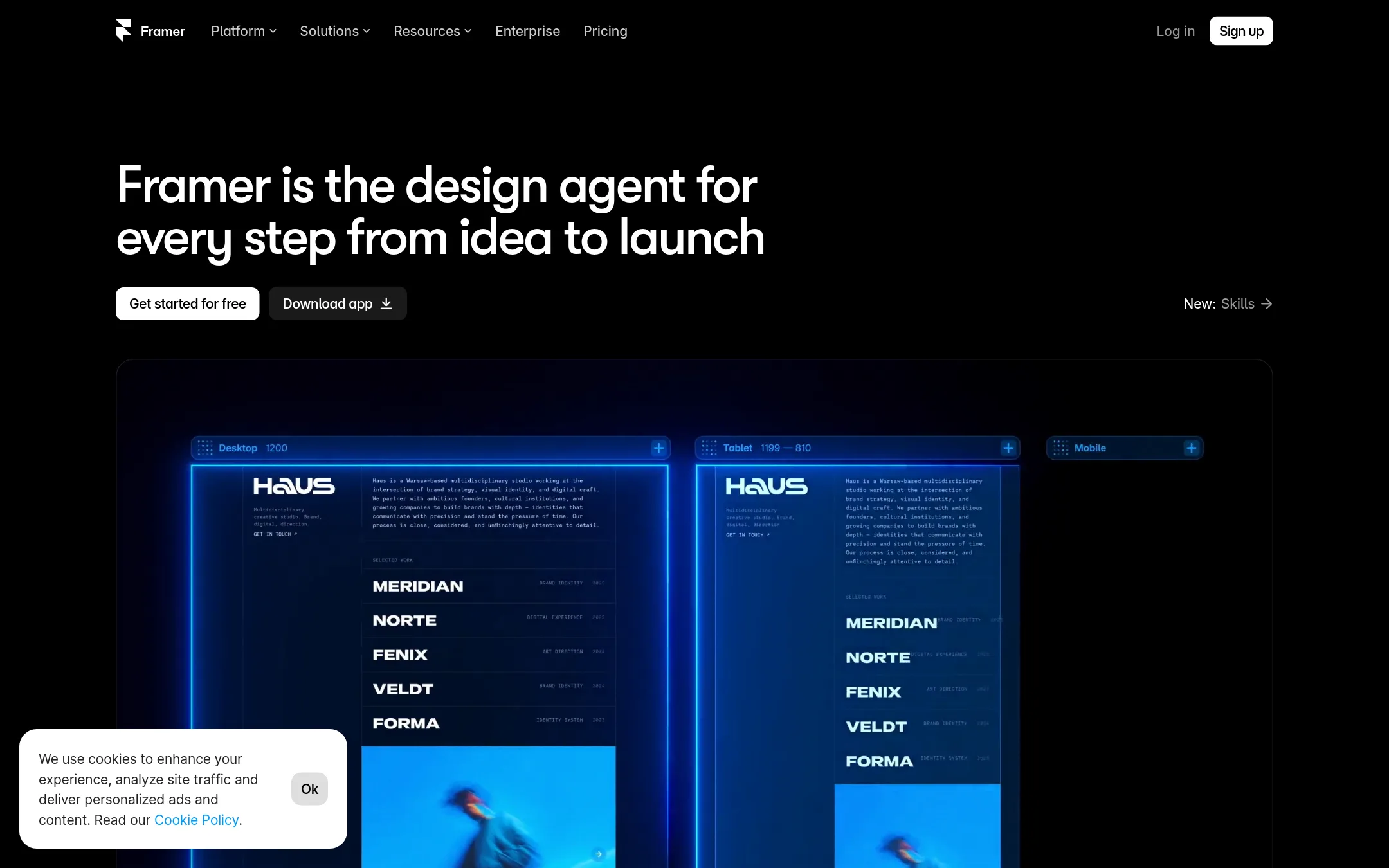
Framer is a no-code website builder focused on designing and launching professional sites, not on creating animated videos. You would choose it over Animaker when your goal is a marketing site, landing page, or portfolio with design control, and you don't need character animation or explainer videos.
Where it is strong
- Free plan includes 500 AI credits and a Framer domain
- Built-in SEO and localization add-on
- Staging environment and branching with previews on Pro
Where it falls short
- No animation or video creation features like Animaker
- Pricing details are not fully listed on the page
- Pricing:
- Pricing is not published on the site.
- Free
10.Google Web Designer
Best for: Marketing teams and agencies that need to produce HTML5 display ads and interactive banners with precise code-level control.
- Pricing
- Free
- Category
- Design & Creative
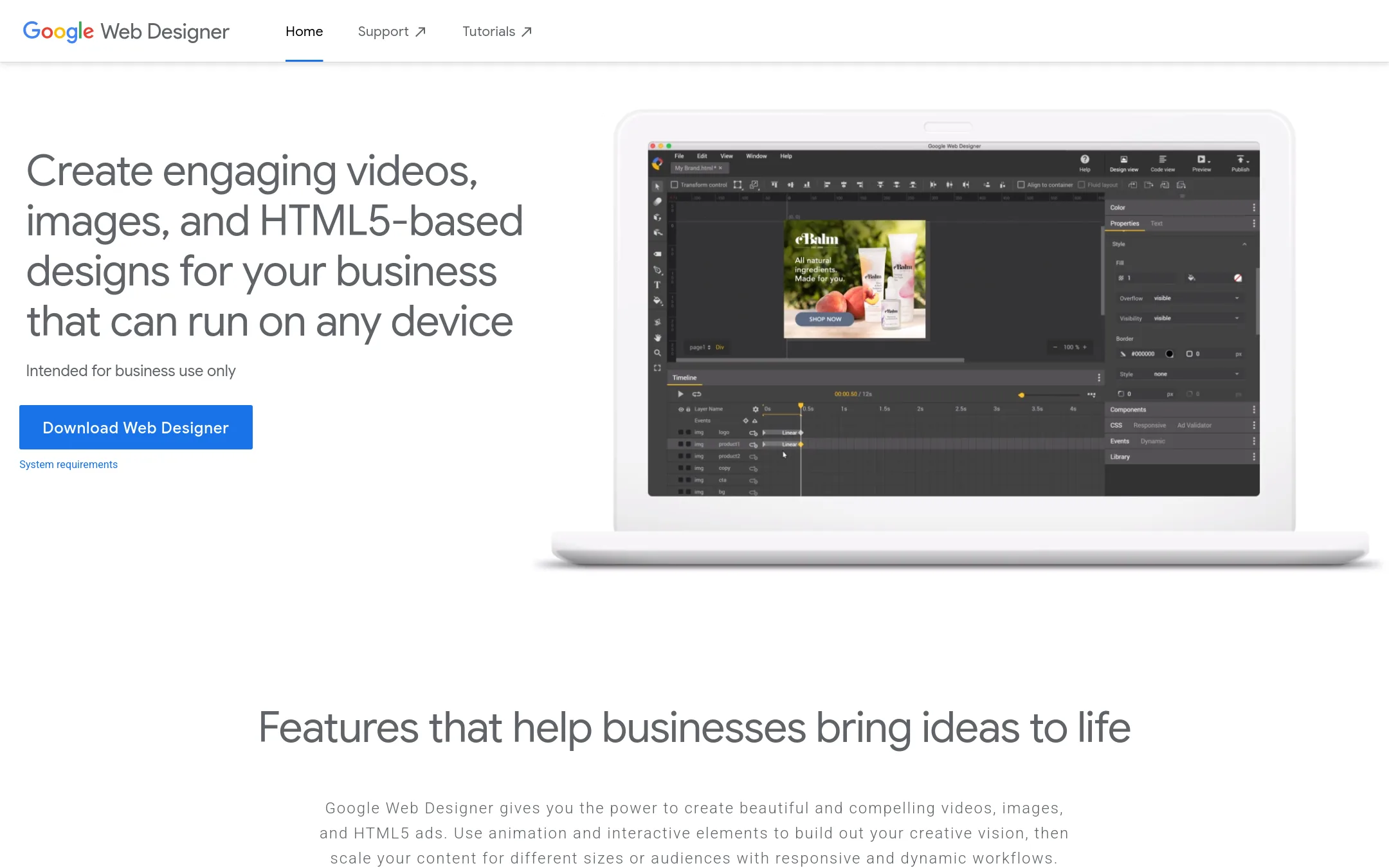
Google Web Designer is a free desktop tool for building HTML5 ads, videos, and interactive designs with animation, 3D, and responsive workflows. Choose it instead of Animaker if you need to create ad creatives that run on any device and want direct control over HTML, CSS, and JavaScript.
Where it is strong
- Free to download and use
- Supports 3D animation and motion paths
- Integrates with Google Fonts, Studio Asset Library, and Google Drive
Where it falls short
- Intended for business use only, not general animation
- Steeper learning curve for non-designers compared to Animaker's AI-assisted workflow
- Pricing:
- Pricing is not published on the site.
- From $19.99/user/mo
11.LottieFiles
Best for: Design and development teams that need lightweight, interactive animations for web and app interfaces, with a focus on performance and developer handoff.
- Pricing
- From $19.99/user/mo
- Category
- Design & Creative
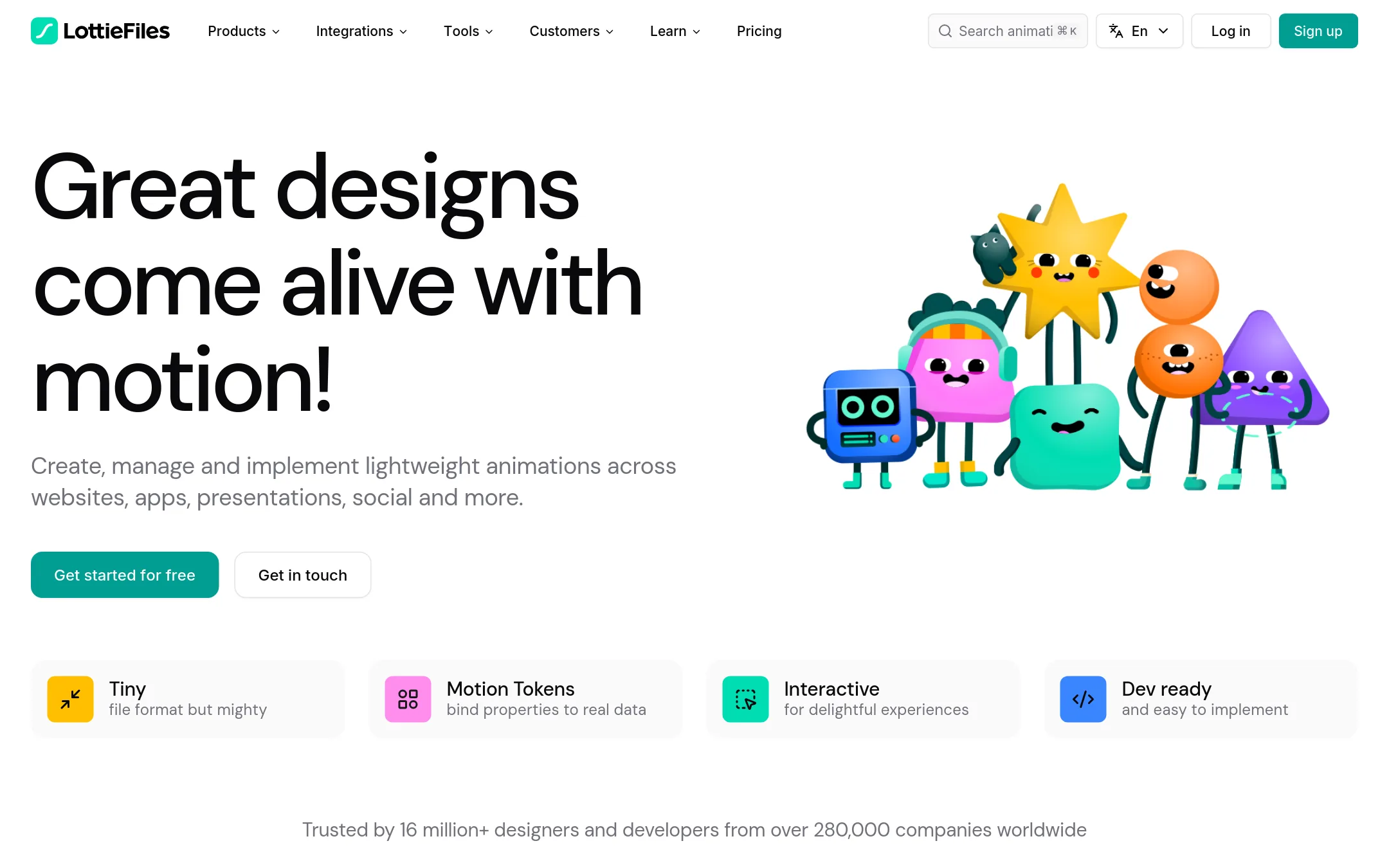
LottieFiles is a platform for creating, managing, and shipping lightweight Lottie animations for websites, apps, and design tools. Choose it instead of Animaker if you need developer-ready, interactive motion graphics that integrate with Figma, Webflow, and code, rather than full animated videos.
Where it is strong
- Tiny file format (Lottie) that loads fast and scales without pixelation
- Built-in CDN and developer handoff tools for easy implementation
- Integrates with Figma, Framer, Webflow, and Canva
Where it falls short
- Not for creating full animated videos or explainer content
- Free plan is limited. Premium library and features require paid plans
- Pricing:
- Individual plan is $19.99 per user per month billed annually. Team plan is $24.99 per user per month. Enterprise pricing requires contacting sales.
- PNot published
12.Principle
Best for: Product designers on macOS who want to prototype app flows and interactions with precise animation control.
- Pricing
- Not published
- Category
- Design & Creative
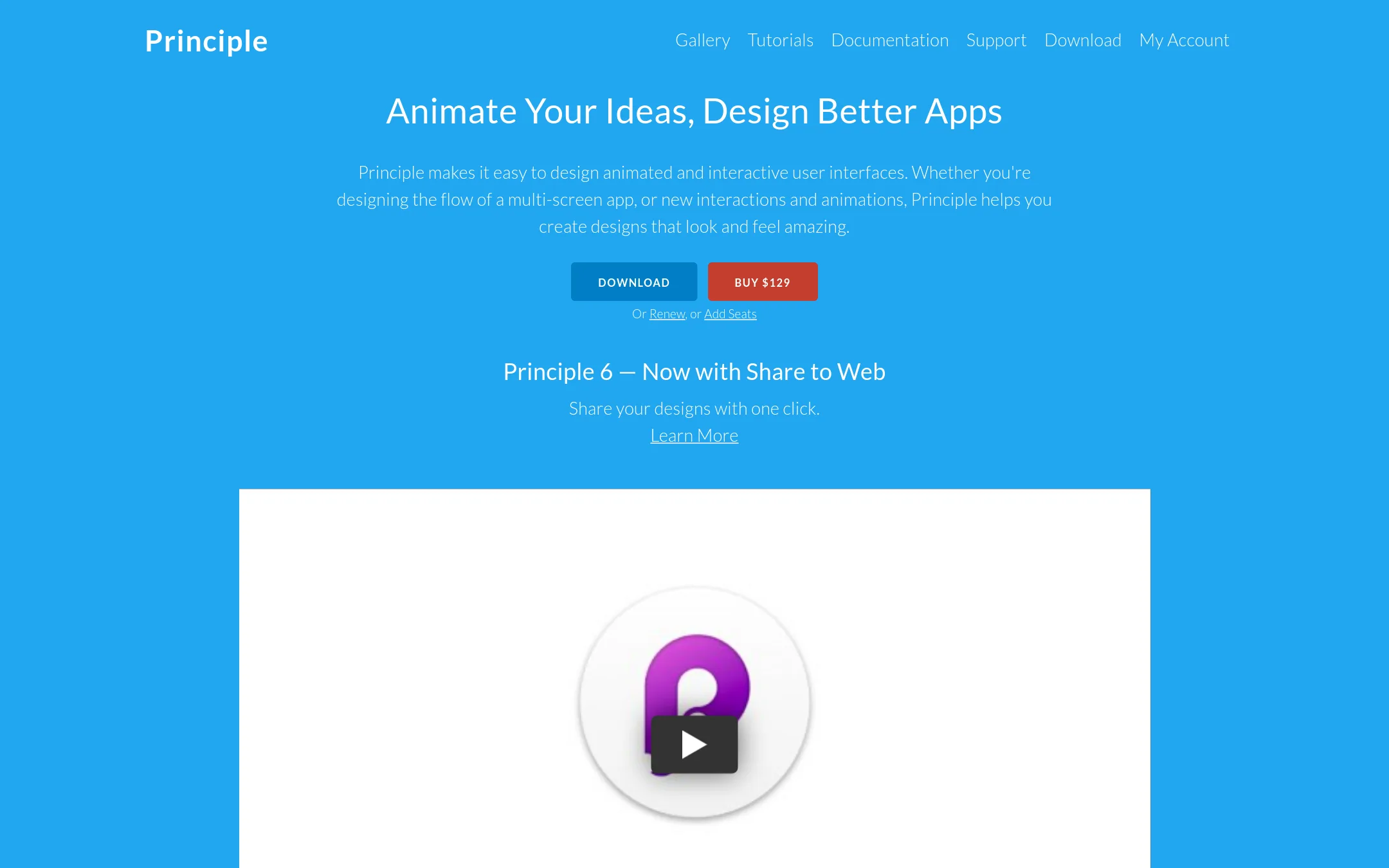
Principle is a macOS app for designing animated and interactive user interfaces, with a timeline and artboards that feel familiar to Sketch or Figma users. Choose it instead of Animaker when you need to prototype app interactions and micro-animations with pixel-level control, not produce marketing or explainer videos.
Where it is strong
- Imports designs from Figma and Sketch with intelligent merging
- Share designs to web for viewing on any device
- Record videos or GIFs directly from your prototypes
Where it falls short
- macOS only, no Windows or Linux version
- No built-in asset library or AI features like Animaker
- Pricing:
- Pricing is not published on the site.
See more comparisons in Design & Creative alternatives.
FAQ
Questions about Animaker alternatives
Which Animaker alternative is best for enterprise teams?
Vyond is the strongest for enterprise teams, with plans starting at $58 per month billed annually and features like FedRAMP for government, AI avatars, and instant translation into 95 languages. Powtoon also offers ISO-27001 and GDPR compliance, making it a good choice for regulated industries. Both require contacting sales for detailed pricing.
Is there a free alternative to Animaker?
Google Web Designer is completely free to download and use, though it is intended for business use and has a steeper learning curve. Framer offers a free plan with 500 AI credits and a Framer domain, but it is a website builder, not an animation tool. Most other alternatives, like Vyond and Biteable, do not have free plans.
Which alternative is best for creating interactive web animations?
Tumult Hype is a macOS app that creates HTML5 animations and interactive prototypes without coding, ideal for designers and developers. LottieFiles is another strong option, producing lightweight animations that integrate with Figma, Webflow, and code, with individual plans at $19.99 per user per month. Google Web Designer is free and supports HTML5 ads with 3D animation.
What is the cheapest paid alternative to Animaker?
Biteable starts at $15 per month billed yearly for Pro, making it the most affordable paid option. LottieFiles individual plan is $19.99 per user per month billed annually. Vyond starts higher at $58 per month billed annually, and other tools like Powtoon and Moovly do not publish pricing on their sites.
Which alternative is best for turning documents into videos?
Powtoon is specifically designed for converting PDFs and presentations into branded videos, with AI avatars and translation, and offers enterprise compliance. Vyond also supports text-to-video generation and is strong for training and HR content. Biteable can turn scripts into storyboards, but it is less focused on document conversion.
Last updated November 1, 2026.