AnyDesk alternatives
12 products compared · Updated October 31, 2026
The short answer
The strongest AnyDesk alternatives are Splashtop for IT teams and MSPs that need remote support plus endpoint management at a lower starting price, RemotePC for individuals and small teams that want affordable per-computer pricing, and TeamViewer for IT teams that want AI-driven insights and a broader management suite. Screenleap suits sales and support reps who need instant browser-based screen sharing, while AirDroid is best for teams managing Android device fleets.
Your shortlist, at a glance
Read the comparisons ↓ TeamViewerCustom quoteIT teams that want remote support plus AI-driven insights and endpoint management in one platform.
- RRecordBookNot publishedSmall business owners who need a lightweight, mobile-friendly way to track inventory, customers, or orders.
SplashtopFrom $6/moIT teams and MSPs that need remote support plus endpoint management in one tool.
- RRemotePCFrom $1.84 first yearIndividuals and small teams that need affordable remote access to a handful of computers, or IT teams that want a dedicated helpdesk plan with unlimited technicians.
 Zoho MeetingNot publishedTeams that need online meetings and webinars and are already using Zoho's suite of business apps.
- GGoTo MeetingCustom quoteSmall to mid-sized businesses that want remote support plus an integrated phone system and AI-powered call handling.
 LogMeInNot publishedIT departments and managed service providers that need remote support with strong security, compliance, and automation capabilities.
Microsoft Azure CycleCloudPay-as-you-goResearch teams and enterprises running HPC workloads on Azure that need automated cluster management and scaling.
 AirDroidFrom $12/device/yrIT teams and MSPs managing Android devices at scale, especially in digital signage, logistics, and healthcare.
 ScreenleapFrom $15/moSales teams and support reps who need instant, browser-based screen sharing for demos and one-off customer calls.
- CCisco WebexSee websiteEnterprise collaboration platform by Cisco
DiscordNot publishedGaming communities, study groups, and small teams that want persistent voice and text chat with built-in screen sharing.
About AnyDesk and its alternatives
AnyDesk is a remote desktop application that lets you access and control computers from anywhere. It is known for fast, secure connections, cross-platform support, and options for cloud or on-premises deployment, with plans ranging from Solo to Ultimate.
When comparing alternatives, weigh the pricing structure, whether it is per user, per computer, or per device. Consider the regions and platforms each tool supports, the depth of integrations with your existing stack, the level of support and security certifications, and whether contracts are monthly or annual.
Explore the alternatives
- Custom quote
1.TeamViewer
Best for: IT teams that want remote support plus AI-driven insights and endpoint management in one platform.
TeamViewer is a full remote access and support platform with AI-assisted troubleshooting and digital employee experience tools. Choose it over AnyDesk if you need a broader IT management suite with AI features and deep integrations.
Where it is strong
- AI assistant Tia helps diagnose and fix issues faster
- Strong security certifications (ISO 27001, SOC 2, HIPAA)
- Add-ons for monitoring, mobile device management, and antivirus
Where it falls short
- Pricing is not transparent. Requires contacting sales
- Annual contracts only, no monthly option
- Pricing:
- In the United States, TeamViewer offers annual subscriptions. Specific prices are not listed on the pricing page, so contact sales for a quote.
- Switching from AnyDesk:
- Moving from AnyDesk involves reconfiguring your remote access policies and user accounts, but TeamViewer offers migration support from their sales team.
- RNot published
2.RecordBook
Best for: Small business owners who need a lightweight, mobile-friendly way to track inventory, customers, or orders.
- Pricing
- Not published
- Category
- Productivity & Project Management
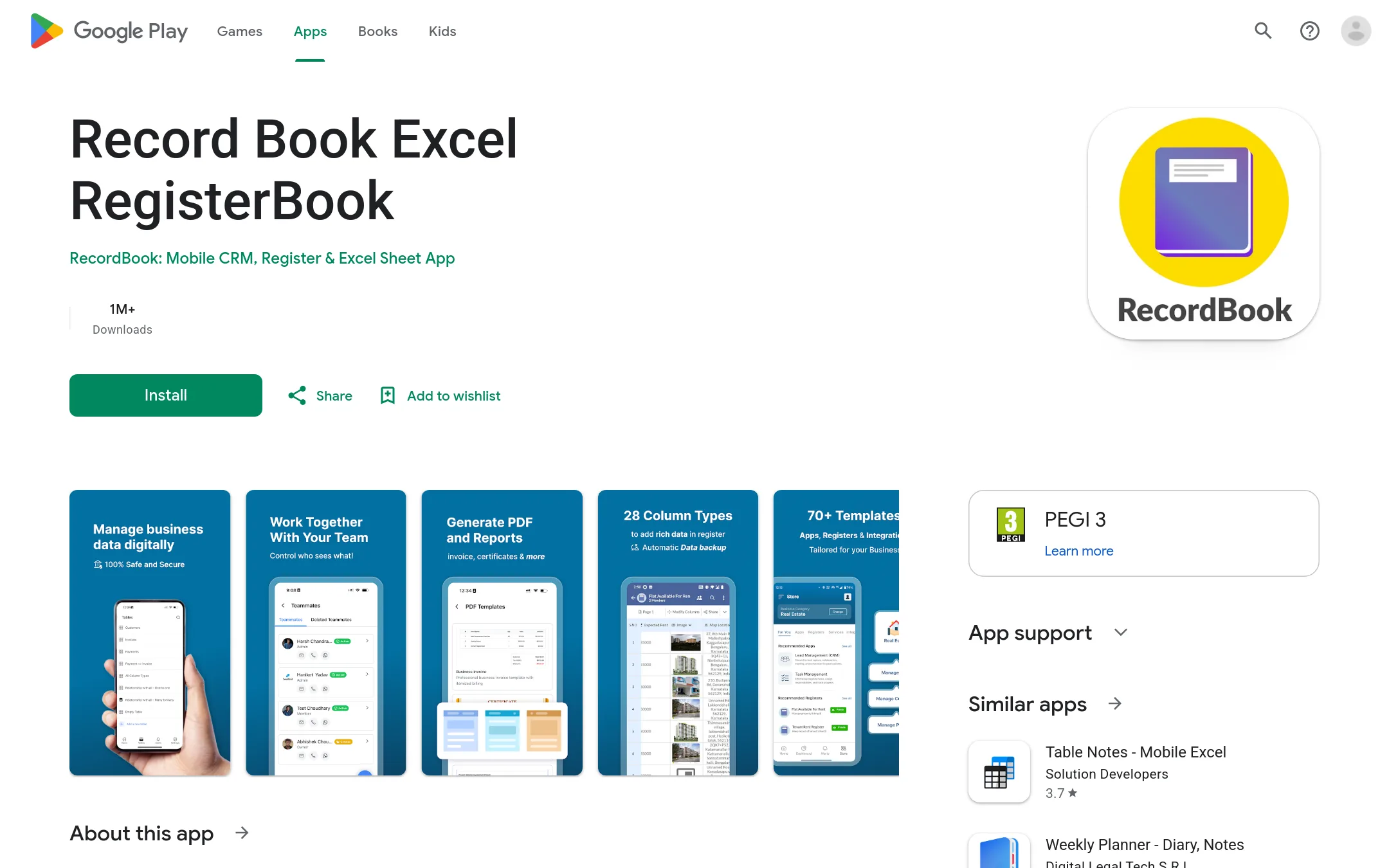
RecordBook is a mobile-first database app for small businesses that need to organize records without building custom software. It is a practical choice for owners who want a simple Airtable-like tool on their phone, not a remote desktop solution.
Where it is strong
- Mobile-first design for on-the-go data entry
- Simple, no-code structure for quick setup
- Free to download from Google Play
Where it falls short
- No desktop or web version mentioned
- Limited to Android devices
- Pricing:
- Pricing is not published on the site.
- From $6/mo
3.Splashtop
Best for: IT teams and MSPs that need remote support plus endpoint management in one tool.
- Pricing
- From $6/mo
- Category
- Other
Splashtop is a remote desktop tool that covers both individual remote access and IT support, with endpoint management as an add-on. Choose it over AnyDesk if you want a lower starting price and a broader set of IT management features like patching and monitoring.
Where it is strong
- Lower entry price than AnyDesk's Solo plan.
- Includes endpoint and patch management options.
- Supports on-premises deployment for enterprise plans.
Where it falls short
- Some advanced features like SSO are only in the Enterprise plan.
- Mobile device support is limited to unattended Android in Enterprise.
- Pricing:
- Solo starts at $6 per month billed annually at $72. Pro is $8.25 per month per user billed annually at $99 per user. Performance is $13 per month per user billed annually at $149 per user. Remote Support SOS starts at $22 per month per concurrent tech license
- Switching from AnyDesk:
- Switching from AnyDesk involves reinstalling the client on your devices and reconfiguring access permissions, but the core remote desktop workflow is similar.
- RFrom $1.84 first year
4.RemotePC
Best for: Individuals and small teams that need affordable remote access to a handful of computers, or IT teams that want a dedicated helpdesk plan with unlimited technicians.
- Pricing
- From $1.84 first year
- Category
- Other
RemotePC is a remote desktop tool for accessing Windows, Mac, and Linux computers from anywhere. It includes file transfer, remote printing, session recording, and whiteboard collaboration. Choose it over AnyDesk if you want a lower-cost alternative with per-computer pricing and a helpdesk tier for on-demand support.
Where it is strong
- Very low entry price, especially for the Solo plan.
- Supports Windows, Mac, Linux, iOS, and Android, plus browser access.
- Includes session recording, whiteboard, remote printing, and chat.
Where it falls short
- Per-computer pricing can get expensive as you scale beyond 100 computers.
- No on-premises deployment option mentioned, unlike AnyDesk's Ultimate plan.
- Pricing:
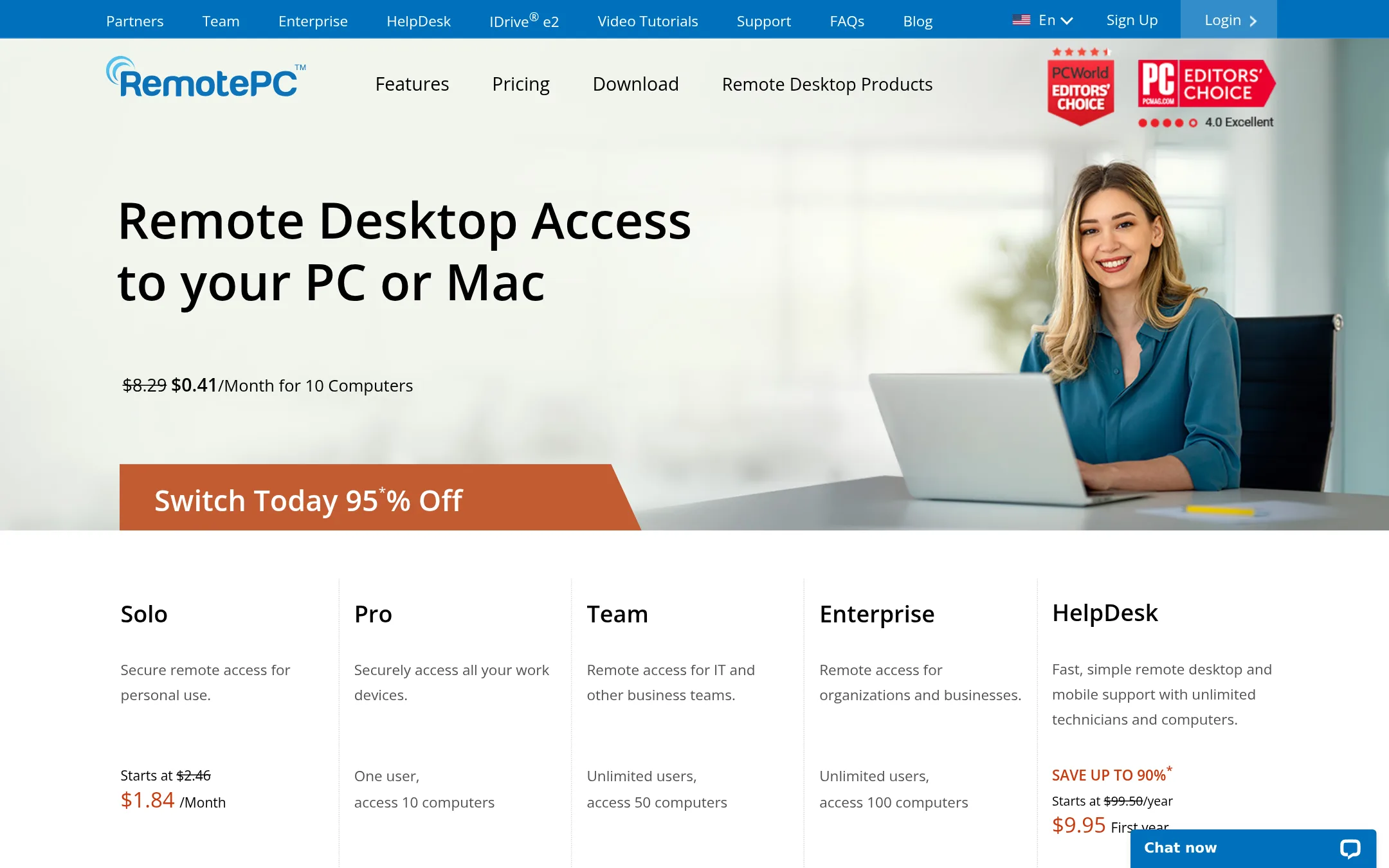
- Solo starts at $1.84 for the first year (then $2.45/year). Pro starts at $2.46/month for 10 computers. Team starts at $59.62 for the first year for 5 users. Enterprise starts at $37.47/month for 100 computers. HelpDesk starts at $9.95 for the first year.
- Switching from AnyDesk:
- Switching from AnyDesk is straightforward: install RemotePC on the computers you want to access, create an account, and use the same access ID and key model for connections.
- Not published
5.Zoho Meeting
Best for: Teams that need online meetings and webinars and are already using Zoho's suite of business apps.
- Pricing
- Not published
- Category
- Communication & Collaboration
Zoho Meeting is a web conferencing tool for online meetings, webinars, and video calls, with screen sharing and recording. It is part of the broader Zoho suite, so teams already using Zoho apps would pick it over AnyDesk for collaboration rather than remote desktop control.
Where it is strong
- Integrated with Zoho's 50+ business apps, so data flows between tools.
- Built for meetings and webinars, not just remote access.
- Privacy-focused: the company states it does not sell user data.
Where it falls short
- No remote desktop control features like AnyDesk's unattended access.
- Pricing not listed on the homepage, so you must contact sales or dig deeper.
- Pricing:
- Pricing is not published on the site.
- GCustom quote
6.GoTo Meeting
Best for: Small to mid-sized businesses that want remote support plus an integrated phone system and AI-powered call handling.
- Pricing
- Custom quote
- Category
- Other
GoTo Meeting is a business communications platform that combines phone systems, video meetings, and customer experience tools. If your team needs remote support alongside a full phone system and AI receptionist, it replaces AnyDesk's narrow remote access focus with a broader communication suite.
Where it is strong
- Includes video meetings with up to 250 participants
- AI Receptionist answers calls and routes inquiries 24/7
- Integrates with ServiceNow, Zendesk, and more
Where it falls short
- No remote desktop control features like AnyDesk
- Pricing not transparent without a sales call
- Pricing:
- Pricing is not published on the site. Plans require contacting sales.
- Not published
7.LogMeIn
Best for: IT departments and managed service providers that need remote support with strong security, compliance, and automation capabilities.
- Pricing
- Not published
- Category
- Other
LogMeIn is a remote access and support platform aimed at IT teams and MSPs, with AI-driven automation and security features like Zero Trust and AES 256-bit encryption. You would choose it over AnyDesk when you need enterprise-grade compliance, session recording, and unified endpoint management rather than a lightweight tool.
Where it is strong
- Zero Trust security framework with multi-level authentication
- AI and automation features for proactive issue resolution
- Includes MDM and remote monitoring, not just remote access
Where it falls short
- Pricing is not transparent, likely enterprise-focused
- Heavier and more complex than AnyDesk for simple ad-hoc connections
- Pricing:
- Pricing is not published on the site.
- Pay-as-you-go
8.Microsoft Azure CycleCloud
Best for: Research teams and enterprises running HPC workloads on Azure that need automated cluster management and scaling.
- Pricing
- Pay-as-you-go
- Category
- Developer Tools
Microsoft Azure CycleCloud is an HPC orchestration tool for managing and scaling compute clusters in the cloud. You would choose it over AnyDesk if your work involves running large-scale simulations, rendering, or other high-performance computing workloads that need automated cluster provisioning, not remote desktop access.
Where it is strong
- Automates cluster creation and scaling for HPC workloads
- Integrates with Azure's broader cloud services and AI tools
- Supports hybrid and multicloud environments
Where it falls short
- Requires Azure expertise and is not for remote desktop support
- Pricing is complex and depends on underlying compute resources
- Pricing:
- In the United States, Azure pricing is consumption-based, with a free trial and pay-as-you-go options. Specific CycleCloud pricing is not listed on the site.
- From $12/device/yr
9.AirDroid
Best for: IT teams and MSPs managing Android devices at scale, especially in digital signage, logistics, and healthcare.
- Pricing
- From $12/device/yr
- Category
- Productivity & Project Management
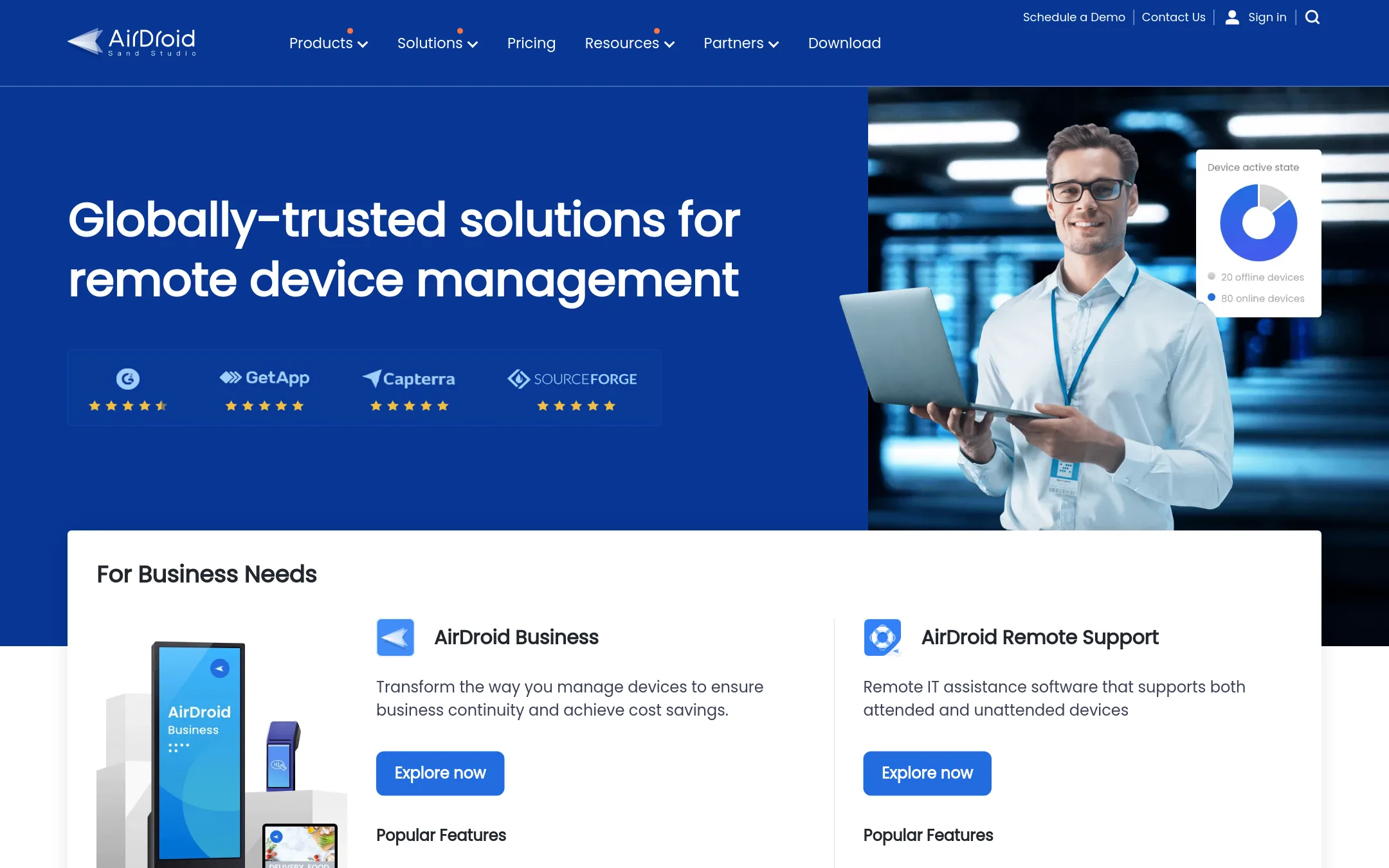
AirDroid is a remote device management suite that covers Android MDM, remote support, screen mirroring, and personal phone access. Choose it over AnyDesk when you need to manage fleets of Android devices, enforce kiosk mode, or track locations, not just remote desktop access.
Where it is strong
- Built-in MDM features like kiosk mode, geofencing, and app management for Android devices.
- Supports attended and unattended remote support with black screen mode and real-time screen sharing.
- Personal tier offers file transfer, remote camera, and SMS management from a computer.
Where it falls short
- MDM features are Android-focused, so iOS and desktop management are limited compared to AnyDesk.
- Enterprise tier requires contacting sales for a custom quote, and some features are marked as coming soon.
- Pricing:
- AirDroid Business starts at less than $12 per device per year for Basic, less than $21 for Standard, and less than $33 for Enterprise. AirDroid Remote Support (Business) starts at $0 and goes to less than $199 per license per year for Basic, with a limited-tim
- Switching from AnyDesk:
- Moving from AnyDesk involves adopting AirDroid's device-centric model, where you manage devices through a web dashboard and install agents on Android endpoints, rather than connecting to arbitrary desktops.
- From $15/mo
10.Screenleap
Best for: Sales teams and support reps who need instant, browser-based screen sharing for demos and one-off customer calls.
- Pricing
- From $15/mo
- Category
- Communication & Collaboration
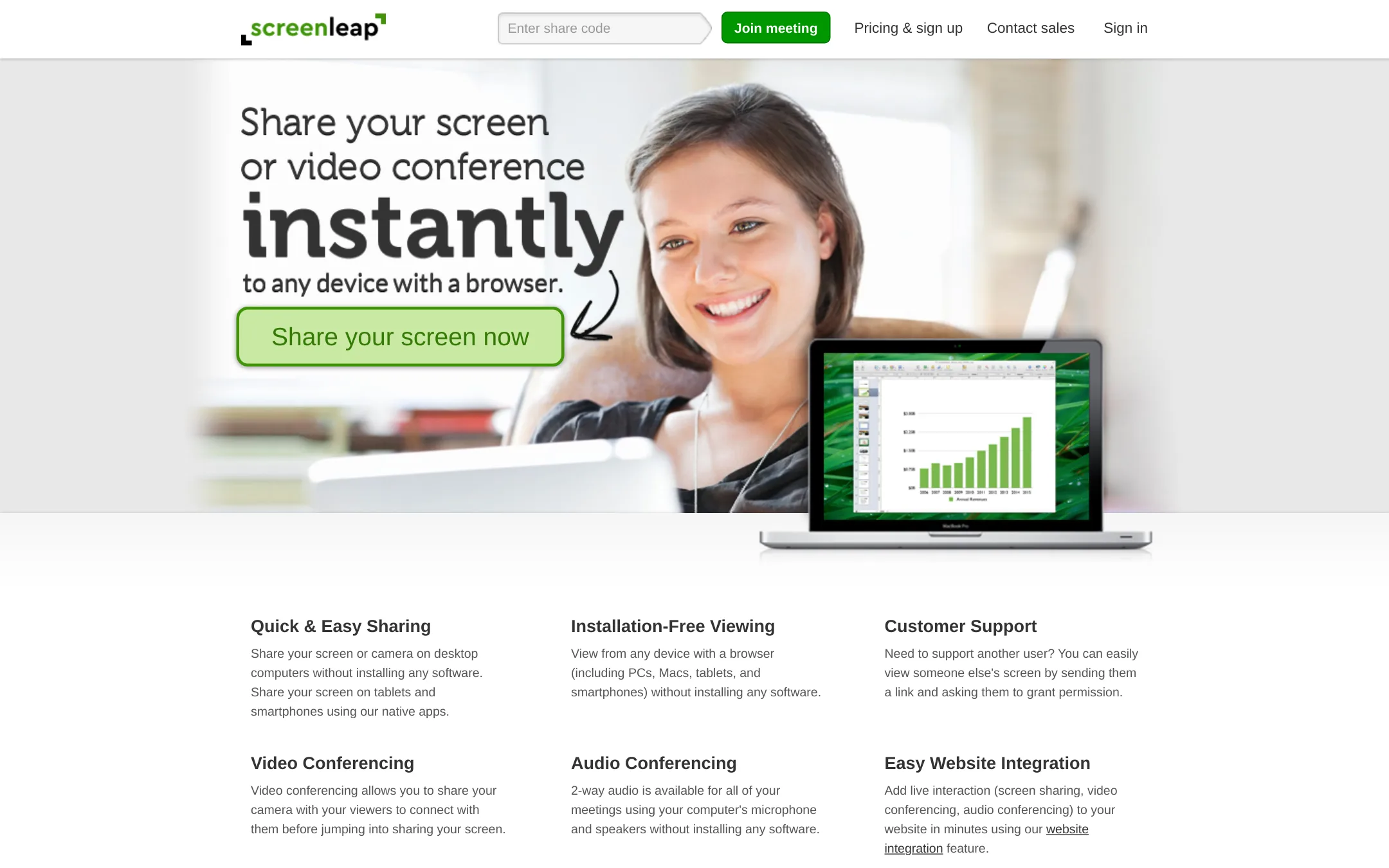
Screenleap is a screen sharing tool that works entirely in the browser for viewers, with no installation required. It's a good fit if you need quick, lightweight demos or support sessions where the person you're helping shouldn't have to download anything.
Where it is strong
- Viewers can join from any browser without installing software
- Free plan available for occasional use
- Website integration lets you add screen sharing to your own site without coding
Where it falls short
- Free plan limited to 20 minutes per day
- Control sharing and viewer mouse require an add-on app, unlike AnyDesk's built-in remote control
- Pricing:
- Pricing starts at $15/month for the Basic plan, $31/month for Pro, and $39/month for Premium, with a 20% discount if billed annually. A free plan is also available with a 20-minute daily limit.
- Switching from AnyDesk:
- Moving from AnyDesk means giving up full remote control and unattended access, since Screenleap focuses on live, attended screen sharing rather than managing remote machines.
- CSee website
11.Cisco Webex
Communication & Collaboration
Enterprise collaboration platform by Cisco
- Not published
12.Discord
Best for: Gaming communities, study groups, and small teams that want persistent voice and text chat with built-in screen sharing.
- Pricing
- Not published
- Category
- Communication & Collaboration
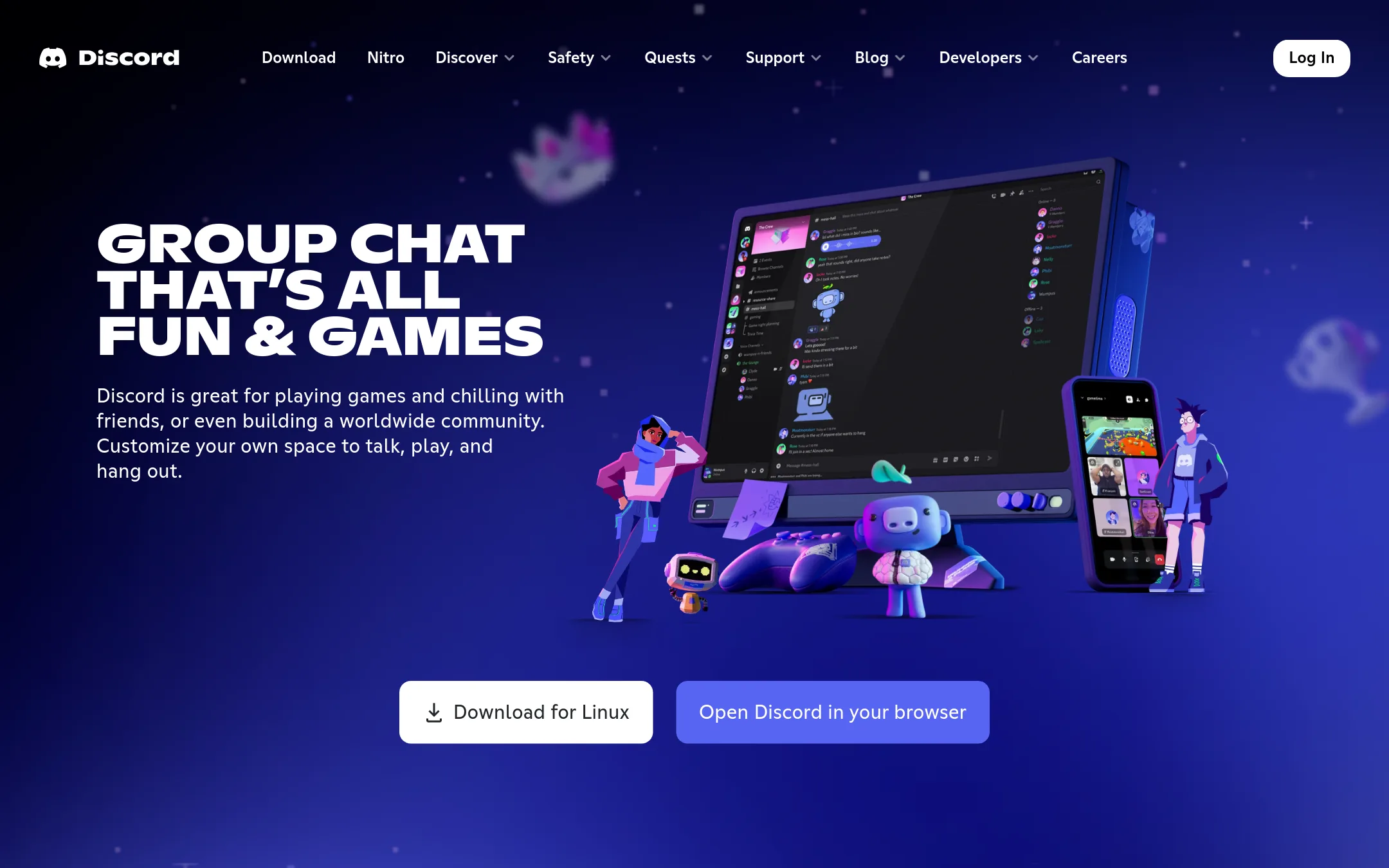
Discord is a group chat platform built around voice, video, and text channels, with low-latency streaming for shared activities. You would choose it over AnyDesk when your goal is ongoing team communication and hanging out together, not controlling remote desktops or providing technical support.
Where it is strong
- Free to start with unlimited text and voice channels
- Low-latency streaming for watching or playing together
- Works across PC, phone, and console
Where it falls short
- No remote desktop control or unattended access
- Not designed for IT support or managing devices
- Pricing:
- Pricing is not published on the site.
See more comparisons in Communication & Collaboration alternatives.
FAQ
Questions about AnyDesk alternatives
What is the cheapest AnyDesk alternative for a solo user?
RemotePC's Solo plan starts at $1.84 for the first year, then $2.45 per year, which is far lower than AnyDesk's Solo plan at €23.12 per month. Splashtop's Solo plan is also low at $6 per month billed annually. Both are solid options for individual remote access.
Which alternative is best for IT teams that need endpoint management?
Splashtop includes endpoint and patch management options, and LogMeIn offers unified endpoint management with AI automation. TeamViewer also has add-ons for monitoring and mobile device management. Choose Splashtop if you want a lower entry price, or LogMeIn for enterprise-grade security and compliance.
Can I get a free plan for occasional screen sharing?
Screenleap offers a free plan with a 20-minute daily limit, which is good for quick demos or support calls. Discord is also free to start with unlimited text and voice channels, but it lacks remote desktop control. AirDroid Remote Support has a free tier starting at $0 for basic use.
Which alternative supports Android device management?
AirDroid is the strongest choice for Android fleets, with built-in MDM features like kiosk mode, geofencing, and app management. It starts at less than $12 per device per year. Splashtop and LogMeIn also offer mobile device management, but they are less Android-specific.
Are there alternatives with transparent pricing?
RemotePC and Splashtop publish clear per-user or per-computer prices on their sites. Screenleap also lists its plans openly. In contrast, TeamViewer, LogMeIn, and GoTo Meeting require contacting sales for quotes, which makes budgeting harder.
Last updated October 31, 2026.