
Aqua Voice alternatives
5 products compared · Updated November 11, 2026
The short answer
The three strongest alternatives to Aqua Voice are Wispr Flow, Superwhisper and Otter.ai. Wispr Flow suits remote teams on Mac or Windows that want dictation and meeting notes in one app with no bot joining calls. Superwhisper suits teams whose staff need dictation without a reliable internet connection, such as field workers and travellers. Otter.ai suits sales and customer-facing teams that need meeting notes, action items and CRM updates pushed after every call.
Your shortlist, at a glance
Read the comparisons ↓- WWispr FlowNot publishedRemote teams on Mac or Windows that want dictation and meeting notes from one app, with no bot joining calls
- SSuperwhisperNot publishedTeams whose staff need dictation with no reliable internet connection, such as field workers or travellers, and who work across Mac, Windows and mobile.
Otter.aiNot publishedSales and customer-facing teams that need meeting notes, action items and CRM updates pushed automatically after every call
- NNuance CommunicationsNot publishedHealthcare teams and enterprises that need speech recognition tied into Microsoft's healthcare and productivity products.
- TTalon VoiceNot publishedDevelopers and users with repetitive strain or limited hand mobility who need full hands-free computer control on Linux or Windows
About Aqua Voice and its alternatives
Aqua Voice is a dictation tool for Mac, Windows, iPhone and Android. According to its site, it transcribes speech, pastes the text where the cursor is, and refines it with AI for grammar and tone. The site highlights speed, accuracy, a custom dictionary, and Notetaker, which produces AI meeting notes with no bot in the call. It also lists a free plan with 1,000 words, paid plans for Pro and Max, and a Business plan for teams.
When comparing alternatives in this category, weigh the pricing structure first. Check whether a product publishes its prices, whether it bills per seat, and whether monthly and annual rates differ. Then look at regions and languages, integrations with the apps your team already uses, the quality of support, and the contract terms, including how long data is retained and whether it can be turned off.
Explore the alternatives
- WNot published
1.Wispr Flow
Best for: Remote teams on Mac or Windows that want dictation and meeting notes from one app, with no bot joining calls
- Pricing
- Not published
- Category
- Other
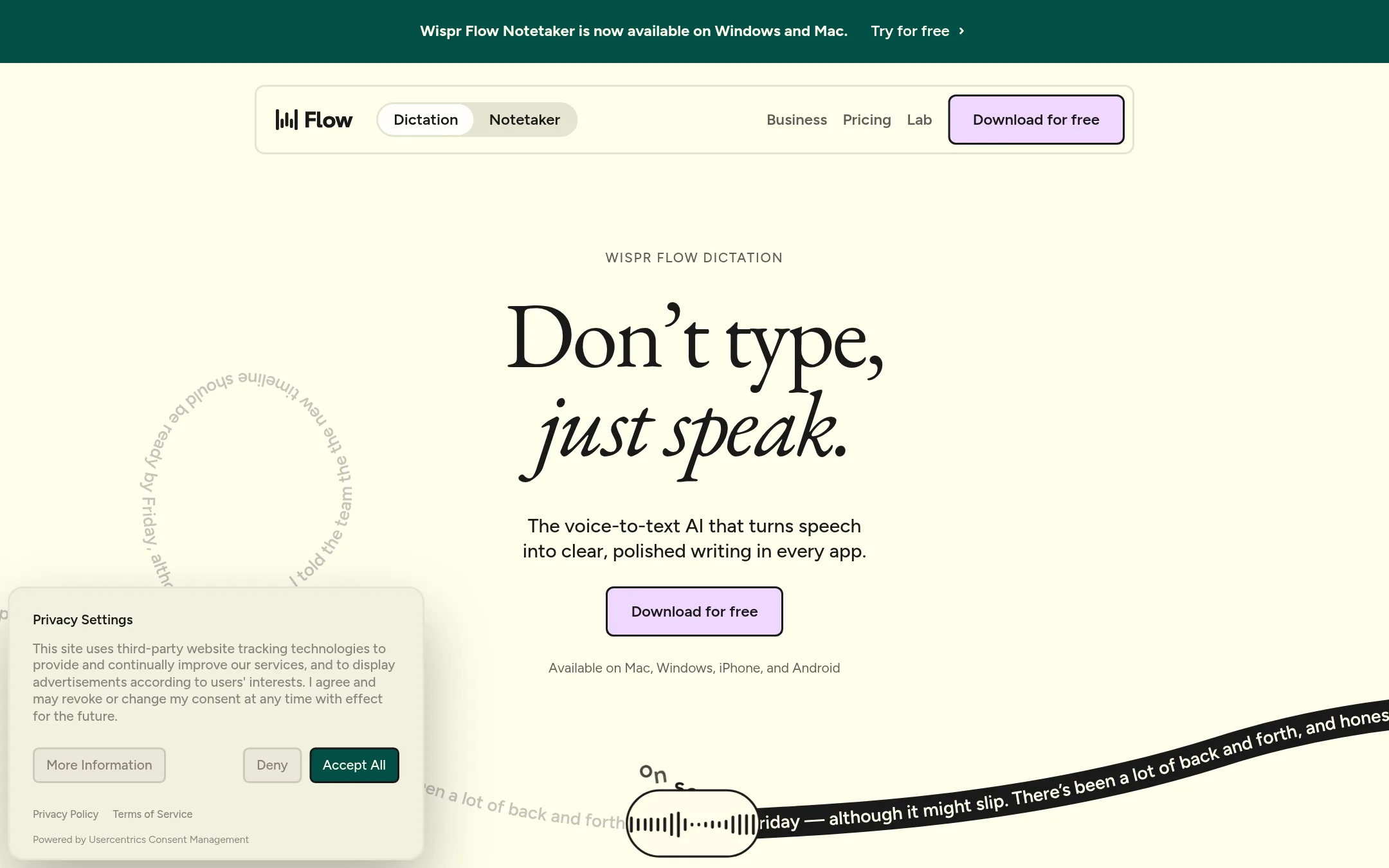
Wispr Flow is a voice dictation tool that types into whatever app your cursor is in, including email, chat, code editors and AI tools. It also cleans up speech as you talk, so false starts and corrections come out as the sentence you meant. Teams pick it over Aqua Voice when they want the same dictation plus a meeting notetaker that runs on the device with no bot joining the call.
Where it is strong
- Types into any app with no setup or integrations
- Notetaker works without a bot in the call and covers in-person meetings
- Supports 100+ languages and a personal dictionary for names and jargon
Where it falls short
- Notetaker is currently available only on Mac and Windows
- Free tier has a weekly word limit, and unlimited use needs a paid plan
- Pricing:
- Pricing is not published on the site.
- SNot published
2.Superwhisper
Best for: Teams whose staff need dictation with no reliable internet connection, such as field workers or travellers, and who work across Mac, Windows and mobile.

- Pricing
- Not published
- Category
- Other
Superwhisper is AI voice-to-text that runs on macOS, Windows, iOS and Android and dictates into any app. It works offline as well as in the cloud, which matters if you need dictation without a connection. Choose it over Aqua Voice when you want offline transcription or a meeting assistant that records and writes notes.
Where it is strong
- Works offline as well as in the cloud, so dictation does not depend on Wi-Fi.
- Custom vocabulary for names, abbreviations and specialized terms, saved once and remembered.
- Supports 100+ languages and dialects and can translate them into English.
Where it falls short
- Pricing is not published, so cost comparison with Aqua Voice needs a direct quote.
- The site does not list a no-data-retention plan the way Aqua Voice does, so check its privacy terms against your needs.
- Pricing:
- Pricing is not published on the site.
- Not published
3.Otter.ai
Best for: Sales and customer-facing teams that need meeting notes, action items and CRM updates pushed automatically after every call
- Pricing
- Not published
- Category
- AI & Machine Learning
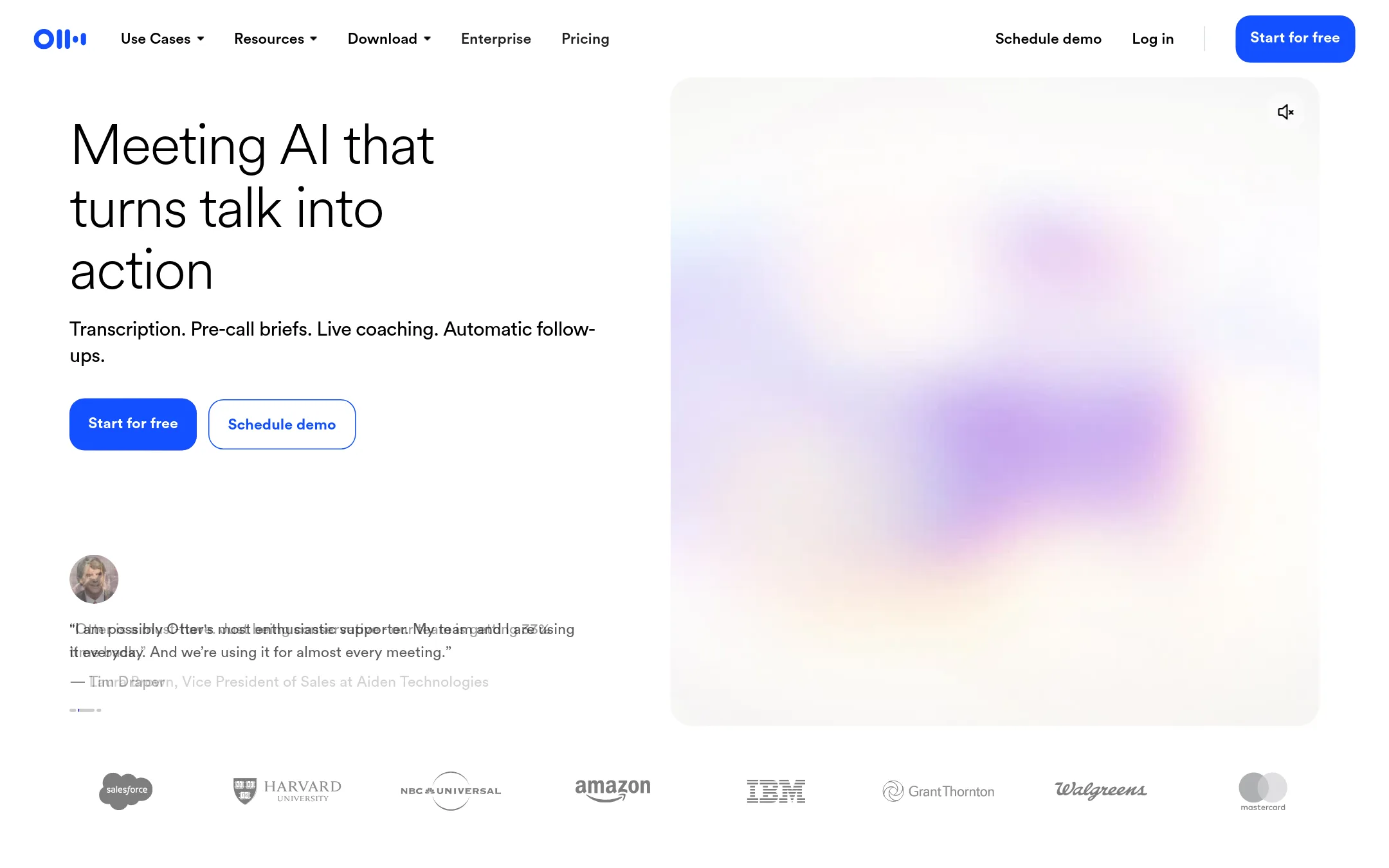
Otter.ai is an AI notetaker that transcribes meetings, produces summaries and action items, and answers questions across past meetings. Teams pick it over Aqua Voice when the main job is recording and organizing meetings rather than dictating text into apps, because Otter's core is meeting capture, search and CRM sync.
Where it is strong
- Transcribes Zoom, Teams and Google Meet calls with speaker identification
- Syncs notes and deal details to CRMs such as Salesforce and HubSpot
- Offers a conversational search layer across past meetings and connected apps
Where it falls short
- Built around meetings, so it is not a system-wide dictation tool like Aqua Voice
- Pricing tiers list minute limits and import caps but no clear per-seat cost on the page
- Pricing:
- Pricing is not published on the site.
- NNot published
4.Nuance Communications
Best for: Healthcare teams and enterprises that need speech recognition tied into Microsoft's healthcare and productivity products.
- Pricing
- Not published
- Category
- Other
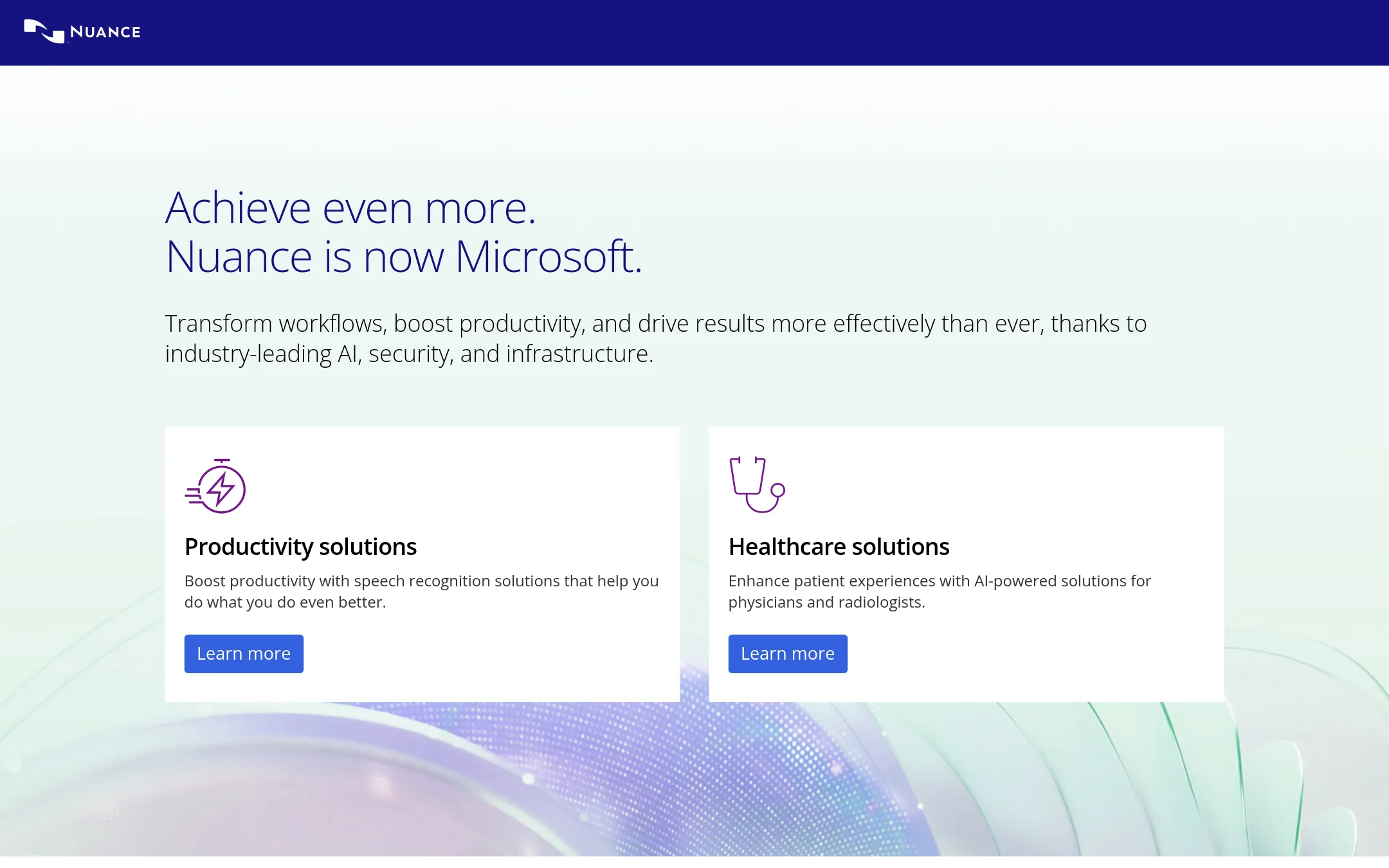
Nuance is the company behind Dragon, a speech recognition suite. It fits professionals who want dictation built for their field, especially clinicians and enterprise teams already inside the Microsoft ecosystem, since Nuance now belongs to Microsoft. Aqua Voice is the better pick for people who want a fast, general-purpose dictation tool across every app on Mac, Windows, and phones.
Where it is strong
- Backed by Microsoft, which now owns Nuance, so it sits alongside existing Microsoft products.
- Offers healthcare solutions with AI tools aimed at physicians and radiologists.
- Covers productivity speech recognition for general office work.
Where it falls short
- The site does not list pricing or plan details, so cost is hard to judge before a sales conversation.
- The homepage does not mention a free tier, a self-serve signup, or mobile apps, unlike Aqua Voice's listed platforms.
- Pricing:
- Pricing is not published on the site.
- TNot published
5.Talon Voice
Best for: Developers and users with repetitive strain or limited hand mobility who need full hands-free computer control on Linux or Windows
- Pricing
- Not published
- Category
- Other
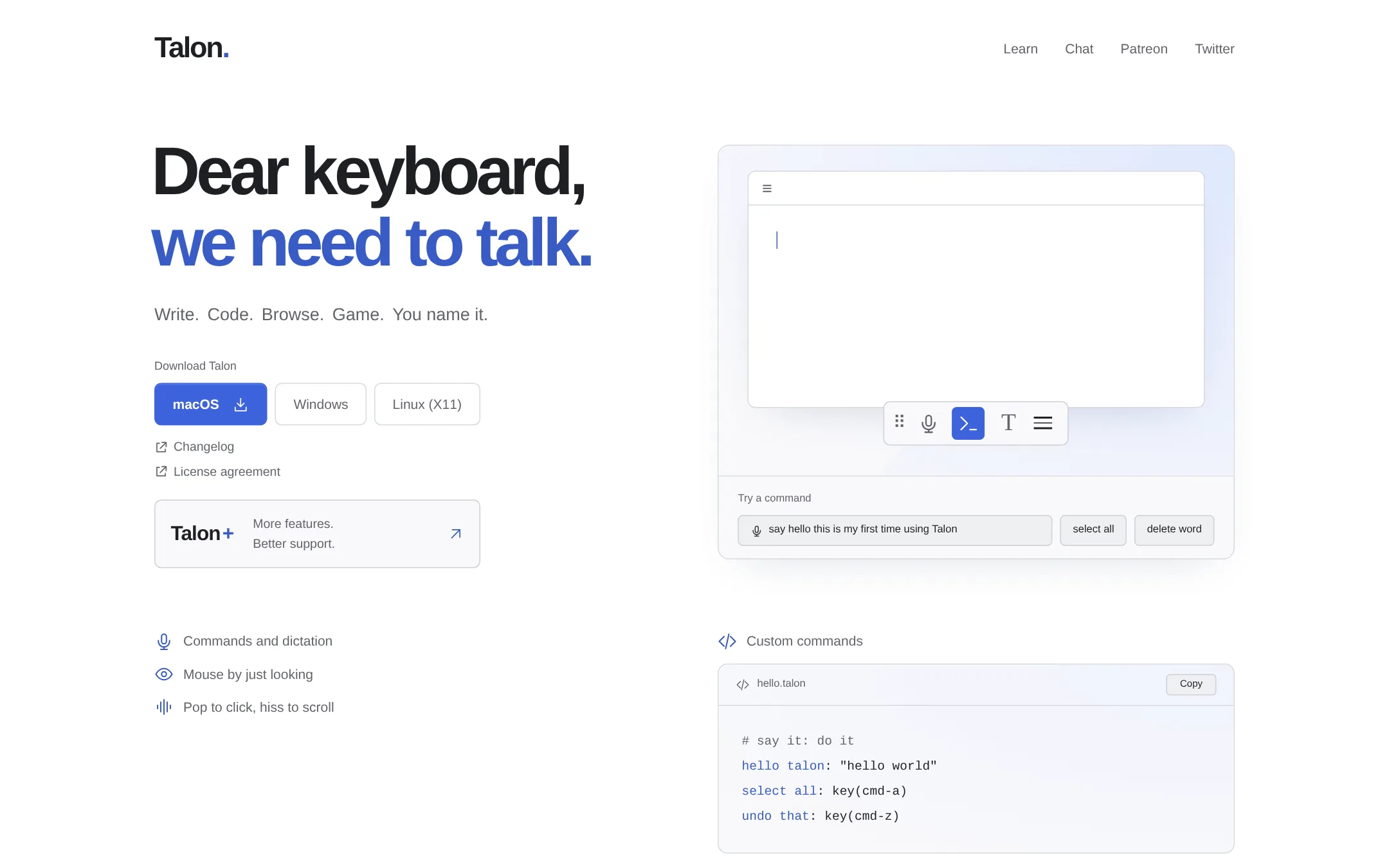
Talon Voice is a hands-free control tool for macOS, Windows and Linux. It covers dictation, command control, eye tracking and noise-based clicks, and it is scripted in Python. Someone would pick it over Aqua Voice when the goal is controlling the whole computer without a keyboard or mouse, rather than just dictating clean text into an app.
Where it is strong
- Works on macOS, Windows and Linux
- Mouse control by eye tracking, with pop and hiss sounds for clicks and scrolling
- Custom commands written in Python for any workflow
Where it falls short
- Set-up takes effort compared with Aqua Voice's install-and-dictate approach
- Aqua's AI cleanup of grammar and tone and its meeting notes are not part of Talon
- Pricing:
- Pricing is not published on the site.
See more comparisons in Productivity & Project Management alternatives.
FAQ
Questions about Aqua Voice alternatives
What is Aqua Voice best known for?
According to its site, Aqua Voice is known for fast, accurate speech-to-text that pastes into any app on Mac, Windows, iPhone and Android. Its homepage claims speeds about five times faster than typing and highlights its AI cleanup and custom dictionary. It also offers Notetaker for AI meeting notes without a bot in the call.
Which alternative is best if I need offline dictation?
Superwhisper is the entry to look at. It works offline as well as in the cloud, so dictation does not depend on a connection. It also supports custom vocabulary and 100+ languages across macOS, Windows, iOS and Android.
Which alternative is best for sales teams that mainly need meeting notes?
Otter.ai suits sales and customer-facing teams. It transcribes Zoom, Teams and Google Meet calls with speaker identification and syncs notes and deal details to CRMs such as Salesforce and HubSpot. It is built around meetings rather than system-wide dictation.
How does Aqua Voice's pricing compare with the alternatives?
Aqua Voice publishes its prices: Pro is $10 a month billed annually and Max is $19 a month billed annually, with a Business plan at $19 per seat per month billed annually. Most of the alternatives listed do not publish pricing on their sites, so you will need a direct quote to compare costs.
Can Talon Voice replace Aqua Voice for everyday dictation?
Talon Voice is aimed at hands-free control of the whole computer, including command control and eye tracking, and it works on macOS, Windows and Linux. It takes more setup than Aqua Voice's install-and-dictate approach, and it does not include Aqua's AI cleanup of grammar and tone or its meeting notes. It fits best for developers or users who need full keyboard and mouse replacement.
Last updated November 11, 2026.