
Beam alternatives
8 products compared · Updated November 17, 2026
The short answer
The three strongest alternatives to Beam are Modal, RunPod and Lambda GPU Cloud. Modal suits AI teams that need bursty, massively parallel GPU jobs or managed model APIs with enterprise compliance controls. RunPod suits teams that need GPU pods for training, fine-tuning or inference across a wide range of GPU models. Lambda GPU Cloud suits teams training foundation models or serving high token volumes that need reserved, single-tenant NVIDIA GPU clusters.
Your shortlist, at a glance
Read the comparisons ↓ ModalFrom $30/mo + usageAI teams that need bursty, massively parallel GPU jobs or managed model APIs and want enterprise compliance controls
 RunPodFrom $1.99/hr (H100)AI teams that need GPU pods for training, fine-tuning or inference across a wide range of GPU models
- EE2B$150/mo + usageTeams building coding, data or computer-use agents that need a secure sandbox per session, especially those needing a deployment inside their own AWS, GCP or Azure account
- RReplicate$0.000975/sec (L40S)Product teams that want to add image, video or speech generation to an app through a hosted model API without running their own GPUs
- LLambda GPU CloudFrom $4.59/GPU-hrTeams training foundation models or serving high token volumes that need reserved, single-tenant NVIDIA GPU clusters
 Vast.aiNot publishedTeams training or fine-tuning models on a budget that can checkpoint and resume interrupted jobs
 Cerebrium$0.000222/s (L4 GPU)Teams running real-time voice agents or LLM inference that need fast autoscaling without managing Kubernetes
- TTensorfuseSee websiteRun serverless GPUs on your own cloud
About Beam and its alternatives
Beam sources bare-metal servers around the world and turns them into VMs, sandboxes, task queues, functions and endpoints. According to its site, it is known for running coding agents, background jobs, CI builds and GPU workloads, with compute billed only while code is running and no egress fees.
When comparing alternatives in this category, weigh the pricing structure first, including whether you pay per second, per hour, per millisecond or by flat machine price, and whether idle time costs you anything. Then check regions, integrations, support levels and contract terms, such as reserved commitments, interruptible capacity and volume discounts. Match the product to your workload type, since sandboxes, persistent VMs, serverless endpoints and reserved GPU clusters are not interchangeable.
Explore the alternatives
- From $30/mo + usage
1.Modal
Best for: AI teams that need bursty, massively parallel GPU jobs or managed model APIs and want enterprise compliance controls
- Pricing
- From $30/mo + usage
- Category
- AI & Machine Learning
Modal is a serverless platform for running AI workloads, covering model inference, training and fine-tuning, sandboxes for untrusted or agent-generated code, and general compute functions. Teams choose it over Beam when they want to fan out work across many GPUs without managing job orchestration, or when they need Modal's model API catalog and enterprise controls such as SOC 2 Type II, HIPAA readiness, audit logs and Okta SSO. Beam's pitch is bare-metal machines with no egress fees and VMs that resume with processes intact, which fits teams that want persistent machines more than burst serverless jobs.
Where it is strong
- Massively parallel functions let you fan out across thousands of GPUs without writing job orchestration.
- Managed model APIs offer OpenAI-compatible endpoints for several open models, priced per million tokens.
- Enterprise options include SOC 2 Type II, HIPAA readiness, audit logs, Okta SSO and data residency controls.
Where it falls short
- Modal's published model API list and per-second GPU rates are priced for serverless use, so steady always-on workloads need a separate cost
- Modal's free network egress allowance is capped at 1 TiB per month on Starter and 10 TiB on Team, while Beam lists no egress fees.
- Pricing:
- Modal bills GPUs per second, with an H100 SXM5 at $0.001097 per second, a Starter plan with $30 per month in free credits and a Team plan with $100 per month in free credits, and Enterprise pricing set by volume.
- Switching from Beam:
- Moving from Beam to Modal means rewriting deployments around Modal's function and sandbox model, since Beam's VM and CLI workflow does not map directly onto it.
- From $1.99/hr (H100)
2.RunPod
Best for: AI teams that need GPU pods for training, fine-tuning or inference across a wide range of GPU models
- Pricing
- From $1.99/hr (H100)
- Category
- AI & Machine Learning
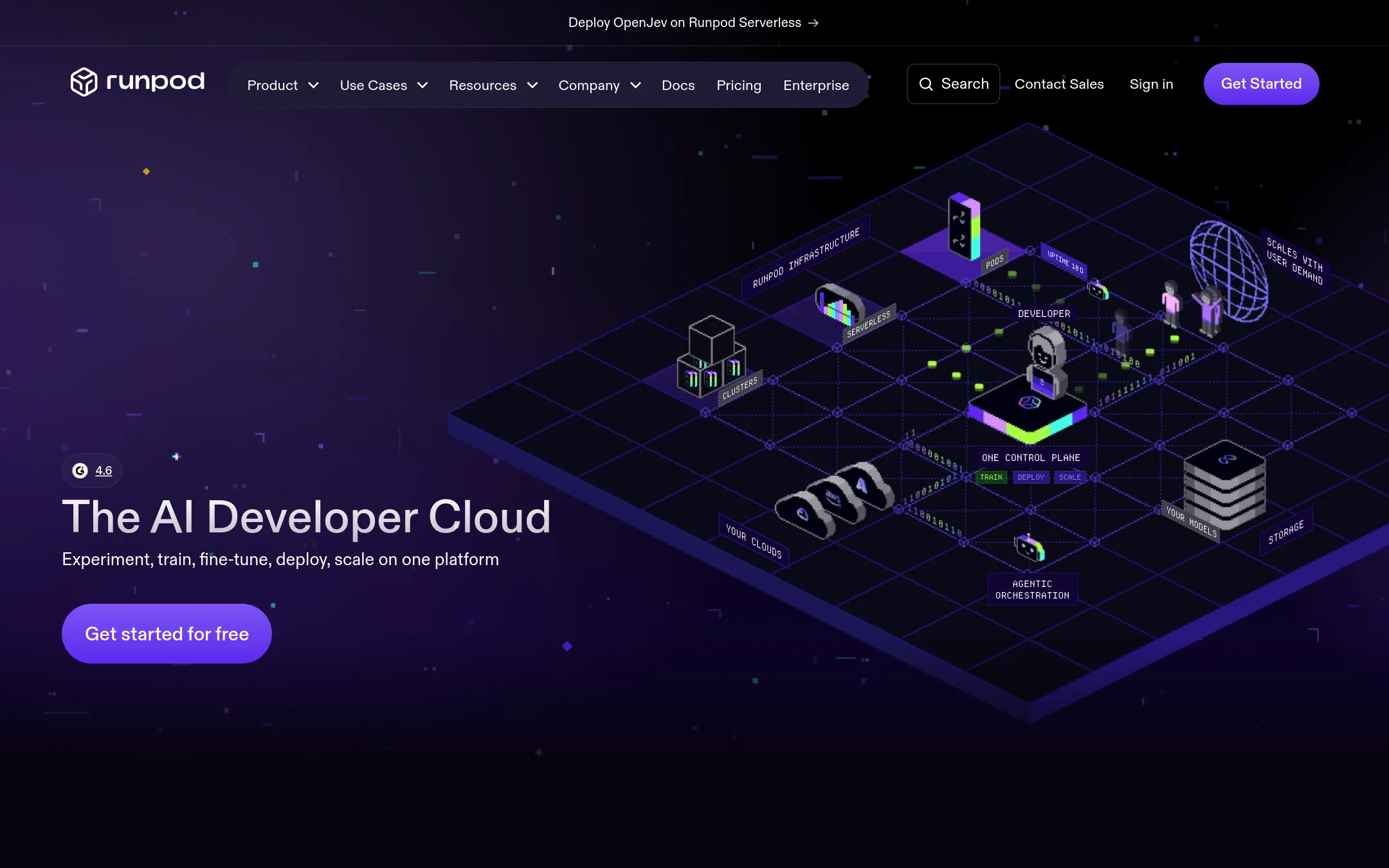
RunPod is a GPU cloud with three products: Pods for dedicated GPU instances, Serverless for autoscaling inference endpoints that scale to zero, and Clusters for multi-GPU jobs. Pick it over Beam when you want a large GPU catalog and dedicated GPU pods for training, fine-tuning or steady inference rather than sandboxes and agent-focused compute.
Where it is strong
- Over 30 GPU SKUs across 31 global regions
- Serverless endpoints scale to zero, so idle endpoints cost nothing
- Pods can be Reserved or lower-priced interruptible Spot
Where it falls short
- Its sandbox and agent-focused compute is less central than Beam's, which is built around sandboxes and VMs
- Lower-priced Community Cloud capacity is a different tier from Secure Cloud, so you need to pick the tier your workload can tolerate
- Pricing:
- Pricing is not published on the site in a single flat rate. The H100 PCIe is listed at $2.89/hr on Secure Cloud or from $1.99/hr on Community Cloud, and the H100 SXM at $4.39/hr or from $2.69/hr, billed per second with no commitment.
- Switching from Beam:
- Moving from Beam means rebuilding your sandbox, VM and task queue setup as Pods or Serverless handlers, since the two platforms expose different primitives.
- E$150/mo + usage
3.E2B
Best for: Teams building coding, data or computer-use agents that need a secure sandbox per session, especially those needing a deployment inside their own AWS, GCP or Azure account

- Pricing
- $150/mo + usage
- Category
- Other
E2B runs an isolated Linux microVM for each AI agent session, so untrusted code and tool calls stay contained. It starts from a snapshot, can be paused or forked, and runs in E2B's cloud or in your own AWS, GCP or Azure account. Choose it over Beam when the main need is a secure sandbox per agent session, or when you need to keep sandboxes inside your own cloud account.
Where it is strong
- Each session gets its own microVM kernel, so it is isolated from other sessions and from the host
- Sandboxes can be paused, snapshotted and forked, which suits agents that run over long periods
- Available in E2B's cloud or inside your own AWS, GCP or Azure account, with the same SDK in both
Where it falls short
- It is built around sandboxes for agent sessions, so it does not offer the GPU machines, VMs or serverless endpoints that Beam provides
- Multi-day and persistent sessions, and higher concurrency, are only available on paid or Enterprise plans
- Pricing:
- The Hobby tier is free with $100 in one-time credits, the Pro plan is $150 per month plus usage billed by the second, and Enterprise is custom with a $2,000 per month starting commit, and a 2 vCPU, 4 GiB sandbox works out to about $0.000028 per second for vCPU
- R$0.000975/sec (L40S)
4.Replicate
Best for: Product teams that want to add image, video or speech generation to an app through a hosted model API without running their own GPUs
- Pricing
- $0.000975/sec (L40S)
- Category
- Other
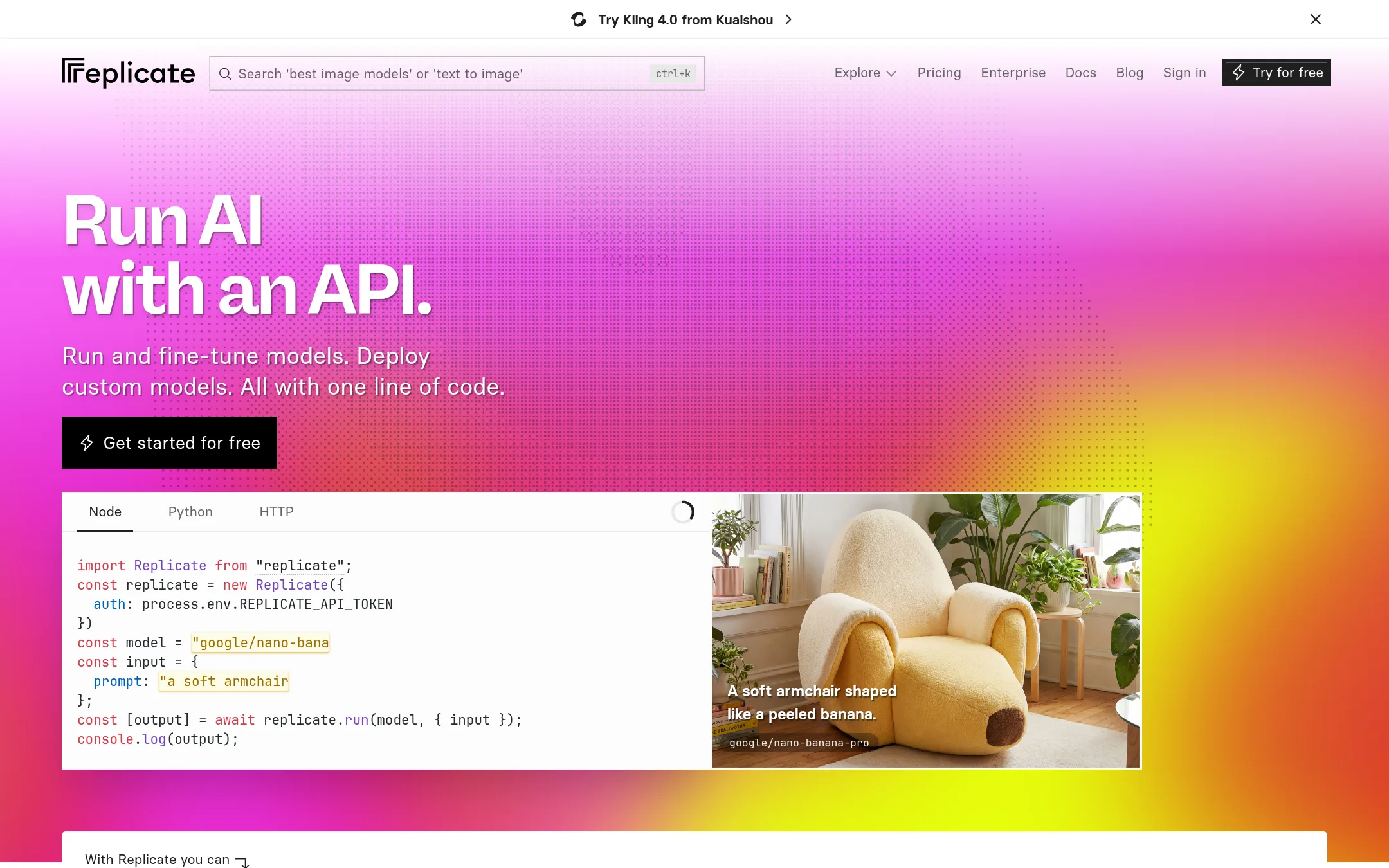
Replicate lets you run thousands of community-published open-source models, plus some proprietary ones, through a single API call. It also lets you fine-tune models on your own data and deploy custom models packaged with Cog, scaling down to zero when idle. Choose it over Beam when you mainly want to call existing models like image, video or speech generators without managing infrastructure, or when your product is built around hosted model APIs rather than running your own agent sandboxes and VMs.
Where it is strong
- Thousands of community models run with one line of code.
- You can deploy your own model with Cog and scale to demand.
- Idle public model use is not billed, since you pay only for processing time.
Where it falls short
- Private model deployments run on dedicated hardware, so you pay for setup and idle time too.
- Sandboxes, persistent VMs and task queues for agents are not part of the offering as described.
- Pricing:
- Pricing is billed per second of hardware use, for example a CPU at $0.000100/sec and an Nvidia L40S GPU at $0.000975/sec, while some public models are billed by input and output instead.
- LFrom $4.59/GPU-hr
5.Lambda GPU Cloud
Best for: Teams training foundation models or serving high token volumes that need reserved, single-tenant NVIDIA GPU clusters
- Pricing
- From $4.59/GPU-hr
- Category
- Other
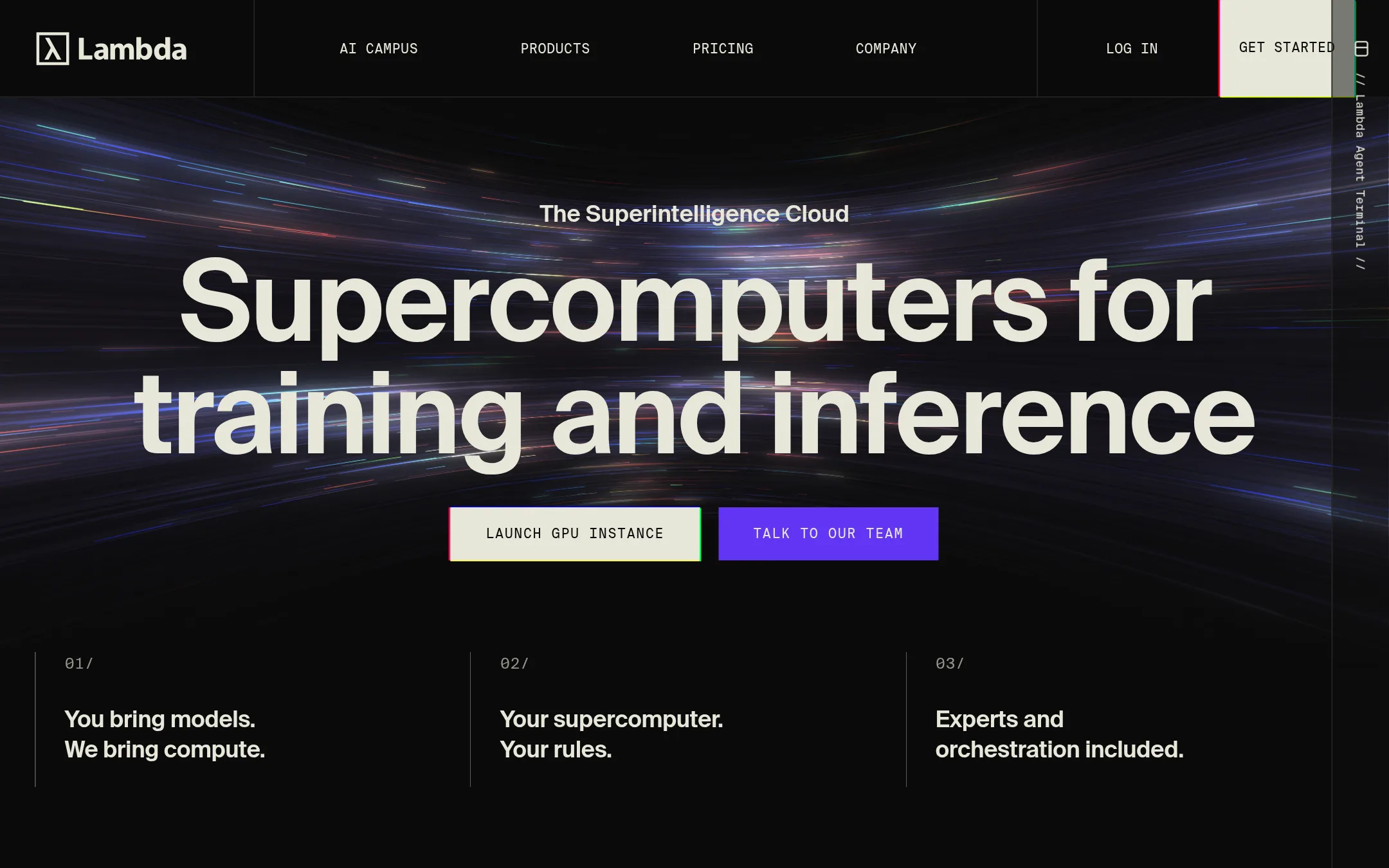
Lambda GPU Cloud sells GPU compute, from on-demand instances to reserved multi-node clusters with InfiniBand, on NVIDIA hardware including B200, H100, and GB300 NVL72 systems. Choose it over Beam when you need large reserved GPU clusters for training or high-volume inference on dedicated, single-tenant machines, rather than short-lived sandboxes, VMs, or per-millisecond serverless functions.
Where it is strong
- Single-tenant clusters with NVIDIA InfiniBand for large multi-node training
- Range of GPUs from A10 and A100 up to B200, GB300 NVL72 and Vera Rubin NVL72
- Managed clusters with engineering support included
Where it falls short
- Its pricing is built around GPU machines and clusters, not per-millisecond sandboxes or serverless functions
- Largest cluster configurations are sold by quote, so exact costs are not published
- Pricing:
- Lambda lists per-GPU-hour rates, such as NVIDIA B200 1-Click Clusters from $9.86 per GPU per hour for 2 weeks to 1 year, H100 systems from $6.16 per GPU per hour, and H100 instances from $4.59 per hour, with lower rates for reserved capacity on request.
- Not published
6.Vast.ai
Best for: Teams training or fine-tuning models on a budget that can checkpoint and resume interrupted jobs
- Pricing
- Not published
- Category
- AI & Machine Learning
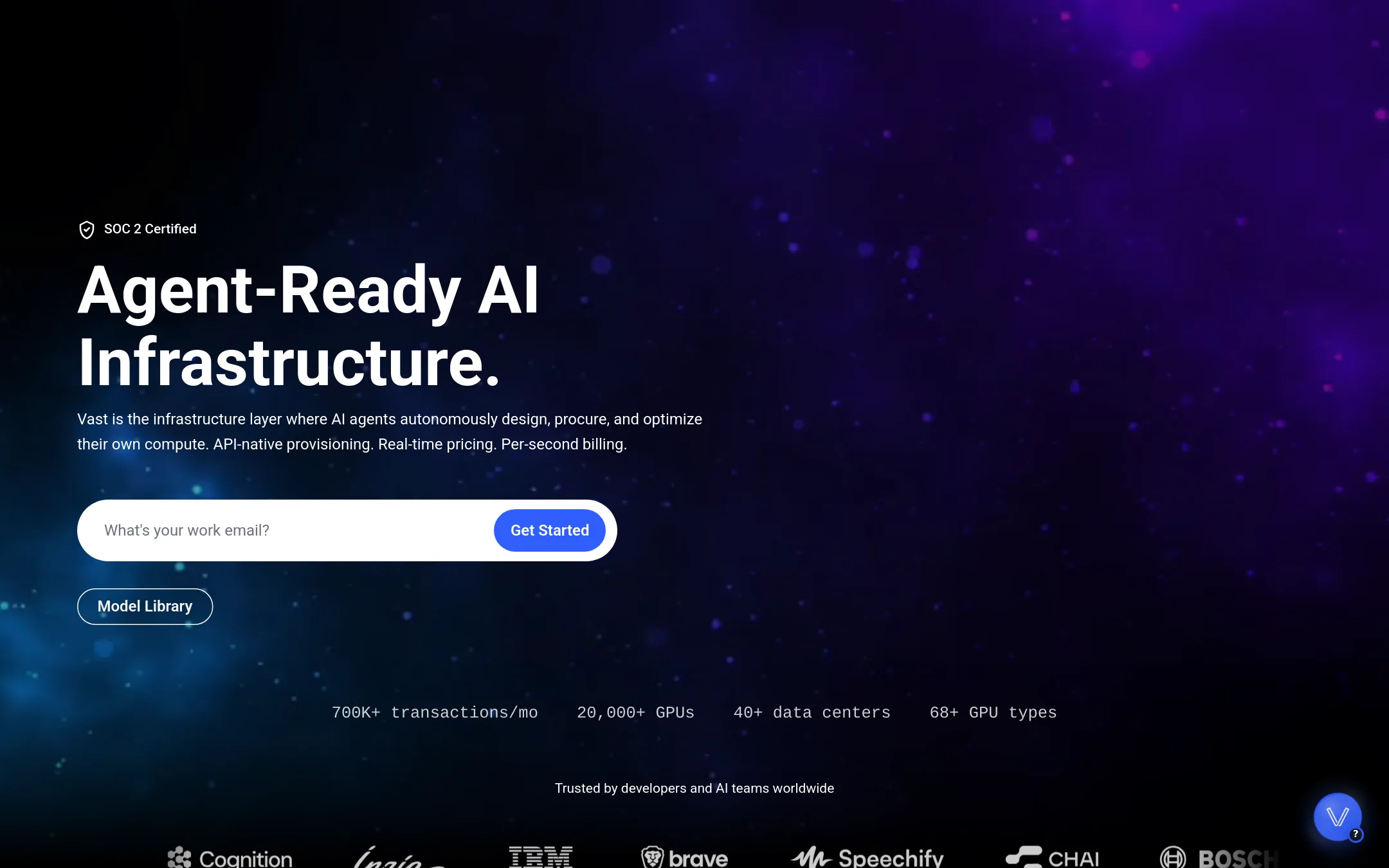
Vast.ai is a marketplace of GPUs from 40+ data centers, priced by supply and demand, with per-second billing and API-native provisioning. Pick it over Beam when raw GPU rental price matters most and you can tolerate interruptible instances or shopping across hosts, since its interruptible tier runs 50%+ cheaper than on-demand.
Where it is strong
- Live, programmatically queryable GPU prices across 68+ GPU types
- Interruptible instances run 50%+ cheaper than on-demand
- No long-term contracts needed, with reserved terms of 1, 3 or 6 months for steady workloads
Where it falls short
- Interruptible instances can be reclaimed, so fault-tolerant jobs are required
- Serverless and clusters are sold alongside GPU cloud rather than as a single flat-price VM offering
- Pricing:
- Pricing is set by live supply and demand across 20,000+ GPUs, with on-demand, interruptible and reserved tiers billed per second, and a $5 minimum credit to start.
- $0.000222/s (L4 GPU)
7.Cerebrium
Best for: Teams running real-time voice agents or LLM inference that need fast autoscaling without managing Kubernetes
- Pricing
- $0.000222/s (L4 GPU)
- Category
- AI & Machine Learning
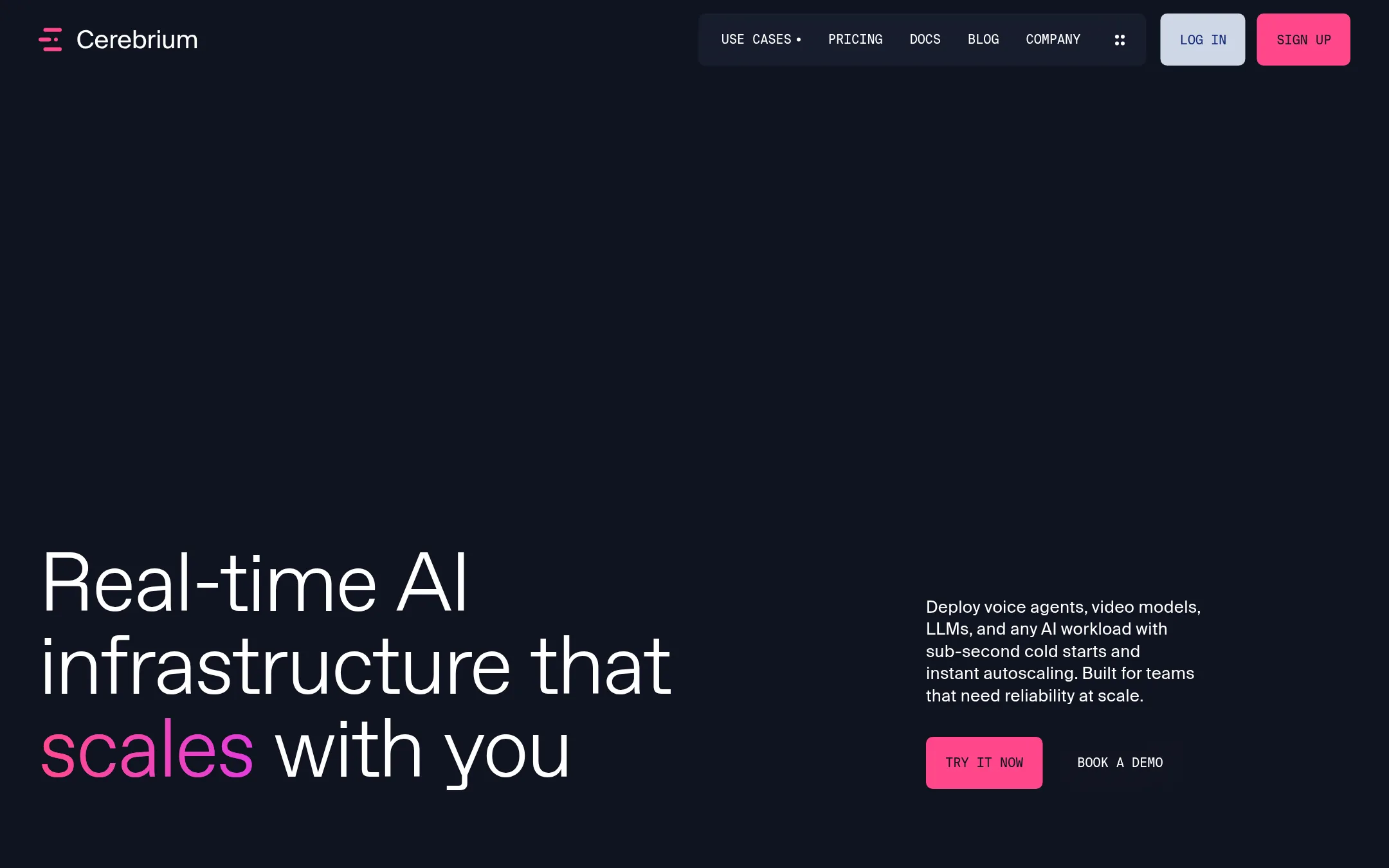
Cerebrium is a serverless GPU platform for deploying voice agents, video models and LLMs. It is built around sub-second cold starts and instant autoscaling, and it runs your existing code or Dockerfile without custom SDKs or decorators. Choose it over Beam if your main need is serverless model serving with fast scale-out, and you want workloads routed across multiple clouds and regions.
Where it is strong
- Cold starts in 2 to 4 seconds, with memory and GPU snapshotting for faster restores
- Runs your existing code or Dockerfile without rewrites or a custom SDK
- Multi-region failover and data residency controls, with SOC 2, HIPAA and GDPR compliance
Where it falls short
- Storage costs $0.05/GB per month after the first 100GB, and Beam's storage is not yet billed, so the comparison is not like for like
- Does not offer bring-your-own-cloud on the same terms as Beam, and Cerebrium credits cannot be applied to AWS or GCP usage
- Pricing:
- Compute is billed per second by GPU type, for example B200 at $0.00167/s and L4 at $0.000222/s, with a Hobby plan that is free plus compute, a Standard plan at $100 plus compute per month, and custom Enterprise pricing.
- TSee website
8.Tensorfuse
AI & Machine Learning
Run serverless GPUs on your own cloud
See more comparisons in AI & Machine Learning alternatives.
FAQ
Questions about Beam alternatives
What is the best alternative to Beam for serverless GPU inference?
Modal and Cerebrium are both built for serverless GPU work. Modal fits teams that need bursty, massively parallel jobs or managed model APIs, while Cerebrium fits teams running real-time voice agents or LLM inference that need fast autoscaling with sub-second cold starts.
Which alternative is cheapest for training or fine-tuning models?
Vast.ai is usually the lowest-cost option because its prices follow live supply and demand, and its interruptible instances run 50% or more below on-demand. The trade-off is that interruptible jobs can be reclaimed, so your workload needs to checkpoint and resume. RunPod is another option, with H100 PCIe pods listed from $1.99 per hour on Community Cloud.
Which alternative is best for running AI agents in secure sandboxes?
E2B is built around an isolated microVM for each agent session, with snapshots, pausing and forking, and it can run inside your own AWS, GCP or Azure account. Beam also offers sandboxes, so E2B is the more focused choice if sandboxes are your main requirement.
Which alternative suits teams that need large reserved GPU clusters?
Lambda GPU Cloud is built for reserved, single-tenant NVIDIA clusters with InfiniBand for multi-node training and high-volume inference. Its largest configurations are sold by quote, so exact costs are not published. Beam offers clusters on reserved monthly or yearly terms as well.
Which alternative is best if I only want to call existing AI models through an API?
Replicate lets you run thousands of community-published open-source models through a single API call, and you pay only for processing time. It suits product teams adding image, video or speech generation without managing GPUs. It does not offer the sandboxes, persistent VMs or task queues for agents that Beam provides.
Last updated November 17, 2026.