Benchmark alternatives
5 products compared · Updated November 9, 2026
The short answer
The three strongest alternatives to Benchmark are Asana, Monday.com, and ClickUp, and each suits a different buyer. Asana fits operations and project teams that need to plan launches, track dependencies, and keep work on schedule. Monday.com suits operations and project teams across any industry that need shared boards, task tracking, and automated status updates. ClickUp suits operations and project teams of any size that want one workspace for tasks, docs, and chat. None of these is built for investment deal screening, memo drafting, or firm-specific deal knowledge, which is Benchmark's focu
Your shortlist, at a glance
Read the comparisons ↓Monday.comFrom $9/seat/moOperations and project teams across any industry that need shared boards, task tracking and automated status updates
- AAsanaFree tier + per-seat pOperations and project teams at growing companies that need to plan launches, track dependencies, and keep work on schedule.
TrelloFrom $0 (Free tier)Operations and project teams that need shared task boards and lightweight automation, not investment deal workflows
ClickUpFree forever + paid tiOperations and project teams of any size that want one workspace for tasks, docs and chat, not an investment firm needing deal memos and screening.
 SmartsheetFrom $25/mo per userEnterprise PMO and operations teams that need project and portfolio tracking with governance and AI tools attached to their existing work.
About Benchmark and its alternatives
Benchmark is an AI platform for investment firms. According to its site, it connects a firm's scattered data from data rooms, email, models, and legal documents, structures that information into institutional knowledge, and uses it to screen deals, draft memos, build comps, and monitor portfolios. The site says it is built to learn from each decision, outcome, and correction, and that proprietary information is not used to train models.
When comparing alternatives in this category, weigh what the tool is actually built to do. Work management tools coordinate tasks and people, while investment platforms work with deal data and institutional knowledge, so the fit depends on the problem you need solved. Also compare pricing structure, such as per-seat plans versus enterprise quotes, along with regional availability, integrations with your existing stack, support levels, and contract terms.
Explore the alternatives
- From $9/seat/mo
1.Monday.com
Best for: Operations and project teams across any industry that need shared boards, task tracking and automated status updates
- Pricing
- From $9/seat/mo
- Category
- Productivity & Project Management
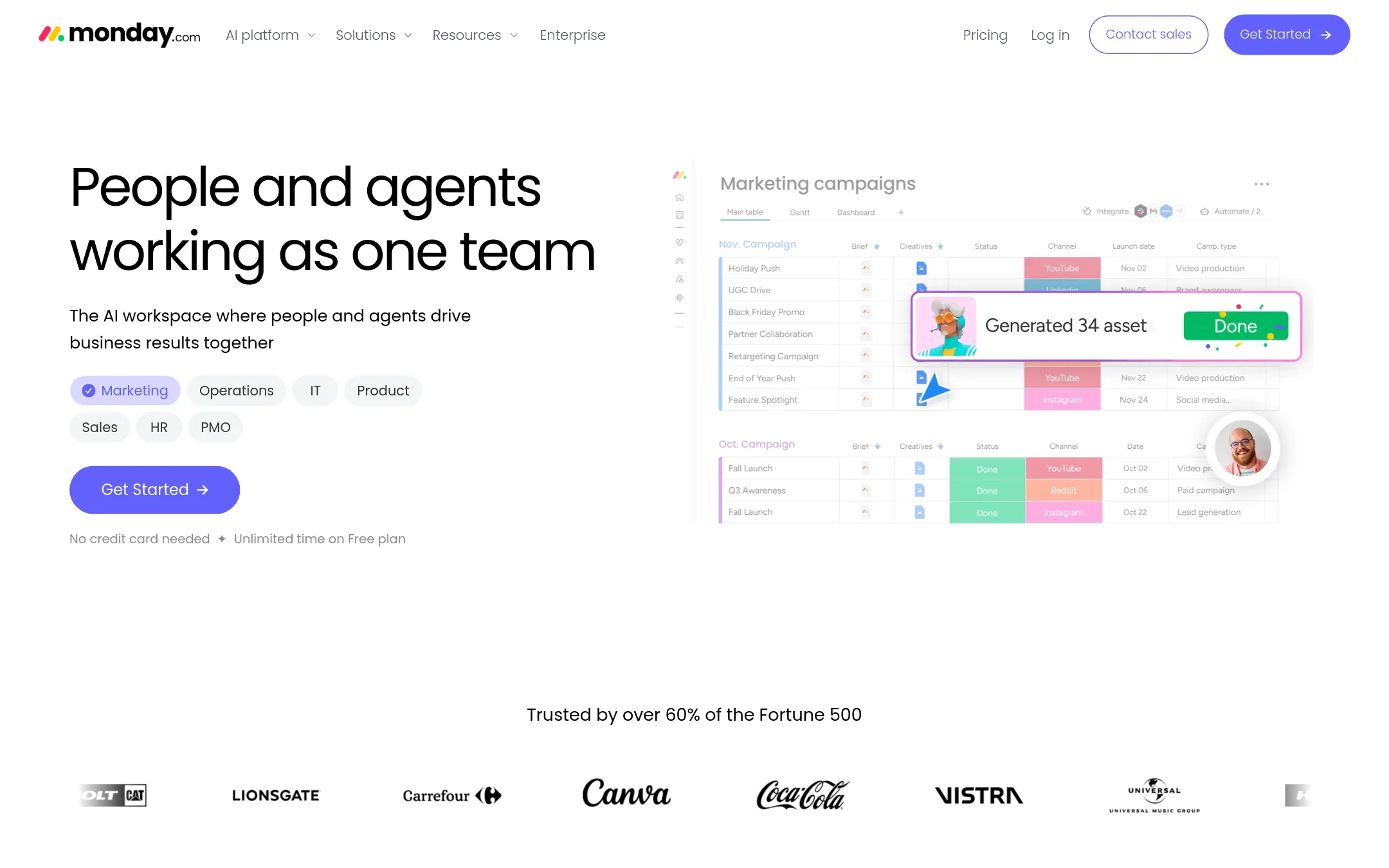
Monday.com is a general work management platform where teams track projects, tasks, and workflows, and it now adds AI agents that handle work like status reports, meeting scheduling, and lead follow-ups. A team would pick it over Benchmark when the goal is running day-to-day operations across departments such as sales, HR, or IT, rather than building institutional knowledge for investment decisions.
Where it is strong
- Agent templates cover common jobs like status reports, meeting scheduling and call summaries
- Admins can track every agent action in a real-time log
- Free plan available with no credit card needed
Where it falls short
- It is a general work platform, so it does not offer investment-specific features such as deal screening or memo drafting
- Agent capabilities and AI credit limits vary by plan
- Pricing:
- Pricing is not published on the site in a per-region form, but the site lists the Basic plan at $9 per seat per month, Standard at $12 per seat per month, and Pro at $19 per seat per month, each billed annually, with a free plan for up to 2 seats and custom pr
- AFree tier + per-seat p
2.Asana
Best for: Operations and project teams at growing companies that need to plan launches, track dependencies, and keep work on schedule.
- Pricing
- Free tier + per-seat p
- Category
- Productivity & Project Management
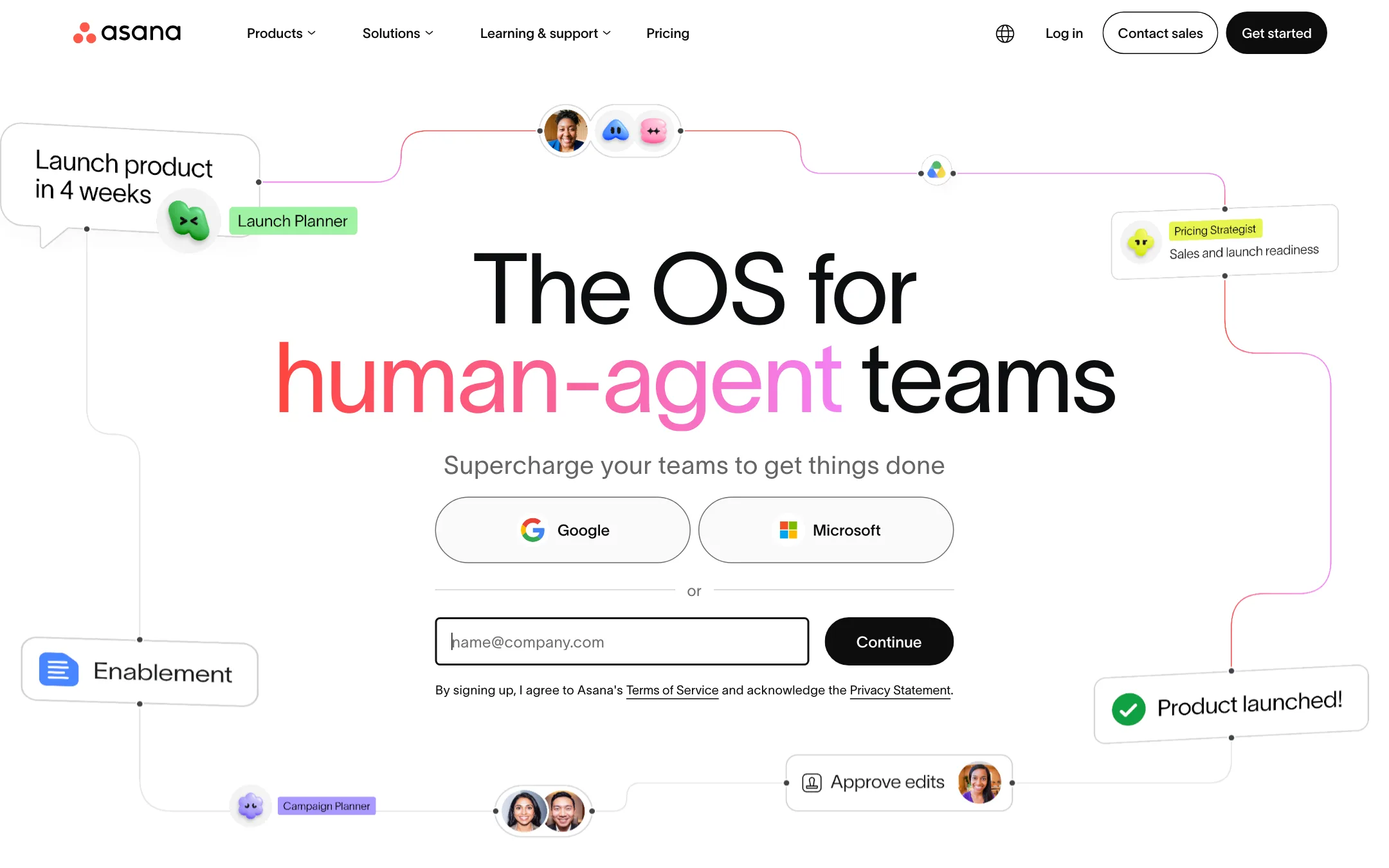
Asana is a work management tool that tracks tasks, projects, goals, and dependencies across a company, and it now adds AI Teammates that run inside those workflows. Someone would pick it over Benchmark when the problem is coordinating people and delivery rather than turning a firm's deal history into analysis. Benchmark is built for screening deals, drafting memos, and comparing portfolio data, which Asana does not do.
Where it is strong
- Free Personal plan covers one or two people with unlimited tasks and projects.
- Timeline, Gantt, and dashboard views show schedules and dependencies in one place.
- Over 100 integrations, including Slack, Google Drive, and Zoom.
Where it falls short
- Built for work management, so it does not handle deal screening, memo drafting, or investment data.
- Advanced features such as resource management and goals sit on the higher tier.
- Pricing:
- The site shows a free Personal plan for one or two users, a Starter plan billed per user per month annually with no seat limits, and an Advanced plan for growing teams, but the exact per-user figures are not in the published text I have.
- From $0 (Free tier)
3.Trello
Best for: Operations and project teams that need shared task boards and lightweight automation, not investment deal workflows
- Pricing
- From $0 (Free tier)
- Category
- Productivity & Project Management
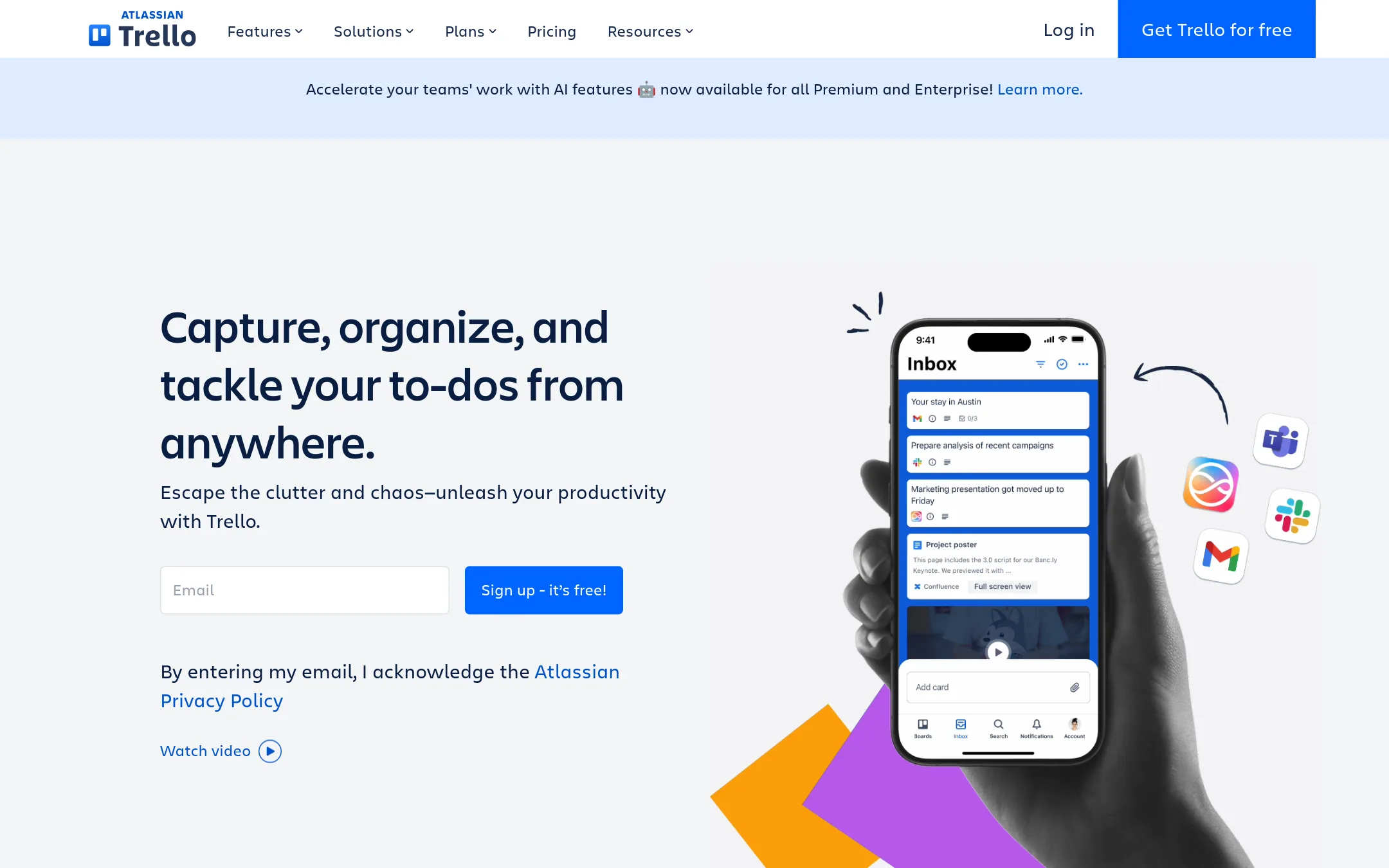
Trello is a visual board tool for tracking tasks, projects and to-dos across a team. A team would pick it over Benchmark when the work is task coordination rather than investment analysis, such as an operations or project team that wants cards, checklists and simple automation without a deal-knowledge layer.
Where it is strong
- Free plan covers unlimited cards and up to 10 boards per Workspace
- Built-in no-code automation on every board
- Integrates with more than 200 apps through Power-Ups
Where it falls short
- Designed for task and project tracking, not investment memos, comps or deal data
- Advanced views, admin controls and SSO sit on the higher-priced tiers
- Pricing:
- Pricing is published: Free for up to 10 collaborators per Workspace, Standard at $6 per user per month billed monthly ($5 per user billed annually is not stated, so the page lists $6 monthly), Premium at $12.50 per user per month billed monthly, and Enterprise
- Free forever + paid ti
4.ClickUp
Best for: Operations and project teams of any size that want one workspace for tasks, docs and chat, not an investment firm needing deal memos and screening.
- Pricing
- Free forever + paid ti
- Category
- Productivity & Project Management
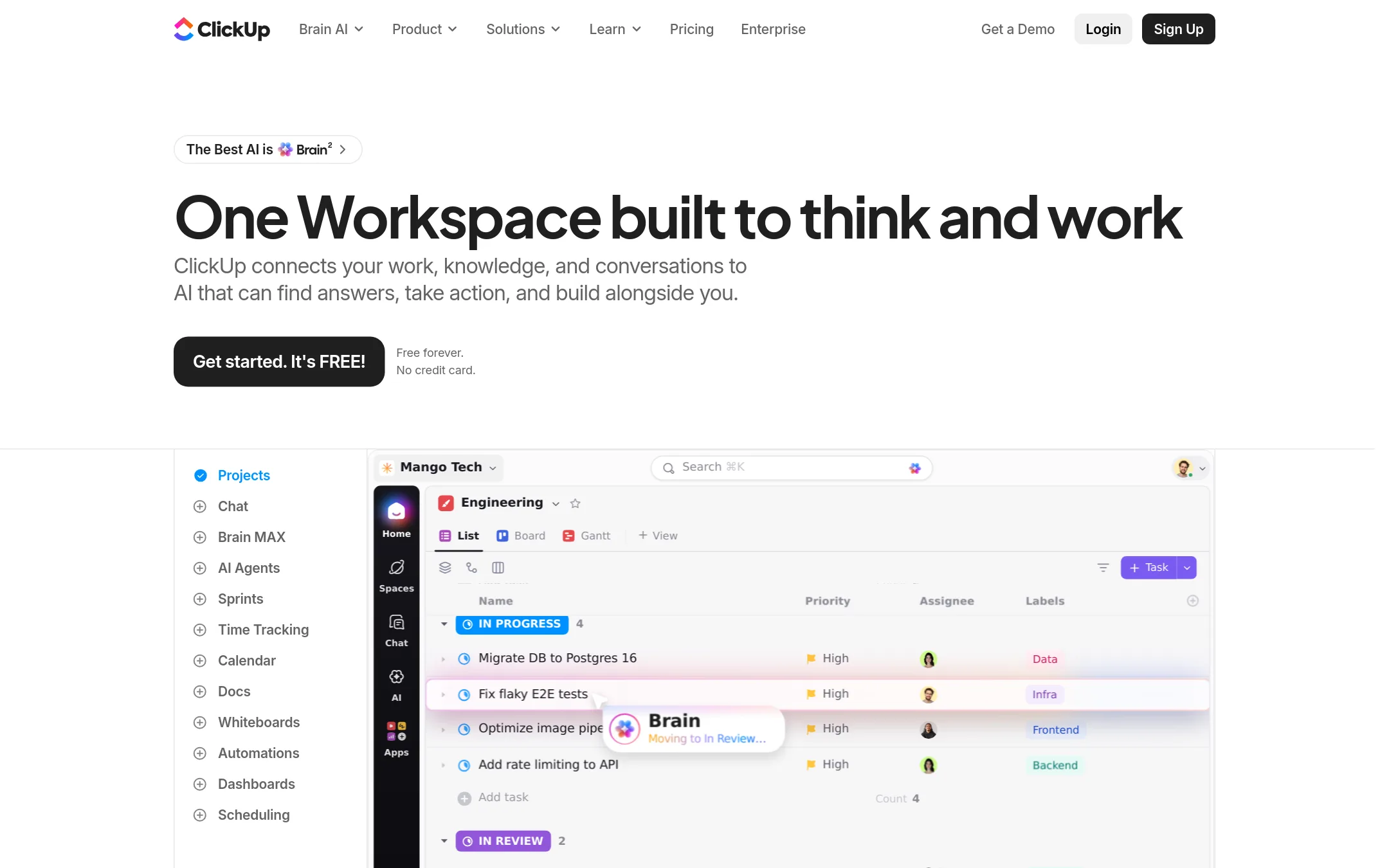
ClickUp is a project management workspace that combines tasks, docs, chat, whiteboards, time tracking and AI agents in one place. A team would pick it over Benchmark when the work is operational, like tracking projects and tasks across teams, rather than investment-specific knowledge, deal screening and memo drafting.
Where it is strong
- Free forever plan with no credit card required
- Covers tasks, docs, chat, whiteboards, sprints and dashboards in one workspace
- Includes AI agents, AI credits and integrations with more than 50 tools such as Jira, Figma, Google Drive and Salesforce
Where it falls short
- Built for general project work, so it has no investment-specific features such as deal screening or memo drafting
- Advanced AI and enterprise controls sit in the higher tiers, and AI credits are capped per plan
- Pricing:
- Pricing is published on the site with a free forever plan, and paid tiers include Core, Business, Enterprise and Max, with yearly billing saving up to 33%, but the exact per-seat figures were not supplied in the extracted text.
- From $25/mo per user
5.Smartsheet
Best for: Enterprise PMO and operations teams that need project and portfolio tracking with governance and AI tools attached to their existing work.
- Pricing
- From $25/mo per user
- Category
- Productivity & Project Management
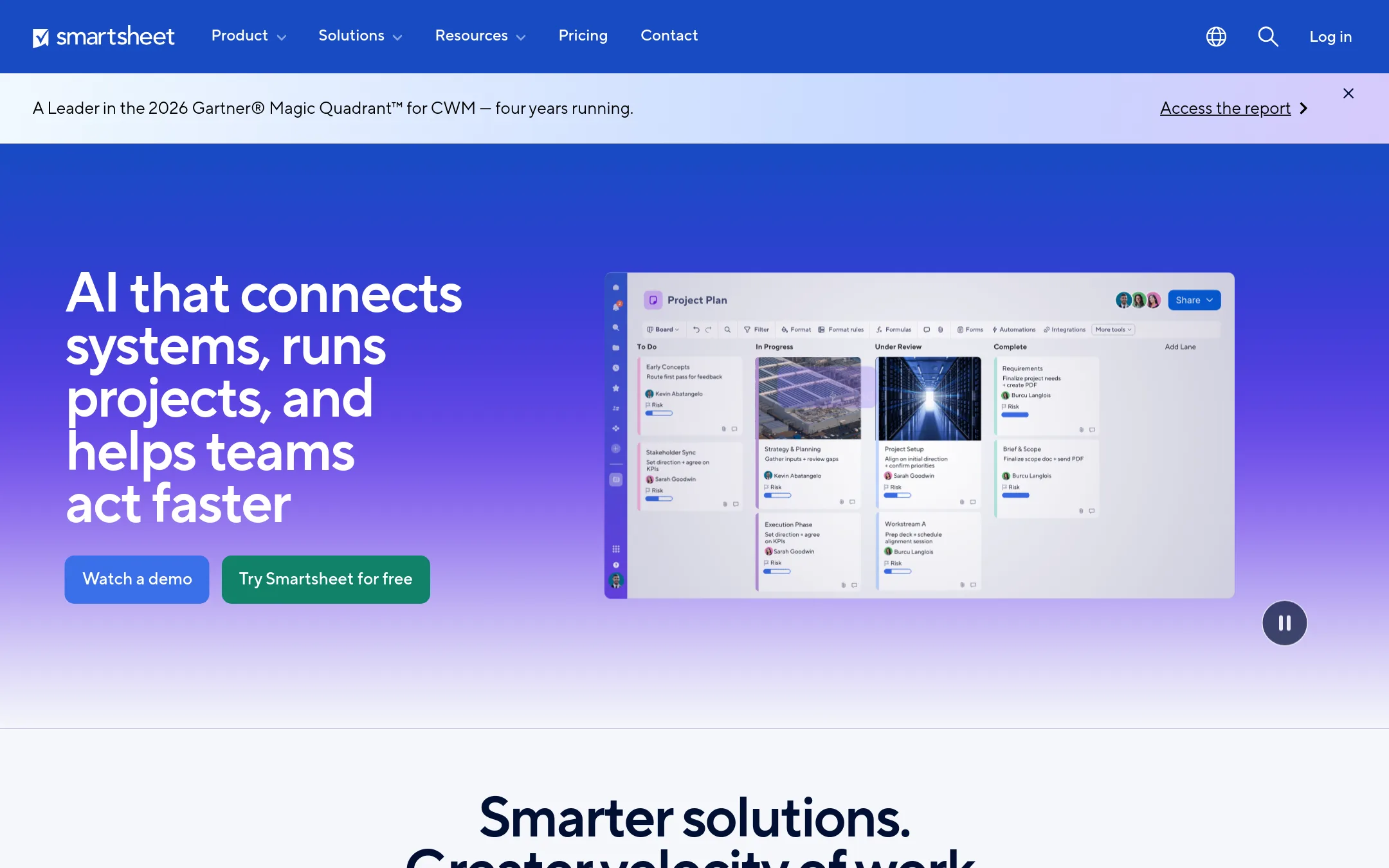
Smartsheet is a work management platform for planning and tracking projects, programs and operations across teams. A firm would pick it over Benchmark when the need is coordinating project work and portfolios rather than turning past deal knowledge into investment memos and screening.
Where it is strong
- Gantt, board, table and calendar views on the same live plan
- Connects to Microsoft 365, Google Workspace, Slack, Salesforce-style tools and about 100 more apps
- Enterprise plans add SSO, admin controls and portfolio-level dashboards
Where it falls short
- Built for project and process work, so it does not screen deals, draft memos or hold investment knowledge
- The highest tiers require a sales conversation before you can see pricing
- Pricing:
- Pricing is listed by plan, with the Pro plan starting at $25 per month and the Business plan at $30 per month in the default USD view, while Enterprise and Advanced Work Management require contacting sales.
See more comparisons in Finance & Accounting alternatives.
FAQ
Questions about Benchmark alternatives
What is Benchmark best known for?
According to its site, Benchmark is known for turning a firm's deal history, memos, and models into institutional knowledge that the whole team can query. It is used to screen new deals, draft investment memos, build comparables, and monitor portfolios. The site says it is built for investment firms rather than general business teams.
Can Asana or Monday.com replace Benchmark for deal screening?
Not for deal screening or memo drafting. Asana and Monday.com are work management tools for tracking tasks, projects, and team workflows across a company. They can coordinate the people doing investment work, but they do not hold a firm's deal history or produce investment analysis.
Which alternative is best for a team that wants a free starting point?
ClickUp offers a free forever plan with no credit card required, and Trello offers a free plan covering up to 10 collaborators per Workspace. Asana also has a free Personal plan for one or two users. All three are general work tools, so they fit operations tasks rather than investment-specific workflows.
Which alternative suits a large enterprise with governance needs?
Smartsheet is aimed at enterprise PMO and operations teams and offers SSO, admin controls, and portfolio-level dashboards on its higher tiers. Its top plans require contacting sales for pricing. It is built for project and process governance rather than investment deal knowledge.
What should I check before choosing any of these tools?
Check whether the tool addresses your core job, since most alternatives here manage work rather than investment data. Compare the pricing model, including whether features like AI credits, SSO, or audit controls sit on higher tiers. Confirm the integrations you rely on, such as data rooms or existing project tools, before committing to a plan.
Last updated November 9, 2026.