7 Best Budgeting Apps in 2026
Updated November 6, 2026
The short answer
The strongest budgeting apps on this list are PocketGuard, Envelope and Goodbudget. PocketGuard suits individuals and households who want bills, subscriptions and debt tracked in one place, with a month-end balance forecast. Envelope suits individuals or couples who want to divide their real balance into envelopes and spend from the same account. Goodbudget suits families and couples who share household money and want to budget with virtual envelopes.
The shortlist, at a glance
Read the comparisons ↓ MintNot publishedIndividual founders and small operators who want a free way to see spending across several bank and card accounts.
 PocketGuardFrom CA$8.67/moIndividuals and households who want a personal budget that tracks bills, subscriptions and debt payoff in one place.
 SpendeeFree trial, variesIndividuals and households that want one place to track bank, cash and shared spending without building spreadsheets
 DaveNot publishedIndividuals and gig or hourly workers who want budgeting and small cash advances in one app, without a credit check
 GoodbudgetNot publishedFamilies and couples who share household money and want to budget with virtual envelopes.
Money DashboardNot publishedLenders and credit teams that need to assess income, affordability and repayment risk from consumer bank transactions.
 EnvelopeNot publishedIndividuals or couples who want to budget with envelopes and keep their spending in the same account they use for everyday banking.
About Budgeting Apps
Budgeting apps help people and teams see where money goes, set limits for spending categories and plan ahead. Most connect to bank accounts or cards, sort transactions into categories and show how actual spending compares with a plan.
The products on this list differ mainly in approach. Some, such as Mint and Spendee, focus on pulling transactions from many accounts into one view. Others, such as Goodbudget and Envelope, use the envelope method, where each category has a set amount to spend. Dave combines budgeting with early direct deposit and small cash advances, and Money Dashboard is built for lenders assessing borrower income and risk rather than for personal use. Pricing models also vary, from free apps to subscriptions and one-time payments.
The 7 best Budgeting Apps, compared
- Not published
1.Mint
Best for: Individual founders and small operators who want a free way to see spending across several bank and card accounts.
- Pricing
- Not published
- Category
- Finance & Accounting
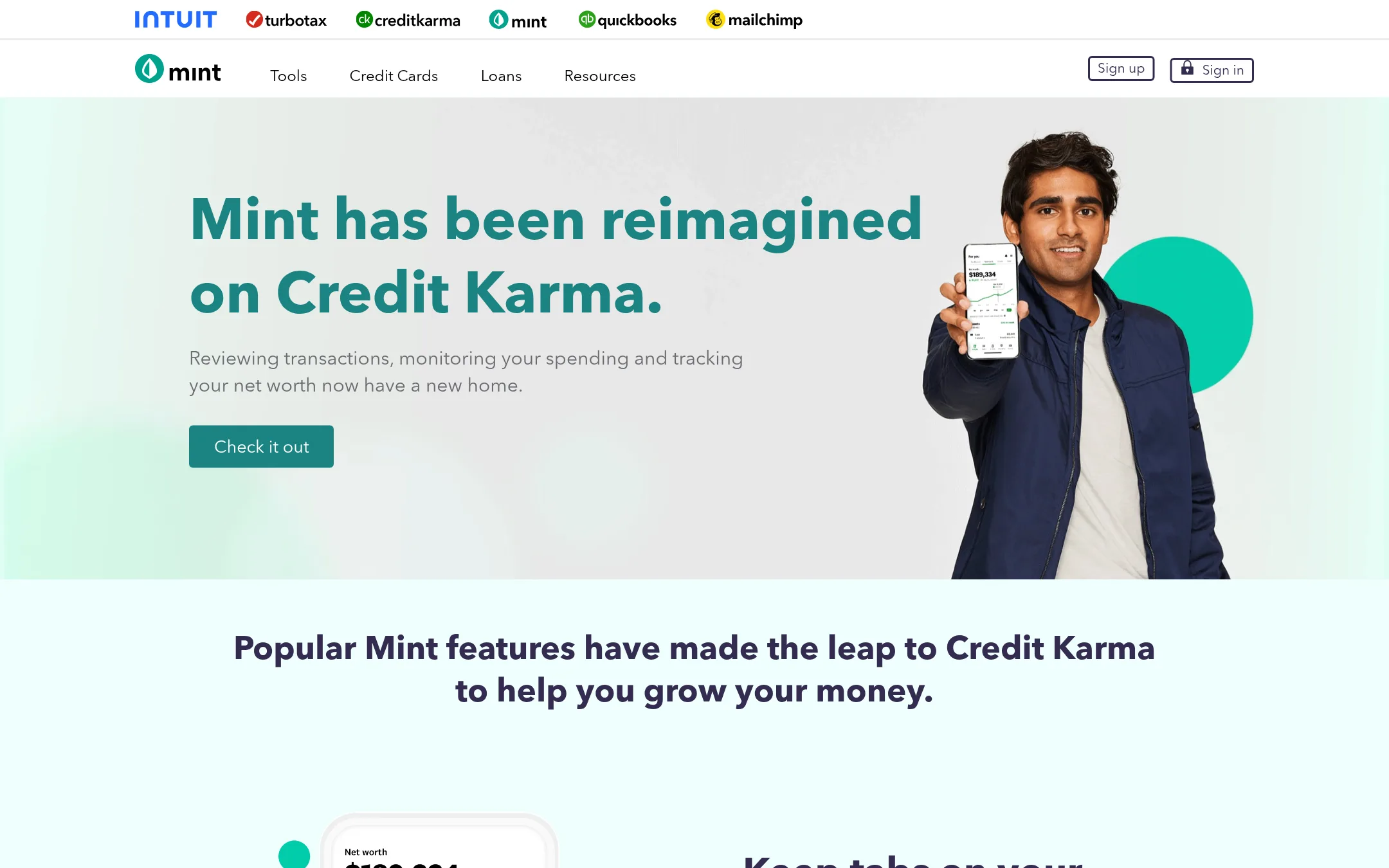
Mint is a free budget tracker that pulls transactions from more than 17,000 financial institutions into one view. It sorts spending by category and sends monthly insights on your money habits. The site says its budgeting and net worth features have moved over to Credit Karma, so check that move before you sign up.
Where it is strong
- Links accounts from more than 17,000 financial institutions
- Breaks down spending by category each month
- Tracks net worth alongside transactions
Where it falls short
- Mint's features now live on Credit Karma, so the product is in transition
- Pricing and plan details are not published, so cost is unclear for teams
- Pricing:
- Pricing is not published on the site.
- From CA$8.67/mo
2.PocketGuard
Best for: Individuals and households who want a personal budget that tracks bills, subscriptions and debt payoff in one place.
- Pricing
- From CA$8.67/mo
- Category
- Finance & Accounting
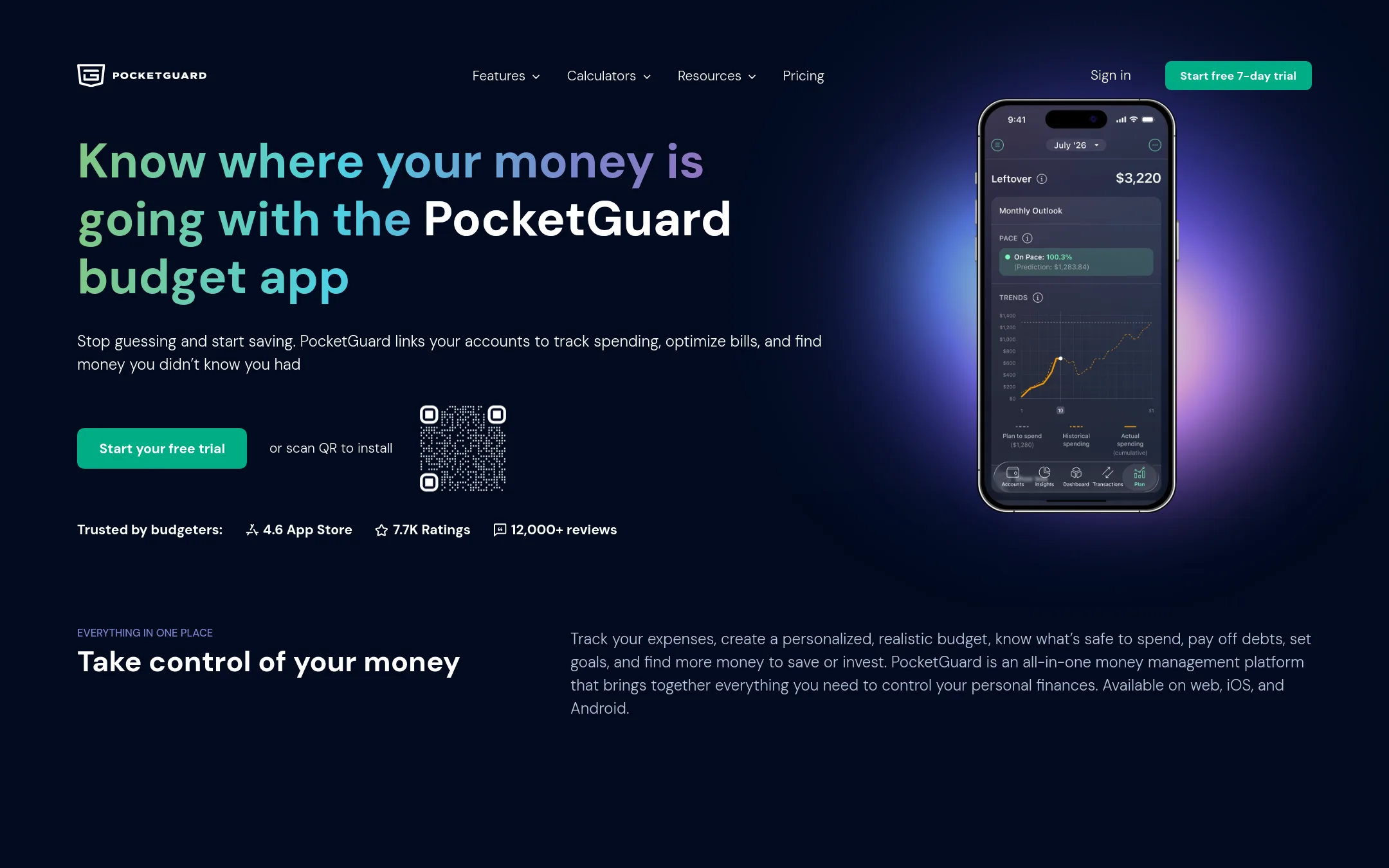
PocketGuard links your bank accounts and sorts spending, bills, subscriptions and debts into clear tabs and graphs. Its Pace feature forecasts how much you will have left at month end, so you can spot overspending early. It also supports zero-based, category, envelope and 50/30/20 budgeting, with rollovers that carry unspent money forward.
Where it is strong
- Pace forecasts month-end balance from spending history, so overspending shows up early
- Supports zero-based, category, envelope and 50/30/20 budgeting styles
- Subscription tracking flags recurring charges before they renew
Where it falls short
- Bank connectivity is listed as strongest in the US and Canada, so other regions may get less coverage
- Premium is needed for the full set of budgeting and bill features, and the monthly plan costs more than the yearly one
- Pricing:
- Premium is listed at CA$17.99 per month, CA$215.88 billed yearly at CA$103.99 per year, or a one-time CA$199.99 lifetime payment, after a 7-day free trial.
- Free trial, varies
3.Spendee
Best for: Individuals and households that want one place to track bank, cash and shared spending without building spreadsheets
- Pricing
- Free trial, varies
- Category
- Finance & Accounting
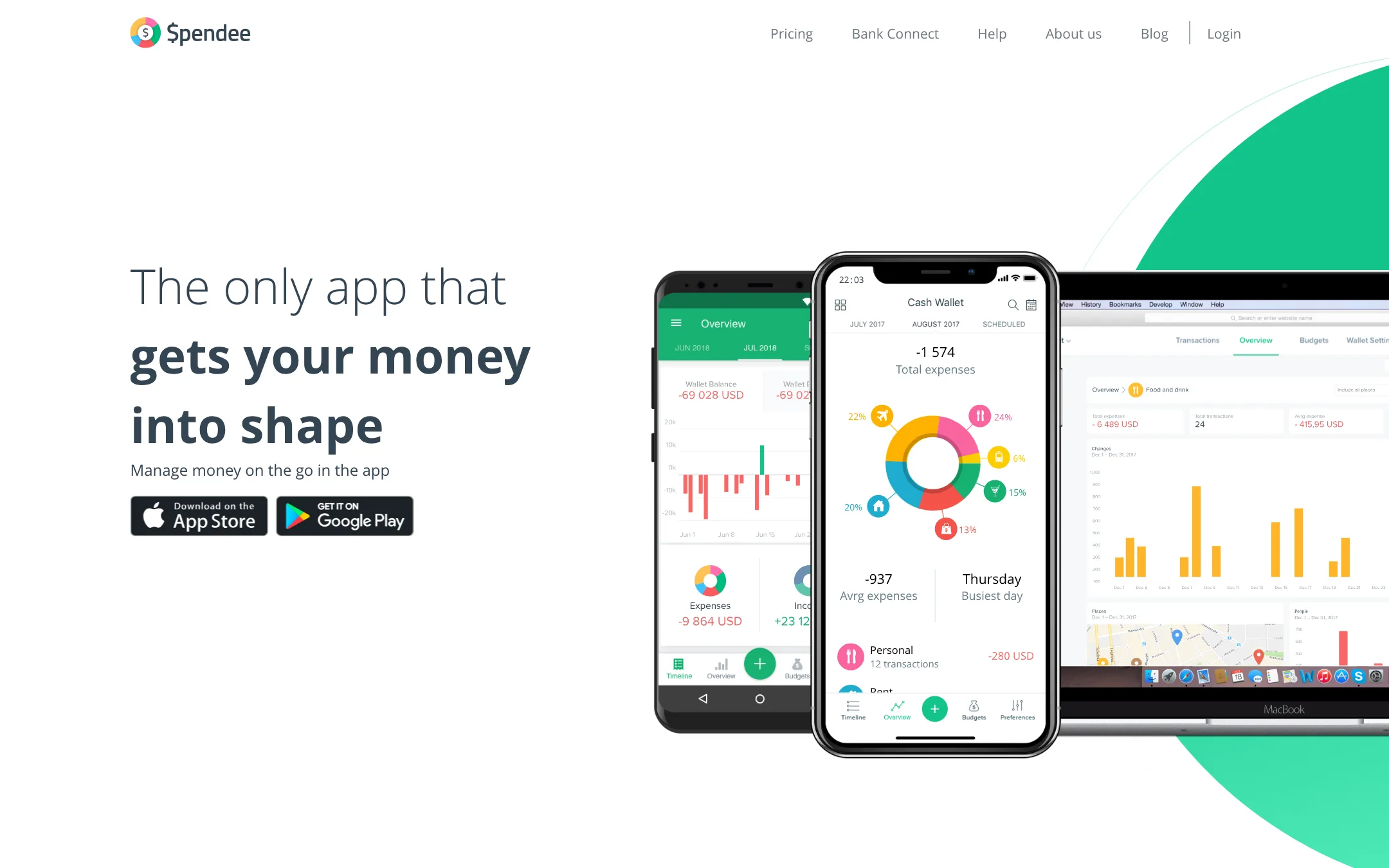
Spendee pulls transactions from linked banks, e-wallets, crypto wallets and cash into one view, then auto-categorizes them so you spend less time tagging. It has graphs for spending habits and budgets for each category or wallet, which makes it a practical pick for individuals and households who want to see where money goes.
Where it is strong
- Syncs bank accounts so transactions appear automatically
- Auto-categorizes new transactions
- Shared wallets show who paid for what
Where it falls short
- Web version is still listed as coming soon
- Full budget and wallet features sit behind Premium
- Pricing:
- Spendee Premium includes a 7-day free trial, with plan prices that vary by country and are available on iOS and Android, though the site does not list the exact figures in the supplied text.
- Not published
4.Dave
Best for: Individuals and gig or hourly workers who want budgeting and small cash advances in one app, without a credit check
- Pricing
- Not published
- Category
- Finance & Accounting
Dave is a mobile financial app with checking and savings features aimed at people who run short between paychecks. Its Goals Account tracks savings and rounds purchases up automatically, and its direct deposit can arrive up to two days early. Accounts are FDIC-insured up to $250K through Coastal Community Bank.
Where it is strong
- Early direct deposit up to 2 days
- Goals savings with automatic Round Ups
- FDIC insured up to $250K through a partner bank
Where it falls short
- It is a mobile app, and account management requires the app rather than a web dashboard
- Advance amounts depend on CashAI eligibility, so the $500 maximum is not guaranteed
- Pricing:
- Pricing is not published on the site.
- Not published
5.Goodbudget
Best for: Families and couples who share household money and want to budget with virtual envelopes.
- Pricing
- Not published
- Category
- Finance & Accounting
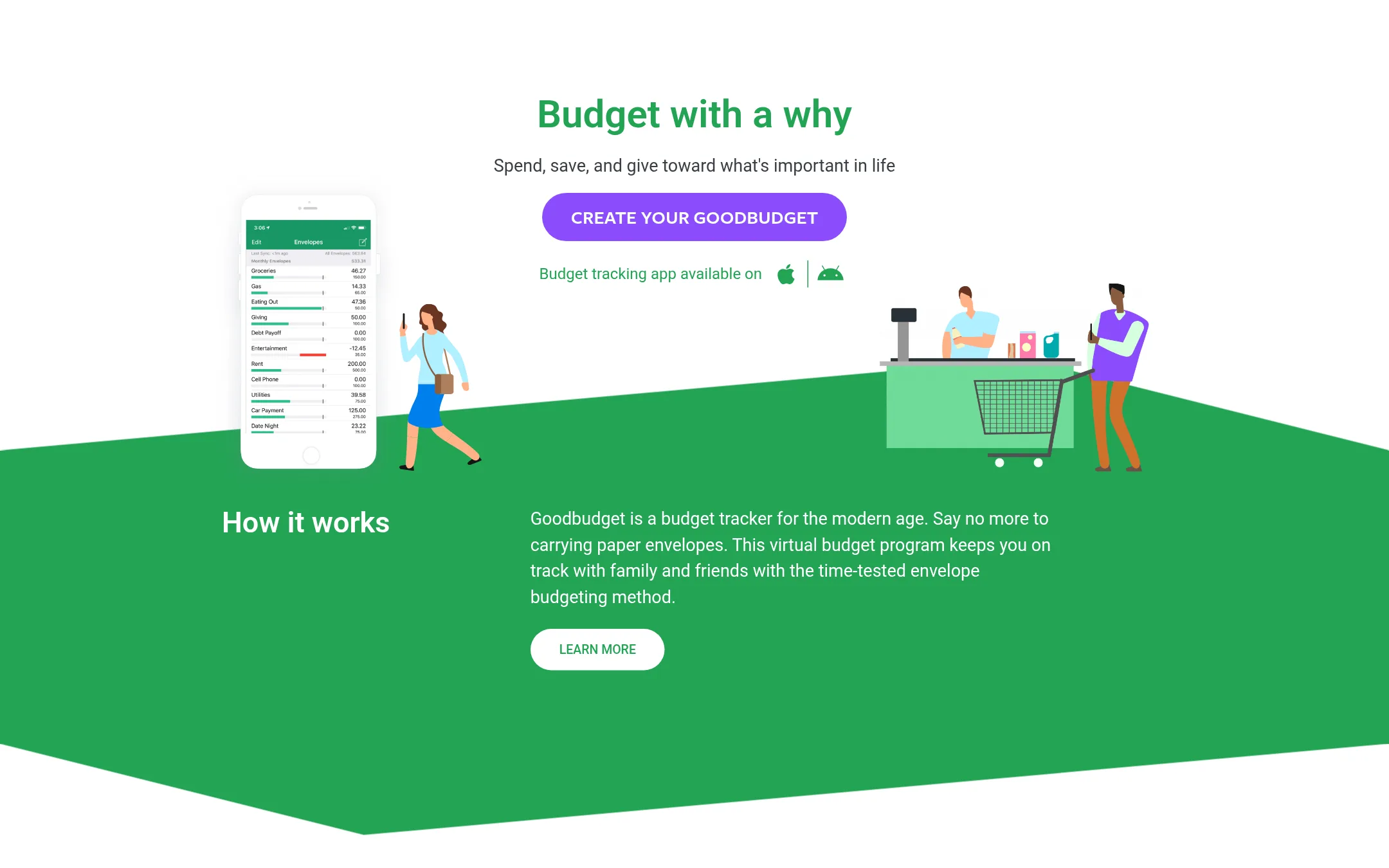
Goodbudget applies the envelope budgeting method in a digital form, giving each spending category a virtual envelope to fill and draw from. It syncs across web, Android and iPhone, and lets a household share one budget. Its envelope approach to saving and debt payoff sets it apart from apps built mainly around bank-account tracking.
Where it is strong
- Uses the envelope method, with a virtual envelope for each category
- Syncs and shares one budget across web, Android and iPhone
- Premium adds pending transaction imports and running balances on iPhone
Where it falls short
- Pricing details are not published on the site, so cost has to be checked directly
- Its envelope model may feel restrictive for users who prefer simple expense tracking
- Pricing:
- Pricing is not published on the site.
- Not published
6.Money Dashboard
Best for: Lenders and credit teams that need to assess income, affordability and repayment risk from consumer bank transactions.
- Pricing
- Not published
- Category
- Finance & Accounting
D·One, from Money Dashboard, is an open banking platform built for UK lenders rather than household budgeting, so it fits teams assessing borrowers more than people tracking their own spending. Its categorisation engine was developed over 12 years and trained on over 13 billion consumer transactions, which is the kind of depth that makes it a credible pick in this group. It turns raw bank transactions into categorised income, spending and risk views for underwriting.
Where it is strong
- Categorisation engine trained on over 13 billion consumer transactions
- Underwriter Dashboard supports manual underwriting with transaction and risk views
- API-first design with a bank connection journey, marketplace integrations and bring-your-own-data options
Where it falls short
- Built for the lending industry, so it is not a fit for personal or small business budgeting
- Pricing is not published, so cost must be confirmed directly with the vendor
- Pricing:
- Pricing is not published on the site.
- Not published
7.Envelope
Best for: Individuals or couples who want to budget with envelopes and keep their spending in the same account they use for everyday banking.

- Pricing
- Not published
- Category
- Finance & Accounting
Envelope pairs a budgeting app with a checking account and debit card, so you divide your real balance into envelopes before you spend. Banking runs through Pacific West Bank, Member FDIC, and the team behind it previously worked on Robinhood and the Apple Card. For someone who wants to plan spending up front instead of reviewing it afterward, it is a credible option.
Where it is strong
- Envelopes are tied to your real balance, so you see what is available before you spend.
- Select an envelope before you swipe so each purchase follows your budget.
- Up to 50 virtual cards help keep online subscriptions and bills separate from everyday spending.
Where it falls short
- It is a fintech company rather than a bank, with banking handled by Pacific West Bank, so it is not a standalone bank account.
- Its pricing is not published on the site, so you will need to check the plan details directly before comparing costs.
- Pricing:
- Pricing is not published on the site.
How to choose Budgeting Apps
Start with pricing structure. Some products publish plan prices, such as PocketGuard's monthly, yearly and lifetime options, while others do not publish pricing at all. Check the cost directly before comparing products, especially if you need a plan for a team.
Consider who the product is built for. Personal apps like PocketGuard and Spendee suit individuals, Goodbudget and Envelope suit households that share money, and Money Dashboard is designed for lenders. A product built for one group may not fit another.
Check bank and account coverage before committing. PocketGuard says its bank connectivity is strongest in the US and Canada, and Mint lists connections to more than 17,000 financial institutions. Confirm that your own banks and cards are supported.
Look at data and compliance. Dave's accounts are FDIC insured up to $250K through a partner bank, and Envelope's banking runs through Pacific West Bank, Member FDIC. Understand which institution actually holds your money and how your data is handled.
Review support and contract terms. Some products offer free trials, such as PocketGuard and Spendee Premium, and some features sit behind paid tiers. Confirm what is included in each plan and whether any features are changing, as Mint's are moving to Credit Karma.
FAQ
Questions about Budgeting Apps
What is a budgeting app?
A budgeting app tracks your income and spending and compares it with a plan. Most connect to bank accounts or cards, sort transactions into categories and show how much is left in each category. Some also help with bills, subscriptions and debt payoff.
What is the envelope budgeting method?
The envelope method gives each spending category a set amount, which you draw from as you spend. Goodbudget uses this approach digitally with virtual envelopes that can be shared across a household. Envelope pairs it with a checking account so you divide your real balance before you spend.
Which budgeting app is best for a household?
Goodbudget is built for families and couples who share household money, with one budget synced across web, Android and iPhone. PocketGuard also supports personal budgets that track bills and subscriptions in one place. Confirm plan details and sharing features before you choose.
Are budgeting apps free?
Some are free, such as Mint, though its features are moving to Credit Karma. Others charge, such as PocketGuard, which lists a monthly, yearly and one-time lifetime option after a 7-day free trial. Many products do not publish pricing, so check costs directly before comparing.
Can a budgeting app connect to my bank?
Most of the apps on this list connect to bank accounts, though coverage varies by region. PocketGuard says its bank connectivity is strongest in the US and Canada, and Mint lists more than 17,000 financial institutions. Check that your own banks and cards are supported before you sign up.
Last updated November 6, 2026.