
Biteable alternatives
11 products compared · Updated November 2, 2026
The short answer
For internal comms and HR teams that need to collect and publish employee videos, Spokn is the strongest fit. For teams that need custom animated characters and whiteboard-style training videos, Animaker is the best choice. For podcasters and remote interview teams that edit long-form recordings, Descript is the strongest alternative.
Your shortlist, at a glance
Read the comparisons ↓ AnimakerFrom $10/mo (yearly)L&D, HR, and marketing teams that need custom animated characters and whiteboard-style videos for training and onboarding.
Canva WhiteboardsNot publishedTeams that want a shared canvas for brainstorming and planning sessions, especially those already using Canva for other design work.
PowtoonNot publishedEnterprises and teams that need secure, brand-locked video creation with AI-powered document conversion and translation.
- RRenderforestFrom $9/mo (annual)Freelancers and small marketing teams that want one subscription for videos, designs, logos, and websites with AI generation.
- LLumen5From $19/mo (yearly)Marketing and communications teams that repurpose blog posts and articles into social videos.
- IInVideo$10–$250/seat/moProfessional video editors and creative teams that need AI-assisted timeline editing with multiplayer collaboration.
- MMoovlyNot publishedTeams and individuals who want to create animated videos, presentations, and interactive content in one tool.
- WWave.videoNot publishedCreators and agencies that need live streaming, video hosting, and editing in one tool.
 SpoknNot publishedInternal comms and HR teams that need to quickly gather and publish short-form employee videos for updates, recognition, and culture.
 DescriptFrom $16/moPodcasters, video creators, and teams that edit long-form recordings and need AI tools like filler-word removal and Studio Sound.
 RiversideFrom $24/mo (annual)Podcasters and remote interview teams that need studio-quality recording, editing, and distribution in one place.
About Biteable and its alternatives
Biteable is an AI-powered online video maker for fast, affordable professional videos. It is known for its drag-and-drop editor, AI avatars, text-to-speech voiceovers, and a large library of templates and stock assets. It is trusted by over 9 million people and more than 10,000 companies.
When comparing alternatives, weigh pricing structure (monthly vs. annual, per-seat vs. flat), region support (especially for voiceovers and translation), integrations with your existing tools, customer support availability, and contract terms like free plans or trial periods. Some tools are specialized for internal comms, animation, or long-form editing, so match the tool to your primary use case.
Explore the alternatives
- From $10/mo (yearly)
1.Animaker
Best for: L&D, HR, and marketing teams that need custom animated characters and whiteboard-style videos for training and onboarding.
- Pricing
- From $10/mo (yearly)
- Category
- Design & Creative
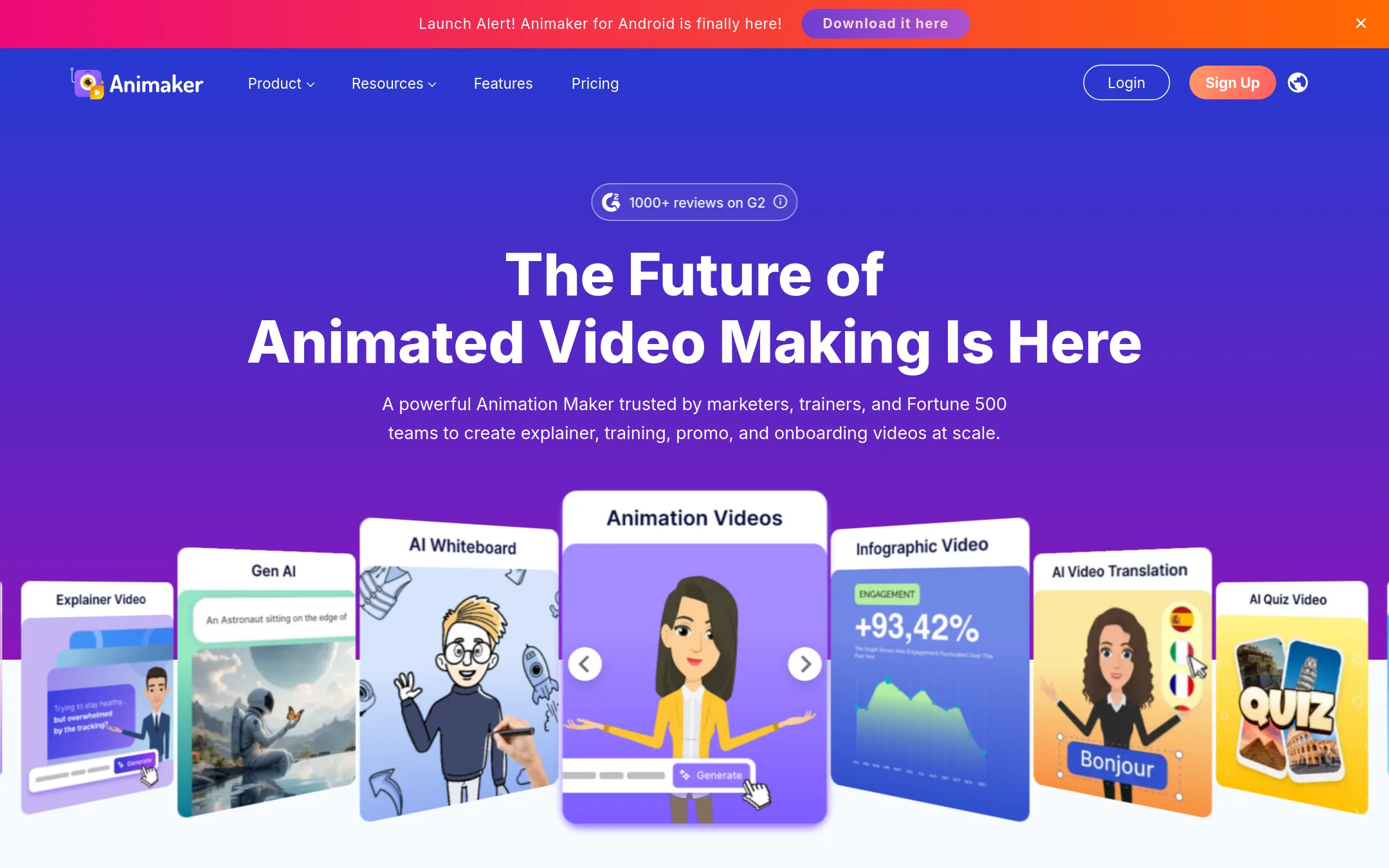
Animaker is a dedicated animation maker with a deep character builder and a huge asset library, so it suits teams that need custom animated explainers and training videos. Biteable is more of a general AI video maker with avatars and templates, while Animaker gives you more control over animation style and characters.
Where it is strong
- Custom character builder with billions of combinations.
- AI subtitles in 130+ languages and 1,800+ voices.
- One-click video translation into 100+ languages.
Where it falls short
- Free plan exports are watermarked.
- 4K exports and unlimited exports require higher-tier plans or contacting sales.
- Pricing:
- Animaker's paid plans start at $10 per month (billed yearly) or $19 per month (billed monthly) for the Basic plan, with Pro at $49 per month (monthly billing) and yearly at $19 per month.
- Switching from Biteable:
- Moving from Biteable means rebuilding videos in Animaker's editor, but you can import scripts and use AI to generate scenes, so the switch is mostly about learning a new interface.
- Not published
2.Canva Whiteboards
Best for: Teams that want a shared canvas for brainstorming and planning sessions, especially those already using Canva for other design work.
- Pricing
- Not published
- Category
- Communication & Collaboration
Canva Whiteboards is a visual collaboration tool for brainstorming and planning, not a video maker. Choose it when your team needs to map ideas, run workshops, or sketch out concepts together, and you already use Canva for design.
Where it is strong
- Real-time collaboration with your team on a shared canvas.
- Integrates with Canva's design tools and asset library.
- Easy to add sticky notes, shapes, and drawings for brainstorming.
Where it falls short
- No video creation or editing features, unlike Biteable.
- Requires a Canva account and may not suit teams outside the Canva ecosystem.
- Pricing:
- Pricing is not published on the site.
- Not published
3.Powtoon
Best for: Enterprises and teams that need secure, brand-locked video creation with AI-powered document conversion and translation.
- Pricing
- Not published
- Category
- Media & Entertainment
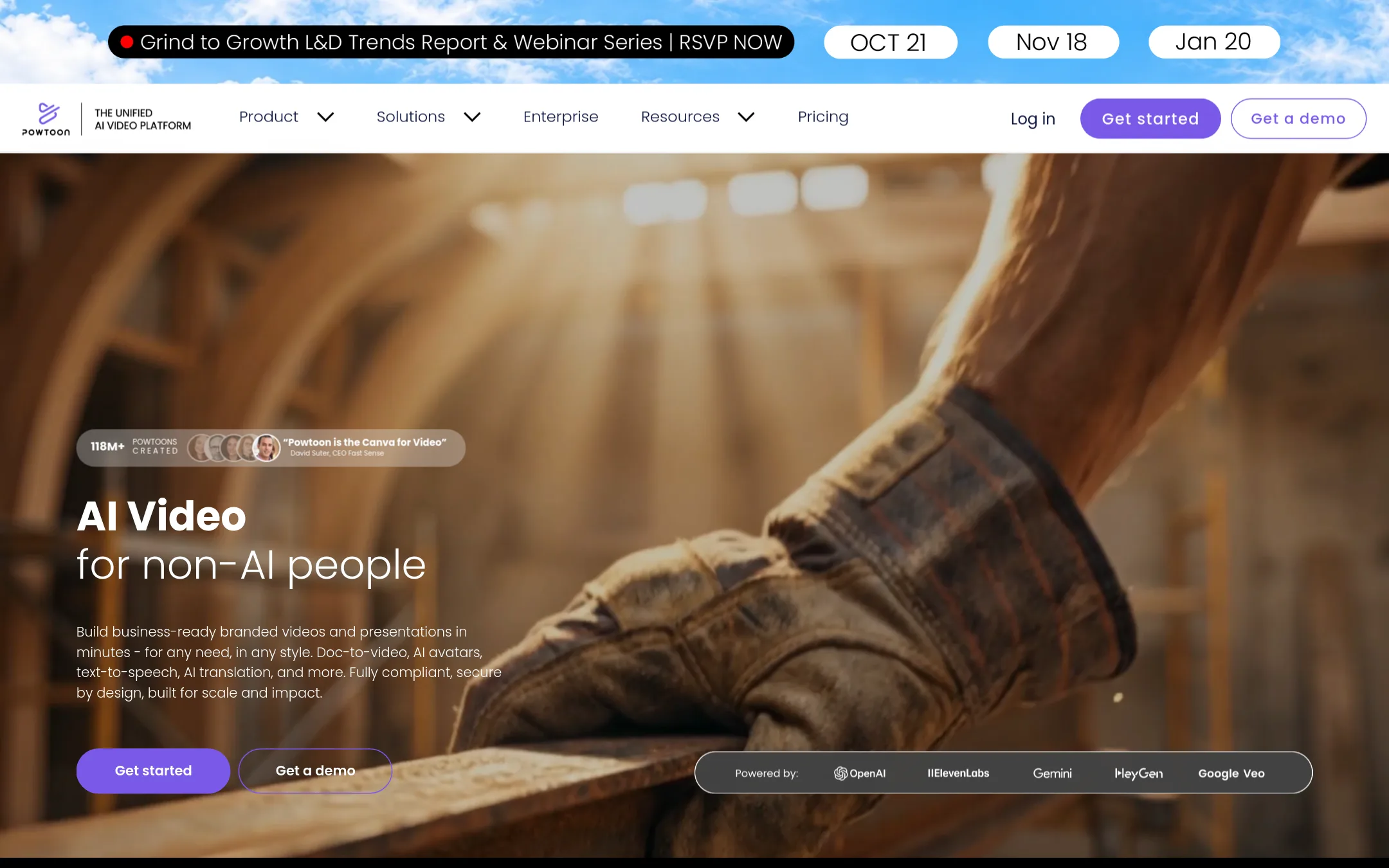
Powtoon is an AI video platform that turns documents and ideas into branded videos and presentations. It suits teams that need enterprise-grade security, brand control, and AI features like avatars and translation, which Biteable doesn't emphasize as heavily.
Where it is strong
- AI doc-to-video conversion
- ISO-27001 and GDPR compliance
- Brand locking and shared folders
Where it falls short
- Pricing not transparent on site
- AI features require separate credit packages
- Pricing:
- Pricing is not published on the site. Plans are listed with features but no prices shown.
- RFrom $9/mo (annual)
4.Renderforest
Best for: Freelancers and small marketing teams that want one subscription for videos, designs, logos, and websites with AI generation.
- Pricing
- From $9/mo (annual)
- Category
- Other
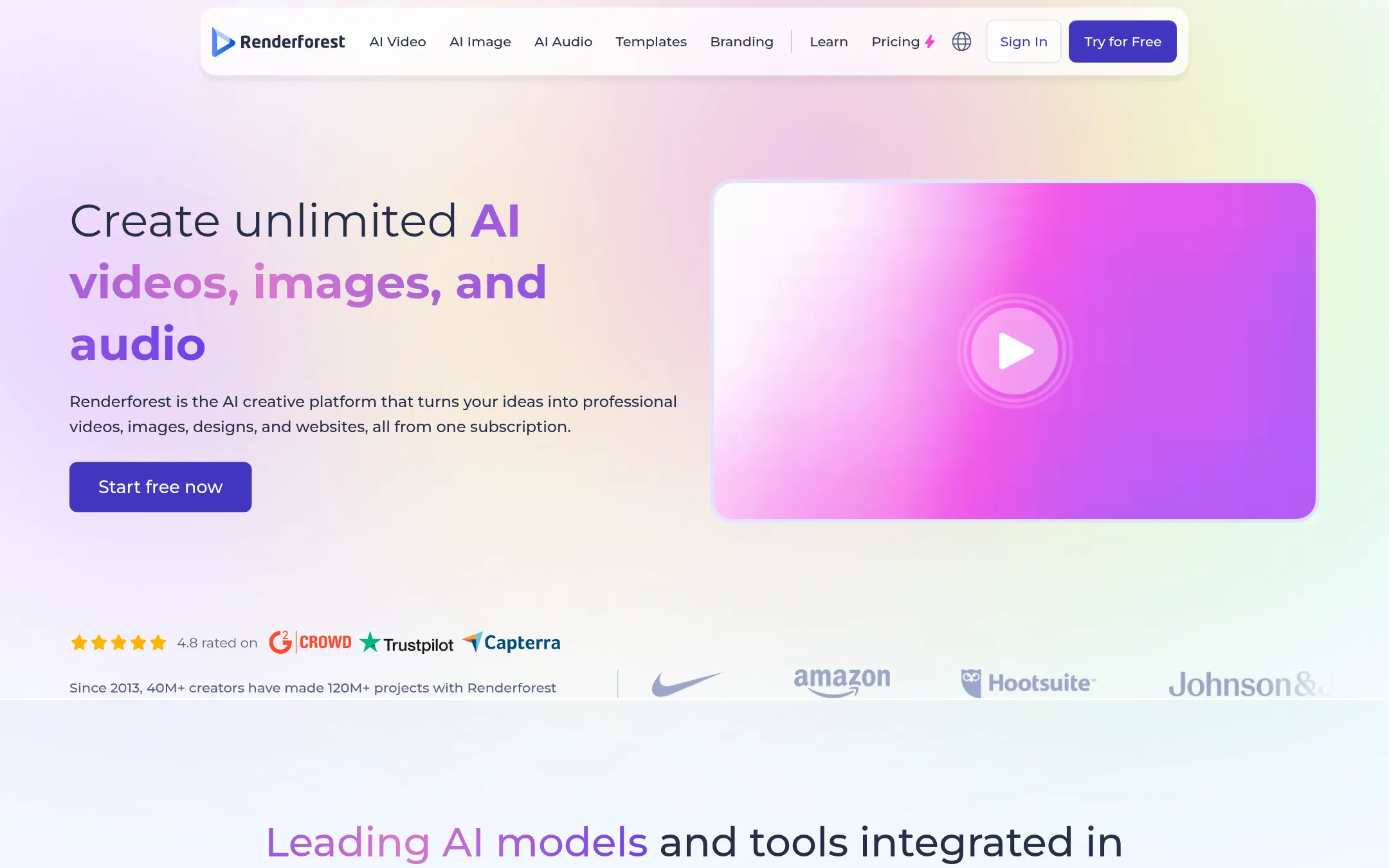
Renderforest is a broader creative platform that covers video, design, logos, and websites, with AI video generation powered by multiple models. Choose it over Biteable if you need more than just video, like a full brand toolkit or AI image generation, and want a free tier to test before paying.
Where it is strong
- Includes AI video, image, logo, and website tools in one subscription.
- Free plan with test credits, no credit card required.
- 4K exports and reseller license on the Business plan.
Where it falls short
- AI video generations are credit-based, so heavy use may hit limits.
- No dedicated AI avatars or script-to-storyboard flow like Biteable's AVA.
- Pricing:
- Plans start at $9 per month for Lite, $19 for Pro, and $39 for Business, billed annually. A free plan with test credits is available.
- Switching from Biteable:
- Moving from Biteable means adapting to a credit-based system for AI generations and learning a wider toolset beyond just video.
- LFrom $19/mo (yearly)
5.Lumen5
Best for: Marketing and communications teams that repurpose blog posts and articles into social videos.
- Pricing
- From $19/mo (yearly)
- Category
- Other
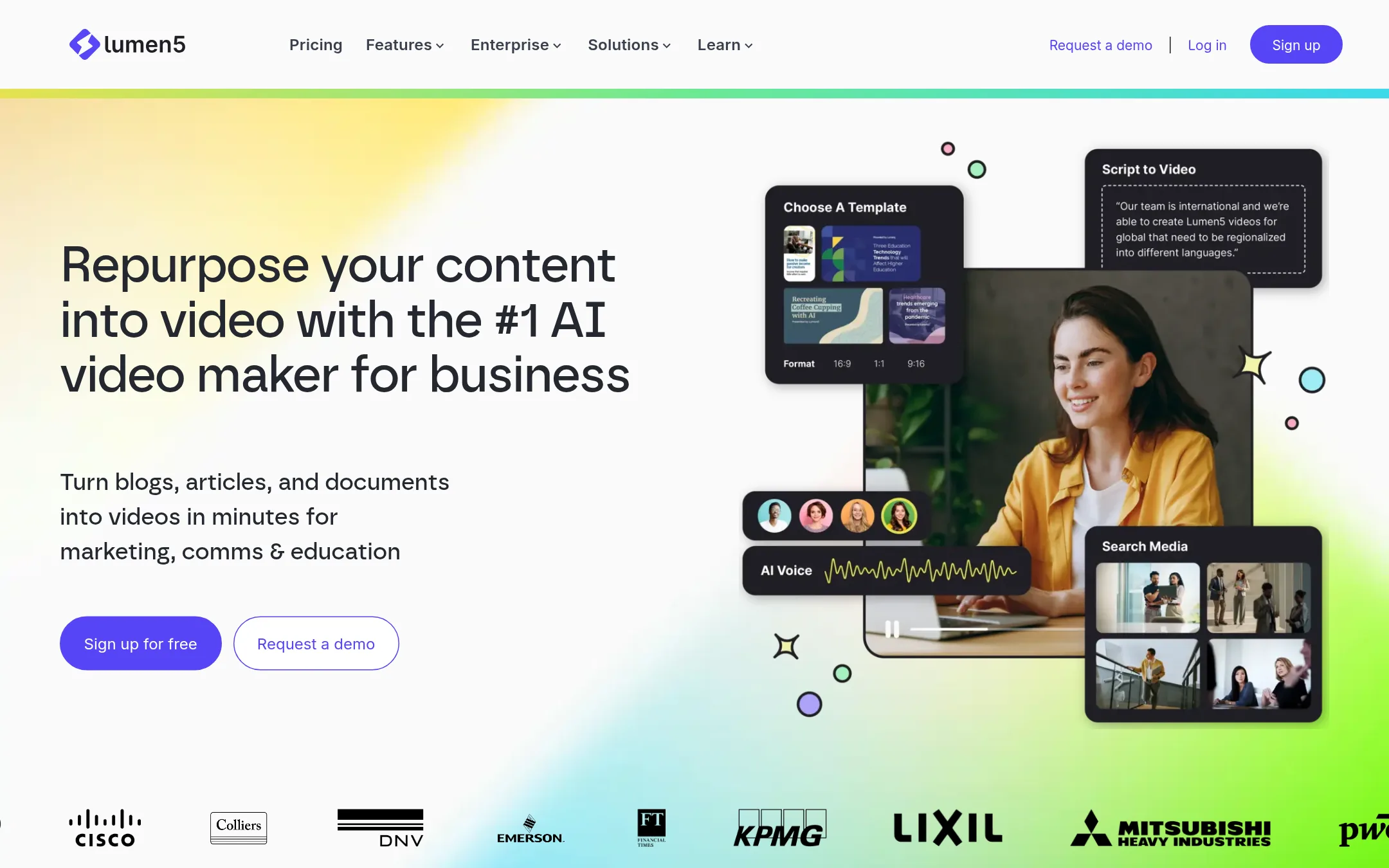
Lumen5 turns blog posts, scripts, and bullet points into videos using AI, with a focus on repurposing existing content. Choose it over Biteable if your team mainly needs to convert written content into video quickly, without a steep learning curve.
Where it is strong
- Turns blog posts and scripts into videos automatically
- Includes 1000+ AI voices and voice cloning on higher tiers
- Brand kits and templates keep videos on-brand
Where it falls short
- Free plan adds Lumen5 branding and limits videos to 2 minutes
- Animation minutes are capped on lower tiers, unlike Biteable's unlimited exports
- Pricing:
- Free plan includes 5 videos per month with Lumen5 branding. Paid plans start at $19 per month billed yearly for Basic, $59 for Starter, and $149 for Pro.
- Switching from Biteable:
- Moving from Biteable means re-creating your videos in Lumen5, but you can import scripts and use brand kits to match your style.
- I$10–$250/seat/mo
6.InVideo
Best for: Professional video editors and creative teams that need AI-assisted timeline editing with multiplayer collaboration.
- Pricing
- $10–$250/seat/mo
- Category
- Other
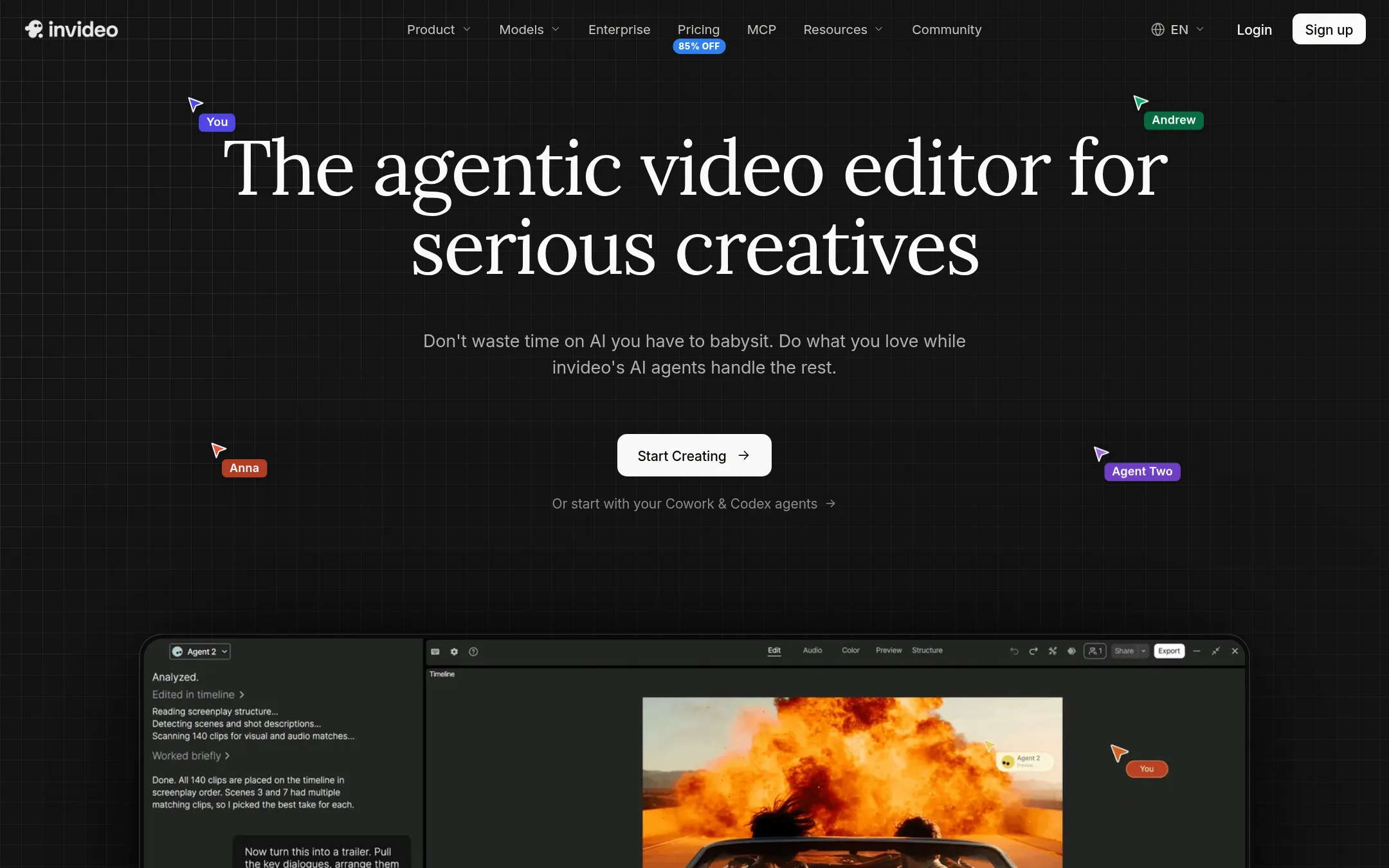
InVideo is an agentic video editor aimed at serious creators who want AI to handle repetitive editing tasks on a real multitrack timeline. Choose it over Biteable if you need granular control, multi-shot edits, and custom AI agents rather than template-based quick videos.
Where it is strong
- Real multitrack timeline editor with AI agents that apply edits across multiple clips
- Multiplayer editing with live cursors for team collaboration
- Credits-based system gives flexibility across video, image, and audio generation
Where it falls short
- Credits don't roll over and costs vary by model, which can be unpredictable
- No mention of AI avatars or text-to-speech voiceovers, which Biteable includes
- Pricing:
- Starter is $10 per seat per month billed annually, Plus is $30 per seat per month billed annually, and Max is $250 per seat per month billed annually.
- MNot published
7.Moovly
Best for: Teams and individuals who want to create animated videos, presentations, and interactive content in one tool.
- Pricing
- Not published
- Category
- Other
Moovly is an online video editor with AI features for text-to-speech, script generation, and visual suggestions. Choose it when you need a broader set of output types like presentations, display ads, and interactive infographics, not just standard videos.
Where it is strong
- AI text-to-speech with over 1200 voices in 150 languages
- Supports multiple formats: videos, presentations, display ads, infographics
- Includes a developer API and WordPress plugin
Where it falls short
- Pricing details are not listed, so budgeting is harder
- No mention of AI avatars or a dedicated ad generator like Biteable
- Pricing:
- Pricing is not published on the site.
- WNot published
8.Wave.video
Best for: Creators and agencies that need live streaming, video hosting, and editing in one tool.
- Pricing
- Not published
- Category
- Other
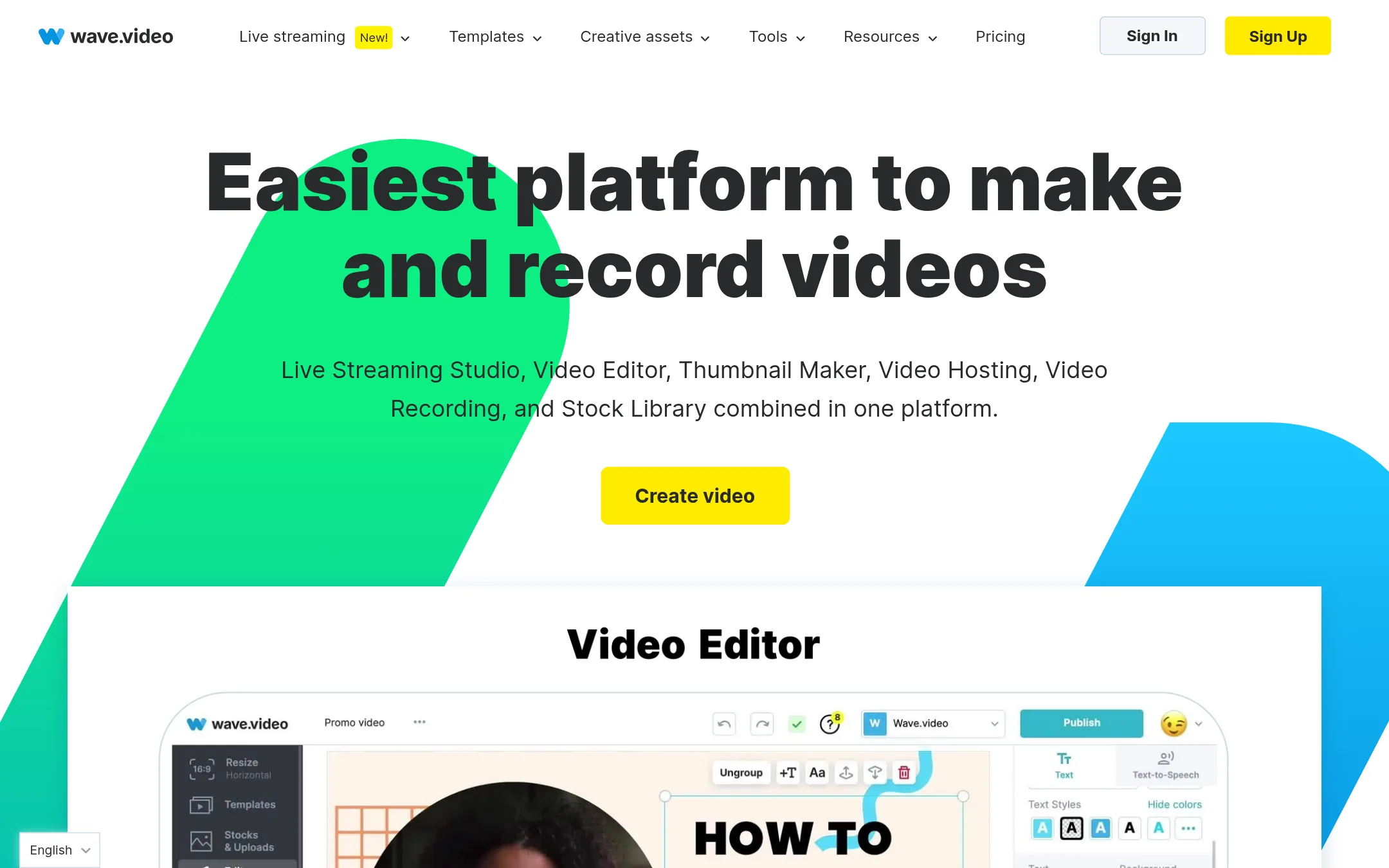
Wave.video combines video editing, live streaming, hosting, and recording in one platform. Choose it over Biteable if you need to multistream live broadcasts or host videos with detailed analytics, not just create polished videos.
Where it is strong
- Multistream to multiple channels simultaneously
- Built-in stock library with millions of assets
- Video hosting with watch hour and bandwidth tracking
Where it falls short
- Free plan limits edits to 15 seconds
- No published pricing. Requires contacting sales for plans
- Pricing:
- Pricing is not published on the site.
- Not published
9.Spokn
Best for: Internal comms and HR teams that need to quickly gather and publish short-form employee videos for updates, recognition, and culture.
- Pricing
- Not published
- Category
- Communication & Collaboration
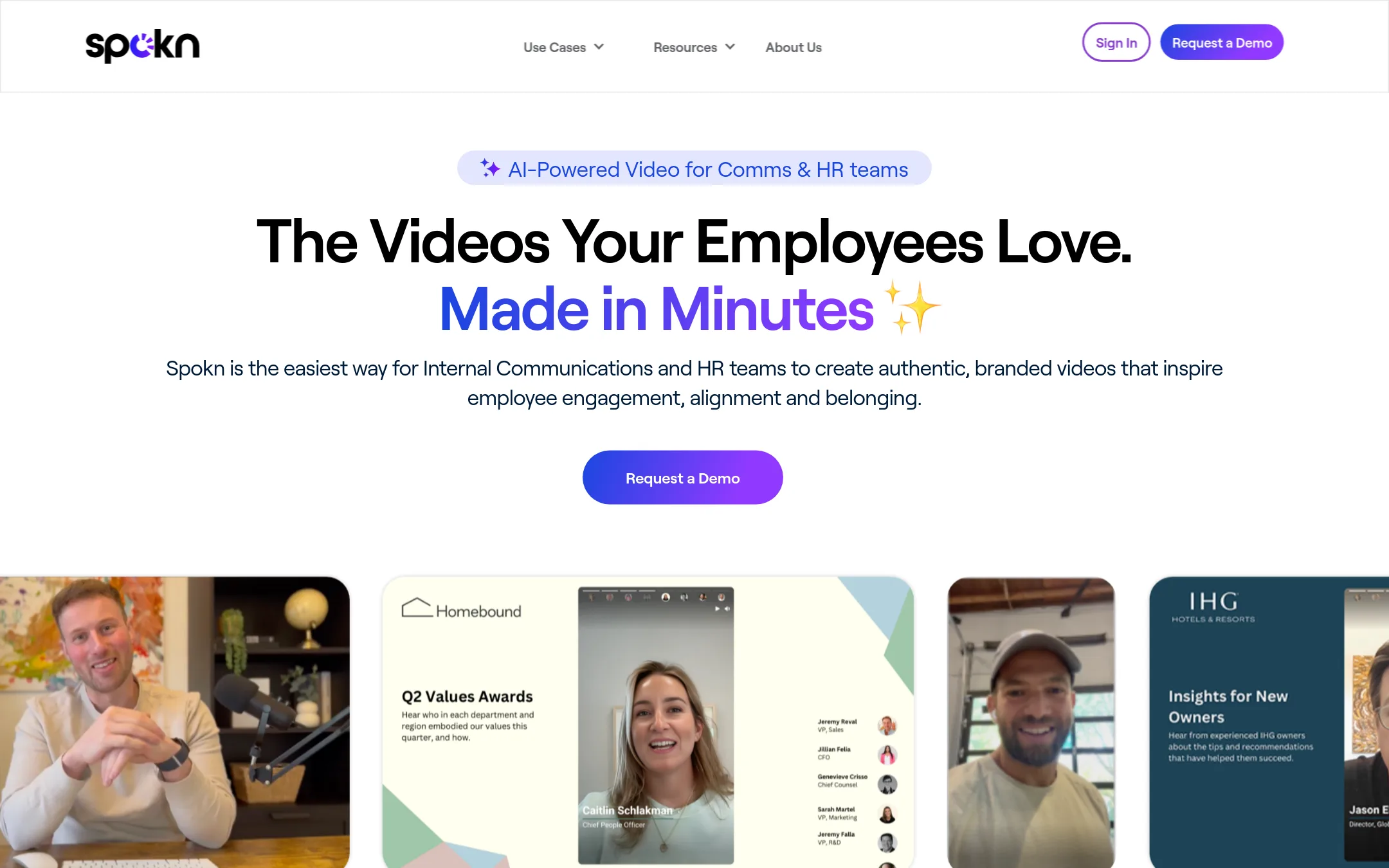
Spokn is built specifically for internal communications and HR teams to create authentic, branded employee videos. It focuses on collecting video from employees and leaders, then editing and sharing it, which is different from Biteable's general-purpose AI video maker for marketing and training content.
Where it is strong
- Purpose-built for employee video collection and approvals
- Branding tools designed for internal comms
- AI enhancements for captions and clarity
Where it falls short
- No published pricing, likely enterprise-focused
- Narrower use case than Biteable's general video creation
- Pricing:
- Pricing is not published on the site.
- From $16/mo
10.Descript
Best for: Podcasters, video creators, and teams that edit long-form recordings and need AI tools like filler-word removal and Studio Sound.
- Pricing
- From $16/mo
- Category
- Media & Entertainment
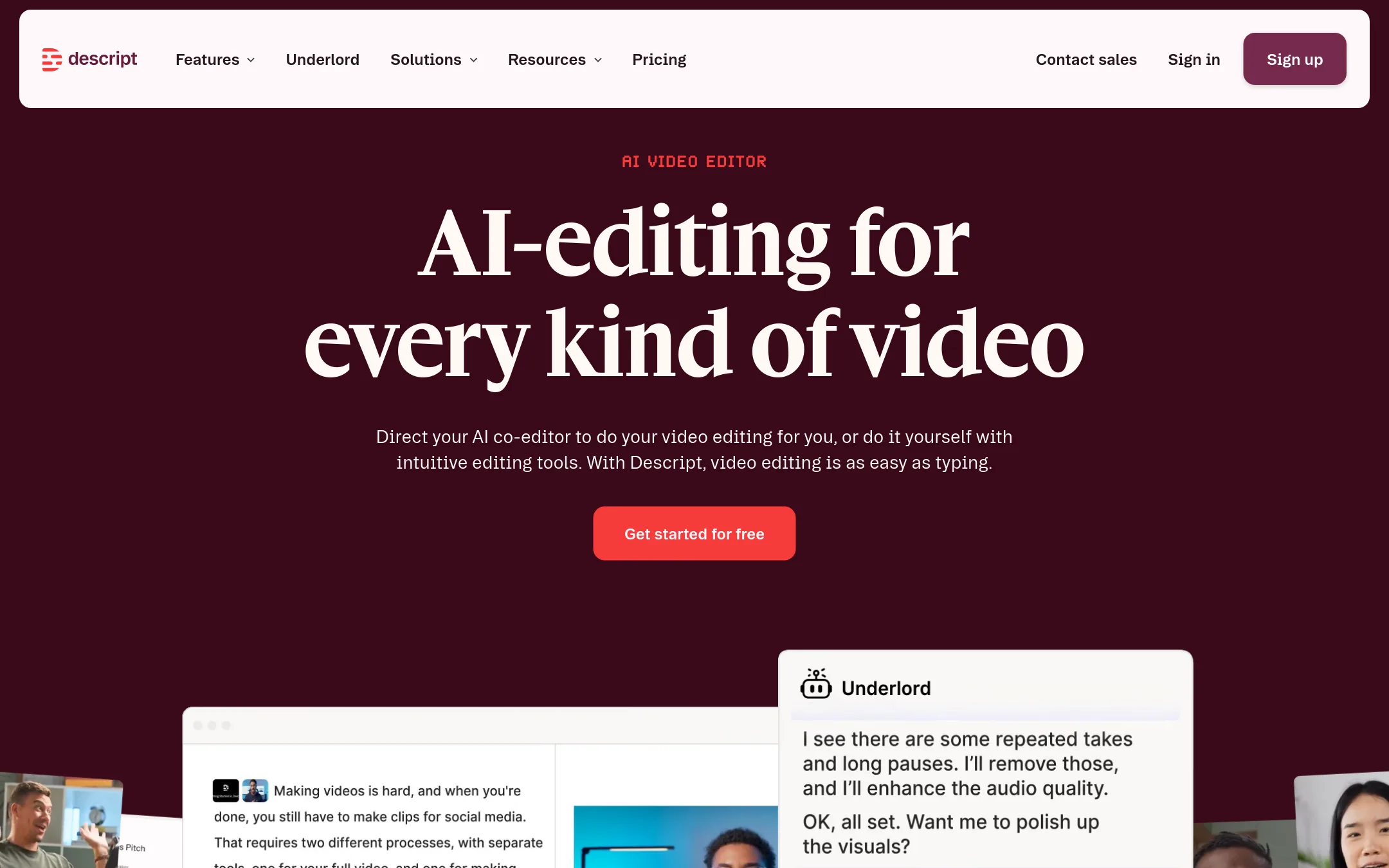
Descript is a text-based video and audio editor that transcribes your footage so you can edit by cutting words in a transcript. It's built for long-form content like podcasts, interviews, and talking-head videos, where Biteable's template-driven approach feels limiting. Choose Descript when you need precise, fast editing of real recordings rather than assembling animated scenes.
Where it is strong
- Edit video by editing the transcript, which is fast and intuitive
- AI tools like Studio Sound, filler-word removal, and eye contact correction
- Free plan with no credit card required
Where it falls short
- Media hours and AI credits cap usage, so heavy editing may require top-ups
- No built-in animated templates or AI avatars like Biteable offers
- Pricing:
- Hobbyist is $16 per person per month billed annually ($24 monthly), Creator is $35 per person per month, Business is $50 per person per month billed annually ($65 monthly), and Enterprise is custom. A free plan is available.
- Switching from Biteable:
- Moving from Biteable means adapting to a text-based editing workflow, so you'll need to import your existing video files and learn to edit via transcript rather than templates.
- From $24/mo (annual)
11.Riverside
Best for: Podcasters and remote interview teams that need studio-quality recording, editing, and distribution in one place.
- Pricing
- From $24/mo (annual)
- Category
- Media & Entertainment
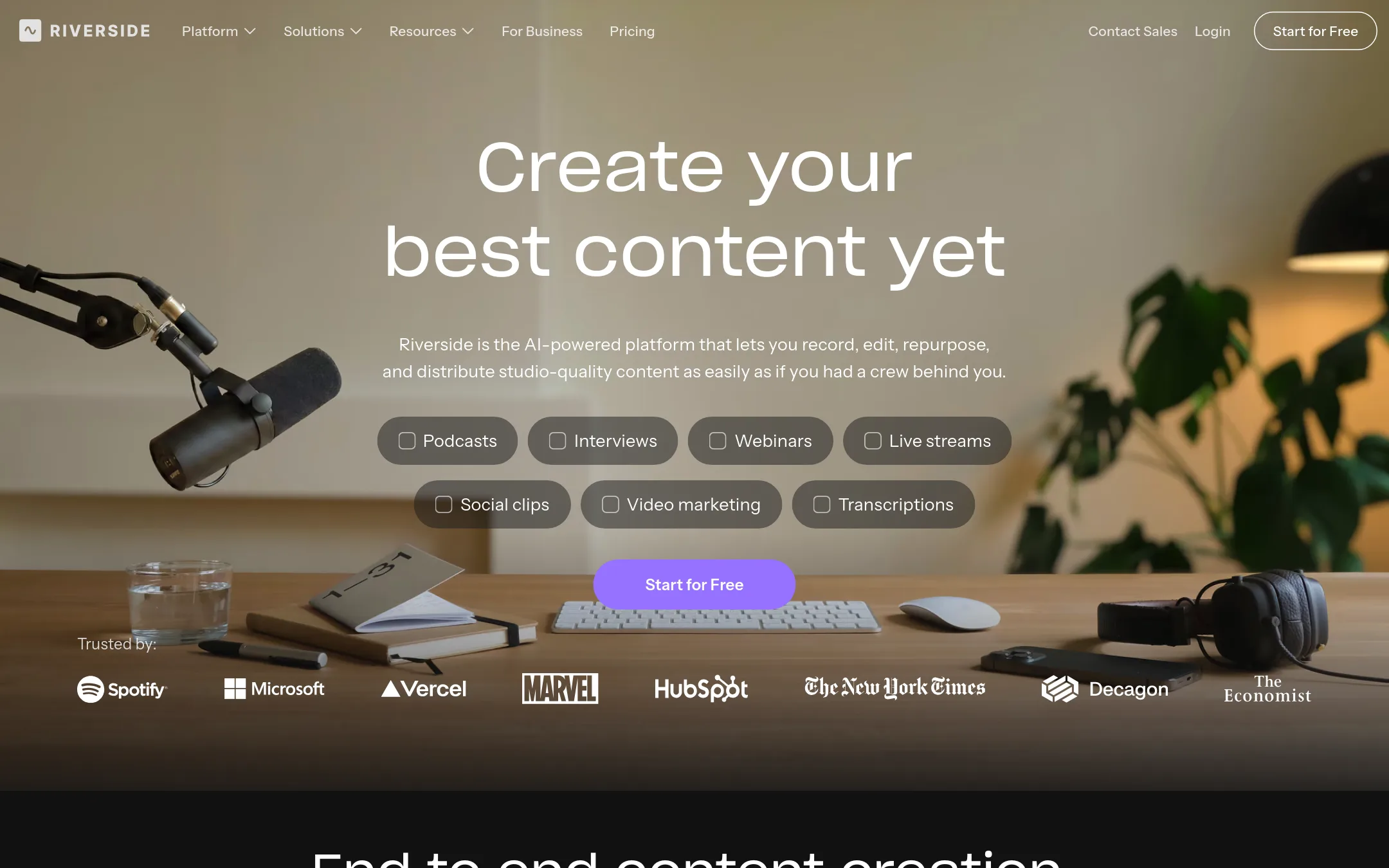
Riverside is a recording and editing platform for podcasts, video interviews, and webinars. It records locally for high quality and offers AI tools for editing and repurposing. Choose it over Biteable when you need to record real people remotely and turn those recordings into clips and shows, rather than creating animated marketing videos.
Where it is strong
- Records locally in up to 4K video and 48kHz audio for high quality
- AI editing and repurposing tools, including Magic Clips and text-based editing
- Built-in podcast hosting and publishing to major platforms
Where it falls short
- Free plan caps video at 720p and adds a watermark
- Separate track download limits on lower tiers (15-25 hours per month)
- Pricing:
- Free plan with 2 hours of multi-track recordings and a watermark. Pro is $288/year (about $24/month). Grow is $408/year (about $34/month). Webinar and Business plans are custom-priced.
- Switching from Biteable:
- Moving from Biteable means shifting from template-based animated videos to recording real conversations, so you'll need to set up a studio and invite guests rather than starting from a script and avatars.
See more comparisons in Media & Entertainment alternatives.
FAQ
Questions about Biteable alternatives
Which alternative is best for internal communications and employee videos?
Spokn is built specifically for internal comms and HR teams to collect and publish short-form employee videos. It focuses on gathering video from employees and leaders, then editing and sharing it, which suits updates, recognition, and culture. Pricing is not published, so it is likely enterprise-focused.
What is the best option for creating custom animated explainer videos?
Animaker is a dedicated animation maker with a deep character builder and a huge asset library. It suits teams that need custom animated characters and whiteboard-style videos for training and onboarding. Paid plans start at $10 per month billed yearly, with a free plan that adds watermarks.
Which tool is best for editing long-form recordings like podcasts or interviews?
Descript is a text-based video and audio editor that transcribes footage so you can edit by cutting words in a transcript. It is built for long-form content and includes AI tools like filler-word removal and Studio Sound. Plans start at $16 per person per month billed annually, with a free plan available.
Are there alternatives with a free plan or trial?
Yes. Descript offers a free plan with no credit card required. Renderforest has a free plan with test credits, and Riverside has a free plan with 2 hours of multi-track recordings and a watermark. Lumen5 also has a free plan that includes 5 videos per month with branding.
Which alternative is best for repurposing blog posts into videos?
Lumen5 turns blog posts, scripts, and bullet points into videos using AI, with a focus on repurposing existing content. It is a good fit for marketing teams that need to convert written content into social videos quickly. Paid plans start at $19 per month billed yearly, and the free plan adds Lumen5 branding.
Last updated November 2, 2026.