Brainboard alternatives
6 products compared · Updated November 8, 2026
The short answer
The three strongest Brainboard alternatives are Terraform Cloud, Pulumi Cloud and Lucidchart. Terraform Cloud suits engineering teams that already write infrastructure code and want a widely adopted, vendor-neutral standard. Pulumi Cloud suits platform and DevOps teams that want infrastructure written in real programming languages. Lucidchart suits teams that need shared diagrams for processes and architecture documentation without generating infrastructure code.
Your shortlist, at a glance
Read the comparisons ↓- TTerraform CloudNot publishedEngineering teams that already write infrastructure code and want a widely used, vendor-neutral IaC standard across clouds.
- PPulumi Cloud$0.1825/mo per resourcPlatform and DevOps teams that want infrastructure written in real programming languages and governed with reusable policy packs
- LLucidchartNot publishedTeams that need shared diagrams for processes, org planning, and architecture documentation without writing infrastructure code
- CCloudcraftFree with DatadogTeams already on Datadog that need live architecture diagrams across several clouds and on-prem VMware environments
- DDraw.io (diagrams.net)Not publishedTeams that need free architecture diagrams for docs and wikis without generating infrastructure code
PluralithSee websiteAutomated infrastructure compliance and documentation
About Brainboard and its alternatives
Brainboard is a cloud infrastructure management platform. According to its site, it is known for visually designing cloud architectures and automatically generating Terraform code from those designs, with an embedded CI/CD engine, drift detection and support for AWS, Azure, GCP, OCI and Scaleway.
When comparing alternatives in this category, weigh the pricing structure first, since some tools publish flat plans while others meter per resource or per user and do not show full prices. Check which clouds and regions each tool supports, what integrations it connects to, what support levels are included and what the contract terms require. Also decide whether you need a visual designer, a code-first workflow or a live view of running infrastructure.
Explore the alternatives
- TNot published
1.Terraform Cloud
Best for: Engineering teams that already write infrastructure code and want a widely used, vendor-neutral IaC standard across clouds.
- Pricing
- Not published
- Category
- Other
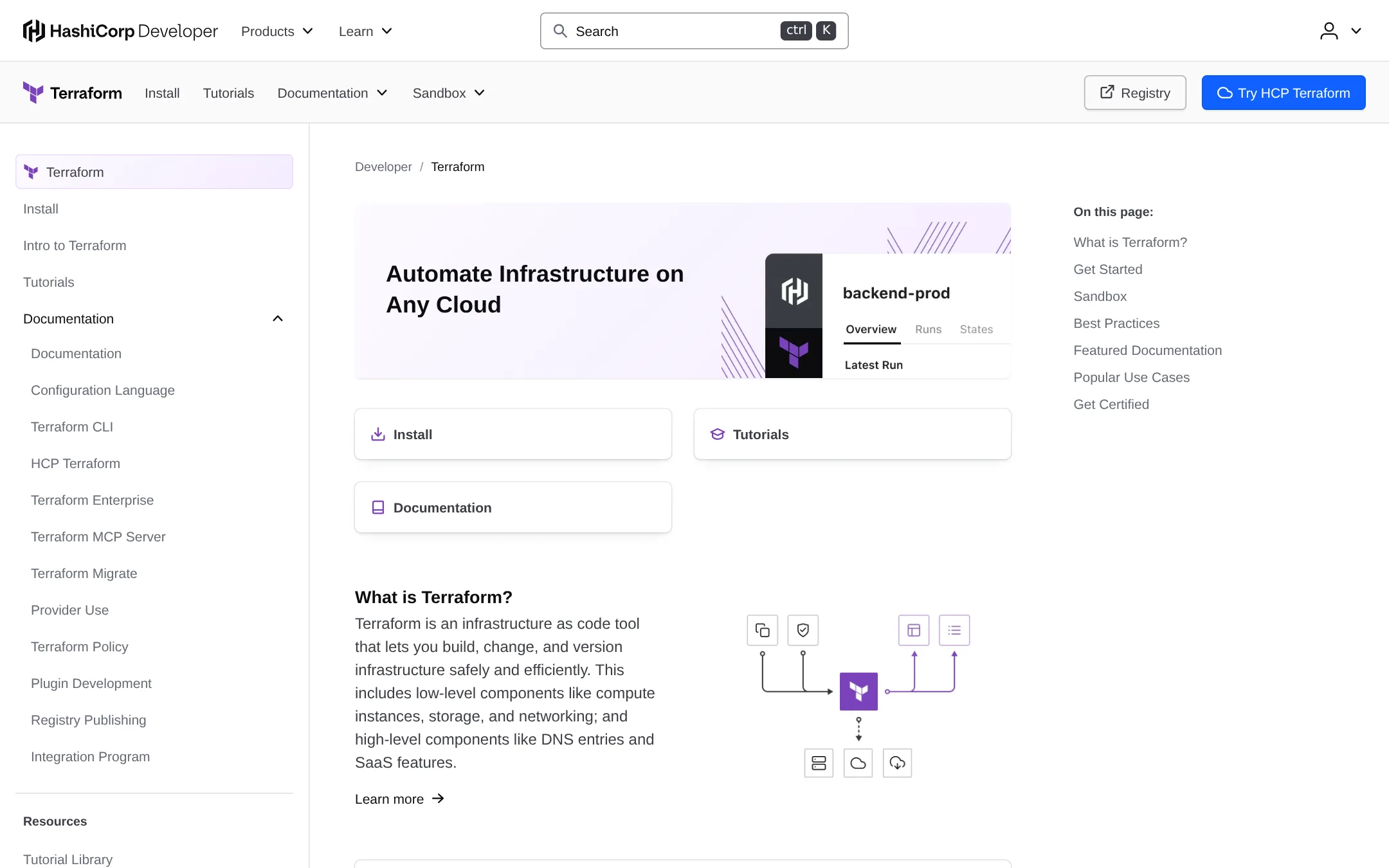
Terraform is an open infrastructure as code tool for building, changing and versioning cloud resources through configuration files. Teams pick it over Brainboard when they want to write and own the code directly and prefer a text-first workflow over a visual designer.
Where it is strong
- Widely adopted IaC language with a large ecosystem of providers and modules
- Covers major clouds, including AWS, Azure, Google Cloud and Oracle Cloud, through tutorials on the site
- Includes a sandbox and certification paths for learning the tool
Where it falls short
- Offers no visual diagramming canvas for designing architectures
- Team collaboration features are not described on this page, so you would need to confirm what is included
- Pricing:
- Pricing is not published on the site.
- P$0.1825/mo per resourc
2.Pulumi Cloud
Best for: Platform and DevOps teams that want infrastructure written in real programming languages and governed with reusable policy packs
- Pricing
- $0.1825/mo per resourc
- Category
- Other
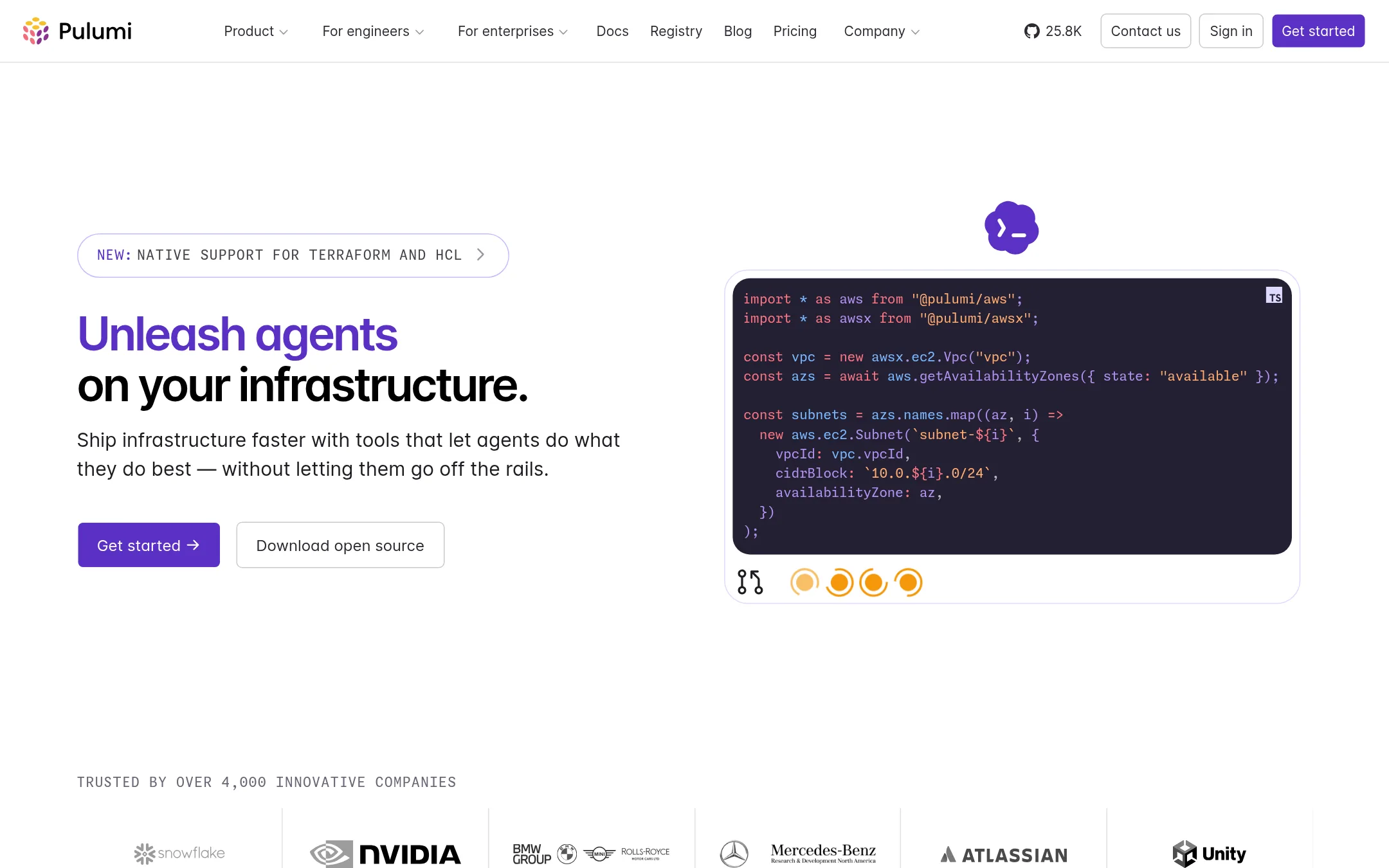
Pulumi lets teams write infrastructure in real programming languages instead of a configuration DSL. It is open source, and it now markets itself to teams running coding agents on infrastructure. Someone would pick it over Brainboard if they want infrastructure defined as code in languages their developers already use, rather than designing diagrams that generate Terraform.
Where it is strong
- Infrastructure is written in real languages like Python, TypeScript and Go, so developers reuse existing skills.
- Open source core with a free tier that includes unlimited projects, stacks and environments for one user.
- Policy enforcement, drift detection and audit logs are available on higher tiers, with conformance packs such as CIS and PCI DSS on Enterpri
Where it falls short
- Pricing is metered per resource, dimensions beyond the free tier are harder to predict than a flat fee.
- Brainboard's visual diagram designer is not a central feature, so teams that want to draw architectures first may find the workflow less dir
- Pricing:
- Pulumi has a free tier for one user, and paid Essentials, Pro and Enterprise plans with resource-based pricing such as $0.1825/month per managed resource on the entry rate, but the site shows no flat monthly price per seat.
- LNot published
3.Lucidchart
Best for: Teams that need shared diagrams for processes, org planning, and architecture documentation without writing infrastructure code
- Pricing
- Not published
- Category
- Other
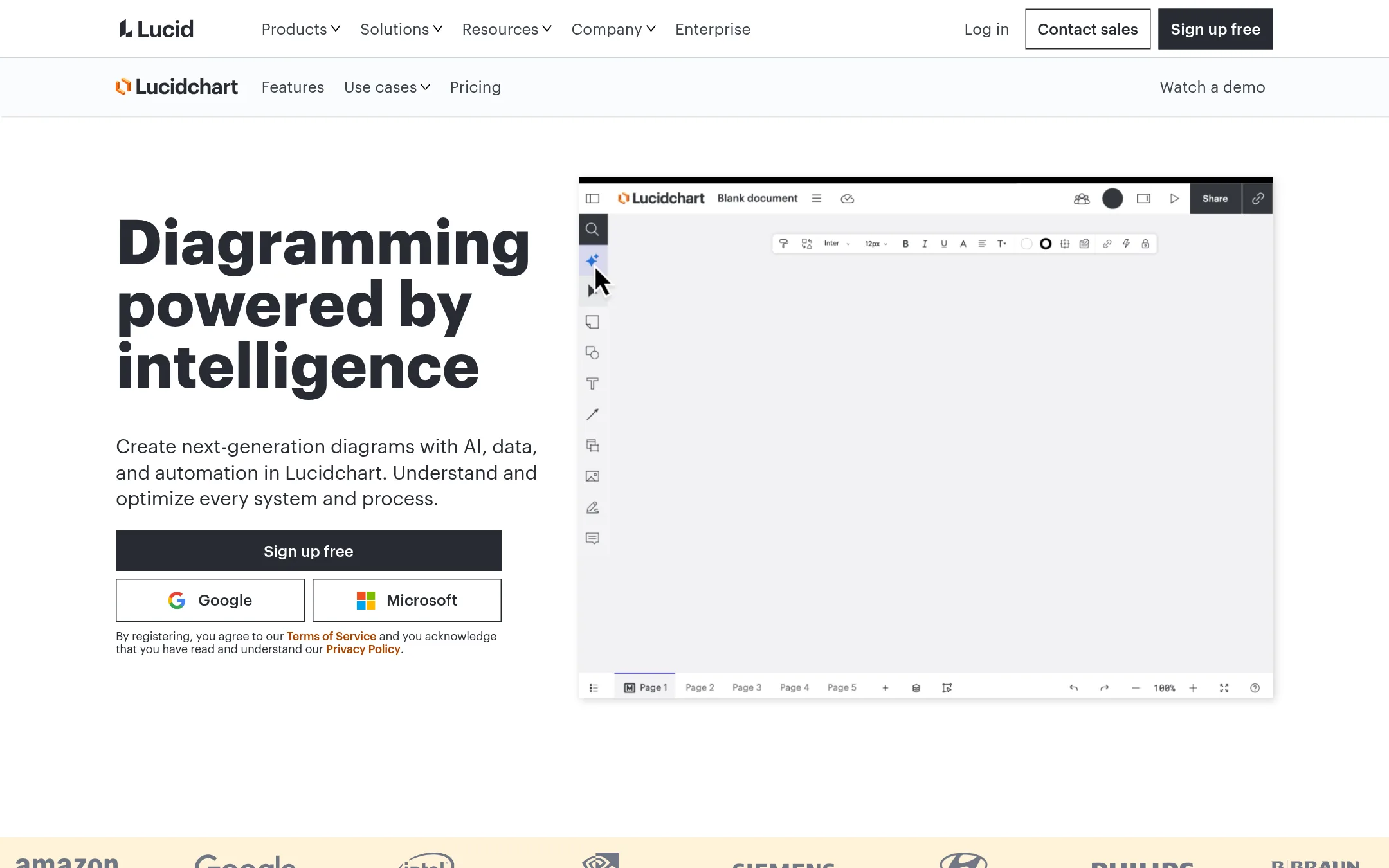
Lucidchart is a general diagramming tool for process maps, org charts, and technical diagrams, with AI-generated diagrams and data linking. Someone would pick it over Brainboard when the job is documenting or presenting systems visually rather than generating and deploying Terraform code from the diagram.
Where it is strong
- Free tier with 3 editable documents and 100 templates
- AI-generated diagrams from text prompts via Lucid AI
- Links to Google Sheets, Excel, or CSV files to build visuals from data
Where it falls short
- Does not generate Terraform code or deploy cloud infrastructure
- Team plan pricing is shown in pounds per user, but the site does not show a full price breakdown for the Individual plan
- Pricing:
- Pricing is not published on the site.
- CFree with Datadog
4.Cloudcraft
Best for: Teams already on Datadog that need live architecture diagrams across several clouds and on-prem VMware environments
- Pricing
- Free with Datadog
- Category
- Other
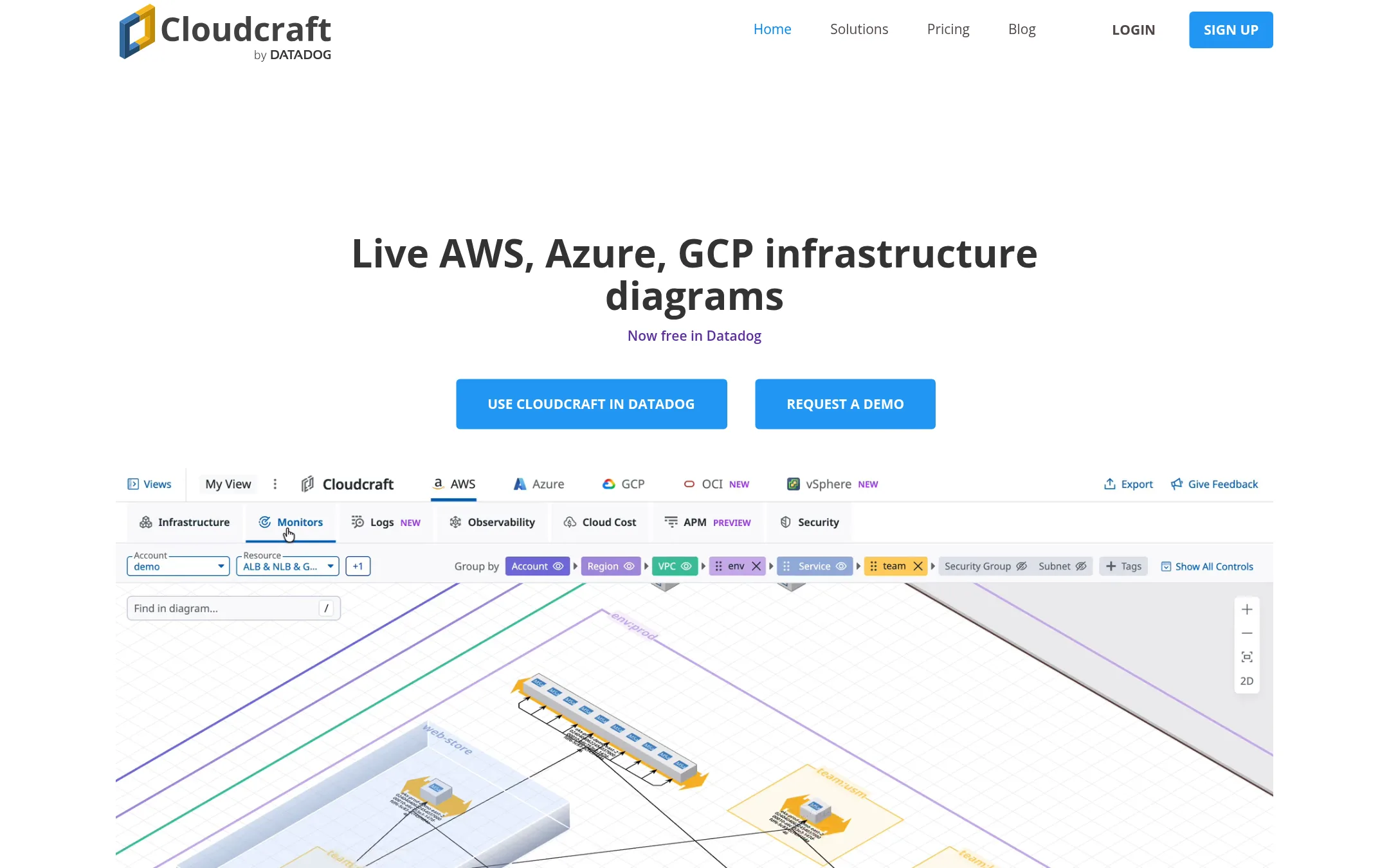
Cloudcraft draws live diagrams of AWS, Azure, GCP, Oracle Cloud and on-prem VMware vSphere environments. It overlays alerts, logs, security findings and costs from Datadog on the diagram, so it works as a view of what is running rather than a design tool for code. Choose it over Brainboard if you already run Datadog and want an always-current picture of your infrastructure, not Terraform generation or CI/CD.
Where it is strong
- Diagrams update as infrastructure changes, so they stay current without manual upkeep.
- Alerts, error logs and security findings appear directly on the resources they affect.
- Covers AWS, Azure, GCP, Oracle Cloud and VMware vSphere in one view, including cross-account connections.
Where it falls short
- It needs a Datadog subscription, so it adds little value for teams that do not use Datadog.
- It does not generate Terraform code or provide the design-to-IaC workflow that Brainboard offers.
- Pricing:
- Pricing is not published on the site beyond stating that Cloudcraft is free in Datadog with any Datadog subscription, with unlimited users and diagrams.
- DNot published
5.Draw.io (diagrams.net)
Best for: Teams that need free architecture diagrams for docs and wikis without generating infrastructure code
- Pricing
- Not published
- Category
- Other
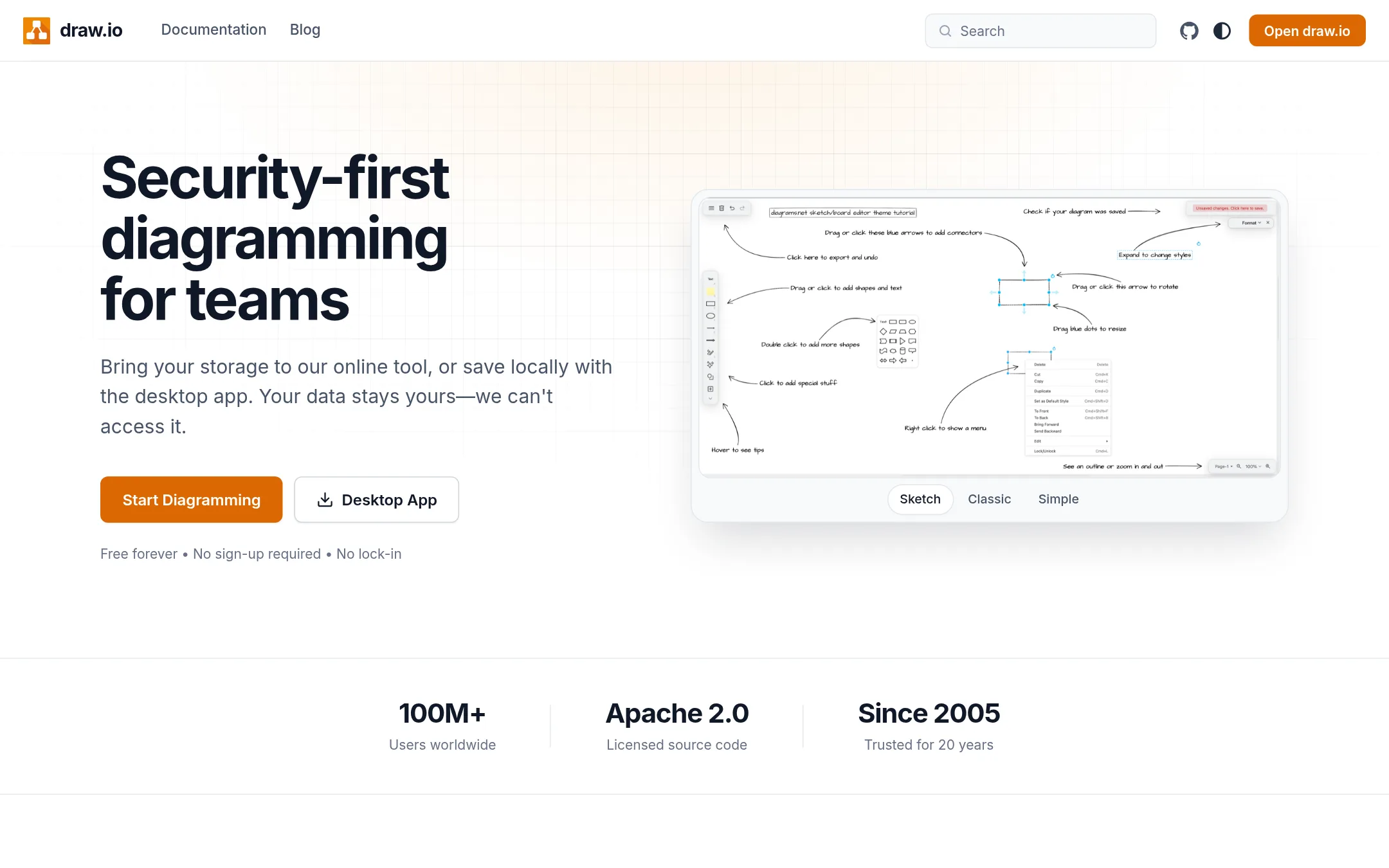
Draw.io is a general diagramming app that is free to use and has no account requirement, so teams can sketch architecture without signing up. Someone would pick it over Brainboard when they only need diagrams for docs or wikis and do not need Terraform code generated from the drawing or cloud drift detection.
Where it is strong
- No account or credit card needed to start diagramming
- Files open and edit on any platform, and older files still load
- Diagrams can be embedded in docs and exported to SVG, PNG or PDF
Where it falls short
- It does not generate Terraform or other IaC code from the diagram
- Its listed features cover diagramming and collaboration, not cloud drift detection or CI/CD
- Pricing:
- Pricing is not published on the site.
- See website
6.Pluralith
Security & Privacy
Automated infrastructure compliance and documentation
See more comparisons in Developer Tools alternatives.
FAQ
Questions about Brainboard alternatives
What is the closest alternative to Brainboard if I want to write infrastructure code directly?
Terraform Cloud is the closest fit for teams that already write infrastructure code. It is a widely used, vendor-neutral standard for building and versioning cloud resources through configuration files. It offers no visual diagramming canvas, so it suits code-first teams rather than teams that want to design architectures visually.
Which alternative lets developers use languages they already know?
Pulumi Cloud lets teams define infrastructure in real programming languages such as Python, TypeScript and Go. Its core is open source and it has a free tier for one user. Pricing is metered per managed resource, so costs are harder to predict than a flat fee.
Is there a free option for drawing architecture diagrams?
Draw.io, also known as diagrams.net, is free and requires no account to start. It is useful for diagrams in docs and wikis, but it does not generate Terraform code or provide cloud drift detection. Lucidchart also has a free tier with three editable documents, though it does not generate infrastructure code either.
Which tool shows live diagrams of running infrastructure?
Cloudcraft draws live diagrams of AWS, Azure, GCP, Oracle Cloud and VMware vSphere environments and overlays alerts, logs and costs from Datadog. It requires a Datadog subscription and does not generate Terraform code. It suits teams already on Datadog that want an always-current picture of their infrastructure.
How should I compare pricing across these alternatives?
Several of these products do not publish full prices on their sites. Pulumi meters per resource, Lucidchart and Terraform Cloud do not show a full breakdown on the pages reviewed, and Cloudcraft is included with a Datadog subscription. Request a quote for each tool and compare the total cost against the clouds, users and resources you expect to run.
Last updated November 8, 2026.