
Calendly alternatives
12 products compared · Updated October 31, 2026
The short answer
For teams already using Zoho or HubSpot, Zoho Meeting and HubSpot CRM offer scheduling within a broader platform. Service businesses needing payments and packages should consider Acuity Scheduling. Developers wanting full control should look at Cal.com.
Your shortlist, at a glance
Read the comparisons ↓- AAcuity SchedulingNot publishedService businesses, beauty, wellness, fitness, and education, that need appointment packages, subscriptions, and payment collection built into scheduling.
- DDoodleNot publishedTeams that frequently coordinate meetings with many participants, such as event planners, admins, and distributed organizations.
- YYouCanBook.meFree / from $8/moSmall businesses and solopreneurs who need highly customizable booking pages and Stripe payments built in.
- SSimplyBook.meFrom €11.9/moService-based businesses that need multi-provider scheduling, payments, and custom booking pages.
- SSetmoreFree / $5 user/moSmall service businesses like salons, clinics, and tutors that need a free booking page with payments and team scheduling.
- AAppointyFrom $19.99/moService businesses and multi-location enterprises that need staff and resource scheduling, not just individual meeting booking.
 Zoho MeetingNot publishedTeams already invested in Zoho's ecosystem that need integrated web conferencing and scheduling.
 HubSpot CRMFrom $20/mo/seatSales and marketing teams that already use or plan to adopt HubSpot for pipeline management and customer data.
- CCal.comNot publishedDevelopers and product teams that need a customizable, API-first scheduling engine they can embed or extend.
- OOnceHubFrom $10/seat/moSales and support teams that need lead qualification, routing, and phone-based scheduling in one tool.
- TTimeTradeSee websiteOther
- AApptotoFrom $30/moAppointment-based businesses like clinics, salons, and law firms that need reliable reminders and client follow-ups more than advanced scheduling.
About Calendly and its alternatives
Calendly is a scheduling platform that handles the work around meetings, from booking and payments to AI-powered recaps and follow-ups. It is known for its ease of use, integrations, and AI assistant Callie.
When comparing alternatives, weigh pricing structure, such as free tiers or per-seat costs, and whether features like payments or AI are included. Consider regional availability for features like SMS, the depth of integrations with your existing tools, and contract terms like annual billing or setup fees.
Explore the alternatives
- ANot published
1.Acuity Scheduling
Best for: Service businesses, beauty, wellness, fitness, and education, that need appointment packages, subscriptions, and payment collection built into scheduling.
- Pricing
- Not published
- Category
- Other
Acuity Scheduling is a booking and appointment platform built for service businesses like salons, clinics, and fitness studios. It handles appointments, payments, and client communication, so you can run your whole front desk without extra tools. Choose it over Calendly if you sell packages, memberships, or gift certificates and need a scheduler that feels like part of your business.
Where it is strong
- Sell appointment packages, subscriptions, memberships, and gift certificates directly through the scheduler.
- Accepts payments via Stripe, Square, PayPal, or Venmo, with deposits and payment plans.
- Includes a mobile admin app on all plans to manage appointments on the go.
Where it falls short
- No free plan, only a 7-day trial, unlike Calendly's free tier.
- Text message reminders depend on global availability, so they may not work everywhere.
- Pricing:
- Pricing is not published on the site. The page shows a 7-day free trial and three plans (Starter, Standard, Premium) but no dollar amounts.
- Switching from Calendly:
- Moving from Calendly means re-creating your event types and booking pages, and you'll need to set up your payment and package options from scratch.
- DNot published
2.Doodle
Best for: Teams that frequently coordinate meetings with many participants, such as event planners, admins, and distributed organizations.
- Pricing
- Not published
- Category
- Other
Doodle is a scheduling tool built around polls and group coordination, where invitees vote on preferred times rather than picking from a host's open slots. It also reads calendars to find the best time automatically and protects focus time. Choose Doodle over Calendly when you need to schedule with large groups, cross-company teams, or people without shared calendar access.
Where it is strong
- Poll-based scheduling lets large groups vote on times without calendar access.
- Day view combines meetings, tasks, and focus time in one place.
- Time protection rules enforce no-meeting blocks and focus time across the team.
Where it falls short
- Pricing is not published, so you must contact sales for costs.
- Lacks the AI meeting recaps and follow-up features that Calendly offers.
- Pricing:
- Pricing is not published on the site.
- Switching from Calendly:
- Moving from Calendly means shifting from booking links to poll-based scheduling, which may feel different but works well for group coordination.
- YFree / from $8/mo
3.YouCanBook.me
Best for: Small businesses and solopreneurs who need highly customizable booking pages and Stripe payments built in.
- Pricing
- Free / from $8/mo
- Category
- Other
YouCanBook.me is a scheduling tool built for small to midsize businesses that want deep customization of their booking pages and payment flows. You'd choose it over Calendly when you need things like multiple appointment types on one page, group sessions, or Stripe payments with discount codes and packages, which Calendly handles differently.
Where it is strong
- Highly customizable booking pages with your own logo, colors, and background.
- Built-in Stripe payments with Apple Pay, Google Pay, and discount codes.
- Supports group sessions, fixed-date events, and multiple resources on one page.
Where it falls short
- Free plan is limited to 30 bookings per month, which may be restrictive for active businesses.
- Team features like round robin and centralized billing require the Team plan.
- Pricing:
- Free plan includes 1 calendar connection, 1 booking page, and 30 bookings per month. Paid plans start at Individual (2 calendars, 2 pages, unlimited bookings) with yearly billing offering 10% off.
- Switching from Calendly:
- Moving from Calendly is straightforward: you recreate your event types and booking pages, then update your links and embed codes.
- SFrom €11.9/mo
4.SimplyBook.me
Best for: Service-based businesses that need multi-provider scheduling, payments, and custom booking pages.
- Pricing
- From €11.9/mo
- Category
- Other
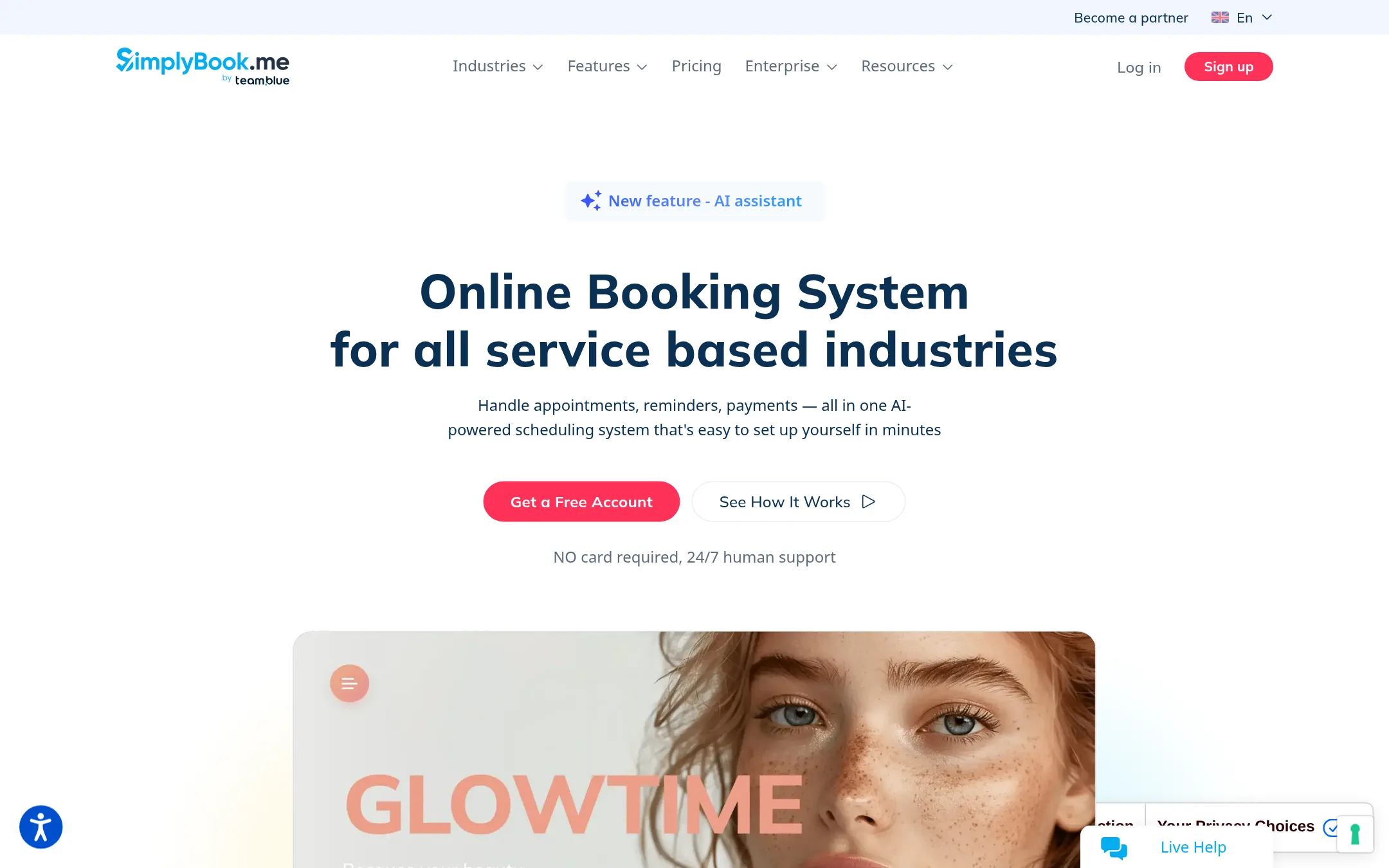
SimplyBook.me is a booking system for service businesses like salons, clinics, and tutors. You would choose it over Calendly when you need to manage multiple providers, sell products, take deposits, and handle complex appointment types, not just one-on-one meetings.
Where it is strong
- Supports multiple providers and locations
- Built-in payments, deposits, and POS
- Customizable booking website and widgets
Where it falls short
- Pricing is based on booking volume, which can get costly
- No AI meeting recaps or notetaker like Calendly
- Pricing:
- Free plan includes 50 bookings and 1 provider. Paid plans start at €11.9 per month billed annually for 100 bookings and 5 providers.
- Switching from Calendly:
- Moving from Calendly involves setting up services, providers, and custom features, and you may need to reconfigure your booking links and integrations.
- SFree / $5 user/mo
5.Setmore
Best for: Small service businesses like salons, clinics, and tutors that need a free booking page with payments and team scheduling.
- Pricing
- Free / $5 user/mo
- Category
- Other
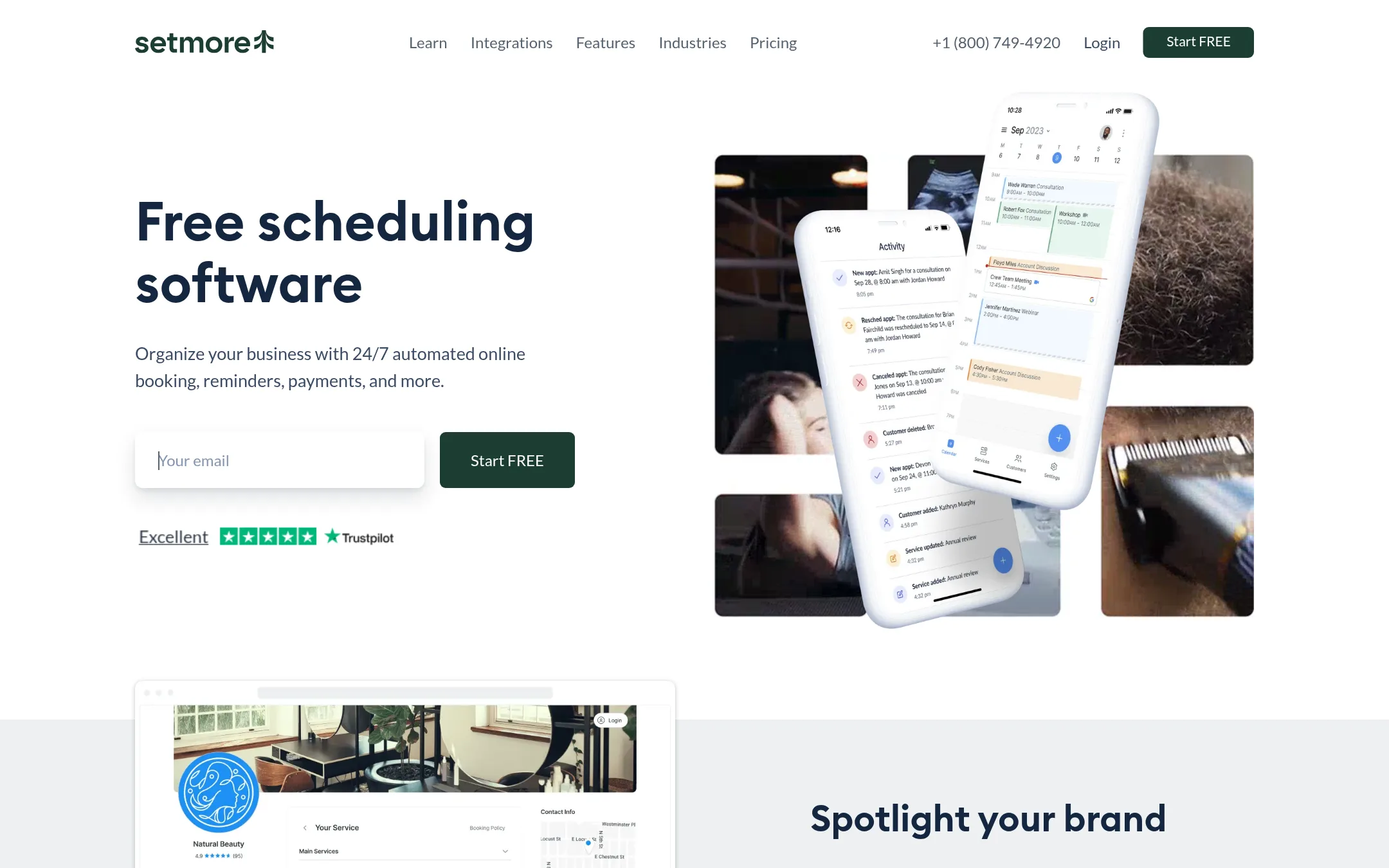
Setmore is a free appointment scheduling tool with a Booking Page, calendar sync, reminders, and payment integrations. Choose it over Calendly when you run a small service business and want a free plan that handles bookings, payments, and team calendars without extra cost.
Where it is strong
- Free plan supports up to 4 users with unlimited appointments.
- Built-in payment integrations with Stripe, Square, and PayPal.
- 2-way calendar sync with Google and Office 365.
Where it falls short
- SMS reminders require a paid plan.
- No AI meeting assistant like Calendly's Callie.
- Pricing:
- Free plan for up to 4 users at $0 per user/month. Pro plan at $5 per user/month billed annually, or $12 per user/month billed monthly.
- Switching from Calendly:
- Moving from Calendly is straightforward: export your event types and calendar data, then recreate your booking page and set up integrations in Setmore.
- AFrom $19.99/mo
6.Appointy
Best for: Service businesses and multi-location enterprises that need staff and resource scheduling, not just individual meeting booking.
- Pricing
- From $19.99/mo
- Category
- Other
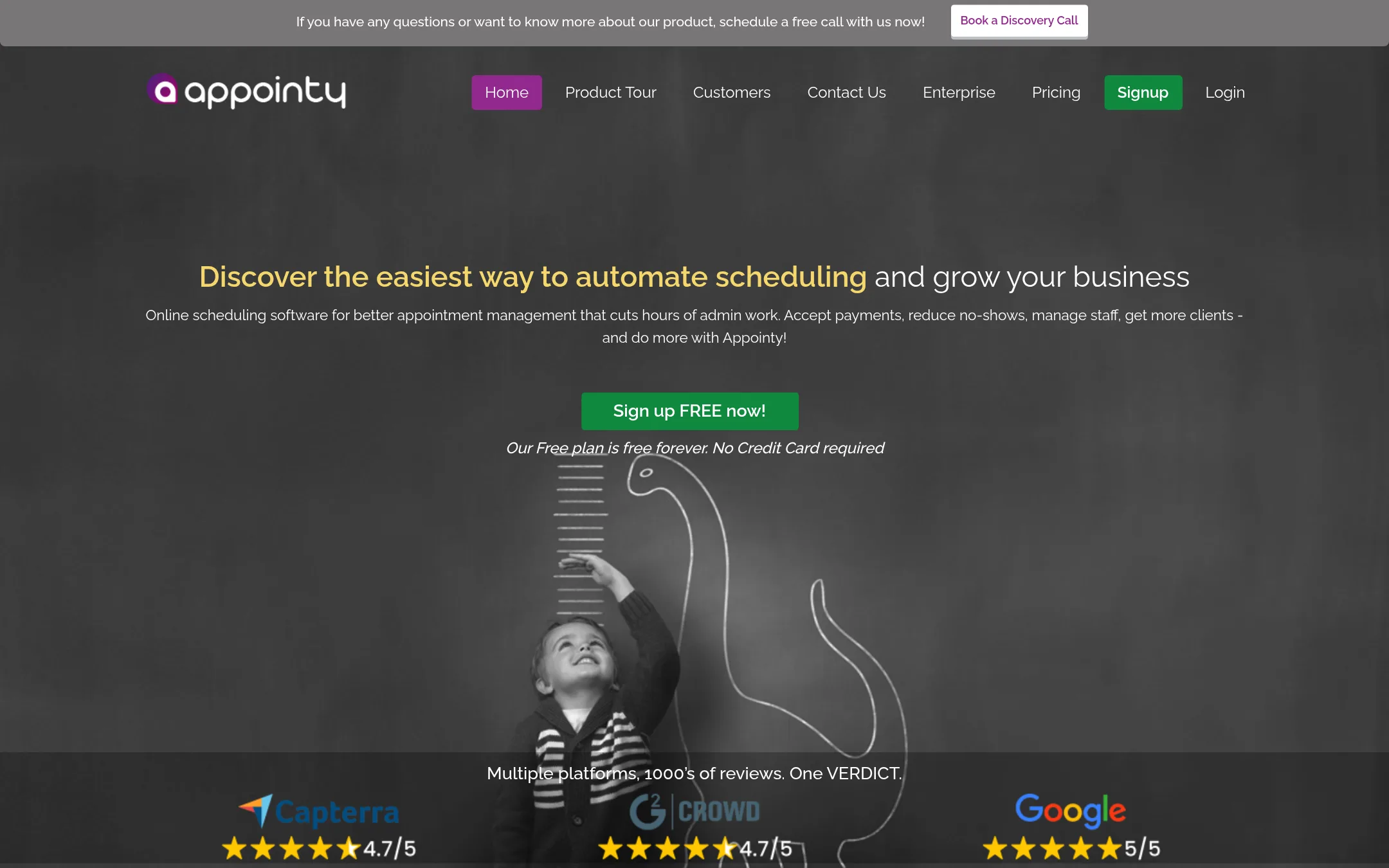
Appointy is a scheduling platform built for service-based businesses like salons, clinics, and tutors, with features for managing staff, resources, and multi-location operations. Choose it over Calendly when you need to handle complex bookings such as classes, equipment, or multiple staff members, not just one-on-one meetings.
Where it is strong
- Handles staff logins, resource scheduling, and multi-location support on higher tiers.
- Integrates with Square, Stripe, PayPal, and Authorize.Net for payments.
- Offers a free plan with 100 appointments per month, no credit card required for trial.
Where it falls short
- Free plan limits to 1 staff and 5 services, which may be restrictive for growing teams.
- No AI meeting assistant or automated meeting recaps like Calendly's Callie or Notetaker.
- Pricing:
- Pricing starts at $0 for the Free plan (1 staff, 5 services, 100 appointments/month), then $19.99/month for Growth, $49.99/month for Professional, and $79.99/month for Enterprise (billed annually. Monthly prices are higher).
- Switching from Calendly:
- Switching from Calendly involves recreating event types and setting up staff and resources, but you can export your data from Appointy at any time.
- Not published
7.Zoho Meeting
Best for: Teams already invested in Zoho's ecosystem that need integrated web conferencing and scheduling.
- Pricing
- Not published
- Category
- Communication & Collaboration
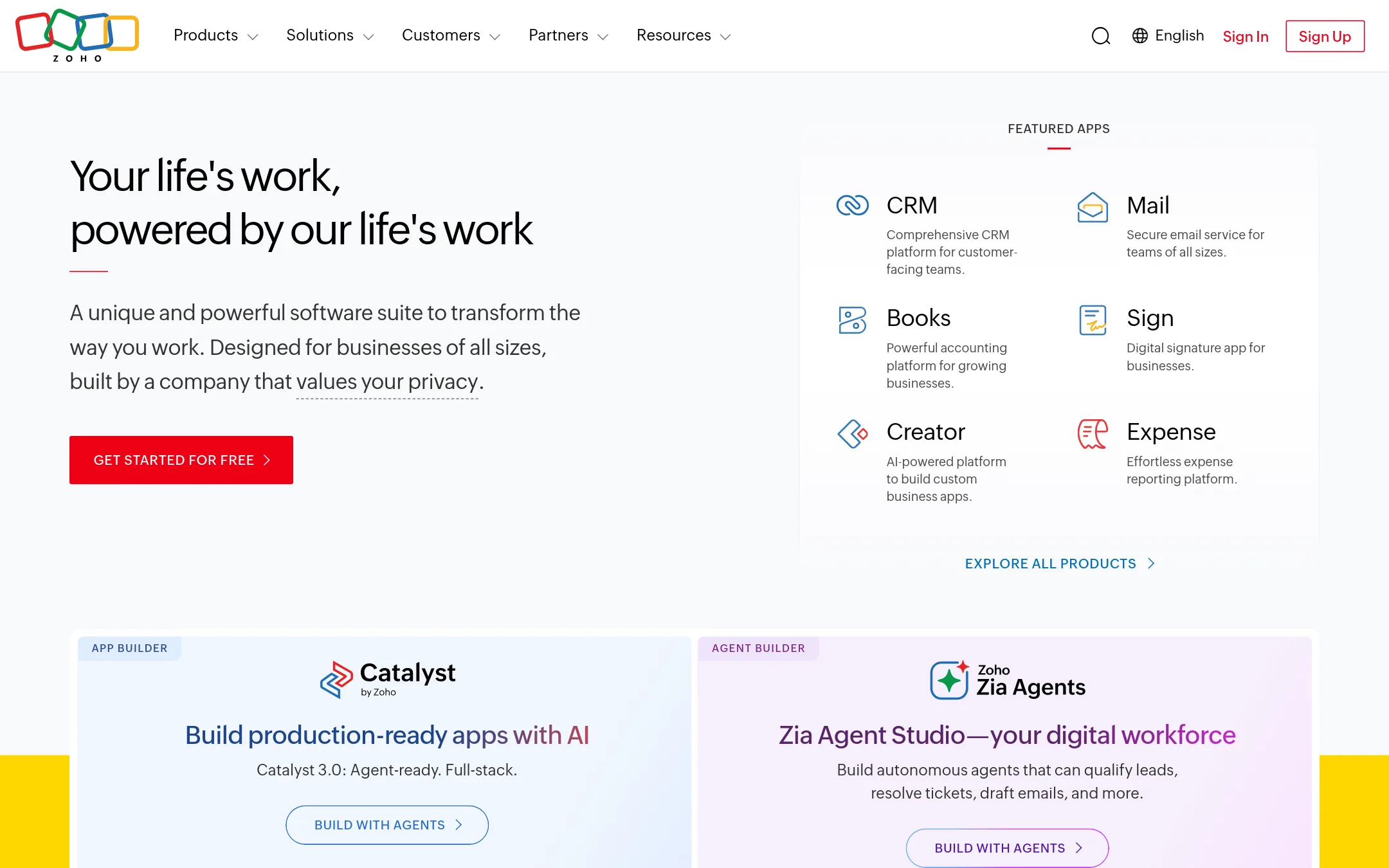
Zoho Meeting is a web conferencing tool for hosting online meetings, webinars, and video calls. It suits teams already using Zoho's suite who need scheduling and meetings in one place, rather than a standalone scheduling tool like Calendly.
Where it is strong
- Integrates with Zoho CRM, Mail, and other Zoho apps.
- Includes recording, screen sharing, and webinar features.
- Privacy-focused, with no ad-based business model.
Where it falls short
- No AI scheduling assistant like Calendly's Callie.
- Lacks built-in payment collection for bookings.
- Pricing:
- Pricing is not published on the site.
- From $20/mo/seat
8.HubSpot CRM
Best for: Sales and marketing teams that already use or plan to adopt HubSpot for pipeline management and customer data.
- Pricing
- From $20/mo/seat
- Category
- Customer Support
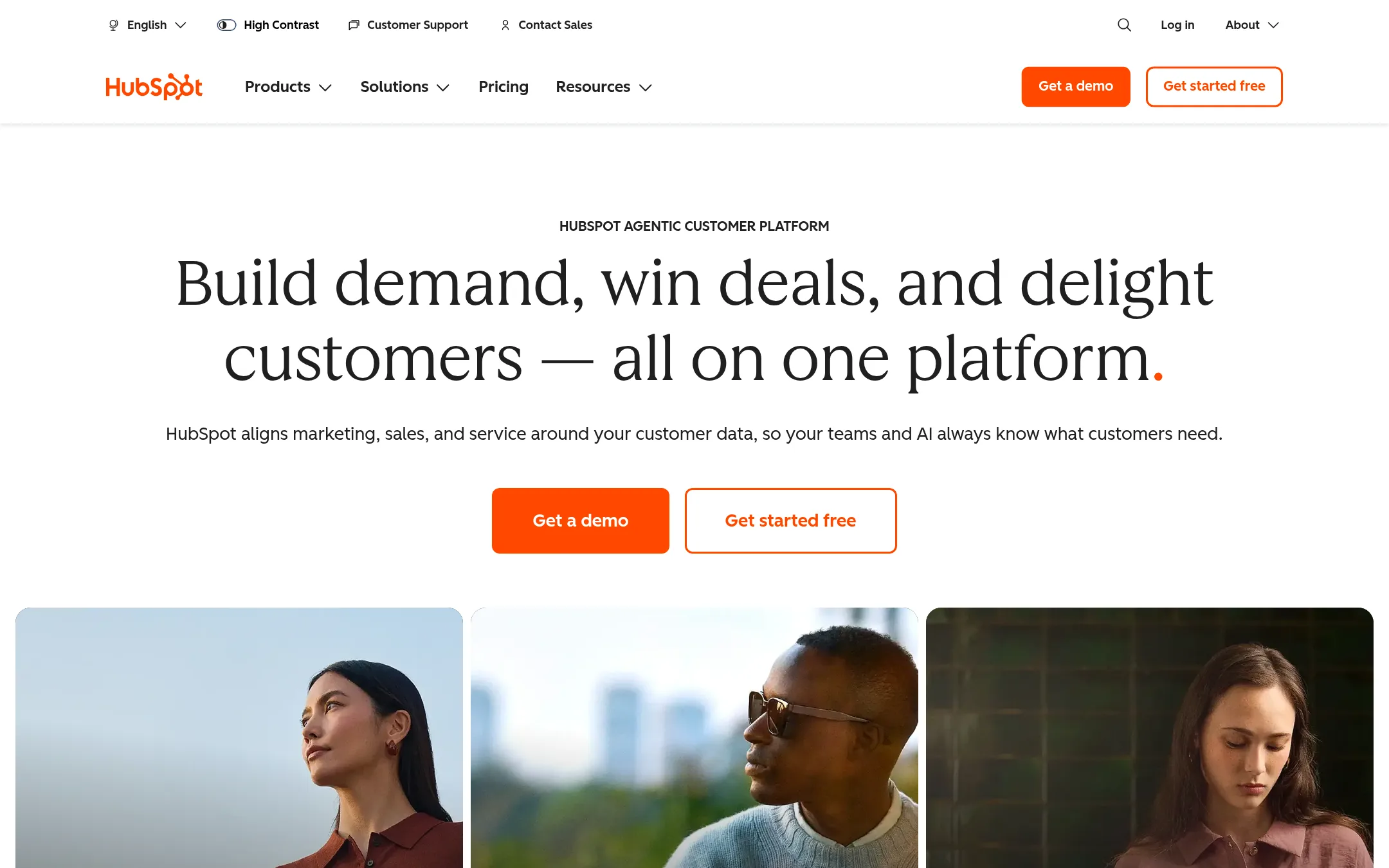
HubSpot CRM is a full customer platform with scheduling built into its Sales Hub, so you can book meetings while managing contacts, deals, and pipelines in one place. Choose it over Calendly if you need scheduling as part of a broader CRM workflow, not just a standalone tool.
Where it is strong
- Scheduling links are tied to CRM records, so meeting details sync with contact and deal data.
- Includes meeting notes and follow-up tasks within the same platform.
- Free tier covers up to 2 users with basic scheduling and CRM features.
Where it falls short
- Scheduling features are less specialized than Calendly's, with fewer customization options for event types.
- Advanced scheduling features may require higher-tier plans, which are more expensive than Calendly's.
- Pricing:
- Marketing Hub Starter is $20 per month per seat, Professional is $890 per month (includes 3 core seats), and Enterprise is custom-priced with a one-time onboarding fee.
- Switching from Calendly:
- Moving from Calendly involves setting up HubSpot's meeting links and reconfiguring your calendar connections, but your existing booking links won't transfer automatically.
- CNot published
9.Cal.com
Best for: Developers and product teams that need a customizable, API-first scheduling engine they can embed or extend.
- Pricing
- Not published
- Category
- Other
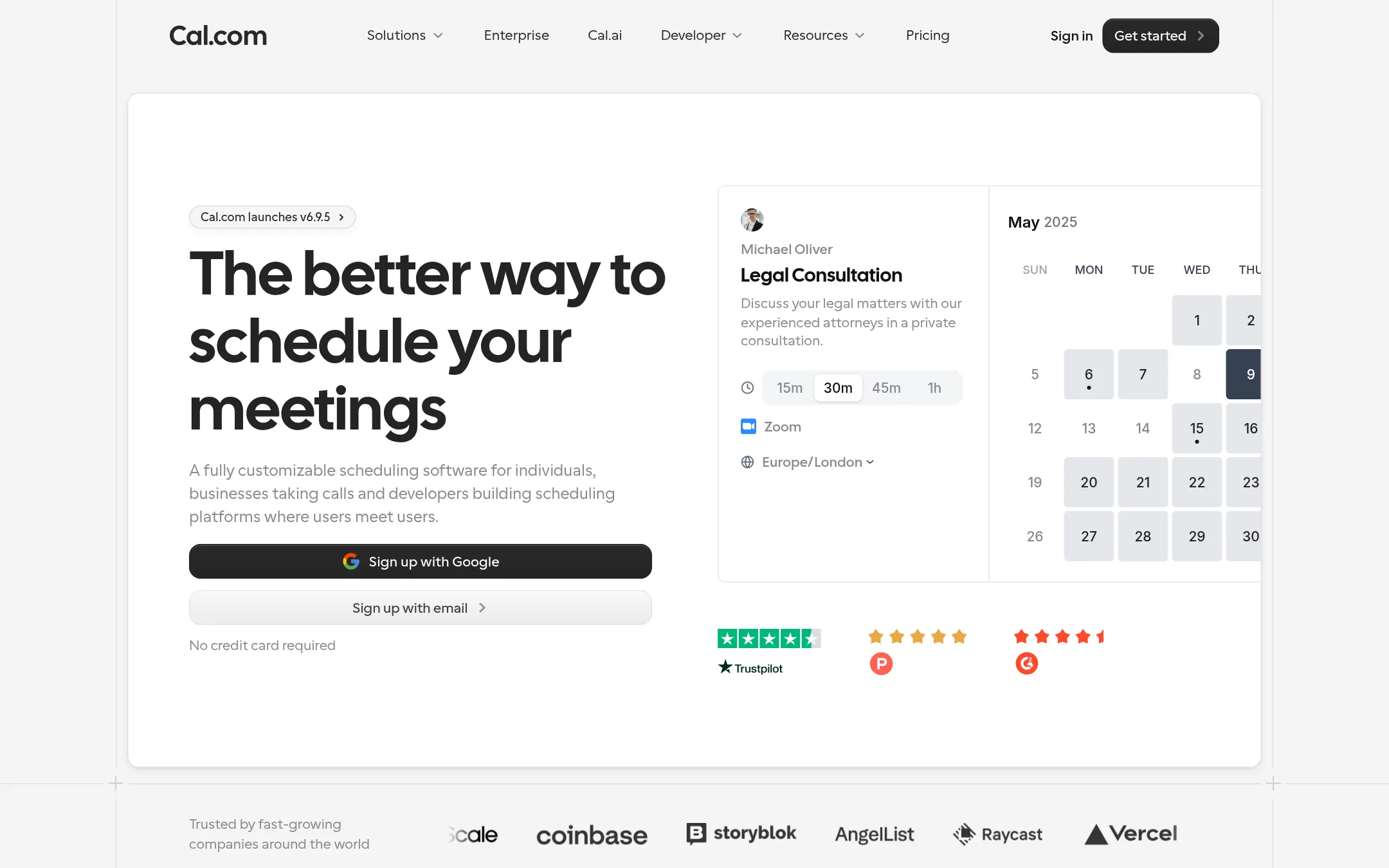
Cal.com is an open-source scheduling platform that gives you full control over the booking experience, from embedding to building custom integrations with its API. Choose it over Calendly if you need deep customization, want to self-host, or are a developer building scheduling into your own product.
Where it is strong
- Open-source and self-hostable for full control
- Public API and React components for custom builds
- Free plan includes unlimited event types and calendars
Where it falls short
- No published pricing for paid plans
- AI features like Cal.ai may require separate setup or access
- Pricing:
- Pricing is not published on the site.
- Switching from Calendly:
- Cal.com offers a 1-click import of Calendly events, so moving your existing event types is straightforward.
- OFrom $10/seat/mo
10.OnceHub
Best for: Sales and support teams that need lead qualification, routing, and phone-based scheduling in one tool.
- Pricing
- From $10/seat/mo
- Category
- Other
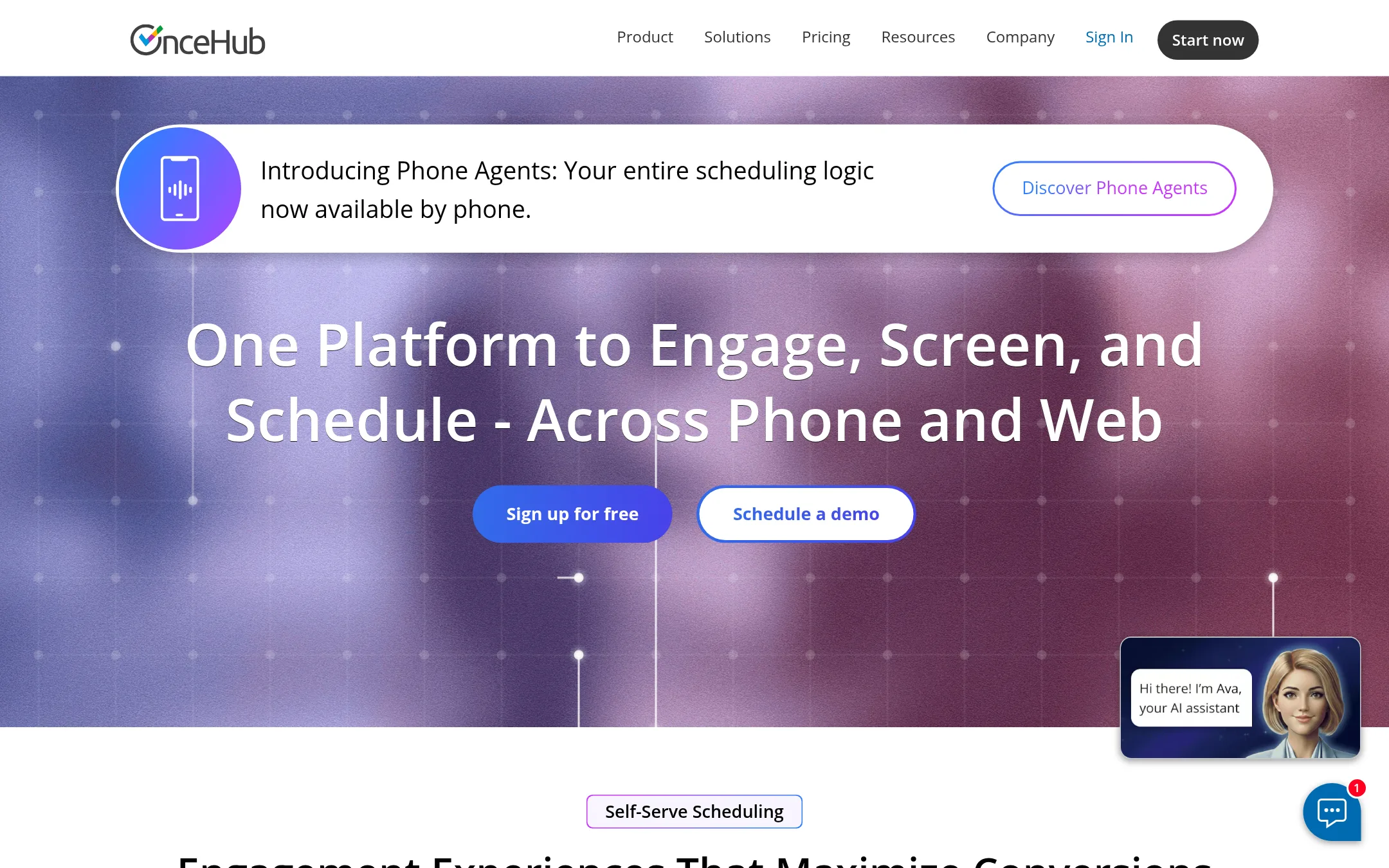
OnceHub is a scheduling platform that adds phone agents, routing forms, and chatbots on top of booking. Choose it over Calendly when you need to screen and route leads before they book, or when you want scheduling logic available over the phone.
Where it is strong
- Includes phone numbers for booking on paid plans
- Routing forms and chatbots for lead qualification
- Free plan with one booking link and calendar
Where it falls short
- Advanced features like routing and chatbots require higher-tier plans
- Security add-on (SSO, HIPAA) costs extra per seat
- Pricing:
- Basic is free. Schedule starts at $10/seat/month. Route at $19/seat/month. Engage at $39/seat/month. Security and Compliance add-on at $5/seat/month. Enterprise is custom.
- Switching from Calendly:
- Moving from Calendly involves recreating event types and setting up routing forms, but your calendar and video integrations carry over.
- TSee website
11.TimeTrade
Other
Enterprise-grade scheduling with appointment booking and customer engagement.
- AFrom $30/mo
12.Apptoto
Best for: Appointment-based businesses like clinics, salons, and law firms that need reliable reminders and client follow-ups more than advanced scheduling.
- Pricing
- From $30/mo
- Category
- Other
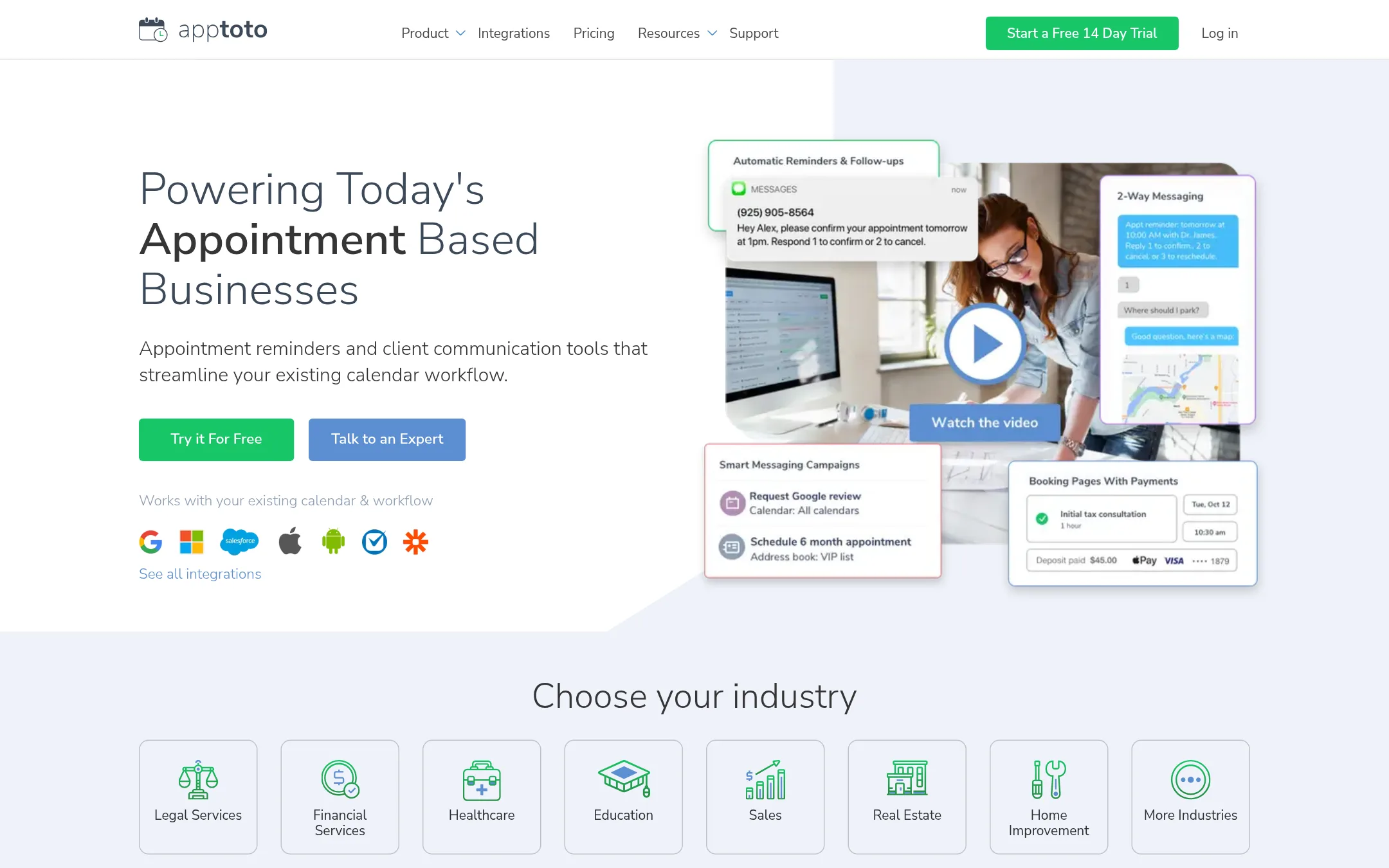
Apptoto focuses on appointment reminders and client communication, not just scheduling. It works with your existing Google or Outlook calendar and sends automated texts, emails, or voice calls to reduce no-shows. Choose it if your main problem is clients forgetting appointments and you want two-way messaging and review requests built in.
Where it is strong
- Automated reminders via SMS, email, or voice calls with one-tap confirm, cancel, or reschedule.
- Two-way messaging lets clients reply and updates your calendar automatically.
- Built-in reputation management requests reviews after appointments.
Where it falls short
- Pricing is per user and calendar, which can add up for larger teams.
- No AI scheduling assistant like Calendly's Callie.
- Pricing:
- Starting at $30/mo for one user and calendar, with $10 per additional user. Annual billing saves 23%.
- Switching from Calendly:
- Switching from Calendly is straightforward: connect your existing Google or Outlook calendar, import your appointment data, and set up reminder templates. Booking pages are included but the focus shifts to reminders and communication.
See more comparisons in Productivity & Project Management alternatives.
FAQ
Questions about Calendly alternatives
Which alternative is best for a small service business?
Acuity Scheduling is built for service businesses like salons and clinics, with packages, subscriptions, and payment collection built in. Setmore offers a free plan for up to 4 users with payments and team scheduling. SimplyBook.me handles multiple providers and locations, but pricing is based on booking volume.
Do any alternatives offer a free plan like Calendly?
Yes, Cal.com has a free plan with unlimited event types and calendars. YouCanBook.me's free plan includes 1 calendar and 30 bookings per month. Appointy's free plan covers 1 staff and 100 appointments per month, and OnceHub's Basic plan is free with one booking link.
Which tools integrate with a CRM for sales teams?
HubSpot CRM ties scheduling to contacts and deals, so meeting details sync with pipeline data. Zoho Meeting integrates with Zoho CRM and other Zoho apps. OnceHub adds routing forms and chatbots for lead qualification before booking.
Are there options for developers who want to build custom scheduling?
Cal.com is open-source and self-hostable, with a public API and React components for custom builds. It gives you full control over the booking experience. YouCanBook.me offers deep customization of booking pages, but not the same API-level control.
Which alternative has the most affordable paid plan?
Setmore's Pro plan is $5 per user per month billed annually, which is lower than most. OnceHub's Schedule plan starts at $10 per seat per month. Appointy's Growth plan is $19.99 per month, and Apptoto starts at $30 per month for one user.
Last updated October 31, 2026.