camfer alternatives
12 products compared · Updated November 4, 2026
The short answer
For a free, browser-based introduction to CAD and electronics, Tinkercad Circuits is the strongest choice for teachers and students. If you need a full production CAD system with collaboration and PDM, Onshape suits engineering teams. For a free, open-source parametric modeler with no AI, FreeCAD is best for hobbyists and professionals who want control.
Your shortlist, at a glance
Read the comparisons ↓- SSolidWorksSee websiteSolidWorks professional design software
- AAutodesk Construction CloudCustom quoteGeneral contractors, specialty contractors, and owners who need a connected platform to manage construction projects from design to handover.
 OnshapeNot publishedEngineering teams that want browser-based CAD with integrated PDM and collaboration, without installing desktop software.
- PPTCSee websitePTC
 Siemens PADS ProfessionalNot publishedElectronics teams in manufacturing or industrial settings that need a proven, scalable PCB design suite with deep integration into Siemens' broader digital twin ecosystem.
- FFreeCADFree (donations)Hobbyists, students, and professionals who need a free, customizable parametric modeler for mechanical engineering, product design, or architecture.
 Tinkercad CircuitsFreeTeachers and students who want a free, kid-safe introduction to 3D design, circuits, and coding in the browser.
- ZZBrushNot publishedCharacter and creature artists in film, games, and collectibles who need production-ready sculpts with fine detail.
- BBlenderFree (open source)Artists, animators, and indie studios that need a full 3D pipeline without software costs.
- RRhino 3DNot publishedDesigners and engineers who need a flexible, perpetual-license 3D modeler with a large plugin ecosystem and no subscription.
- SSketchUpFrom $10.75/moArchitects, interior designers, and construction professionals who need a reliable, feature-rich 3D modeling tool with extensive community support.
- OOpenSCADFreeDevelopers and engineers who prefer writing code to model parametric 3D objects and want a free, open-source tool.
About camfer and its alternatives
camfer is an AI CAD tool that acts like an AI mechanical engineer. It turns text and images into CAD models and can answer questions about your design, so you can work in SolidWorks without manually clicking through the feature tree. It is free to download and use.
When comparing alternatives, weigh what matters for your workflow. Look at pricing structure: some tools are free, others quote-based or subscription. Consider regions, integrations with your existing stack, support options, and contract terms like perpetual licenses versus annual billing.
Explore the alternatives
- SSee website
1.SolidWorks
Design & Creative
The seed explicitly targets SolidWorks users, so the native CAD software is the baseline alternative.
- ACustom quote
2.Autodesk Construction Cloud
Best for: General contractors, specialty contractors, and owners who need a connected platform to manage construction projects from design to handover.
- Pricing
- Custom quote
- Category
- Productivity & Project Management
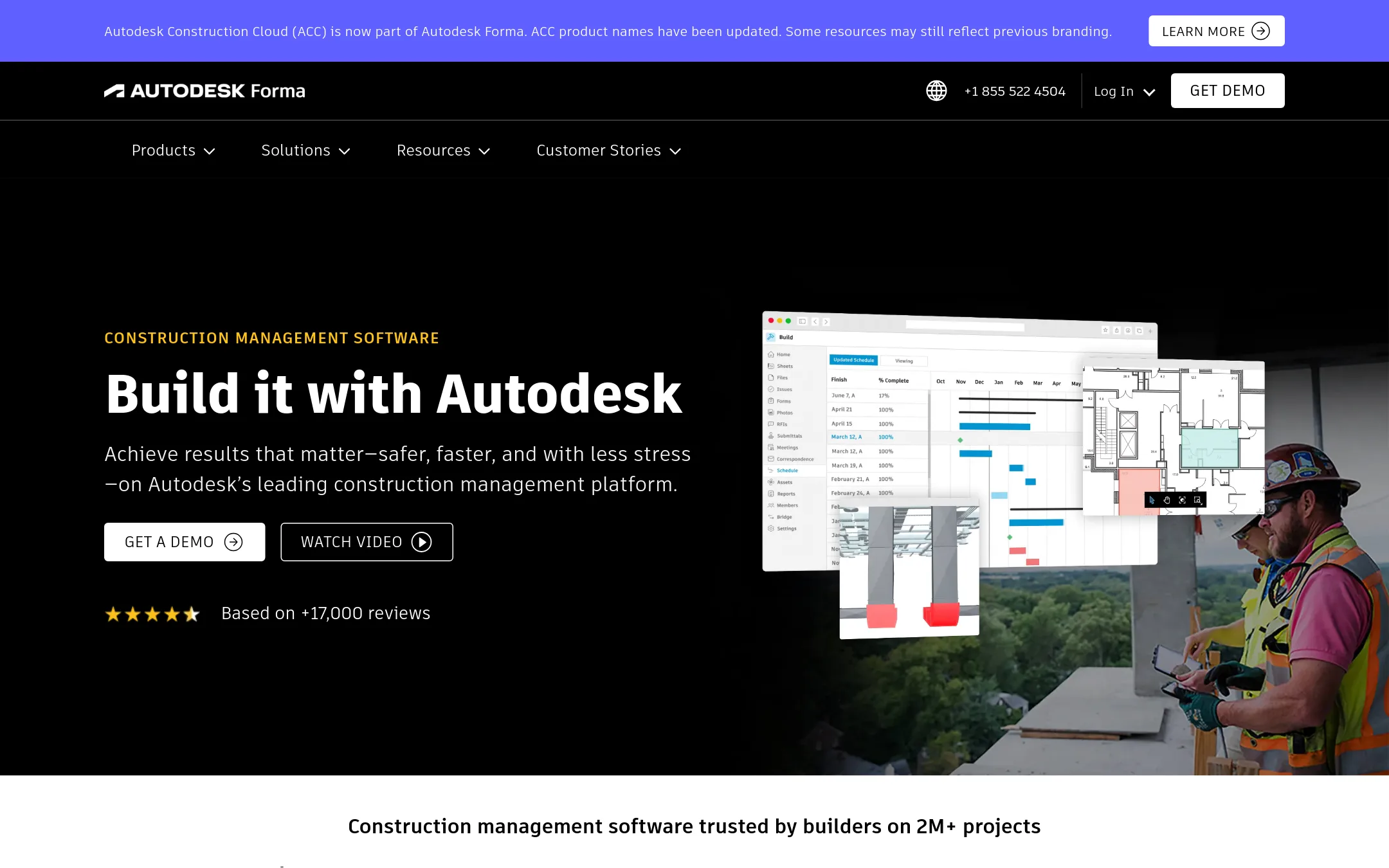
Autodesk Construction Cloud is a project management and collaboration platform for construction teams, covering design, planning, and field operations. Choose it over camfer if you need to manage the entire construction lifecycle with tools for documents, bids, model coordination, and cost management, rather than AI-driven CAD design.
Where it is strong
- Centralizes documents, RFIs, submittals, and daily reports in one place.
- Includes model coordination and clash detection to catch issues before construction.
- Integrates with over 400 tools like ERPs and CRMs.
Where it falls short
- Pricing is quote-based, so no transparent numbers to compare upfront.
- Aimed at construction management, not CAD design, so it won't replace camfer for modeling work.
- Pricing:
- Pricing is not published on the site. You must request a quote.
- Not published
3.Onshape
Best for: Engineering teams that want browser-based CAD with integrated PDM and collaboration, without installing desktop software.
- Pricing
- Not published
- Category
- Design & Creative
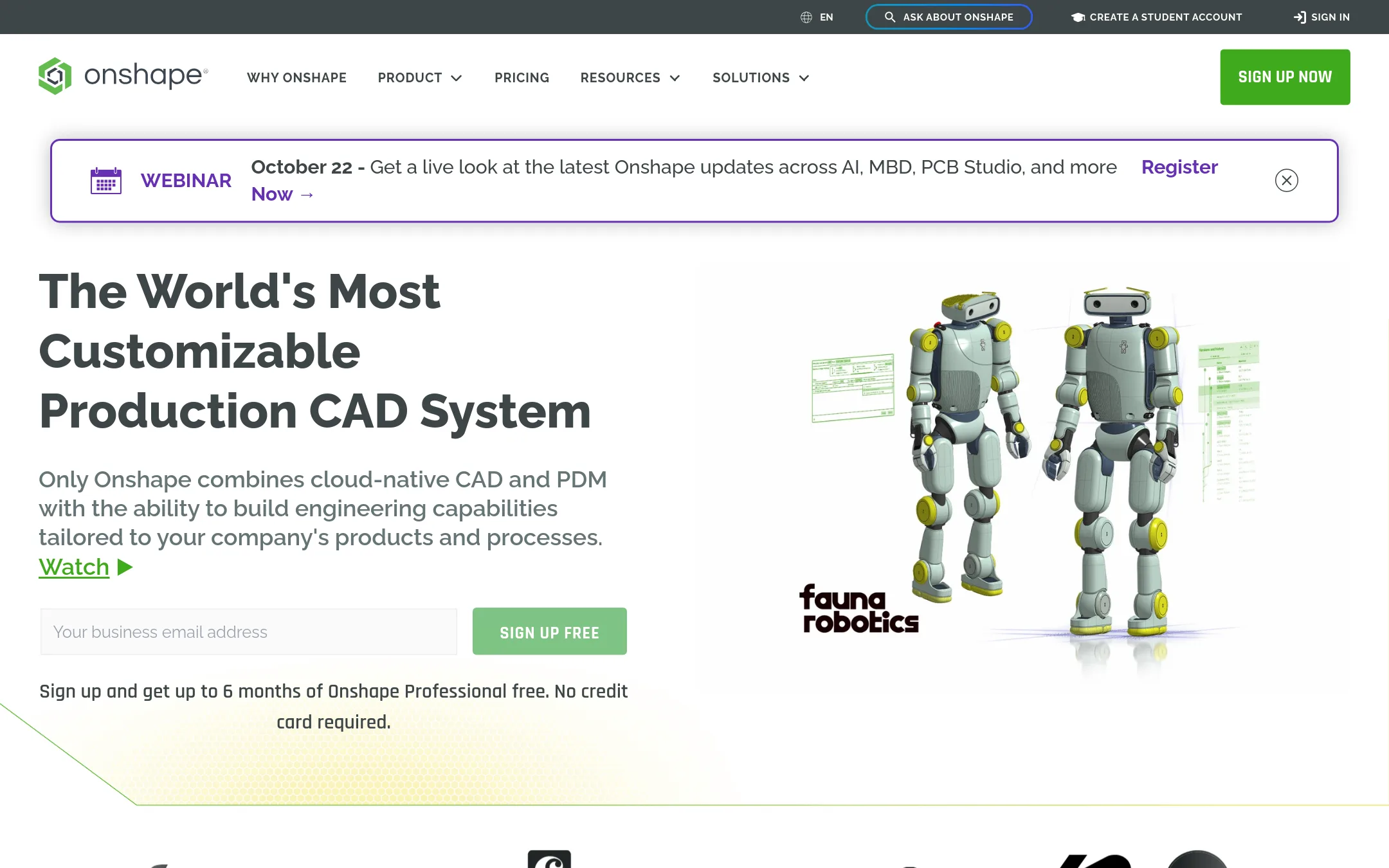
Onshape is a cloud-native CAD platform with built-in PDM, version control, and real-time collaboration. Choose it over camfer if you need a full production CAD system with team management and don't rely on AI-generated designs.
Where it is strong
- Cloud-native, runs in browser on any device
- Built-in PDM with version control and branching
- Real-time multi-user collaboration
Where it falls short
- No AI design generation like camfer
- Free plan has public storage only
- Pricing:
- Pricing is not published on the site.
- Switching from camfer:
- Moving from camfer means adopting a full CAD workflow with manual modeling, since Onshape lacks AI-driven design generation.
- PSee website
4.PTC
Productivity & Project Management
A professional parametric CAD system used in engineering, often considered alongside SolidWorks for similar tasks.
- Not published
5.Siemens PADS Professional
Best for: Electronics teams in manufacturing or industrial settings that need a proven, scalable PCB design suite with deep integration into Siemens' broader digital twin ecosystem.
- Pricing
- Not published
- Category
- Design & Creative
Siemens PADS Professional is a full PCB design and layout tool for engineers who need precise, industry-standard control over their boards. Choose it over camfer when you want a mature, enterprise-grade design environment rather than an AI assistant that generates CAD from text or images.
Where it is strong
- Mature, enterprise-grade PCB design and layout capabilities
- Part of Siemens' broader industrial software ecosystem
- Backed by a global technology leader with long-standing industry presence
Where it falls short
- No AI text-to-CAD generation like camfer offers
- Likely requires a sales engagement and enterprise licensing, not a free download
- Pricing:
- Pricing is not published on the site.
- FFree (donations)
6.FreeCAD
Best for: Hobbyists, students, and professionals who need a free, customizable parametric modeler for mechanical engineering, product design, or architecture.
- Pricing
- Free (donations)
- Category
- Other
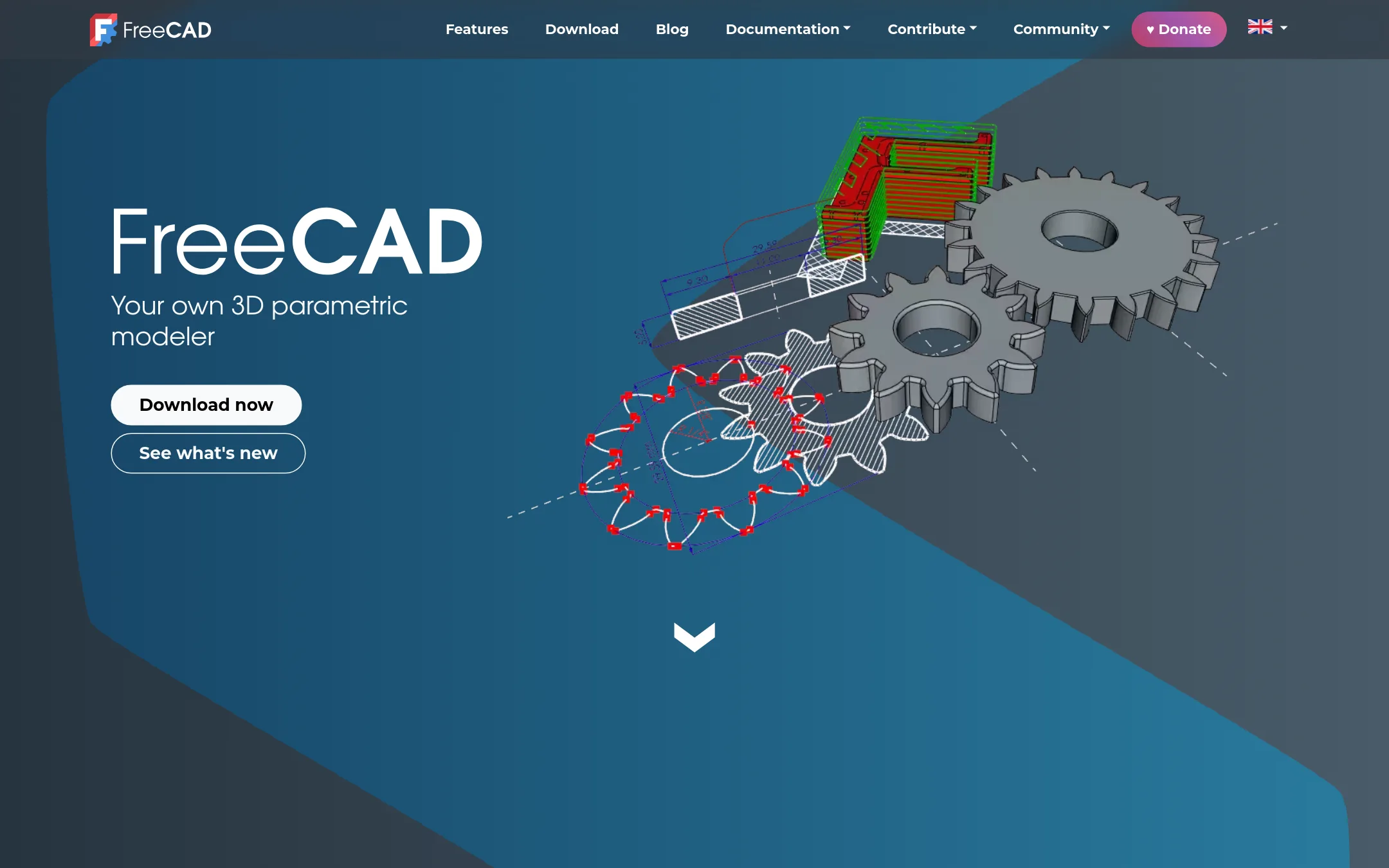
FreeCAD is a free, open-source parametric 3D modeler that runs on Windows, Mac, and Linux. Choose it instead of camfer if you want full control over your CAD files without AI assistance, no licensing fees, and the ability to adapt the software to your workflow.
Where it is strong
- Open-source and free, with no vendor lock-in.
- Supports many file formats like STEP, IGES, STL, and DXF.
- Includes FEA, CFD, BIM, and CAM/CNC workbenches.
Where it falls short
- No AI assistance for design tasks, unlike camfer.
- Steeper learning curve for beginners compared to AI-guided tools.
- Pricing:
- Pricing is not published on the site. The software is free and open-source, with optional donations.
- Switching from camfer:
- Moving from camfer means replacing AI-driven CAD generation with manual parametric modeling, so you'll need to learn FreeCAD's workflow and rebuild any designs from scratch.
- Free
7.Tinkercad Circuits
Best for: Teachers and students who want a free, kid-safe introduction to 3D design, circuits, and coding in the browser.
- Pricing
- Free
- Category
- Design & Creative
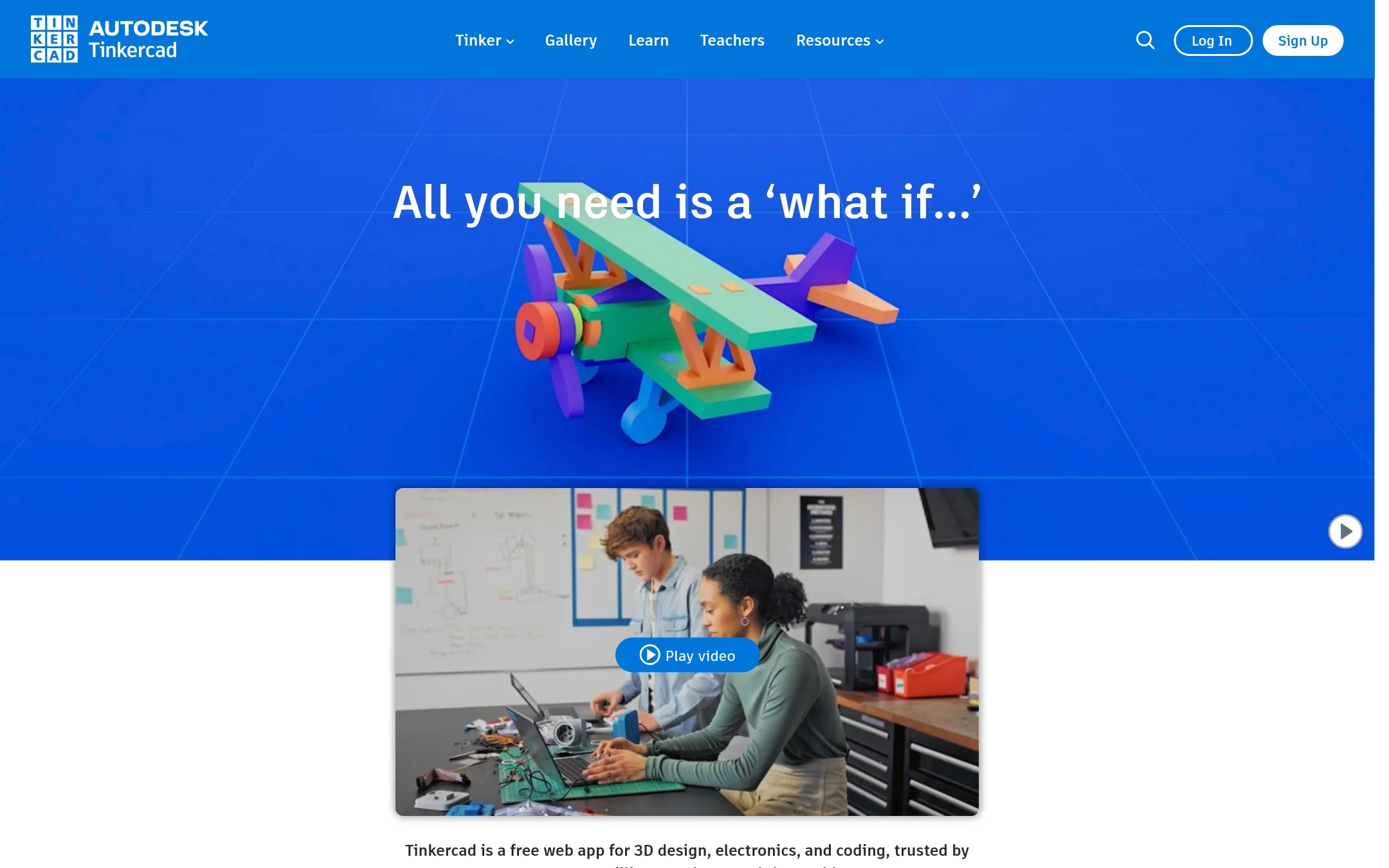
Tinkercad Circuits is a free, browser-based tool for 3D design, electronics, and coding, aimed at beginners and classrooms. Choose it instead of camfer if you need a simple, safe, and educational environment to learn CAD and electronics, not an AI-powered mechanical engineer for professional workflows.
Where it is strong
- Free for everyone with no downloads required.
- KidSAFE COPPA certified and ad-free, safe for all ages.
- Includes 3D design, electronics, and block-based coding in one app.
Where it falls short
- No AI-assisted design features like camfer's text-to-CAD.
- Limited to educational and hobbyist use, not professional CAD workflows.
- Pricing:
- Pricing is not published on the site.
- ZNot published
8.ZBrush
Best for: Character and creature artists in film, games, and collectibles who need production-ready sculpts with fine detail.
- Pricing
- Not published
- Category
- Other
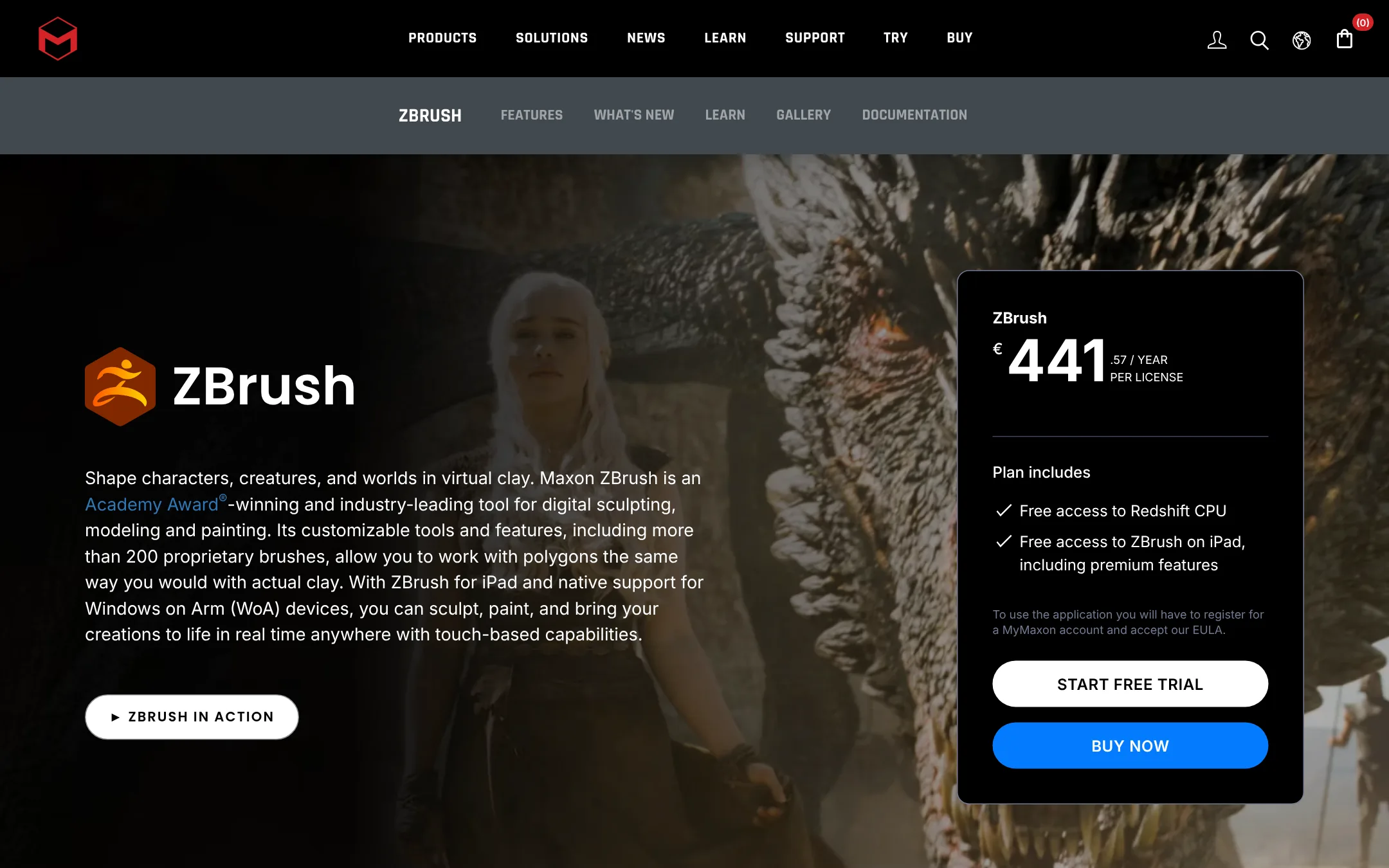
ZBrush is a digital sculpting tool for creating highly detailed characters, creatures, and organic shapes, with over 200 brushes and support for extreme polygon counts. Choose it over camfer when your work is about artistic sculpting and painting rather than CAD-style mechanical design.
Where it is strong
- Over 200 proprietary brushes for sculpting like clay
- Works on desktop, iPad, and Windows on Arm
- Integrates with Cinema 4D, Maya, and game engines via GoZ
Where it falls short
- No AI-assisted design or text-to-CAD capabilities
- Requires a MyMaxon account and EULA acceptance to use
- Pricing:
- Pricing is not published on the site.
- BFree (open source)
9.Blender
Best for: Artists, animators, and indie studios that need a full 3D pipeline without software costs.
- Pricing
- Free (open source)
- Category
- Other
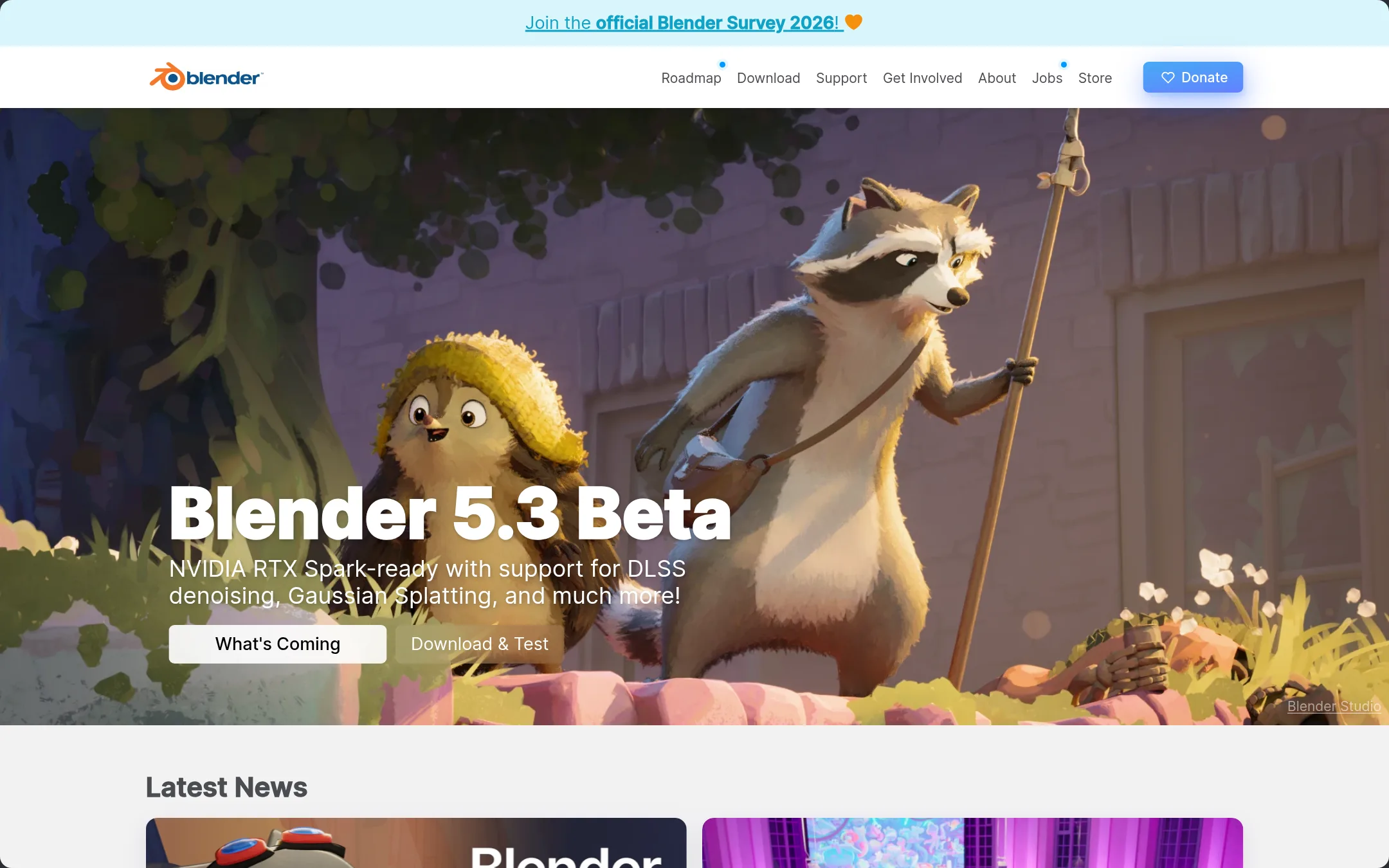
Blender is a free, open-source 3D creation suite covering modeling, sculpting, animation, VFX, and rendering. Choose it instead of camfer if you need a general-purpose 3D tool for creative work, not AI-driven CAD automation.
Where it is strong
- Free and open source, owned by contributors
- Includes modeling, sculpting, animation, VFX, and rendering
- Python scripting for custom tools and add-ons
Where it falls short
- No AI-assisted CAD features like camfer
- Steep learning curve for mechanical design workflows
- Pricing:
- Pricing is not published on the site.
- RNot published
10.Rhino 3D
Best for: Designers and engineers who need a flexible, perpetual-license 3D modeler with a large plugin ecosystem and no subscription.
- Pricing
- Not published
- Category
- Other
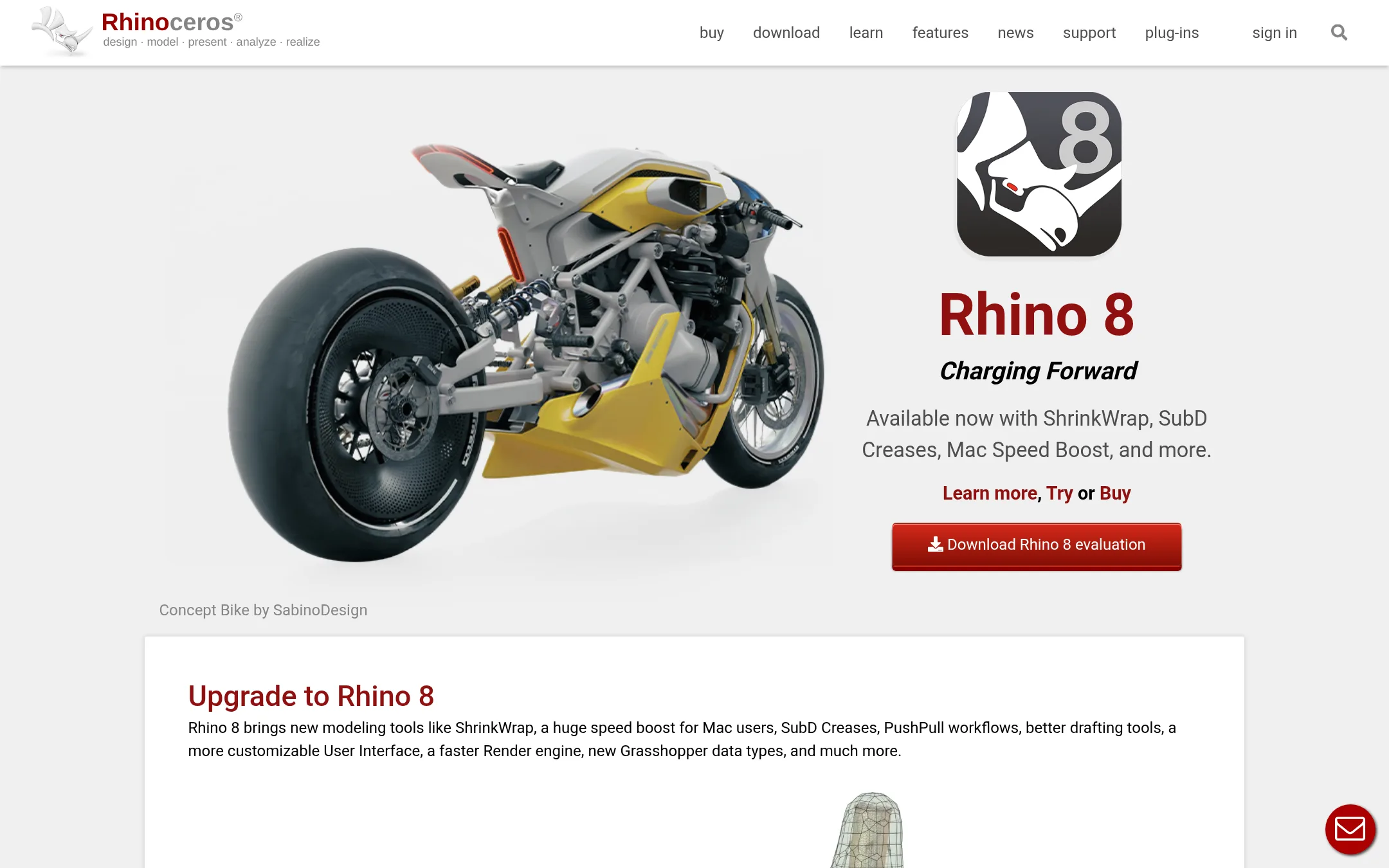
Rhino 3D is a mature, general-purpose 3D modeling tool used across architecture, marine design, jewelry, and industrial design. You would choose it over camfer if you need precise, manual control over complex geometry and a broad ecosystem of plugins, rather than an AI that generates CAD from text or images.
Where it is strong
- Perpetual license, no maintenance fees
- Grasshopper visual programming for parametric design
- Large ecosystem with 1500+ apps on food4Rhino
Where it falls short
- No AI assistance for CAD tasks
- Steep learning curve for new users
- Pricing:
- Pricing is not published on the site.
- SFrom $10.75/mo
11.SketchUp
Best for: Architects, interior designers, and construction professionals who need a reliable, feature-rich 3D modeling tool with extensive community support.
- Pricing
- From $10.75/mo
- Category
- Other
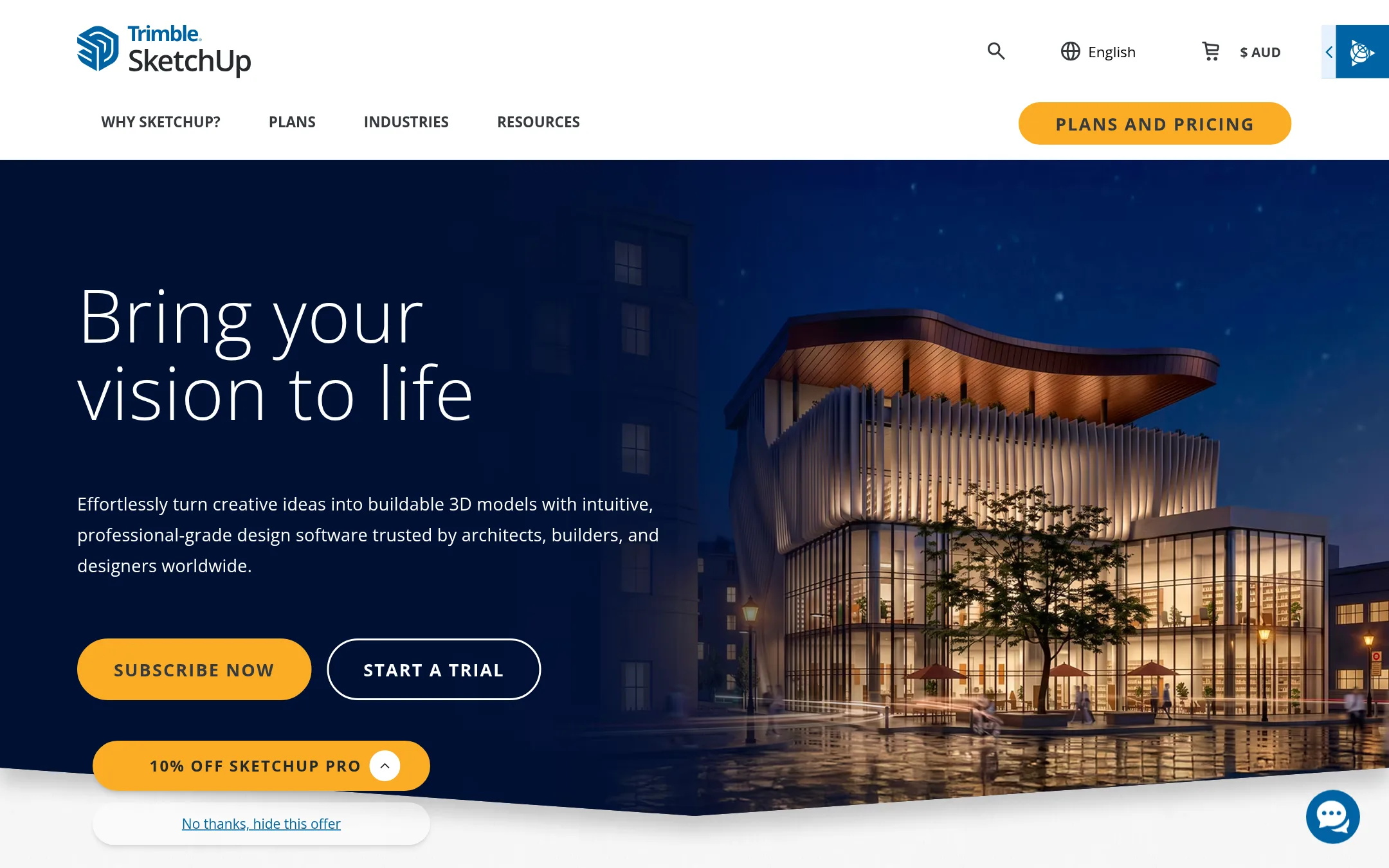
SketchUp is a mature 3D modeling tool for architects, builders, and designers who need manual control over their models. Choose it over camfer if you want a proven, widely adopted CAD package with a large extension ecosystem, rather than an AI-driven design assistant.
Where it is strong
- Intuitive interface that is easy to learn for beginners.
- Huge library of extensions and pre-built models via Extension Warehouse and 3D Warehouse.
- Multiple plans including free for schools and education pricing.
Where it falls short
- No AI-driven design automation. You model manually.
- Studio plan is Windows-only, limiting cross-platform use for advanced features.
- Pricing:
- Pricing starts at $10.75 per user per month (billed annually) for the Go plan (iPad & web only), $33.25 for Pro, and $71.58 for Studio (Windows only).
- OFree
12.OpenSCAD
Best for: Developers and engineers who prefer writing code to model parametric 3D objects and want a free, open-source tool.
- Pricing
- Free
- Category
- Other
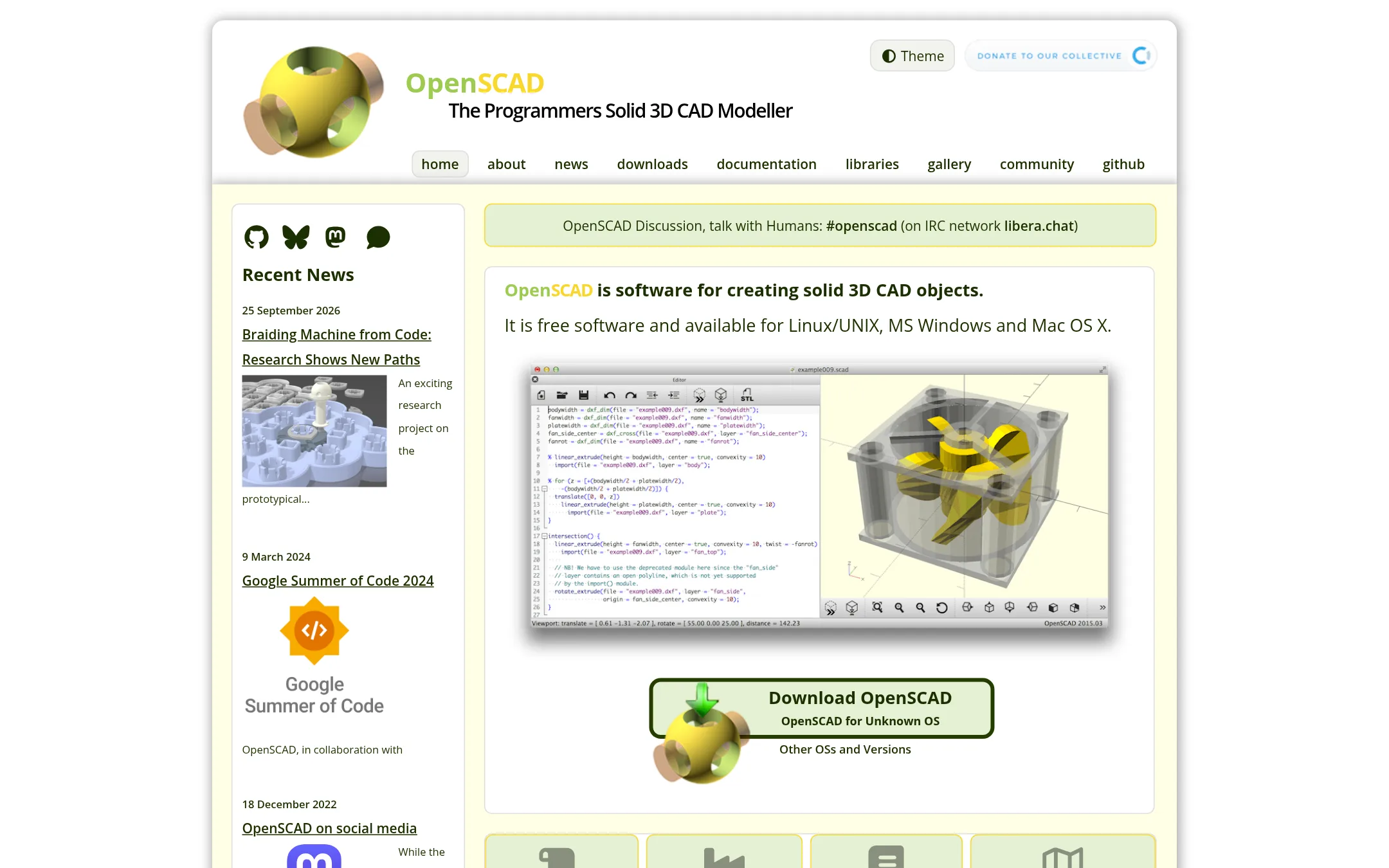
OpenSCAD is a free, script-based CAD tool where you define 3D models in code rather than clicking through a GUI. Choose it over camfer if you want full control through programming and don't need AI-assisted design.
Where it is strong
- Fully free and open-source, runs on Linux, Windows, and macOS.
- Parametric modeling via code makes designs easy to version and reuse.
- Large library ecosystem and active community for sharing designs.
Where it falls short
- No AI assistance. You must manually code every geometry and feature.
- Steep learning curve if you're not comfortable with programming concepts.
- Pricing:
- Pricing is not published on the site. OpenSCAD is free software.
- Switching from camfer:
- Moving from camfer means abandoning AI-driven CAD workflows and learning to describe models entirely in OpenSCAD's scripting language.
See more comparisons in Design & Creative alternatives.
FAQ
Questions about camfer alternatives
Are there any free alternatives to camfer?
Yes, Tinkercad Circuits, FreeCAD, and OpenSCAD are all free. Tinkercad is browser-based and kid-safe, FreeCAD is a full parametric modeler, and OpenSCAD is code-based. Each has no AI assistance, so you'll model manually.
Which alternative is best for professional CAD work?
Onshape is a cloud-native CAD platform with built-in PDM and real-time collaboration, suited for engineering teams. Siemens PADS Professional is for PCB design in manufacturing. Both are quote-based and lack AI generation.
Do any alternatives have AI features like camfer?
None of the listed alternatives have AI text-to-CAD or image-to-CAD like camfer. They all require manual modeling, though some like Rhino and FreeCAD offer parametric or script-based control.
What are the pricing options for these alternatives?
Most do not publish pricing and require quotes, like Autodesk Construction Cloud, Siemens PADS, Onshape, and Rhino. SketchUp has transparent pricing starting at $10.75 per user per month for Go, $33.25 for Pro, and $71.58 for Studio. FreeCAD, OpenSCAD, and Tinkercad are free.
Which alternative is easiest to learn?
Tinkercad Circuits is designed for beginners and classrooms, with a simple interface. SketchUp also has an intuitive interface. FreeCAD and OpenSCAD have steeper learning curves, especially for those new to CAD or programming.
Last updated November 4, 2026.