
Canva Whiteboards alternatives
12 products compared · Updated October 31, 2026
The short answer
For teams that need a dedicated visual workspace, Miro and FigJam are the strongest alternatives: Miro suits product teams wanting AI features and deep integrations, while FigJam fits teams already using Figma. For agile teams that need to connect whiteboarding to project management tools, Stormboard is the best choice. If you need GDPR compliance and built-in task management, consider Conceptboard.
Your shortlist, at a glance
Read the comparisons ↓ MiroCustom quoteProduct teams and consultants who need a visual workspace for ideation, design, and project management with AI assistance.
Microsoft Azure CycleCloudConsumption-basedResearch teams and engineers who need to spin up and manage high-performance computing clusters on Azure for batch jobs and simulations.
 FigJamFrom $12/mo per editorProduct and design teams already using Figma who want whiteboarding integrated with their design workflow.
LucidsparkNot publishedTeams that need a virtual whiteboard with deep integrations and enterprise security, such as engineering, product, and project management groups.
- RRecordBookNot publishedSmall business owners who need a simple mobile tool to track records and organize data without a full spreadsheet or database.
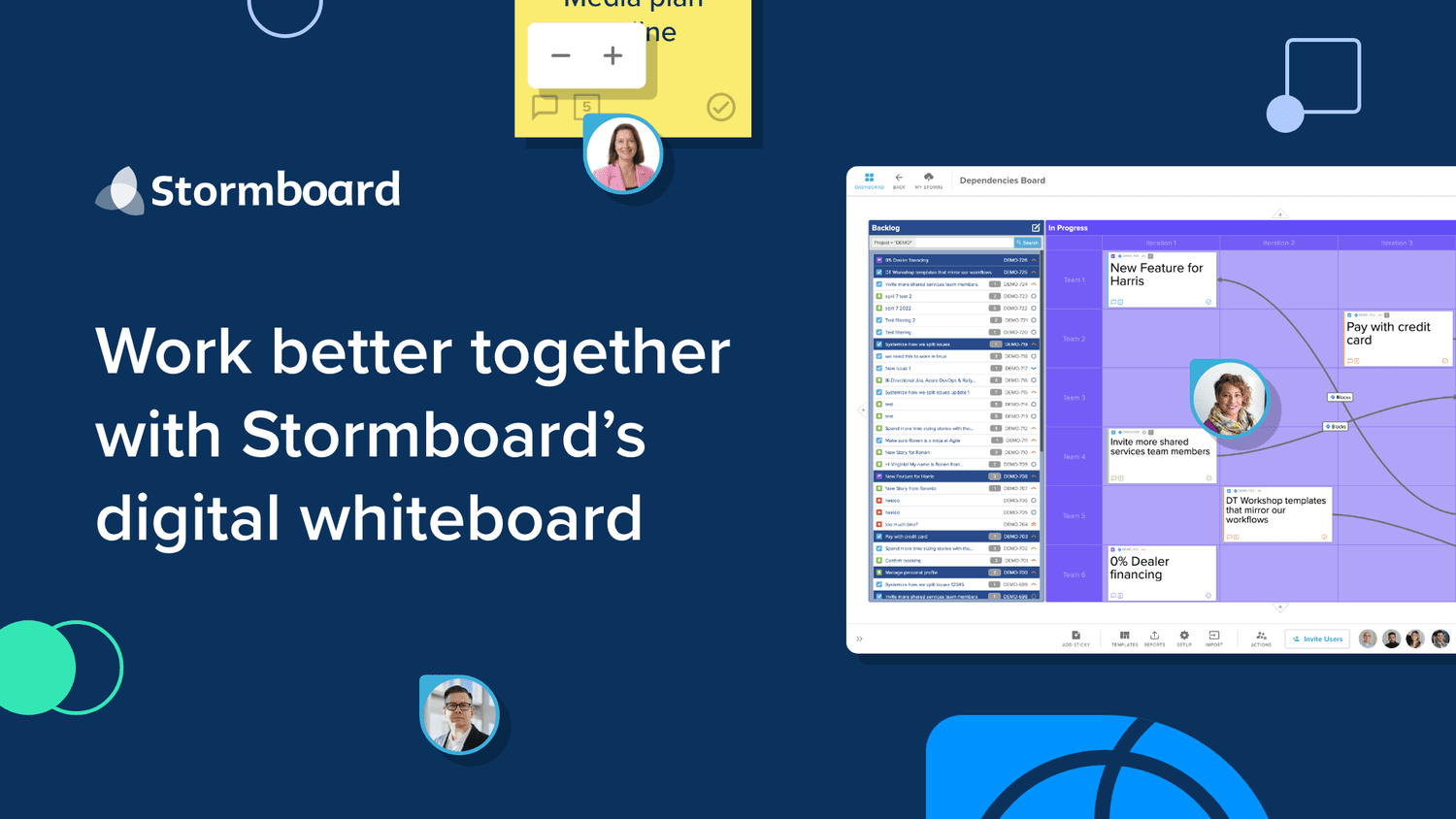 StormboardNot publishedAgile teams that want to connect brainstorming directly to their backlog and sprint tools, and need exportable reports.
 ConceptboardFrom 5€/user/moTeams in Germany and the public sector that need a GDPR-compliant whiteboard with built-in task management and visual project workflows.
 InVisionNot publishedProduct and engineering teams that need a visual workspace for end-to-end workflows from ideation to launch, with AI assistance and enterprise-grade controls.
 AIVideo.comSee websiteThe all in one tool for AI powered video production
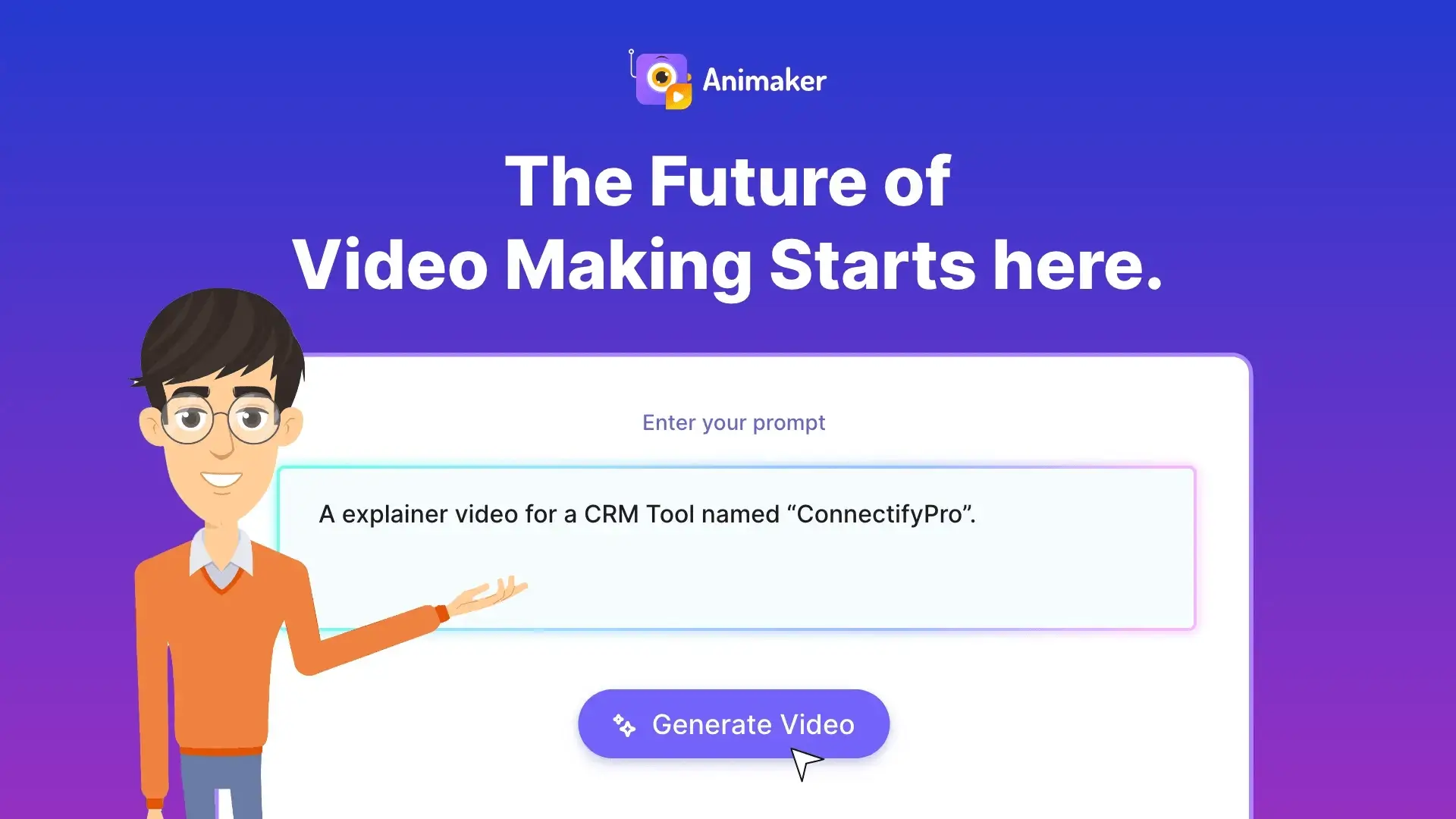 AnimakerSee websiteAI-powered animation maker for studio-quality videos in minutes
 BioRenderNot publishedResearch labs, pharma teams, and academic institutions that need to create and publish scientific figures and diagrams.
 BiteableSee websiteAI-powered online video maker for fast, affordable professional videos
About Canva Whiteboards and its alternatives
Canva Whiteboards is a visual collaboration tool for brainstorming and diagramming, known for its design templates and ease of use. It is part of the Canva suite, which is popular for creating polished visuals.
When comparing alternatives, weigh pricing structure, regional availability, integrations with your existing tools, support options, and contract terms. Some tools offer free plans with limits, others require annual commitments or custom quotes. Check whether the tool integrates with your project management or design stack, and whether it meets data residency or compliance needs.
Explore the alternatives
- Custom quote
1.Miro
Best for: Product teams and consultants who need a visual workspace for ideation, design, and project management with AI assistance.
- Pricing
- Custom quote
- Category
- Communication & Collaboration
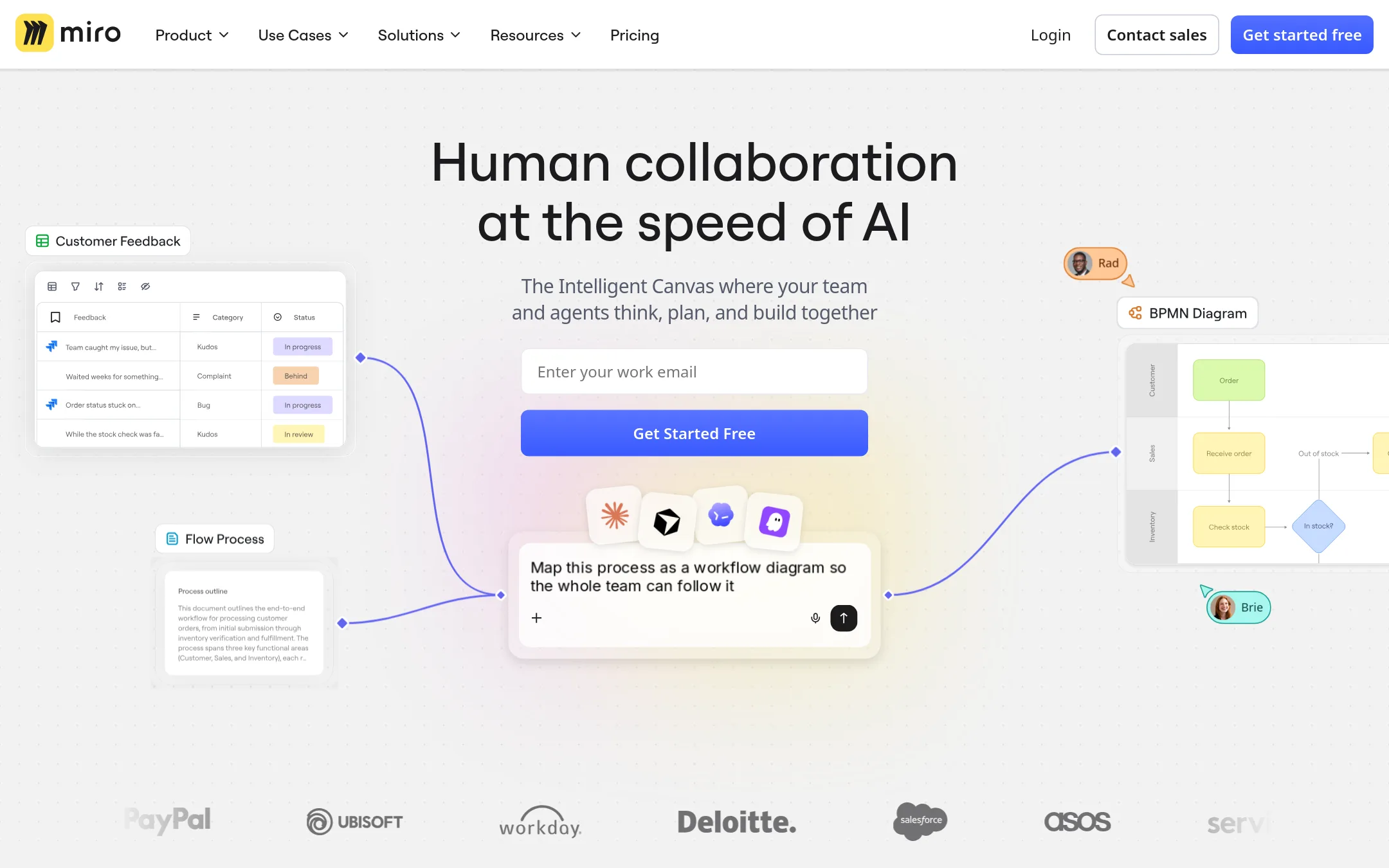
Miro is an AI-powered visual workspace for team collaboration and product innovation. Choose it over Canva Whiteboards when you need a dedicated platform for end-to-end product development workflows, with AI features and deep integrations.
Where it is strong
- Free plan includes 3 editable boards and AI feature trials
- Starter adds unlimited boards and visitor access without accounts
- Enterprise offers advanced security, compliance, and data residency options
Where it falls short
- AI credits reset monthly and do not roll over
- Enterprise plan requires at least 30 members and custom pricing
- Pricing:
- Pricing is not published on the site. Plans include Free, Starter, Business, and Enterprise with custom pricing from 30 members.
- Consumption-based
2.Microsoft Azure CycleCloud
Best for: Research teams and engineers who need to spin up and manage high-performance computing clusters on Azure for batch jobs and simulations.
- Pricing
- Consumption-based
- Category
- Developer Tools
Microsoft Azure CycleCloud is an HPC orchestration tool for managing and scaling compute clusters in the cloud. You would choose it instead of Canva Whiteboards when you need to run large-scale simulations, render jobs, or other compute-heavy workloads, not visual collaboration.
Where it is strong
- Scales compute clusters automatically based on workload demand
- Integrates with Azure services like Virtual Machines and Batch
- Supports popular schedulers such as Slurm and PBS Pro
Where it falls short
- Requires Azure infrastructure and cloud expertise to operate
- No built-in visual collaboration or whiteboarding features
- Pricing:
- Pricing is not published on the site. Azure uses a consumption-based model where you pay only for the cloud resources you use.
- From $12/mo per editor
3.FigJam
Best for: Product and design teams already using Figma who want whiteboarding integrated with their design workflow.
- Pricing
- From $12/mo per editor
- Category
- Communication & Collaboration
FigJam is Figma's digital whiteboard for brainstorming, diagramming, and team collaboration. Choose it over Canva Whiteboards when your team already works in Figma and wants whiteboarding next to design files, or when you need sticky notes, voting, and templates in a tool built for product teams.
Where it is strong
- Native integration with Figma design files and Dev Mode
- Free Starter plan with unlimited drafts
- AI credits included on paid plans for generating ideas and content
Where it falls short
- Best value requires an annual commitment. Monthly is pricier
- No standalone FigJam pricing. You must buy a Figma plan
- Pricing:
- Starter is free with limited access. Professional is $16 per editor per month billed monthly, or $12 billed annually. Organization is $55 per editor per month billed annually. FigJam is included in these plans.
- Switching from Canva Whiteboards:
- Moving from Canva Whiteboards to FigJam means learning Figma's file and project structure, but your existing whiteboard content can be recreated using FigJam's templates and sticky notes.
- Not published
4.Lucidspark
Best for: Teams that need a virtual whiteboard with deep integrations and enterprise security, such as engineering, product, and project management groups.
- Pricing
- Not published
- Category
- Communication & Collaboration
Lucidspark is a virtual whiteboard for team collaboration, ideation, and action. It suits teams that need structured brainstorming, retrospectives, and planning, plus integrations with tools like Jira, Confluence, and Microsoft 365. Choose it over Canva Whiteboards if you want a dedicated whiteboard with enterprise-grade controls and AI-assisted diagramming.
Where it is strong
- AI can generate flowcharts and conditional formatting from prompts.
- Includes Lucidspark for whiteboarding on Team and Enterprise plans.
- Over 100 custom integrations, including Jira, Confluence, and Slack.
Where it falls short
- Whiteboarding features like Lucidspark are only on Team and Enterprise plans.
- Pricing for Team and Enterprise requires contacting sales.
- Pricing:
- Pricing is not published on the site.
- RNot published
5.RecordBook
Best for: Small business owners who need a simple mobile tool to track records and organize data without a full spreadsheet or database.
- Pricing
- Not published
- Category
- Productivity & Project Management
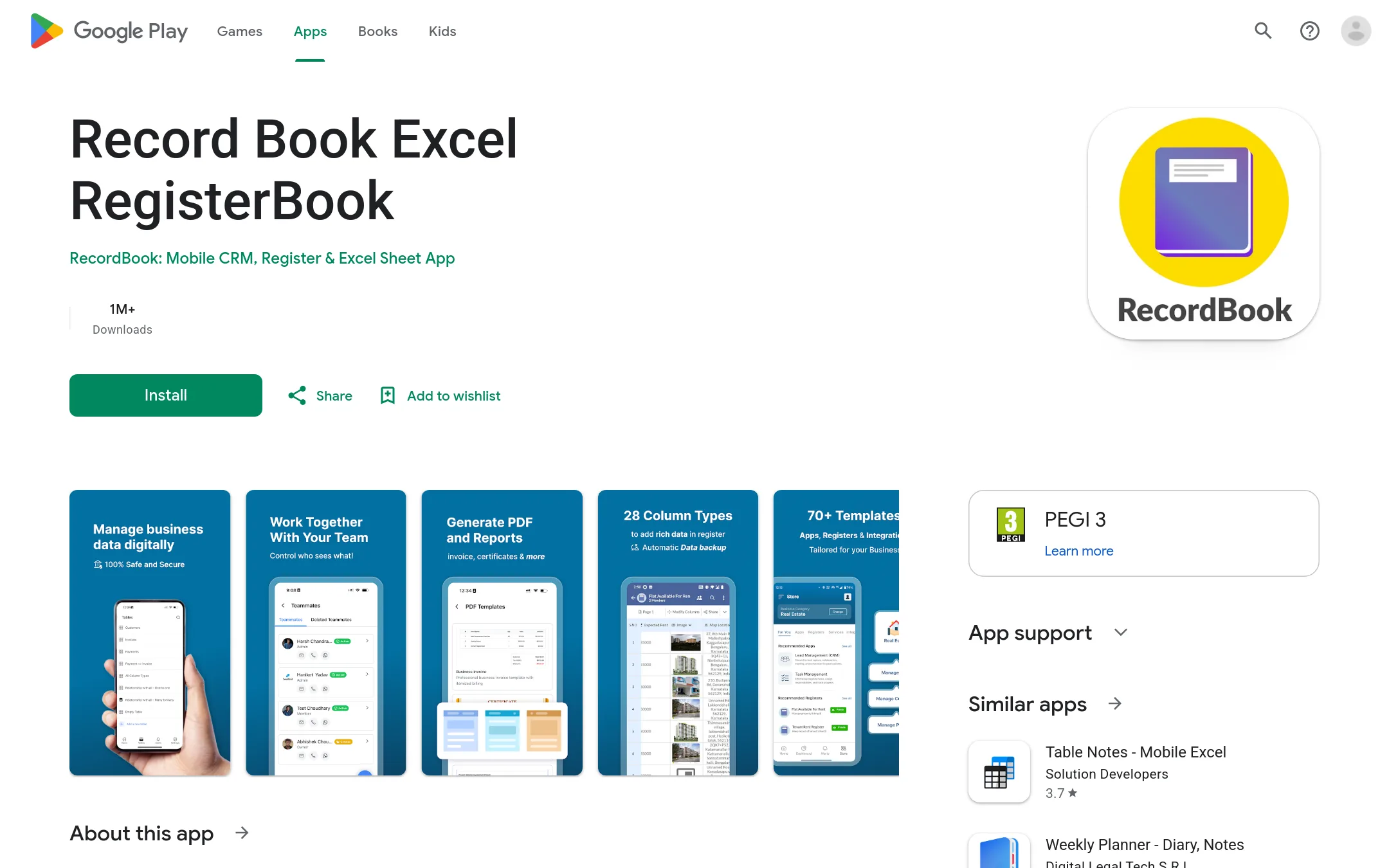
RecordBook is a mobile app that positions itself as an Airtable alternative for small businesses, focused on record-keeping and data organization. You would choose it over Canva Whiteboards if you need structured data management on a phone rather than visual brainstorming on a canvas.
Where it is strong
- Mobile-first design for on-the-go record keeping
- Aimed at small businesses with simple data needs
- Free to download from Google Play
Where it falls short
- No visual collaboration or whiteboard features
- Limited to Android devices
- Pricing:
- Pricing is not published on the site.
- Not published
6.Stormboard
Best for: Agile teams that want to connect brainstorming directly to their backlog and sprint tools, and need exportable reports.
- Pricing
- Not published
- Category
- Communication & Collaboration
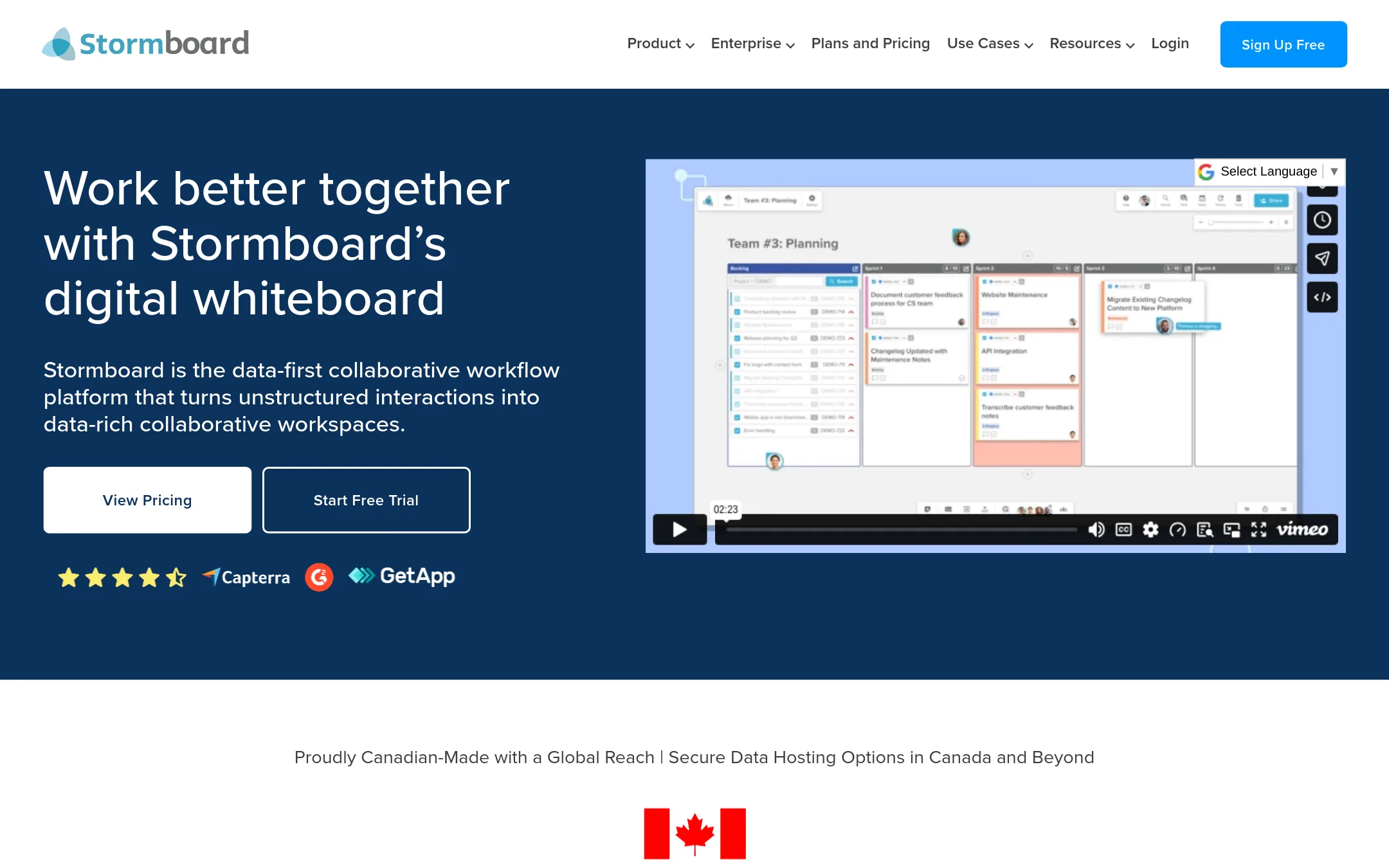
Stormboard is a data-first digital whiteboard that turns sticky notes into structured data. It's a good fit if you need live two-way integrations with Jira, Rally, or Azure DevOps, or if you want to export detailed reports instead of just images. Choose it over Canva Whiteboards when your collaboration needs to feed directly into agile workflows and produce actionable outputs.
Where it is strong
- Live two-way integrations with Jira, Rally, and Azure DevOps
- Exports to Word, PowerPoint, Excel, Google Docs, Sheets, and Slides
- Includes StormAI for brainstorming and action planning
Where it falls short
- Pricing not listed, so you must contact sales for a quote
- No mention of free-form drawing or design tools like Canva Whiteboards
- Pricing:
- Pricing is not published on the site.
- Switching from Canva Whiteboards:
- Moving from Canva Whiteboards means adapting to a data-first workflow where sticky notes become structured items, and you'll likely need to set up integrations with your existing tools.
- From 5€/user/mo
7.Conceptboard
Best for: Teams in Germany and the public sector that need a GDPR-compliant whiteboard with built-in task management and visual project workflows.
- Pricing
- From 5€/user/mo
- Category
- Communication & Collaboration
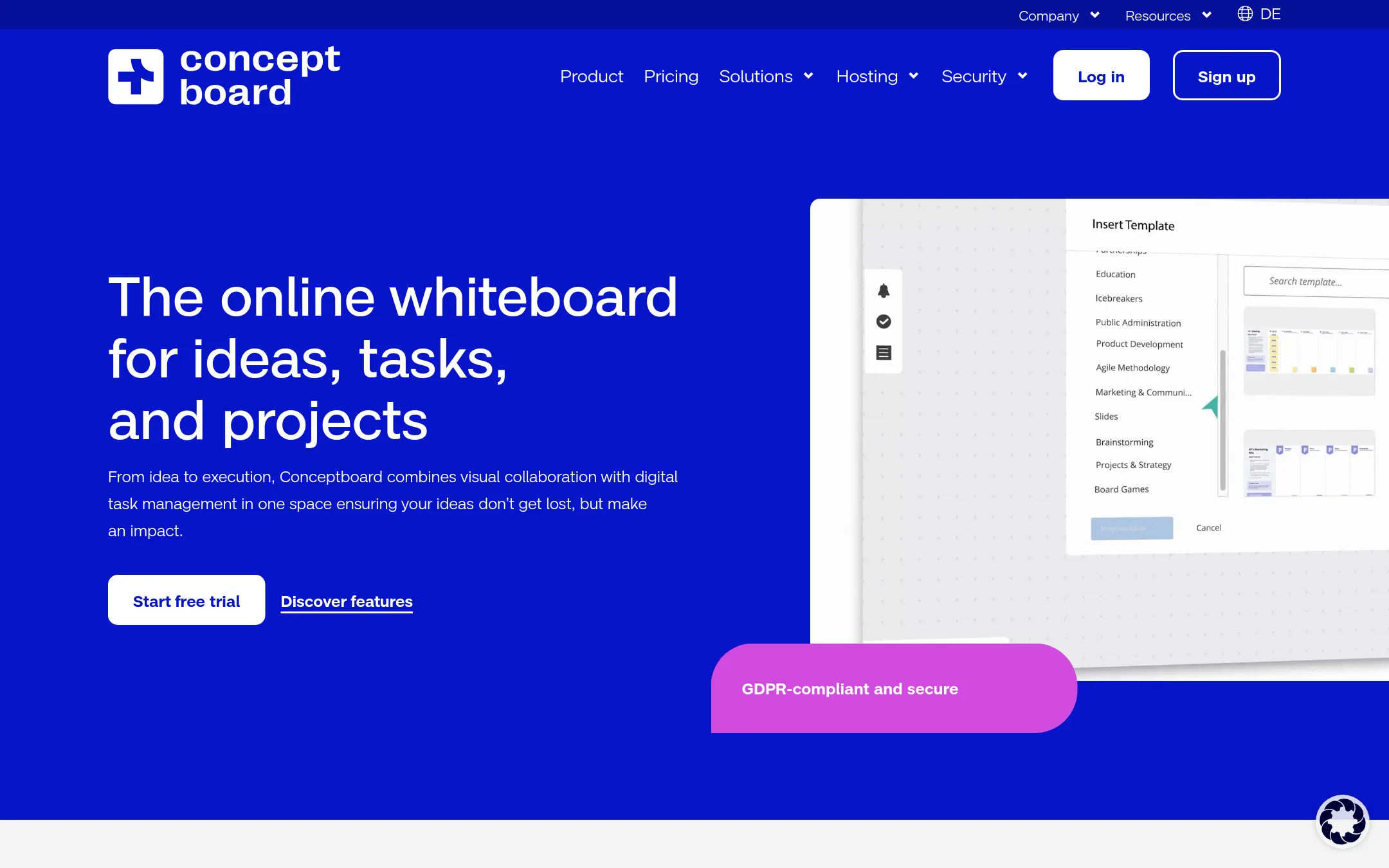
Conceptboard combines an online whiteboard with task management, so ideas can be turned into assigned tasks directly on the board. It is a good fit for teams that need visual collaboration plus project tracking in one place, especially in Germany or the public sector where GDPR compliance and local hosting matter.
Where it is strong
- Tasks can be created, prioritized, and assigned directly on the whiteboard, reducing tool switching.
- GDPR-compliant with hosting in Germany, plus options for IONOS or StackIT hosting on higher tiers.
- Includes facilitation tools like live moderation, timer, and voting for workshops and meetings.
Where it falls short
- Free plan is limited to 100 objects per board and 250 MB storage.
- Single Sign-On is an additional fee even on the Advanced plan, and only available from Corporate & Government.
- Pricing:
- Starter is 5€ per user per month, Advanced from 10€ per user per month, and Corporate & Government from 14€ per user per month. All prices are subject to VAT.
- Switching from Canva Whiteboards:
- Moving from Canva Whiteboards means learning Conceptboard's task management features and adapting to its German-centric hosting and compliance options.
- Not published
8.InVision
Best for: Product and engineering teams that need a visual workspace for end-to-end workflows from ideation to launch, with AI assistance and enterprise-grade controls.
- Pricing
- Not published
- Category
- Design & Creative
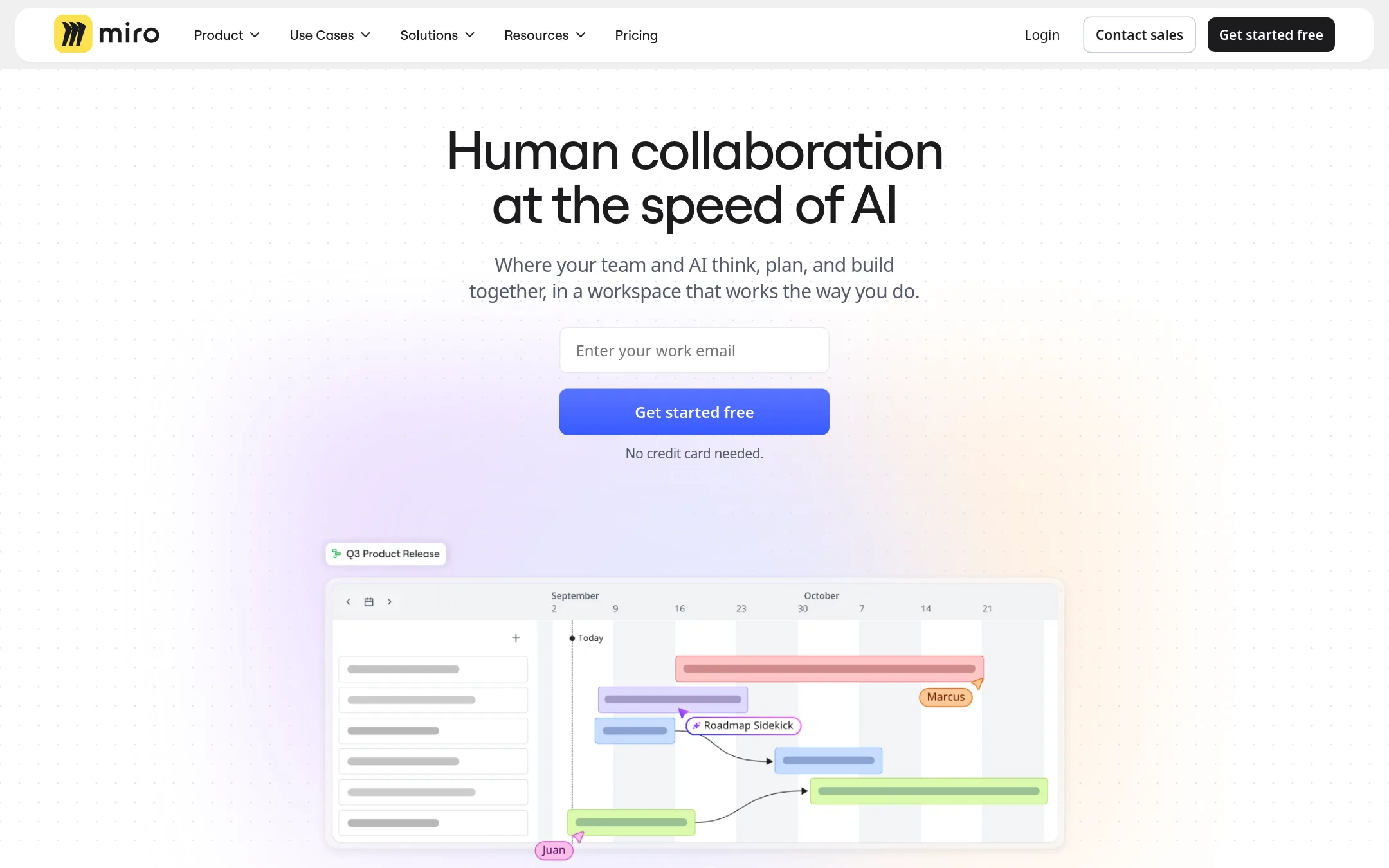
Miro is a visual collaboration platform for product teams that goes beyond whiteboarding into prototyping, diagramming, and workflow management. Choose it over Canva Whiteboards when you need a dedicated tool for structured product development, with AI features and deep integrations for design and engineering workflows.
Where it is strong
- Free plan includes 3 editable boards and AI feature trials
- Starter plan adds unlimited boards and visitor access without accounts
- Enterprise plan offers SCIM, audit logs, and data residency in EU, US, Australia, and Japan
Where it falls short
- Pricing details are not listed, so you must contact sales for costs
- AI credits reset monthly and do not roll over, which may limit heavy usage
- Pricing:
- Pricing is not published on the site.
- See website
9.AIVideo.com
Media & Entertainment
The all in one tool for AI powered video production
- See website
10.Animaker
Design & Creative
AI-powered animation maker for studio-quality videos in minutes
- Not published
11.BioRender
Best for: Research labs, pharma teams, and academic institutions that need to create and publish scientific figures and diagrams.
- Pricing
- Not published
- Category
- Design & Creative
BioRender is a specialized tool for creating scientific figures, diagrams, and illustrations. It is the right choice when your team needs publication-ready visuals with scientifically accurate icons and templates, rather than general-purpose whiteboarding.
Where it is strong
- Vast library of expert-vetted scientific icons and templates
- AI-assisted figure generation with editable elements
- Graphing and data analysis built in
Where it falls short
- Free plan figures cannot be used for publications or commercial use
- Focused on scientific use, not general whiteboarding
- Pricing:
- Pricing is not published on the site.
- Switching from Canva Whiteboards:
- Moving from Canva Whiteboards to BioRender means learning a new tool with a scientific focus. You will need to recreate your diagrams using BioRender's templates and icons.
- See website
12.Biteable
Media & Entertainment
AI-powered online video maker for fast, affordable professional videos
See more comparisons in Communication & Collaboration alternatives.
FAQ
Questions about Canva Whiteboards alternatives
What is the best free alternative to Canva Whiteboards?
Miro and FigJam both offer free plans. Miro's free plan includes 3 editable boards and AI feature trials. FigJam's Starter plan is free with limited access and unlimited drafts.
Which alternative integrates best with Jira or Azure DevOps?
Stormboard offers live two-way integrations with Jira, Rally, and Azure DevOps. Lucidspark also integrates with Jira and Confluence, but Stormboard is specifically designed for agile workflows.
Are there whiteboard tools that are GDPR compliant and hosted in Europe?
Conceptboard is GDPR-compliant and hosted in Germany, with options for IONOS or StackIT hosting on higher tiers. Miro's Enterprise plan offers data residency in the EU, US, Australia, and Japan.
Can I use these tools for scientific or technical diagrams?
BioRender is specialized for scientific figures with expert-vetted icons and templates. For general diagramming, Lucidspark can generate flowcharts from prompts, and Miro supports diagramming.
Do any of these tools include task management features?
Conceptboard includes built-in task management, allowing you to create and assign tasks directly on the whiteboard. Miro and Lucidspark also support project management workflows through integrations.
Last updated October 31, 2026.