
CircuitLab alternatives
9 products compared · Updated October 17, 2026
The short answer
For founders and operators, the strongest CircuitLab alternatives are KiCad for hardware engineers needing a free, offline PCB design suite, Tinkercad Circuits for teachers and students wanting a free, browser-based learning tool, and EasyEDA for those who need a free, integrated path from schematic to PCB manufacturing. Each serves a different primary use case, so choose based on whether you need professional PCB layout, classroom simplicity, or manufacturing integration.
Your shortlist, at a glance
Read the comparisons ↓ KiCadFree (open source)Hardware engineers and hobbyists who need a free, offline PCB design tool with integrated simulation.
 Tinkercad CircuitsFreeTeachers and students in STEM classrooms who need a free, safe, and easy-to-use electronics simulator with Arduino support.
EasyEDAFree coreHardware engineers and hobbyists who want a free, integrated path from schematic design to PCB manufacturing.
Falstad Circuit SimulatorSee websitePaul Falstad's interactive circuit simulator applet
 FiniFrom $0.89/ticketEnterprise support teams that need to automate a high volume of tickets across multiple channels.
 ProteusNot publishedHardware teams and embedded developers who need PCB layout and microcontroller simulation alongside circuit design.
 EveryCircuitNot publishedStudents and hobbyists who want an intuitive, animated way to explore circuit behavior on desktop or mobile.
- PPartSimNot publishedTeams evaluating PartSim should first verify the site is back online, as it is currently inaccessible.
 PSpiceNot publishedProfessional hardware teams doing high-reliability analog and mixed-signal design, especially in automotive, IoT, and power supply work.
About CircuitLab and its alternatives
CircuitLab is an online circuit simulator and electronic schematic editor. It is known for its easy-to-use browser-based editor, mixed-mode analog and digital simulation, and professional schematic PDFs. It is free to start, with paid upgrades for professional use.
When comparing alternatives, weigh pricing structure (free vs. subscription vs. per-ticket), whether the tool runs in the browser or requires installation, integration with PCB design or manufacturing services, support options, and contract terms like perpetual licensing or contact-sales pricing.
Explore the alternatives
- Free (open source)
1.KiCad
Best for: Hardware engineers and hobbyists who need a free, offline PCB design tool with integrated simulation.
- Pricing
- Free (open source)
- Category
- Design & Creative
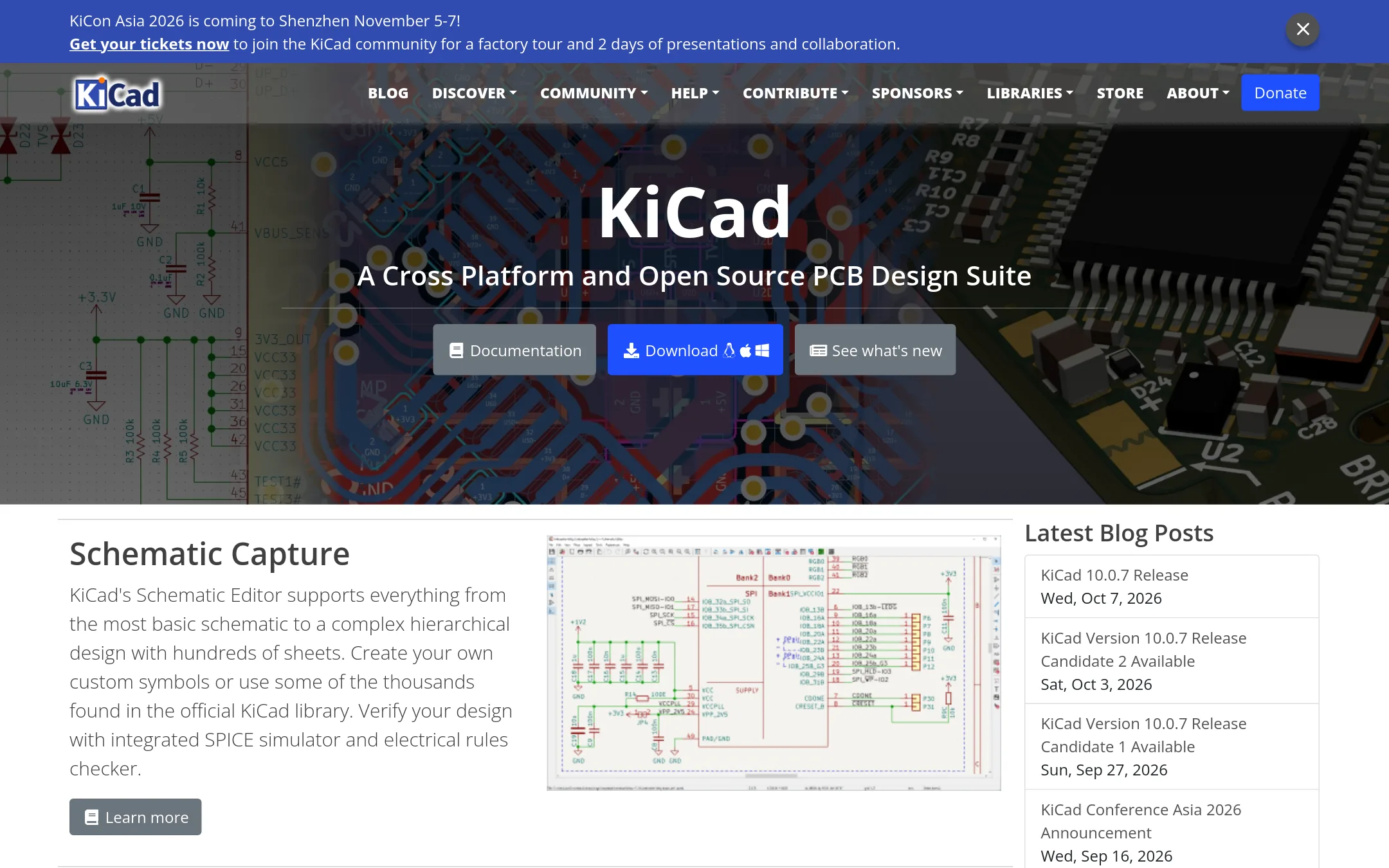
KiCad is a full open-source electronics design suite that covers schematic capture, PCB layout, and 3D viewing. Choose it instead of CircuitLab when you need to take a design from simulation to physical board, especially if you want no cost and full control over your files.
Where it is strong
- Complete PCB design flow from schematic to 3D view
- Runs locally on Windows, macOS, and Linux
- Large official component library and active community
Where it falls short
- Steeper learning curve than CircuitLab's browser-based editor
- No built-in cloud sharing or collaborative features
- Pricing:
- Pricing is not published on the site.
- Switching from CircuitLab:
- Moving from CircuitLab means installing desktop software and learning a new interface, but you can import SPICE models and schematics with some effort.
- Free
2.Tinkercad Circuits
Best for: Teachers and students in STEM classrooms who need a free, safe, and easy-to-use electronics simulator with Arduino support.

- Pricing
- Free
- Category
- Design & Creative
Tinkercad Circuits is a free browser-based tool for learning electronics through breadboard-style simulations and Arduino coding. Choose it over CircuitLab when you want a classroom-friendly environment with block-based programming and 3D design integration, rather than professional-grade analog simulation.
Where it is strong
- Free for everyone with no downloads
- KidSAFE COPPA certified and ad-free
- Includes block-based coding and 3D design
Where it falls short
- Limited analog simulation depth compared to CircuitLab
- No professional schematic PDF or advanced plotting features
- Pricing:
- Pricing is not published on the site.
- Free core
3.EasyEDA
Best for: Hardware engineers and hobbyists who want a free, integrated path from schematic design to PCB manufacturing.

- Pricing
- Free core
- Category
- Design & Creative
EasyEDA is a free, browser-based PCB design tool with schematic capture, circuit simulation, and manufacturing integration. Choose it over CircuitLab when you need to go from schematic to actual PCB layout and order prototypes, since CircuitLab focuses on simulation and schematic editing without PCB layout.
Where it is strong
- Free core features for everyone, including schematic and PCB design.
- Integrated with JLCPCB and LCSC for prototyping and component purchasing.
- Supports large designs: over 500 sheets, 100,000 pins, and 5,000 components.
Where it falls short
- Pricing details for paid subscriptions are not published.
- Circuit simulation is limited compared to CircuitLab's mixed-mode analog and digital simulation.
- Pricing:
- Pricing is not published on the site. The core features are free, with optional paid subscriptions mentioned but no specific prices listed.
- Switching from CircuitLab:
- Moving from CircuitLab to EasyEDA means learning a new editor and losing some simulation depth, but you gain PCB layout and manufacturing integration.
- See website
4.Falstad Circuit Simulator
Design & Creative
Falstad is a lightweight browser applet known for real-time animated circuit visualization. It delivers instant feedback similar to CircuitLab but with fewer professional features like PDF export or behavioral sources.
- From $0.89/ticket
5.Fini
Best for: Enterprise support teams that need to automate a high volume of tickets across multiple channels.

- Pricing
- From $0.89/ticket
- Category
- Customer Support
Fini is an AI agent that resolves customer support tickets across voice, chat, and email. You would choose it instead of CircuitLab if your focus is on automating enterprise support, not on circuit design or simulation.
Where it is strong
- Resolves up to 90% of tickets with 99% accuracy
- Works across voice, chat, and email
- No per-seat fees. You only pay for resolved tickets
Where it falls short
- Pricing is per resolved ticket, which can add up for high volumes
- Requires integration with helpdesk platforms like Zendesk or Intercom
- Pricing:
- Pricing starts at $0.89 per resolved ticket for the Growth plan, which includes 3,000 tickets per month. Scale is $0.69 per ticket for 10,000 tickets, and Enterprise is $0.49 per ticket with unlimited tickets.
- Not published
6.Proteus
Best for: Hardware teams and embedded developers who need PCB layout and microcontroller simulation alongside circuit design.
- Pricing
- Not published
- Category
- Design & Creative
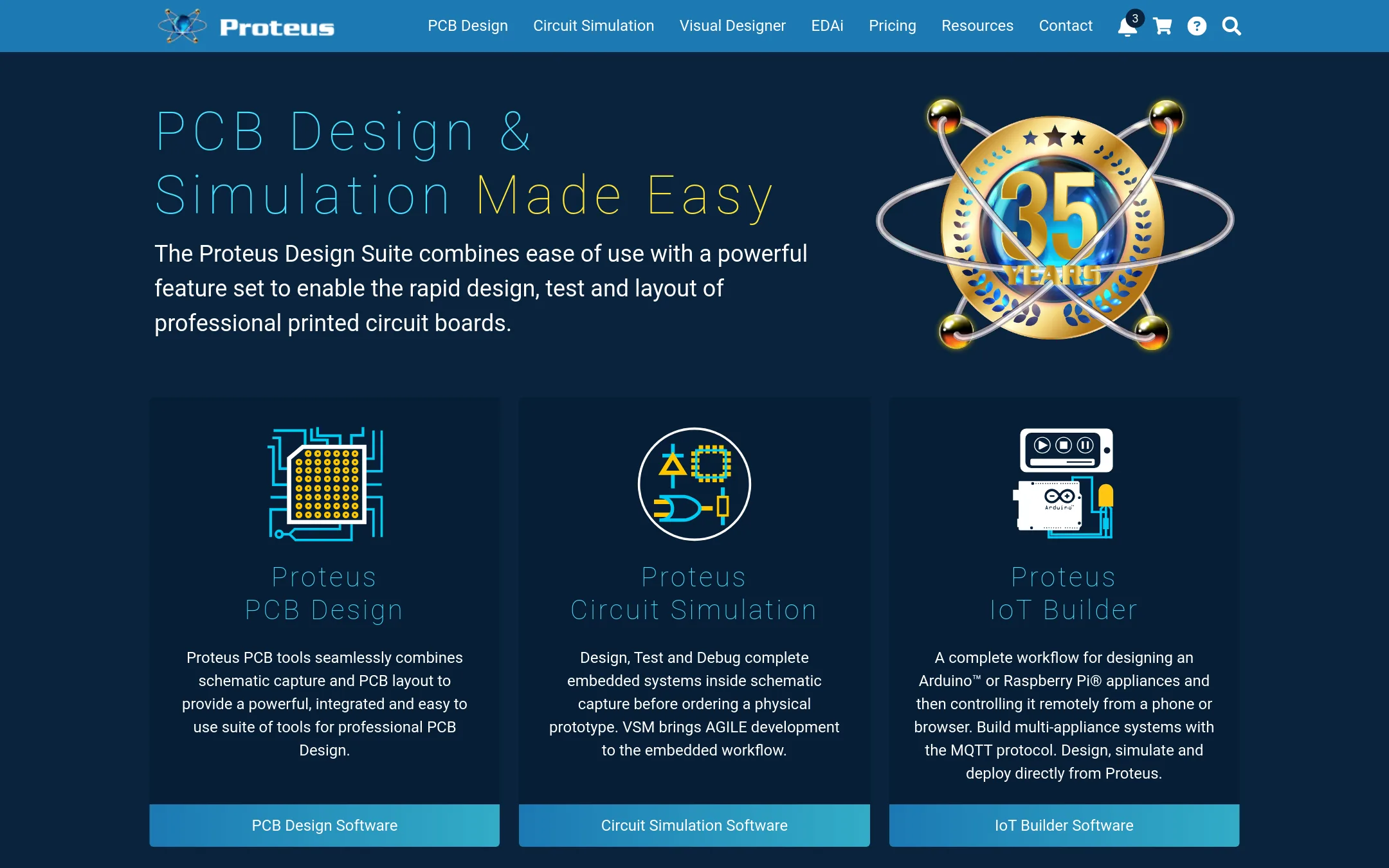
Proteus is a full PCB design suite that includes schematic capture, simulation, and PCB layout, so you can go from circuit idea to board design in one tool. Choose it over CircuitLab when you need to design physical printed circuit boards and simulate embedded systems with microcontroller firmware, not just analyze analog and digital circuits in the browser.
Where it is strong
- Includes PCB layout with autorouting and high-speed design features
- Simulates microcontrollers and complete embedded systems with VSM
- Perpetual licensing with optional network or cloud licensing
Where it falls short
- Pricing is not transparent on the site. You must contact sales
- Requires installation, unlike CircuitLab's browser-based editor
- Pricing:
- Pricing is not published on the site. The page shows placeholder prices and a custom option.
- Not published
7.EveryCircuit
Best for: Students and hobbyists who want an intuitive, animated way to explore circuit behavior on desktop or mobile.
- Pricing
- Not published
- Category
- Design & Creative
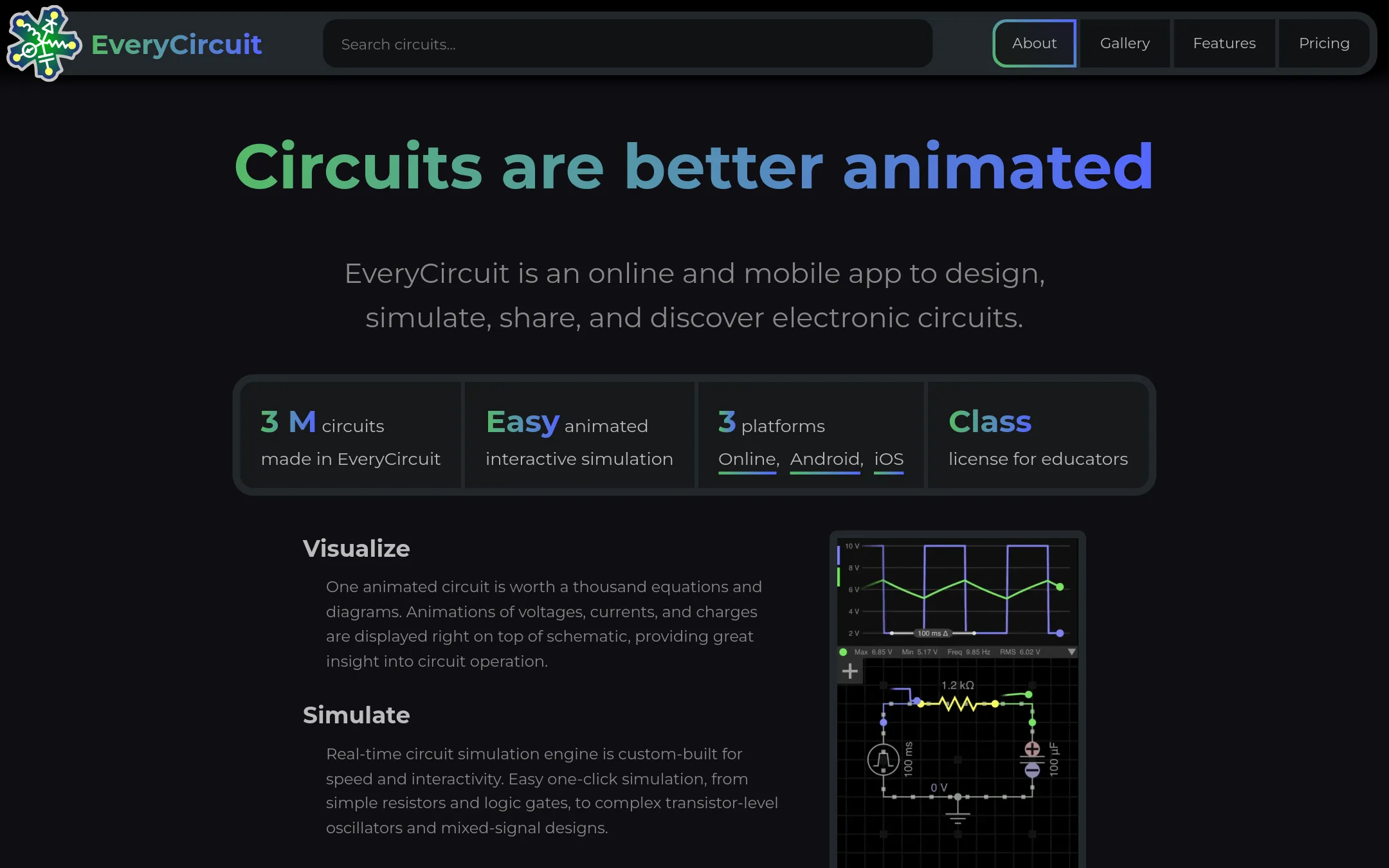
EveryCircuit is an animated, interactive circuit simulator that runs in the browser and on mobile. It is a good choice if you want a visual, real-time simulation experience for learning or teaching electronics, rather than the more detailed SPICE-like analysis CircuitLab offers.
Where it is strong
- Animated visualization makes circuit behavior easy to understand
- Works on both online and mobile apps with one subscription
- Includes analog and digital simulation, AC analysis, and Bode plots
Where it falls short
- Pricing details are not listed on the website
- Less suited for professional-grade SPICE-level analysis compared to CircuitLab
- Pricing:
- Pricing is not published on the site.
- PNot published
8.PartSim
Best for: Teams evaluating PartSim should first verify the site is back online, as it is currently inaccessible.

- Pricing
- Not published
- Category
- Design & Creative
PartSim is an online circuit simulation platform, but its website is currently unreachable, showing a connection reset error. If you need a reliable, accessible tool for schematic capture and simulation, CircuitLab is a safer choice because it is actively maintained and accessible in the browser.
Where it is strong
- Aimed at simulation and design in the browser.
- Potentially useful for quick circuit prototyping.
- No installation required if the site is accessible.
Where it falls short
- Website is currently down, preventing any use.
- No pricing or feature details available due to the outage.
- Pricing:
- Pricing is not published on the site.
- Not published
9.PSpice
Best for: Professional hardware teams doing high-reliability analog and mixed-signal design, especially in automotive, IoT, and power supply work.
- Pricing
- Not published
- Category
- Design & Creative
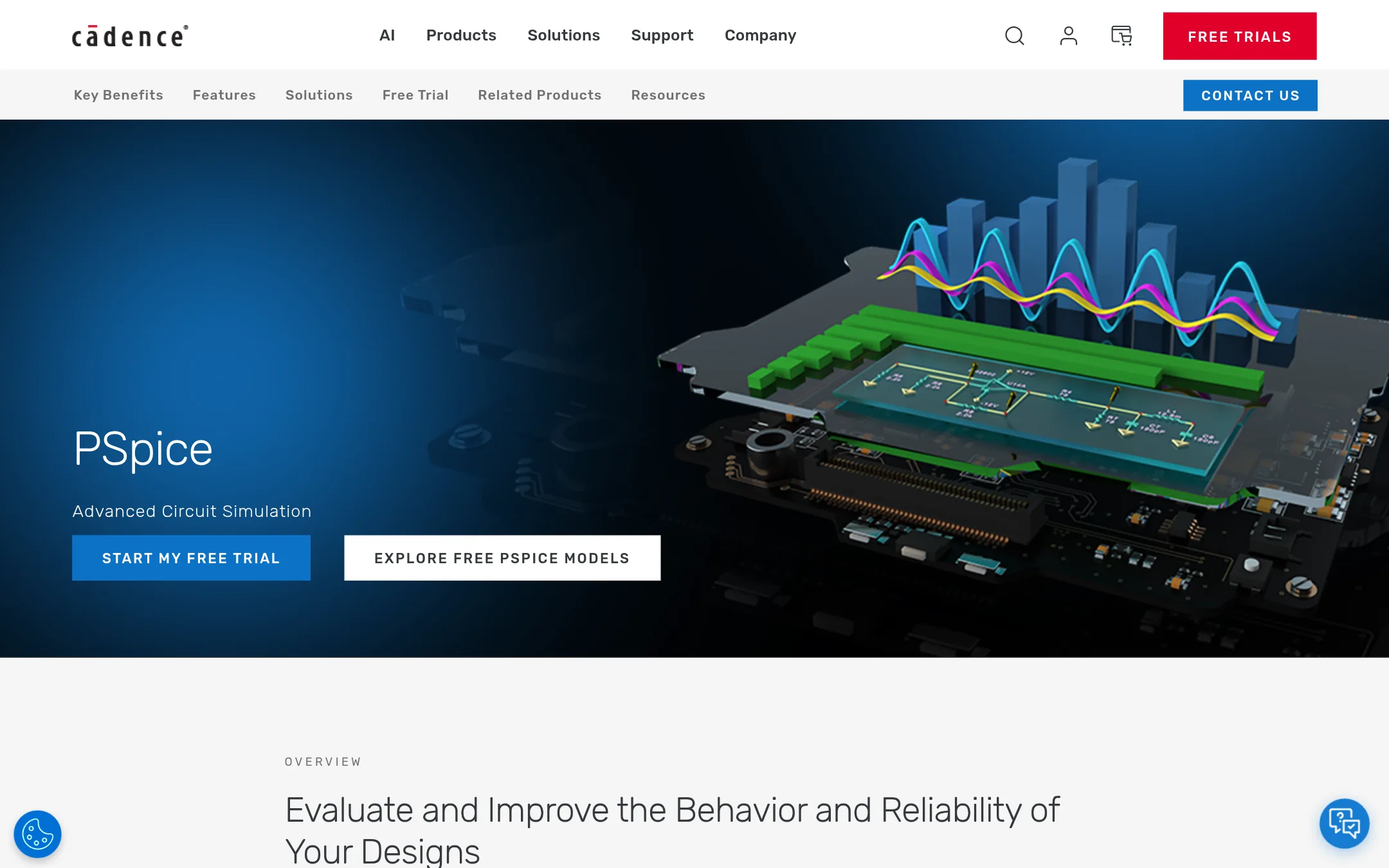
PSpice is a desktop-based SPICE simulation environment from Cadence, aimed at professional engineers who need advanced analysis like Monte Carlo, sensitivity, and smoke analysis. Choose it over CircuitLab when you require deep statistical verification and integration with PCB design tools like OrCAD and Allegro.
Where it is strong
- Over 35,000 pre-configured models from various IC vendors
- Advanced analyses: Monte Carlo, sensitivity, smoke, and optimizer
- Integrates with MATLAB/Simulink for electro-mechanical co-simulation
Where it falls short
- Desktop software, not browser-based like CircuitLab
- Requires Cadence ecosystem, likely heavier and costlier for hobbyists
- Pricing:
- Pricing is not published on the site.
- Switching from CircuitLab:
- Moving from CircuitLab means installing desktop software and learning a more complex tool, but your SPICE knowledge carries over.
See more comparisons in Developer Tools alternatives.
FAQ
Questions about CircuitLab alternatives
What is the best free alternative to CircuitLab?
KiCad is a strong free, open-source option for full PCB design, while Tinkercad Circuits is free and browser-based for learning. EasyEDA also offers free core features with PCB manufacturing integration.
Which alternative is best for PCB layout and manufacturing?
EasyEDA is best for a free, integrated path from schematic to PCB manufacturing, with direct links to JLCPCB and LCSC. KiCad also provides complete PCB design flow locally, and Proteus includes PCB layout with autorouting.
Are there alternatives that work in the browser like CircuitLab?
Yes, Tinkercad Circuits and EasyEDA are browser-based. EveryCircuit also runs in the browser and on mobile, though it is more animation-focused.
Which alternative is best for learning or teaching electronics?
Tinkercad Circuits is designed for STEM classrooms with block-based coding and 3D design. EveryCircuit offers animated, intuitive simulations for students and hobbyists.
Do any alternatives offer advanced simulation features?
PSpice offers advanced analyses like Monte Carlo, sensitivity, and smoke analysis for professional high-reliability design. Proteus simulates microcontrollers and embedded systems. KiCad and EasyEDA have more limited simulation compared to CircuitLab.
Last updated October 17, 2026.