
Cleanup.pictures alternatives
12 products compared · Updated November 1, 2026
The short answer
For e-commerce teams needing batch product image editing, Photoroom is the strongest alternative. For fast, dedicated background removal, Remove.bg is the best choice. For a broader, free browser-based editor with AI tools, Pixlr is the most versatile option.
Your shortlist, at a glance
Read the comparisons ↓ Adobe AnimateNot publishedTeams producing vector-based animations and interactive web content who also need a broader creative suite.
Canva WhiteboardsNot publishedTeams that need a shared canvas for brainstorming, planning, or visual collaboration and don't need AI-powered photo cleanup.
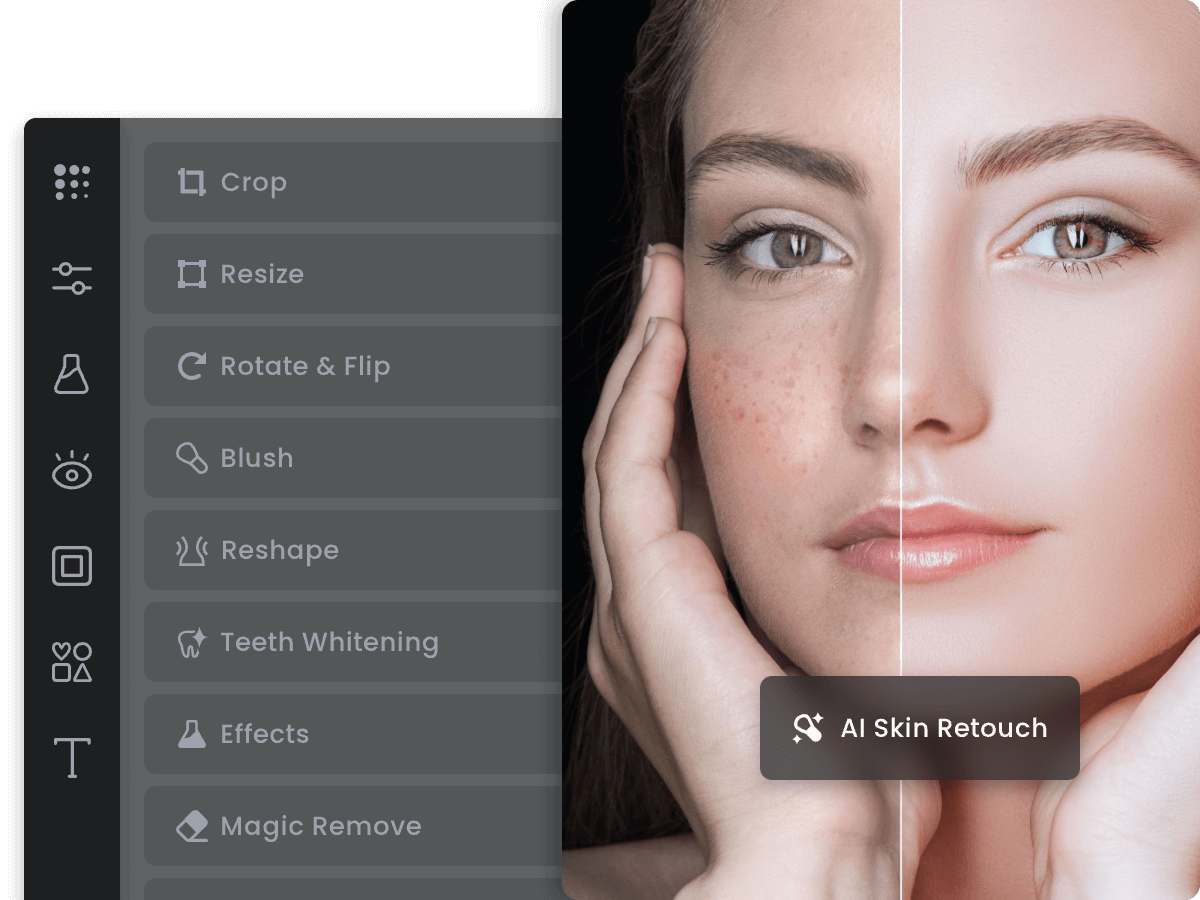 FotorNot publishedCasual users and small teams that want a general-purpose photo editor with cleanup features built in, rather than a dedicated inpainting tool.
 PixlrNot publishedCreators and small businesses that want a free, browser-based editor with AI generation and editing tools beyond basic object removal.
- RRemover.appSee websiteOther
- IInpaintNot publishedPhotographers and hobbyists on Windows or Mac who want a simple, offline tool for batch cleanup work without per-image limits.
 PhotoroomFrom $79/mo (yearly)E-commerce teams and marketplaces that need to produce thousands of product images and videos with consistent brand rules.
 Claid.aiNot publishedE-commerce and fashion teams that need realistic product photography and on-model visuals at high resolution
- LLuminar NeoSee websiteAI-powered photo editing software
 PhotopeaNot publishedDesigners, students, and small business owners who need professional photo editing in the browser without paying for software.
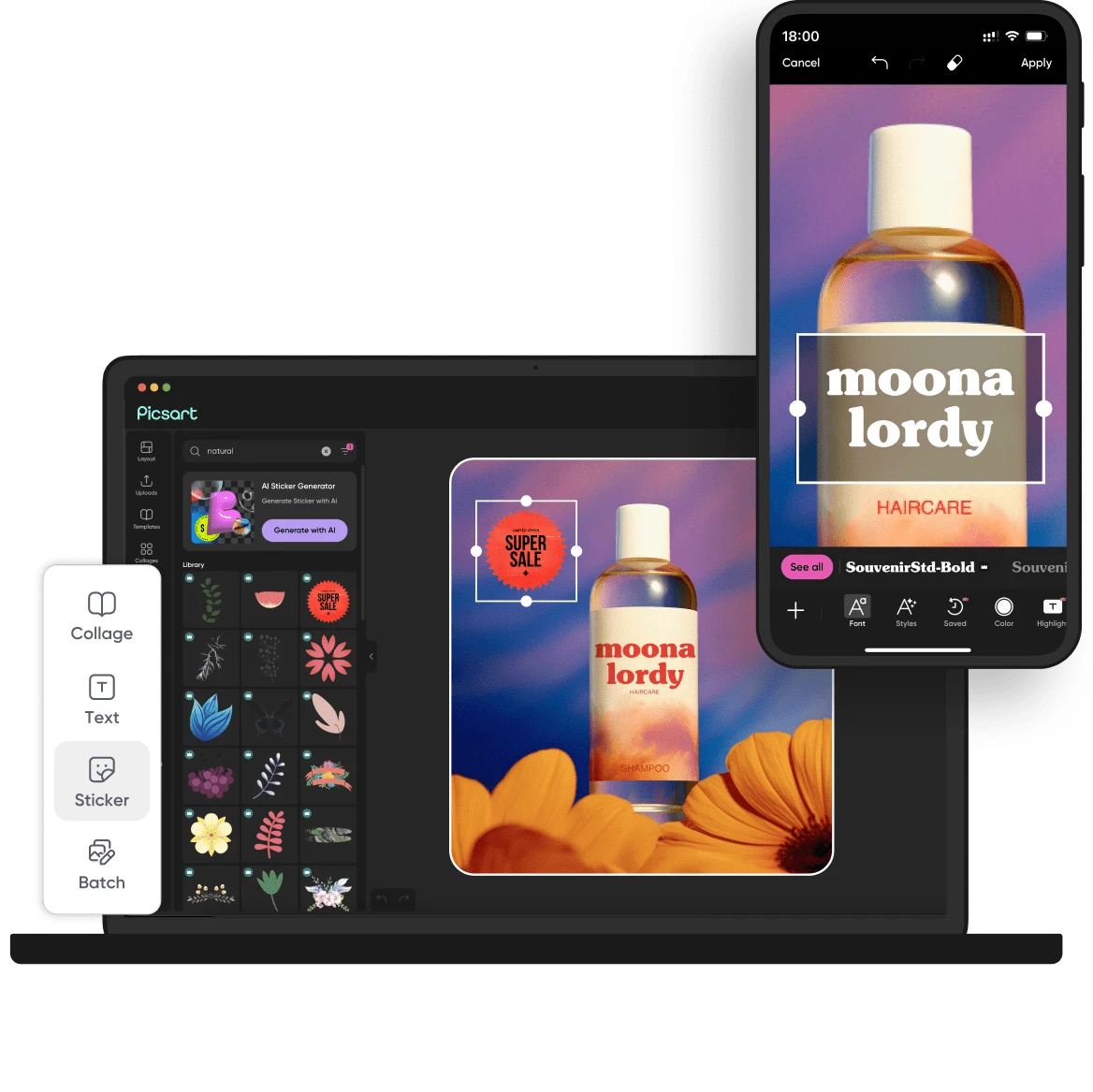 PicsartNot publishedSocial media managers and small creative teams that need a versatile editor for images and video, with access to templates and stock assets.
 Remove.bgNot publishedE-commerce sellers, real estate agents, and designers who need fast, high-quality background removal for product photos or headshots.
About Cleanup.pictures and its alternatives
Cleanup.pictures is a free AI-powered tool that removes objects, people, text, and defects from photos. It is known for its simple drag-and-drop interface, unlimited free images at 720p resolution, and a Pro plan starting at $3 per month for unlimited resolution and a high-quality refiner. It also offers an API for developers with usage-based pricing.
When comparing alternatives, weigh pricing structure (free tiers, credits, subscriptions), regions served, integrations with your existing workflow, support options, and contract terms. Some tools focus solely on background removal, while others offer full editing suites. Consider whether you need batch processing, video generation, or an API.
Explore the alternatives
- Not published
1.Adobe Animate
Best for: Teams producing vector-based animations and interactive web content who also need a broader creative suite.
- Pricing
- Not published
- Category
- Design & Creative
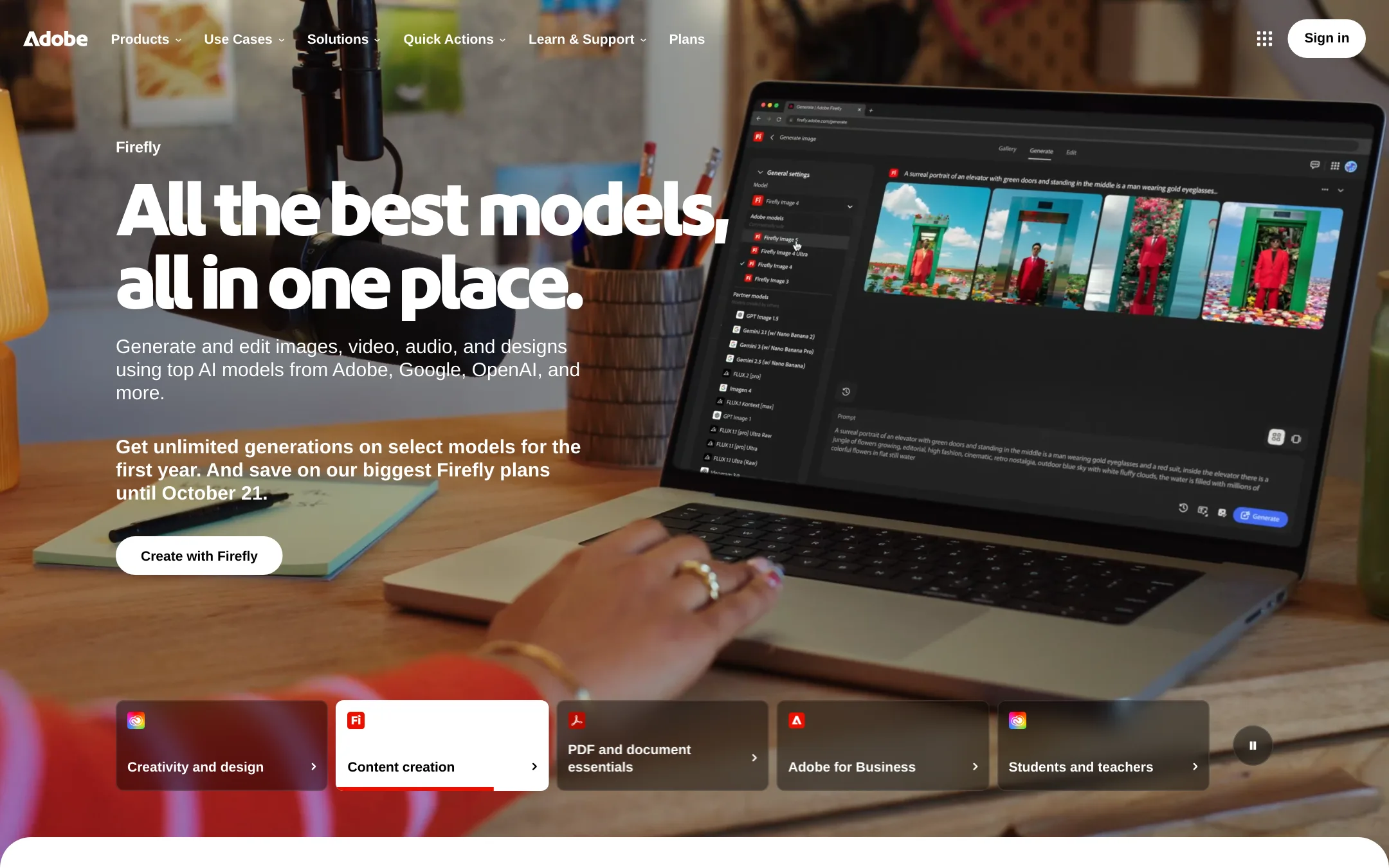
Adobe Animate is a full animation and interactive content tool, not a photo retoucher. You would choose it over Cleanup.pictures if you need to build vector animations, interactive ads, or games, rather than just removing objects from still images.
Where it is strong
- Industry-standard animation tools for vector and interactive content
- Part of Adobe Creative Cloud, so it integrates with Photoshop and Illustrator
- Supports export to multiple formats including HTML5 canvas and WebGL
Where it falls short
- No dedicated object removal or inpainting feature for photos
- Requires a Creative Cloud subscription, which is costly for casual use
- Pricing:
- Pricing is not published on the site.
- Not published
2.Canva Whiteboards
Best for: Teams that need a shared canvas for brainstorming, planning, or visual collaboration and don't need AI-powered photo cleanup.

- Pricing
- Not published
- Category
- Communication & Collaboration
Canva Whiteboards is a visual collaboration tool for brainstorming and planning, not a photo retouching app. You would choose it instead of Cleanup.pictures when your team needs to work together on ideas, diagrams, or project layouts, not when you need to remove objects from images.
Where it is strong
- Real-time collaboration for teams
- Built-in templates and design tools
- Integrates with the broader Canva ecosystem
Where it falls short
- No AI object removal or inpainting features
- Focused on collaboration, not photo retouching
- Pricing:
- Pricing is not published on the site.
- Not published
3.Fotor
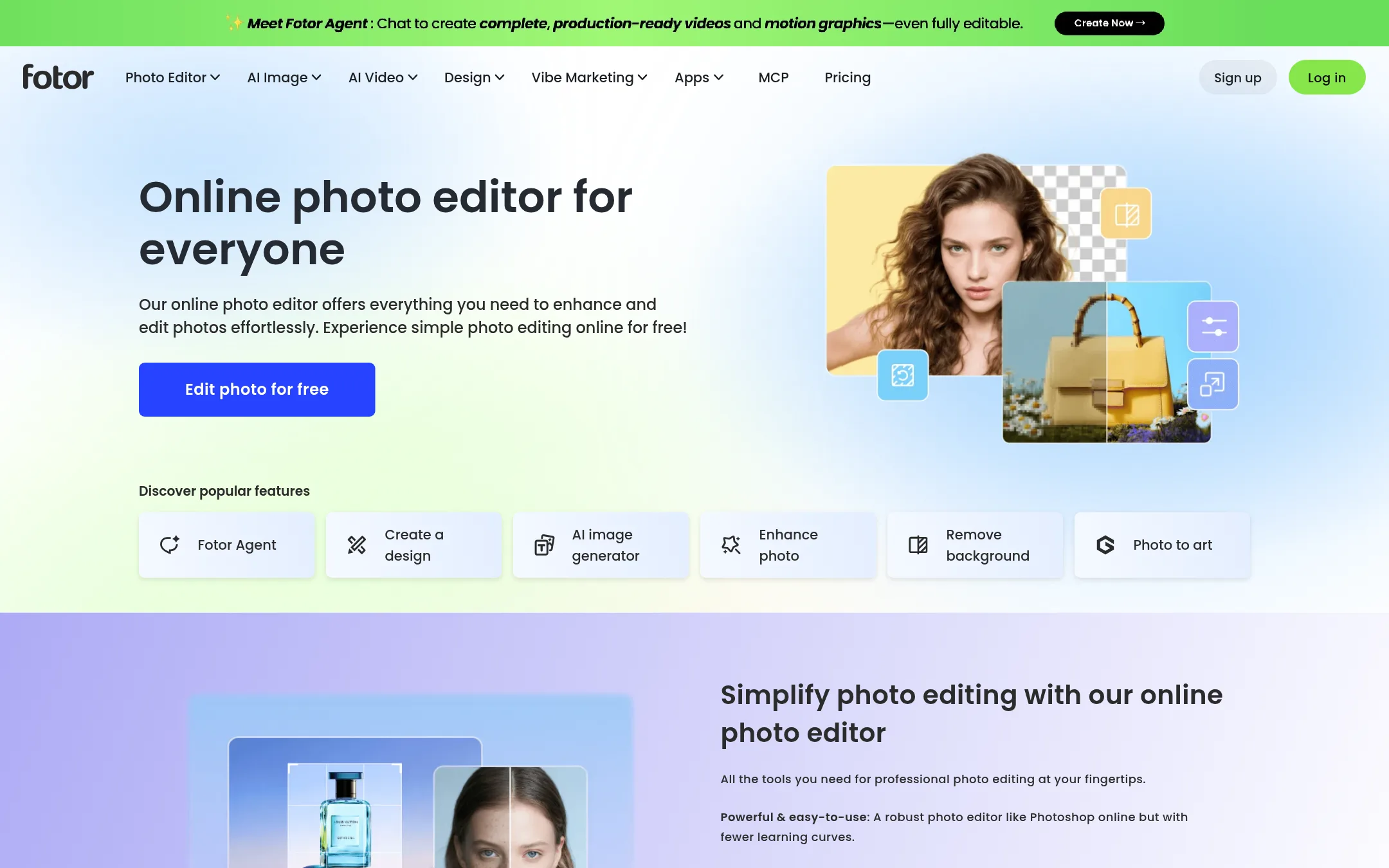
Best for: Casual users and small teams that want a general-purpose photo editor with cleanup features built in, rather than a dedicated inpainting tool.
- Pricing
- Not published
- Category
- Media & Entertainment
Fotor is a full online photo editor with retouching, cropping, text, and effects, not just object removal. Choose it when you need a broader editing toolkit alongside cleanup tasks, or when you want a single tool for both quick fixes and more involved edits.
Where it is strong
- Full editing suite beyond object removal: crop, text, effects, retouch.
- Free online access, no install needed.
- Simple drag-and-drop interface.
Where it falls short
- No dedicated inpainting API for developers.
- Cleanup quality may not match Cleanup.pictures' AI for complex object removal.
- Pricing:
- Pricing is not published on the site.
- Not published
4.Pixlr
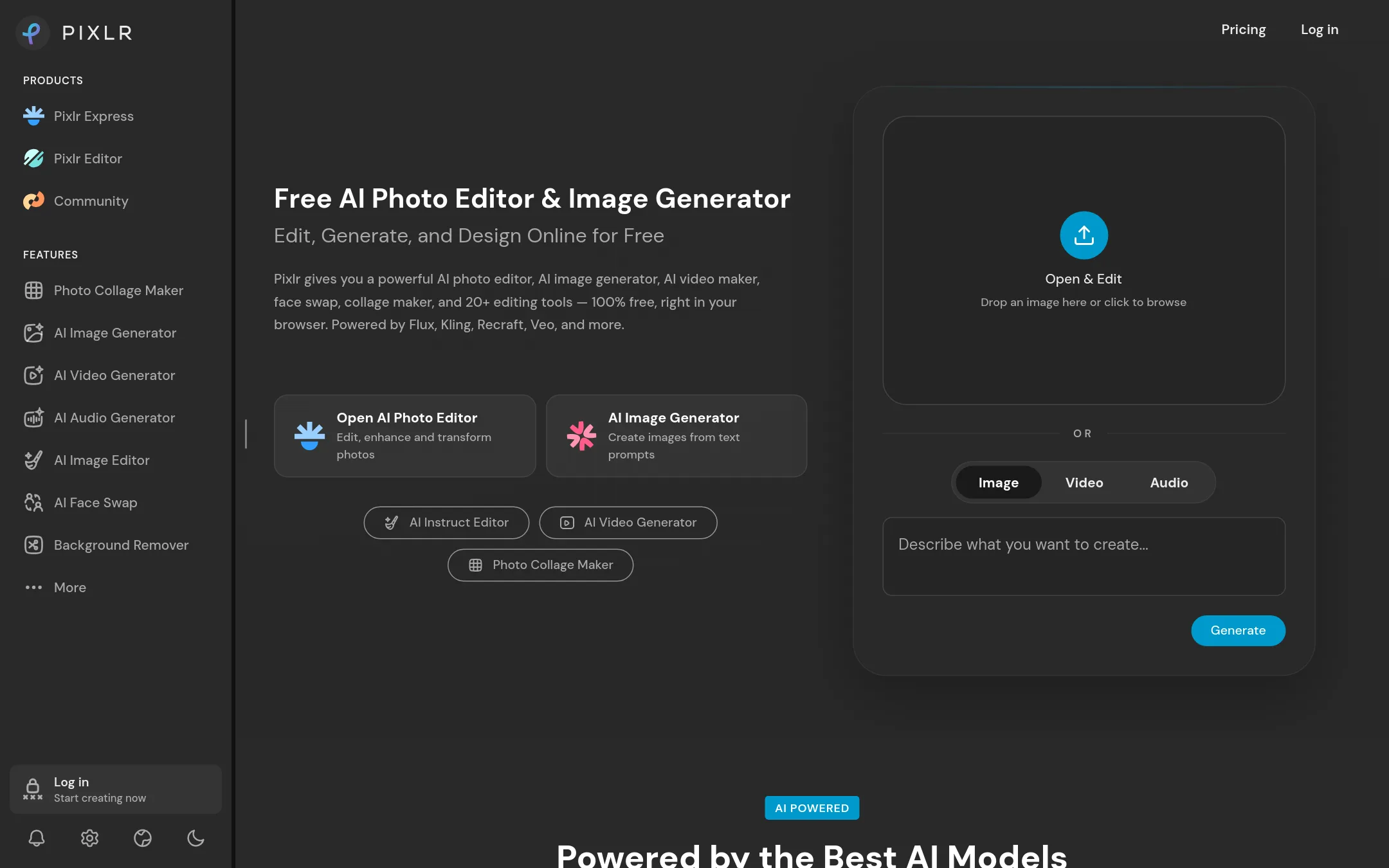
Best for: Creators and small businesses that want a free, browser-based editor with AI generation and editing tools beyond basic object removal.
- Pricing
- Not published
- Category
- Media & Entertainment
Pixlr is a browser-based photo editor with AI tools for object removal, background removal, generative fill, and image generation. Choose it over Cleanup.pictures when you need a broader editing suite beyond simple object removal, such as face swapping, video generation, or text-to-speech.
Where it is strong
- Free to use with no install needed
- Includes AI image and video generation
- Offers 20+ editing tools including background removal and generative fill
Where it falls short
- Pricing details are not listed on the site
- AI generation credits and model access may be limited on free tier
- Pricing:
- Pricing is not published on the site.
- RSee website
5.Remover.app
Other
Dedicated tool for removing objects, people, and text from images.
- INot published
6.Inpaint
Best for: Photographers and hobbyists on Windows or Mac who want a simple, offline tool for batch cleanup work without per-image limits.
- Pricing
- Not published
- Category
- Other
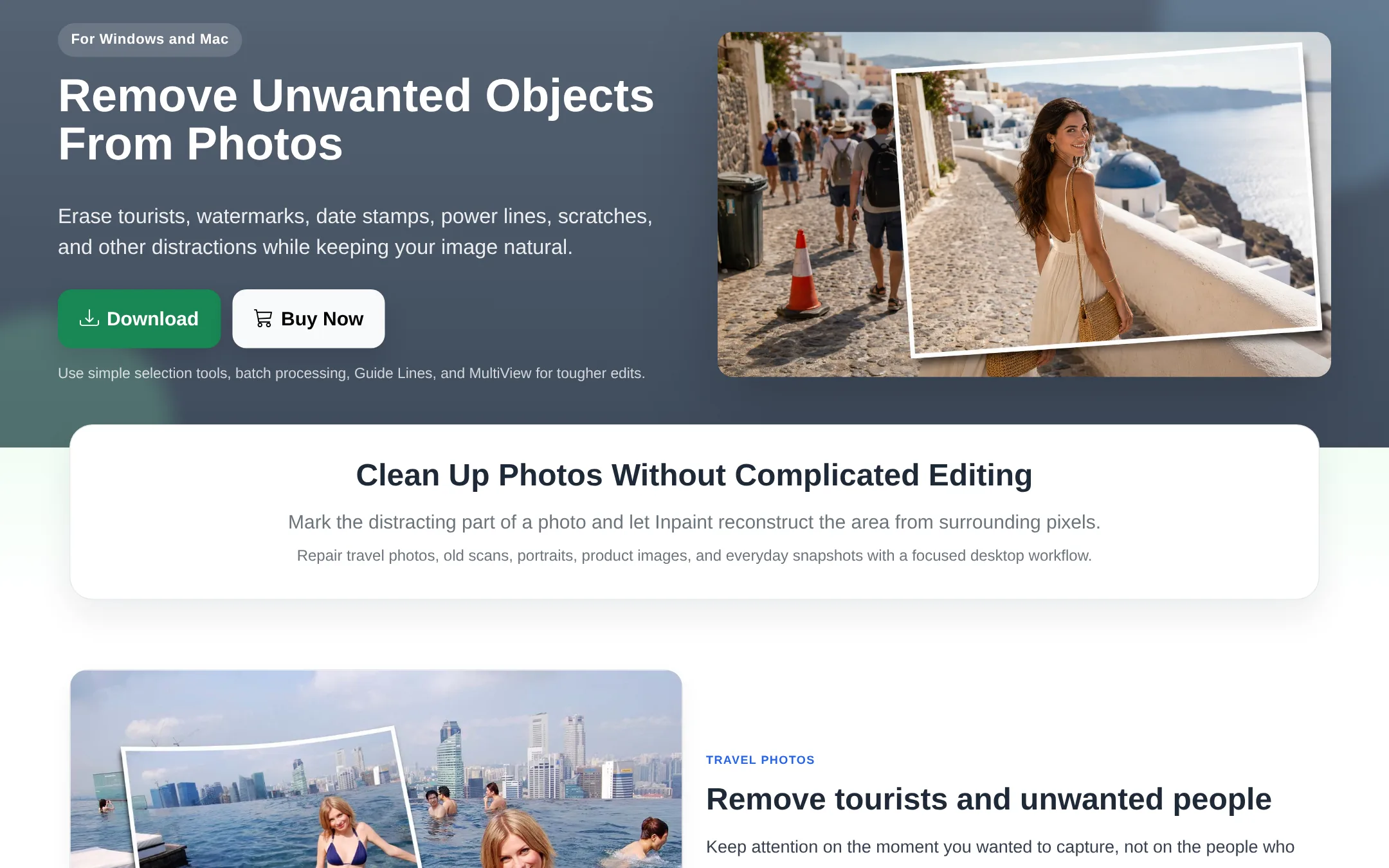
Inpaint is a desktop app for Windows and Mac that removes unwanted objects, people, text, and defects from photos by reconstructing the area from surrounding pixels. Choose it over Cleanup.pictures if you prefer a one-time desktop workflow with no image count or resolution limits, and you don't need a browser-based tool or API.
Where it is strong
- Unlimited images and original-resolution processing after purchase
- Works offline on Windows and macOS
- Includes batch processing and advanced tools like Guide Lines and MultiView
Where it falls short
- No free tier or browser version, unlike Cleanup.pictures
- No API for developers. It's a standalone desktop app
- Pricing:
- Pricing is not published on the site.
- Switching from Cleanup.pictures:
- Switching from Cleanup.pictures means moving from a free web tool to a paid desktop app, so you'll need to install software and buy a license, but you can try it before purchase.
- From $79/mo (yearly)
7.Photoroom
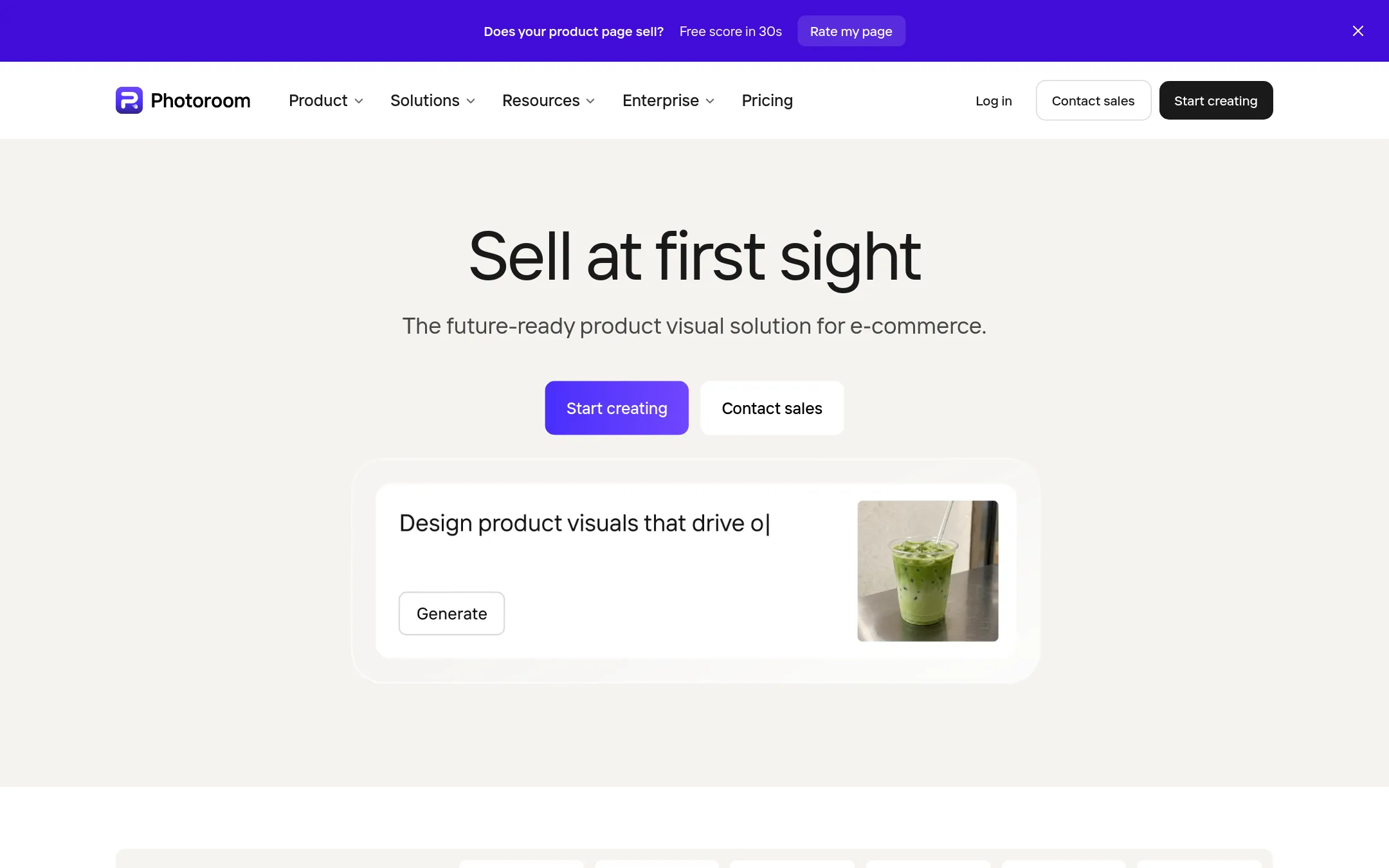
Best for: E-commerce teams and marketplaces that need to produce thousands of product images and videos with consistent brand rules.
- Pricing
- From $79/mo (yearly)
- Category
- Design & Creative
Photoroom is an AI visual editor built for e-commerce, turning product photos into listing images and videos. Choose it over Cleanup.pictures when you need batch editing at catalog scale, brand consistency, and video generation, not just single-image object removal.
Where it is strong
- Batch editing at catalog scale with automated QA
- Brand Library enforces backgrounds, colors, and logos automatically
- Includes video generation for product pages and ads
Where it falls short
- Pricing is higher than Cleanup.pictures' $5/mo Pro plan
- Free tier may have limited features compared to Cleanup's unlimited free images
- Pricing:
- Pro is per month billed yearly, with 8,000 AI credits and 1,000 exports per month. Max and Ultra plans offer more credits and exports, plus video and AI fashion model features.
- Switching from Cleanup.pictures:
- Moving from Cleanup.pictures involves setting up your brand library and learning the batch workflow, but your existing product photos can be uploaded directly.
- Not published
8.Claid.ai
Best for: E-commerce and fashion teams that need realistic product photography and on-model visuals at high resolution
- Pricing
- Not published
- Category
- Media & Entertainment
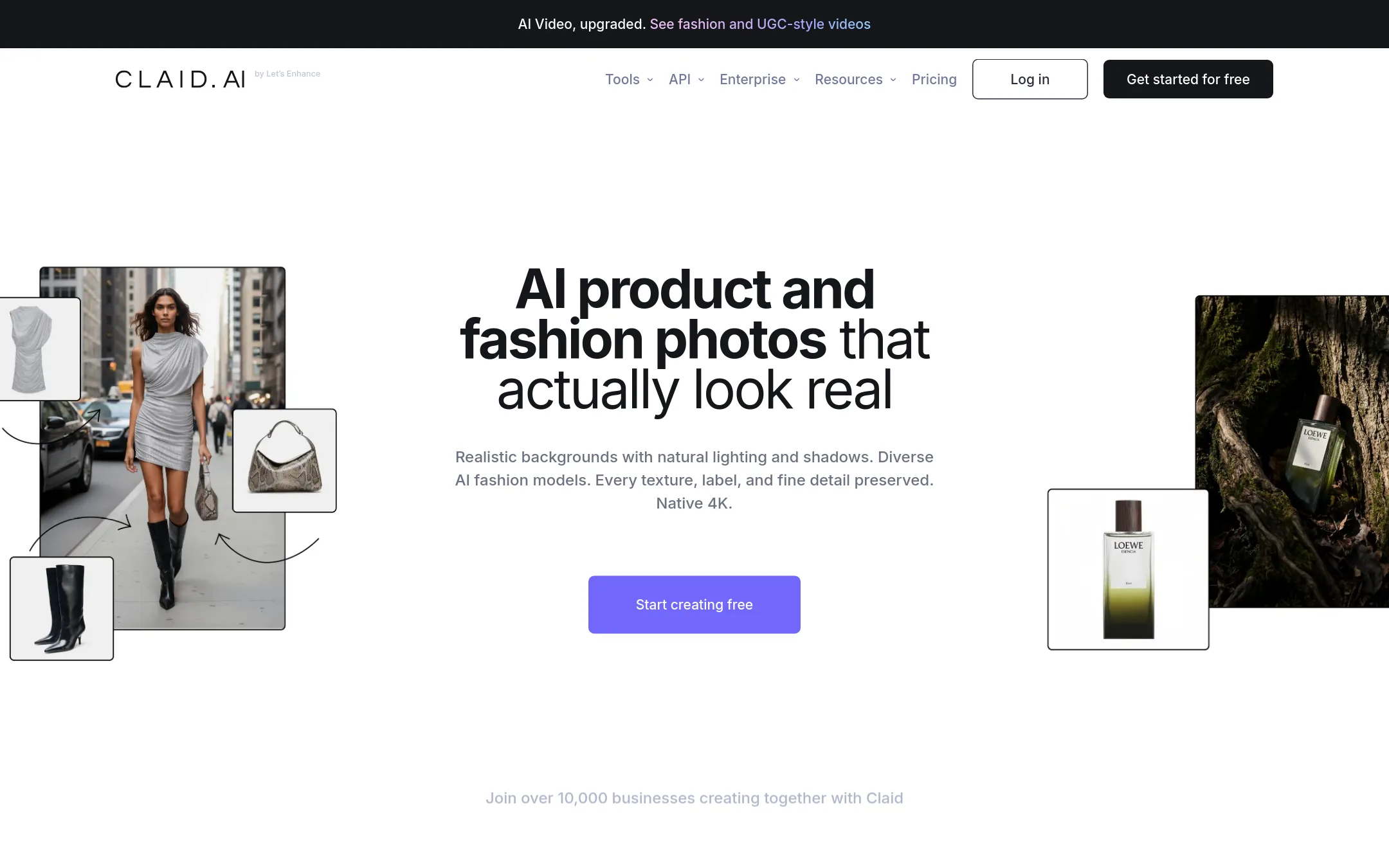
Claid.ai turns simple product shots into photoshoot-quality images, including realistic lifestyle scenes and on-model photos. It is a good choice for e-commerce teams that need clean cutouts and detail-first results at 4K resolution, rather than just object removal.
Where it is strong
- Generates realistic lifestyle scenes and on-model photos
- Outputs clean cutouts with detail-first results
- Supports 4K resolution for high-quality visuals
Where it falls short
- Pricing is not published, so cost is unclear
- Focused on product photography, not general object removal like Cleanup.pictures
- Pricing:
- Pricing is not published on the site.
- LSee website
9.Luminar Neo
Media & Entertainment
AI-powered photo editing software
- Not published
10.Photopea
Best for: Designers, students, and small business owners who need professional photo editing in the browser without paying for software.
- Pricing
- Not published
- Category
- Media & Entertainment
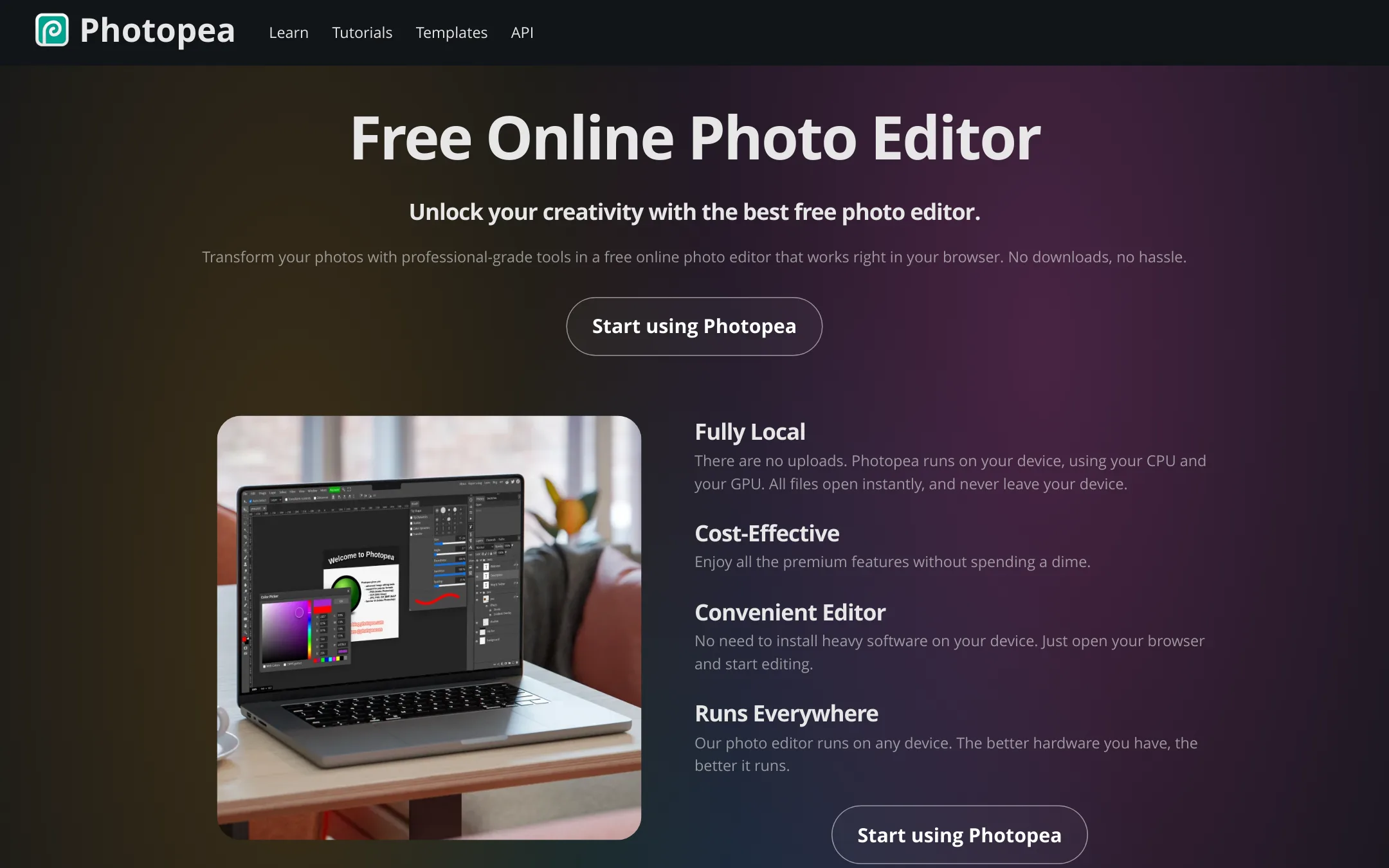
Photopea is a full-featured browser-based photo editor that supports PSD and many other formats, with layers, masks, and AI tools. You would choose it over Cleanup.pictures when you need a complete editing suite, not just object removal, and want everything to run locally without uploads.
Where it is strong
- Runs entirely in the browser with no uploads, so files stay on your device.
- Full PSD support for opening and saving, plus 40+ other formats.
- Includes advanced tools like layers, masks, smart objects, and AI background removal.
Where it falls short
- No dedicated object removal tool like Cleanup.pictures, so removing objects requires manual editing.
- Performance depends on your device's hardware, which may be limiting on older machines.
- Pricing:
- Pricing is not published on the site.
- Not published
11.Picsart
Best for: Social media managers and small creative teams that need a versatile editor for images and video, with access to templates and stock assets.
- Pricing
- Not published
- Category
- Media & Entertainment
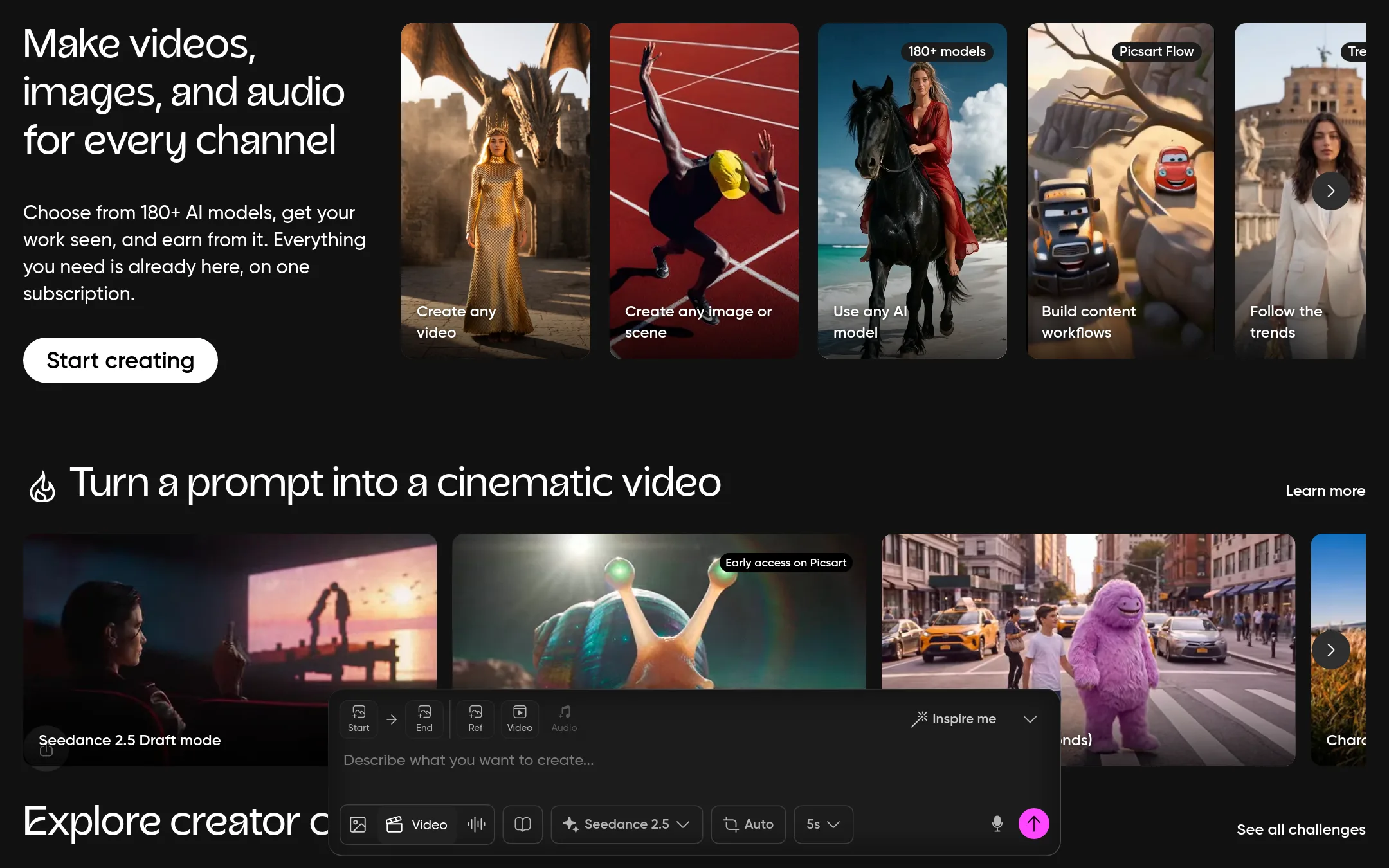
Picsart is a full creative platform with photo editing, video tools, and a large library of templates and AI models. Choose it over Cleanup.pictures if you need a broader toolkit for content creation, not just object removal. It suits teams that want to edit, design, and produce content in one place.
Where it is strong
- Includes photo and video editing in one subscription
- Access to millions of stock photos and Getty video clips
- Bulk edit up to 50 images at once on Pro
Where it falls short
- No standalone object removal tool. You use the general editor
- Pricing details are not listed on the site, so you must contact sales or sign up to see costs
- Pricing:
- Pricing is not published on the site.
- Not published
12.Remove.bg
Best for: E-commerce sellers, real estate agents, and designers who need fast, high-quality background removal for product photos or headshots.
- Pricing
- Not published
- Category
- Media & Entertainment
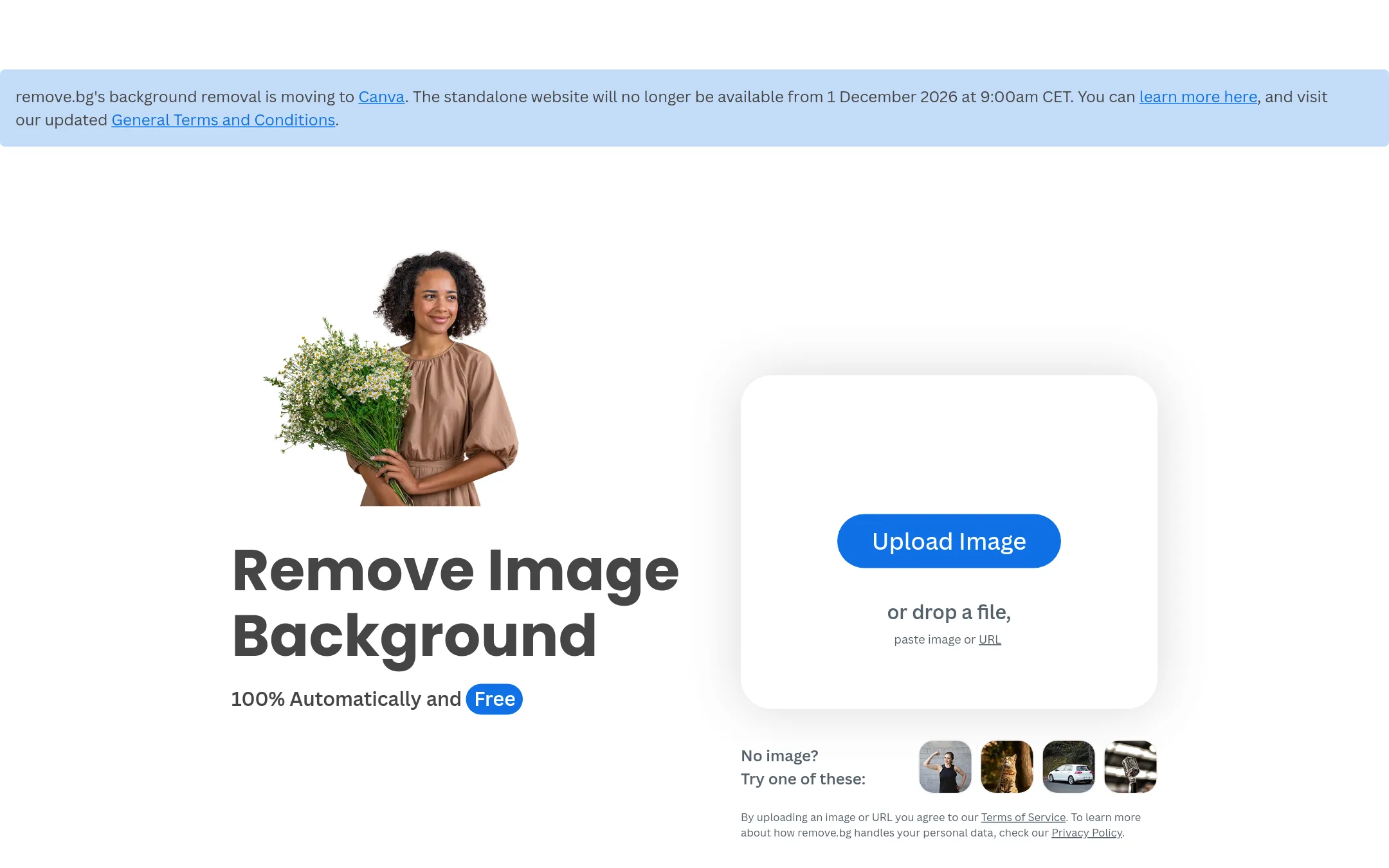
Remove.bg is a dedicated background remover that cuts out subjects in seconds and lets you generate custom backdrops. Choose it when your main task is removing or replacing backgrounds, not general object or text removal like Cleanup.pictures offers.
Where it is strong
- Removes backgrounds in about 5 seconds with one click
- Generates custom backdrops for product or profile shots
- Free tier available for basic use
Where it falls short
- Focused only on background removal, not object or text cleanup
- Pricing details are not listed on the site, so cost is unclear
- Pricing:
- Pricing is not published on the site.
See more comparisons in Media & Entertainment alternatives.
FAQ
Questions about Cleanup.pictures alternatives
What is the best free alternative to Cleanup.pictures?
Pixlr is the strongest free alternative because it offers a browser-based editor with AI object removal, background removal, and generative fill at no cost. It also includes video generation and 20+ editing tools. However, free tier AI credits may be limited.
Which alternative is best for e-commerce product photos?
Photoroom is the best choice for e-commerce teams because it supports batch editing at catalog scale, enforces brand rules automatically, and includes video generation. It is priced higher than Cleanup.pictures, but it is designed for producing thousands of images consistently.
Can I use these alternatives offline?
Inpaint is a desktop app for Windows and Mac that works offline after purchase, with unlimited images and original-resolution processing. Photopea also runs in the browser without uploading files, so your images stay on your device. Most other alternatives require an internet connection.
Do any alternatives offer an API for developers?
Cleanup.pictures itself offers an API with usage-based pricing. Among the alternatives, Fotor does not have a dedicated inpainting API. Inpaint is a standalone desktop app with no API. For developer needs, you may need to check each product's documentation, as most do not publish API details on their pricing pages.
What if I need to remove backgrounds, not just objects?
Remove.bg is the best dedicated background remover, cutting out subjects in about 5 seconds and generating custom backdrops. It is free for basic use, but pricing details are not published. Claid.ai also generates realistic lifestyle scenes and on-model photos for e-commerce, but its pricing is also not listed.
Last updated November 1, 2026.