
CoConstruct alternatives
12 products compared · Updated November 1, 2026
The short answer
For builders migrating from CoConstruct, Buildertrend is the closest fit since it is the official successor with similar financial tools plus added features. Procore suits large general contractors needing enterprise-grade financials and unlimited users. Handoff is best for residential remodelers who want AI-assisted estimating and project management at a transparent price.
Your shortlist, at a glance
Read the comparisons ↓ BuildertrendNot publishedHome builders, remodelers, and commercial contractors who need a single platform for project management, financials, and client communication.
 ProcoreCustom quoteGeneral contractors and owners running large, multi-stakeholder construction projects who need unlimited users and enterprise-grade financial tracking.
JobberCustom quoteHome service businesses with 2-15 people that need quoting, scheduling, and payment collection in one tool.
 HouseCall ProCustom quoteHome service teams of 1 to 100+ that need scheduling, invoicing, and payment tools in one place.
- BBuildertrend's competitor - UDA ConstructionSuiteNot publishedBuilders who want a locally installed construction management suite and are comfortable with desktop software.
- BBuilderMTNot publishedTeams that already have a relationship with BuilderMT and need a construction management tool, but cannot evaluate it independently right now.
- AARGUSSee websiteARGUS software solutions
 BannerSee websiteBanner makes software for CRE owners to manage capital spend
 FieldwireCustom quoteGeneral contractors and subcontractors who need a lightweight, easy-to-adopt tool for tasks, punch lists, and plan markups across projects of any size.
 HandoffFrom $119/moResidential remodelers and home builders who want AI-assisted estimating and end-to-end project management in one tool.
 HippoBuildSee websiteThe Operating System of the construction industry
 SakneenNot publishedReal estate developers and sales teams that need to digitize inventory, run launches, and manage leads from inquiry to offer.
About CoConstruct and its alternatives
CoConstruct is construction management software focused on financial tools for builders. Its site now directs customers to Buildertrend, its parent company, and emphasizes budgeting, job costing, and profitability tracking. CoConstruct is known for simplifying the business side of custom home building, with features like real-time cost tracking and client communication.
When comparing alternatives, weigh pricing structure, since many tools hide costs behind sales calls. Consider region and project type, as some tools are built for roofing, home services, or large commercial projects. Check integrations with accounting software like QuickBooks, and review support and onboarding, especially if you are migrating from CoConstruct. Contract terms matter too, as some platforms require annual commitments or custom quotes.
Explore the alternatives
- Not published
1.Buildertrend
Best for: Home builders, remodelers, and commercial contractors who need a single platform for project management, financials, and client communication.
- Pricing
- Not published
- Category
- Productivity & Project Management
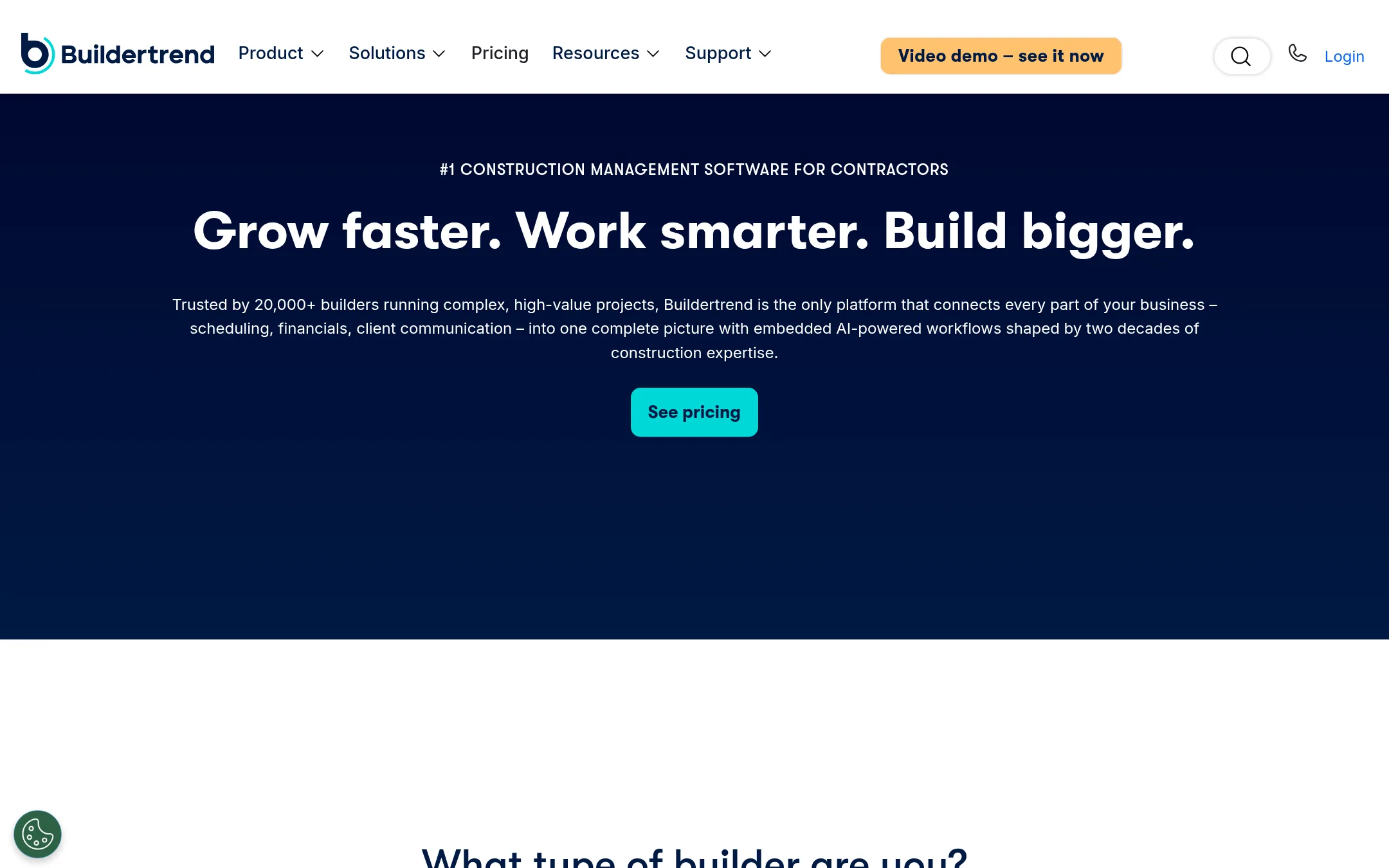
Buildertrend is a construction management platform that connects scheduling, financials, and client communication in one system. You would choose it over CoConstruct if you want a broader feature set that includes AI-powered workflows and a dedicated client portal, especially since CoConstruct is transitioning its customers to Buildertrend.
Where it is strong
- Connects estimates directly to job costing for real-time financial visibility.
- Includes AI-powered client updates and online payments in a dedicated portal.
- Onboarding team configures your jobs, data, and workflows using real data.
Where it falls short
- Pricing is not transparent on the website.
- May be more feature-heavy than teams that only need CoConstruct's financial focus.
- Pricing:
- Pricing is not published on the site.
- Switching from CoConstruct:
- CoConstruct is actively migrating customers to Buildertrend, so moving involves a guided transition with an account manager and data setup.
- Custom quote
2.Procore
Best for: General contractors and owners running large, multi-stakeholder construction projects who need unlimited users and enterprise-grade financial tracking.

- Pricing
- Custom quote
- Category
- Productivity & Project Management
Procore is a construction management platform that connects project financials, field execution, and collaboration across owners, general contractors, and specialty contractors. Choose it over CoConstruct if you need a system that scales to large, complex projects with unlimited users and deep financial controls.
Where it is strong
- Unlimited users, data, and 24/7 support included
- Strong financial tools for budget tracking and forecasting
- AI-powered insights and integrations with existing tools
Where it falls short
- Pricing is opaque and based on annual construction volume
- May be overkill for small builders who only need financial tools
- Pricing:
- Pricing is not published on the site. Procore charges an upfront annual fee based on the products you need and your Annual Construction Volume.
- Switching from CoConstruct:
- Moving from CoConstruct to Procore means migrating your project and financial data, and adapting to a platform built for larger, multi-role teams.
- Custom quote
3.Jobber
Best for: Home service businesses with 2-15 people that need quoting, scheduling, and payment collection in one tool.

- Pricing
- Custom quote
- Category
- Productivity & Project Management
Jobber is a scheduling, quoting, and invoicing platform for home service businesses. Choose it over CoConstruct if you run a field service operation like landscaping, cleaning, or HVAC and need to manage jobs and payments, not construction project financials.
Where it is strong
- Includes scheduling, invoicing, and online payments
- Two-way SMS with clients
- QuickBooks Online sync available
Where it falls short
- No construction-specific budgeting or job costing depth
- Pricing not shown without a demo or quiz
- Pricing:
- Pricing is not published on the site. Plans are Core, Connect, Grow, and Plus, with add-on users at $29/mo each.
- Custom quote
4.HouseCall Pro
Best for: Home service teams of 1 to 100+ that need scheduling, invoicing, and payment tools in one place.

- Pricing
- Custom quote
- Category
- Productivity & Project Management
HouseCall Pro is a field service management platform for home service businesses, covering scheduling, invoicing, payments, and job costing. Choose it over CoConstruct if you run a service-based trade like plumbing or HVAC and need a tool built around daily dispatch and customer payments, not construction project financials.
Where it is strong
- Scheduling and dispatch with GPS tracking and route optimization
- Invoices, payments, and consumer financing built in
- AI call answering and automated follow-ups
Where it falls short
- No public pricing. You must take a quiz to see plans
- Focused on field service, not construction project management like CoConstruct
- Pricing:
- Pricing is not published on the site. You pick a plan after a quiz, with card processing rates as low as 2.59%.
- BNot published
5.Buildertrend's competitor - UDA ConstructionSuite
Best for: Builders who want a locally installed construction management suite and are comfortable with desktop software.

- Pricing
- Not published
- Category
- Other
UDA ConstructionSuite is a desktop-based construction management tool for builders who want detailed project tracking without relying on a cloud platform. You would choose it over CoConstruct if you prefer local software and need offline access, though its website is currently unreachable, so verifying current features is difficult.
Where it is strong
- Desktop software can work offline without an internet connection.
- Likely includes project scheduling, estimating, and document management tools.
- Suitable for builders who want to keep project data on their own machines.
Where it falls short
- Website is currently unreachable, making it hard to confirm features or support.
- No cloud-based collaboration, which may limit remote team access compared to CoConstruct.
- Pricing:
- Pricing is not published on the site.
- BNot published
6.BuilderMT
Best for: Teams that already have a relationship with BuilderMT and need a construction management tool, but cannot evaluate it independently right now.

- Pricing
- Not published
- Category
- Other
BuilderMT is a construction management platform, but its website is currently unreachable, so we could not verify its features or pricing. Choose it only if you have prior experience with the product or have received direct information from the vendor, since no current details are available online.
Where it is strong
- Focused on construction management, similar to CoConstruct.
- May offer features relevant to builders and contractors.
- No pricing information means you can negotiate directly with the vendor.
Where it falls short
- Website is down, so you cannot access product details or demos.
- No public information on features, integrations, or customer support.
- Pricing:
- Pricing is not published on the site.
- ASee website
7.ARGUS
Finance & Accounting
ARGUS software solutions
- See website
8.Banner
Productivity & Project Management
Banner makes software for CRE owners to manage capital spend
- Custom quote
9.Fieldwire
Best for: General contractors and subcontractors who need a lightweight, easy-to-adopt tool for tasks, punch lists, and plan markups across projects of any size.

- Pricing
- Custom quote
- Category
- Productivity & Project Management
Fieldwire is a field-first jobsite management tool for tracking tasks, markups, and as-builts in real time. Choose it over CoConstruct if your priority is on-site coordination and drawing management rather than financials, especially since CoConstruct is migrating to Buildertrend.
Where it is strong
- Unlimited projects and sheets on all paid plans
- Offline mobile markups and as-built capture
- Integrates with Box and Dropbox for drawings
Where it falls short
- No public pricing. Requires contacting sales
- Lacks advanced financial and budgeting tools compared to CoConstruct
- Pricing:
- Pricing is not published on the site. Plans are available on request, with custom contracts for unlimited users and enterprise features.
- Switching from CoConstruct:
- Moving from CoConstruct to Fieldwire means shifting focus from financial management to field tasks and drawings, so you'll need to set up your own budgeting elsewhere.
- From $119/mo
10.Handoff
Best for: Residential remodelers and home builders who want AI-assisted estimating and end-to-end project management in one tool.

- Pricing
- From $119/mo
- Category
- AI & Machine Learning
Handoff is an AI-powered estimating and project management tool for residential remodelers and home builders. It automates estimates from photos, voice notes, or plans, and handles CRM, scheduling, and invoicing. Choose it over CoConstruct if you want AI-driven takeoffs and faster bidding, not just financial tracking.
Where it is strong
- AI generates estimates from photos, voice notes, or plans in minutes
- Unlimited AI usage credits on Pro and Scale plans
- Built-in client financing options on Pro and above
Where it falls short
- AI takeoffs only on the Scale plan, which is $719 per month
- No public pricing for the Supplier Platform, requires contacting sales
- Pricing:
- Pricing starts at $119 per month billed annually for the Flex plan, $239 per month for Pro, and $719 per month for Scale. A 7-day free trial is available.
- Switching from CoConstruct:
- Moving from CoConstruct means re-entering your project history and pricing catalogs, but Handoff offers a free trial and onboarding support to help you migrate.
- See website
11.HippoBuild
Productivity & Project Management
The Operating System of the construction industry
- Not published
12.Sakneen
Best for: Real estate developers and sales teams that need to digitize inventory, run launches, and manage leads from inquiry to offer.

- Pricing
- Not published
- Category
- Other
Sakneen is an operating system for real estate developers that connects inventory, sales, and marketing workflows. Choose it over CoConstruct if you are a real estate developer or brokerage selling units, not a builder managing construction projects.
Where it is strong
- Digitizes price sheets, floorplans, and project updates into a shared workspace
- Interactive masterplan map with prices, floorplans, and availability
- AI agent answers questions from your own data and suggests actions
Where it falls short
- No construction-specific features like budgeting or scheduling
- Pricing is not transparent. Requires a demo
- Pricing:
- Pricing is not published on the site.
See more comparisons in Productivity & Project Management alternatives.
FAQ
Questions about CoConstruct alternatives
What is the best direct replacement for CoConstruct?
Buildertrend is the direct successor, since CoConstruct's site now promotes migration to Buildertrend. It offers similar financial tools plus AI-powered client updates and a dedicated portal. If you want a broader platform with more features, Buildertrend is the safest choice.
Which alternative has transparent pricing?
Handoff is the only alternative with published pricing, starting at $119 per month billed annually. Most others, including Buildertrend and Procore, require contacting sales for a quote. If you want to compare costs upfront, Handoff is the clearest option.
Can I use these tools for large commercial projects?
Procore is built for large, multi-stakeholder projects with unlimited users and enterprise-grade financial tracking. It scales to complex jobs but pricing is based on annual construction volume. For smaller commercial work, Buildertrend also supports commercial contractors.
Are there tools for roofing or home service businesses?
AccuLynx is dedicated to roofing with supplier integrations and insurance restoration workflows. HouseCall Pro and Jobber are for home service teams like plumbing or HVAC, focusing on scheduling and payments. These are not general construction tools like CoConstruct.
What if I need offline access or local software?
UDA ConstructionSuite is a desktop-based tool that can work offline, but its website is currently unreachable, so features are unverified. Most modern alternatives are cloud-based and require internet. If offline is critical, you may need to contact the vendor directly.
Last updated November 1, 2026.