
Codebuff alternatives
6 products compared · Updated November 4, 2026
The short answer
The strongest Codebuff alternatives are Cursor for teams that want an AI coding agent inside a visual editor, Sourcegraph Cody for enterprises managing large codebases with security and scale, and Windsurf for teams that need to orchestrate multiple AI agents from one desktop app. Replit suits browser-based prototyping, GitHub Projects fits teams already using GitHub for tracking, and Tabnine targets enterprise governance and testing.
Your shortlist, at a glance
Read the comparisons ↓ CursorFrom $8/moTeams that want an AI coding agent embedded in an editor with built-in chat, image generation, and code review features.
 GitHub ProjectsFree, $4/user/mo, $21/Development teams already using GitHub that want lightweight, built-in project tracking without adding a separate tool.
- WWindsurfFree, $20/mo, $200/moTeams that want to orchestrate multiple AI agents and frontier models from a single desktop app, with local and cloud handoff.
 ReplitNot publishedTeams and individuals who want to prototype, build, and publish apps entirely in the browser without managing local setup.
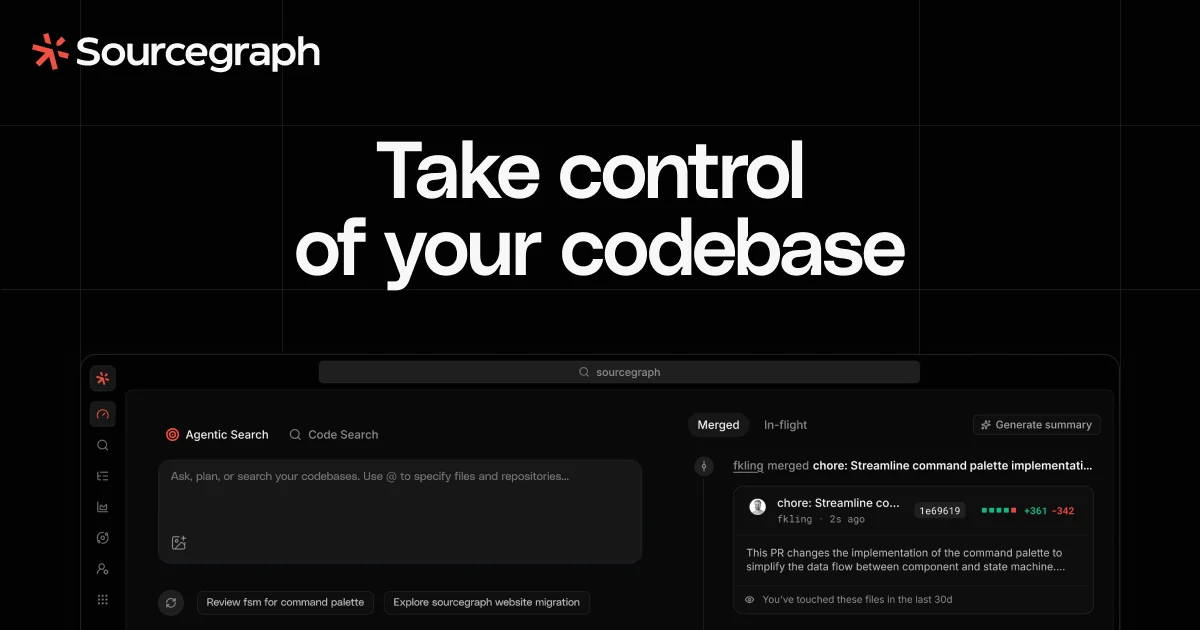 Sourcegraph CodyCustom quoteEnterprise engineering teams working on large monorepos or multi-repo architectures that need secure, scalable codebase context for humans and AI agents.
 TabnineNot publishedEnterprises that need governance, audit trails, and automated testing for AI-assisted development workflows.
About Codebuff and its alternatives
Codebuff is a CLI tool that writes code for you from your terminal. It understands your entire codebase, makes pinpoint changes, and runs terminal commands via natural language. It is known for high-quality output and speed, with usage-based pricing starting at 1 cent per credit and subscription plans from $100 per month.
When comparing alternatives, weigh pricing structure (subscription vs usage-based vs per-seat), whether the tool works in your region, integrations with your existing stack, support options, and contract terms like minimum annual commitments. Some tools publish no pricing and require sales contact, which matters for small teams.
Explore the alternatives
- From $8/mo
1.Cursor
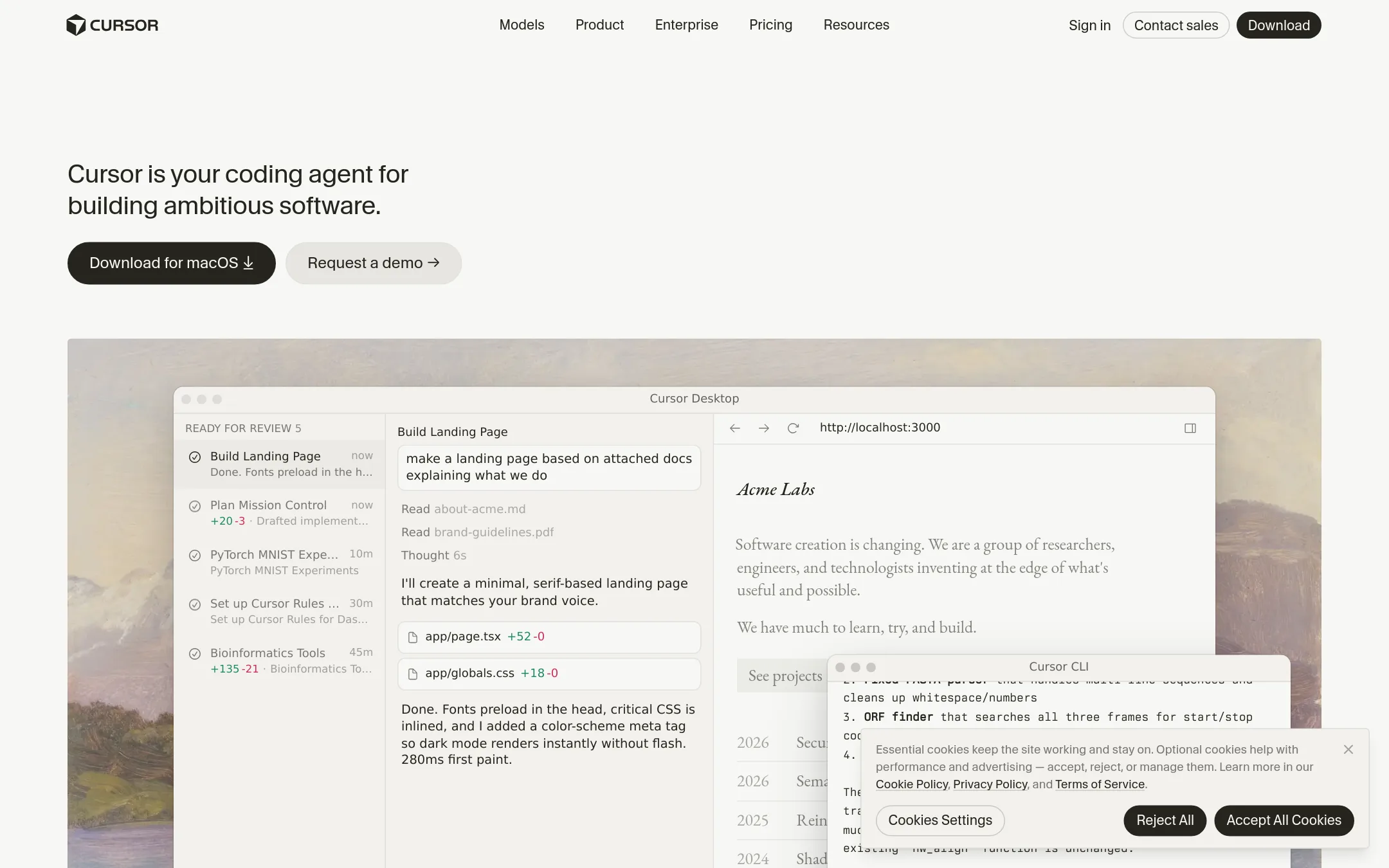
Best for: Teams that want an AI coding agent embedded in an editor with built-in chat, image generation, and code review features.
- Pricing
- From $8/mo
- Category
- AI & Machine Learning
Cursor is a full coding agent that lives inside an editor, with plans that bundle Grok chat, image generation, and other extras. Choose it over Codebuff if you want an IDE-centric workflow with a visual interface, cloud agents, and AI code reviews rather than a terminal CLI.
Where it is strong
- Editor-based with a visual interface, not terminal-only
- Plans include Grok chat, image generation, and video generation
- Teams plan offers pooled usage and centralized billing
Where it falls short
- Third-party model usage costs extra on top of the monthly fee
- Free plan has limited agent requests and chat requests
- Pricing:
- Free plan at $0/month, Plus at $8/month, Premium at $30/month, Super at $100/month, Ultra at $200/month, Teams at $30+/user/month, Enterprise custom. Third-party model usage billed separately.
- Free, $4/user/mo, $21/
2.GitHub Projects
Best for: Development teams already using GitHub that want lightweight, built-in project tracking without adding a separate tool.
- Pricing
- Free, $4/user/mo, $21/
- Category
- Productivity & Project Management
GitHub Projects is a project management layer built into GitHub, so it's for teams that already live in GitHub and want to track issues, pull requests, and tasks next to their code. You'd choose it over Codebuff when your main need is organizing work and collaborating, not having an AI agent write code for you.
Where it is strong
- Native integration with GitHub repos, issues, and pull requests
- Free tier includes unlimited public/private repositories and 2,000 CI/CD minutes
- AI features like Copilot are available on Enterprise plans
Where it falls short
- No AI code generation or terminal-based editing like Codebuff
- Advanced features like Copilot require the Enterprise plan
- Pricing:
- Free for individuals and organizations, Team is $4 per user per month, Enterprise is $21 per user per month.
- WFree, $20/mo, $200/mo
3.Windsurf
Best for: Teams that want to orchestrate multiple AI agents and frontier models from a single desktop app, with local and cloud handoff.
- Pricing
- Free, $20/mo, $200/mo
- Category
- Other
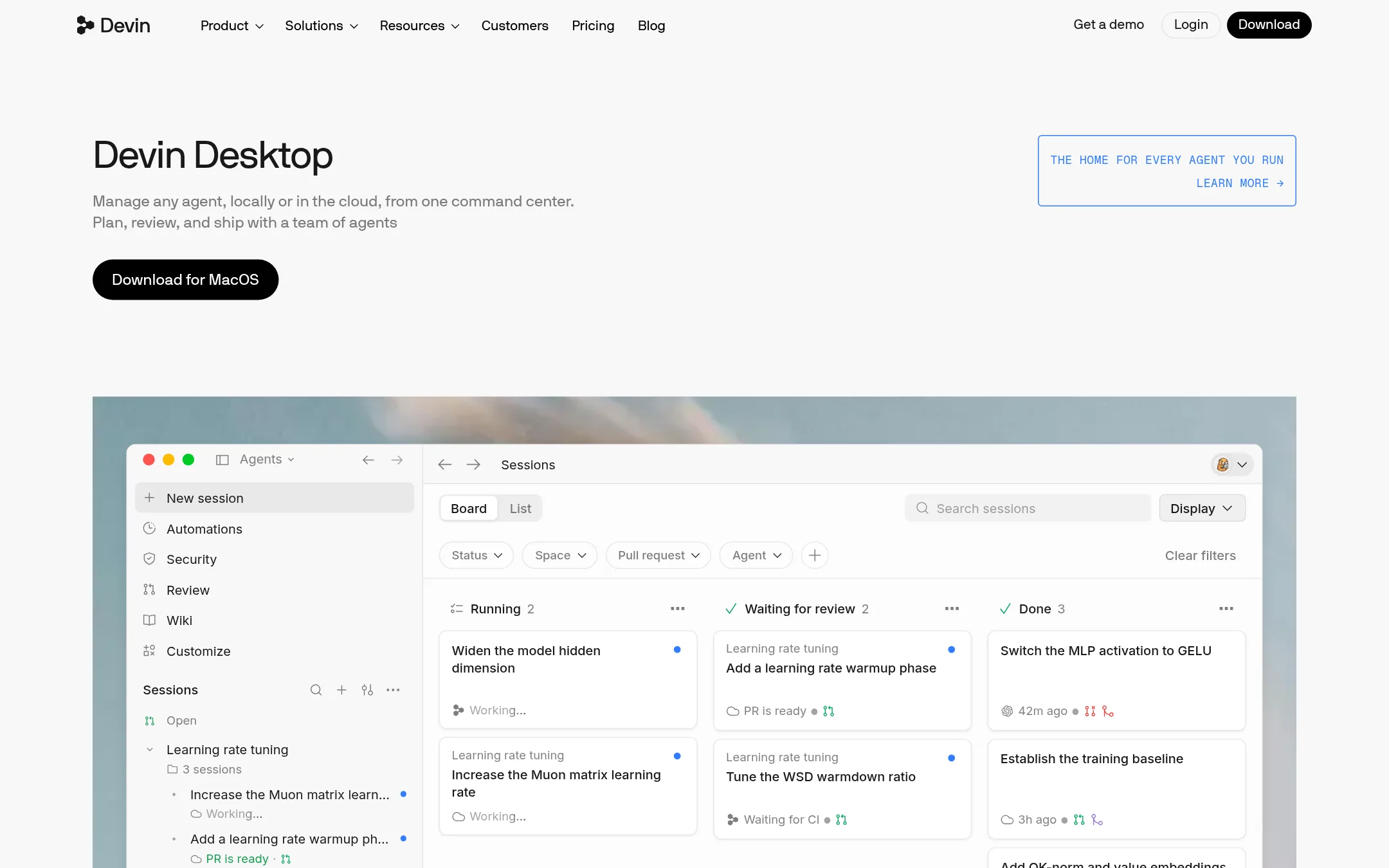
Windsurf is a desktop command center for managing multiple AI agents and models in one place, using the Agent Client Protocol. You would choose it over Codebuff if you need to coordinate several agents, switch between local and cloud sessions, or work with a team of agents on long-running tasks.
Where it is strong
- Manage any agent and model in one place via ACP
- Handoff between local and cloud agents with shared context
- Built-in Devin Review for rapid diff review
Where it falls short
- Pricing is per-seat for teams, which can add up
- Free plan has limited model availability and quotas
- Pricing:
- Free plan with light quota. Pro at $20/month. Max at $200/month. Teams at $80/month plus $40/month per full dev seat. Enterprise custom.
- Switching from Codebuff:
- Moving from Codebuff means adopting a multi-agent workflow and learning the Devin Desktop interface, but your existing agents can be managed through ACP.
- Not published
4.Replit
Best for: Teams and individuals who want to prototype, build, and publish apps entirely in the browser without managing local setup.
- Pricing
- Not published
- Category
- Developer Tools
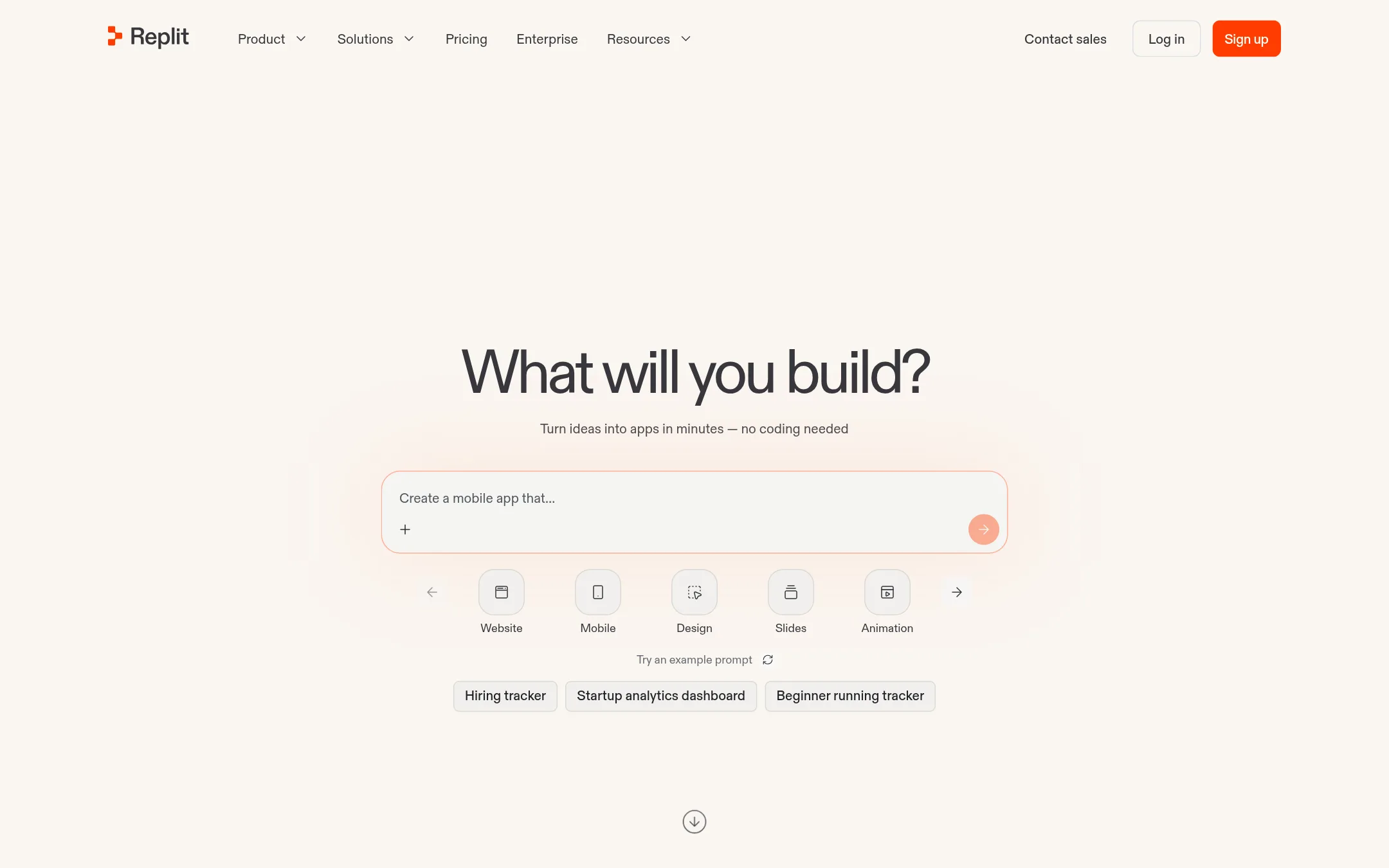
Replit is a browser-based IDE with built-in AI that can generate, deploy, and host apps from a natural language prompt. Choose it over Codebuff if you want a full development environment with hosting and collaboration, rather than a CLI that edits your existing local codebase.
Where it is strong
- No local setup, works entirely in the browser
- Built-in hosting, database, and authentication
- Free mode available to start creating
Where it falls short
- Pricing not transparent, requires signup to see plans
- Less focused on editing existing local codebases than Codebuff
- Pricing:
- Pricing is not published on the site.
- Custom quote
5.Sourcegraph Cody
Best for: Enterprise engineering teams working on large monorepos or multi-repo architectures that need secure, scalable codebase context for humans and AI agents.
- Pricing
- Custom quote
- Category
- AI & Machine Learning
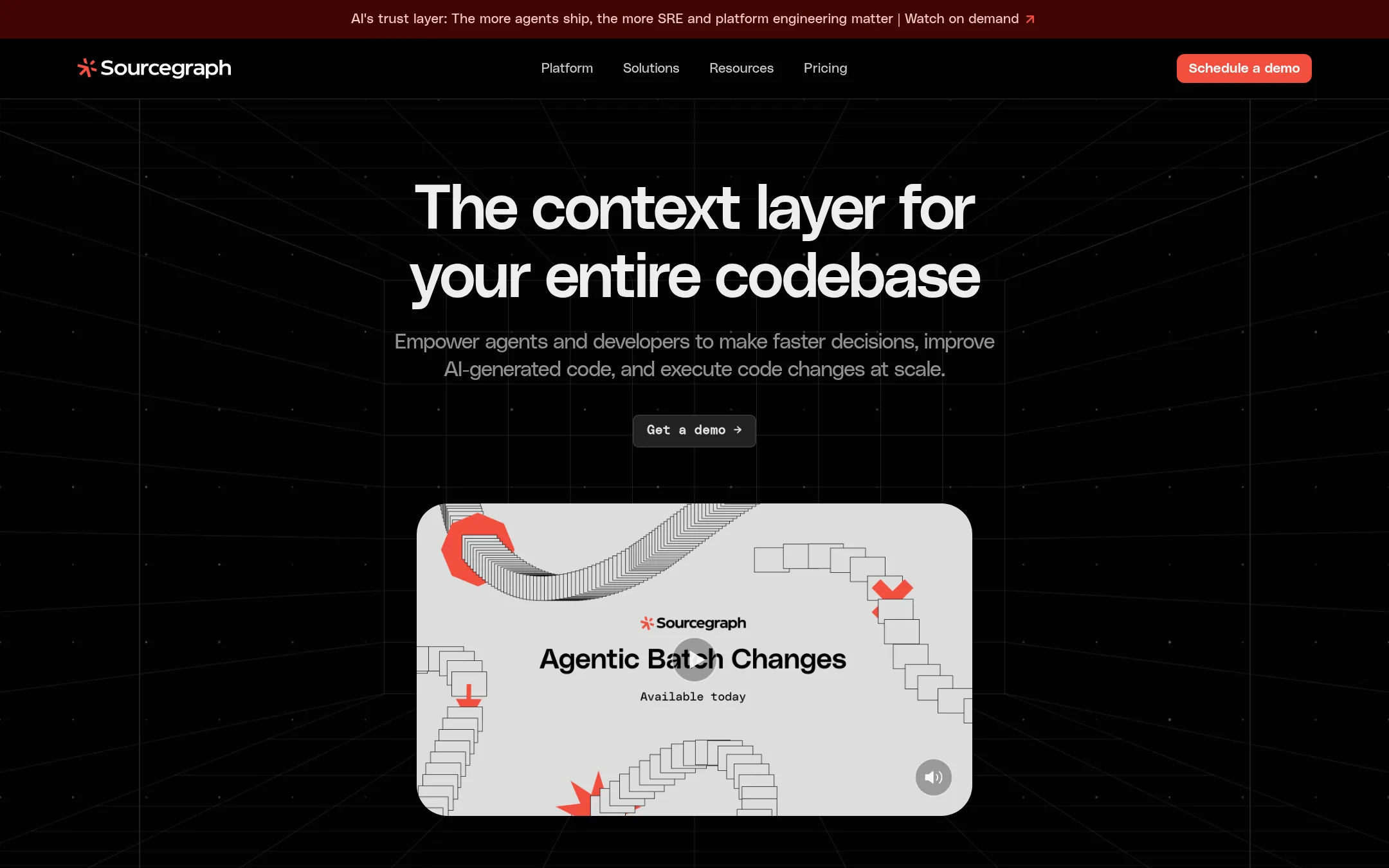
Sourcegraph Cody gives your team a complete map of your codebase, with exact code search and citation-backed answers. It's built for large monorepos and multi-repo setups where agents need reliable context. Choose it over Codebuff when you need enterprise-grade security, SSO, and scale across huge codebases.
Where it is strong
- Exact, deterministic code search across your entire codebase
- Deep Search gives grounded, citation-backed answers
- SOC2 Type II and ISO27001 compliance with zero data retention
Where it falls short
- Enterprise-only, no self-serve or usage-based pricing
- Requires a minimum annual contract, so not for small teams or quick trials
- Pricing:
- Pricing is not published on the site. It starts with a minimum annual contract and scales with team size.
- Not published
6.Tabnine
Best for: Enterprises that need governance, audit trails, and automated testing for AI-assisted development workflows.
- Pricing
- Not published
- Category
- AI & Machine Learning
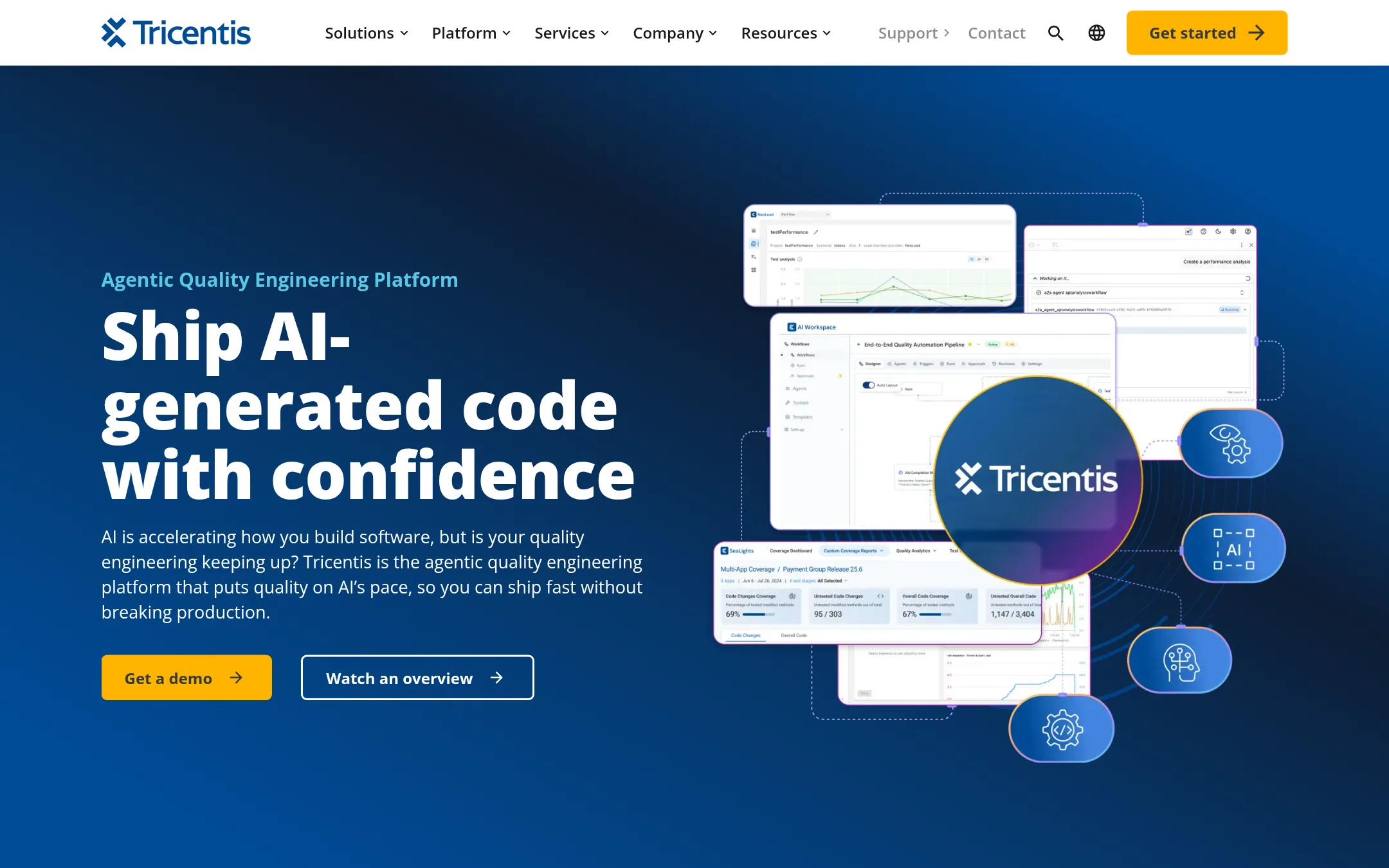
Tabnine is now part of Tricentis and focuses on quality engineering for AI-generated code. It helps teams govern, test, and audit code produced by AI assistants. Choose it over Codebuff if your priority is enterprise-grade testing and compliance, not just writing code in the terminal.
Where it is strong
- Built-in approval gates and audit trails for AI actions
- Automates test creation from requirements and natural language
- Covers enterprise tech like SAP, Oracle, and Salesforce
Where it falls short
- No pricing details available, likely enterprise-focused
- Heavier platform than a simple CLI tool, aimed at large teams
- Pricing:
- Pricing is not published on the site.
See more comparisons in Developer Tools alternatives.
FAQ
Questions about Codebuff alternatives
What is the best Codebuff alternative for teams that want a visual editor?
Cursor is the strongest choice. It embeds an AI coding agent in an editor with a visual interface, plans include Grok chat and image generation, and Teams plans offer pooled usage. It costs from $8 per month for Plus, with third-party model usage billed separately.
Which alternative is best for large enterprise codebases?
Sourcegraph Cody is built for large monorepos and multi-repo setups. It provides exact code search and citation-backed answers, with SOC2 Type II and ISO27001 compliance. It requires a minimum annual contract and is enterprise-only.
Can I use an alternative without a subscription?
Yes, Codebuff itself offers usage-based pricing at 1 cent per credit with no subscription. Among alternatives, Cursor has a free plan, and GitHub Projects is free for individuals and organizations. Windsurf also has a free plan with light quota.
Which alternative is best for orchestrating multiple AI agents?
Windsurf is designed for that. It manages any agent and model in one place via the Agent Client Protocol, with local and cloud handoff and shared context. Teams pricing is $80 per month plus $40 per full dev seat.
Are there alternatives with transparent pricing?
Cursor, Windsurf, and GitHub Projects publish clear pricing. Cursor ranges from free to $200 per month, Windsurf from free to $200 per month, and GitHub Projects from free to $21 per user per month. Replit and Tabnine do not publish pricing.
Last updated November 4, 2026.