
Codec alternatives
6 products compared · Updated November 3, 2026
The short answer
The strongest alternatives to Codec are CapCut for free AI-assisted editing, InShot for mobile-first social video creation, and Adobe Animate for professional animation. CapCut suits content creators who want hands-on control with AI tools, InShot suits beginners editing on their phone, and Adobe Animate suits animators needing precise timeline control.
Your shortlist, at a glance
Read the comparisons ↓- CCapCutFree. Pro from PLN 65/Content creators and social media teams who need a free, AI-assisted editor for YouTube, TikTok, and Instagram videos.
- IInShotNot publishedSocial media creators and beginners who want a mobile-first editor with templates, music, and captions.
 Adobe AnimateNot publishedAnimators and motion designers who need precise timeline control and vector drawing tools for interactive web or TV content.
 QUIKNot publishedResidents of Maracaibo who want to order food, groceries, and rides from one app.
- MMagistoNot publishedTeams and individuals who want a free, browser-based video editor with AI tools and stock assets, without needing to install software.
- CClideoNot publishedContent creators and small teams that need fast, free online video utilities for social media clips and basic edits.
About Codec and its alternatives
Codec is a tool that turns everyday videos into movies, aiming to put a production team in your pocket. It is known for automating the transformation of raw clips into polished, cinematic films, appealing to anyone with a phone who wants better storytelling.
When comparing alternatives, weigh pricing structure (free vs. subscription vs. per-use), regional availability, integrations with other tools, support options, and contract terms. Some tools are mobile-only, others are browser-based, and some target professional animation, so match the tool to your workflow and skill level.
Explore the alternatives
- CFree. Pro from PLN 65/
1.CapCut
Best for: Content creators and social media teams who need a free, AI-assisted editor for YouTube, TikTok, and Instagram videos.
- Pricing
- Free. Pro from PLN 65/
- Category
- Other
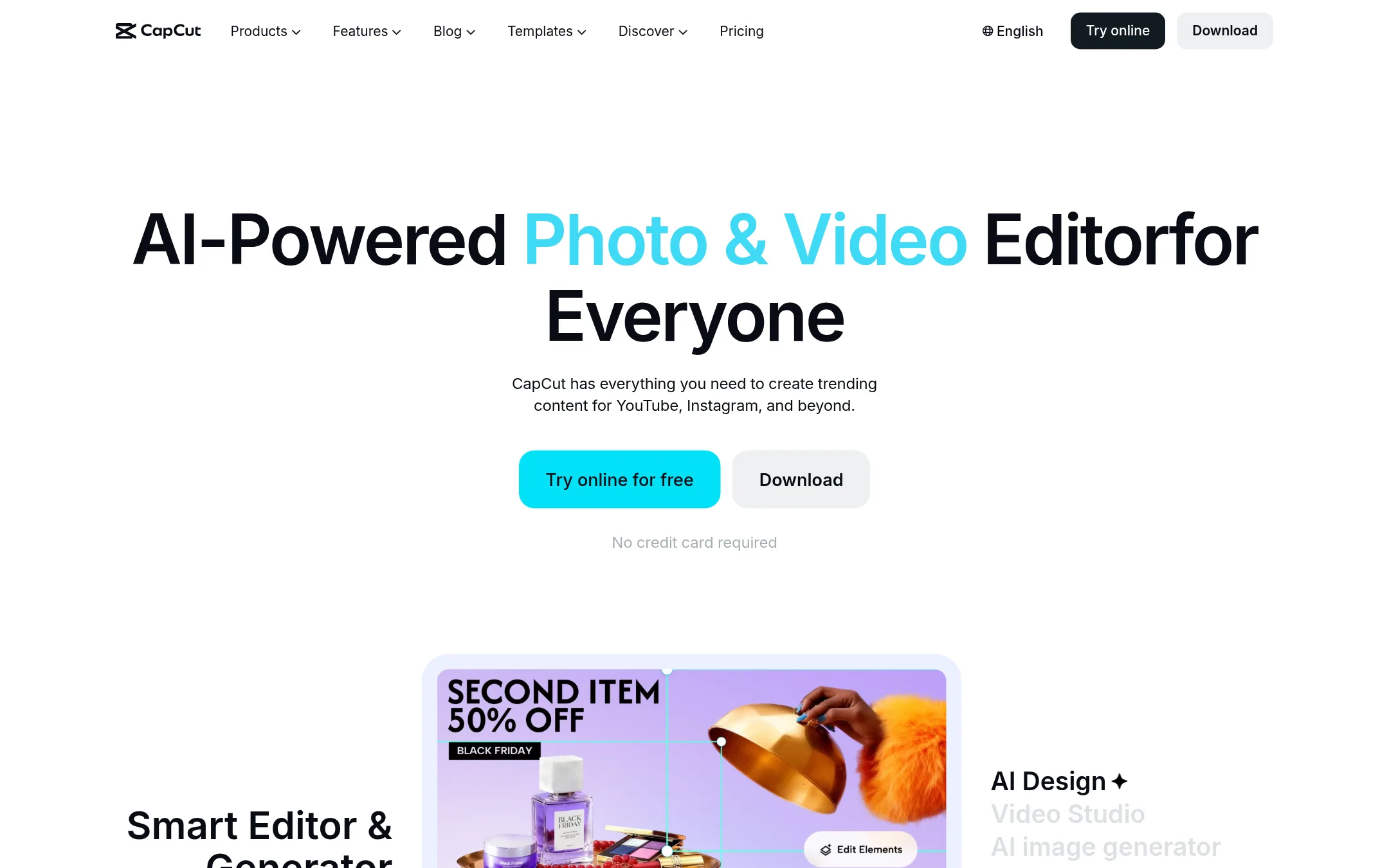
CapCut is a full-featured AI video editor that turns raw clips into polished videos with templates, auto-editing, and AI generation. Choose it over Codec if you want immediate, hands-on editing tools and AI features rather than waiting for a cinematic auto-production service.
Where it is strong
- Free plan with basic editing and templates, no credit card required.
- AI tools for background removal, subtitles, text-to-speech, and video generation.
- Available on desktop, mobile, and online, with 1 TB storage on Pro.
Where it falls short
- AI generation costs extra per second, which can add up for longer videos.
- Pricing shown in PLN, which may not suit all regions. Features vary by region.
- Pricing:
- Free plan available. Pro starts at PLN 65/month (monthly) or PLN 1799.99/year, with AI generation billed separately from $0.12/sec for Seedance 2.5.
- Switching from Codec:
- Moving from Codec to CapCut means adopting a manual editing workflow with AI assistance, rather than relying on automated movie-style production.
- INot published
2.InShot
Best for: Social media creators and beginners who want a mobile-first editor with templates, music, and captions.
- Pricing
- Not published
- Category
- Other
InShot is a mobile video editor with a large library of music, stickers, effects, and templates. It suits creators who want to edit social videos quickly on their phone, with auto captions and green screen tools. Choose it over Codec if you need a hands-on editor rather than an automated movie maker.
Where it is strong
- Large materials library with intros, outros, transitions, and green screen.
- Auto captions in multiple languages.
- Works well for beginners and pros, with frequent updates.
Where it falls short
- Pricing details are not listed on the site.
- Primarily mobile-focused, so desktop editing is limited.
- Pricing:
- Pricing is not published on the site.
- Not published
3.Adobe Animate
Best for: Animators and motion designers who need precise timeline control and vector drawing tools for interactive web or TV content.
- Pricing
- Not published
- Category
- Design & Creative
Adobe Animate is a professional animation tool for creating vector-based interactive content, while Codec is an automated video-to-movie editor for casual footage. You would choose Animate when you need frame-by-frame control over animations for web or broadcast, not for turning raw clips into polished films.
Where it is strong
- Industry-standard vector animation tools
- Supports interactive and game-like exports
- Deep integration with other Adobe apps
Where it falls short
- Steep learning curve for beginners
- Requires a Creative Cloud subscription for full features
- Pricing:
- Pricing is not published on the site.
- Not published
4.QUIK
Best for: Residents of Maracaibo who want to order food, groceries, and rides from one app.

- Pricing
- Not published
- Category
- E-commerce
QUIK is a consumer app for ordering food, groceries, and rides in Maracaibo, Venezuela. Choose it instead of Codec if you need a local delivery and payments app for daily purchases, not a video editing tool.
Where it is strong
- Combines food delivery, grocery shopping, and ride-hailing in one app.
- Available on Google Play and App Store.
- Simple flow: download, choose location, order, and pay in-app.
Where it falls short
- Limited to Maracaibo, Venezuela.
- No pricing details listed on the site.
- Pricing:
- Pricing is not published on the site.
- MNot published
5.Magisto
Best for: Teams and individuals who want a free, browser-based video editor with AI tools and stock assets, without needing to install software.
- Pricing
- Not published
- Category
- Other
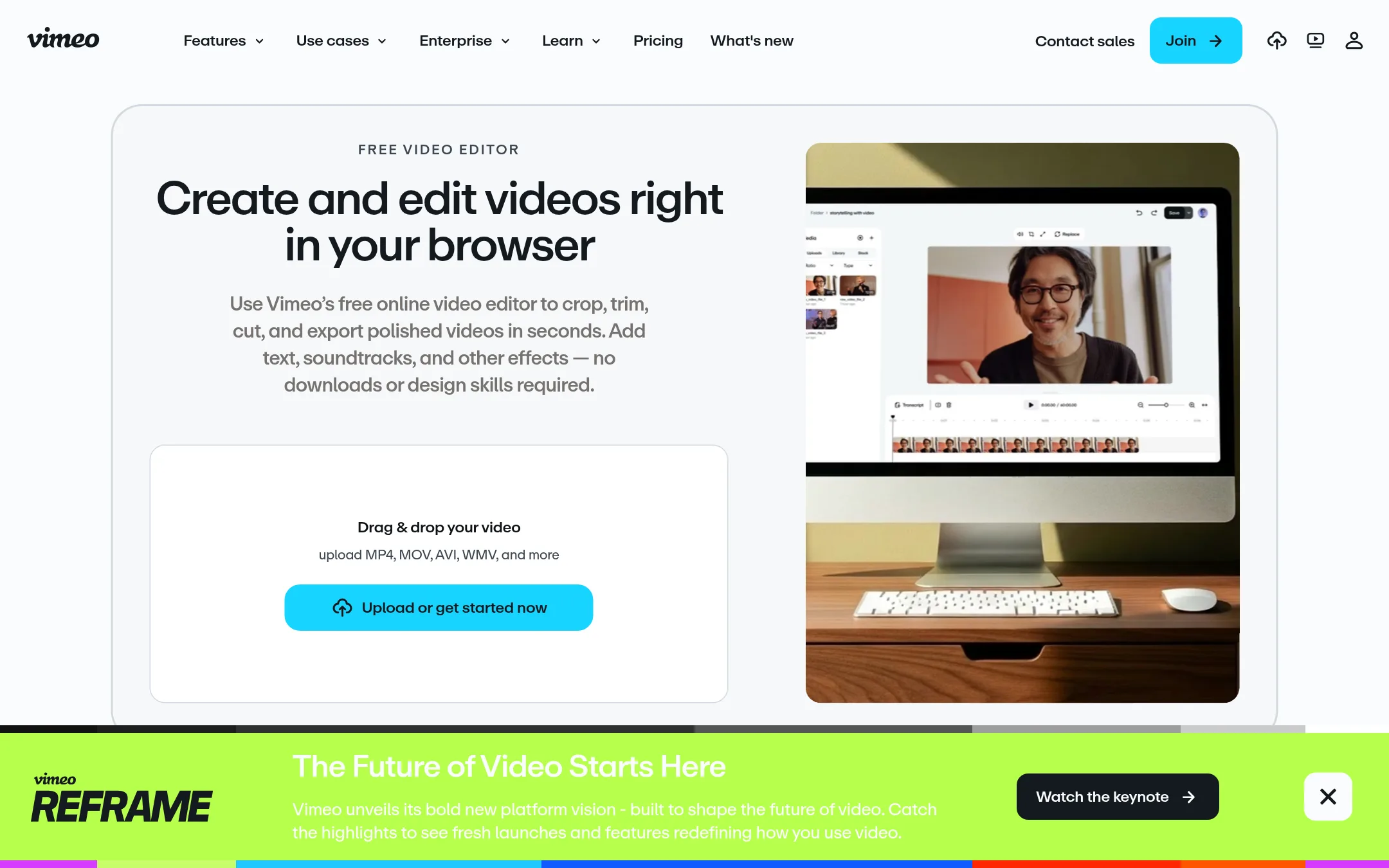
Magisto is now part of Vimeo's online video editor, offering a browser-based tool for trimming, merging, adding text, music, and effects. Choose it over Codec if you need a full-featured editor with AI assistance and stock media, rather than a tool that automatically turns raw clips into polished movies.
Where it is strong
- Free plan includes 1GB storage and unlimited screen recording.
- AI tools for text-based editing, auto highlight reels, and noise reduction.
- Integrates with Dropbox, Google Drive, and Box for easy imports.
Where it falls short
- Pricing is not published. Plans are shown in PLN and may vary by region.
- Advanced features like text-based editing and custom fonts require paid plans.
- Pricing:
- Pricing is not published on the site.
- CNot published
6.Clideo
Best for: Content creators and small teams that need fast, free online video utilities for social media clips and basic edits.
- Pricing
- Not published
- Category
- Other
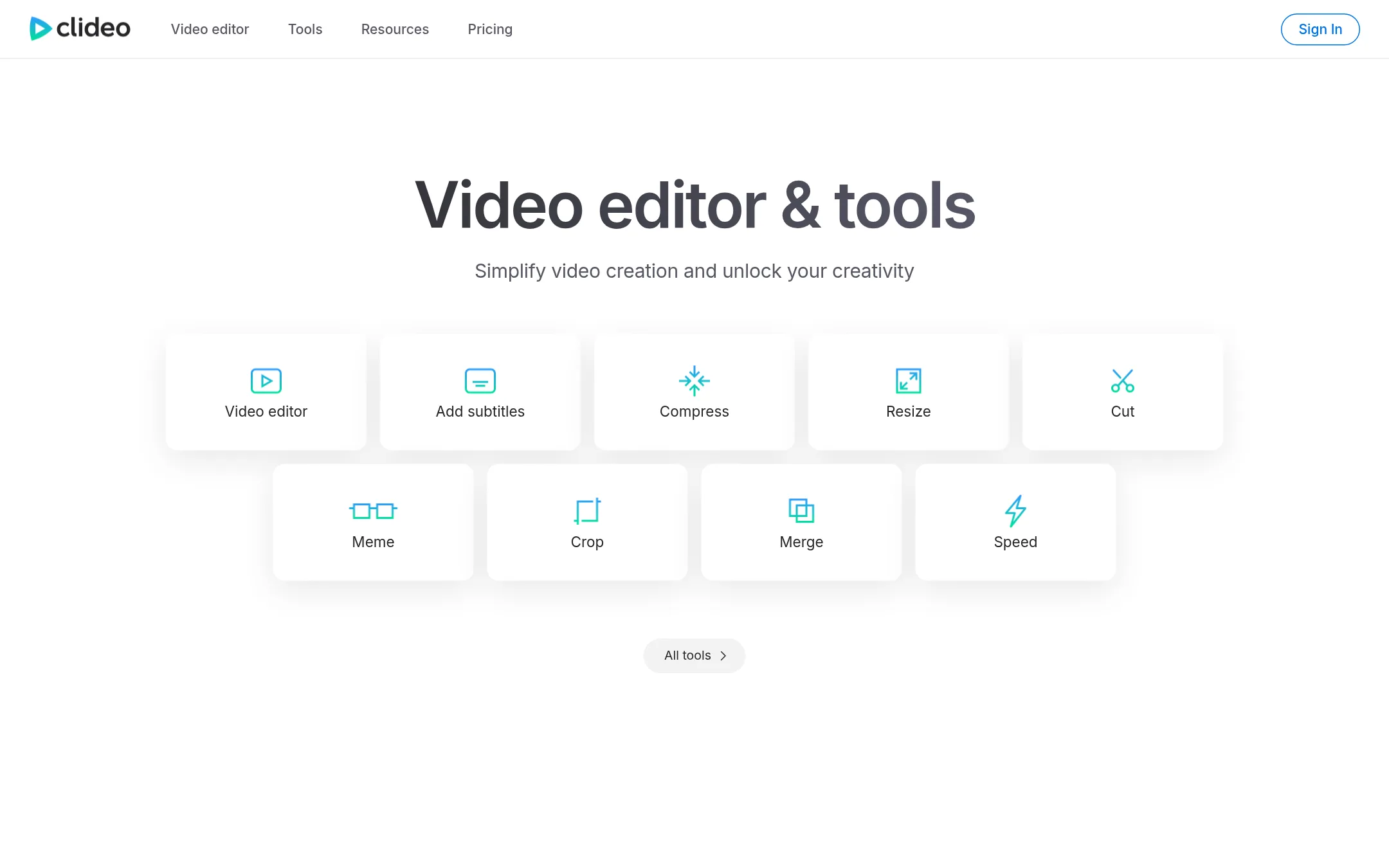
Clideo is a browser-based suite of video, audio, and image tools for quick edits like cutting, merging, compressing, and adding subtitles. Choose it over Codec if you need practical, one-off edits without installing software, rather than cinematic storytelling.
Where it is strong
- Free to use with a large set of tools
- Works entirely in the browser, no install
- Handles video, audio, images, and GIFs
Where it falls short
- No pricing details, so costs are unclear
- Not designed for narrative or movie-style output
- Pricing:
- Pricing is not published on the site.
See more comparisons in Media & Entertainment alternatives.
FAQ
Questions about Codec alternatives
What is the best free alternative to Codec?
CapCut offers a free plan with basic editing and templates, no credit card required. It includes AI tools for background removal, subtitles, and text-to-speech. For a free browser-based option, Magisto also provides a free plan with 1GB storage and unlimited screen recording.
Which alternative works best on mobile?
InShot is a mobile-first editor with a large library of music, stickers, effects, and templates. It includes auto captions and green screen tools, making it ideal for quick social video edits on a phone. CapCut also works on mobile, but InShot is more focused on mobile creators.
Are there alternatives that work entirely in the browser?
Yes, Magisto and Clideo both work in the browser without installation. Magisto offers AI tools and integrates with Dropbox, Google Drive, and Box. Clideo provides a suite of quick video, audio, and image utilities for one-off edits.
What if I need professional animation tools?
Adobe Animate is the industry standard for vector animation and interactive content. It offers precise timeline control and deep integration with other Adobe apps, but has a steep learning curve and requires a Creative Cloud subscription.
How do pricing structures compare among these alternatives?
CapCut has a free plan and a Pro subscription starting at PLN 65/month, with AI generation billed separately. InShot, Magisto, Clideo, and Adobe Animate do not publish pricing on their sites, so you need to contact them or check in-app. QUIK also has no published pricing.
Last updated November 3, 2026.