Codemagic alternatives
12 products compared · Updated October 31, 2026
The short answer
For mobile teams needing a full DevOps platform with enterprise support, Bitrise is the strongest alternative to Codemagic. If your pain is coordinating the entire release process, Runway is the best fit. For teams that want a general-purpose CI/CD tool that handles any stack, CircleCI is the strongest choice.
Your shortlist, at a glance
Read the comparisons ↓ BitriseNot publishedMobile engineering teams that want a full DevOps platform with enterprise security and support, rather than just a CI/CD pipeline.
 GitHub ProjectsFree / $4 per user/moDevelopment teams already using GitHub who want issue tracking and project boards in the same place as their code.
- GGitLab$12–$24/user/moOrganizations that want a unified platform for planning, source control, CI/CD, and security, and are already invested in the GitLab ecosystem.
 CircleCIFrom $30/mo + creditsTeams that need a flexible, language-agnostic CI/CD platform with advanced test intelligence and enterprise-scale controls.
JenkinsNot publishedTeams that already run their own infrastructure and need a customizable, plugin-driven CI/CD server without vendor lock-in.
- TTravis CINot publishedTeams that need a flexible CI/CD tool for mixed or non-mobile projects, especially those already using GitHub or needing on-premise options.
FastlaneNot publishedTeams that want to automate app release steps locally or within their existing CI setup, without paying for a hosted CI service.
 RunwayNot publishedMobile teams that need to manage and automate the whole release process across multiple apps and want a single source of truth for release status.
 FirebaseFree tier + usage-baseTeams building mobile or web apps that want integrated backend services, analytics, and crash reporting from Google.
 LaunchDarklyNot publishedTeams that need runtime control over feature flags, progressive rollouts, and AI agent behavior in production.
Microsoft Azure CycleCloudSee websiteAzure HPC orchestration for scalable cluster management
Microsoft Visual Studio App CenterNot publishedTeams already in the Microsoft ecosystem that need crash reporting and analytics alongside basic CI/CD for iOS, Android, Xamarin, and React Native apps.
About Codemagic and its alternatives
Codemagic is a hosted CI/CD platform built for mobile app development. It is known for fast builds, easy setup, and first-class support for Flutter, React Native, iOS, and Android. It offers both usage-based and fixed pricing, with free minutes for individuals and enterprise plans starting at $12,000 per year.
When comparing alternatives, weigh pricing structure (per-minute vs. per-seat vs. custom), regions for data residency, integrations with your existing tools, support levels, and contract terms. Some tools are mobile-specific, while others are general-purpose. Some are open-source and self-hosted, while others are fully managed. Choose based on your team's size, security needs, and whether you want a single platform for the whole release cycle.
Explore the alternatives
- Not published
1.Bitrise
Best for: Mobile engineering teams that want a full DevOps platform with enterprise security and support, rather than just a CI/CD pipeline.
- Pricing
- Not published
- Category
- Developer Tools
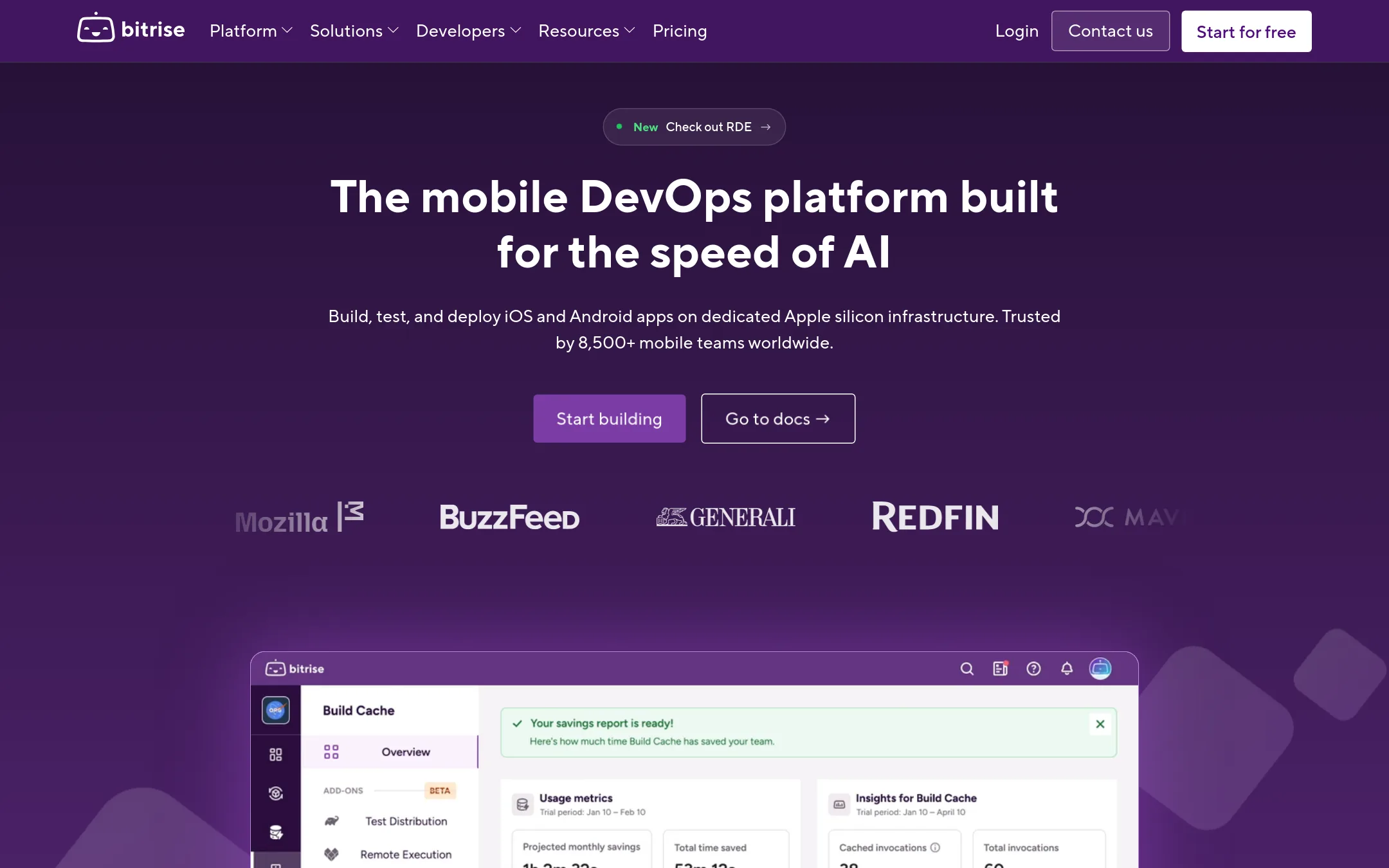
Bitrise is a hosted CI/CD platform built specifically for mobile app teams. You would choose it over Codemagic if you need a broader mobile DevOps platform that includes remote dev environments, release management, and build caching, or if you want enterprise-grade support with dedicated infrastructure options.
Where it is strong
- Includes remote dev environments, release management, and build cache beyond CI/CD
- Offers enterprise-level SLA and dedicated customer success manager
- Supports self-hosted AWS agents and dedicated build environments for security needs
Where it falls short
- Pricing is not transparent on the website
- May be overkill for small projects that only need basic CI/CD
- Pricing:
- Pricing is not published on the site.
- Free / $4 per user/mo
2.GitHub Projects
Best for: Development teams already using GitHub who want issue tracking and project boards in the same place as their code.
- Pricing
- Free / $4 per user/mo
- Category
- Productivity & Project Management
GitHub Projects is a planning and tracking tool built into GitHub, so teams that already live in GitHub can manage issues, sprints, and roadmaps without leaving their code. Choose it over Codemagic if your priority is lightweight project management next to your repositories, not mobile CI/CD pipelines.
Where it is strong
- Native integration with GitHub repositories and pull requests.
- Free tier includes unlimited repositories and 2,000 CI/CD minutes.
- AI-powered Copilot access included in Enterprise plan.
Where it falls short
- No mobile-specific build features like code signing or app distribution.
- CI/CD minutes are limited compared to Codemagic's dedicated mobile pipeline.
- Pricing:
- Free plan includes unlimited public/private repositories and 2,000 CI/CD minutes per month. Team is $4 per user per month, and Enterprise is $21 per user per month.
- Switching from Codemagic:
- Moving from Codemagic means giving up mobile-focused CI/CD features and using GitHub Actions for builds, which requires reconfiguring workflows.
- G$12–$24/user/mo
3.GitLab
Best for: Organizations that want a unified platform for planning, source control, CI/CD, and security, and are already invested in the GitLab ecosystem.
GitLab is a full DevSecOps platform that combines source control, CI/CD, security scanning, and AI features in one place. Teams already using GitLab for code hosting would choose it over Codemagic to keep their entire software lifecycle in a single tool, especially when they need enterprise-grade security and compliance.
Where it is strong
- Combines source control, CI/CD, and security scanning in one platform.
- Free tier includes 400 compute minutes per month.
- AI features available via GitLab Credits add-on.
Where it falls short
- Mobile-specific features like iOS code signing are not as built-in as Codemagic.
- Compute minutes on lower tiers may be limiting for heavy mobile builds.
- Pricing:
- Free plan includes 5 users and 400 compute minutes per month. Premium is $12 per user/month with 10,000 compute minutes. Ultimate is $24 per user/month with 50,000 compute minutes. GitLab Dedicated pricing is custom.
- Switching from Codemagic:
- Moving from Codemagic means reconfiguring your pipelines in GitLab CI/CD, which may require rewriting codemagic.yaml into .gitlab-ci.yml and setting up mobile signing manually.
- From $30/mo + credits
4.CircleCI
Best for: Teams that need a flexible, language-agnostic CI/CD platform with advanced test intelligence and enterprise-scale controls.
- Pricing
- From $30/mo + credits
- Category
- Developer Tools
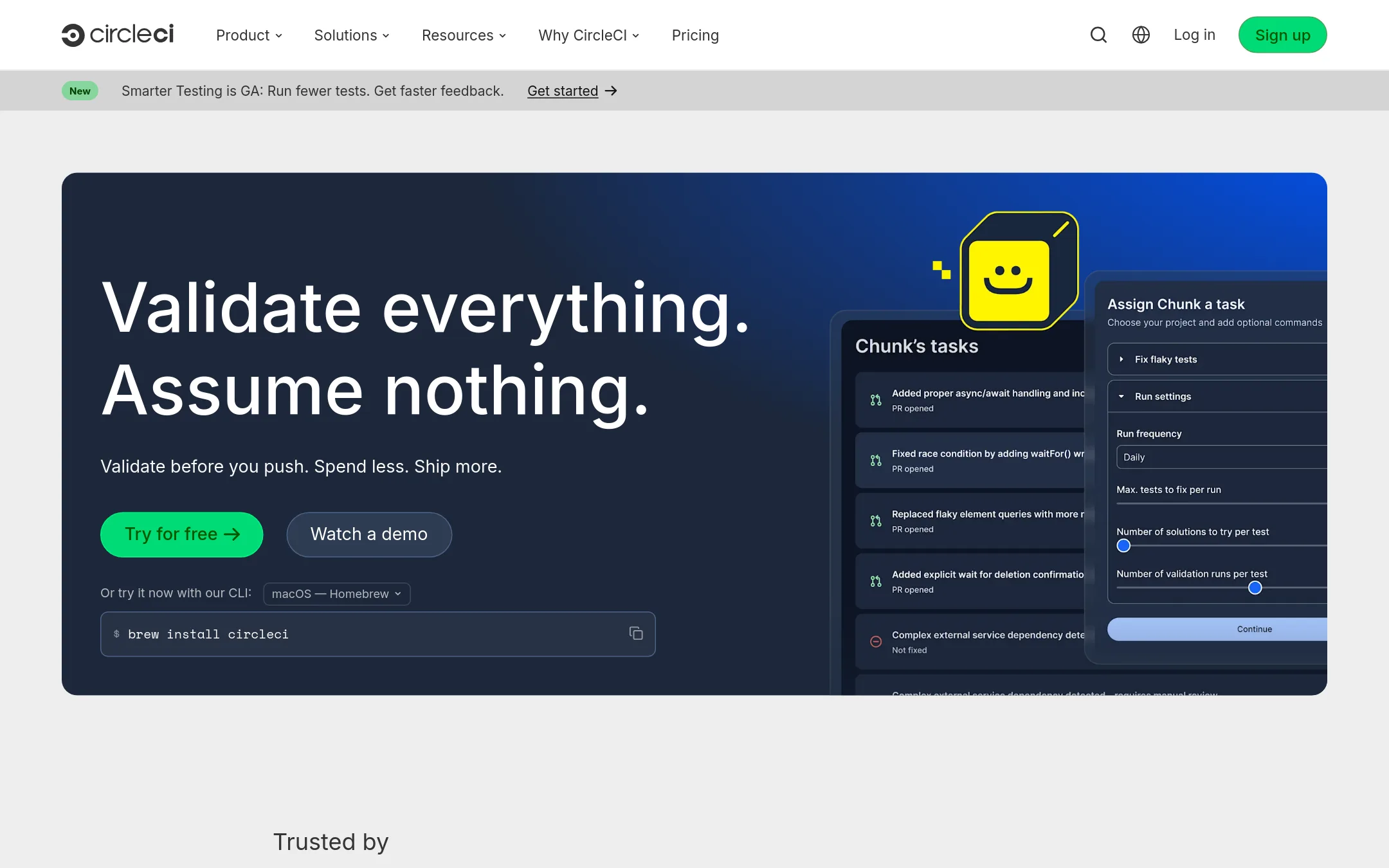
CircleCI is a general-purpose CI/CD platform that handles any stack, not just mobile. Teams with complex pipelines, multiple languages, or heavy Docker usage would pick it over Codemagic, which is mobile-first. It also offers AI-powered test selection to cut down on build time.
Where it is strong
- Supports Docker, Linux, Windows, macOS, Arm, and GPU resources
- Smarter Testing runs only tests affected by your change
- Self-hosted runners and IP ranges for security
Where it falls short
- Credit system can be complex to estimate costs
- Mobile-specific features like code signing management are not built-in
- Pricing:
- Free plan includes up to 6,000 build minutes and 5 active users. Performance plan starts at $30/month with 30,000 credits included, then $15 per additional 25,000 credits. Scale plan is custom-priced, billed annually.
- Switching from Codemagic:
- Moving from Codemagic means rewriting your build configuration into CircleCI's YAML and setting up code signing yourself, since CircleCI lacks Codemagic's built-in Apple developer portal integration.
- Not published
5.Jenkins
Best for: Teams that already run their own infrastructure and need a customizable, plugin-driven CI/CD server without vendor lock-in.
- Pricing
- Not published
- Category
- Developer Tools
Jenkins is a self-hosted, open-source automation server that you install and manage yourself. Choose it over Codemagic if you need full control over your CI/CD infrastructure, want to avoid per-minute or per-seat costs, or must run builds inside your own network.
Where it is strong
- Open source with no licensing fees.
- Over 2,300 community plugins for nearly any tool.
- Runs on your own hardware or cloud, so data stays in your control.
Where it falls short
- You manage installation, updates, and security yourself.
- No built-in mobile-specific features like Codemagic's iOS code signing.
- Pricing:
- Pricing is not published on the site.
- Switching from Codemagic:
- Moving from Codemagic means setting up Jenkins on your own servers, writing pipeline scripts, and configuring mobile build steps manually.
- TNot published
6.Travis CI
Best for: Teams that need a flexible CI/CD tool for mixed or non-mobile projects, especially those already using GitHub or needing on-premise options.
- Pricing
- Not published
- Category
- Other
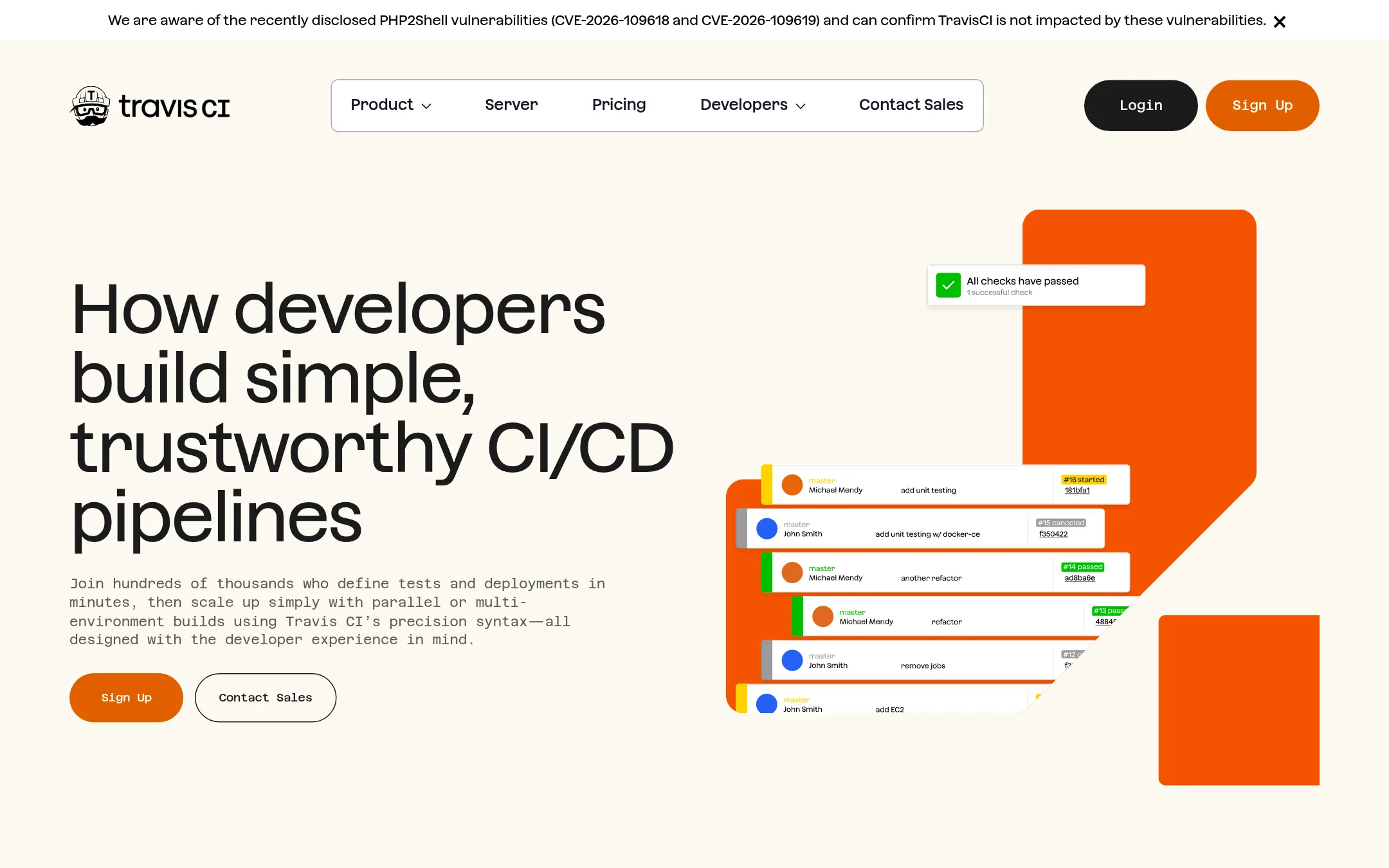
Travis CI is a general-purpose CI/CD tool that supports a wide range of languages and platforms, including Linux, macOS, and Windows. Choose it over Codemagic if you need a flexible, self-hosted or cloud-based pipeline for non-mobile projects or a mix of technologies, and you prefer a simple, extensible setup.
Where it is strong
- Supports Linux, macOS, and Windows builds with concurrent jobs from 1 to 300.
- Offers on-premise or private cloud deployment for teams with strict security needs.
- Includes premium VMs and customized Linux images as add-ons.
Where it falls short
- Pricing details are not transparent on the website, requiring a sales inquiry.
- No built-in mobile-specific features like Codemagic's code signing management for iOS.
- Pricing:
- Pricing is not published on the site.
- Switching from Codemagic:
- Moving from Codemagic to Travis CI means rewriting your pipeline configuration in Travis's YAML format and reconnecting your repositories, but the process is straightforward for teams familiar with CI/CD.
- Not published
7.Fastlane
Best for: Teams that want to automate app release steps locally or within their existing CI setup, without paying for a hosted CI service.
- Pricing
- Not published
- Category
- Developer Tools
Fastlane is an open-source tool that automates the repetitive parts of mobile app release, like code signing, screenshots, and beta distribution. You would choose it over Codemagic if you want to keep your CI/CD pipeline on your own infrastructure or prefer a scriptable, self-hosted approach.
Where it is strong
- Free and open-source, so no per-minute or per-build costs.
- Runs on your own machines, so you control the environment and security.
- Works with any CI server, including Jenkins, GitHub Actions, and GitLab CI.
Where it falls short
- You must set up and maintain your own build infrastructure.
- No built-in hosted build runners or macOS cloud machines.
- Pricing:
- Pricing is not published on the site.
- Switching from Codemagic:
- Moving from Codemagic means replacing the hosted build environment with your own runners and translating your codemagic.yaml workflows into fastlane lanes and CI server configuration.
- Not published
8.Runway
Best for: Mobile teams that need to manage and automate the whole release process across multiple apps and want a single source of truth for release status.
- Pricing
- Not published
- Category
- Developer Tools
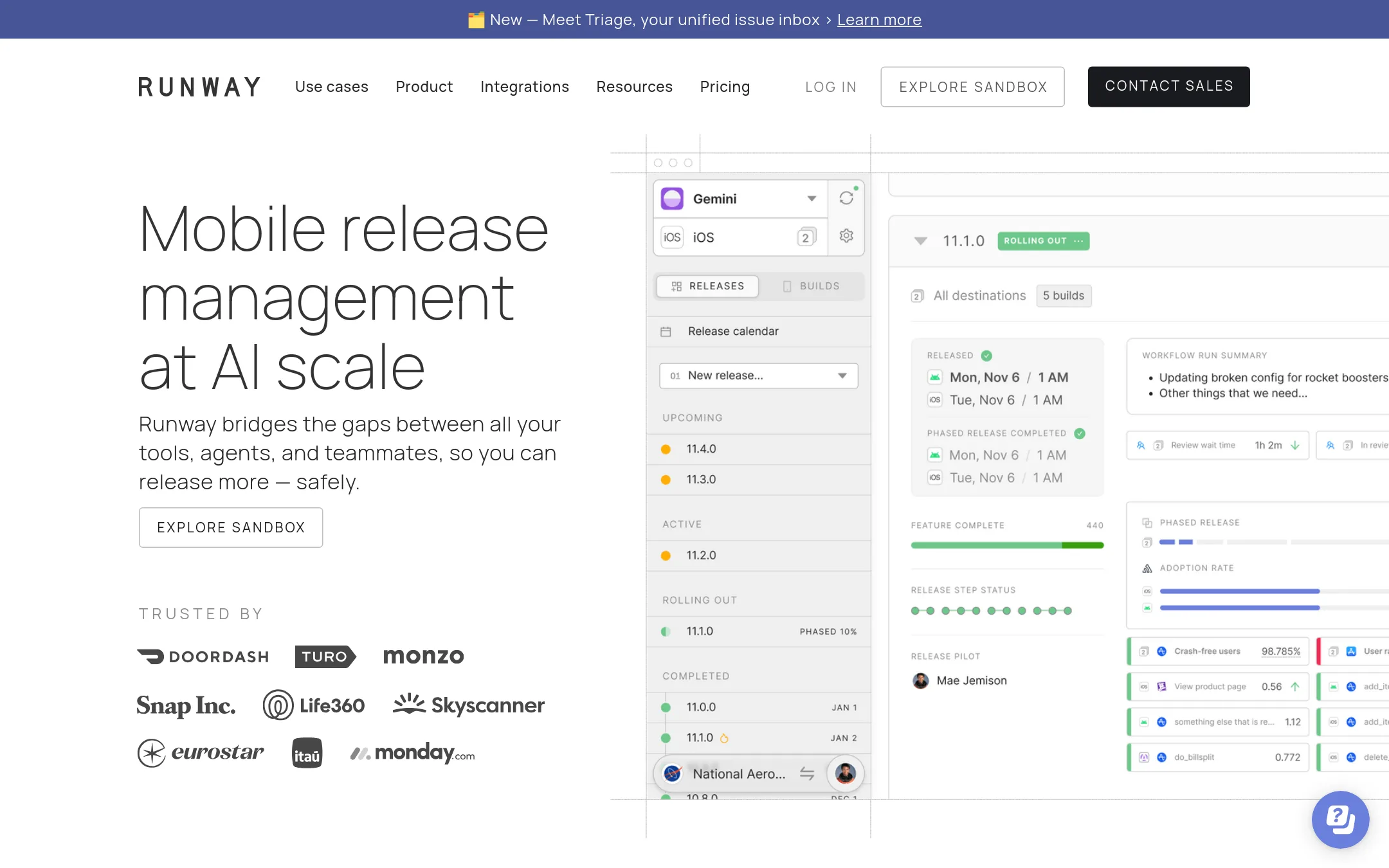
Runway is a release management platform that coordinates the entire mobile release cycle, from build to store submission, with automations and visibility. You would choose it over Codemagic when your pain is release coordination and safety, not just CI/CD build pipelines.
Where it is strong
- Automates release steps so anyone on the team can run a release.
- Provides full visibility into every step of the release cycle.
- Includes rollouts and rollbacks, plus API access and webhooks on paid plans.
Where it falls short
- Pricing is not transparent. You must contact sales for a quote.
- Free plan is limited to 2 apps and 4 read-write users, which may be restrictive for larger teams.
- Pricing:
- Pricing is not published on the site. Plans are listed with features but no prices shown.
- Switching from Codemagic:
- Moving from Codemagic involves shifting from a CI/CD tool to a release management platform, so you would likely keep Codemagic for builds and use Runway to orchestrate the release process.
- Free tier + usage-base
9.Firebase
Best for: Teams building mobile or web apps that want integrated backend services, analytics, and crash reporting from Google.
- Pricing
- Free tier + usage-base
- Category
- Developer Tools
Firebase is a broad app development platform from Google, not a CI/CD tool. You would choose it over Codemagic when you need backend services like authentication, databases, and analytics alongside your mobile app, and you are willing to manage builds separately.
Where it is strong
- Includes backend services like Auth, Firestore, and Cloud Functions.
- Generous free tier on the Spark plan.
- Integrates with Google Cloud and Gemini AI tools.
Where it falls short
- Not a CI/CD tool, so you still need a separate build pipeline.
- Pay-as-you-go costs can be unpredictable at scale.
- Pricing:
- Firebase offers a no-cost Spark plan with usage limits and a pay-as-you-go Blaze plan. Specific prices vary by product, such as Cloud Functions at $0.40 per million invocations after the free tier.
- Switching from Codemagic:
- Moving from Codemagic means setting up a separate CI/CD solution and integrating Firebase SDKs into your app for backend features.
- Not published
10.LaunchDarkly
Best for: Teams that need runtime control over feature flags, progressive rollouts, and AI agent behavior in production.

- Pricing
- Not published
- Category
- Developer Tools
LaunchDarkly is a feature management platform for controlling code and AI agents in production, not a CI/CD build service. You would choose it instead of Codemagic when your priority is progressive delivery, instant rollbacks, and experimentation after the build, rather than automating the build and release pipeline itself.
Where it is strong
- Unlimited feature flags on the free Developer plan
- Usage-based pricing with no per-seat fees
- Built-in experimentation and AI agent control
Where it falls short
- Not a CI/CD tool, so it doesn't handle builds or code signing
- Pricing requires contacting sales for enterprise plans
- Pricing:
- Pricing is not published on the site.
- See website
11.Microsoft Azure CycleCloud
Developer Tools
Azure HPC orchestration for scalable cluster management
- Not published
12.Microsoft Visual Studio App Center
Best for: Teams already in the Microsoft ecosystem that need crash reporting and analytics alongside basic CI/CD for iOS, Android, Xamarin, and React Native apps.
- Pricing
- Not published
- Category
- Developer Tools
Visual Studio App Center is a Microsoft service for building, testing, releasing, and monitoring mobile apps. It focuses on crash reporting and analytics, so you would choose it over Codemagic if your priority is diagnosing issues in production rather than just automating builds.
Where it is strong
- Built-in crash reporting groups issues by cause and shows stack frames.
- Live analytics for sessions, events, and crashes.
- Automatic symbol management for richer crash reports.
Where it falls short
- No published pricing, so cost planning is unclear.
- Less flexible than Codemagic for Flutter-specific workflows and code signing.
- Pricing:
- Pricing is not published on the site.
See more comparisons in Developer Tools alternatives.
FAQ
Questions about Codemagic alternatives
What is the main difference between Codemagic and Bitrise?
Bitrise is a broader mobile DevOps platform that includes remote dev environments, release management, and build caching, not just CI/CD. Codemagic focuses on the build, test, and release pipeline with a simpler pricing model. Bitrise offers enterprise-level support and dedicated infrastructure, but its pricing is not published.
Which alternative is best for teams that need to manage the whole release process?
Runway is designed for release coordination, from build to store submission, with automations and full visibility. It suits teams that need a single source of truth for release status and rollbacks. Its pricing is not transparent, and the free plan is limited to 2 apps.
Are there any free or open-source alternatives to Codemagic?
Yes, Fastlane is free and open-source, automating release steps like code signing and beta distribution. Jenkins is also open-source and self-hosted, with no licensing fees. Both require you to manage your own infrastructure, unlike Codemagic's hosted service.
What should I consider if I need a general-purpose CI/CD tool, not just for mobile?
CircleCI and GitLab are good options. CircleCI supports Docker, Linux, macOS, Windows, and GPU resources, with AI-powered test selection. GitLab combines source control, CI/CD, and security scanning in one platform. Both have free tiers, but mobile-specific features like iOS code signing are not as built-in as Codemagic.
How do pricing models compare among these alternatives?
Codemagic offers pay-as-you-go per minute or fixed annual plans. CircleCI uses a credit system, with a free tier and paid plans starting at $30 per month. GitLab charges per user per month, with compute minutes included. Bitrise, Runway, Jenkins, and Fastlane do not publish pricing, so you must contact sales or self-host.
Last updated October 31, 2026.