
CodeViz alternatives
7 products compared · Updated November 21, 2026
The short answer
The strongest CodeViz alternatives depend on the job. Structurizr suits engineering teams that already follow the C4 model and want architecture defined as code in version control. Lucidchart suits mixed business and engineering teams that need flowcharts, org charts, and system diagrams in one shared tool. Draw.io suits teams that want free, privacy-conscious diagramming for docs and architecture sketches without code-linked modeling.
Your shortlist, at a glance
Read the comparisons ↓- LLucidchart$10/user, Team by quotMixed business and engineering teams that need flowcharts, org charts, and system diagrams in one shared tool
 MiroFree tier. Paid customProduct and engineering teams running workshops, journey maps, and sprint planning who need a shared whiteboard more than a code-linked architecture model
- DDraw.io (diagrams.net)Not publishedTeams that want free, privacy-conscious diagramming for docs, flowcharts and architecture sketches without tying diagrams to source code
- SStructurizr£300/mo (1-20 users)Engineering teams that already follow the C4 model and want architecture defined as code and kept in version control.
- CCreatelyNot publishedOperations, HR and compliance teams that need org, process and cloud diagrams in one shared tool
- MMermaid Live EditorNot publishedEngineering teams that already keep docs in Markdown and want diagrams written as plain text they can review in pull requests.
 AgileMDNot publishedHospitals and health systems that want early warning scores and standardized clinical pathways built into their EHR workflows
About CodeViz and its alternatives
CodeViz is a collaborative diagramming tool for software teams. According to its site, it analyzes large codebases across major languages to build an architecture model, generates end-to-end views of workflows, API paths and data flows on demand, and keeps diagrams shared, versioned in Git, and linked back to source code. Its site says it is modeled on C4 and UML.
When comparing alternatives in this category, weigh the pricing structure first, since some tools are free while others charge per user, per repository, or through custom enterprise contracts. Check where the product's data is hosted and which regions are supported, and whether it integrates with the tools your team already uses, such as Jira, Confluence, Notion, or Git. Look closely at support, SSO and access controls, and contract terms, because these often sit behind enterprise plans.
Explore the alternatives
- L$10/user, Team by quot
1.Lucidchart
Best for: Mixed business and engineering teams that need flowcharts, org charts, and system diagrams in one shared tool
- Pricing
- $10/user, Team by quot
- Category
- Other
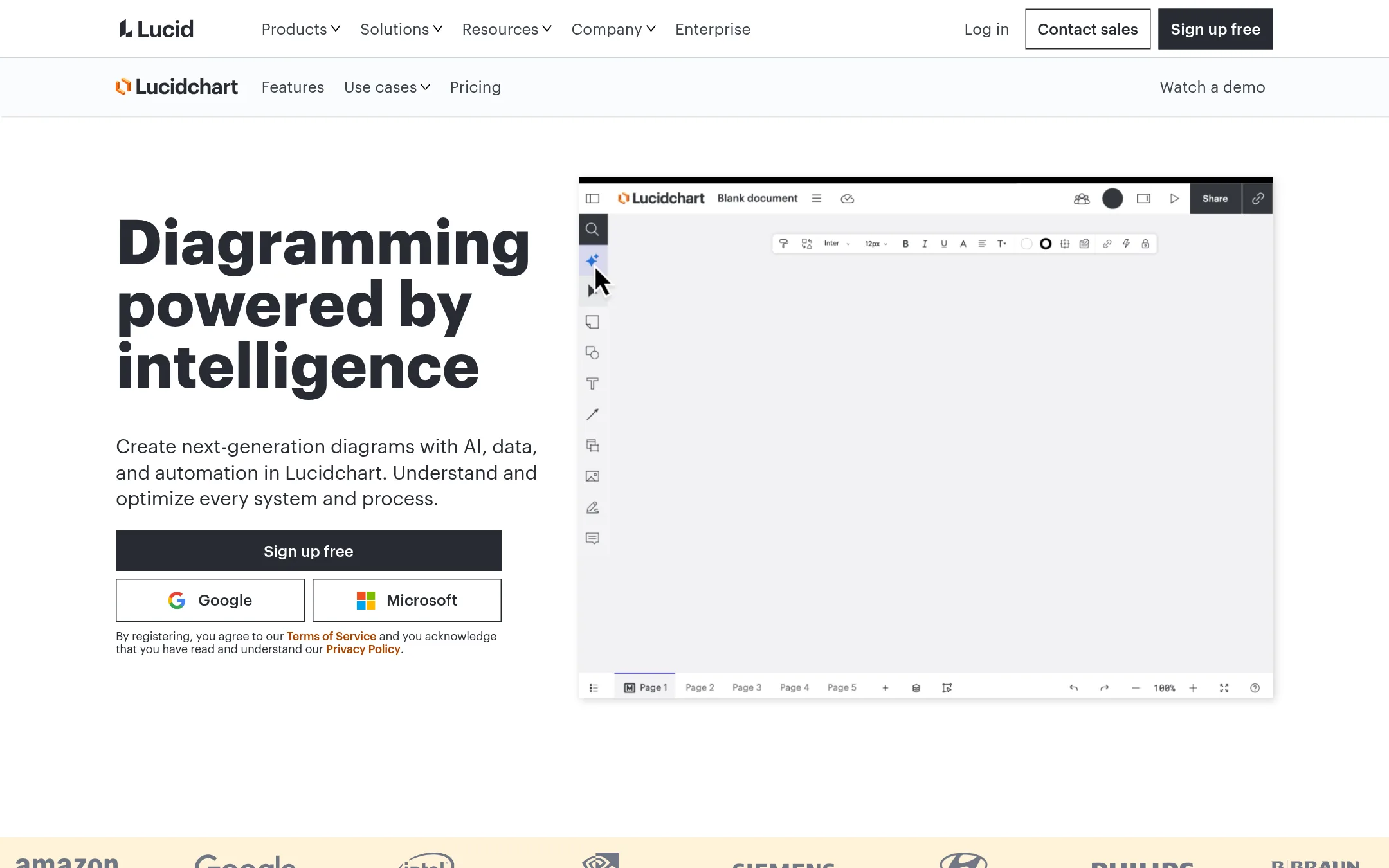
Lucidchart is a general diagramming tool for flowcharts, org charts, and technical diagrams, with AI-assisted generation and data linking. Teams pick it over CodeViz when they want to draw and maintain diagrams by hand across business processes and systems, not have architecture generated from source code.
Where it is strong
- Covers many diagram types, including flowcharts, org charts, ERDs, UML and cloud architecture
- Integrates with Jira, Confluence, Notion, Slack and Microsoft 365
- Lucid AI and data linking to Google Sheets, Excel and CSV files speed up drawing
Where it falls short
- Diagrams are drawn and maintained manually rather than generated from your codebase
- Free plan caps you at 3 editable documents and 75 shapes per document
- Pricing:
- Pricing is listed at $10 per user for the Individual tier, with Team and Enterprise tiers requiring contact with sales, and a free plan limited to 3 editable documents.
- Free tier. Paid custom
2.Miro
Best for: Product and engineering teams running workshops, journey maps, and sprint planning who need a shared whiteboard more than a code-linked architecture model

- Pricing
- Free tier. Paid custom
- Category
- Communication & Collaboration
Miro is a general visual workspace for whiteboarding, product design, and team workshops. Teams pick it over CodeViz when the diagrams are for planning, brainstorming, or cross-functional alignment rather than a model that stays tied to source code.
Where it is strong
- Free plan lets small teams start with 3 editable boards and try AI features
- Business plan includes a 14-day free trial before committing
- Data is encrypted in transit with TLS 1.2 or higher and at rest with AES 256
Where it falls short
- Diagrams are not generated from your codebase, so they need manual upkeep compared with CodeViz
- Enterprise features like SSO-style controls, audit logs, and data residency sit behind custom pricing
- Pricing:
- Miro has a Free plan with 3 editable boards, and Starter, Business, and Enterprise plans, with Enterprise pricing custom and starting from 30 members, but the exact per-seat figures are not shown in the text supplied.
- DNot published
3.Draw.io (diagrams.net)
Best for: Teams that want free, privacy-conscious diagramming for docs, flowcharts and architecture sketches without tying diagrams to source code
- Pricing
- Not published
- Category
- Other
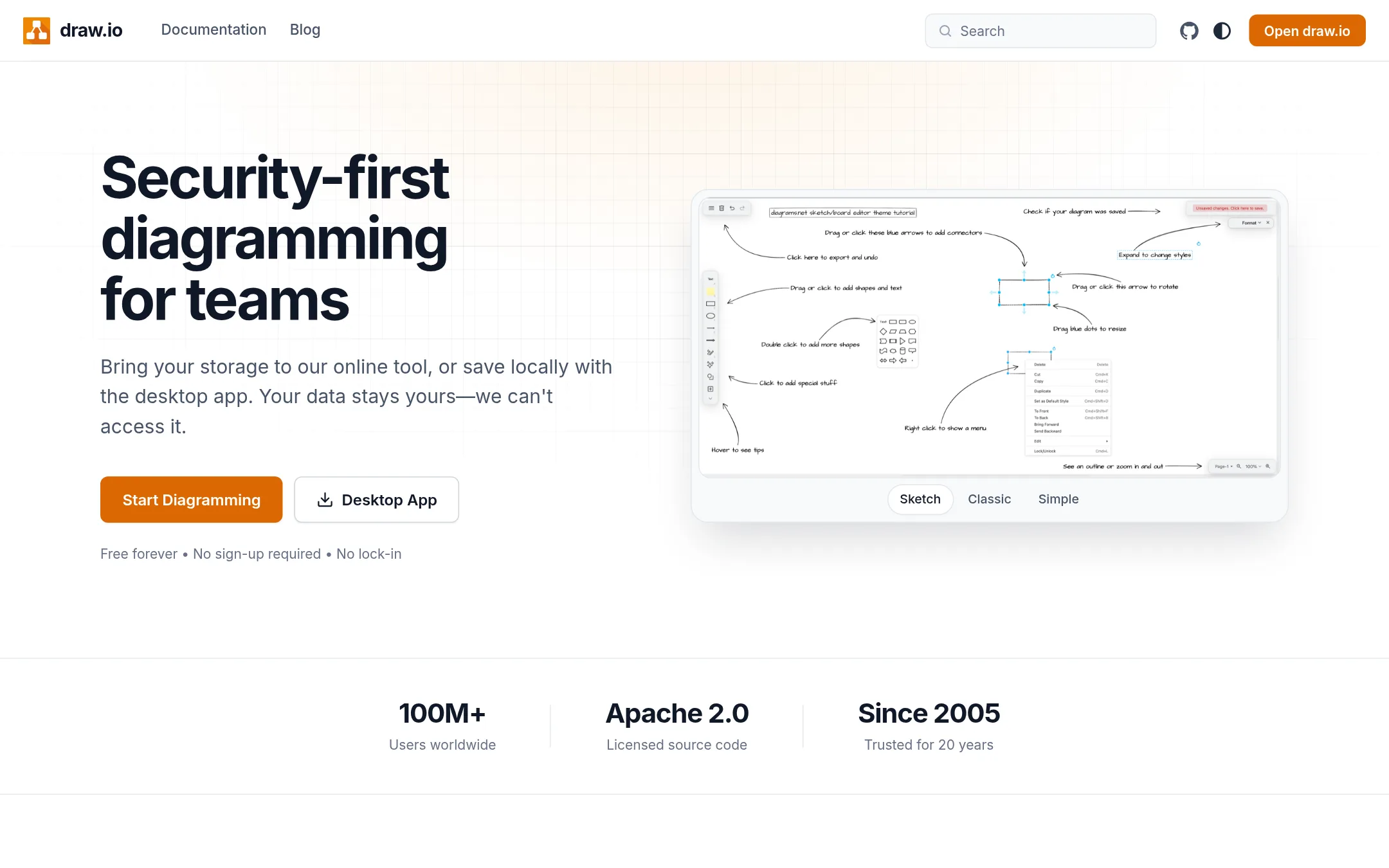
Draw.io is a free, general-purpose diagramming tool with no account needed, and files can be stored wherever you like since the company says it cannot access your data. Teams pick it when they need flowcharts or hand-drawn diagrams and don't want to pay for code-linked architecture modeling. It is a drawing tool, not a code analyzer, so it does not build diagrams from your repository.
Where it is strong
- Free to use, with no account or credit card needed to start
- Diagram files stay editable and open on any platform under Apache 2.0 licensed source
- Real-time collaboration with shared cursors and embeds for docs and wikis
Where it falls short
- It does not analyze your codebase to generate architecture models or link elements back to source code
- Diagrams are built by hand rather than generated on demand from code
- Pricing:
- Pricing is not published on the site.
- Switching from CodeViz:
- Moving from CodeViz would mean rebuilding your architecture views by hand, since draw.io does not generate them from code, though CodeViz's Mermaid and draw.io exports could bring existing diagrams across.
- S£300/mo (1-20 users)
4.Structurizr
Best for: Engineering teams that already follow the C4 model and want architecture defined as code and kept in version control.
- Pricing
- £300/mo (1-20 users)
- Category
- Other
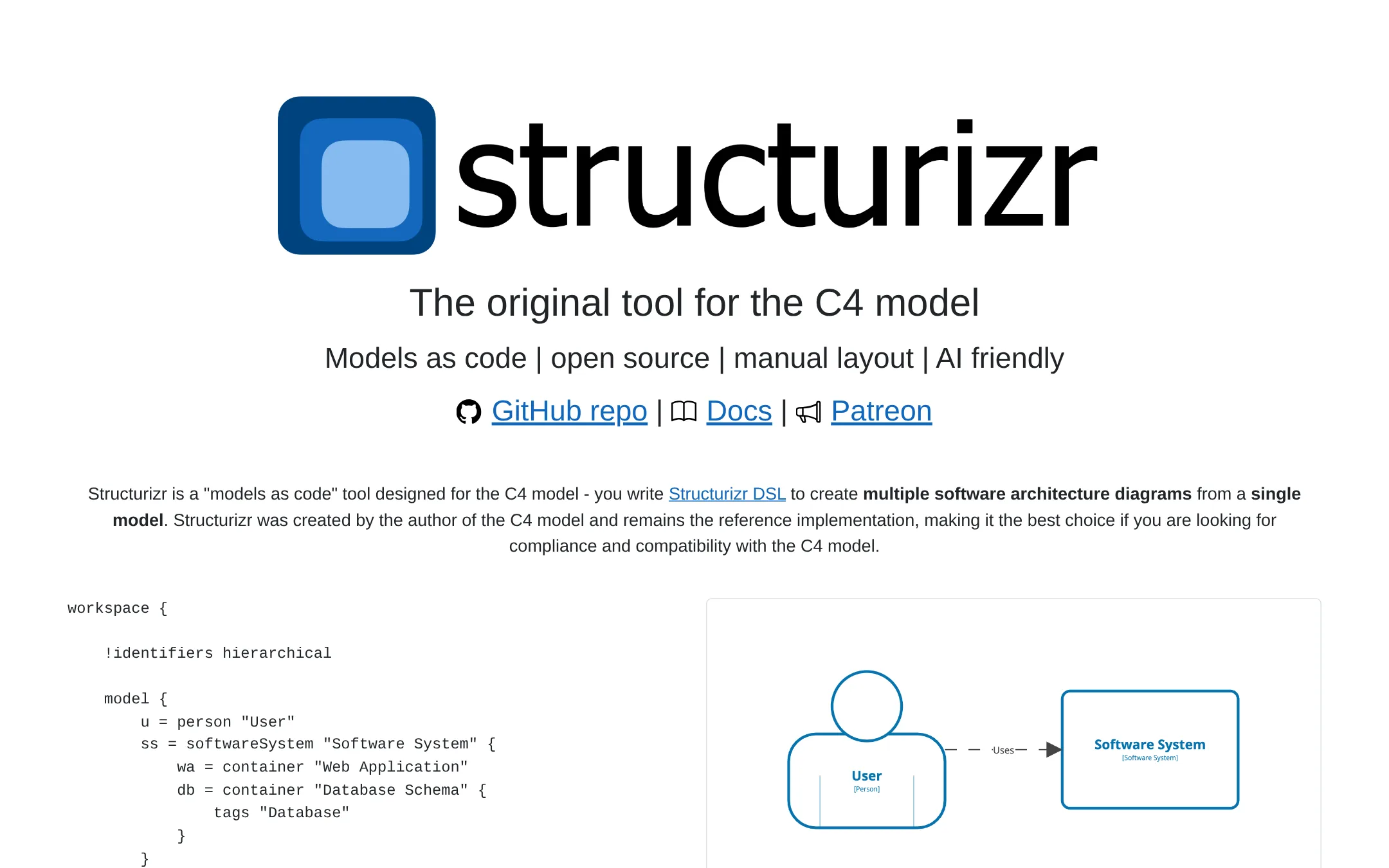
Structurizr is the reference tool for the C4 model, written by C4's creator, Simon Brown. You describe the system in Structurizr DSL as code, and it generates several C4 diagrams (context, container, component, dynamic, deployment) from one model. Choose it over CodeViz if you want diagrams that follow C4 strictly and you are happy to write and maintain the model yourself.
Where it is strong
- Built by the author of the C4 model and is its reference implementation
- Models as code, so diagrams can be reviewed and versioned like any other source file
- Exports to PlantUML, Mermaid and static HTML, and has a 14-day trial with all features unlocked
Where it falls short
- Diagram layout is manual, and there is no sign of automatic architecture modeling from a codebase
- The self-hosted server is priced per unique user and needs a licence for anyone who views diagrams
- Pricing:
- The core tools, including the playground, local viewer, export CLI and MCP server, are free and open source, while the self-hosted server is licensed by unique users at £300 per month for 1-20 users, rising to £2,400 per month for 1,001 or more, billed annuall
- Switching from CodeViz:
- Moving from CodeViz means writing your architecture model in Structurizr DSL by hand, since the supplied facts do not describe an import path from CodeViz.
- CNot published
5.Creately
Best for: Operations, HR and compliance teams that need org, process and cloud diagrams in one shared tool
- Pricing
- Not published
- Category
- Other
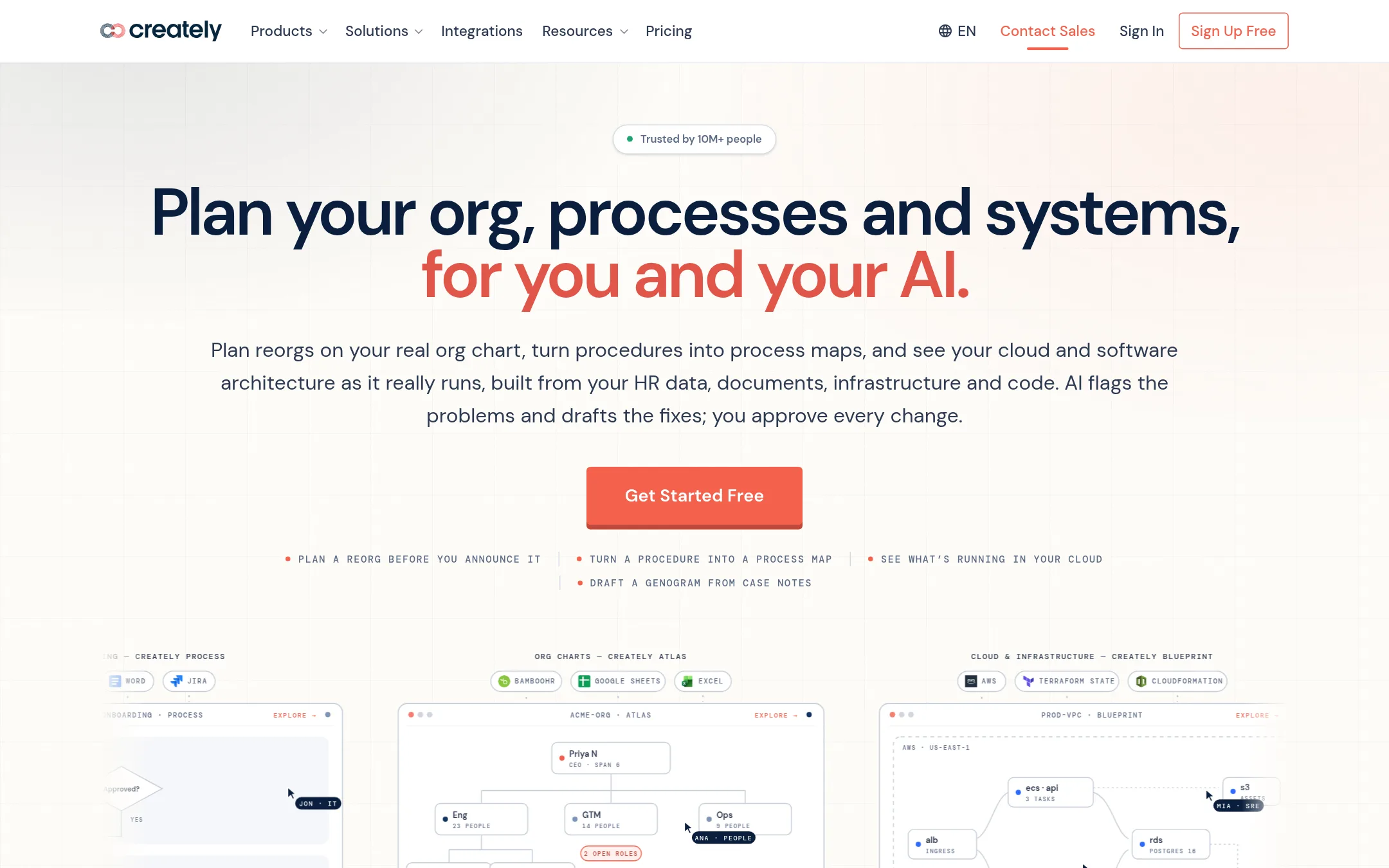
Creately is a broad diagramming and planning suite. It covers org charts, process maps, clinical genograms, cloud diagrams and compliance mapping, all built from data you already have. Teams pick it over CodeViz when the job is more than code architecture, such as planning a reorg or mapping procedures alongside systems.
Where it is strong
- Covers org planning, process mapping, cloud architecture and compliance, not only code
- Free plan to start, with Basic features across all products
- Diagrams can be linked to the source data and AI changes need your approval
Where it falls short
- Code-level analysis of large repositories is not a stated focus the way it is for CodeViz
- Advanced features and SSO sit behind an annual Enterprise agreement
- Pricing:
- Pricing is not published on the site.
- MNot published
6.Mermaid Live Editor
Best for: Engineering teams that already keep docs in Markdown and want diagrams written as plain text they can review in pull requests.
- Pricing
- Not published
- Category
- Other
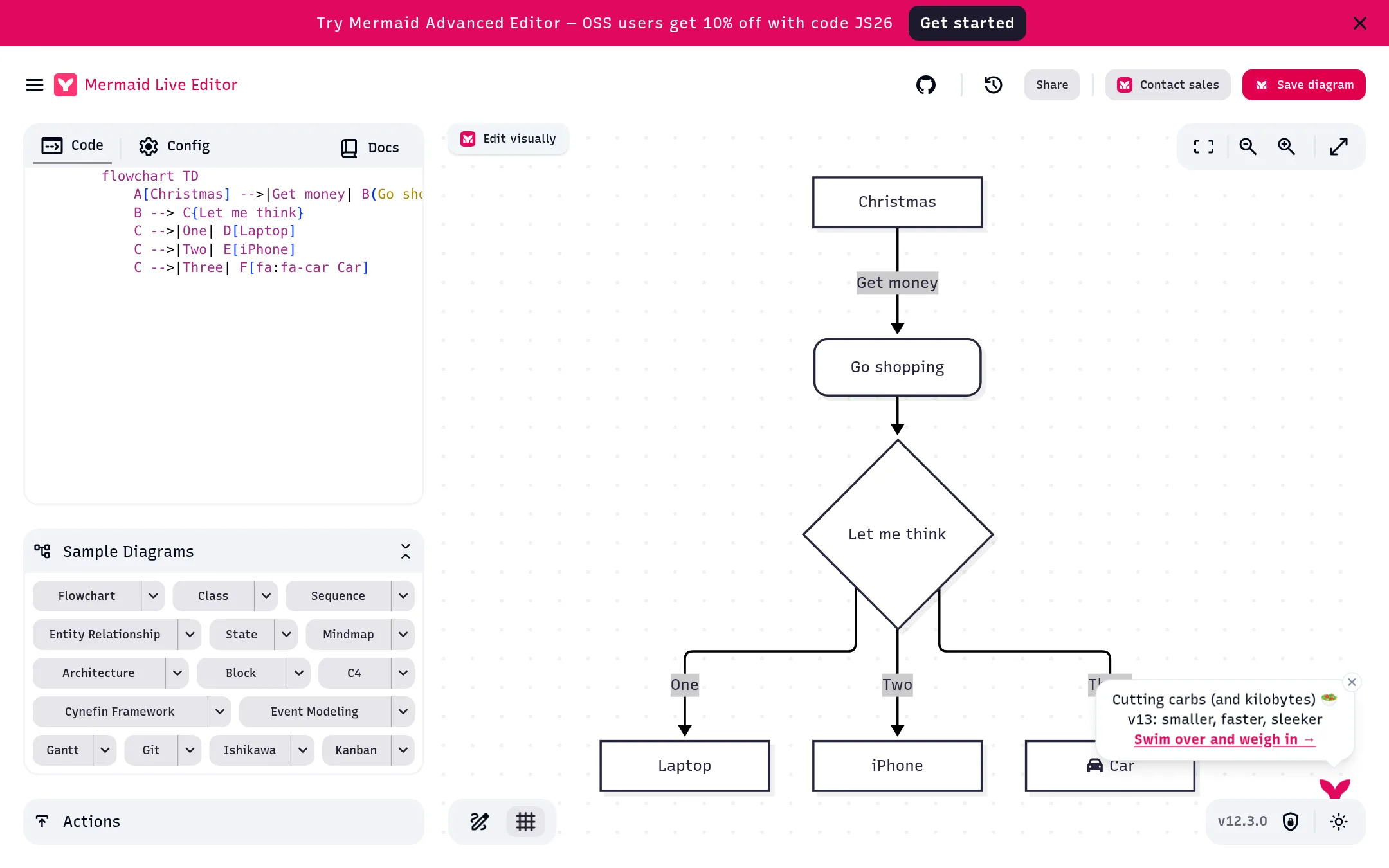
Mermaid Live Editor is a free, open source browser editor where you write diagrams as text in a markdown-like script and render them as flowcharts, sequence diagrams, class diagrams and more. Someone would pick it over CodeViz when they want to hand-write diagrams in version-controlled text and do not need the tool to analyze the codebase for them.
Where it is strong
- Covers many diagram types, including flowcharts, sequence, class, state and Gantt charts
- Diagrams are plain text, so changes show up cleanly in Git diffs
- Open source, and the editor can export diagrams for use elsewhere
Where it falls short
- It does not read your codebase, so every diagram is written by hand and can drift from the code
- Pricing for the advanced editor is not published, and the site offers a discount code only for open source users
- Pricing:
- Pricing is not published on the site.
- Switching from CodeViz:
- Moving from CodeViz means rebuilding your diagrams from scratch as text, since the site does not describe any import path from CodeViz.
- Not published
7.AgileMD
Best for: Hospitals and health systems that want early warning scores and standardized clinical pathways built into their EHR workflows

- Pricing
- Not published
- Category
- Healthcare
AgileMD is a clinical decision support platform for hospitals. Its eCART tool predicts patient deterioration and flags high-risk patients to nurses and providers, and its Clinical Pathways product embeds evidence-based protocols and order sets into the EHR. A hospital would pick it over CodeViz because its job is patient care and clinical workflow, not software architecture diagrams.
Where it is strong
- eCART is FDA-cleared for clinical deterioration prediction.
- The platform is SOC-II and HIPAA compliant and hosted, so no on-site hardware is needed.
- Pathways integrate with native EHR workflows and come with a large existing library of shared content.
Where it falls short
- It is built for clinical teams in healthcare, so it does nothing for software architecture or code visualization.
- The site lists no self-serve signup or public pricing, so access runs through a demo request.
- Pricing:
- Pricing is not published on the site.
See more comparisons in Developer Tools alternatives.
FAQ
Questions about CodeViz alternatives
Which CodeViz alternative is closest to what CodeViz does?
No alternative in this list generates architecture models from a codebase the way CodeViz claims to. Structurizr comes closest for teams that want architecture kept alongside code, but it requires you to write and maintain the model yourself. Most other options are general diagramming tools where diagrams are drawn by hand.
Is there a free alternative to CodeViz?
Draw.io is free to use with no account needed, and Mermaid Live Editor is free and open source. Structurizr's core tools are also free, though its self-hosted server is paid. Lucidchart and Miro have free plans with limits on editable documents or boards.
Which alternative works best for engineering teams that already use Markdown and Git?
Mermaid Live Editor fits teams that keep docs in Markdown, since diagrams are plain text that show clean diffs in pull requests. Structurizr fits teams that want the C4 model defined as code and versioned like any other source file. Both require hand-writing the diagrams.
Which alternatives are better suited to non-engineering teams?
Lucidchart and Creately are built for mixed audiences. Lucidchart covers flowcharts, org charts and system diagrams with integrations for Jira, Confluence and Microsoft 365. Creately also covers org planning, process mapping and compliance, which suits operations and HR teams.
What should I check on pricing before choosing?
Compare whether the price is per user, per repository, or flat, and whether the features you need sit on a higher tier. Several alternatives do not publish pricing and require contacting sales, so ask for a quote early. Also confirm whether SSO, audit logs and data residency are included or reserved for enterprise contracts.
Last updated November 21, 2026.