Comfy Deploy alternatives
6 products compared · Updated November 21, 2026
The short answer
The three strongest alternatives to Comfy Deploy are ComfyUI, Modal and RunPod. ComfyUI suits visual creative teams that want node-level control over image and video pipelines with managed cloud GPUs. Modal suits engineering teams that need to run custom Python code, inference or agent sandboxes beyond ComfyUI graphs. RunPod suits engineering teams that need raw GPU control across their own frameworks for training, fine-tuning or custom inference.
Your shortlist, at a glance
Read the comparisons ↓- CComfyUIFrom $192/yr + usageVisual professionals and creative teams that want deep node-level control over image and video pipelines, with cloud GPUs managed for them.
- RReplicate$0.000975/sec (L40S)Developers who want to add hosted image, video or speech models to an app through one API call
 ModalFrom $0.000542/sec GPUEngineering teams building custom AI inference, fine-tuning or agent sandboxes that need more than ComfyUI workflows
- FFal.aiUsage-based, per outpuDevelopers building image, video or 3D generation into a product who want hosted models through one API rather than their own ComfyUI workflows
- BBananaNot publishedAI teams shipping custom inference backends that want autoscaling GPUs and a full DevOps toolkit without a ComfyUI layer
 RunPodFrom $1.19/hr (A100)Engineering teams that need GPUs for training, fine-tuning or custom inference across frameworks, not only ComfyUI workflows
About Comfy Deploy and its alternatives
Comfy Deploy is a cloud service for running ComfyUI workflows on GPUs. According to its site, it is known for sharing ComfyUI workflows with a team, turning them into simple interfaces for non-technical users, and deploying them as auto-scaling production APIs.
When comparing alternatives in this category, weigh the pricing structure first, since some tools bill per second, some per hour and some per output unit, which changes how predictable costs are. Check which GPU types and regions are available, and whether the tool runs only ComfyUI graphs or any code. Look at integrations, support levels and contract terms, including whether enterprise features like SSO or audit logs require a sales conversation.
Explore the alternatives
- CFrom $192/yr + usage
1.ComfyUI
Best for: Visual professionals and creative teams that want deep node-level control over image and video pipelines, with cloud GPUs managed for them.
- Pricing
- From $192/yr + usage
- Category
- Other
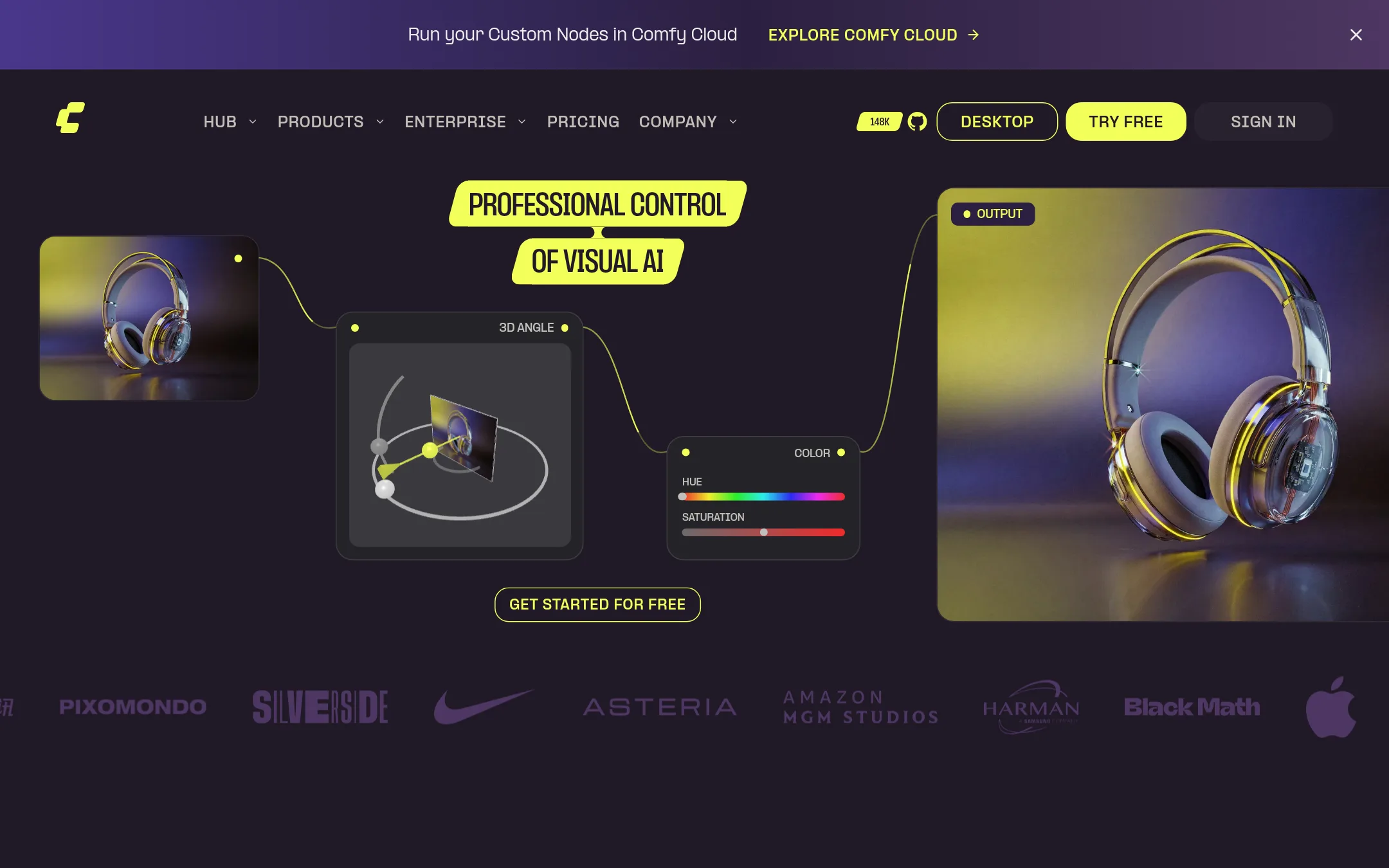
ComfyUI is the open node-based editor for building image and video generation pipelines, and Comfy Cloud runs those workflows in the browser on managed GPUs. Someone would choose it over Comfy Deploy when they want the full canvas, the Comfy Agent that builds workflows from a description, and access to partner models through one API.
Where it is strong
- Visual canvas shows every model, parameter and processing step, so decisions can be inspected.
- Comfy Agent can build and run a workflow from a plain description.
- A single API lets you call frontier image, video, 3D and audio models and choose the provider per job.
Where it falls short
- Its pricing is split across yearly plans, credits and per-hour GPU rates, so costs are harder to predict than a flat rate.
- Cloud runs are capped at 30 minutes on Standard, and at 1 hour on Pro, which limits long jobs.
- Pricing:
- Comfy Cloud plans are priced per year, with the Standard plan at $192 billed yearly, Pro at $960 billed yearly, and Team at $7,560 billed yearly, plus usage-based GPU and credit charges, and Enterprise is custom.
- Switching from Comfy Deploy:
- Moving from Comfy Deploy would mean rebuilding deployments on Comfy's custom builds and developer platform, since the supplied facts do not describe a migration path.
- R$0.000975/sec (L40S)
2.Replicate
Best for: Developers who want to add hosted image, video or speech models to an app through one API call
- Pricing
- $0.000975/sec (L40S)
- Category
- Other
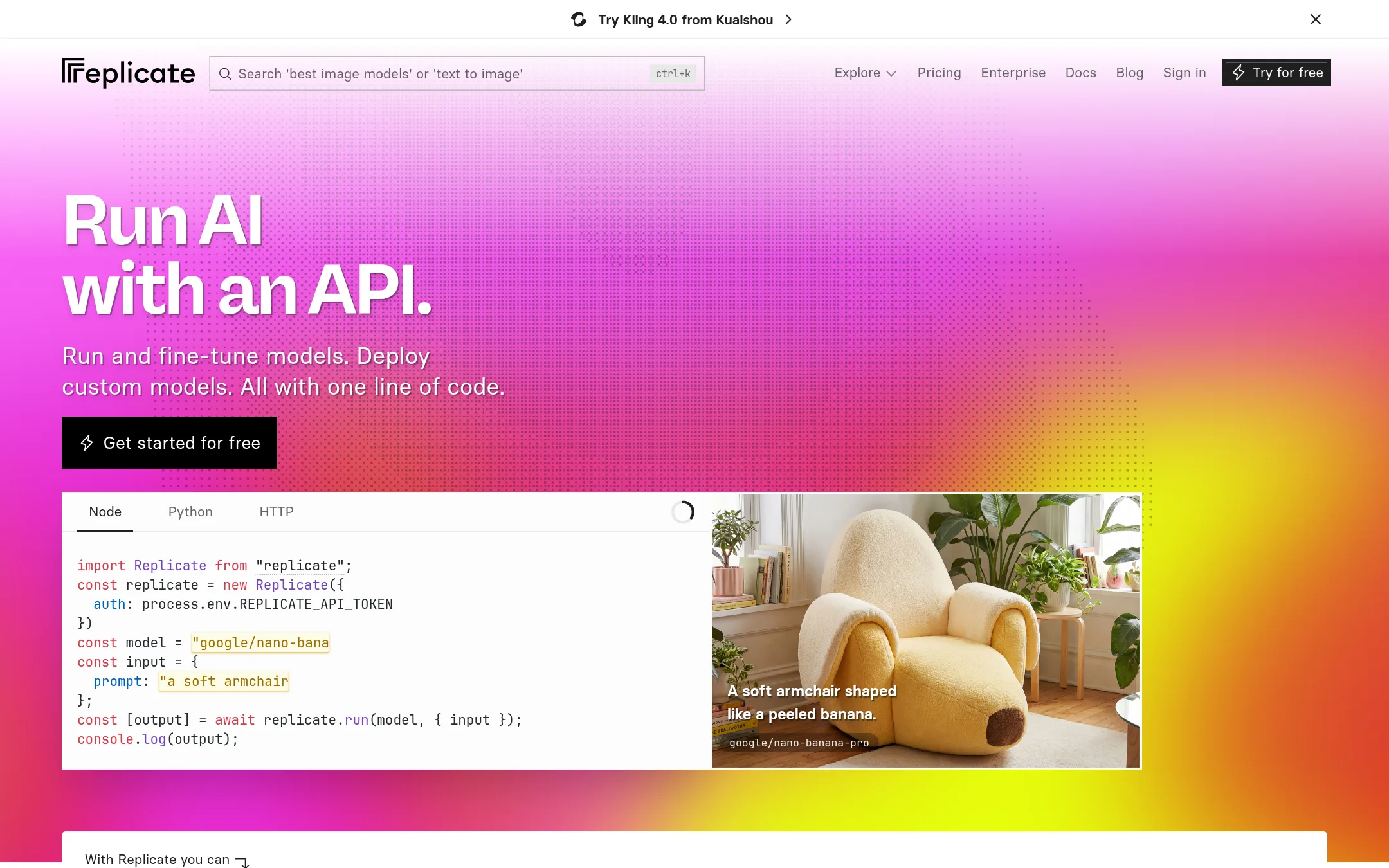
Replicate runs a large catalog of hosted AI models, including image, video, speech and language models, through a single API. It also lets you fine-tune models on your own data and deploy custom models packaged with the open-source tool Cog. Choose it over Comfy Deploy when you need to call ready-made models like Flux, Seedream or Wan from code, rather than run your own ComfyUI node graphs.
Where it is strong
- Thousands of models are available to run with a single line of code.
- You pay only for compute time, and private deployments scale to zero when idle.
- Custom models can be packaged with the open-source Cog tool and deployed to the cloud.
Where it falls short
- Private models run on dedicated hardware, so you pay for setup and idle time too.
- Replicate is built around model APIs, not team-shared ComfyUI workflows, versioning or no-code interfaces.
- Pricing:
- Replicate bills public models per second of run time, with CPU at $0.000100 per second and Nvidia L40S GPU at $0.000975 per second, while some models are billed per input and output instead.
- From $0.000542/sec GPU
3.Modal
Best for: Engineering teams building custom AI inference, fine-tuning or agent sandboxes that need more than ComfyUI workflows
- Pricing
- From $0.000542/sec GPU
- Category
- AI & Machine Learning
Modal is a general serverless platform for running Python code, inference, training and sandboxed agent workloads on GPUs. Teams pick it over Comfy Deploy when they need to run arbitrary code or custom model stacks rather than ComfyUI graphs, or when they want serverless batch jobs and fan-out compute beyond image and video workflows.
Where it is strong
- Runs any Python code and custom containers, not only ComfyUI graphs.
- Bills per second and scales to zero, so idle GPUs cost nothing.
- Offers sandboxes for running untrusted or agent-generated code, plus hosted model APIs.
Where it falls short
- Has no built-in way to turn a ComfyUI workflow into a simple shared interface for non-technical teammates.
- Enterprise features like audit logs, Okta SSO and HIPAA sit on the Enterprise plan, which requires a sales conversation.
- Pricing:
- Pricing is billed per second of GPU use, with an H100 SXM5 at $0.001097 per second and an L40S at $0.000542 per second, plus $30 a month in free credits on the Starter plan.
- Switching from Comfy Deploy:
- Moving from Comfy Deploy would mean rebuilding your ComfyUI graphs as Python functions or containers, since the site does not describe an import path for existing workflows.
- FUsage-based, per outpu
4.Fal.ai
Best for: Developers building image, video or 3D generation into a product who want hosted models through one API rather than their own ComfyUI workflows
- Pricing
- Usage-based, per outpu
- Category
- Other
Fal.ai is a generative media platform with a unified API and SDKs for calling hundreds of hosted open models, plus your own LoRAs. It also offers serverless deployments and on-demand GPUs for private or fine-tuned models. Someone would pick it over Comfy Deploy when they want to call ready-made image, video, audio or 3D models through an API without building a ComfyUI graph first.
Where it is strong
- One unified API and SDKs cover hundreds of hosted open models and your own LoRAs.
- Serverless and on-demand GPU options let you deploy private or fine-tuned models.
- Model pricing is shown per unit for video, image, audio and 3D, which makes comparison easier.
Where it falls short
- It is built around calling models through an API, so it does not offer Comfy Deploy's shareable ComfyUI workflows or simplified team UI.
- Enterprise features like SOC 2 and reserved pricing are described but not priced on the site.
- Pricing:
- Pricing is not published on the site as a single plan. Serverless is billed per output by model, and Compute GPUs are listed from $2.49/hr for H100 in the custom deployment section.
- Switching from Comfy Deploy:
- Moving from Comfy Deploy means rebuilding your ComfyUI graphs as models and endpoints on fal, since its workflow and playground features differ.
- BNot published
5.Banana
Best for: AI teams shipping custom inference backends that want autoscaling GPUs and a full DevOps toolkit without a ComfyUI layer
- Pricing
- Not published
- Category
- Other
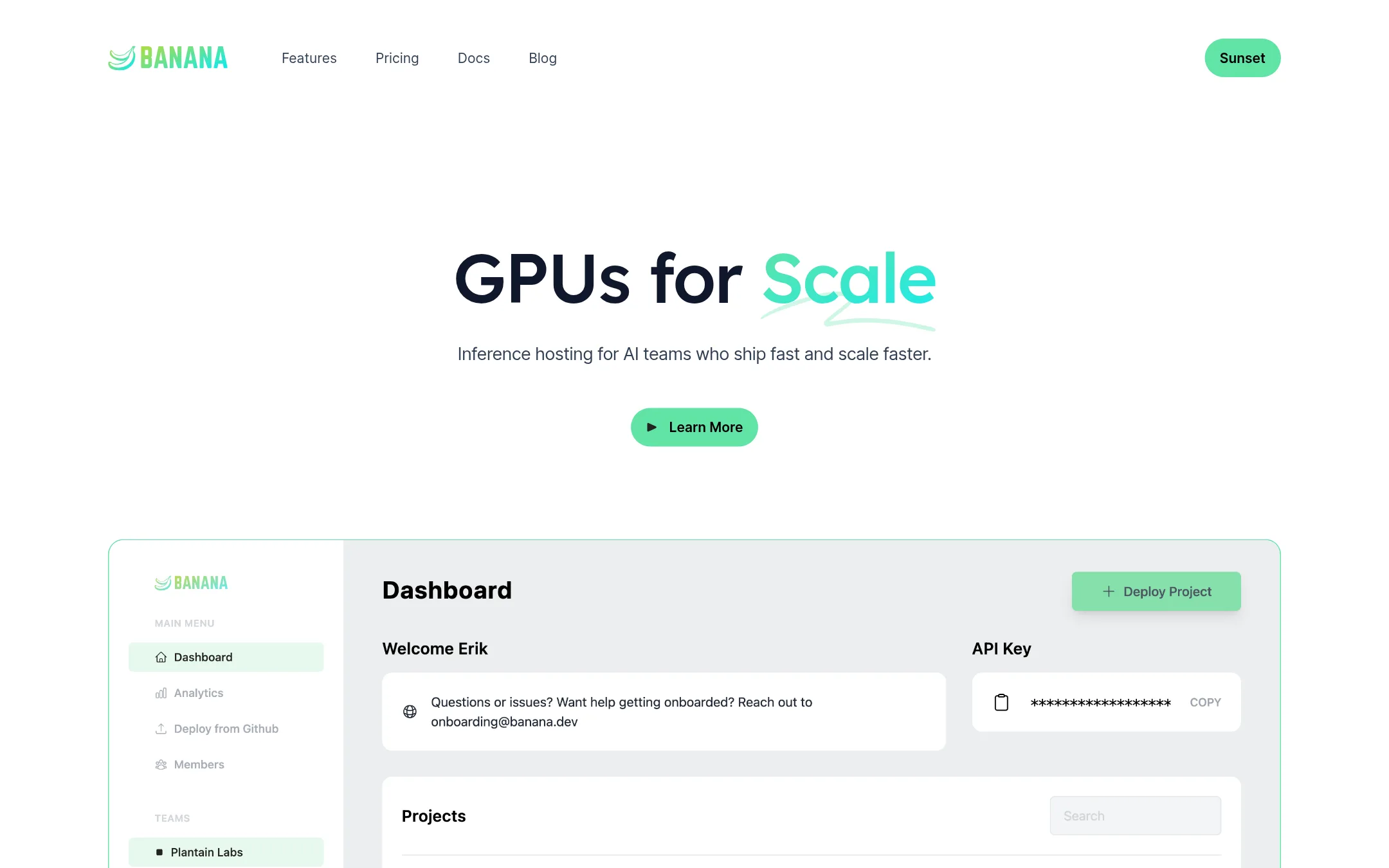
Banana is an inference hosting platform for AI teams that want GPUs to scale up and down automatically. It bundles DevOps tooling such as GitHub integration, CI/CD, a CLI, rolling deploys, logs and tracing. Teams pick it over Comfy Deploy when they serve their own model code rather than running ComfyUI workflows.
Where it is strong
- Autoscaling GPUs that adjust to traffic, with percent-utilization scaling on the Team plan
- Built-in GitHub integration, CI/CD, CLI, rolling deploys, logs and request analytics
- Open API and SDKs for automating deployments, plus an open-source HTTP framework called Potassium
Where it falls short
- No ComfyUI workflow support, shared workflow links or non-technical interfaces, which Comfy Deploy offers
- SAML SSO, the Automation API and higher parallel GPU limits are reserved for the Enterprise plan
- Pricing:
- Pricing is not published on the site.
- Switching from Comfy Deploy:
- Moving from Comfy Deploy means rebuilding your ComfyUI graphs as custom inference code that Banana serves, because Banana does not run ComfyUI workflows directly.
- From $1.19/hr (A100)
6.RunPod
Best for: Engineering teams that need GPUs for training, fine-tuning or custom inference across frameworks, not only ComfyUI workflows
- Pricing
- From $1.19/hr (A100)
- Category
- AI & Machine Learning
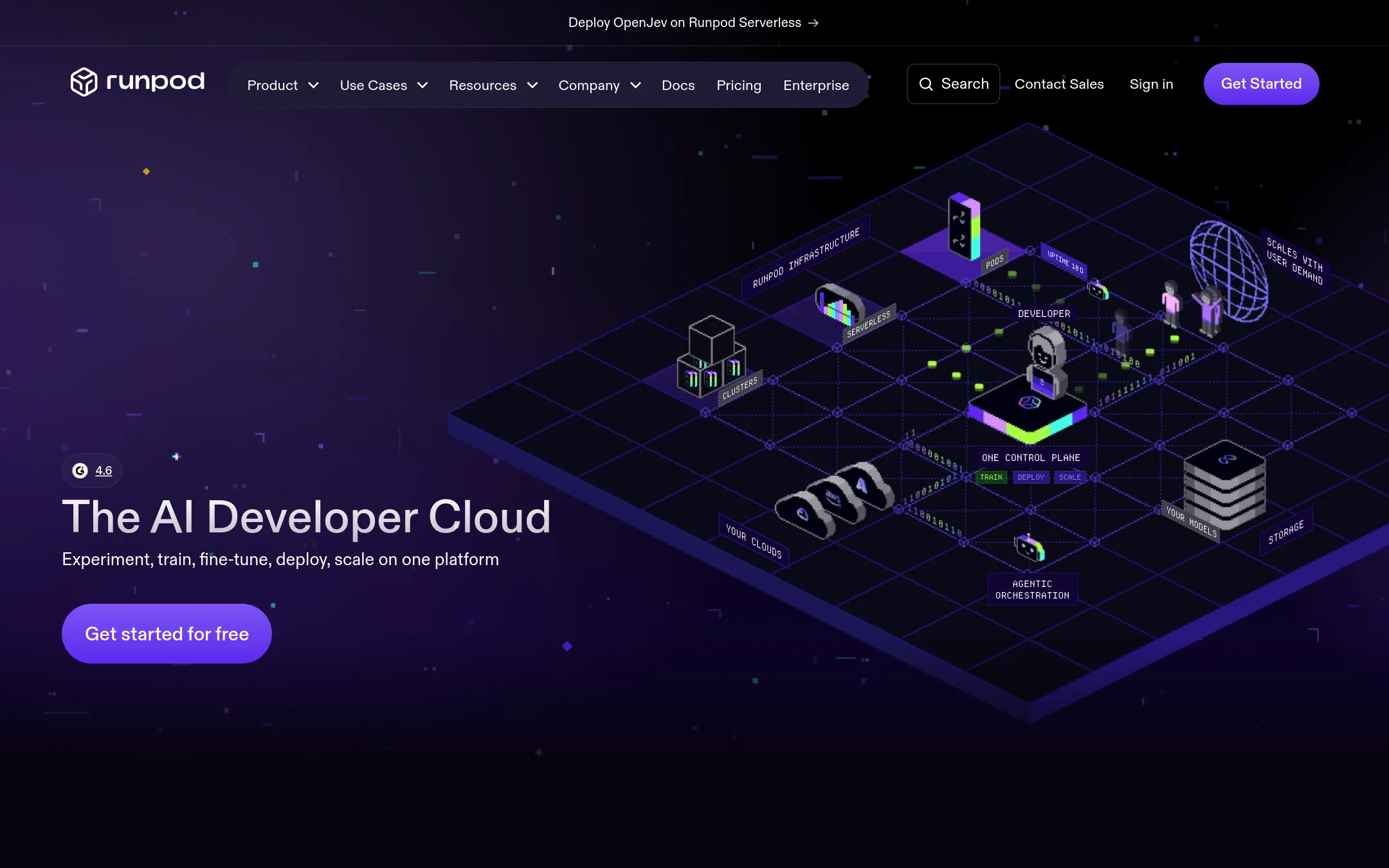
RunPod is a general AI developer cloud with on-demand GPU Pods, Serverless autoscaling inference endpoints, and multi-GPU Clusters across 30+ regions. Pick it over Comfy Deploy when you need raw GPU control, your own containers and frameworks, or training and fine-tuning work beyond running ComfyUI graphs. Comfy Deploy is the better fit when the main job is sharing ComfyUI workflows with a non-technical team.
Where it is strong
- Over 30 GPU SKUs across 31 regions, from B200 to RTX 4090
- Serverless endpoints scale to zero and claim sub-200ms cold starts
- Works with your own containers, frameworks and code, not limited to ComfyUI
Where it falls short
- No built-in shared UI for non-technical teammates to run workflows
- Pricing spans Pods, Serverless and Clusters, so the real cost takes more work to estimate
- Pricing:
- Pods are billed per GPU per hour, for example H100 SXM at $4.39/hr on Secure Cloud or from $2.69/hr on Community Cloud, with Serverless and Clusters priced separately and enterprise reservations available by contract.
- Switching from Comfy Deploy:
- Moving from Comfy Deploy means packaging your ComfyUI graphs, custom nodes and models into your own container and writing a Serverless handler, which is real engineering work.
See more comparisons in Developer Tools alternatives.
FAQ
Questions about Comfy Deploy alternatives
What is the main difference between Comfy Deploy and Modal?
Comfy Deploy is built around running ComfyUI workflows and sharing them with a team through simple interfaces. Modal runs any Python code, custom containers and sandboxes on GPUs, and bills per second with scale to zero. Teams that need more than ComfyUI graphs usually look at Modal.
Which alternative is best if we want to run ComfyUI ourselves with more control?
ComfyUI itself is the best fit for that goal. Its Comfy Cloud runs workflows in the browser on managed GPUs, and it offers a visual canvas that shows every model and step. Its pricing combines yearly plans, credits and per-hour GPU rates, so costs take more work to predict.
Can RunPod give us a shared interface for non-technical teammates?
No. RunPod provides GPU Pods, Serverless endpoints and Clusters across more than 30 regions, with your own containers and frameworks. It does not include a built-in shared UI for non-technical teammates, so Comfy Deploy is the better fit when that is the main need.
Which options are better if we mainly want to call hosted models from our app?
Replicate and Fal.ai are built for this. Replicate offers a large catalog of hosted image, video and speech models through one API, billed per second of run time. Fal.ai offers a unified API and SDKs for hundreds of hosted open models and your own LoRAs.
Does Banana publish its pricing?
No. Banana's pricing is not published on its site, so buyers will need to ask the vendor directly. Its strengths are autoscaling GPUs and a DevOps toolkit that includes GitHub integration, CI/CD and rolling deploys, though it does not support ComfyUI workflows.
Last updated November 21, 2026.