
Continue alternatives
8 products compared · Updated November 19, 2026
The short answer
The three strongest alternatives to Continue are Cline, Aider and Cursor. Cline suits individual developers who want an open-source coding agent that works with any model, including local ones. Aider suits developers who prefer working in the terminal and want to use their own LLM provider or a local model. Cursor suits software teams that want a managed AI coding agent with several models and hosted cloud agents.
Your shortlist, at a glance
Read the comparisons ↓ CursorFrom $0/mo, Teams $30/Software teams that want a managed AI coding agent with several models and hosted cloud agents
 GitHub ProjectsNot publishedEngineering teams already hosting code on GitHub that want issues, boards and reviews in one place
- CClineFree + usage-basedIndividual developers who want an open-source coding agent that works with any model, including local ones through Ollama or LM Studio
- AAiderNot publishedDevelopers who prefer working in the terminal and want to use their own LLM provider or a local model
- WWindsurf$80/mo flat (Teams)Engineering teams that run multiple coding agents daily and need shared context and handoffs between local and cloud sessions
 TabnineNot publishedLarge enterprises with complex IT estates that need governed, agent-driven testing across SAP, Oracle, Salesforce, web and mobile
1code (21st.dev)Not publishedTeams that want an orchestration layer for coding agents and are willing to evaluate it while its site is offline
 Double – Coding CopilotNot publishedDevelopers who want a ready-made AI coding copilot with chat, autocomplete and inline edits and do not need an open-source codebase to modify
About Continue and its alternatives
Continue is an open-source AI coding agent. According to its site, it was acquired by Cursor, and its open-source codebase remains freely available as a foundation for others.
When comparing alternatives in this category, look at how each product is priced, which model providers and regions it supports, which editors and integrations it works with, what support is offered, and what the contract terms require. Some products publish prices and others do not, so check the pricing page directly before deciding.
Explore the alternatives
- From $0/mo, Teams $30/
1.Cursor
Best for: Software teams that want a managed AI coding agent with several models and hosted cloud agents
- Pricing
- From $0/mo, Teams $30/
- Category
- AI & Machine Learning
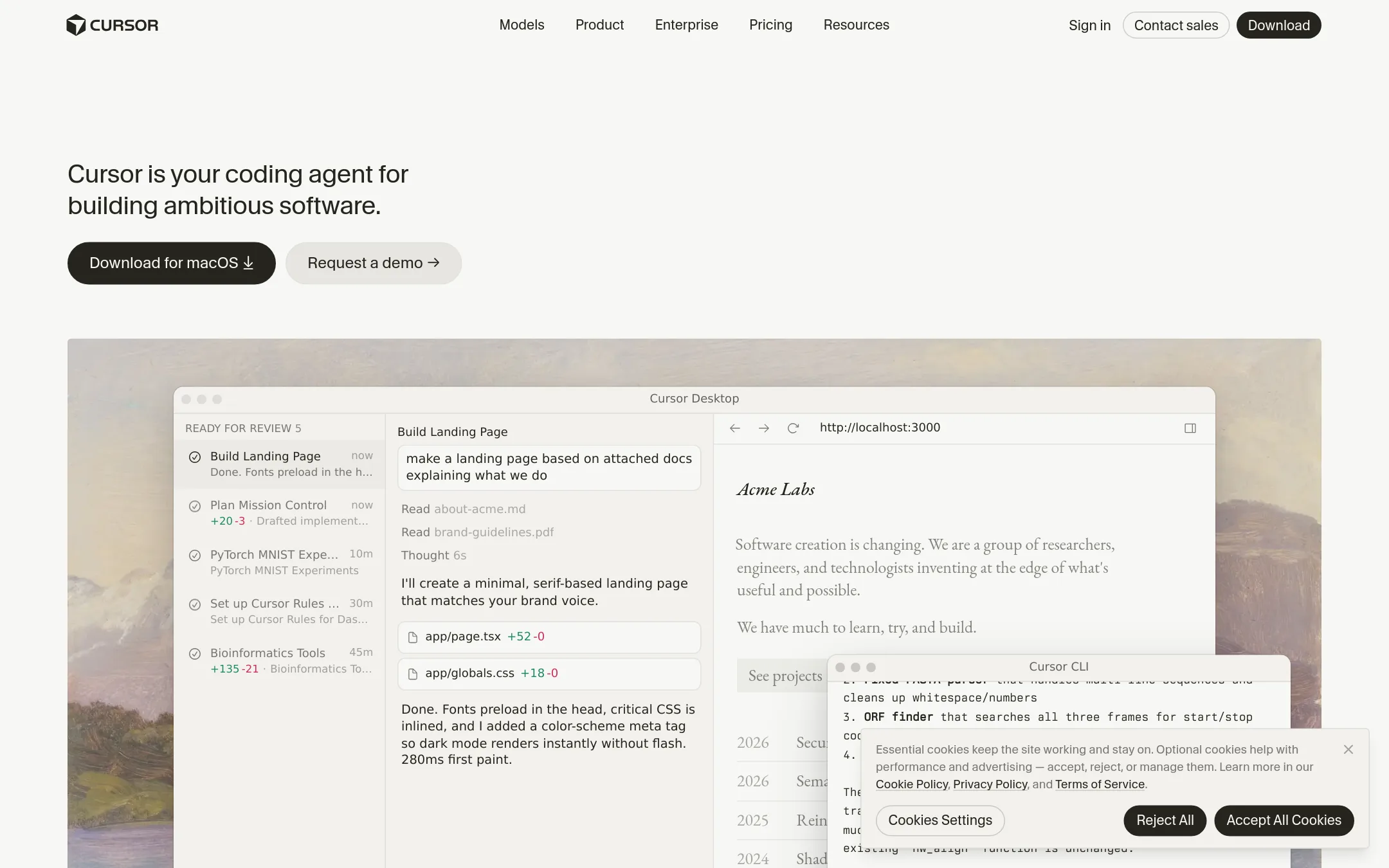
Cursor is an AI coding agent built around an editor, with autonomous agents, targeted edits, and parallel background work. Someone would choose it over Continue when they want a finished product with hosted agents and model choice rather than an open-source tool they maintain themselves. Continue has been acquired by Cursor, so the switch is a move to the company that now owns the project.
Where it is strong
- Agents can take on tasks and run in parallel
- Choice of models, including bring-your-own-model
- Team plans with centralized billing, SSO and audit logs
Where it falls short
- Third-party model usage is billed on top of the monthly price
- Usage limits apply on lower tiers, with pooled allowances that refresh weekly
- Pricing:
- Plans run from a free tier, to Plus at $8 a month, Premium at $30, Super at $100 and Ultra at $200, with Teams at $30 per user a month and Enterprise by custom quote, and third-party model usage billed separately.
- Switching from Continue:
- Continue's open-source codebase remains freely available, but its subscription and data arrangements changed with the acquisition, so check those terms before moving.
- Not published
2.GitHub Projects
Best for: Engineering teams already hosting code on GitHub that want issues, boards and reviews in one place
- Pricing
- Not published
- Category
- Productivity & Project Management
GitHub Projects is a planning and tracking tool that lives next to your repositories, issues and pull requests. Teams pick it over Continue when they want work items, boards and code review in one place, rather than an AI coding agent that edits code in the editor.
Where it is strong
- Keeps planning and tracking next to the code and pull requests
- Free plan covers unlimited public and private repositories
- Copilot is available on the Enterprise plan for AI coding work
Where it falls short
- It does not act as an open-source coding agent in your editor like Continue did
- Several features, including Copilot access, sit on the Enterprise tier
- Pricing:
- Pricing is not published on the site.
- Switching from Continue:
- Continue has been acquired by Cursor, and its open-source codebase remains freely available, so moving to GitHub Projects means replacing the agent workflow rather than migrating a subscription.
- CFree + usage-based
3.Cline
Best for: Individual developers who want an open-source coding agent that works with any model, including local ones through Ollama or LM Studio
- Pricing
- Free + usage-based
- Category
- Other
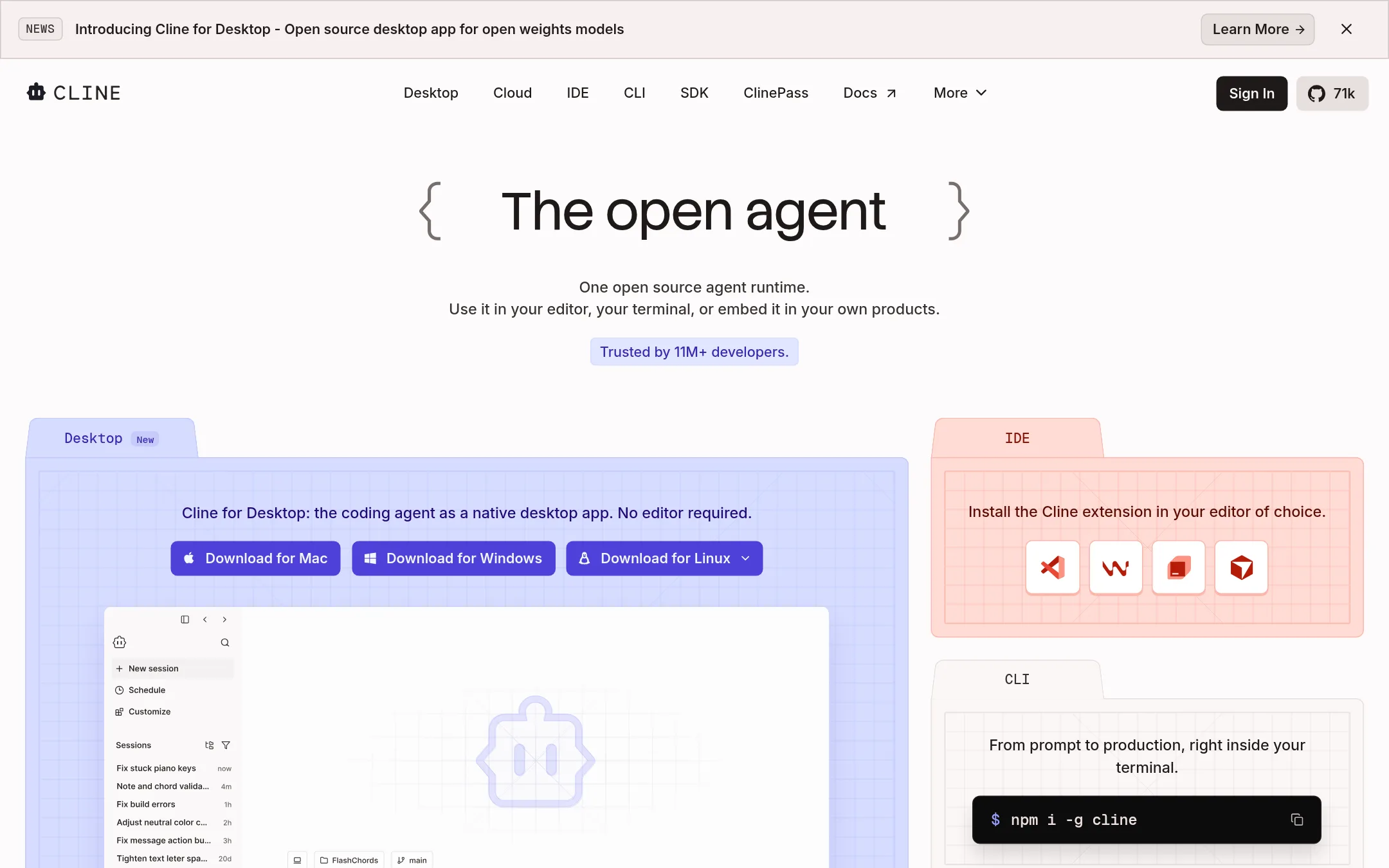
Cline is an open-source AI coding agent that works in VS Code, Windsurf, JetBrains, Cursor, a terminal CLI, and a desktop app. It plans a task in Plan mode, then carries it out in Act mode, editing multiple files and running bash commands. Someone would pick Cline over Continue when they want an agent that runs commands and edits across a project, supports many models, and can be extended with MCP servers and custom rules.
Where it is strong
- Plan and Act modes let you approve each step or switch to auto-approve.
- Supports Claude, GPT, Gemini, local Ollama and LM Studio models, and any OpenAI-compatible endpoint.
- Works through MCP servers.clinerules files, and an SDK for custom tools.
Where it falls short
- The JetBrains extension, SSO, and team dashboard are only on the Enterprise plan.
- Enterprise features such as advanced config management and fine-grained permissioning are still marked as coming soon.
- Pricing:
- The open-source extension is free for individual developers, and you pay only for AI inference on a usage basis or bring your own API keys.
- ANot published
4.Aider
Best for: Developers who prefer working in the terminal and want to use their own LLM provider or a local model
- Pricing
- Not published
- Category
- AI & Machine Learning
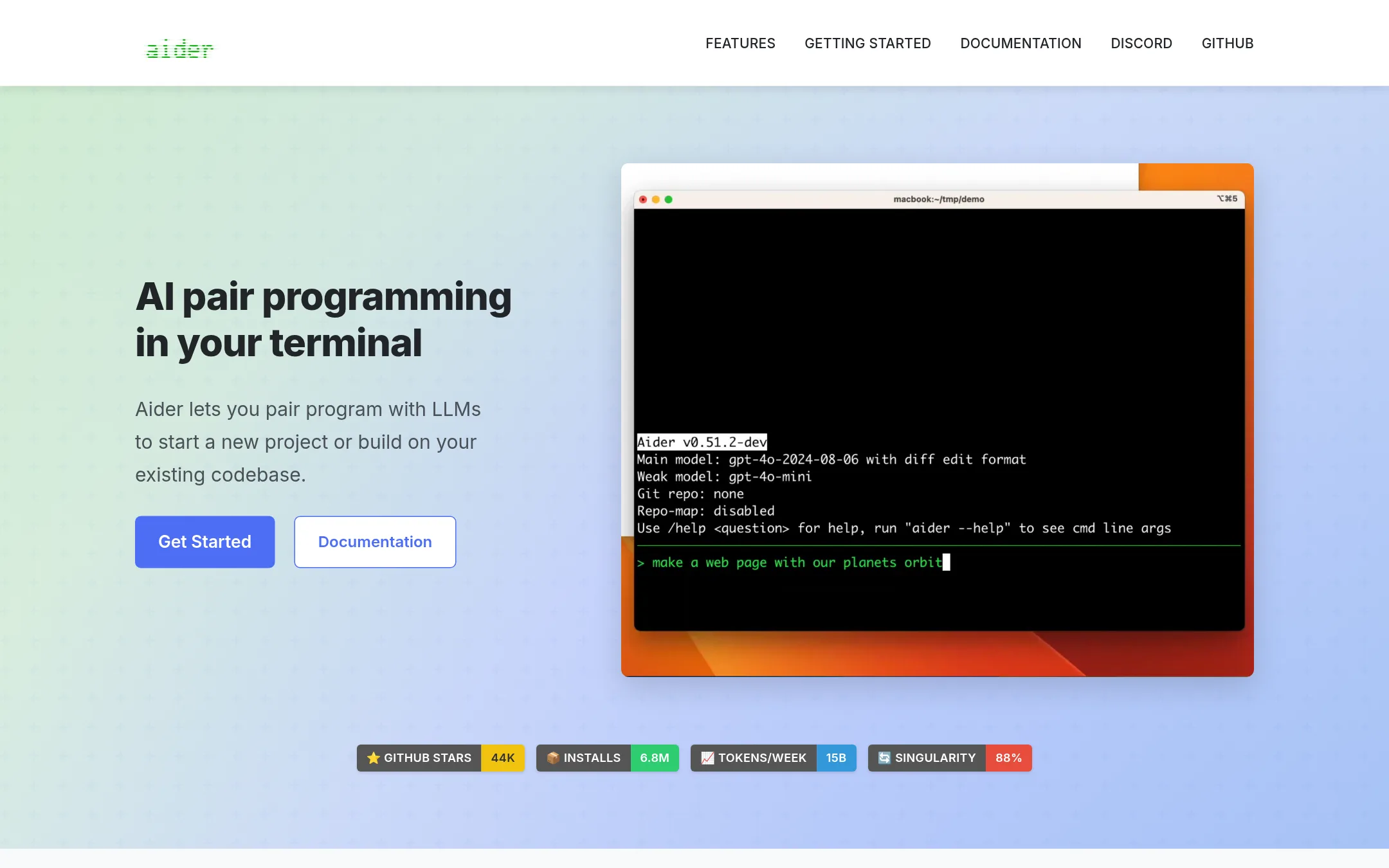
Aider is a terminal tool for pair programming with an LLM. It maps your whole codebase, edits files, and commits each change to Git with a sensible message, so you can review or undo AI edits with normal Git tools. Choose it over Continue if you want a command-line workflow that works with almost any model, including local ones, after Continue's team moved on from the project.
Where it is strong
- Works with cloud and local LLMs, so you can choose the model
- Commits changes to Git automatically, making AI edits easy to diff and undo
- Lints and tests code after each change and can fix the problems it finds
Where it falls short
- Terminal-first, so it suits developers less well if you want an in-editor experience
- Works best with LLM APIs, while web chat use means manual copy and paste
- Pricing:
- Pricing is not published on the site.
- Switching from Continue:
- Continue's open-source codebase remains freely available, and Aider runs as its own tool from the terminal, so moving means setting up Aider and choosing an LLM provider.
- W$80/mo flat (Teams)
5.Windsurf
Best for: Engineering teams that run multiple coding agents daily and need shared context and handoffs between local and cloud sessions
- Pricing
- $80/mo flat (Teams)
- Category
- Other
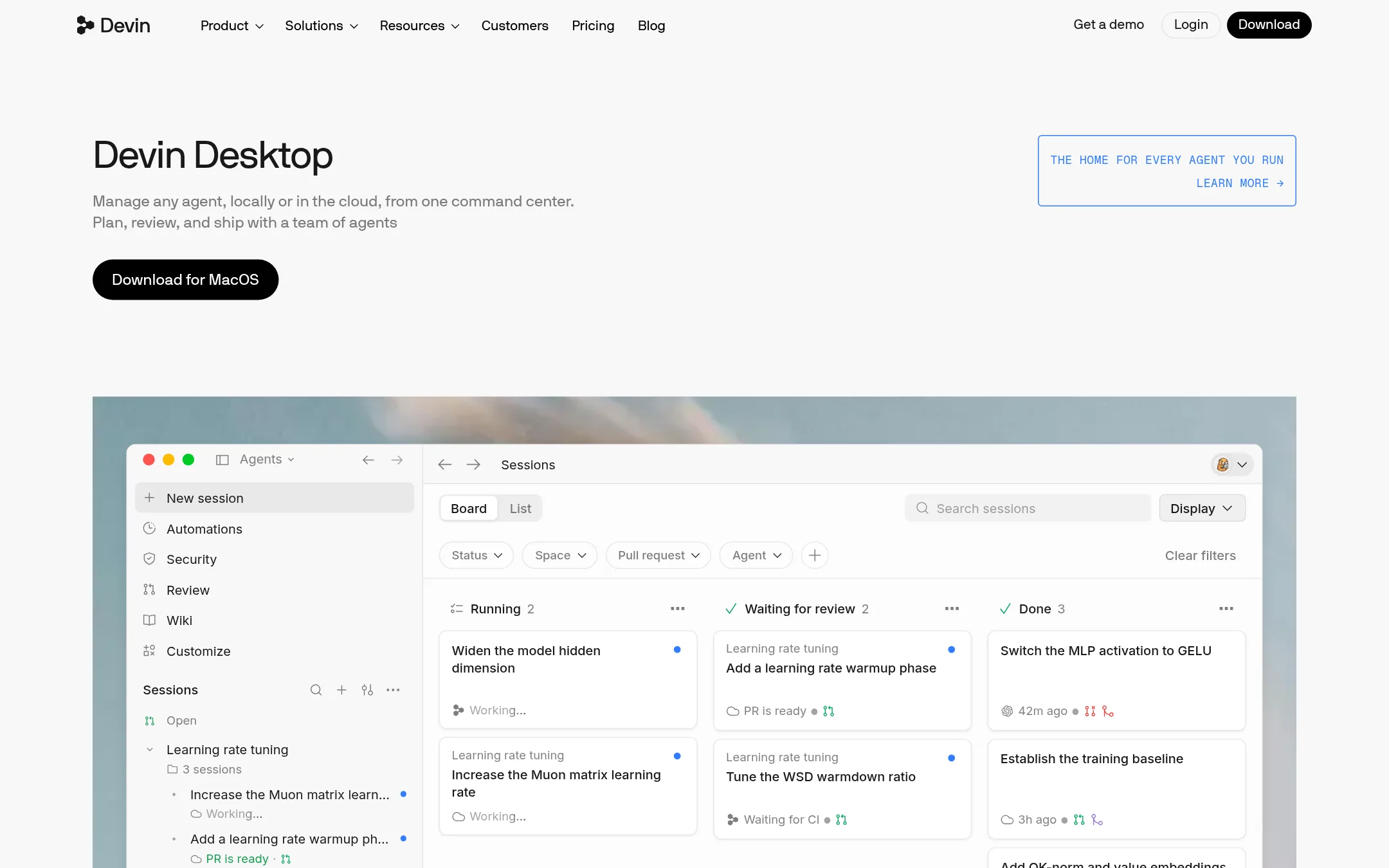
Devin Desktop is a command center for running many coding agents, local or cloud, from one place. It fits teams that already run several agents at once and want shared context and coordination across them, which Continue, now acquired by Cursor, does not present as its focus.
Where it is strong
- Manages many agents and models from one command center using the Agent Client Protocol
- Lets sessions move between a laptop and Devin Cloud with the same context
- Coordinates subagents that each produce their own pull requests
Where it falls short
- Pricing is tiered by usage credits and quotas, which can be hard to predict
- Enterprise features such as SCIM, dedicated deployment and account management sit behind custom sales
- Pricing:
- Teams is self-serve at a flat $80/month, with Free, Pro and Enterprise plans also listed on the pricing page.
- Not published
6.Tabnine
Best for: Large enterprises with complex IT estates that need governed, agent-driven testing across SAP, Oracle, Salesforce, web and mobile
- Pricing
- Not published
- Category
- AI & Machine Learning
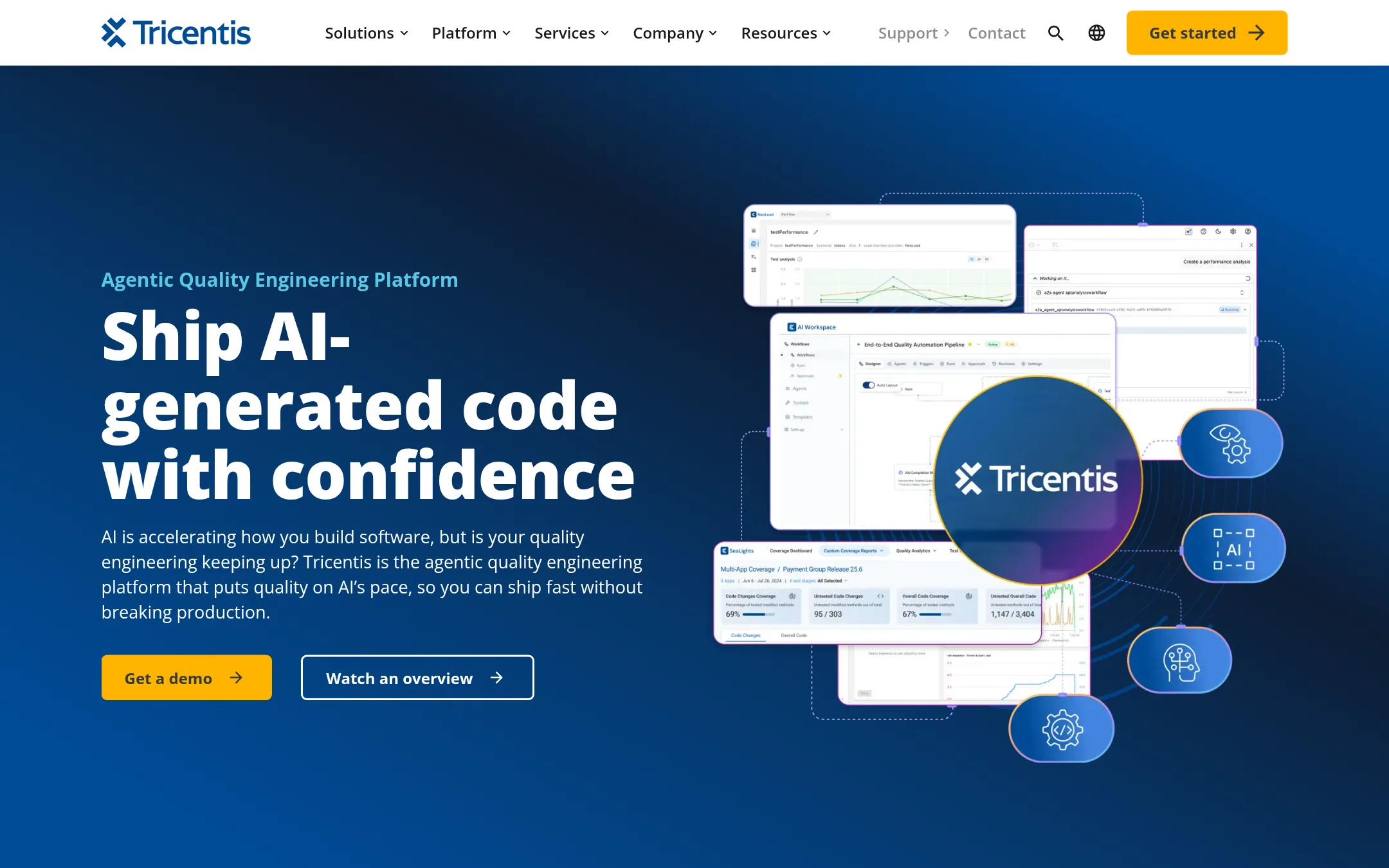
Tricentis is an enterprise quality engineering platform. It uses specialized AI agents for test creation, test automation, coverage analysis, and performance testing under one governed control plane. Someone would pick it over Continue when the need is testing and QE for AI-generated code at scale, rather than an open-source coding assistant inside the editor.
Where it is strong
- Covers test creation, automation, coverage intelligence and performance testing in one platform
- Configurable approval gates and audit trails for each agent action
- Tests enterprise packaged software such as SAP, Oracle and Salesforce alongside web and mobile
Where it falls short
- Aimed at large enterprises, so it is a poor fit for a small team that only wants a coding assistant
- Does not offer an open-source code assistant as Continue did
- Pricing:
- Pricing is not published on the site.
- Switching from Continue:
- Tricentis focuses on quality engineering rather than code generation, so moving from Continue would mean changing the workflow from writing code with an assistant to testing and governing that code.
- Not published
7.1code (21st.dev)
Best for: Teams that want an orchestration layer for coding agents and are willing to evaluate it while its site is offline
- Pricing
- Not published
- Category
- Developer Tools
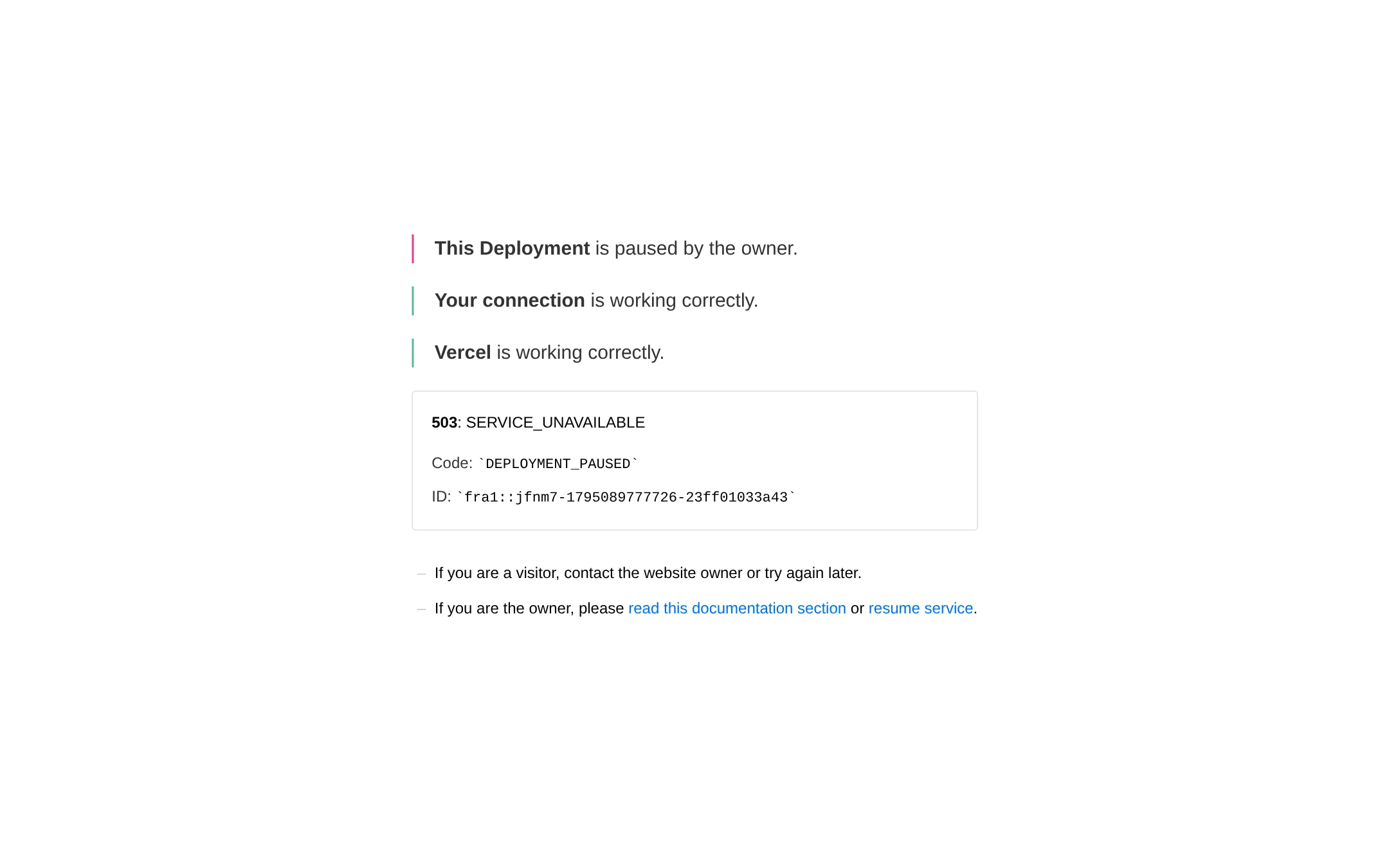
1code is described on its tagline as an orchestration layer for coding agents. Its own site is currently showing a paused deployment message, so I can't confirm its current feature set from the page. A team might look at it instead of Continue if they want a layer that coordinates several coding agents rather than a single open-source agent they run themselves.
Where it is strong
- Positioned as an orchestration layer for coding agents
- Sits on top of agent workflows rather than replacing the editor
- Listed in the same developer tools category as Continue
Where it falls short
- Its website is currently paused and returns a 503 error
- Pricing is not published
- Pricing:
- Pricing is not published on the site.
- Switching from Continue:
- Moving from Continue to 1code is not covered by any information I could verify, so it would need to be checked directly with the vendor.
- Not published
8.Double – Coding Copilot
Best for: Developers who want a ready-made AI coding copilot with chat, autocomplete and inline edits and do not need an open-source codebase to modify
- Pricing
- Not published
- Category
- Developer Tools
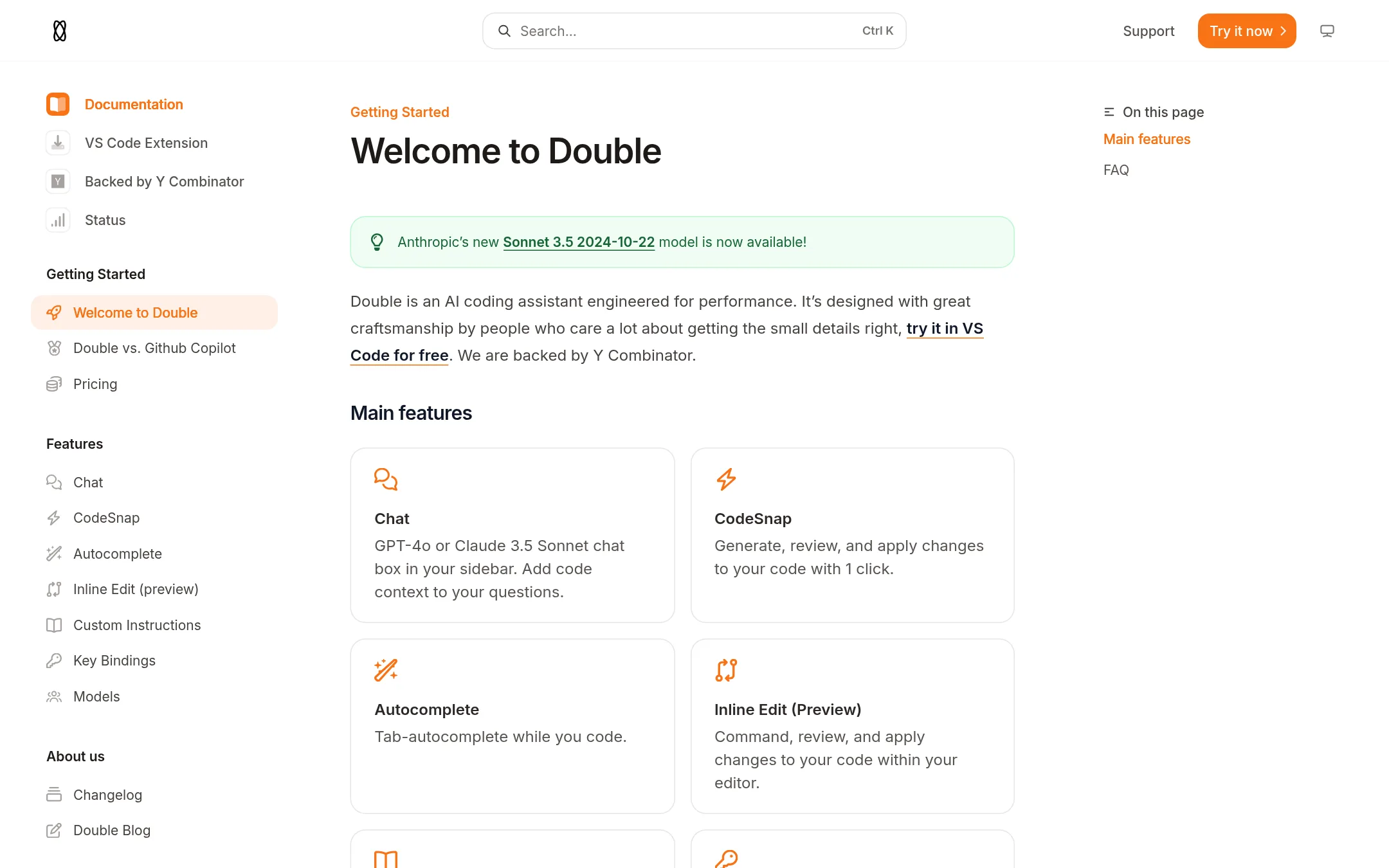
Double is an AI coding copilot with chat, autocomplete, inline edits and a CodeSnap feature, and it lets you choose your own model. Someone would pick it over Continue if they want a managed copilot product with a documented feature set rather than an open-source agent they run and extend themselves.
Where it is strong
- Covers chat, autocomplete, inline edits and CodeSnap in one product
- Lets you change the model you use
- Has documentation for custom instructions and key bindings
Where it falls short
- The supplied material does not list which editors are supported beyond a question about JetBrains, Neovim and VS Code, so check that before
- Pricing details are not shown in the material available here, so you cannot compare costs yet
- Pricing:
- Pricing is not published on the site.
- Switching from Continue:
- Continue has been acquired by Cursor and its open-source codebase remains freely available, but the supplied material does not say what moving data or subscriptions from Continue to Double involves.
See more comparisons in Developer Tools alternatives.
FAQ
Questions about Continue alternatives
Which alternative is best for an individual developer who wants open source?
Cline is an open-source AI coding agent that works in VS Code, Windsurf, JetBrains, Cursor, a terminal CLI and a desktop app. Its open-source extension is free for individual developers, and you pay only for AI inference or bring your own API keys.
Which alternative works best from the terminal?
Aider is a terminal tool for pair programming with an LLM. It commits each change to Git, so you can review or undo AI edits with normal Git tools, and it works with cloud and local models.
Which option suits a team that wants a managed product?
Cursor is an AI coding agent built around an editor, with autonomous agents, targeted edits and parallel background work. Its Teams plan is listed at $30 per user a month, and Enterprise is priced by custom quote, with third-party model usage billed separately.
Is there an alternative for teams that already use GitHub?
GitHub Projects is a planning and tracking tool that sits next to your repositories, issues and pull requests. Its free plan covers unlimited public and private repositories, but it does not act as an AI coding agent in your editor like Continue did.
Do all of these alternatives publish their pricing?
No. Cursor and Windsurf publish plan prices, but Double, GitHub Projects, Aider, Tabnine and 1code do not show pricing on their sites. Check each vendor's pricing page or contact sales before comparing costs.
Last updated November 19, 2026.