
Cortex alternatives
11 products compared · Updated November 15, 2026
The short answer
The three strongest Cortex alternatives are Backstage, OpsLevel and Port. Backstage suits platform teams with engineers to spare who want to build and own an open source developer portal. OpsLevel suits platform and SRE teams that want a service catalog, standards checks and self-service workflows. Port suits engineering orgs that want AI agents resolving tickets and pipeline failures under central governance.
Your shortlist, at a glance
Read the comparisons ↓- BBackstageNot publishedPlatform teams with engineers to spare who want to build and own an internal developer portal on open source code
- PPortFrom $30/seat/moEngineering orgs that want agents resolving tickets, fixing pipeline failures and self-healing incidents under central governance
- OOpsLevelNot publishedPlatform and SRE teams that want a service catalog, standards checks and self-service workflows, with each agent limited to the access its workflow needs
 HarnessNot publishedEnterprise platform teams that want one vendor for pipelines, deployments, security scanning and AI cost control
- LLinearBNot publishedEngineering leaders who need board-ready AI ROI and cycle time reporting across delivery teams
- JJellyfishCustom quoteEnterprise R&D leaders who need to measure AI coding tool impact and reconcile engineering spend with finance
- SSwarmiaNot publishedEngineering teams of any size that want delivery metrics and AI impact data from existing tools without a heavy setup.
- PPagerDutyFrom $2,800/yearOperations and SRE teams that already run many monitoring tools and need reliable on-call paging and incident response across them
- PPoplarMLSee websiteDeploy Machine Learning Models with One Command
 VictoriaMetricsNot publishedEngineering teams with growing metrics, logs and trace volumes that want a self-hosted or managed observability backend.
Microsoft Azure CycleCloudNot publishedEngineering teams running HPC or batch simulation workloads on Azure that need managed cluster orchestration
About Cortex and its alternatives
Cortex is an Engineering Operations Platform and internal developer portal. Its site says it gives engineering teams visibility, governance and golden paths to ship faster with AI, and it is known for production readiness scorecards, service catalogs and self-service provisioning. Its site reports results such as a 75% reduction in MTTR and 50+ out-of-the-box integrations.
When comparing alternatives in this category, weigh how each product is priced, since Cortex and several others do not publish prices and require a sales quote. Check which regions and deployment models are supported, including whether a product is cloud only or can be self-hosted. Review the integrations you already rely on, the support and contract terms on offer, and whether you need a portal, an analytics tool, an incident response tool or an agent platform.
Explore the alternatives
- BNot published
1.Backstage
Best for: Platform teams with engineers to spare who want to build and own an internal developer portal on open source code
- Pricing
- Not published
- Category
- Other
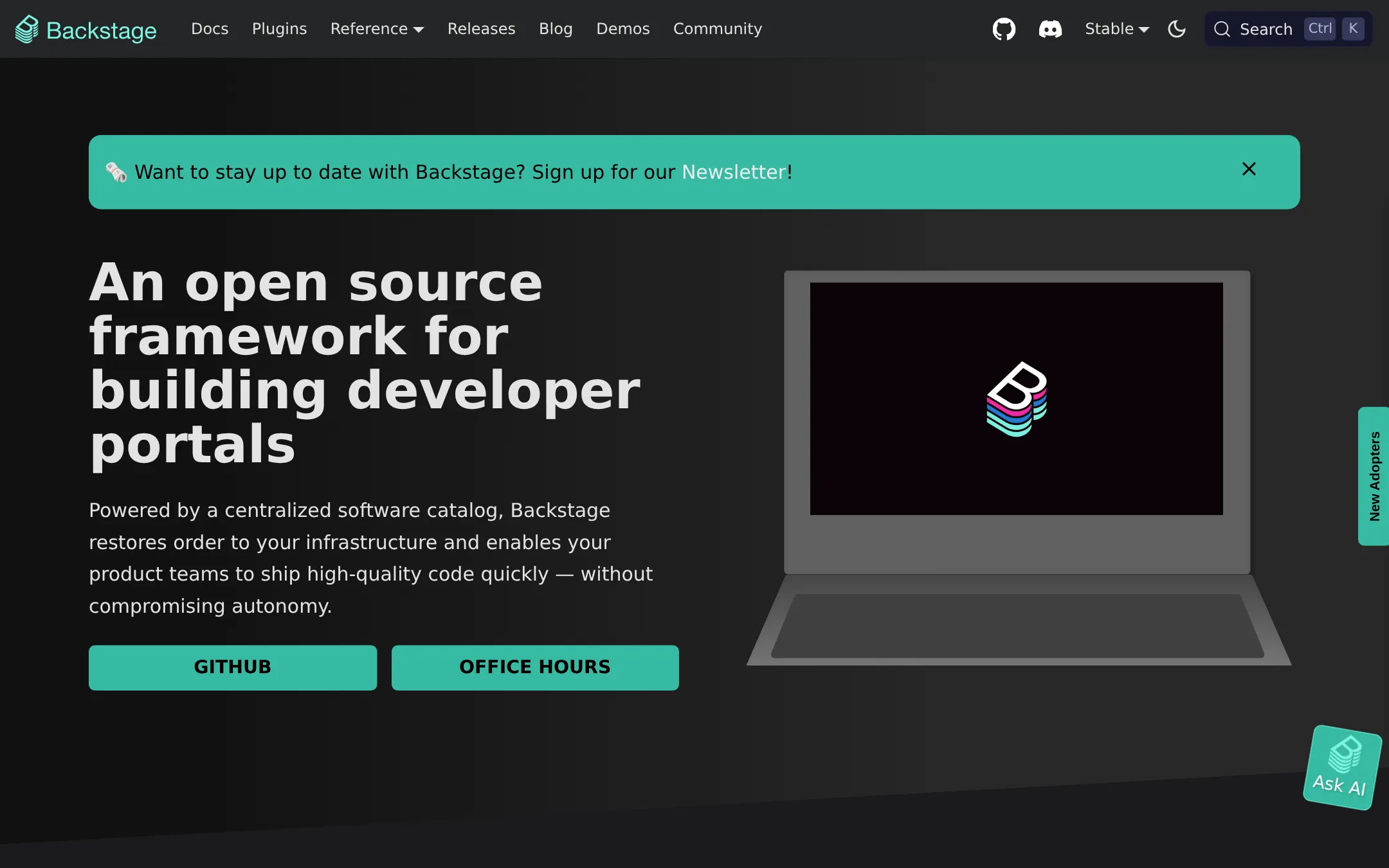
Backstage is an open source framework for building an internal developer portal. It gives you a software catalog, service templates, TechDocs and a plugin system, and you host and build the portal yourself. Choose it over Cortex when you have platform engineers who want full control of the code and no vendor contract.
Where it is strong
- Free and open source under a foundation-backed project
- Software catalog, templates and TechDocs cover the core portal needs
- Plugin framework lets you add or build the tools you use
Where it falls short
- You build and maintain the portal yourself, so it takes engineering time
- The site lists no hosted option or built-in engineering analytics to match Cortex's operational reporting
- Pricing:
- Pricing is not published on the site.
- Switching from Cortex:
- Moving from Cortex means rebuilding your catalog, templates and integrations on Backstage, since the site does not describe any import path.
- PFrom $30/seat/mo
2.Port
Best for: Engineering orgs that want agents resolving tickets, fixing pipeline failures and self-healing incidents under central governance
- Pricing
- From $30/seat/mo
- Category
- Other
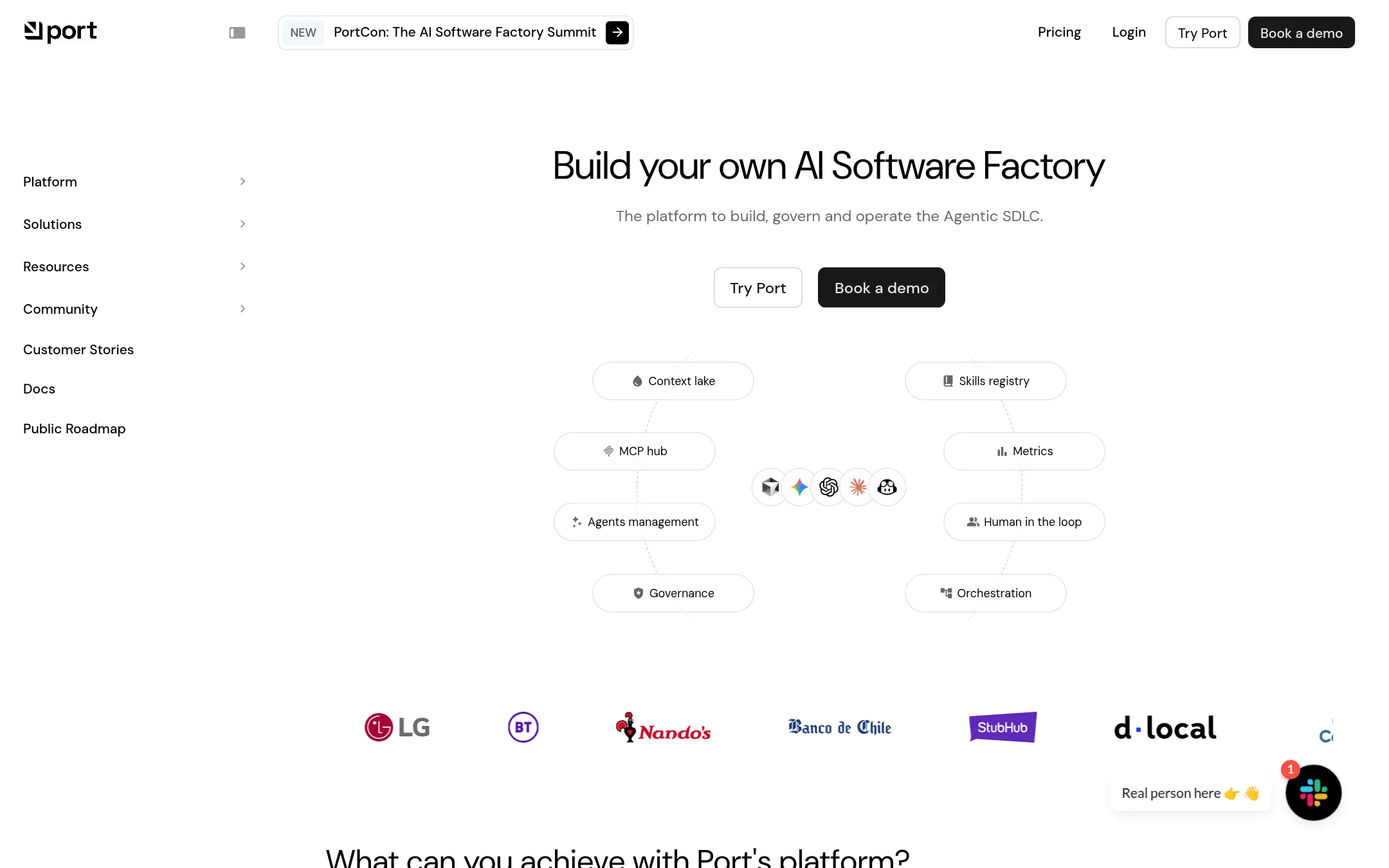
Port is an agentic SDLC platform for building, governing and operating AI-driven software delivery, with an AI Builder, workflow orchestrator, governance controls and a skills registry. Teams would pick Port over Cortex when they want to put AI agents to work on tickets, pipelines and incidents, and to manage a registry of agents, skills and MCPs across the software development lifecycle.
Where it is strong
- Agents can act on tickets, pipeline failures and incidents, not only report on them
- Free plan with no time limit and no credit card needed for evaluation
- Published per-seat prices for the lower tiers make budgeting simpler
Where it falls short
- Enterprise pricing is a platform fee plus per-seat cost and requires a sales quote
- Port is cloud SaaS only, with on-premise deployment not offered
- Pricing:
- Port has a free plan for up to 5 seats and 10k entities, Basic starts at $30 per seat per month for up to 50 seats, Standard starts at $48 per seat per month, and Enterprise is custom priced.
- Switching from Cortex:
- Moving from Cortex would mean re-creating your service catalog and ownership data in Port's data model and re-wiring integrations, and the site does not describe a migration path.
- ONot published
3.OpsLevel
Best for: Platform and SRE teams that want a service catalog, standards checks and self-service workflows, with each agent limited to the access its workflow needs
- Pricing
- Not published
- Category
- Other
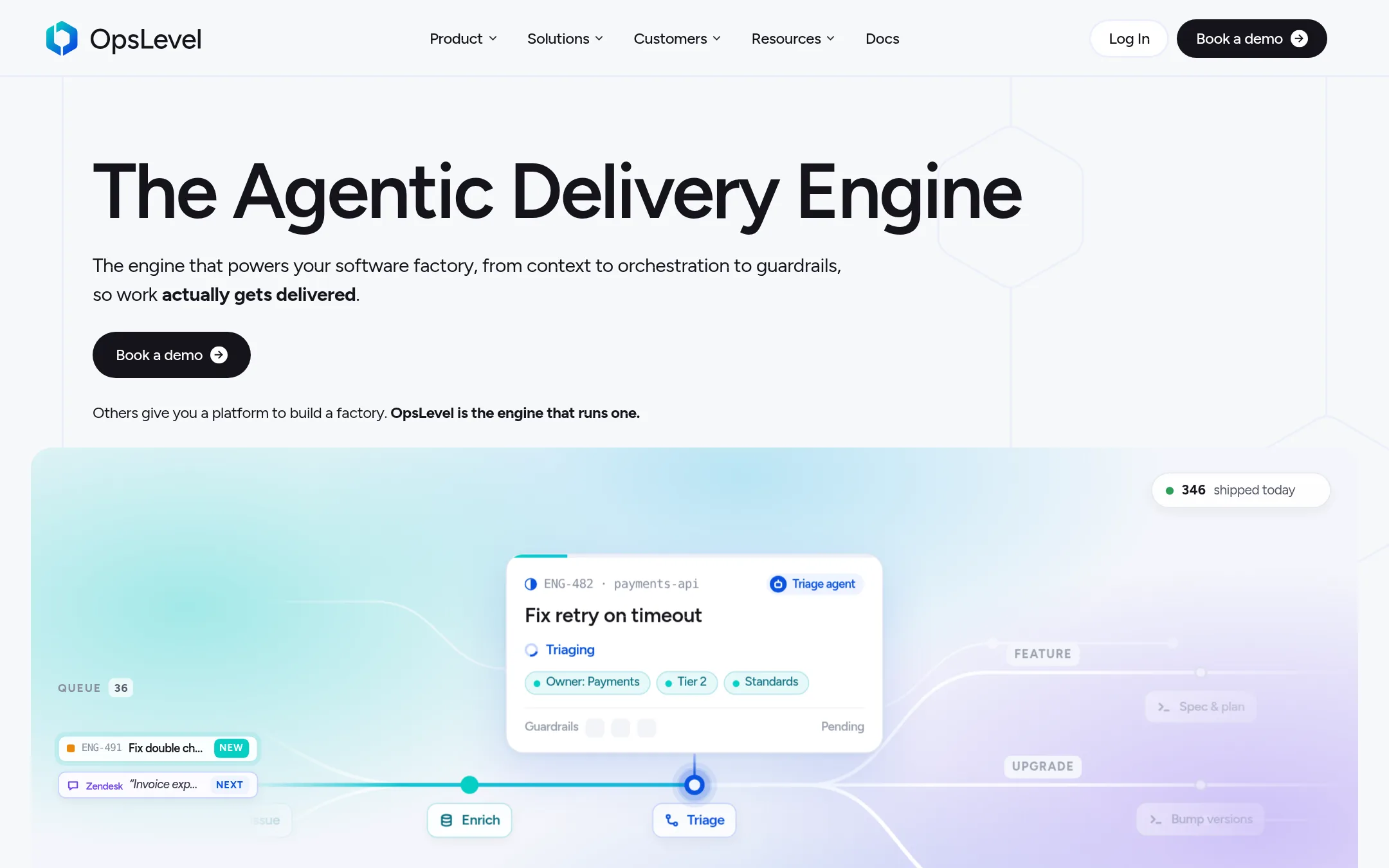
OpsLevel is an internal developer portal that builds a service catalog from tools like GitHub, Datadog and AWS, then adds standards checks and self-service workflows. Teams pick it over Cortex when they want the catalog, guardrails and workflow automation focused on their own SDLC process, with agents running inside the same context.
Where it is strong
- Builds a service catalog automatically from tools such as GitHub, Datadog and AWS
- Lets teams define their own Component Types, from APIs to ML models and AI agents
- Controls agent access down to the team and service level
Where it falls short
- The site does not publish pricing, so comparing cost with Cortex needs a sales conversation
- Its page describes the model as priced by number of developers, with custom quotes, so budget estimates need that conversation too
- Pricing:
- Pricing is not published on the site.
- Not published
4.Harness
Best for: Enterprise platform teams that want one vendor for pipelines, deployments, security scanning and AI cost control
- Pricing
- Not published
- Category
- Developer Tools
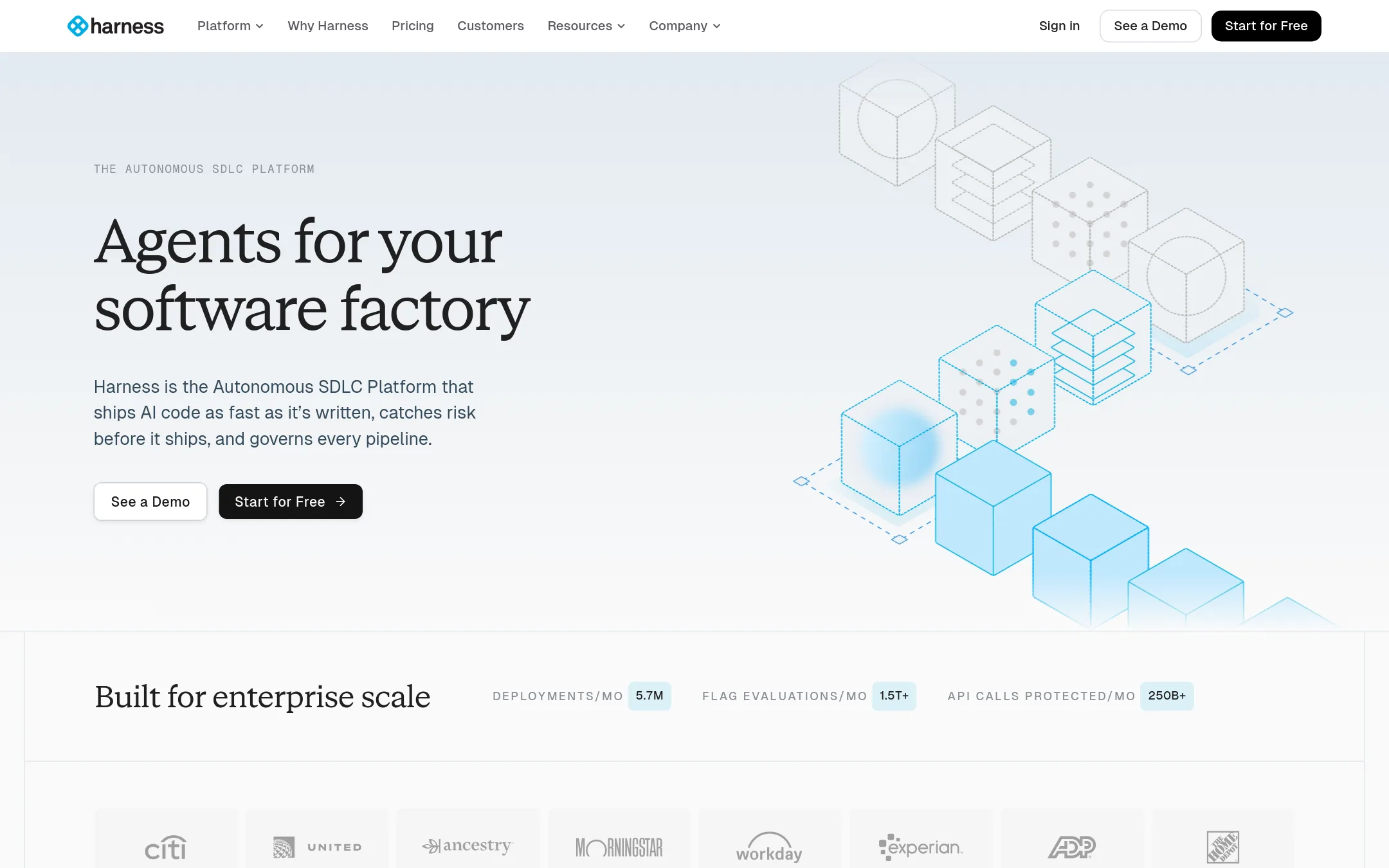
Harness is a broad software delivery platform covering CI and CD, security testing, runtime protection, and cloud cost management, with AI agents across those areas. Teams pick it over Cortex when they want the pipeline and deployment layer itself, not an engineering catalog and scorecards on top of existing tools.
Where it is strong
- Covers build, deploy, security testing and cost management in one product
- Policy-as-code and audit trails let security teams set limits on what AI agents can do
- Autonomy can be set per workflow and per environment, from fully approved steps to agents acting within policy
Where it falls short
- Its center is delivery pipelines, so it does less than Cortex on service ownership and production readiness scorecards
- The site lists a free tier and two paid plans but does not publish their prices
- Pricing:
- Pricing is not published on the site.
- LNot published
5.LinearB
Best for: Engineering leaders who need board-ready AI ROI and cycle time reporting across delivery teams
- Pricing
- Not published
- Category
- Other
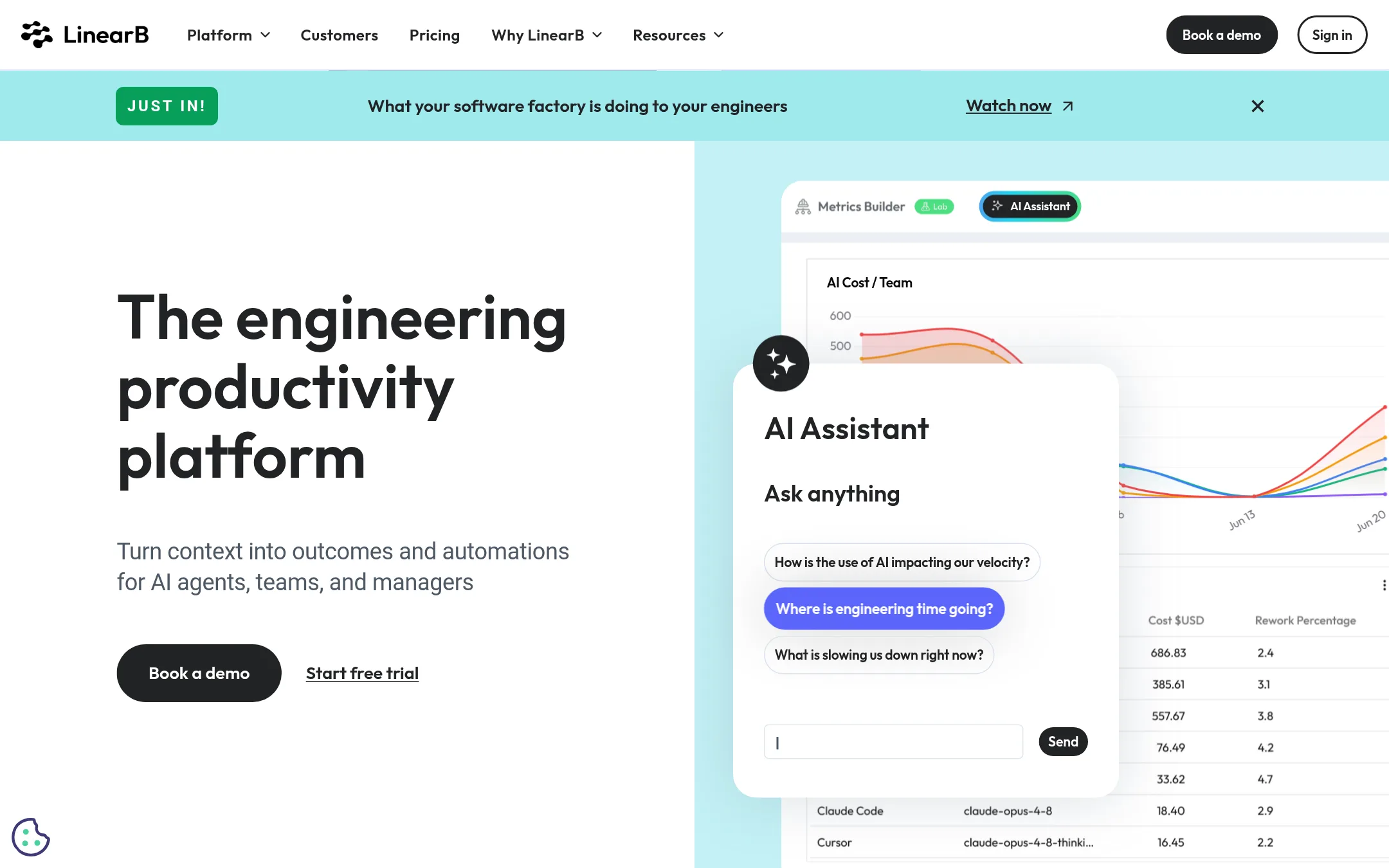
LinearB is an engineering productivity platform that pulls data from commits, tickets, builds and incidents into one view of delivery. Teams pick it over Cortex when the main question is measuring delivery speed and AI tool ROI rather than service ownership and production readiness. Its gitStream and PR workflow automation also suit teams who want merge routing handled for them.
Where it is strong
- Tracks AI tool adoption, cost per effective PR and DORA metrics in one place
- Routes low-risk pull requests to automatic merge and risky ones to the right reviewers
- Has an MCP server so Claude, ChatGPT or Cursor can query engineering data
Where it falls short
- Its focus is delivery metrics, so it does not match Cortex's service catalog and production readiness scorecards
- Workflow automation is not supported on Azure DevOps and Bitbucket on-prem
- Pricing:
- Pricing is not published on the site.
- JCustom quote
6.Jellyfish
Best for: Enterprise R&D leaders who need to measure AI coding tool impact and reconcile engineering spend with finance
- Pricing
- Custom quote
- Category
- Other
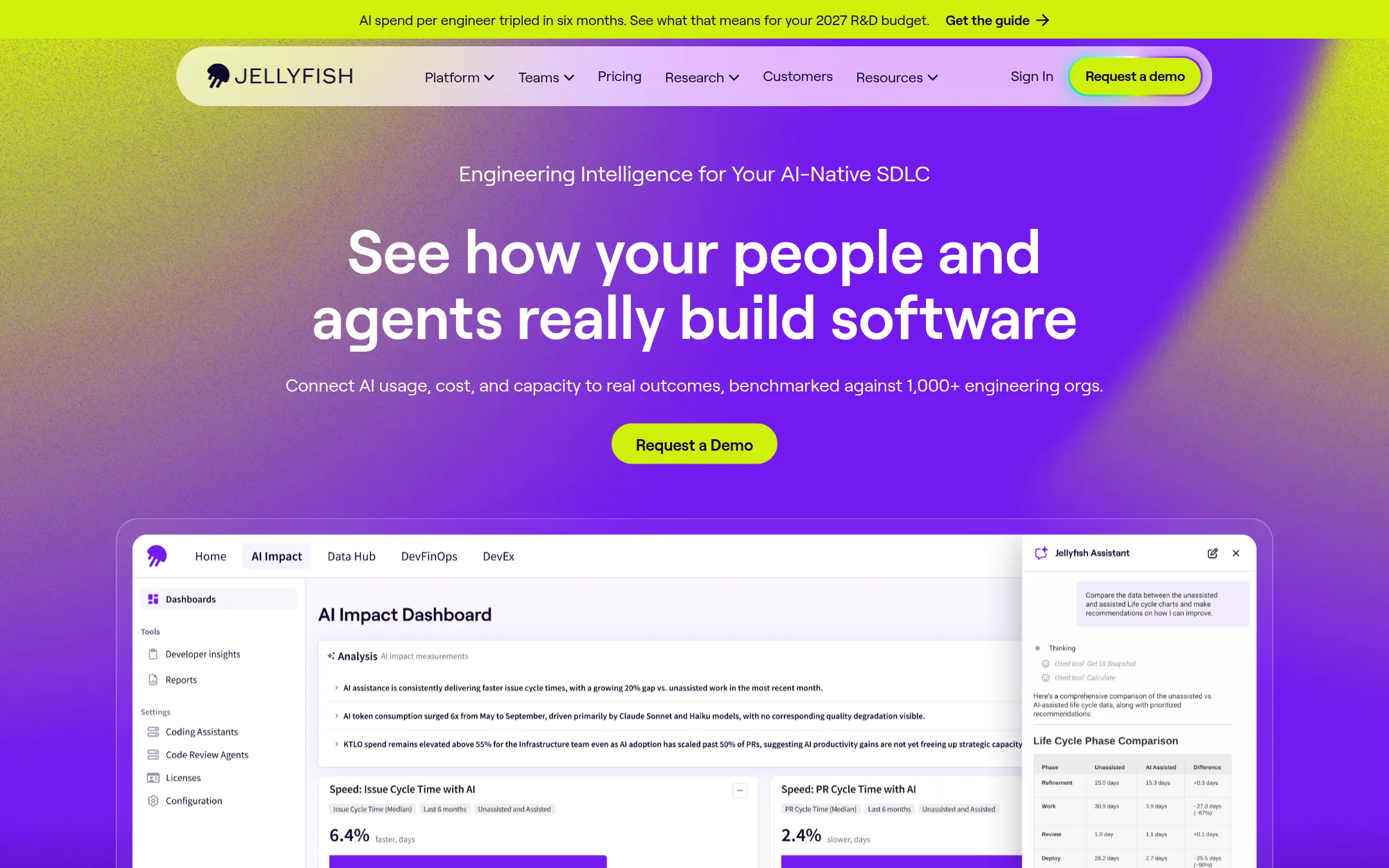
Jellyfish is an engineering intelligence platform that connects AI tool usage, token spend, and team capacity to delivery outcomes, benchmarked against over 1,000 engineering orgs. A team would pick it over Cortex when the main question is measuring what AI adoption is actually doing to output and cost, and when finance needs reconciled R&D spend and tax credit or capitalization support.
Where it is strong
- Tracks AI usage, token spend, and adoption across tools like Claude, Copilot, and ChatGPT in one view
- Includes DevFinOps features such as R&D tax credits and software capitalization reporting
- SOC 1 Type II and SOC 2 Type II certified with role-based access controls
Where it falls short
- Its emphasis is on measurement and analytics, not on golden paths, service scaffolding, or self-service provisioning, which Cortex covers
- Pricing requires a sales conversation and scales with seats and modules, so budgeting in advance is harder
- Pricing:
- Pricing is not published on the site, only that it depends on seats and selected modules, with quotes available from sales.
- SNot published
7.Swarmia
Best for: Engineering teams of any size that want delivery metrics and AI impact data from existing tools without a heavy setup.
- Pricing
- Not published
- Category
- Other
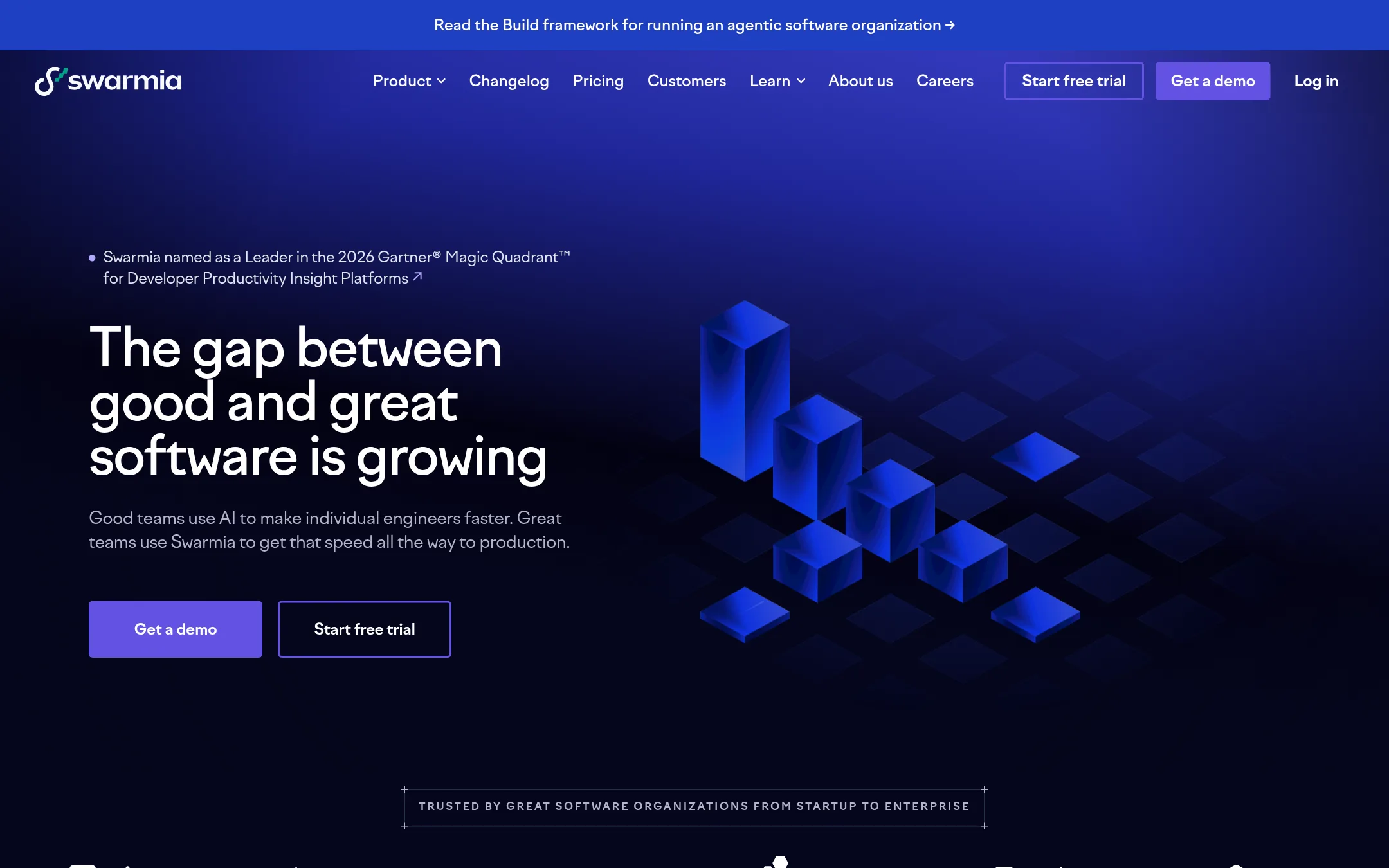
Swarmia is an engineering intelligence tool that connects to your existing tools and shows delivery data without requiring you to change how your team works or label tickets perfectly. Teams pick it over Cortex when they want analytics, productivity insight and AI adoption tracking rather than a service catalog and developer portal. It has a free plan for small teams and an AI assistant that answers questions about engineering data in plain language.
Where it is strong
- Connects to existing tools without changing your process or ticket labels
- Ships with ready-made dashboards built on engineering best practices
- Swarmia MCP lets you query the data from Claude, Cursor or other MCP tools
Where it falls short
- Focused on analytics and productivity, so it lacks Cortex's service catalog and golden paths
- Free plan excludes HRIS integrations and Swarmia AI
- Pricing:
- Pricing is charged per developer added to teams, with a free plan for companies under 10 developers, a Standard plan and an Enterprise plan, but the page does not publish specific figures.
- PFrom $2,800/year
8.PagerDuty
Best for: Operations and SRE teams that already run many monitoring tools and need reliable on-call paging and incident response across them
- Pricing
- From $2,800/year
- Category
- Other
PagerDuty is an incident response and operations platform. It handles alerting, on-call scheduling, incident workflows and status pages, and it has added AI agents that help investigate and remediate incidents. Teams pick it over Cortex when their main problem is responding to outages and paging the right people, not measuring service maturity or building developer golden paths.
Where it is strong
- Integrates with over 750 tools out of the box, so most monitoring stacks connect without custom work.
- Covers the full incident lifecycle, from detection and paging through post-incident reviews and status pages.
- Has a free tier for small teams testing on-call and incident response.
Where it falls short
- It focuses on incident response, so it does not provide the service catalog, maturity scorecards or developer portal that Cortex offers.
- Pricing tiers are tied to event volume, seats and AI actions, which makes costs harder to predict as usage grows.
- Pricing:
- Plans start at $2,800 per year for the Starter tier, with Essential at $12,000 per year, Plus at $48,000 per year, and Ultimate on custom pricing, and a Free tier exists for the Incident Management product.
- PSee website
9.PoplarML
AI & Machine Learning
Deploy Machine Learning Models with One Command
- Not published
10.VictoriaMetrics
Best for: Engineering teams with growing metrics, logs and trace volumes that want a self-hosted or managed observability backend.

- Pricing
- Not published
- Category
- Analytics & Data
VictoriaMetrics is an open source observability stack that stores metrics, logs and traces in separate purpose-built databases, so each signal can be scaled on its own. Teams pick it over Cortex when their problem is telemetry storage cost and query performance rather than service ownership, scorecards or developer portals. It is a fit for teams already running Prometheus or OpenTelemetry who want a drop-in backend.
Where it is strong
- Open source core, with an enterprise tier and a managed cloud option
- Compatible with Prometheus, OpenTelemetry, InfluxDB, Graphite and Datadog data sources
- Separate databases for metrics, logs and traces, so each scales independently
Where it falls short
- It is an observability backend, not an internal developer portal, so it does not cover service catalogs, scorecards or golden paths like Cor
- Pricing details are not published, so cost comparison needs a direct conversation with sales
- Pricing:
- Pricing is not published on the site.
- Switching from Cortex:
- Moving from Cortex would mean replacing its service-catalog and readiness features with separate tooling, since VictoriaMetrics covers telemetry storage and querying rather than the same workflows.
- Not published
11.Microsoft Azure CycleCloud
Best for: Engineering teams running HPC or batch simulation workloads on Azure that need managed cluster orchestration
- Pricing
- Not published
- Category
- Developer Tools
Azure CycleCloud is Microsoft's tool for building and managing high performance computing clusters on Azure, with schedulers and autoscaling for batch and simulation work. A team would pick it over Cortex when the main problem is provisioning and running HPC compute, not tracking service ownership, production readiness or developer workflows.
Where it is strong
- Built specifically for scalable HPC cluster management on Azure
- Part of the broad Azure platform, so it sits alongside compute, storage and networking services
- Azure's global infrastructure and consumption-based billing give flexible scaling
Where it falls short
- Focused on HPC cluster orchestration, not an internal developer portal or service catalog like Cortex
- Its value depends on your workloads already running on Azure
- Pricing:
- Pricing is not published on the site.
See more comparisons in Developer Tools alternatives.
FAQ
Questions about Cortex alternatives
How is Cortex priced compared with its alternatives?
Cortex uses custom, per-seat pricing that scales with org size, and a quote is needed from the team. Among the alternatives, Backstage is free and open source, while Port publishes per-seat prices for its lower tiers and PagerDuty publishes starting annual prices. Many others, including OpsLevel and LinearB, do not publish pricing on their sites.
Which alternative is closest to Cortex as an internal developer portal?
Backstage, OpsLevel and Port are the closest, since each offers a software catalog and self-service workflows. Backstage is open source and you host it yourself. OpsLevel builds a catalog from tools such as GitHub, Datadog and AWS and adds standards checks. Port adds an AI builder and agent governance on top of its catalog.
Should I choose an alternative if I only need incident response?
PagerDuty is the better fit if your main need is alerting, on-call scheduling and incident workflows. It covers the incident lifecycle and integrates with over 750 tools, but it does not provide the service catalog or maturity scorecards that Cortex offers.
Which alternatives suit teams that mainly want delivery metrics?
LinearB, Swarmia and Jellyfish focus on measuring engineering output, cycle time and AI tool impact rather than service ownership. Swarmia has a free plan for teams under 10 developers. Jellyfish adds DevFinOps features such as R&D tax credit and capitalization reporting, which suits enterprise finance needs.
Is Cortex available as a self-hosted product, and do alternatives offer that?
The Cortex site does not state whether it is self-hosted, so confirm deployment options directly with the vendor. Port is cloud SaaS only and does not offer on-premise deployment. Backstage is self-hosted by design because you build and run the portal yourself.
Last updated November 15, 2026.