
Descript alternatives
12 products compared · Updated October 30, 2026
The short answer
The strongest Descript alternatives are Synthesia for enterprise teams needing AI avatar videos at scale, Kapwing for collaborative browser-based editing with AI generation, and InVideo for creators wanting an AI-assisted timeline editor. Choose Synthesia for training and sales videos, Kapwing for quick collaborative edits, and InVideo for traditional editing with AI help.
Your shortlist, at a glance
Read the comparisons ↓ Adobe AnimateNot publishedAnimators and motion designers who need precise frame-by-frame control and vector-based animation for web, TV, or games.
 TypeLessNot publishedIndividuals on iOS who want AI-generated message suggestions for faster personal chatting.
- DDaVinci ResolveNot publishedProfessional editors and colorists working on films, commercials, or broadcast content who need industry-standard color grading and finishing tools.
- KKapwingNot publishedTeams that want a quick, collaborative video editor with AI generation and localization features, without the learning curve of timeline-based editing.
- VVEED.IONot publishedMarketers and solopreneurs who need to produce branded, feed-ready videos quickly without learning a timeline editor.
- RRev.comFrom $0.25/min AILegal and investigative teams that need secure, searchable transcription and evidence analysis
Otter.aiNot publishedSales, education, and media teams that need automatic meeting transcription, summaries, and follow-ups in their existing workflow.
- SSynthesia$19/mo, $89/mo, CustomEnterprise teams that need to create and localize training, sales, and internal videos at scale with AI avatars and 140+ languages.
- LLumen5From $19/mo (yearly)Marketing and communications teams that want to turn blog posts and scripts into branded social videos quickly, without video editing experience.
- IInVideoFrom $10/seat/moCreators and small teams who want an AI-assisted timeline editor with multiplayer collaboration and access to frontier AI models like Seedance and Nano Banana.
Canva WhiteboardsNot publishedTeams that need a simple, visual space for brainstorming and planning sessions, especially those already using Canva for design.
- CClipchampFree. Premium via M365Beginners and casual creators who want a free, browser-based video editor with AI subtitles and voiceovers, especially if they already use Microsoft 365.
About Descript and its alternatives
Descript is an AI video and audio editor that lets you edit by editing text. It records, transcribes, edits, and publishes in one tool, with features like text-based editing, Studio Sound, and an AI co-editor called Underlord. It is known for making video editing as easy as typing, used by teams at Amazon, Canva, and Salesforce.
When comparing alternatives, weigh pricing structure, since some tools charge per seat while others use credits or minutes. Consider which regions and languages are supported, especially for translation and dubbing. Check integrations with your existing tools like CRMs or Microsoft 365. Review support options and contract terms, as some plans require annual billing or custom sales contact.
Explore the alternatives
- Not published
1.Adobe Animate
Best for: Animators and motion designers who need precise frame-by-frame control and vector-based animation for web, TV, or games.
- Pricing
- Not published
- Category
- Design & Creative
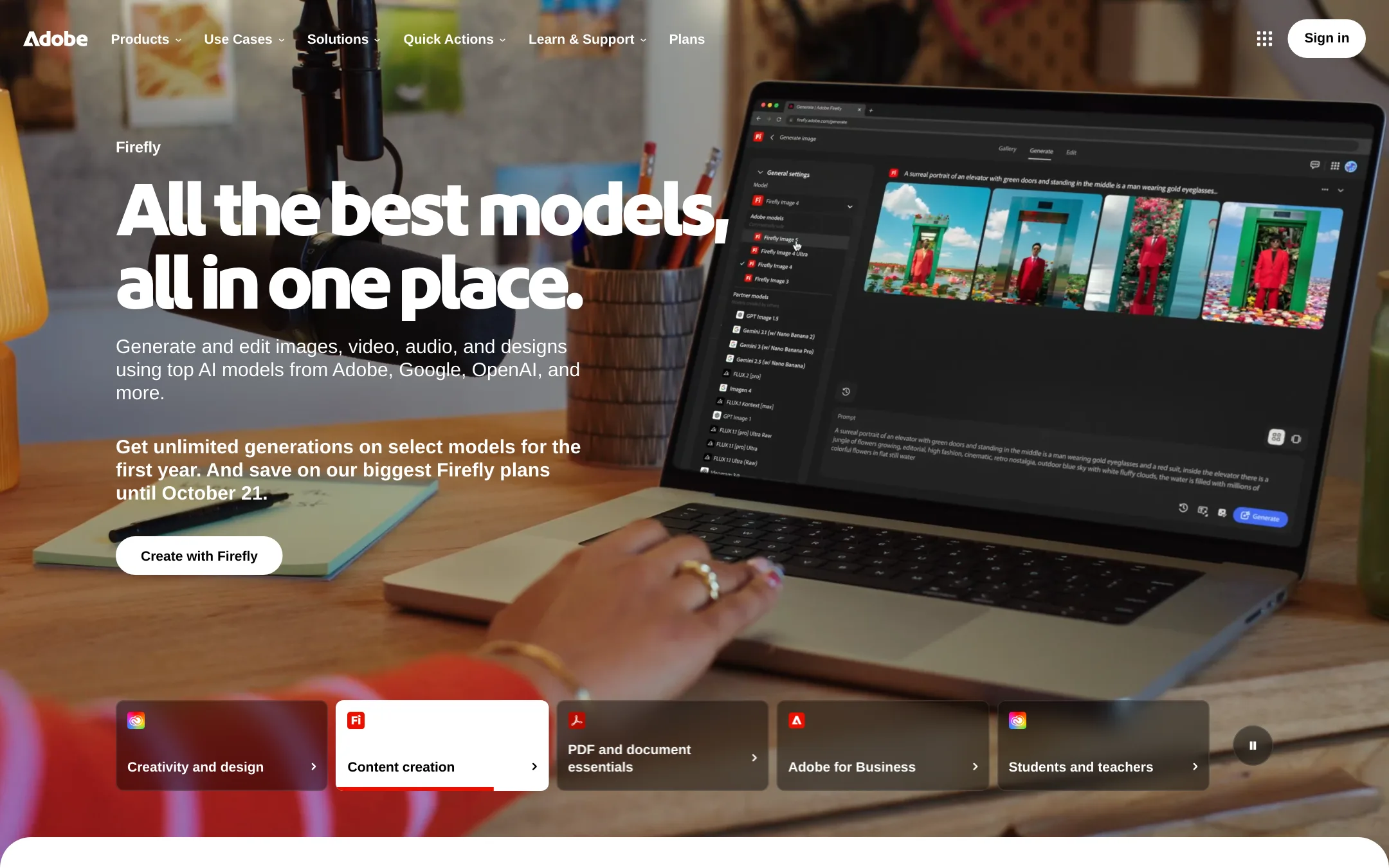
Adobe Animate is a vector animation tool for creating interactive content, cartoons, and motion graphics. Choose it over Descript when your goal is frame-by-frame animation or character rigging rather than editing recorded video or podcasts.
Where it is strong
- Vector-based animation with precise frame-by-frame control
- Supports interactive content and game assets
- Part of Adobe Creative Cloud, integrates with other Adobe tools
Where it falls short
- Steep learning curve for beginners
- No text-based editing or transcription features
- Pricing:
- Pricing is not published on the site.
- Not published
2.TypeLess
Best for: Individuals on iOS who want AI-generated message suggestions for faster personal chatting.
- Pricing
- Not published
- Category
- Communication & Collaboration
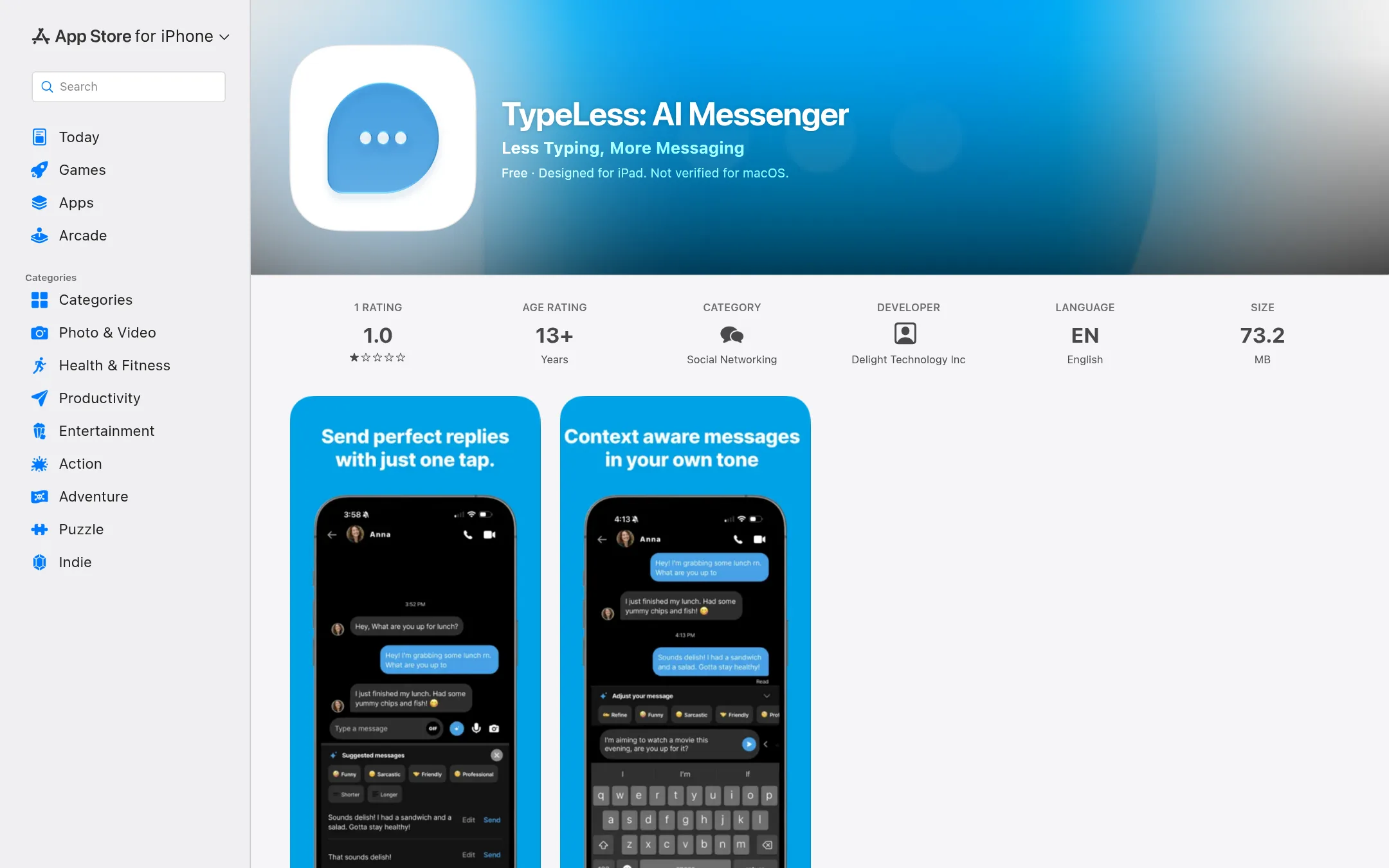
TypeLess is an AI messenger app that suggests replies based on your chat history, location, and calendar. It is for people who want to reduce typing in personal conversations, not for editing video or audio. Choose it if you want AI-assisted messaging on your iPhone or iPad, not a media editor.
Where it is strong
- AI suggests replies based on context like chat history and location.
- Learns your preferences and style over time.
- Available on iPhone, iPad, Mac, and Apple Vision.
Where it falls short
- Invite-only signup, so you can't just download and start using it.
- No video or audio editing features at all.
- Pricing:
- Pricing is not published on the site.
- DNot published
3.DaVinci Resolve
Best for: Professional editors and colorists working on films, commercials, or broadcast content who need industry-standard color grading and finishing tools.
- Pricing
- Not published
- Category
- Other
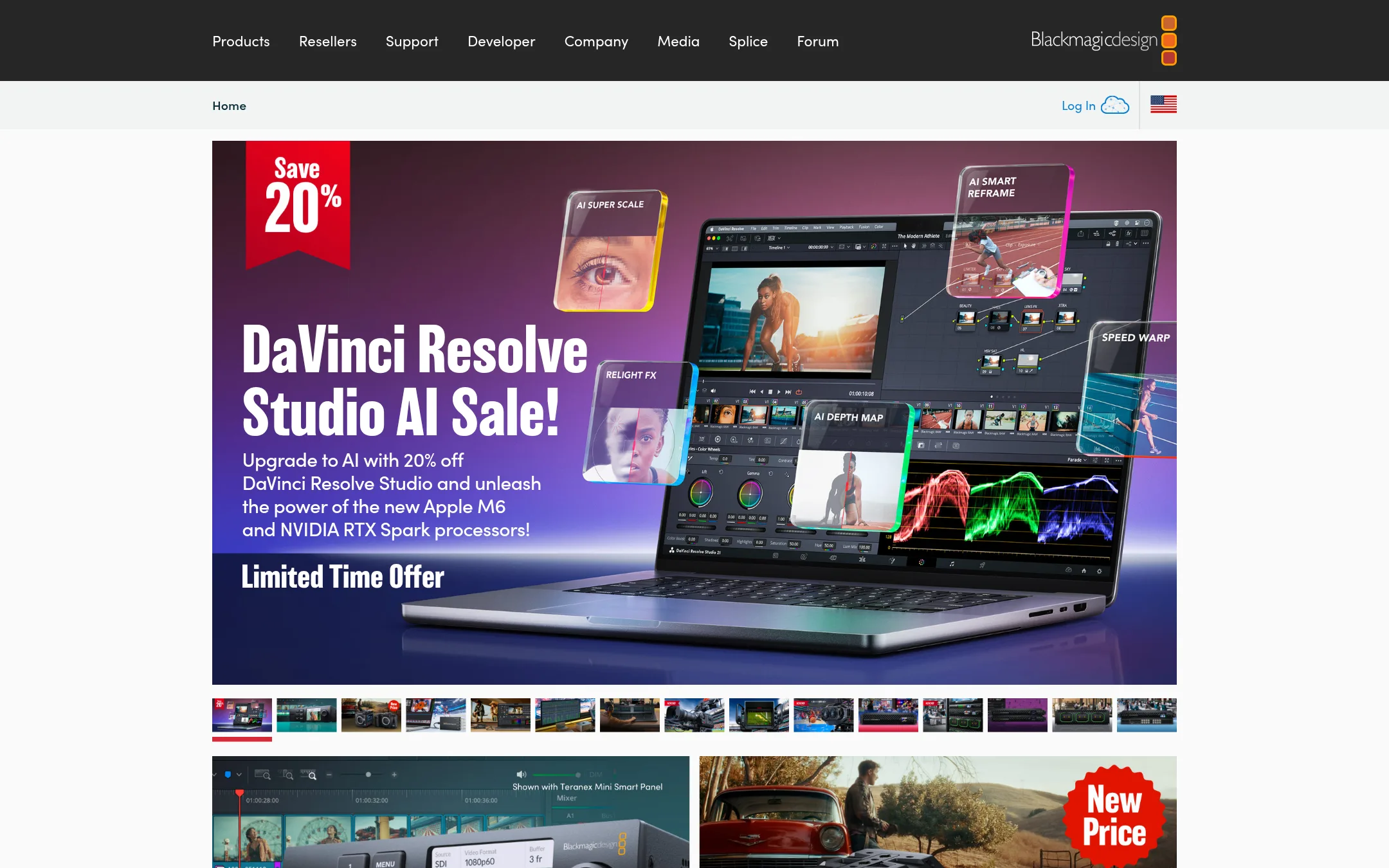
DaVinci Resolve is a professional video editor and color grading suite used for film, TV, and broadcast work. You would choose it over Descript when you need full control over color, audio, and finishing, and you are comfortable with a traditional timeline-based workflow instead of text-based editing.
Where it is strong
- Industry-standard color grading tools
- Free version with most core features
- Runs on Mac, Windows, and Linux
Where it falls short
- Steep learning curve for beginners
- No text-based editing or transcription built in
- Pricing:
- Pricing is not published on the site.
- KNot published
4.Kapwing
Best for: Teams that want a quick, collaborative video editor with AI generation and localization features, without the learning curve of timeline-based editing.
- Pricing
- Not published
- Category
- Other
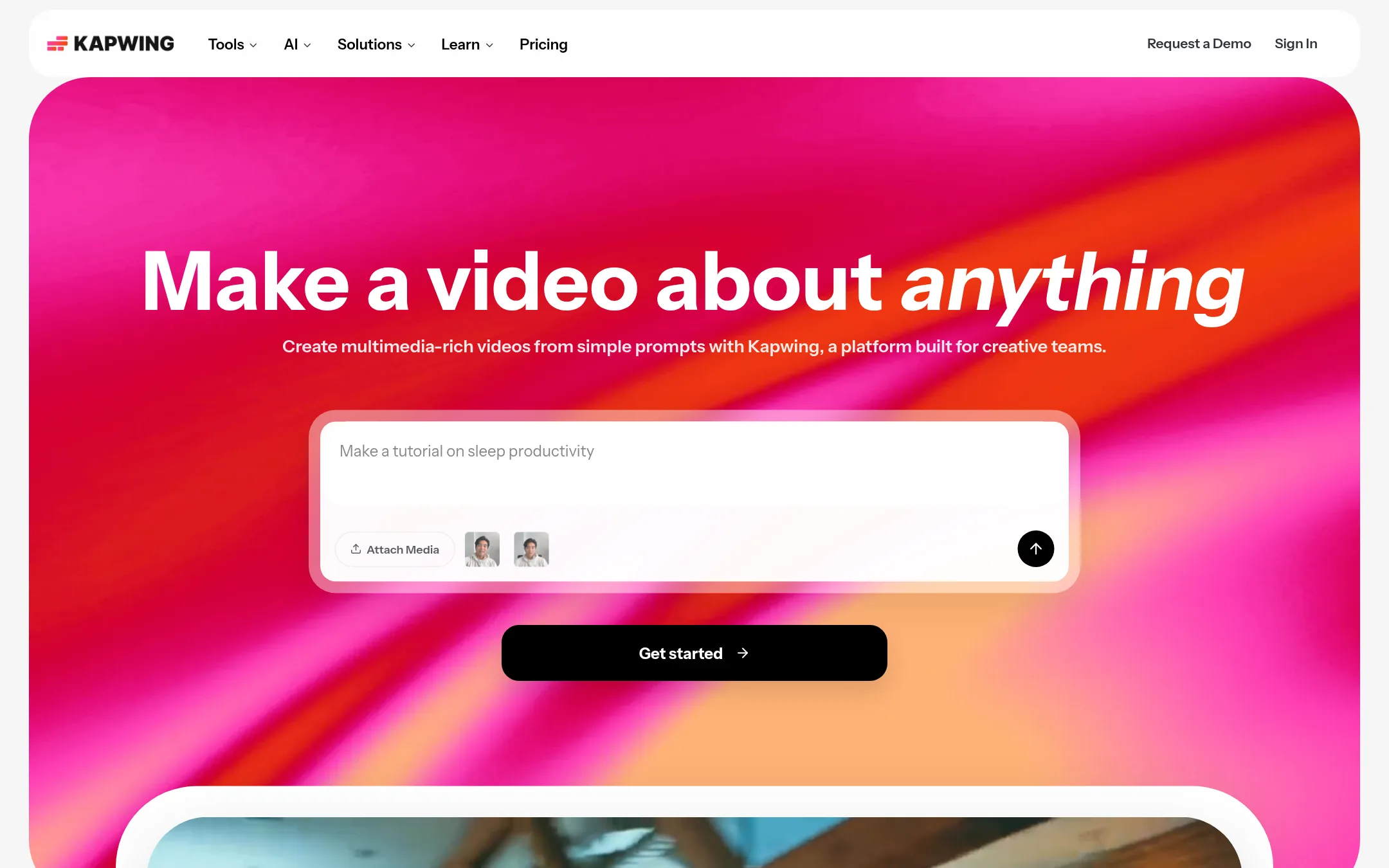
Kapwing is a browser-based video editor with AI tools for generating videos from prompts, subtitling, and dubbing. Choose it over Descript if you need a simpler, collaborative editor for marketing, education, or internal comms, and you don't need Descript's text-based editing or podcast-specific features.
Where it is strong
- AI can generate full video projects from a text prompt.
- Built-in collaboration with shared workspaces and comments.
- Supports dubbing and auto-subtitling for localization.
Where it falls short
- No text-based editing like Descript's transcript-driven workflow.
- Pricing details are not listed, so you must contact sales or sign up to see costs.
- Pricing:
- Pricing is not published on the site.
- VNot published
5.VEED.IO
Best for: Marketers and solopreneurs who need to produce branded, feed-ready videos quickly without learning a timeline editor.
- Pricing
- Not published
- Category
- Other
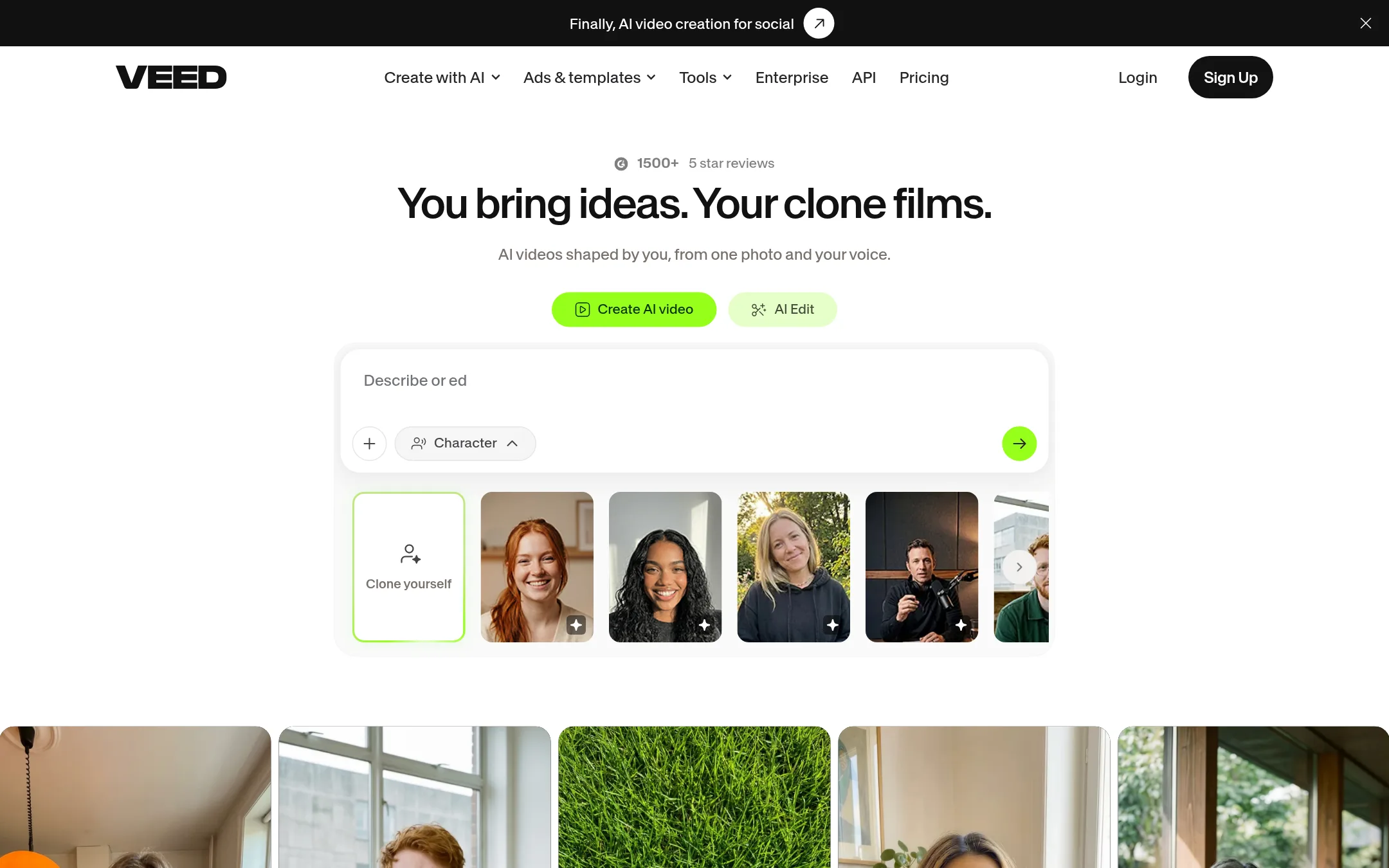
VEED.IO is a browser-based video creation platform that lets you generate talking-head videos from a photo and your voice, add AI subtitles, and apply brand colors and fonts. Choose it over Descript if you want a fast, template-driven workflow for social media videos and don't need Descript's text-based editing or podcast-specific features.
Where it is strong
- Generate talking-head videos from a single photo and your voice.
- AI subtitles designed to keep viewers watching.
- Brand kit applies your colors, fonts, and logo automatically.
Where it falls short
- Pricing details are not shown on the site, so you must contact sales or sign up to see costs.
- No text-based editing like Descript. You work with a more traditional video editor.
- Pricing:
- Pricing is not published on the site.
- RFrom $0.25/min AI
6.Rev.com
Best for: Legal and investigative teams that need secure, searchable transcription and evidence analysis

- Pricing
- From $0.25/min AI
- Category
- Other
Rev is an investigative platform for legal and law enforcement teams that turns case evidence into a searchable, citable record. Choose it instead of Descript when you need secure, timestamped transcription and document creation for legal workflows, not creative video editing.
Where it is strong
- Search across all case files at once, with timestamps to the second
- SOC 2 Type II audited, GDPR compliant, with CJIS and HIPAA options on Unlimited plans
- AI transcription included with every subscription, plus human transcription for 99%+ accuracy
Where it falls short
- Human transcription only supports English, limiting non-English legal work
- No video editing or AI video generation features like Descript offers
- Pricing:
- Plans range from free to $59.99/seat/month, with AI transcription at $0.25/min and human transcription at $1.99/min.
- Switching from Descript:
- Moving from Descript means shifting from text-based video editing to a platform focused on evidence analysis and legal transcription, with no direct video editing workflow.
- Not published
7.Otter.ai
Best for: Sales, education, and media teams that need automatic meeting transcription, summaries, and follow-ups in their existing workflow.
- Pricing
- Not published
- Category
- AI & Machine Learning
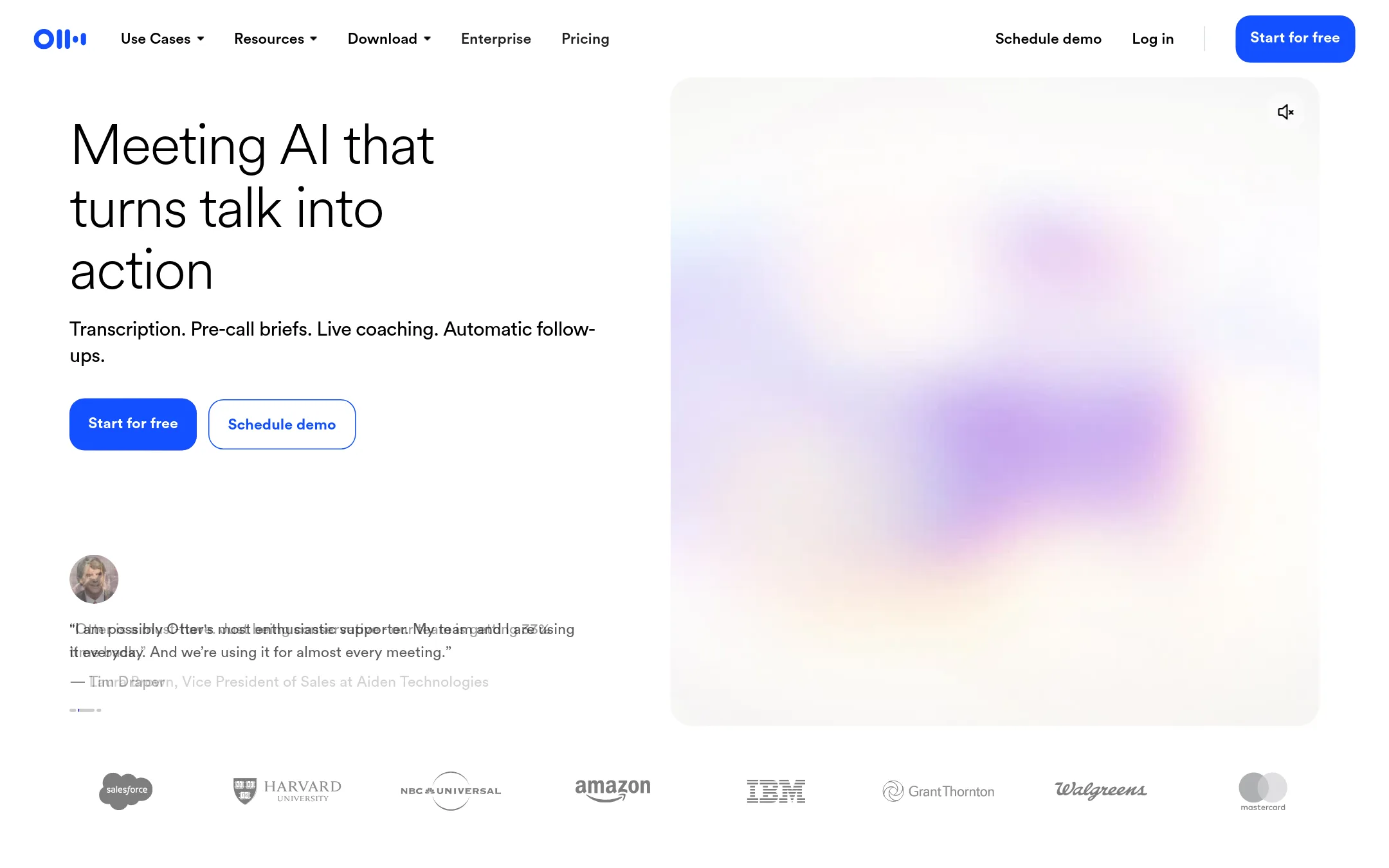
Otter.ai is a meeting assistant that records, transcribes, and summarizes conversations, with features like live coaching, CRM sync, and AI chat across meetings. Choose it over Descript if your main need is capturing and acting on meeting notes, not editing video or podcast audio.
Where it is strong
- Automatic transcription and summaries for meetings
- Live coaching and follow-up automation
- Integrates with Zoom, Teams, Google Meet, and CRM tools
Where it falls short
- No video editing features like Descript's text-based editor
- Pricing not listed, so you must contact sales for costs
- Pricing:
- Pricing is not published on the site. The page lists plan features but no prices.
- Switching from Descript:
- Moving from Descript to Otter.ai means shifting from editing video by text to managing meeting notes and transcripts, so you would need to find a separate tool for video editing.
- S$19/mo, $89/mo, Custom
8.Synthesia
Best for: Enterprise teams that need to create and localize training, sales, and internal videos at scale with AI avatars and 140+ languages.
- Pricing
- $19/mo, $89/mo, Custom
- Category
- Other
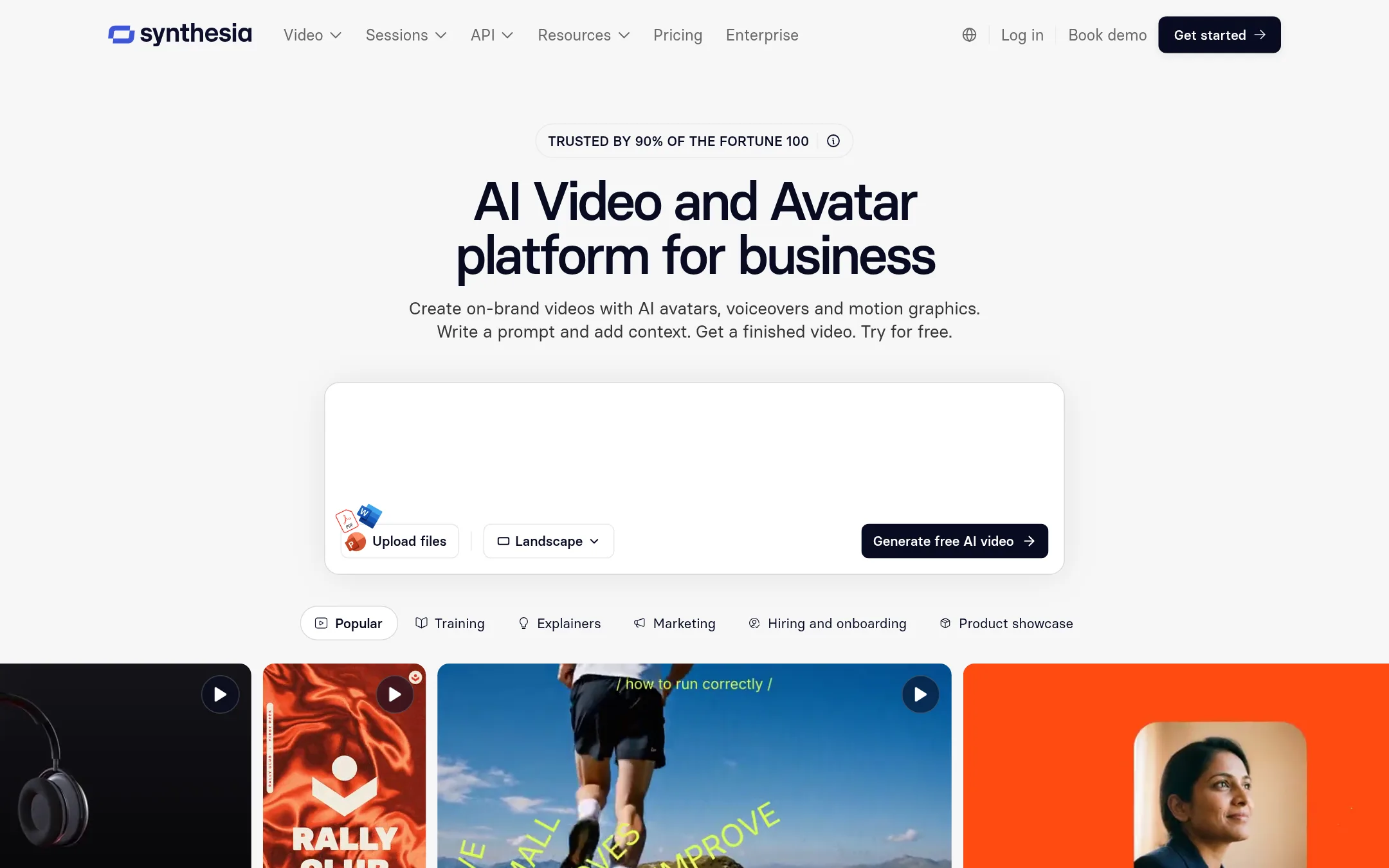
Synthesia is an AI video platform for business that generates videos from text, documents, or PowerPoints using AI avatars and voiceovers. Choose it over Descript when you need to produce on-brand training, sales, or internal videos at scale without recording or editing footage yourself.
Where it is strong
- Generate videos from prompts, docs, or PowerPoints with AI avatars.
- Translate and dub videos into 140+ languages with glossary controls.
- Publish via link, embed, or SCORM, with automatic updates and analytics.
Where it falls short
- Free plan limits to 10 minutes of video per month.
- Not designed for editing existing recordings or podcasts like Descript.
- Pricing:
- Pricing starts at $0 for Basic, $19 per month for Starter, $89 per month for Pro, and custom for Enterprise.
- Switching from Descript:
- Moving from Descript to Synthesia means shifting from text-based editing of your own footage to generating new videos with AI avatars, so you won't need to import or transcribe existing recordings.
- LFrom $19/mo (yearly)
9.Lumen5
Best for: Marketing and communications teams that want to turn blog posts and scripts into branded social videos quickly, without video editing experience.

- Pricing
- From $19/mo (yearly)
- Category
- Other
Lumen5 is an AI video maker that turns blog posts, scripts, or bullet points into videos using templates, stock media, and AI voiceovers. It's a good fit for marketing and communications teams that need quick, on-brand social videos without learning a timeline editor. Choose it over Descript if your main need is repurposing written content into polished promo clips, not editing podcasts or long-form footage.
Where it is strong
- Turns text into video with AI, no editing timeline needed.
- Includes millions of stock photos and videos, plus AI voiceovers.
- Brand kits and templates keep videos on-brand for teams.
Where it falls short
- No text-based editing of your own recordings like Descript.
- Free plan adds Lumen5 branding and limits videos to 2 minutes.
- Pricing:
- Pricing starts at $19 per month billed yearly for the Basic plan, with higher tiers at $59 and $149 per month, and a free plan with 5 videos per month.
- Switching from Descript:
- Moving from Descript means shifting from editing your own footage by transcript to generating new videos from text, so you'd rework your workflow rather than import projects.
- IFrom $10/seat/mo
10.InVideo
Best for: Creators and small teams who want an AI-assisted timeline editor with multiplayer collaboration and access to frontier AI models like Seedance and Nano Banana.
- Pricing
- From $10/seat/mo
- Category
- Other
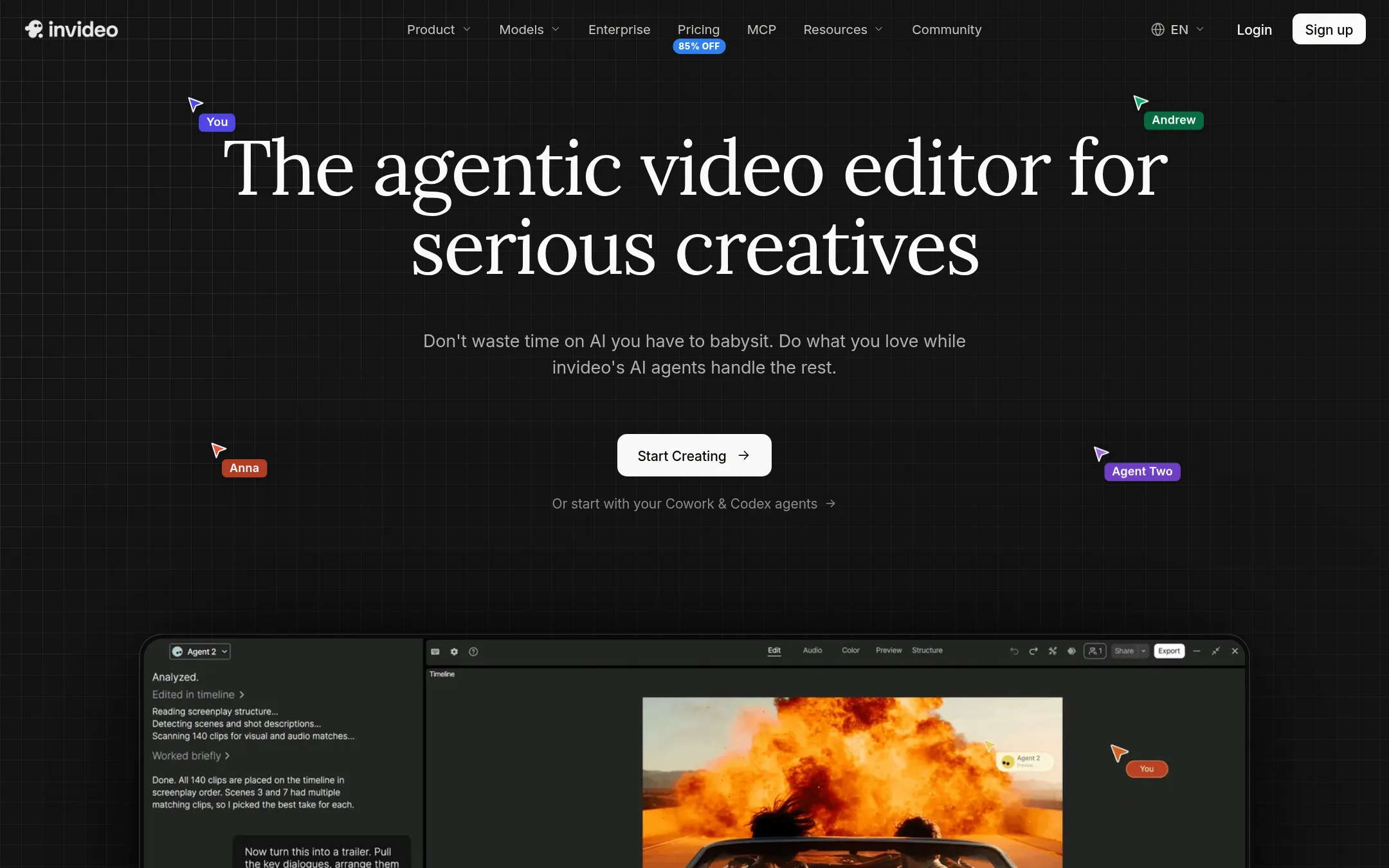
InVideo is an AI video editor that uses agents to handle editing tasks like trimming, grading, and mixing on a multitrack timeline. Choose it over Descript if you want a more traditional timeline-based editor with AI assistance, rather than Descript's text-based editing approach.
Where it is strong
- Real multitrack timeline editor with full AI agent control.
- Multiplayer editing with live cursors for team collaboration.
- Access to frontier AI models like Seedance 2.5 and Nano Banana Pro on higher plans.
Where it falls short
- Credits do not roll over to the next month.
- Starter plan lacks guest seats and access to Seedance 2.5.
- Pricing:
- Starter is $10 per seat/mo billed annually, Plus is $30 per seat/mo billed annually, Max is $75 per seat/mo billed annually.
- Switching from Descript:
- Moving from Descript means learning a timeline-based workflow instead of text-based editing, and adapting to a credit system for AI features.
- Not published
11.Canva Whiteboards
Best for: Teams that need a simple, visual space for brainstorming and planning sessions, especially those already using Canva for design.
- Pricing
- Not published
- Category
- Communication & Collaboration
Canva Whiteboards is a visual collaboration tool for brainstorming and planning, not a video or audio editor. Choose it when your team needs a shared canvas for ideas, diagrams, and workshops, and you already work in Canva.
Where it is strong
- Easy to use with a familiar Canva interface.
- Real-time collaboration for team brainstorming.
- Integrates with Canva's design assets and templates.
Where it falls short
- Not a video or audio editor, so no transcription or text-based editing.
- Limited to visual collaboration, not for producing finished media.
- Pricing:
- Pricing is not published on the site.
- CFree. Premium via M365
12.Clipchamp
Best for: Beginners and casual creators who want a free, browser-based video editor with AI subtitles and voiceovers, especially if they already use Microsoft 365.
- Pricing
- Free. Premium via M365
- Category
- Other
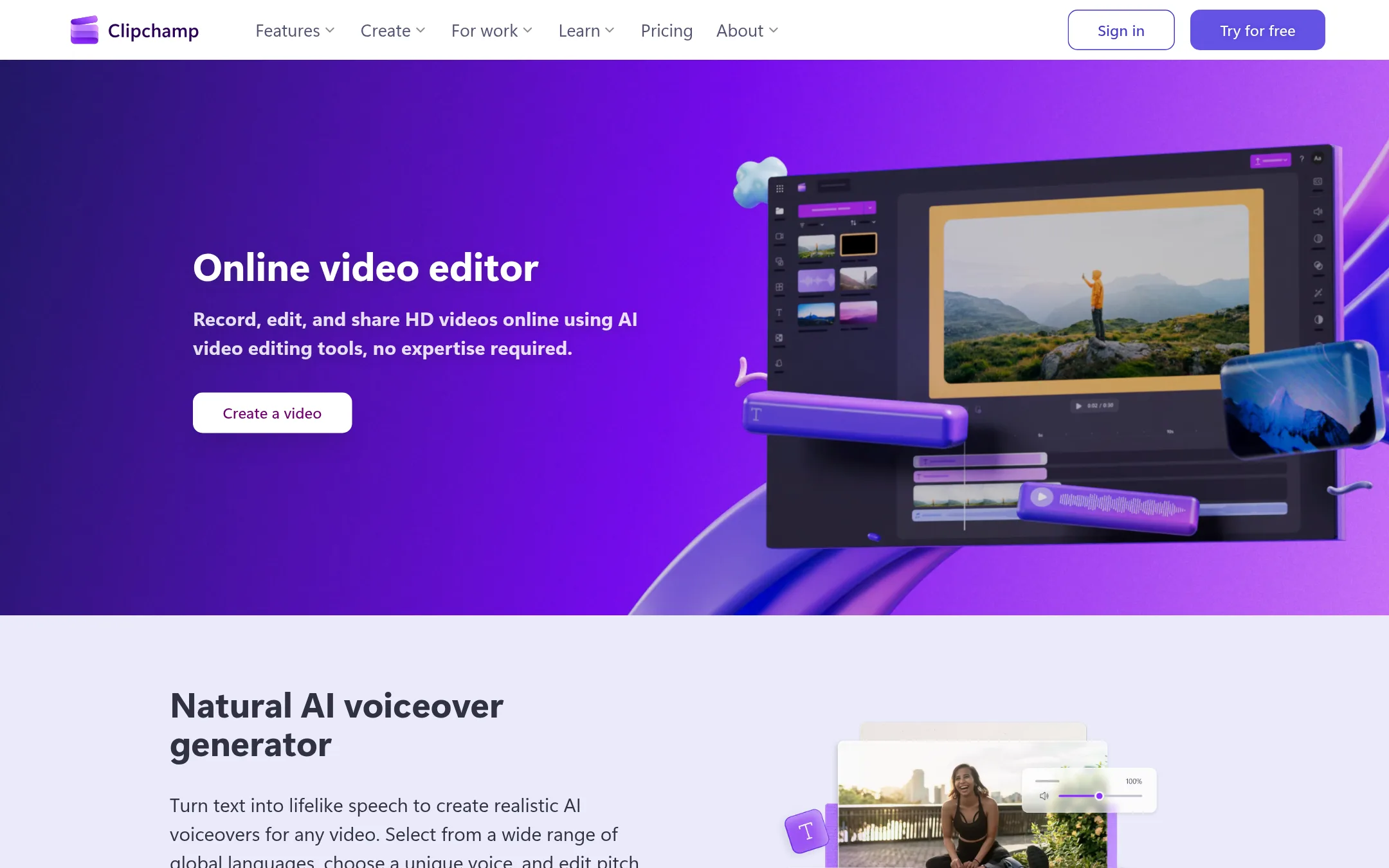
Clipchamp is a browser-based video editor from Microsoft that covers recording, editing, and exporting with AI subtitles and voiceovers. Choose it over Descript if you want a free, simple editor for social clips or presentations and don't need Descript's text-based editing or podcast-specific workflow.
Where it is strong
- Free plan with no watermarks and unlimited exports
- AI subtitles in over 80 languages and AI voiceover generator
- Works in the browser with no download required
Where it falls short
- Free exports limited to 1080p. 4K requires Microsoft 365
- No text-based editing like Descript's transcript-driven workflow
- Pricing:
- The free plan includes unlimited watermark-free exports up to 1080p. Premium features like 4K export and premium stock assets are included with a Microsoft 365 Personal or Family subscription.
- Switching from Descript:
- Moving from Descript means giving up text-based editing and adapting to a traditional timeline, though you can import existing video files directly.
See more comparisons in Media & Entertainment alternatives.
FAQ
Questions about Descript alternatives
What is the cheapest Descript alternative?
Clipchamp has a free plan with unlimited watermark-free exports up to 1080p. Lumen5 starts at $19 per month billed yearly, and InVideo starts at $10 per seat per month billed annually. Synthesia has a free Basic plan but limits you to 10 minutes of video per month.
Which alternative is best for creating training videos?
Synthesia is built for business training videos, generating content from text or PowerPoints with AI avatars and voiceovers. It supports 140+ languages and offers SCORM publishing for learning management systems. It is not designed for editing existing recordings like Descript.
Can any alternative edit video by editing text like Descript?
No listed alternative offers Descript's text-based editing where you delete words in a transcript to cut video. Kapwing and VEED.IO have AI tools but use traditional timelines. InVideo provides an AI-assisted timeline editor, not transcript-based editing.
Which alternative has the best free plan?
Clipchamp's free plan includes unlimited exports up to 1080p with no watermarks, which is generous. Synthesia's free plan is limited to 10 minutes per month. Lumen5's free plan allows 5 videos per month but adds branding and limits videos to 2 minutes.
Are there alternatives that work offline or on desktop?
DaVinci Resolve runs on Mac, Windows, and Linux and can be used offline, with a free version that includes most core features. Adobe Animate is a desktop application for animation. Most other alternatives like Kapwing, VEED.IO, and Clipchamp are browser-based and require an internet connection.
Last updated October 30, 2026.