
Diffusion Studio alternatives
12 products compared · Updated November 3, 2026
The short answer
For agent-driven, code-based video editing, Diffusion Studio is the standout, but if you need a traditional editor, DaVinci Resolve offers the most professional color grading and audio tools, while Descript is the best choice for text-based editing of podcasts and tutorials. CapCut is the strongest option for social media creators who want fast, template-driven editing with AI assistance.
Your shortlist, at a glance
Read the comparisons ↓ Adobe AnimateNot publishedAnimators and motion designers who need frame-by-frame vector animation and timeline control, not AI-agent workflows.
- DDaVinci ResolveNot publishedFilm and post-production teams that need advanced color grading and a full editing suite on desktop.
 TypeLessNot publishedIndividuals who want AI-generated message suggestions for everyday chat apps on iOS, iPadOS, or macOS.
- CCapCutFree. Pro $179.99/yrSocial media creators and small teams who want fast, template-based video editing with AI assistance, not agentic or code-driven workflows.
Canva WhiteboardsNot publishedTeams that need a simple, collaborative whiteboard for brainstorming and visual planning
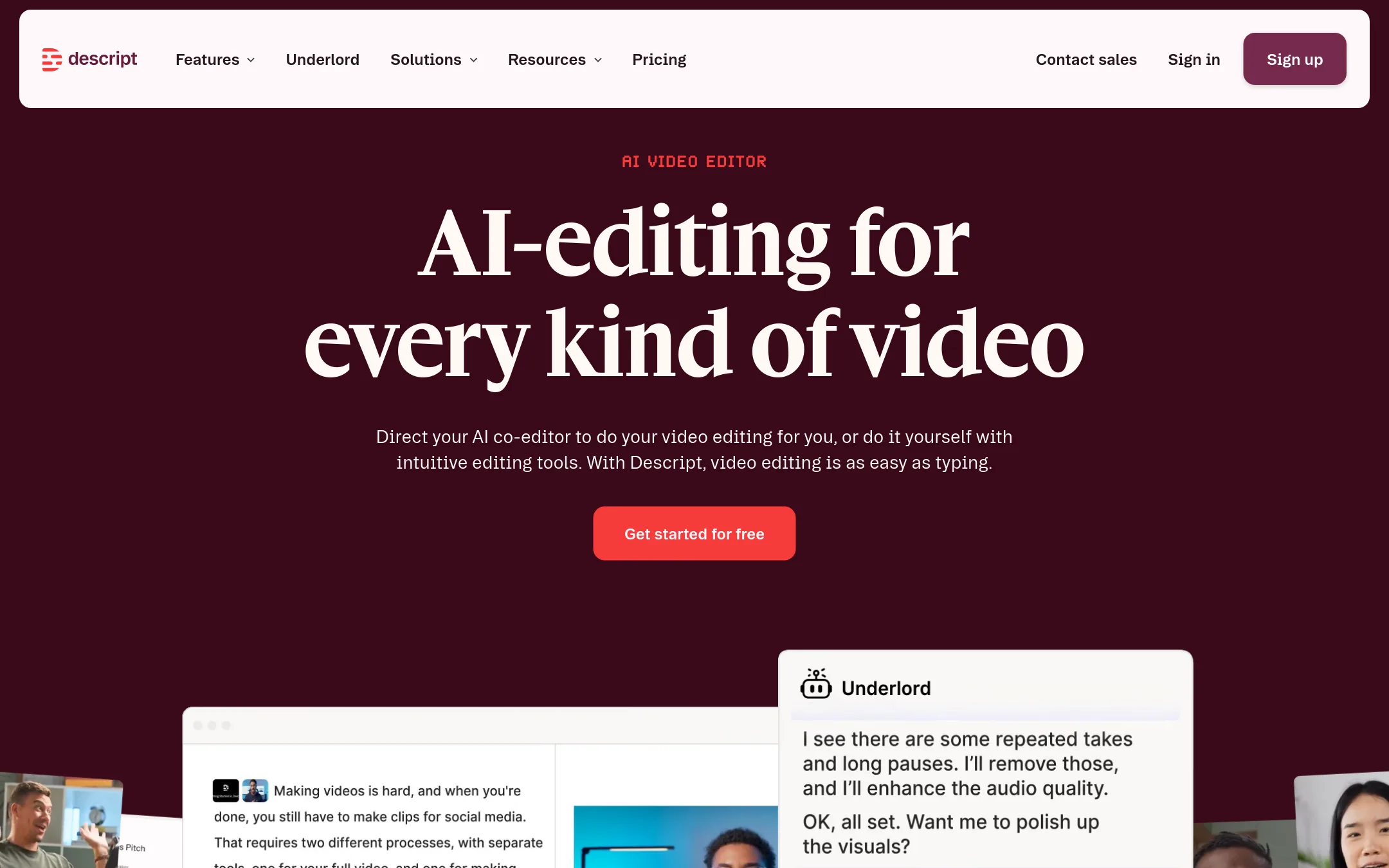
 DescriptFrom $16/moPodcasters, marketers, and small teams that want to edit video by editing text and need built-in recording, transcription, and publishing tools.
 RunwayNot publishedMobile engineering teams that want to automate and monitor their app release cycle from one place.
- VVEED.IONot publishedMarketers and solopreneurs who need quick, branded social videos with AI-generated avatars and subtitles.
- SShotcutNot publishedIndividual editors and small teams on any OS who want a free, traditional desktop video editor with broad format support.
- OOpenShotNot publishedHobbyists and small teams on desktop who want a free, offline video editor with standard features like trimming, keyframes, and color grading.
- KKdenliveNot publishedVideo editors on Linux or other desktop platforms who want a free, community-developed NLE with proxy support and a wide range of effects.
- WWondershare FilmoraNot publishedSolo creators and small teams who want a conventional video editor with AI shortcuts and don't need coding-agent integration.
About Diffusion Studio and its alternatives
Diffusion Studio is a professional AI video editor that runs in your browser. It is built for coding agents like Claude Code and Codex, so every edit is written to a codebase that agents can read and modify. It is free and open source, with paid plans for AI credits used in generating media, transcription, and footage analysis.
When comparing alternatives, weigh the pricing structure, since some tools hide costs behind sales calls. Consider which regions and platforms you need, whether you want browser-based or desktop-only editing, and how important integrations are to your workflow. Check support options and contract terms, especially for annual commitments and cancellation policies.
Explore the alternatives
- Not published
1.Adobe Animate
Best for: Animators and motion designers who need frame-by-frame vector animation and timeline control, not AI-agent workflows.
- Pricing
- Not published
- Category
- Design & Creative
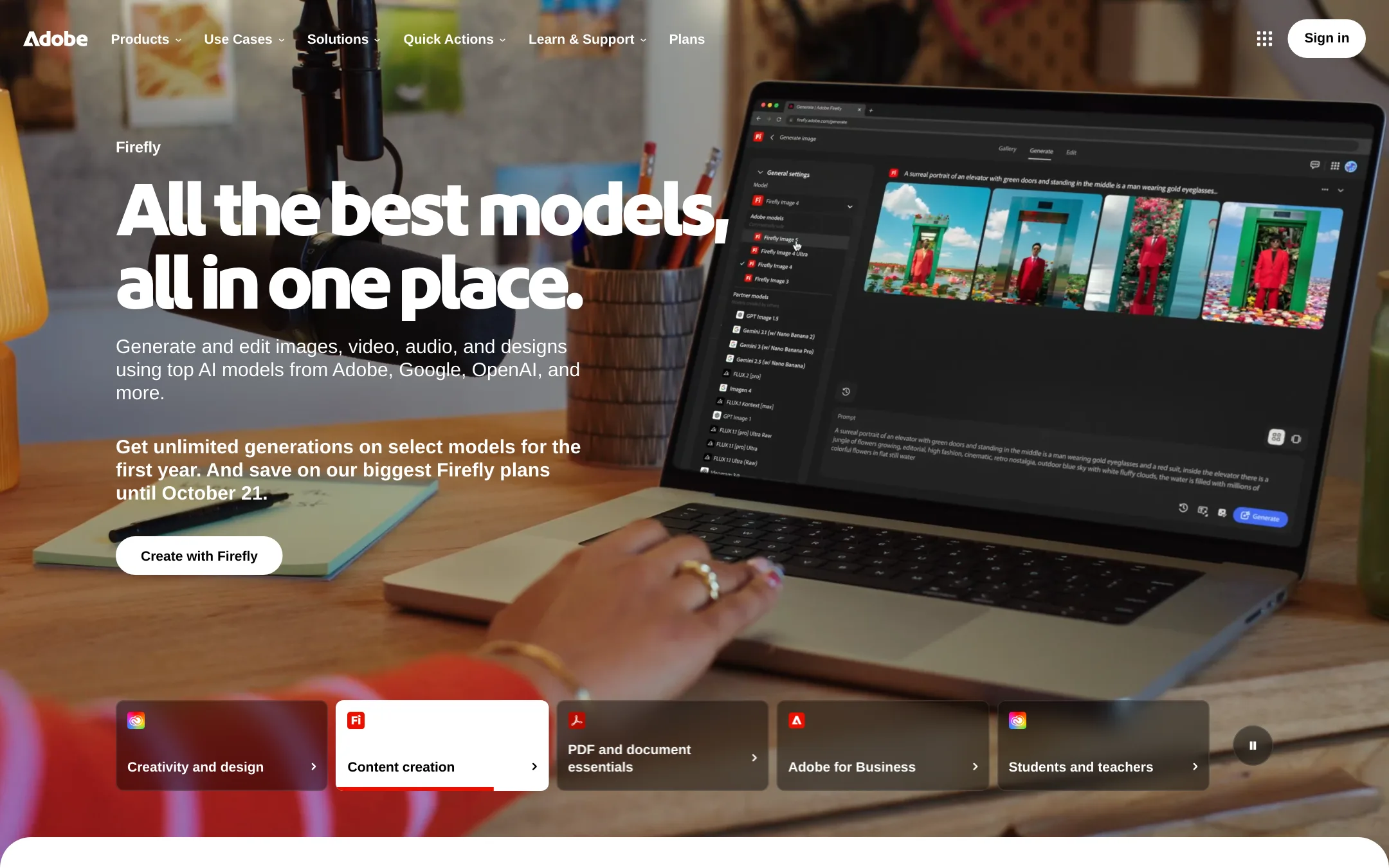
Adobe Animate is a desktop tool for vector animation and interactive content, used by illustrators and motion designers who need frame-by-frame control. Choose it over Diffusion Studio when your work is animation-focused, not agent-driven video editing, and you already live in the Adobe ecosystem.
Where it is strong
- Industry-standard for vector animation and interactive content
- Deep timeline and frame-by-frame control
- Integrates with other Adobe Creative Cloud apps
Where it falls short
- No AI-agent editing or code-based workflows
- Desktop-only, no browser or terminal access
- Pricing:
- Pricing is not published on the site.
- DNot published
2.DaVinci Resolve
Best for: Film and post-production teams that need advanced color grading and a full editing suite on desktop.
- Pricing
- Not published
- Category
- Other
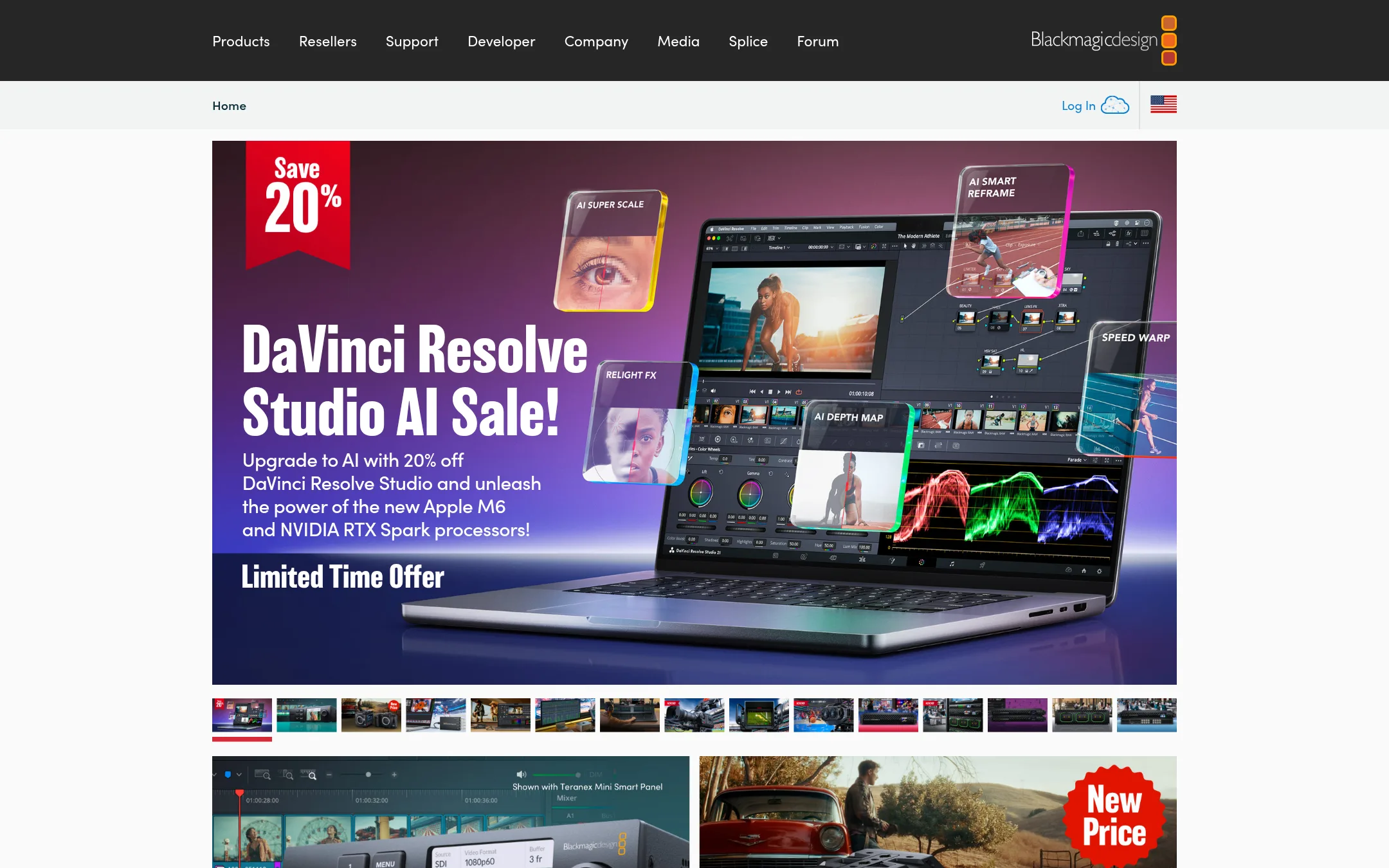
DaVinci Resolve is a professional video editor used widely in film and broadcast. Choose it over Diffusion Studio if you need a traditional, high-end editing suite with color grading and audio tools, rather than an agent-driven, code-based workflow.
Where it is strong
- Industry-standard color grading and audio tools
- Runs on Mac, Windows, and Linux
- Free version available with most core features
Where it falls short
- No built-in AI agent integration for editing
- Steep learning curve for beginners
- Pricing:
- Pricing is not published on the site.
- Not published
3.TypeLess
Best for: Individuals who want AI-generated message suggestions for everyday chat apps on iOS, iPadOS, or macOS.
- Pricing
- Not published
- Category
- Communication & Collaboration
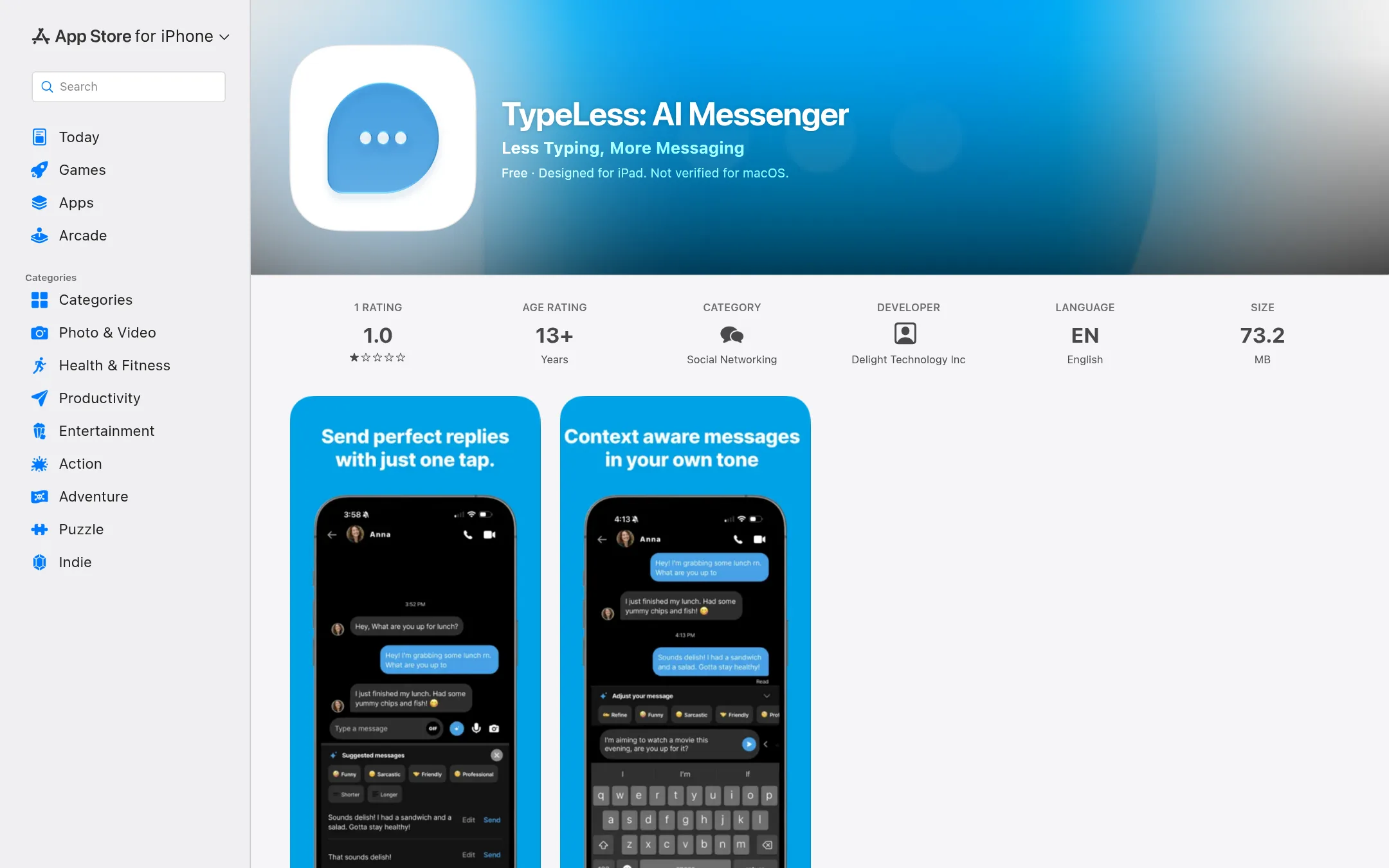
TypeLess is an AI messenger app that suggests replies based on your chat history, location, calendar, and tweets. It is for people who want to spend less time typing in personal conversations, not for video editing or agent-driven workflows.
Where it is strong
- Generates context-aware reply suggestions from chat history, location, calendar, and tweets.
- Learns your preferences and style over time.
- Available on iPhone, iPad, Mac, and Apple Vision.
Where it falls short
- Invite-only signup, so you cannot join freely.
- No video editing or agentic capabilities at all.
- Pricing:
- Pricing is not published on the site.
- CFree. Pro $179.99/yr
4.CapCut
Best for: Social media creators and small teams who want fast, template-based video editing with AI assistance, not agentic or code-driven workflows.
- Pricing
- Free. Pro $179.99/yr
- Category
- Other
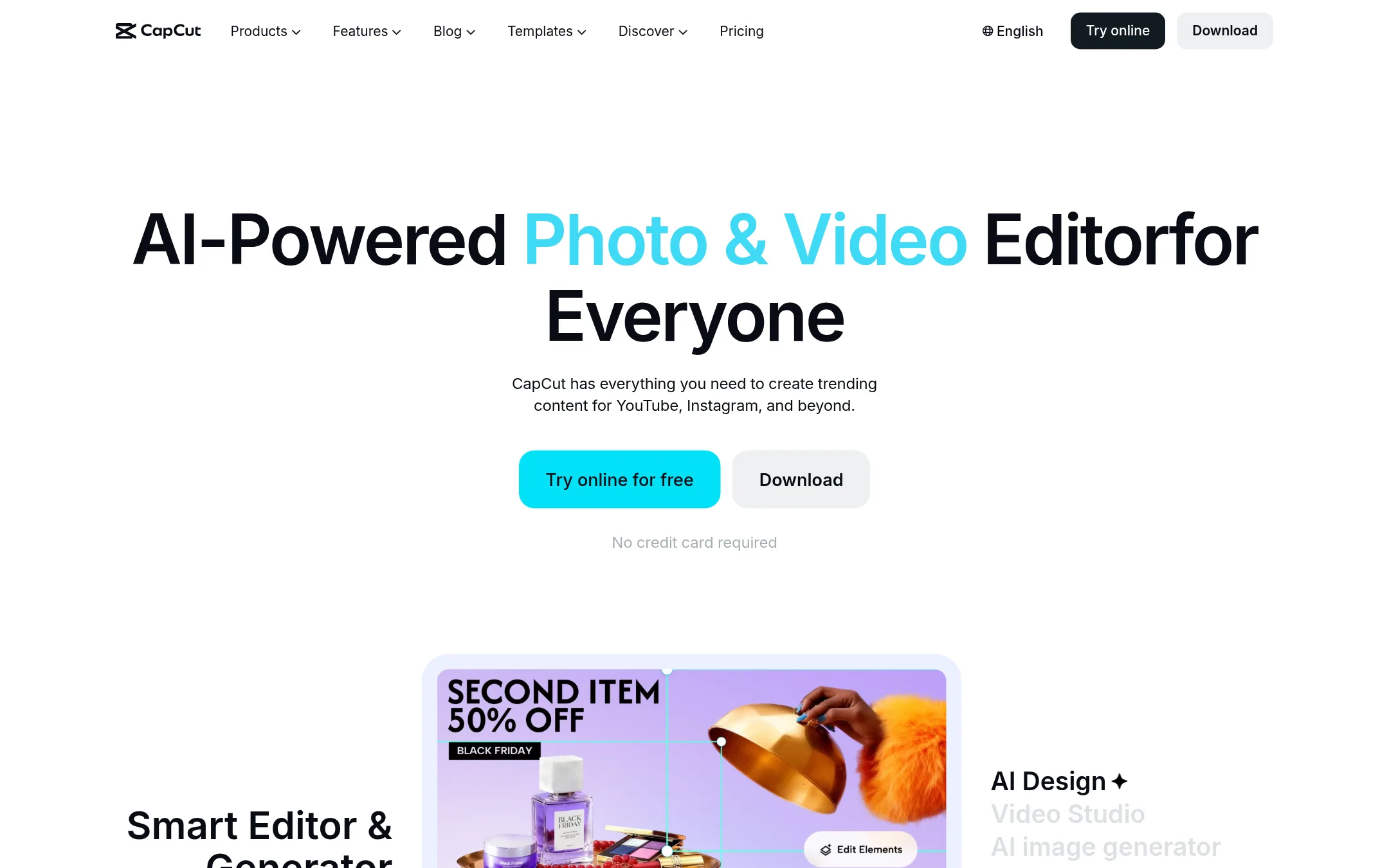
CapCut is a consumer-friendly AI video editor with templates, auto-captions, and AI generation tools for social media content. Choose it over Diffusion Studio if you want a quick, template-driven workflow for TikTok, Reels, or YouTube, and don't need code-based, agent-driven editing.
Where it is strong
- Huge library of templates and effects for social video
- AI tools like auto-captions, background removal, and text-to-speech
- Free plan with basic editing and no watermark on exports
Where it falls short
- No agent or code-based editing workflows
- AI credits and advanced features are locked behind paid plans
- Pricing:
- Free plan available. Pro is $179.99/year or $12.49/month per seat, Ultra is $900/year, and Teams pricing starts at $107.50/year per seat for 2 seats.
- Not published
5.Canva Whiteboards
Best for: Teams that need a simple, collaborative whiteboard for brainstorming and visual planning
- Pricing
- Not published
- Category
- Communication & Collaboration
Canva Whiteboards is a visual collaboration tool for brainstorming and planning, not a video editor. Choose it when your team needs a shared canvas for ideas and diagrams, not for editing or exporting video.
Where it is strong
- Easy real-time collaboration
- Simple drag-and-drop interface
- Integrates with other Canva tools
Where it falls short
- No video editing or timeline
- Limited to whiteboard features
- Pricing:
- Pricing is not published on the site.
- From $16/mo
6.Descript
Best for: Podcasters, marketers, and small teams that want to edit video by editing text and need built-in recording, transcription, and publishing tools.
- Pricing
- From $16/mo
- Category
- Media & Entertainment
Descript is a text-based video and audio editor that lets you edit by editing a transcript. Choose it if you want a straightforward, human-first editing workflow for podcasts, tutorials, and social clips, rather than an agent-driven, code-centric editor like Diffusion Studio.
Where it is strong
- Edit video by editing text, which is fast and intuitive
- Built-in recording, transcription, and publishing in one tool
- AI features like filler-word removal and Studio Sound are included
Where it falls short
- AI credits and media hours are limited on lower plans
- No coding-agent or MCP-based editing workflow like Diffusion Studio
- Pricing:
- Free plan available. Paid plans start at $16 per person per month (billed annually) for Hobbyist, $35 for Creator, $50 for Business, and custom pricing for Enterprise.
- Not published
7.Runway
Best for: Mobile engineering teams that want to automate and monitor their app release cycle from one place.
- Pricing
- Not published
- Category
- Developer Tools
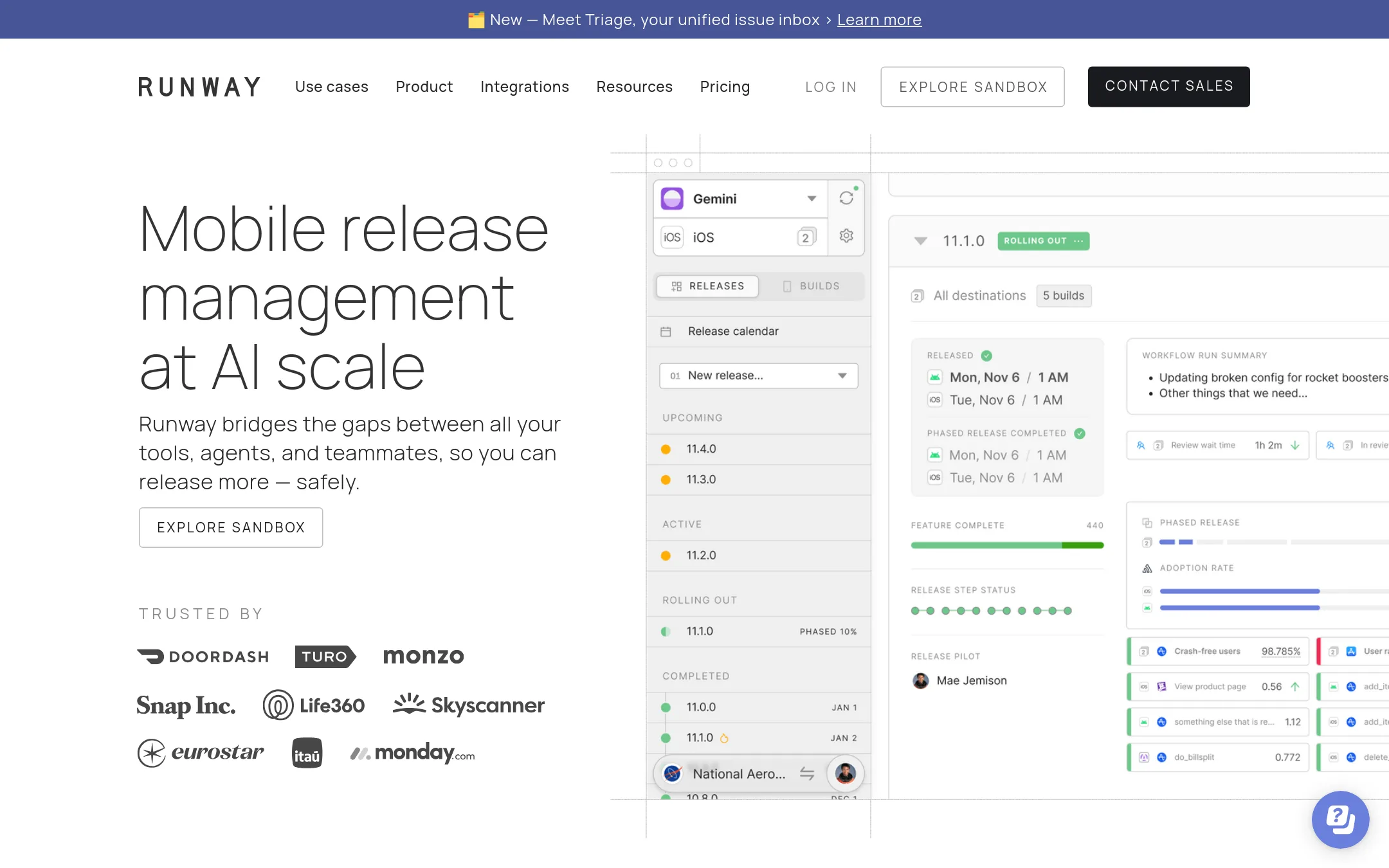
Runway is a mobile release management platform that automates and tracks app store releases, not a video editor. Choose it when your team ships iOS or Android apps and needs to coordinate builds, rollouts, and rollbacks across tools and teammates. It replaces manual release scripts and status checks, which is a different job than Diffusion Studio's agent-driven video editing.
Where it is strong
- Automates release steps, so anyone can run a release without deep scripting knowledge.
- Provides full visibility into release status, metrics, and health across the cycle.
- Integrates with standard cloud tools and supports rollouts and rollbacks.
Where it falls short
- No pricing details listed, so cost is unclear without contacting sales.
- Focused only on mobile releases. No video editing or media capabilities.
- Pricing:
- Pricing is not published on the site.
- VNot published
8.VEED.IO
Best for: Marketers and solopreneurs who need quick, branded social videos with AI-generated avatars and subtitles.
- Pricing
- Not published
- Category
- Other
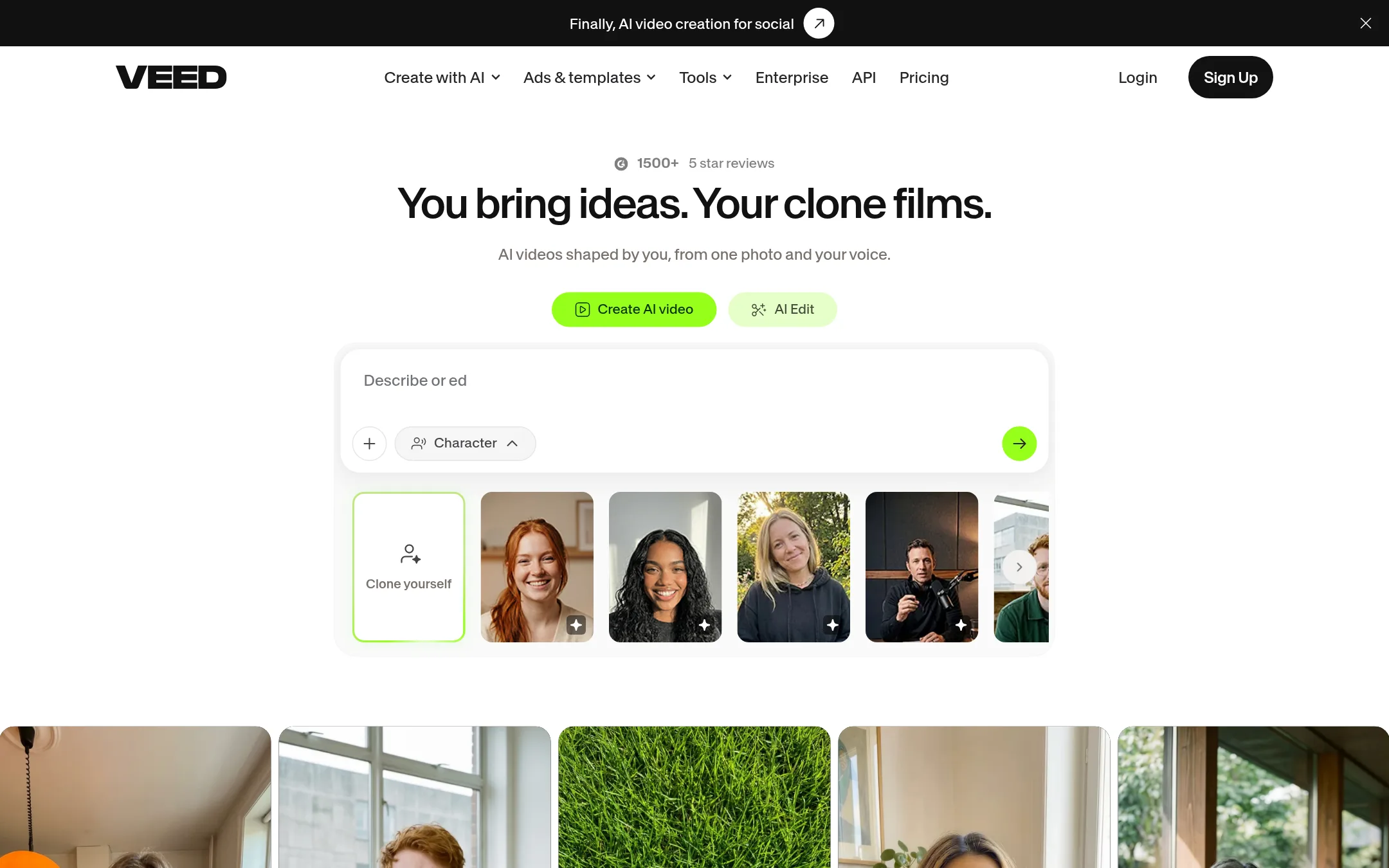
VEED.IO is a browser-based AI video creation platform focused on generating talking-head videos, adding subtitles, and dubbing. You would choose it over Diffusion Studio if you want a guided, template-driven workflow for marketing and social media videos without touching code or agents.
Where it is strong
- AI avatar videos from a single photo and voice
- Auto-subtitles and translation built in
- Brand kits for consistent colors, fonts, and logos
Where it falls short
- No coding agent integration or code-based editing
- Pricing details are hidden, so cost comparison is hard
- Pricing:
- Pricing is not published on the site.
- SNot published
9.Shotcut
Best for: Individual editors and small teams on any OS who want a free, traditional desktop video editor with broad format support.
- Pricing
- Not published
- Category
- Other
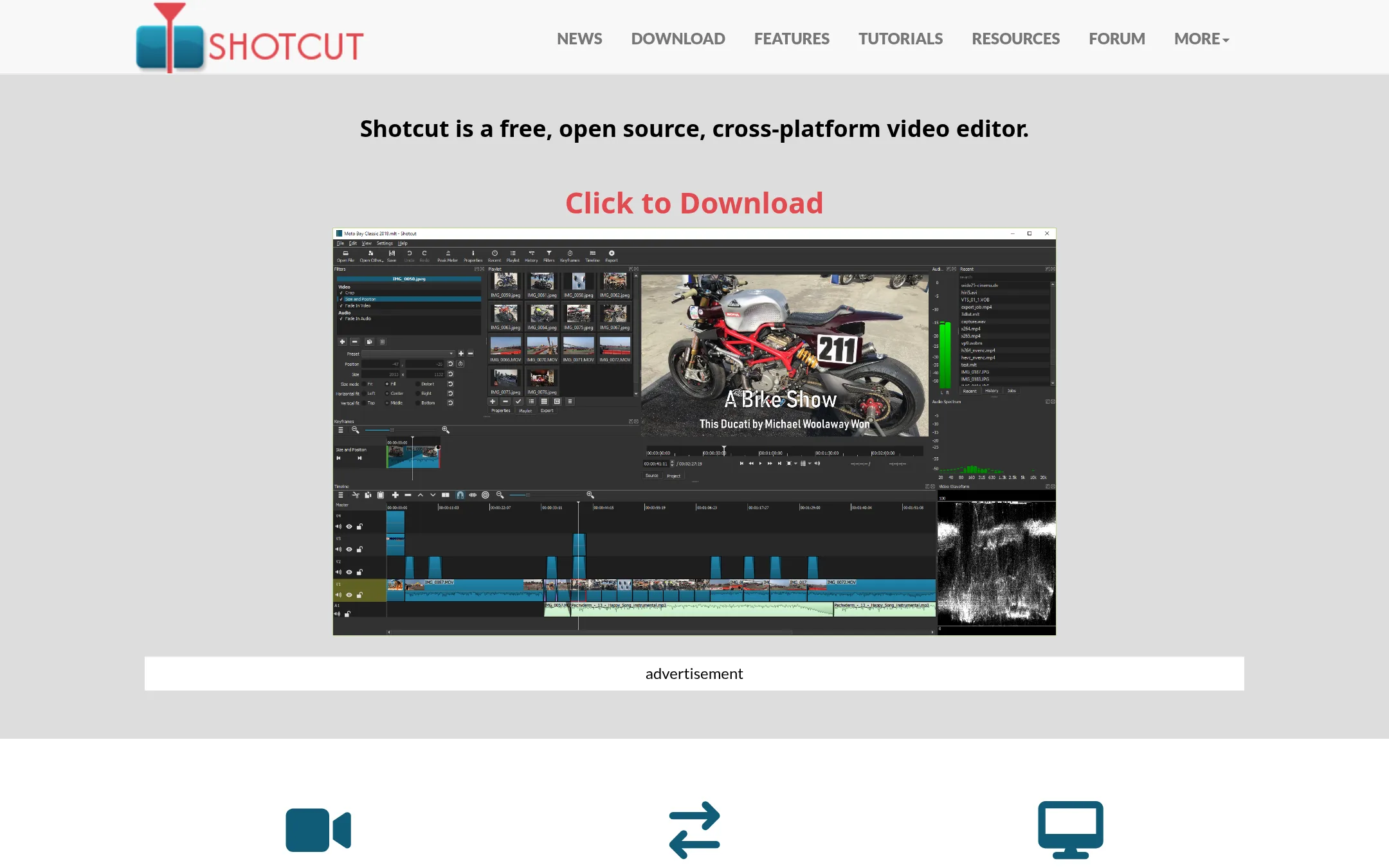
Shotcut is a free, open-source, cross-platform video editor that runs on Windows, Mac, and Linux. It supports a wide range of formats and codecs via FFmpeg, with native timeline editing and no import required. Choose it if you need a reliable desktop editor without AI agent integration or browser-based collaboration.
Where it is strong
- Free and open source, no cost for any feature
- Cross-platform: Windows, Mac, Linux
- Supports hundreds of formats and codecs via FFmpeg
Where it falls short
- No AI agent integration or code-based editing
- No browser-based collaboration or infinite canvas
- Pricing:
- Pricing is not published on the site.
- ONot published
10.OpenShot
Best for: Hobbyists and small teams on desktop who want a free, offline video editor with standard features like trimming, keyframes, and color grading.
- Pricing
- Not published
- Category
- Other
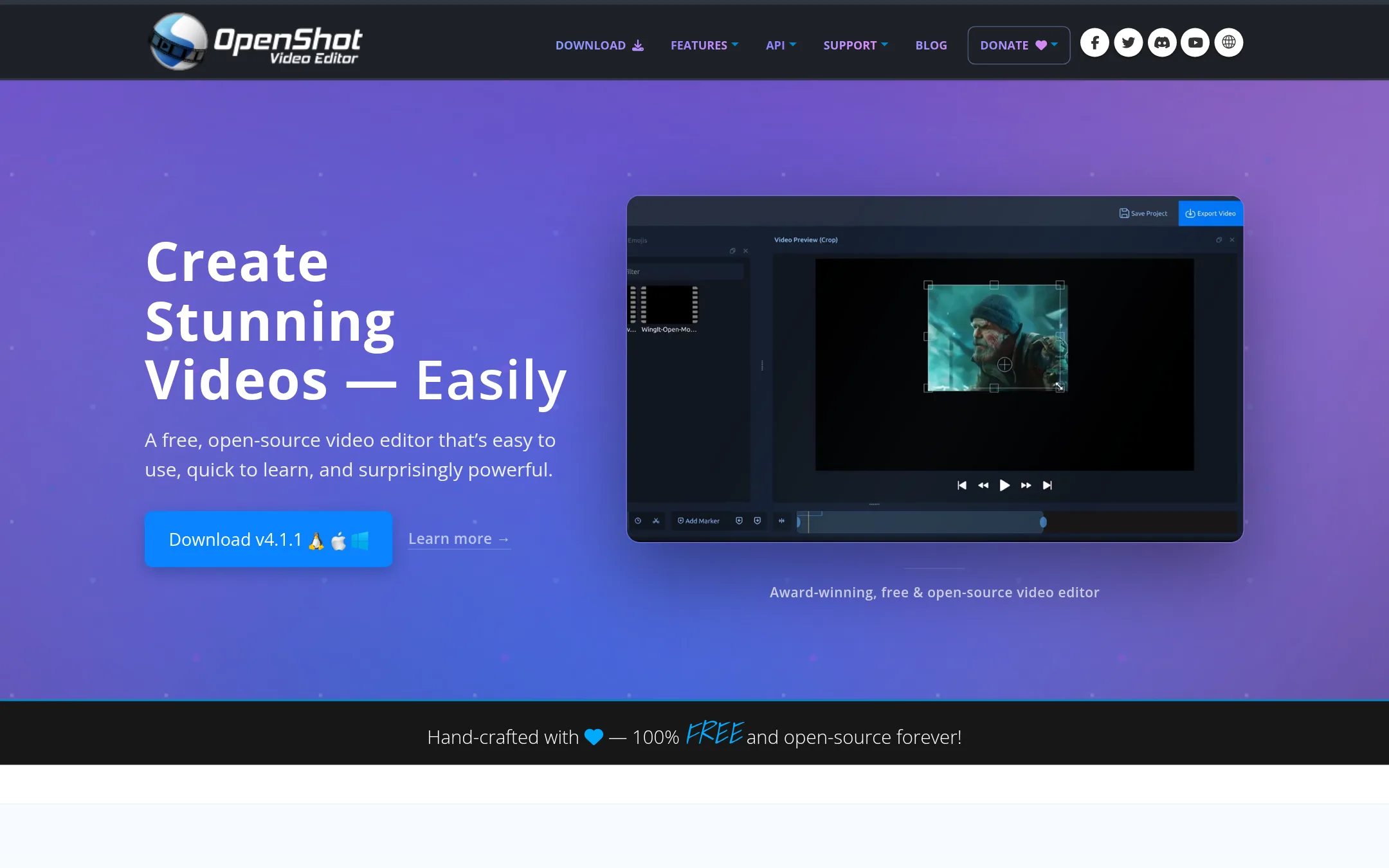
OpenShot is a free, open-source desktop video editor for Linux, Mac, and Windows. It is a good choice if you need a traditional, non-AI editor with a simple timeline and basic effects, and you don't want to rely on cloud services or coding agents.
Where it is strong
- Free and open-source, no subscriptions or watermarks
- Works offline on Linux, Mac, and Windows
- Includes color grading, video masks, and audio visualization effects
Where it falls short
- No AI features or agent integration, unlike Diffusion Studio
- Desktop-only. No browser or cloud collaboration
- Pricing:
- Pricing is not published on the site.
- KNot published
11.Kdenlive
Best for: Video editors on Linux or other desktop platforms who want a free, community-developed NLE with proxy support and a wide range of effects.
- Pricing
- Not published
- Category
- Other
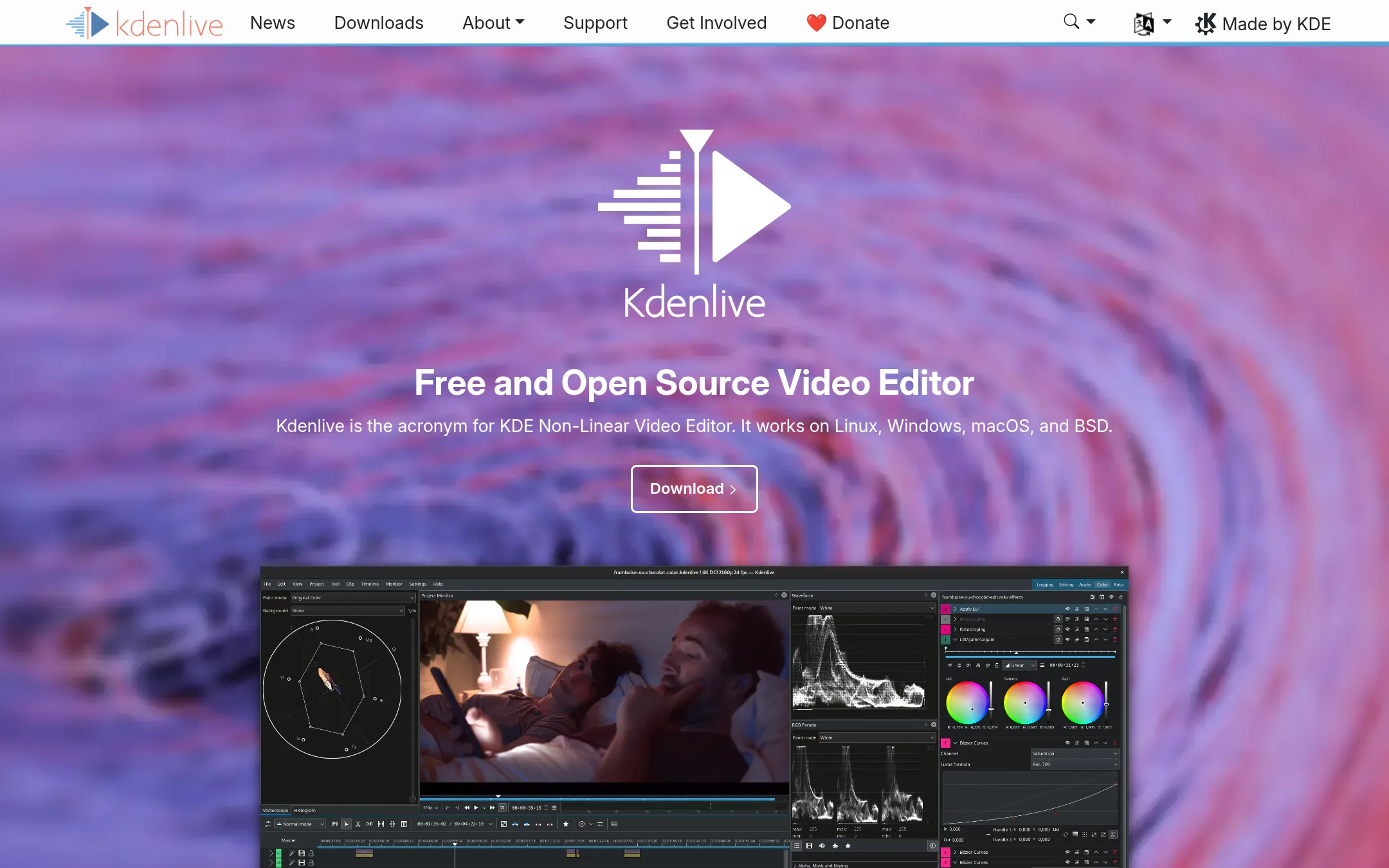
Kdenlive is a free, open-source, non-linear video editor that runs on Linux, Windows, macOS, and BSD. Choose it if you need a traditional desktop editor with extensive effects and color tools, and you don't require AI agent integration or browser-based editing.
Where it is strong
- Free and open source, no subscription required
- Runs on Linux, Windows, macOS, and BSD
- Hundreds of effects and transitions, plus color grading tools
Where it falls short
- No AI agent integration or code-based editing workflows
- No browser-based editing. Requires desktop installation
- Pricing:
- Pricing is not published on the site.
- WNot published
12.Wondershare Filmora
Best for: Solo creators and small teams who want a conventional video editor with AI shortcuts and don't need coding-agent integration.
- Pricing
- Not published
- Category
- Other
Wondershare Filmora is a traditional desktop video editor with AI-assisted features like text-to-video and prompt-based editing. Choose it if you want a familiar timeline-based editor with AI helpers, rather than an agent-driven, code-centric workflow.
Where it is strong
- AI features for text-to-video, image animation, and prompt-based edits
- Wide range of tools across Wondershare suite (PDF, diagrams, recovery)
- Mature product with 22 years of development and large user base
Where it falls short
- No agentic editing or code-based workflow like Diffusion Studio
- Pricing not transparent on the site. Likely requires purchase or trial
- Pricing:
- Pricing is not published on the site.
See more comparisons in Media & Entertainment alternatives.
FAQ
Questions about Diffusion Studio alternatives
Which alternative is best for professional film and broadcast work?
DaVinci Resolve is the strongest choice for film and post-production teams. It offers industry-standard color grading and audio tools, runs on Mac, Windows, and Linux, and has a free version with most core features. It does not have AI agent integration, and it has a steep learning curve.
What is the best option for editing podcasts or tutorials by text?
Descript is the best fit. You edit video by editing a transcript, which is fast and intuitive. It includes built-in recording, transcription, and publishing tools, plus AI features like filler-word removal. Paid plans start at $16 per person per month billed annually.
Which tool is best for quick social media videos?
CapCut is the best choice for social media creators. It has a huge library of templates and effects, AI tools like auto-captions and text-to-speech, and a free plan with no watermark on exports. Pro costs $179.99 per year or $12.49 per month per seat.
Are there free alternatives to Diffusion Studio?
Yes. Shotcut, OpenShot, and Kdenlive are all free and open-source desktop editors. Shotcut supports hundreds of formats via FFmpeg, OpenShot includes color grading and video masks, and Kdenlive runs on Linux, Windows, macOS, and BSD. None have AI agent integration or browser-based editing.
Do any alternatives support AI agents or code-based editing?
No. None of the listed alternatives offer coding-agent integration or code-based editing workflows like Diffusion Studio. They are either traditional desktop editors or template-driven AI tools, so if agentic editing is essential, Diffusion Studio remains the only option.
Last updated November 3, 2026.