
DocuSign alternatives
12 products compared · Updated October 31, 2026
The short answer
For most startups, SignNow offers the best value with unlimited users at a flat rate, while HelloSign (Dropbox Sign) is the simplest choice for small teams already using Dropbox. If you need deep contract lifecycle management with AI, Ironclad is the strongest option for legal and procurement teams, though it requires a sales conversation for pricing.
Your shortlist, at a glance
Read the comparisons ↓ Adobe AnimateNot publishedCreative teams producing vector animations and interactive web content, not for agreement signing.
- HHelloSignNot publishedSmall teams and individuals who want an easy-to-use eSignature tool with unlimited sends and strong Dropbox or Google Drive integration.
- PPandaDocSee websiteDocument automation for proposals and e-signatures
- SSignNowFrom $8/user/moSmall to mid-sized teams that send a high volume of documents and want unlimited users at a flat rate.
- DDropbox Sign$9.99/mo+Small teams and individuals who already use Dropbox and need occasional document signing without a separate platform.
- OOneSpanFrom $22/user/moTeams in regulated industries like finance, insurance, or legal that need secure eSignatures with advanced identity verification and remote notarization.
AludeR$5/doc + plansBrazilian real estate agencies and brokers that need electronic signatures alongside tenant screening and rent management.
 Common PaperSee websiteThe SAFE for commercial contracts
 ContractPodAiNot publishedEnterprises with complex legal, procurement, and finance workflows that need AI-driven contract management and automation beyond simple signing.
 DraftwiseNot publishedLaw firms and legal teams that want to draft, review, and negotiate contracts using their own precedent and playbooks.
 IroncladCustom quoteLegal, procurement, and sales teams at mid-size to enterprise companies that need to manage complex contract workflows and extract insights from their agreements.
 PowerdocsSee websiteCreate professional proposals, quotes, and documents in seconds.
About DocuSign and its alternatives
DocuSign is an electronic signature and intelligent agreement management platform. It is known for sending, signing, and tracking documents, automating agreement workflows, and using AI to analyze contracts. Its site highlights 1.9 million businesses using the platform and a wide range of integrations.
When comparing alternatives, weigh pricing structure, especially per-user versus per-envelope costs. Consider whether you need advanced features like AI contract analysis, identity verification, or industry-specific workflows. Check integrations with your existing tools, support options, and whether pricing is published or requires a sales call.
Explore the alternatives
- Not published
1.Adobe Animate
Best for: Creative teams producing vector animations and interactive web content, not for agreement signing.
- Pricing
- Not published
- Category
- Design & Creative
Adobe Animate is a vector animation tool for creating interactive content, not an e-signature platform. Choose it if you need to build animated assets or rich media, not to sign agreements. It is not a DocuSign alternative for contract workflows.
Where it is strong
- Industry-standard vector animation tools
- Supports interactive content and web exports
- Part of Adobe Creative Cloud ecosystem
Where it falls short
- No e-signature or agreement management features
- Steep learning curve for non-designers
- Pricing:
- Pricing is not published on the site.
- HNot published
2.HelloSign
Best for: Small teams and individuals who want an easy-to-use eSignature tool with unlimited sends and strong Dropbox or Google Drive integration.
- Pricing
- Not published
- Category
- Other
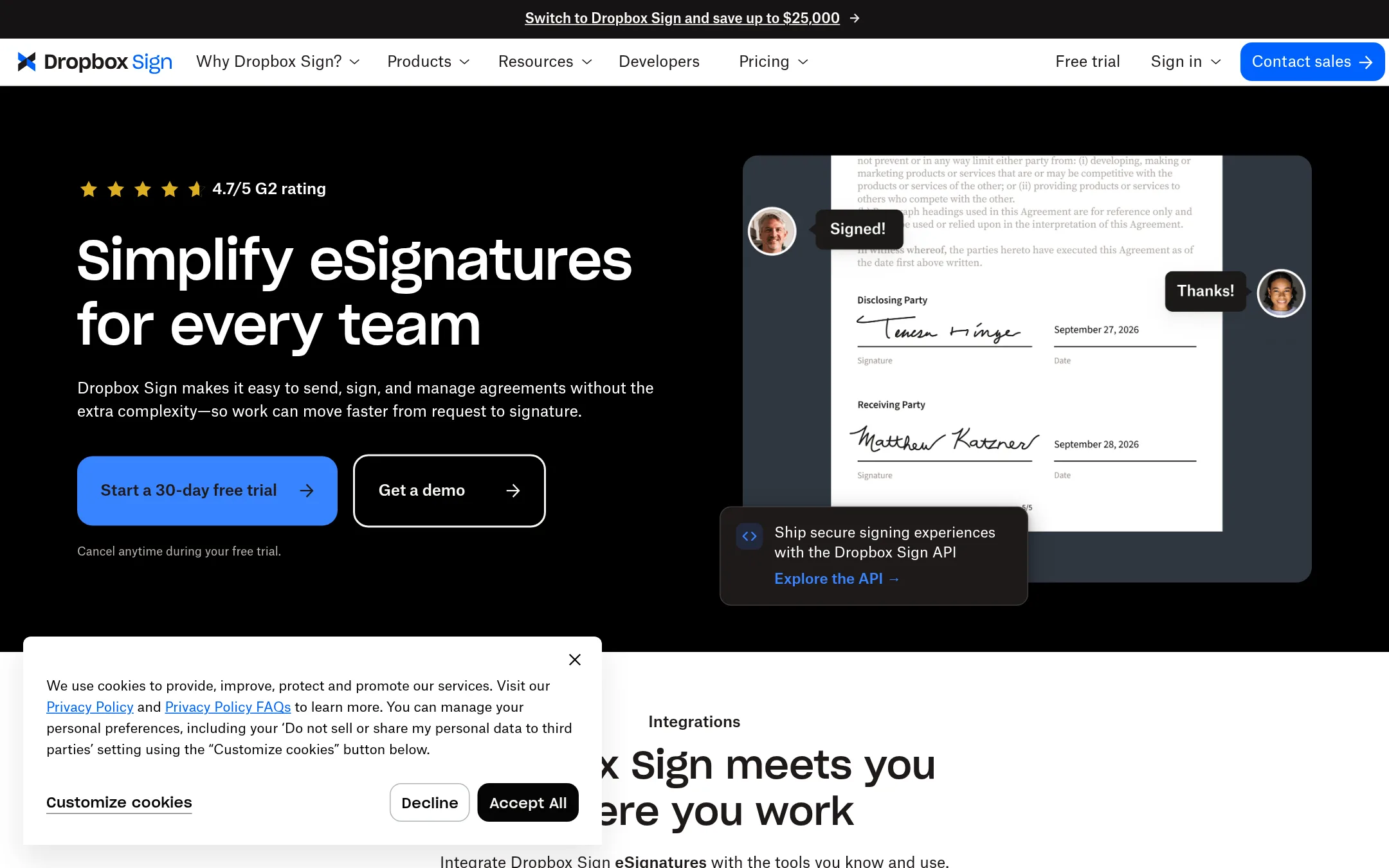
HelloSign, now Dropbox Sign, is a straightforward eSignature tool that focuses on getting documents signed quickly without the broader agreement management features DocuSign offers. You would choose it if you need simple, unlimited signature requests and deep integration with Dropbox or Google Drive, and you don't need advanced CLM or AI-powered agreement analytics.
Where it is strong
- Unlimited signature requests on paid plans, no overage worries.
- Native integration with Dropbox, Google Drive, Salesforce, and more.
- Supports in-person signing on mobile devices and custom branding.
Where it falls short
- No AI-powered agreement management or contract lifecycle features like DocuSign IAM.
- Limited advanced features like conditional logic and SMS verification are only on higher tiers.
- Pricing:
- Pricing is not published on the site.
- Switching from DocuSign:
- Switching from DocuSign is straightforward: import your documents, set up templates, and start sending, but you'll lose advanced features like AI-driven insights and complex workflow automation.
- PSee website
3.PandaDoc
Productivity & Project Management
Offers e-signatures plus document creation and proposal management.
- SFrom $8/user/mo
4.SignNow
Best for: Small to mid-sized teams that send a high volume of documents and want unlimited users at a flat rate.
- Pricing
- From $8/user/mo
- Category
- Other
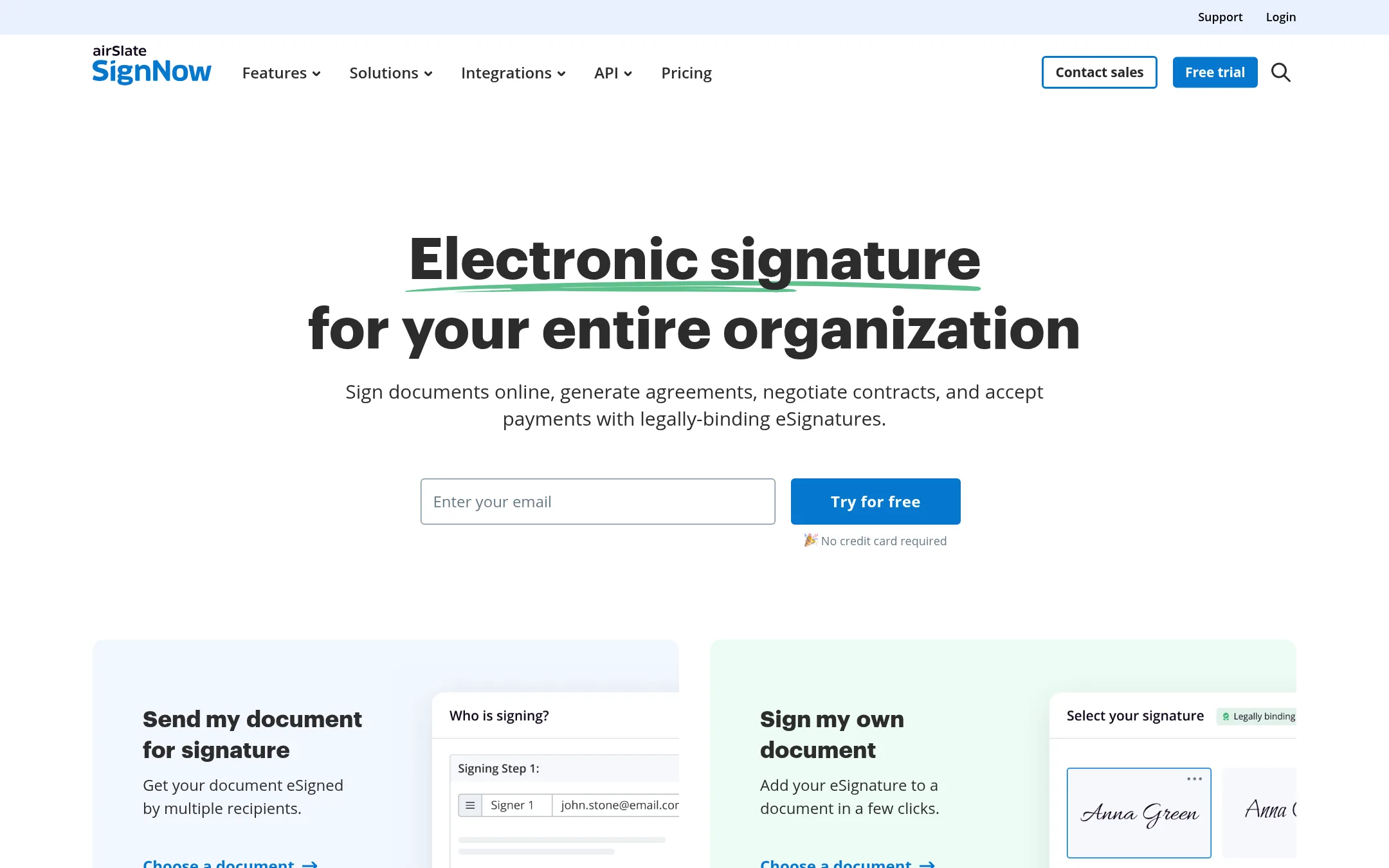
SignNow is a straightforward eSignature tool for teams that want unlimited users without paying per seat. It covers the basics like templates, bulk send, and payment collection, and adds workflow automation through its altaFlow add-on. Choose it over DocuSign if you need predictable flat pricing and don't require DocuSign's broader agreement management features.
Where it is strong
- Unlimited users on all paid plans, no per-seat cost.
- Includes bulk send, signing links, and payment collection on Business Premium and up.
- Free 7-day trial and 30-day money-back guarantee on paid plans.
Where it falls short
- Advanced features like SMS sending and custom branding are locked to Enterprise and above.
- No AI-powered agreement management or contract analytics like DocuSign IAM.
- Pricing:
- Business plan starts at $8 per user per month (billed annually) with 100 invites per year. Business Premium at $15 per user per month. Enterprise at $30 per user per month. Site License starts at $1.50 per invite with volume discounts.
- Switching from DocuSign:
- Moving from DocuSign is straightforward: export your documents and templates, then upload them to SignNow. You may need to rebuild custom workflows and integrations.
- D$9.99/mo+
5.Dropbox Sign
Best for: Small teams and individuals who already use Dropbox and need occasional document signing without a separate platform.
- Pricing
- $9.99/mo+
- Category
- Other
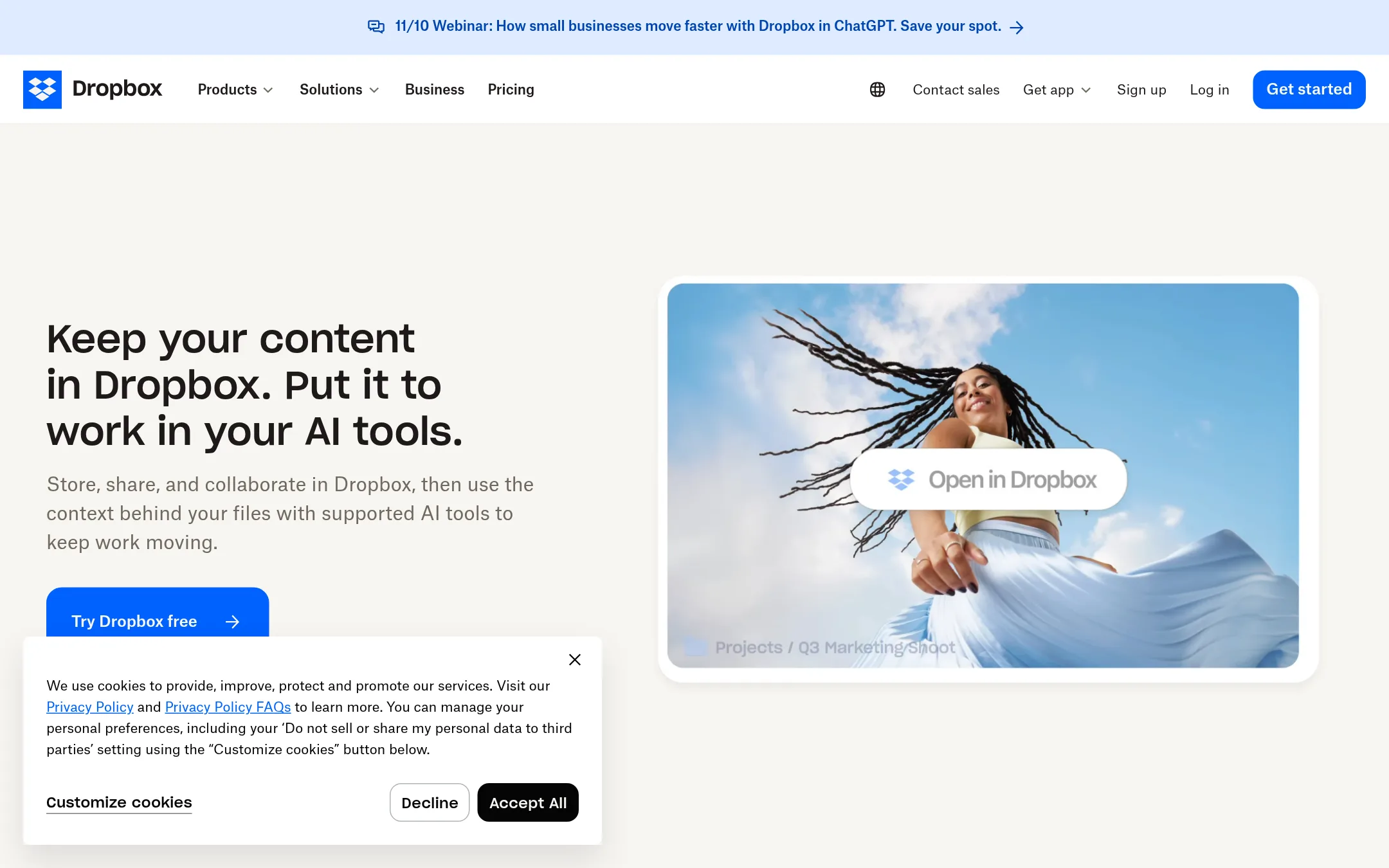
Dropbox Sign is part of Dropbox's broader file storage and sharing platform. You would choose it over DocuSign if you already use Dropbox and want to send documents for signature without leaving your existing file workflow. It is a simpler, more basic e-signature tool, not a full agreement management platform.
Where it is strong
- Integrated with Dropbox storage and sharing.
- Simple to use for basic signature requests.
- No separate account needed if you already use Dropbox.
Where it falls short
- Lacks advanced agreement management features like AI analysis and workflow automation.
- Fewer integrations and customization options compared to DocuSign.
- Pricing:
- Dropbox Plus is $9.99 per month for one person, Standard is $15 per user per month, and Advanced is $24 per user per month.
- Switching from DocuSign:
- Moving from DocuSign to Dropbox Sign is straightforward if you only need basic signatures, but you will lose advanced features like templates, bulk sending, and identity verification.
- OFrom $22/user/mo
6.OneSpan
Best for: Teams in regulated industries like finance, insurance, or legal that need secure eSignatures with advanced identity verification and remote notarization.
- Pricing
- From $22/user/mo
- Category
- Other
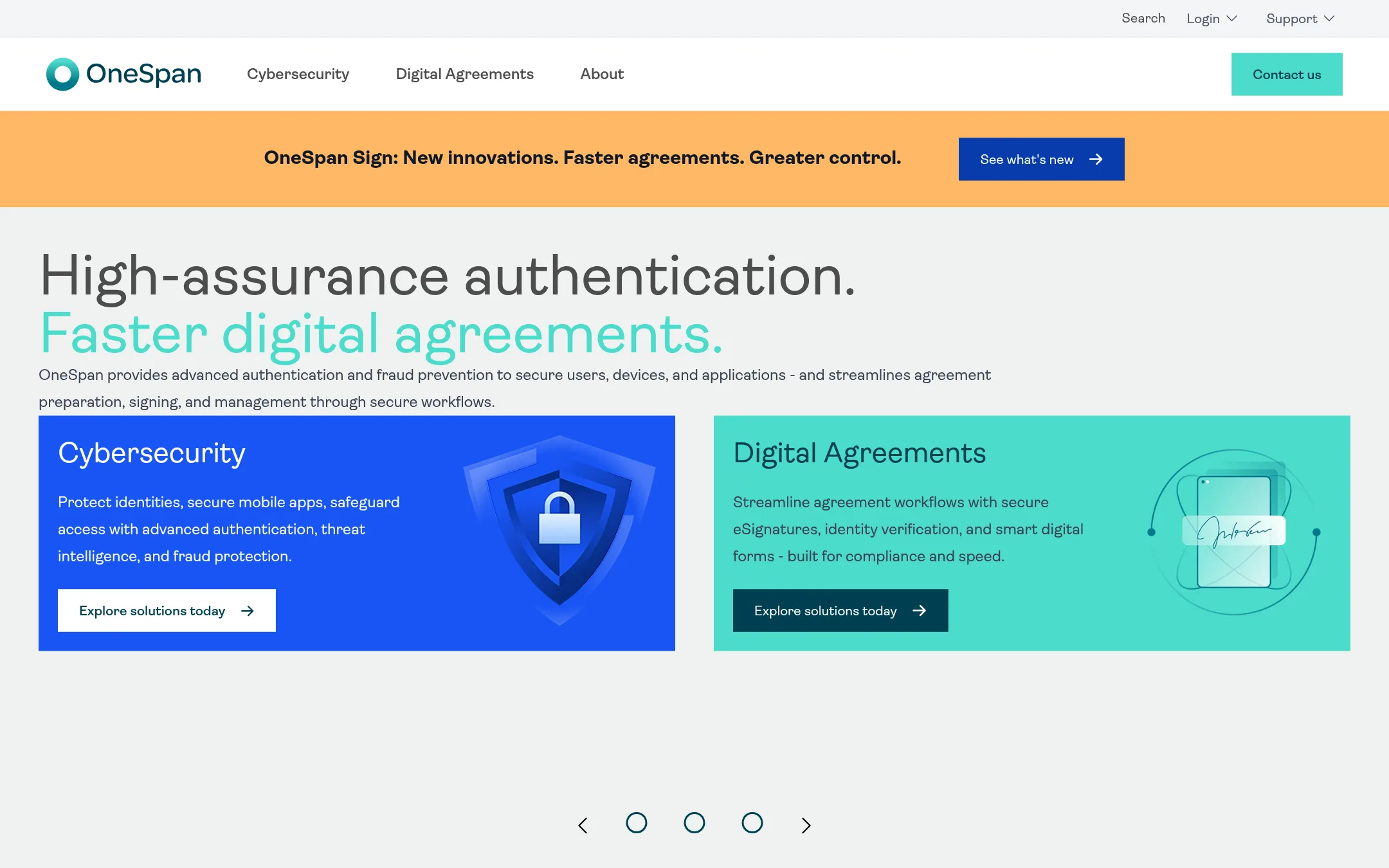
OneSpan is an eSignature tool with a strong focus on security and compliance, offering identity verification and remote notarization. Choose it over DocuSign if your agreements involve high-assurance authentication needs or you operate in regulated industries where signer identity is critical.
Where it is strong
- Includes SMS-based identity verification and remote notarization in the Enterprise plan.
- Offers a free signer experience, with unlimited free signatures for recipients.
- Provides robust API and SDK support for custom integrations in the Enterprise plan.
Where it falls short
- Professional plan lacks advanced features like custom branding and API access, which are only in Enterprise.
- Transaction-based pricing on Enterprise may be less predictable for low-volume users.
- Pricing:
- Professional plan is $22 per user per month billed yearly. Enterprise pricing is custom, based on transaction volume.
- Switching from DocuSign:
- Migrating from DocuSign involves re-creating templates and workflows, but OneSpan supports common integrations like Salesforce and SharePoint to ease the transition.
- R$5/doc + plans
7.Alude
Best for: Brazilian real estate agencies and brokers that need electronic signatures alongside tenant screening and rent management.

- Pricing
- R$5/doc + plans
- Category
- Productivity & Project Management
Alude is a Brazilian platform that combines electronic signatures with real-estate specific tools like tenant credit checks, rent management, and insurance issuance. You would choose it over DocuSign if you run a real estate agency in Brazil and want signatures plus property management workflows in one system.
Where it is strong
- Includes tenant credit analysis and property listing capture, not just signatures.
- Free plan available with 10 contracts per month.
- Electronic signature has legal validity without a digital certificate.
Where it falls short
- Focused on the Brazilian real estate market, so limited use elsewhere.
- No mention of integrations with Salesforce or other enterprise tools.
- Pricing:
- Electronic signature costs R$ 5 per completed document. The free plan includes 10 contracts per month, and paid plans add credit check packages starting at 20 queries per month.
- Switching from DocuSign:
- Switching from DocuSign means moving to a platform tailored for real estate, but you would need to check if Alude supports your existing document templates and workflows.
- See website
8.Common Paper
Productivity & Project Management
The SAFE for commercial contracts
- Not published
9.ContractPodAi
Best for: Enterprises with complex legal, procurement, and finance workflows that need AI-driven contract management and automation beyond simple signing.
- Pricing
- Not published
- Category
- Productivity & Project Management
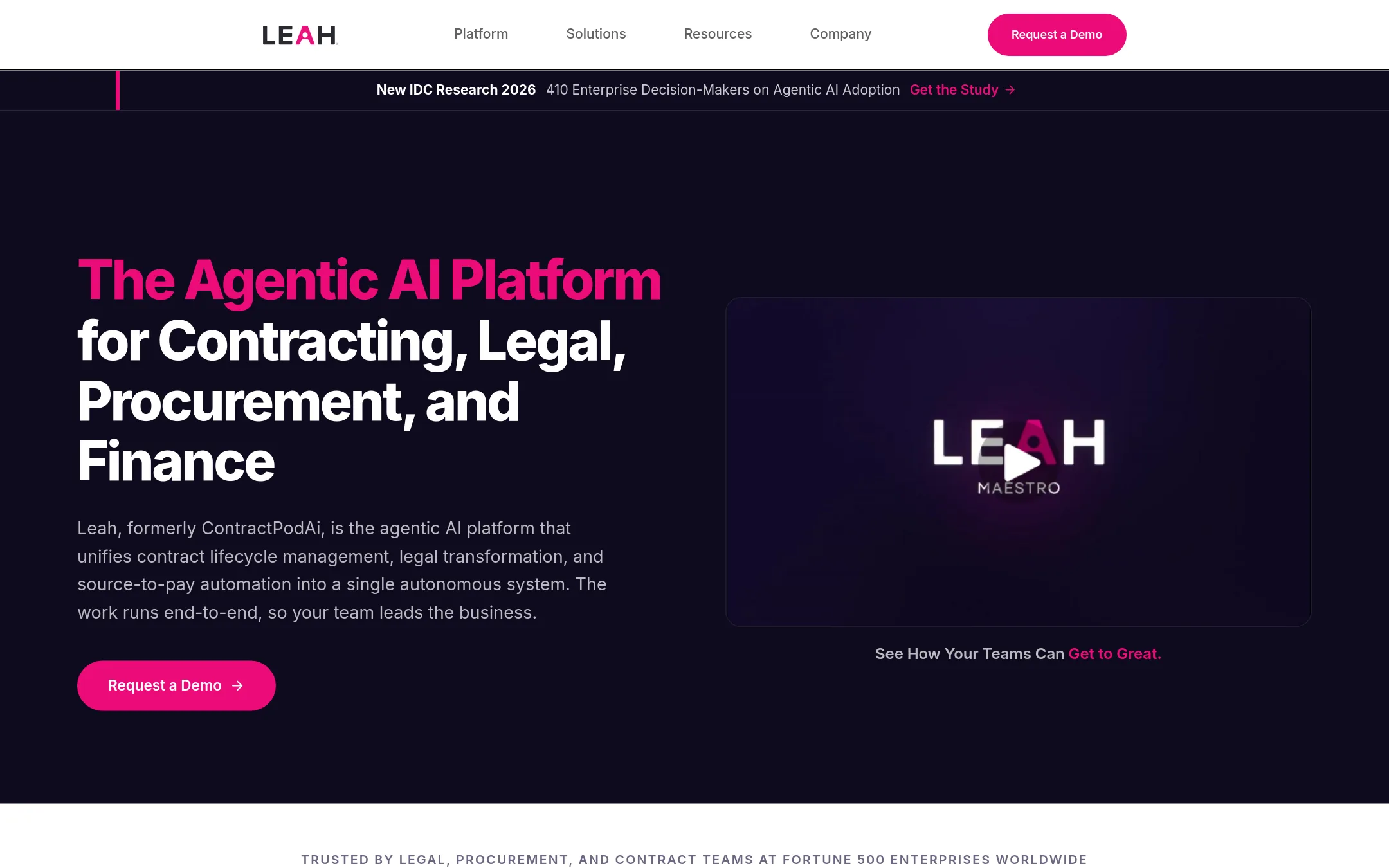
ContractPodAi, now Leah, is an enterprise agentic AI platform for contract lifecycle management, legal workflows, procurement, and finance. Choose it instead of DocuSign when you need autonomous execution across these functions, not just e-signatures, and want AI agents to draft, review, and route contracts with built-in approvals.
Where it is strong
- AI-native platform built for autonomous execution across legal, contracts, procurement, and finance
- Domain-specific agents handle drafting, review, redlining, and obligation tracking
- Connects contract terms to procurement and finance workflows, with approvals built in
Where it falls short
- Pricing is not transparent, likely enterprise-only
- No self-serve e-signature option for small teams or individuals
- Pricing:
- Pricing is not published on the site.
- Switching from DocuSign:
- Moving from DocuSign involves adopting a broader platform where signing is just one step, so you'd need to migrate contract templates and workflows into Leah's system.
- Not published
10.Draftwise
Best for: Law firms and legal teams that want to draft, review, and negotiate contracts using their own precedent and playbooks.
- Pricing
- Not published
- Category
- Other
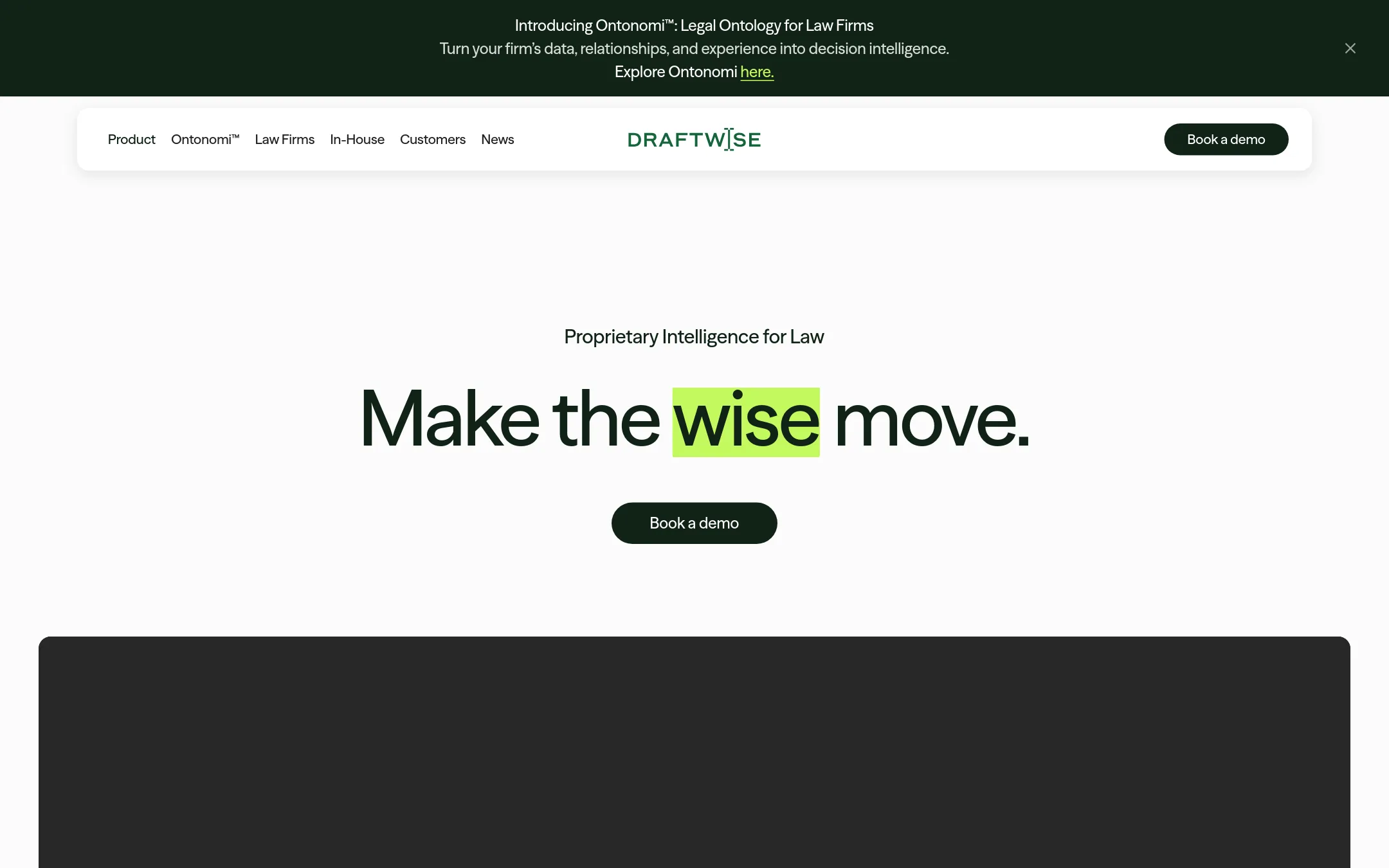
Draftwise is contract and negotiation AI built for lawyers, not a general-purpose e-signature tool. It drafts, redlines, and researches directly from your firm's own precedent and standards, turning your historical deals into decision intelligence. Choose it over DocuSign when your team needs AI-assisted contract drafting and negotiation, not just sending and signing documents.
Where it is strong
- Drafts and redlines using your firm's own precedent and standards
- Compares revisions against EDGAR to market-test positions
- SOC 2 Type II, ISO 27001, and GDPR compliant
Where it falls short
- No e-signature or agreement execution features
- Pricing not published, likely enterprise-focused
- Pricing:
- Pricing is not published on the site.
- Switching from DocuSign:
- Moving from DocuSign to Draftwise means shifting from a signing tool to an AI drafting and negotiation platform, so you'd still need a separate e-signature solution for execution.
- Custom quote
11.Ironclad
Best for: Legal, procurement, and sales teams at mid-size to enterprise companies that need to manage complex contract workflows and extract insights from their agreements.
- Pricing
- Custom quote
- Category
- Finance & Accounting
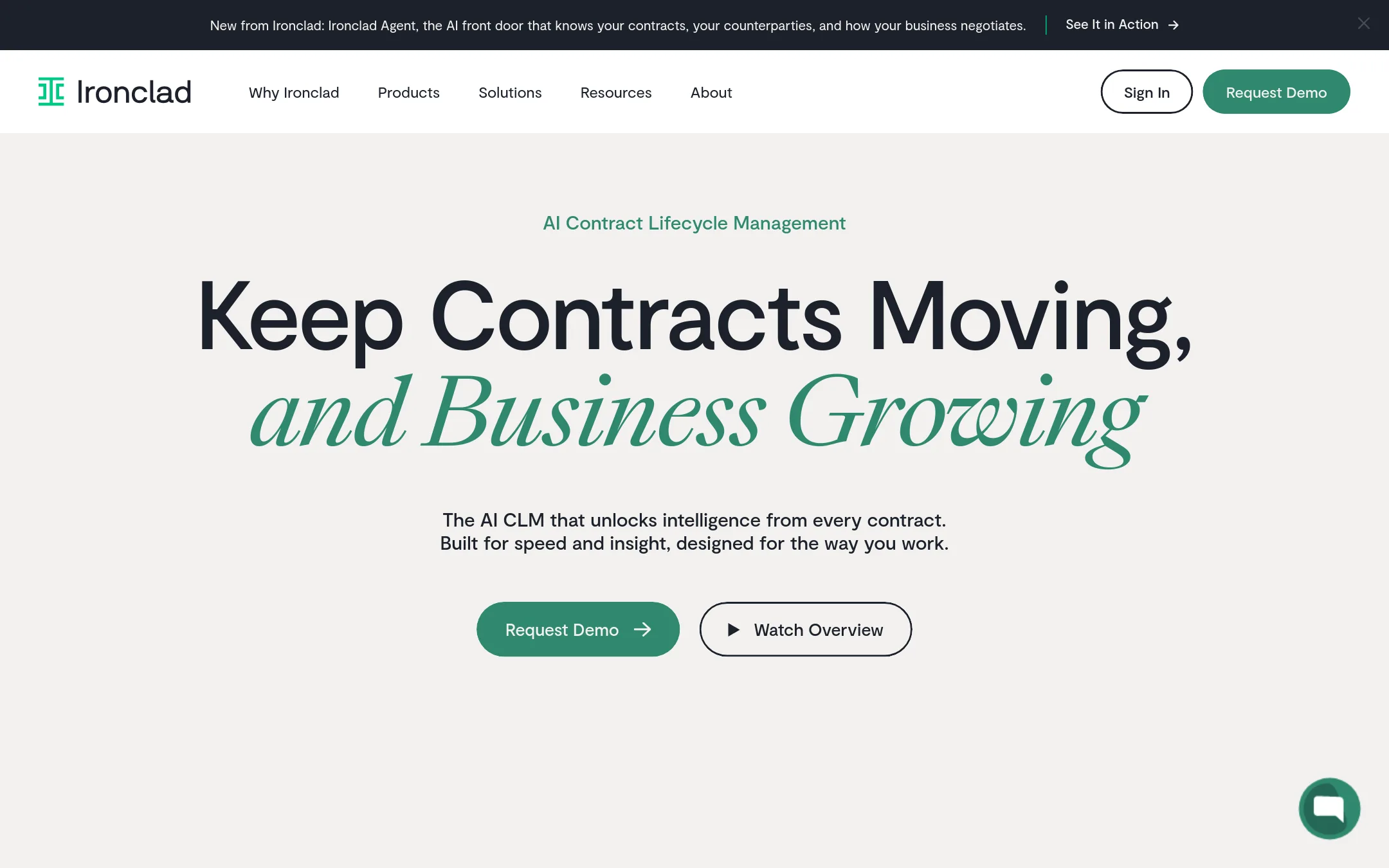
Ironclad is a contract lifecycle management platform built for legal teams, not just e-signatures. It handles the full contract process from creation and negotiation to execution and analysis, with AI that extracts data from your agreements. Choose it over DocuSign when you need deep contract management, not just signing.
Where it is strong
- AI-powered contract analysis and repository search
- Strong integrations with Salesforce, Coupa, and Ramp
- Built for legal teams with workflow automation and permissions
Where it falls short
- Pricing is opaque and likely enterprise-focused
- Overkill for simple e-signature needs that DocuSign handles
- Pricing:
- Pricing is not published on the site. You get a custom quote based on your products, users, workflows, and growth.
- Switching from DocuSign:
- Moving from DocuSign involves migrating your contract templates and legacy agreements into Ironclad's repository, and setting up new workflows.
- See website
12.Powerdocs
Productivity & Project Management
Create professional proposals, quotes, and documents in seconds.
See more comparisons in Productivity & Project Management alternatives.
FAQ
Questions about DocuSign alternatives
Which alternative is cheapest for a small team?
SignNow offers the most predictable pricing with unlimited users on all paid plans, starting at $8 per user per month. HelloSign and Dropbox Sign are also affordable for small teams, but their pricing is not published on the site. For occasional signing, Dropbox Sign's Plus plan at $9.99 per month for one person is a low-cost entry point.
Which alternative is best for legal teams?
Ironclad is built for legal teams, handling the full contract lifecycle from creation to analysis with AI. Draftwise is another option for lawyers, focusing on drafting and redlining using your own precedent. Both require a sales conversation for pricing, so they suit mid-size to enterprise teams.
Do any alternatives offer unlimited sends?
HelloSign offers unlimited signature requests on paid plans. SignNow includes 100 invites per year on its Business plan, but higher tiers like Business Premium and Enterprise may offer more. Dropbox Sign does not specify unlimited sends in its published pricing.
Which alternative has the strongest security features?
OneSpan focuses on security and compliance, with SMS-based identity verification and remote notarization on its Enterprise plan. Draftwise is SOC 2 Type II, ISO 27001, and GDPR compliant, but it lacks e-signature features. DocuSign itself emphasizes advanced encryption and audit trails.
Are there alternatives for specific industries?
Snapdocs is designed for U.S. mortgage lenders and title companies, covering eClosing, eVault, and notary scheduling. Alude serves Brazilian real estate agencies with tenant credit checks and rent management. These are not general-purpose tools, so they only fit those niches.
Last updated October 31, 2026.