
EasyEDA alternatives
12 products compared · Updated November 2, 2026
The short answer
For a free, browser-based PCB design tool with integrated manufacturing, EasyEDA itself is the strongest option. If you need advanced simulation, consider CircuitLab for quick circuit analysis or Proteus for embedded systems. For professional, enterprise-grade PCB design, Altium Designer or Cadence OrCAD are the top choices, though they are more expensive and complex.
Your shortlist, at a glance
Read the comparisons ↓ KiCadFree (open source)Teams and individual engineers who prefer a local, open-source tool and want to avoid web-based or subscription-based PCB software.
 Altium DesignerNot publishedElectronics engineering teams in aerospace, automotive, or industrial sectors that need advanced PCB design and enterprise-wide collaboration.
- AAutodesk Construction CloudCustom quoteConstruction firms, general contractors, and owners who need a connected platform for project management and BIM coordination.
DipTraceNot publishedProfessional engineers and small teams that want a perpetual license, offline capability, and Git-friendly project files.
 ProteusNot publishedEmbedded engineers and educators who need advanced circuit simulation and virtual prototyping before physical PCB production.
- OOrCADCustom quoteHardware teams in aerospace, automotive, or high-speed electronics that need advanced simulation and enterprise support.
- DDesignSpark PCBNot publishedIndividual engineers and small teams that want a free, desktop-based PCB editor without cloud collaboration or integrated manufacturing.
- UUpverterNot publishedTeams that already have Upverter accounts and need to continue existing projects, since the site is down for new users.
 CircuitLabNot publishedEngineers, students, and hobbyists who need a fast, easy-to-use online circuit simulator with professional-grade analysis tools.
CircuitMakerSee websiteFree PCB design software with pro features and community collaboration
 SnapMagicNot publishedElectronics engineers who want AI-assisted schematic completion and BOM optimization with live distributor integration.
 Tinkercad CircuitsNot publishedEducators and students who want a safe, ad-free environment for introductory electronics and 3D design projects.
About EasyEDA and its alternatives
EasyEDA is a free, browser-based PCB design tool that includes schematic capture, circuit simulation, and PCB layout. It is known for its integrated manufacturing services through JLCPCB and LCSC, making it a popular choice for hobbyists and small teams.
When comparing alternatives, consider the pricing structure, whether it is free, subscription-based, or requires a quote. Also weigh the need for browser-based versus desktop software, the depth of simulation and analysis tools, and the availability of manufacturing or component purchasing integrations. Support options and contract terms, such as perpetual licenses versus annual subscriptions, are also important factors.
Explore the alternatives
- Free (open source)
1.KiCad
Best for: Teams and individual engineers who prefer a local, open-source tool and want to avoid web-based or subscription-based PCB software.
- Pricing
- Free (open source)
- Category
- Design & Creative
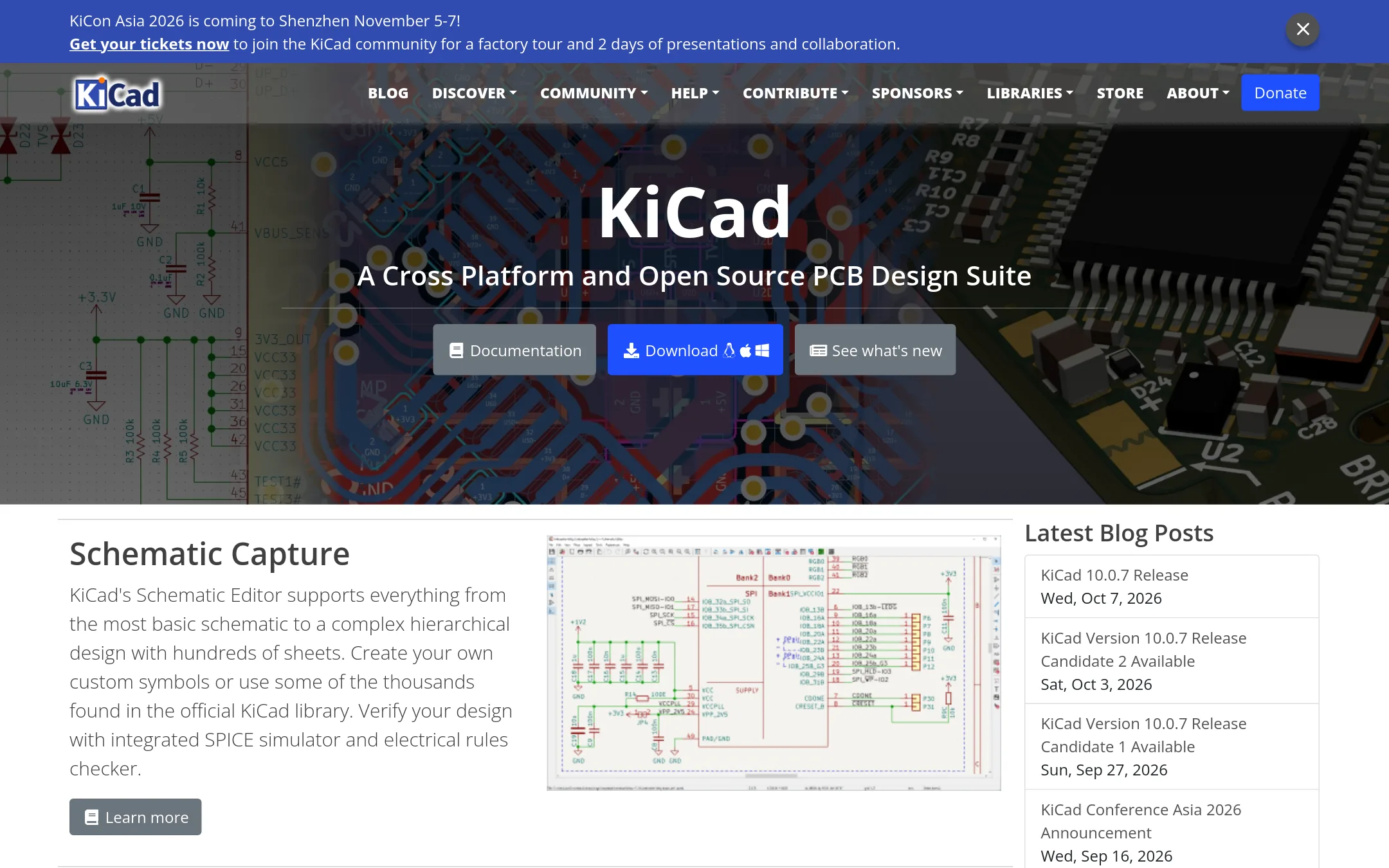
KiCad is a free, open-source PCB design suite that runs on Windows, macOS, and Linux. Choose it over EasyEDA if you want a desktop application with no cloud dependency and full control over your design files.
Where it is strong
- Fully open source with no cost or account required
- Runs offline on Windows, macOS, and Linux
- Includes SPICE simulation and electrical rules checker
Where it falls short
- No built-in manufacturing or component purchasing integration
- Steeper learning curve for beginners compared to EasyEDA's web interface
- Pricing:
- Pricing is not published on the site.
- Not published
2.Altium Designer
Best for: Electronics engineering teams in aerospace, automotive, or industrial sectors that need advanced PCB design and enterprise-wide collaboration.

- Pricing
- Not published
- Category
- Design & Creative
Altium Designer is a professional-grade PCB design tool for complex, high-speed electronics. Choose it over EasyEDA when you need advanced design capabilities, structured team collaboration, and enterprise-level data management.
Where it is strong
- Advanced PCB design for complex, high-speed boards
- Cloud-enabled collaboration via Altium 365
- Enterprise-grade data management and governance
Where it falls short
- Pricing not published, likely expensive for small teams
- Steeper learning curve than EasyEDA's web-based tool
- Pricing:
- Pricing is not published on the site.
- Switching from EasyEDA:
- Moving from EasyEDA involves learning a desktop-based workflow and migrating existing designs, which may require manual re-creation.
- ACustom quote
3.Autodesk Construction Cloud
Best for: Construction firms, general contractors, and owners who need a connected platform for project management and BIM coordination.
- Pricing
- Custom quote
- Category
- Productivity & Project Management
Autodesk Construction Cloud is a construction management platform for planning, building, and operating projects, with tools for document management, model coordination, and project management. Choose it over EasyEDA if you are in the construction industry and need to manage the full project lifecycle, not design PCBs.
Where it is strong
- Over 400 pre-built integrations with ERPs, CRMs, and analytics tools.
- AI features to automate workflows and surface insights.
- Enterprise-grade security and 24/5 support.
Where it falls short
- Pricing is not transparent. Requires a quote.
- Focused on construction, not electronics design, so no PCB-specific features.
- Pricing:
- Pricing is not published on the site. You need to get a quote.
- Not published
4.DipTrace
Best for: Professional engineers and small teams that want a perpetual license, offline capability, and Git-friendly project files.
- Pricing
- Not published
- Category
- Design & Creative
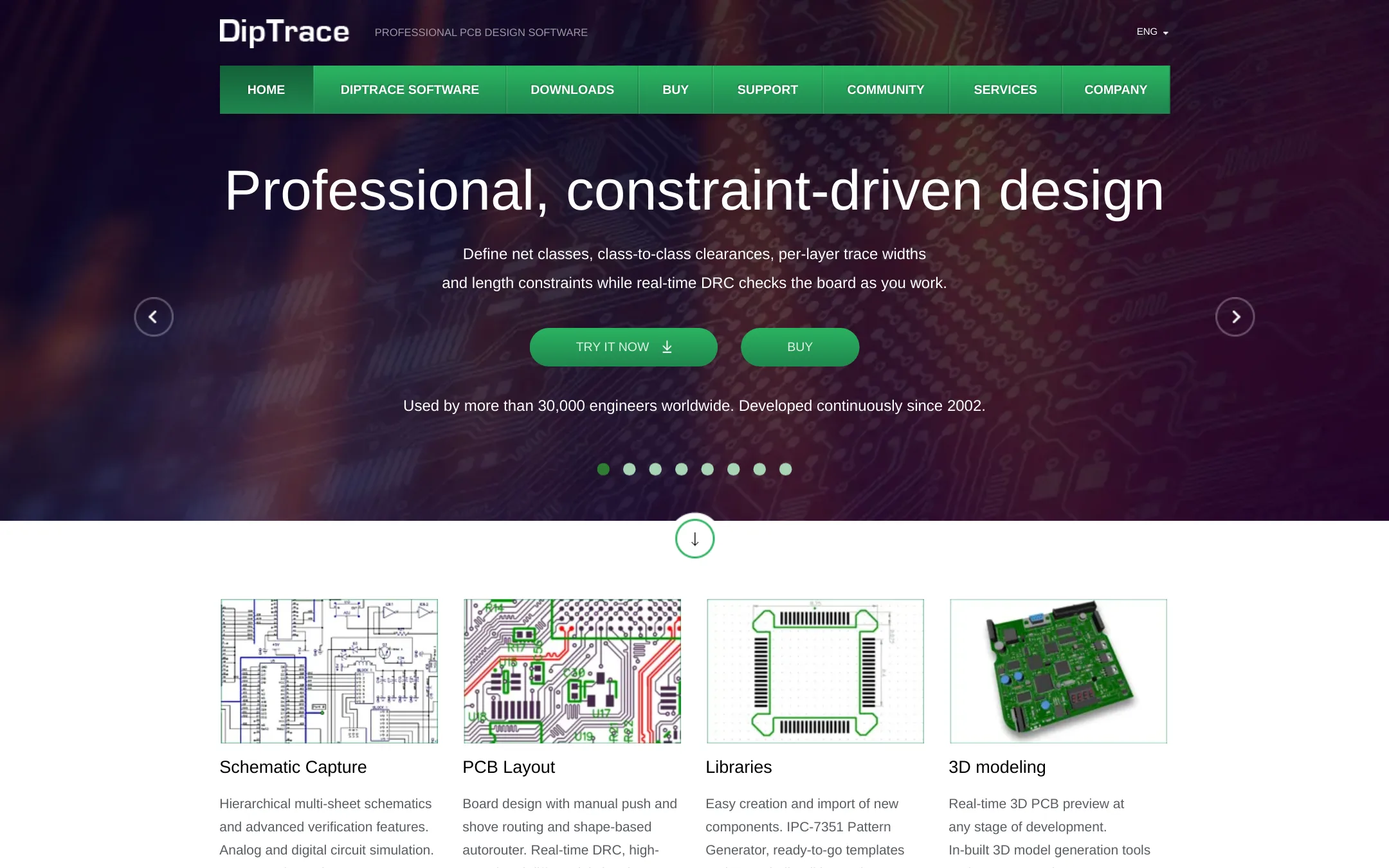
DipTrace is a desktop PCB design tool with a perpetual license, so you pay once and own the software. It suits engineers who want offline work, direct support, and native XML files for version control. Choose it over EasyEDA if you prefer a local tool over a web-based one.
Where it is strong
- Perpetual license with no recurring fees
- Native XML files for Git workflows
- Direct technical support from the DipTrace team
Where it falls short
- No web-based collaboration like EasyEDA
- Pricing details are not shown on the site
- Pricing:
- Pricing is not published on the site.
- Not published
5.Proteus
Best for: Embedded engineers and educators who need advanced circuit simulation and virtual prototyping before physical PCB production.
- Pricing
- Not published
- Category
- Design & Creative
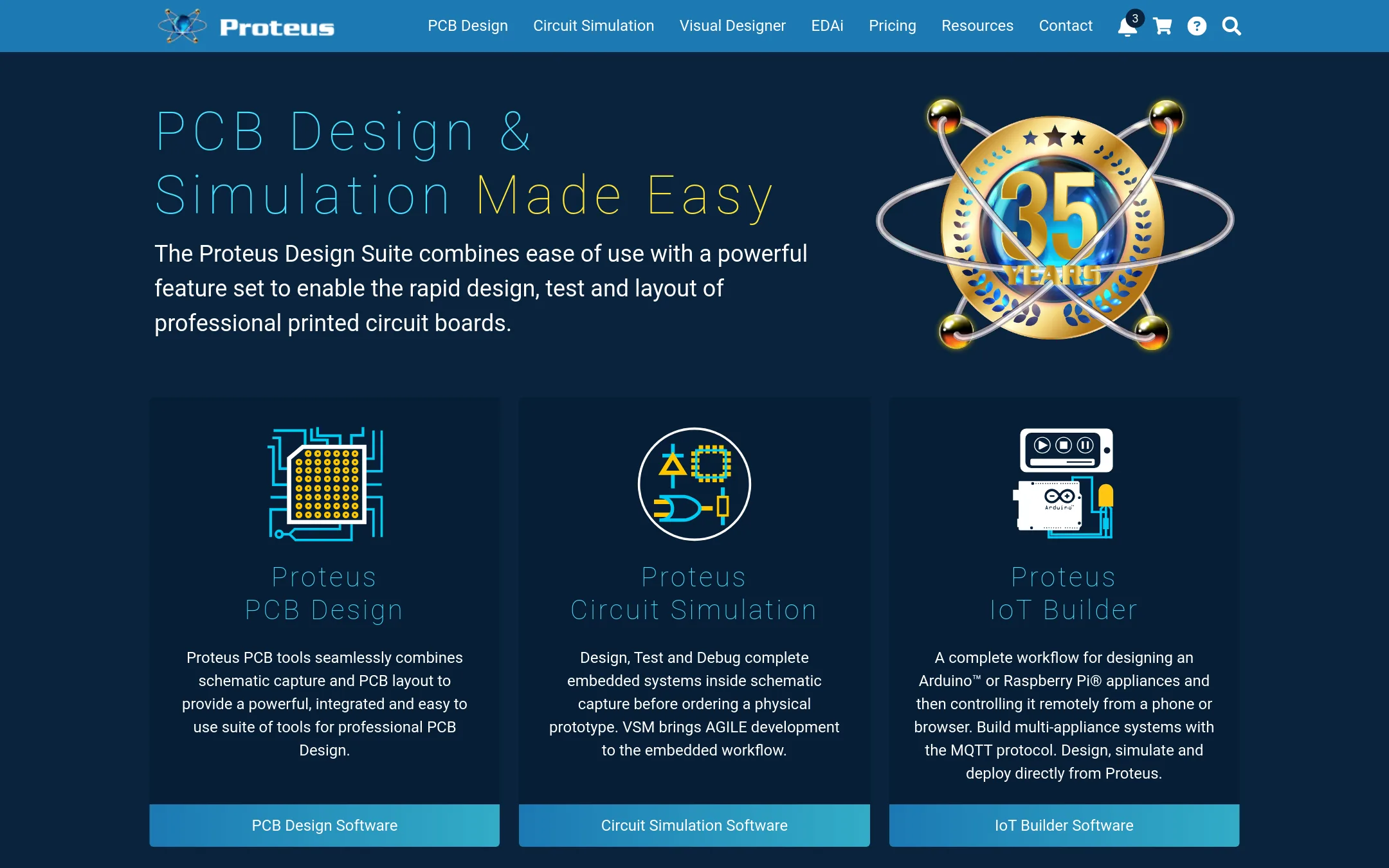
Proteus is a desktop EDA suite with deep microcontroller simulation, letting you test firmware on virtual hardware before ordering a PCB. Choose it over EasyEDA when you need to simulate complete embedded systems, including CAN bus networks, and want a perpetual license rather than a browser-based tool.
Where it is strong
- Simulates microcontrollers and complete embedded systems before prototyping
- Perpetual licensing, so you own the version you buy
- Includes 15 million library parts and shape-based autorouting
Where it falls short
- Desktop software, not browser-based like EasyEDA
- Pricing not transparent, requires contacting sales for quotes
- Pricing:
- Pricing is not published on the site. Packages are listed as Enterprise, Platinum, and Custom with prices marked as $$$price.
- OCustom quote
6.OrCAD
Best for: Hardware teams in aerospace, automotive, or high-speed electronics that need advanced simulation and enterprise support.

- Pricing
- Custom quote
- Category
- Other
OrCAD is a professional-grade PCB design suite from Cadence, built for complex, high-speed designs and large teams. Choose it over EasyEDA when you need advanced simulation, signal integrity analysis, and enterprise-level support for mission-critical hardware.
Where it is strong
- Advanced simulation and signal integrity tools
- Handles large, complex designs with ease
- Enterprise-grade support and integration
Where it falls short
- Steep learning curve for new users
- Requires a sales quote. No self-serve pricing
- Pricing:
- Pricing is not published on the site.
- Switching from EasyEDA:
- Moving from EasyEDA to OrCAD involves a significant learning curve and a shift to a desktop-based workflow, plus a sales engagement for licensing.
- DNot published
7.DesignSpark PCB
Best for: Individual engineers and small teams that want a free, desktop-based PCB editor without cloud collaboration or integrated manufacturing.

- Pricing
- Not published
- Category
- Other
DesignSpark PCB is a free PCB design tool for engineers who want a desktop application and don't need EasyEDA's browser-based collaboration or integrated manufacturing services. Choose it when you prefer offline work and a simpler toolchain over EasyEDA's cloud features.
Where it is strong
- Free to use for PCB design
- Desktop application for offline work
- Suitable for basic to intermediate designs
Where it falls short
- No browser-based access or real-time team collaboration
- Lacks EasyEDA's integrated manufacturing and component purchasing services
- Pricing:
- Pricing is not published on the site.
- UNot published
8.Upverter
Best for: Teams that already have Upverter accounts and need to continue existing projects, since the site is down for new users.

- Pricing
- Not published
- Category
- Other
Upverter is a browser-based PCB design tool, but its website is currently unreachable, so you cannot sign up, access documentation, or get support. Choose it only if you already have an account and a workflow that depends on it, or if you are evaluating it for historical reasons. For a working alternative to EasyEDA, you would need to look elsewhere.
Where it is strong
- Browser-based design, no install needed.
- Supports collaborative work if the platform is accessible.
- Part of a known PCB tool ecosystem.
Where it falls short
- Website is unreachable, so no access to the tool.
- No pricing or feature details available.
- Pricing:
- Pricing is not published on the site.
- Not published
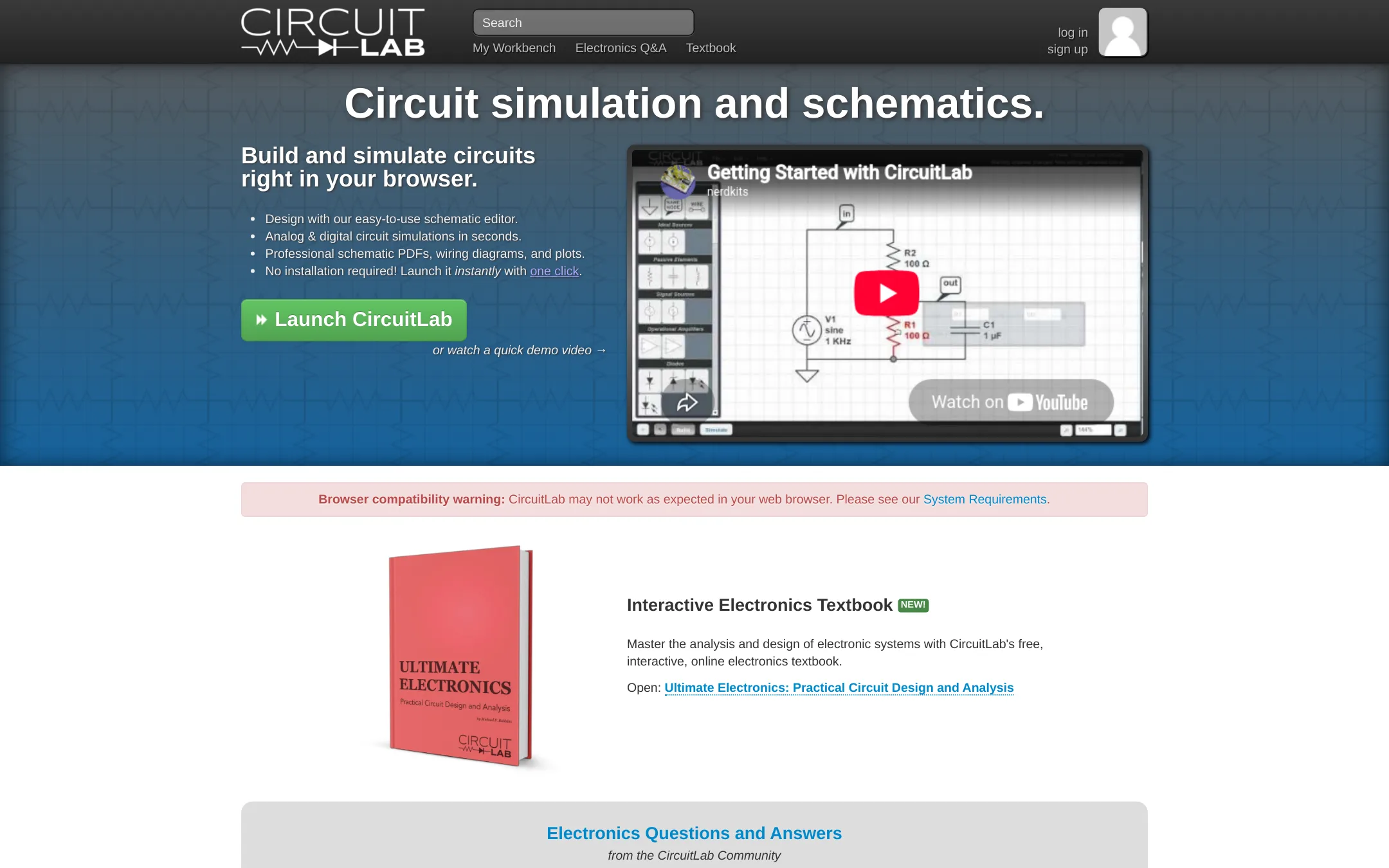
9.CircuitLab
Best for: Engineers, students, and hobbyists who need a fast, easy-to-use online circuit simulator with professional-grade analysis tools.
- Pricing
- Not published
- Category
- Developer Tools
CircuitLab is a browser-based schematic editor and circuit simulator focused on analog and digital simulation. Choose it over EasyEDA when your main need is quick, accurate circuit simulation and analysis rather than full PCB layout and manufacturing.
Where it is strong
- Mixed-mode simulation for analog and digital components side-by-side
- Unit-aware expression evaluation for plotting arbitrary signals
- Unique circuit URLs for easy sharing and collaboration
Where it falls short
- No PCB layout or manufacturing integration
- Pricing details are not publicly listed
- Pricing:
- Pricing is not published on the site.
- See website
10.CircuitMaker
Design & Creative
Free PCB design software with pro features and community collaboration
- Not published
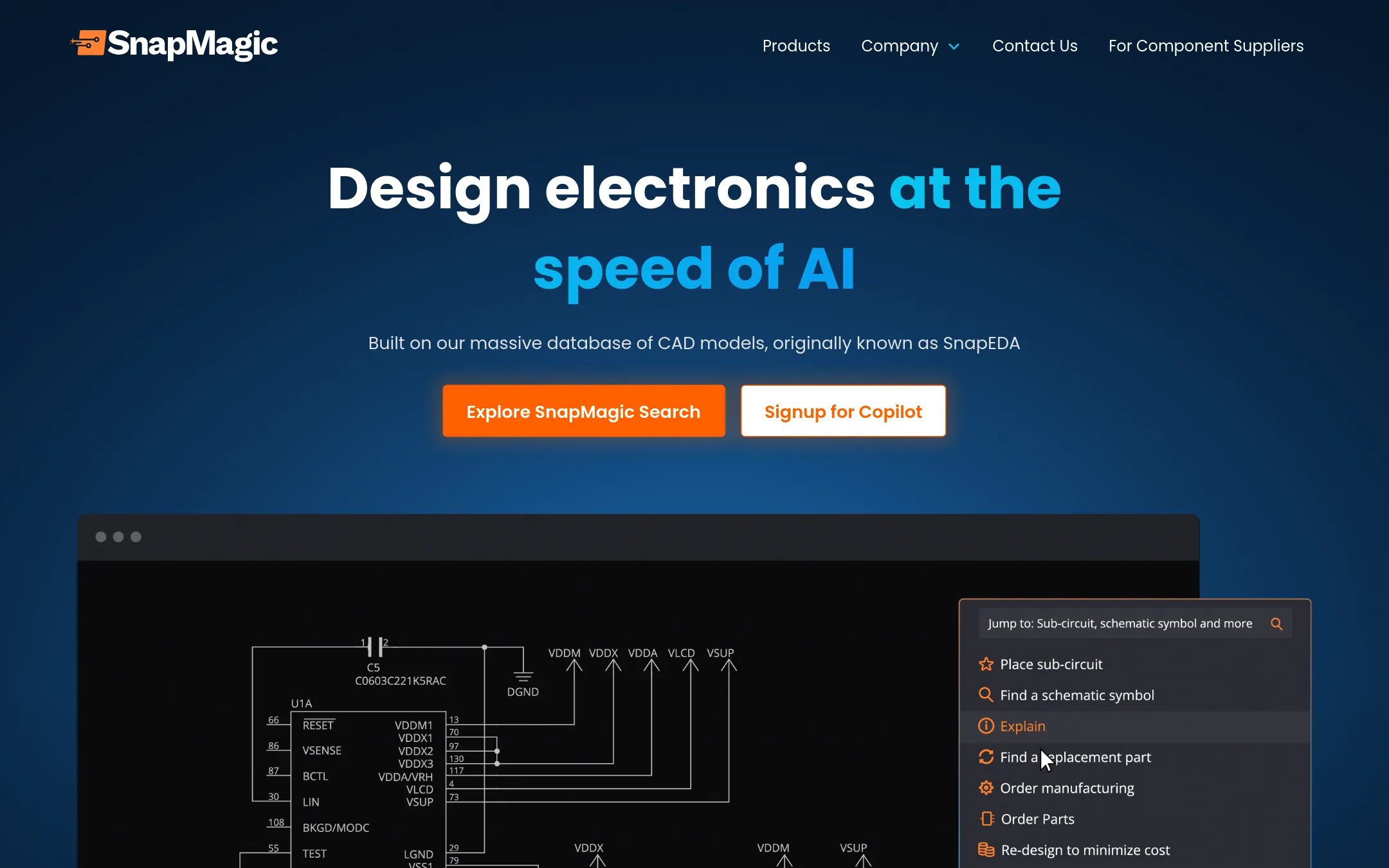
11.SnapMagic
Best for: Electronics engineers who want AI-assisted schematic completion and BOM optimization with live distributor integration.
- Pricing
- Not published
- Category
- Design & Creative
SnapMagic is an AI copilot that automates repetitive electronics design tasks like adding bypass capacitors and optimizing BOMs. Choose it over EasyEDA when you want to speed up design work with natural language commands and real-time supply chain data.
Where it is strong
- AI automates repetitive tasks like adding bypass capacitors
- Chat with your design in natural language
- Integrated with major distributors for real-time stock and alternatives
Where it falls short
- Pricing is not published, so cost is unclear
- Requires early access, so availability may be limited
- Pricing:
- Pricing is not published on the site.
- Not published
12.Tinkercad Circuits
Best for: Educators and students who want a safe, ad-free environment for introductory electronics and 3D design projects.
- Pricing
- Not published
- Category
- Design & Creative
Tinkercad Circuits is a free browser-based tool for learning electronics and coding through simple circuit simulations and 3D design. Choose it over EasyEDA when you teach beginners or run classroom projects, not when you need professional PCB layout or manufacturing output.
Where it is strong
- Free for everyone with no downloads required
- KidSAFE COPPA certified and ad-free for classroom use
- Includes block-based coding to animate circuits and designs
Where it falls short
- No PCB layout or Gerber export for manufacturing
- Limited to simple circuits, not for complex professional designs
- Pricing:
- Pricing is not published on the site.
See more comparisons in Design & Creative alternatives.
FAQ
Questions about EasyEDA alternatives
What is the best free alternative to EasyEDA?
KiCad is the strongest free alternative because it is open source, runs offline on Windows, macOS, and Linux, and includes SPICE simulation. It lacks built-in manufacturing integration, but it is fully free with no account required.
Which alternative is best for circuit simulation?
CircuitLab is the best choice for simulation because it focuses on mixed-mode analog and digital analysis with professional-grade tools. Proteus is also strong for simulating complete embedded systems with microcontrollers.
Are there alternatives with transparent pricing?
Most alternatives do not publish pricing on their sites. EasyEDA itself offers free core features, and KiCad is completely free. For paid tools like Altium Designer or Cadence OrCAD, you must contact sales for a quote.
Which alternative is best for professional PCB design?
Altium Designer and Cadence OrCAD are the top professional choices, offering advanced features for complex, high-speed boards and enterprise-level collaboration. They are more expensive and have a steeper learning curve than EasyEDA.
Can I use these alternatives offline?
Yes, KiCad, DipTrace, and DesignSpark PCB are desktop applications that work offline. EasyEDA and CircuitLab are browser-based, so they require an internet connection.
Last updated November 2, 2026.