
EveryCircuit alternatives
9 products compared · Updated November 1, 2026
The short answer
For professional-grade simulation, CircuitLab is the strongest alternative, offering SPICE-level accuracy and a built-in textbook. KiCad is best for hardware engineers needing a full PCB design suite, while Tinkercad Circuits suits educators and beginners with its free, classroom-friendly platform. Choose based on your need for accuracy, PCB layout, or simplicity.
Your shortlist, at a glance
Read the comparisons ↓ CircuitLabNot publishedProfessional engineers and students who need accurate SPICE-level simulation and schematic documentation in the browser.
Falstad Circuit SimulatorSee websitePaul Falstad's interactive circuit simulator applet
 Tinkercad CircuitsFreeEducators and students in STEM classrooms who want a free, safe, and standards-aligned tool for electronics and 3D design projects.
- MMultisimNot publishedEngineering teams in test and measurement that need circuit simulation tied to NI hardware and LabVIEW for automated validation.
 ProteusNot publishedElectronics engineers and embedded developers who need professional PCB layout and microcontroller simulation in one tool.
- PPartSimNot publishedTeams that need a lightweight, browser-based circuit simulator and are willing to wait until PartSim's site is accessible again.
EasyEDAFree coreHardware engineers, students, and teams that need a free, integrated schematic-to-PCB workflow with manufacturing links.
 KiCadNot publishedHardware engineers and hobbyists who need professional PCB design tools without paying for a license.
 PSpiceNot publishedEngineering teams in automotive, IoT, power supply, and high-reliability industries that need advanced simulation, Monte Carlo analysis, and integration with MATLAB/Simulink.
About EveryCircuit and its alternatives
EveryCircuit is an animated interactive circuit simulator available online and as a mobile app. It is known for making circuits come alive with real-time simulation and visualization, helping students and engineers design over 3 million circuits. Its flexible pricing includes free, monthly, and one-time purchase options.
When comparing alternatives, weigh pricing structure (free vs. subscription vs. one-time), platform availability (browser, desktop, mobile), and the depth of simulation features. Consider whether you need PCB design, advanced analysis, or integration with hardware and software tools. Check if pricing is transparent or requires contacting sales, and whether the tool supports your region and operating system.
Explore the alternatives
- Not published
1.CircuitLab
Best for: Professional engineers and students who need accurate SPICE-level simulation and schematic documentation in the browser.
- Pricing
- Not published
- Category
- Developer Tools
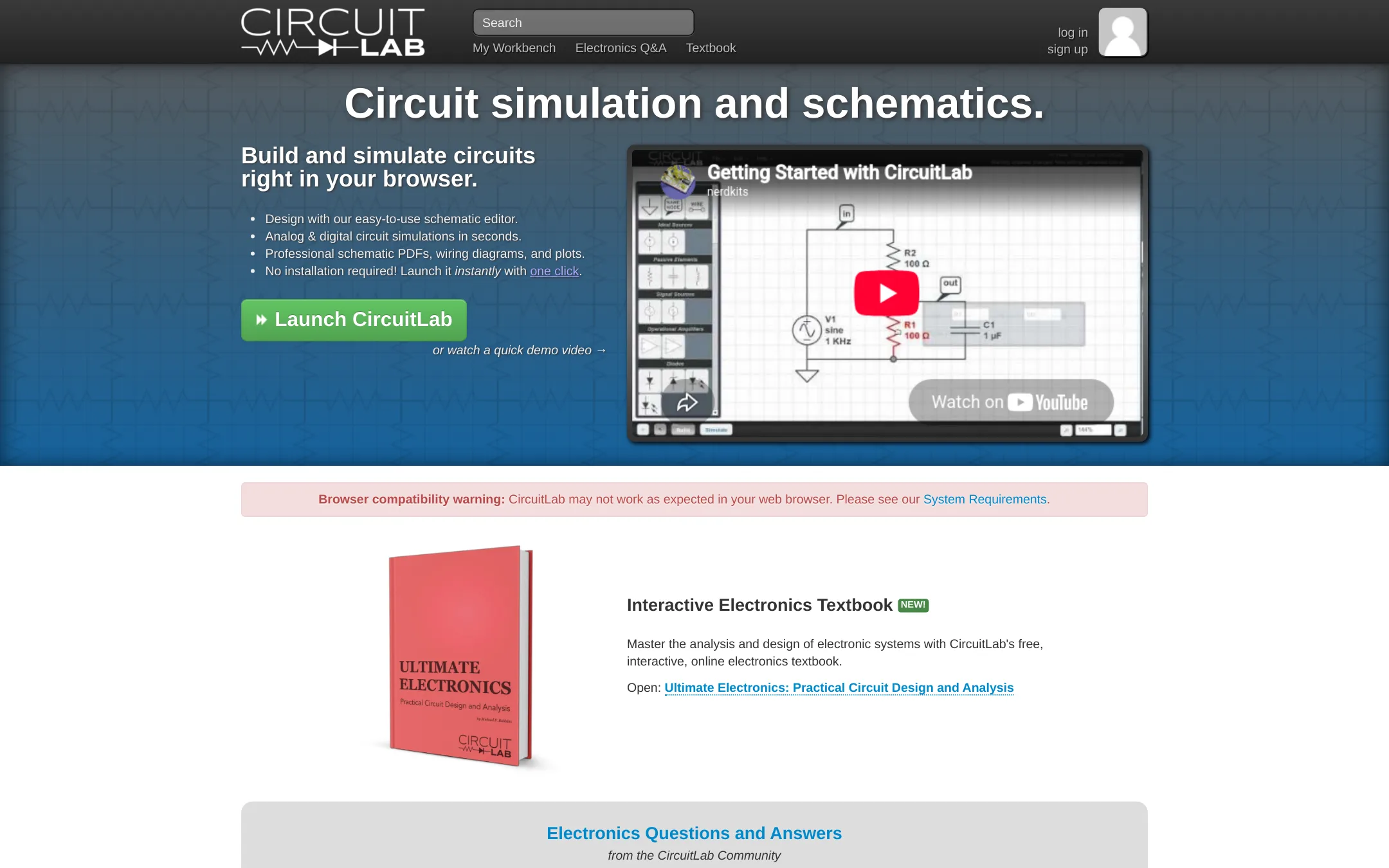
CircuitLab is a browser-based schematic editor and mixed-mode circuit simulator with SPICE-like accuracy. Choose it over EveryCircuit when you need professional-grade simulation, commercial licensing, and a built-in electronics textbook rather than animated learning demos.
Where it is strong
- SPICE-like component models for accurate nonlinear results
- Mixed-mode analog and digital simulation side-by-side
- Free interactive electronics textbook and community Q&A
Where it falls short
- No animated circuit visualization like EveryCircuit
- Pricing details are not listed on the site
- Pricing:
- Pricing is not published on the site.
- See website
2.Falstad Circuit Simulator
Design & Creative
A free, animated circuit simulator that runs in the browser, offering a similar interactive experience.
- Free
3.Tinkercad Circuits
Best for: Educators and students in STEM classrooms who want a free, safe, and standards-aligned tool for electronics and 3D design projects.

- Pricing
- Free
- Category
- Design & Creative
Tinkercad Circuits is a free browser-based tool for electronics simulation, 3D design, and coding, aimed at classrooms and beginners. You would choose it over EveryCircuit if you need a no-cost, ad-free environment with curriculum support and a focus on project-based learning rather than advanced circuit analysis.
Where it is strong
- Free for everyone with no downloads or strings attached.
- KidSAFE COPPA certified and ad-free, safe for all ages.
- Includes 3D design, electronics, and block-based coding in one app.
Where it falls short
- No advanced circuit analysis features like AC analysis or Bode plots.
- Limited to browser use. No offline desktop or mobile app mentioned.
- Pricing:
- Pricing is not published on the site. The homepage states it is free for everyone.
- MNot published
4.Multisim
Best for: Engineering teams in test and measurement that need circuit simulation tied to NI hardware and LabVIEW for automated validation.
- Pricing
- Not published
- Category
- Other
Multisim is a professional circuit simulation and test environment from NI, now part of Emerson. It is built for engineers who need to design, simulate, and validate circuits alongside automated test hardware and LabVIEW integration. Choose it over EveryCircuit when you work in industrial or lab settings that require deep measurement and test workflows, not just learning or hobbyist simulation.
Where it is strong
- Integrates with NI hardware and LabVIEW for automated test
- Covers RF, wireless, and semiconductor test domains
- Backed by 50 years of NI innovation and enterprise support
Where it falls short
- No transparent pricing. Likely enterprise-focused
- Steeper learning curve than EveryCircuit for casual users
- Pricing:
- Pricing is not published on the site.
- Not published
5.Proteus
Best for: Electronics engineers and embedded developers who need professional PCB layout and microcontroller simulation in one tool.
- Pricing
- Not published
- Category
- Design & Creative
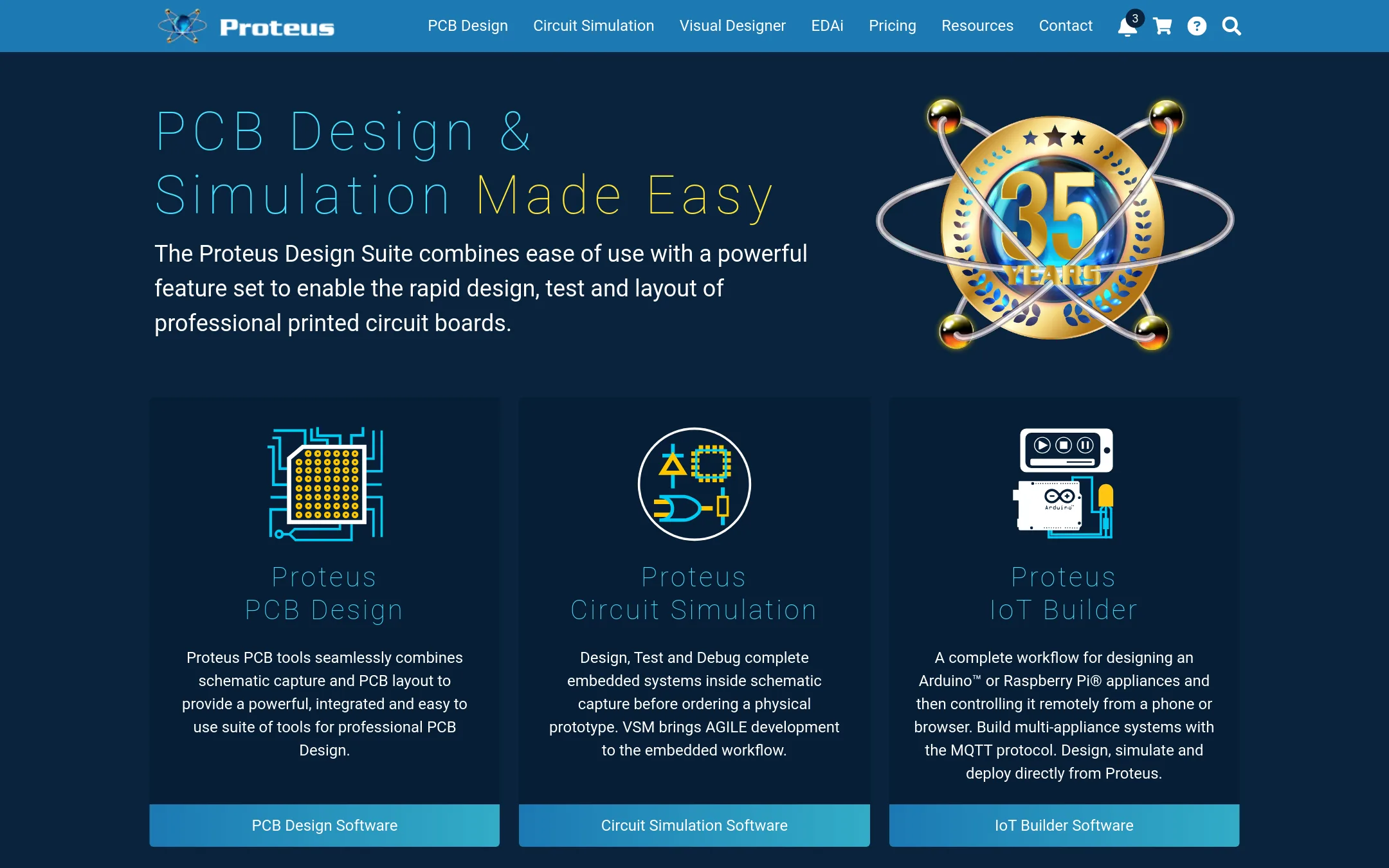
Proteus is a professional EDA suite for PCB design, schematic capture, and embedded system simulation. Choose it over EveryCircuit when you need to design and lay out actual printed circuit boards, simulate microcontrollers, and move from circuit concept to manufacturable product.
Where it is strong
- Full PCB layout with autorouting and high-speed design features
- Simulates microcontrollers (VSM) with real firmware debugging
- Access to 15 million library parts
Where it falls short
- Pricing is not public, requires contacting sales
- Steeper learning curve than EveryCircuit for simple circuit exploration
- Pricing:
- Pricing is not published on the site.
- Switching from EveryCircuit:
- Moving from EveryCircuit to Proteus means learning a professional EDA workflow, but you can import or recreate simple circuits and then expand into PCB layout and embedded simulation.
- PNot published
6.PartSim
Best for: Teams that need a lightweight, browser-based circuit simulator and are willing to wait until PartSim's site is accessible again.

- Pricing
- Not published
- Category
- Design & Creative
PartSim is a browser-based circuit simulation platform, but its website is currently unreachable, so it cannot be evaluated or used right now. You would choose it over EveryCircuit only if you need a web-only simulator and the site comes back online.
Where it is strong
- Browser-based, no install needed
- Designed for simulation tasks
- Free to access when site is up
Where it falls short
- Site is currently down with a connection error
- No pricing or feature details available
- Pricing:
- Pricing is not published on the site.
- Free core
7.EasyEDA
Best for: Hardware engineers, students, and teams that need a free, integrated schematic-to-PCB workflow with manufacturing links.

- Pricing
- Free core
- Category
- Design & Creative
EasyEDA is a free, browser-based PCB design tool with schematic capture, circuit simulation, and manufacturing integration. Choose it over EveryCircuit when you need to go from circuit simulation to actual PCB layout and production, not just animated circuit exploration.
Where it is strong
- Free core features for everyone
- Runs in browser, no install needed
- Integrates with JLCPCB and LCSC for prototyping and parts
Where it falls short
- Pricing details not published
- Simulation is simpler than EveryCircuit's animated interactive approach
- Pricing:
- Pricing is not published on the site. Core features are free, with optional paid subscriptions.
- Not published
8.KiCad
Best for: Hardware engineers and hobbyists who need professional PCB design tools without paying for a license.
- Pricing
- Not published
- Category
- Design & Creative
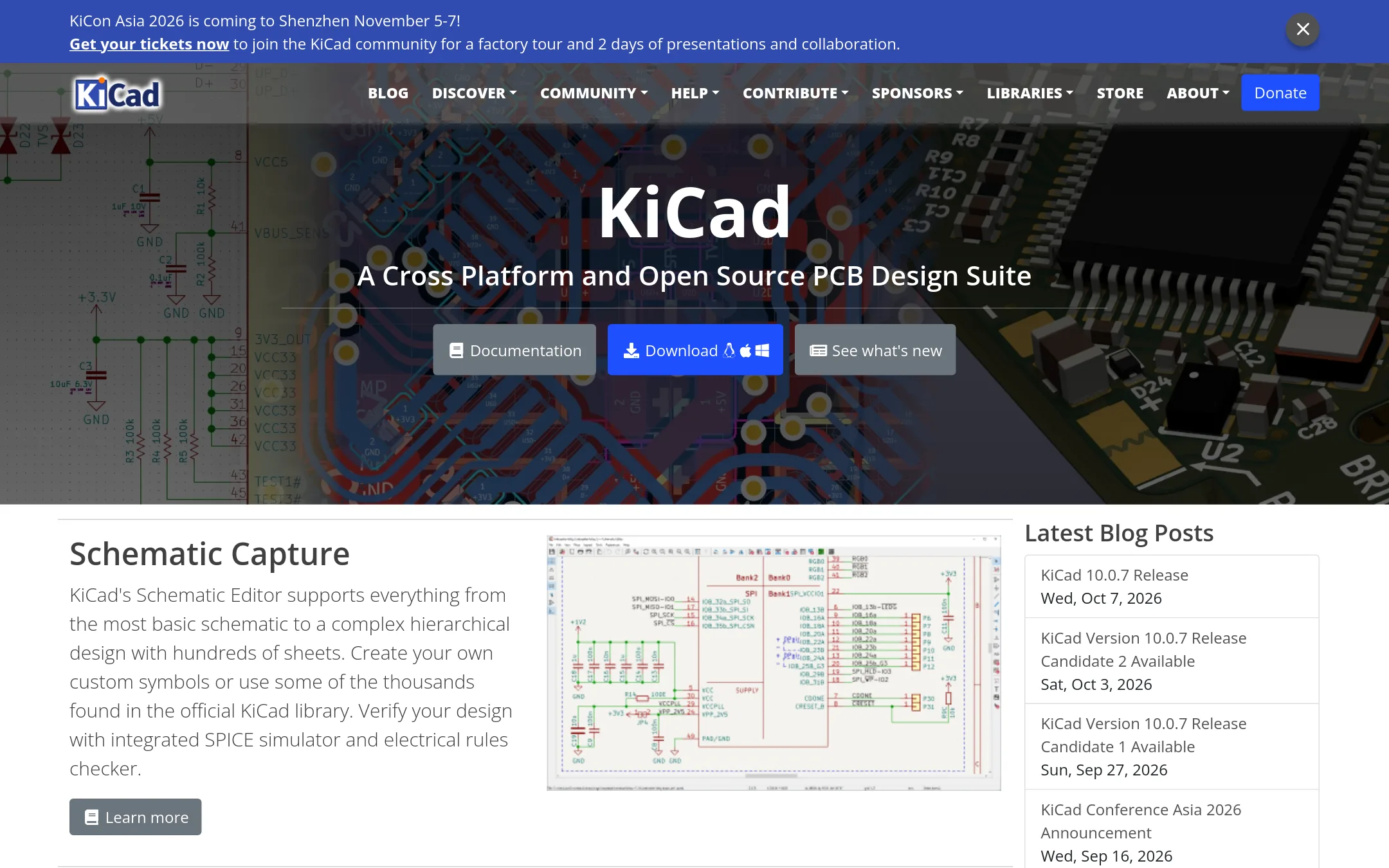
KiCad is a full open-source suite for schematic capture, PCB layout, and 3D viewing, with a built-in SPICE simulator. Choose it over EveryCircuit when you need to design and manufacture real printed circuit boards, not just simulate circuits in the browser or on a phone.
Where it is strong
- Complete PCB design flow: schematic, layout, and 3D viewer
- Integrated SPICE simulator and electrical rules checker
- Free and open source, with large official component libraries
Where it falls short
- Steeper learning curve than EveryCircuit's animated simulation
- No mobile app. Desktop only for Windows, macOS, and Linux
- Pricing:
- Pricing is not published on the site.
- Switching from EveryCircuit:
- Moving from EveryCircuit means learning a desktop CAD workflow and using KiCad's simulator instead of EveryCircuit's interactive animated environment.
- Not published
9.PSpice
Best for: Engineering teams in automotive, IoT, power supply, and high-reliability industries that need advanced simulation, Monte Carlo analysis, and integration with MATLAB/Simulink.
- Pricing
- Not published
- Category
- Design & Creative
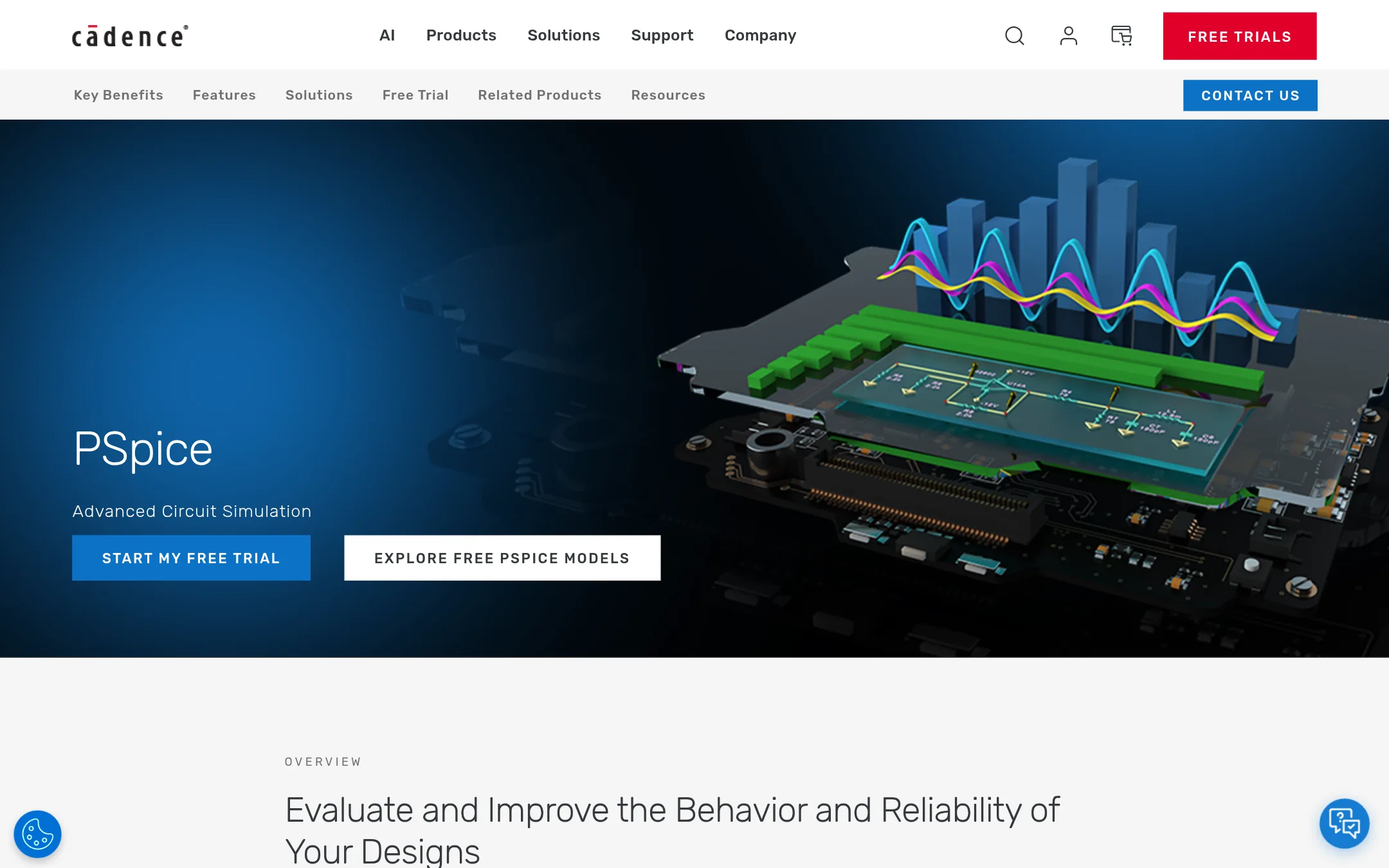
PSpice is a professional-grade SPICE simulation environment from Cadence, built for engineers who need deep analog and mixed-signal analysis, manufacturing yield assessment, and ISO 26262 compliance. Choose it over EveryCircuit when you're doing serious design verification before layout and fabrication, not just learning or quick prototyping.
Where it is strong
- Library of over 35,000 parametrized models from various IC vendors
- Advanced analyses: Smoke, Sensitivity, Monte Carlo, Optimizer
- MATLAB/Simulink co-simulation for electro-mechanical systems
Where it falls short
- No pricing on the site. Likely enterprise licensing
- Steeper learning curve than EveryCircuit's animated interactive approach
- Pricing:
- Pricing is not published on the site.
See more comparisons in Design & Creative alternatives.
FAQ
Questions about EveryCircuit alternatives
What is the best free alternative to EveryCircuit?
Tinkercad Circuits is free for everyone and ad-free, making it ideal for classrooms and beginners. KiCad is also free and open-source, but it has a steeper learning curve and is more suited for PCB design.
Which alternative is best for professional engineers?
CircuitLab offers SPICE-level accuracy and is browser-based, making it strong for professional simulation. PSpice and Proteus are also professional-grade but require contacting sales for pricing and have steeper learning curves.
Are there alternatives that support PCB design?
Yes, KiCad, EasyEDA, and Proteus all support PCB layout. KiCad is free and open-source, EasyEDA is browser-based with manufacturing integration, and Proteus includes microcontroller simulation.
Do any alternatives offer mobile apps?
None of the listed alternatives explicitly mention mobile apps. EveryCircuit itself offers mobile and online access, but alternatives like KiCad and Tinkercad are desktop or browser-based.
Which alternative is best for educators and students?
Tinkercad Circuits is designed for STEM classrooms, is KidSAFE certified, and includes 3D design and coding. CircuitLab also has a free textbook and community Q&A, making it useful for students.
Last updated November 1, 2026.