
Expo alternatives
8 products compared · Updated November 3, 2026
The short answer
For teams building mobile apps, the strongest alternatives to Expo are Flutter for pixel-perfect, high-performance apps across multiple platforms, React Native for full control over native code without platform tooling, and Capacitor for converting existing web apps to mobile with minimal changes. Each suits different needs: Flutter for performance and design control, React Native for React developers needing native flexibility, and Capacitor for web teams.
Your shortlist, at a glance
Read the comparisons ↓- RReact NativeOpen sourceTeams that want to build native apps with React and need to write custom native code without being tied to a platform's tooling.
 FlutterOpen sourceTeams building pixel-perfect, high-performance apps across mobile, web, desktop, and embedded devices, especially those already using Dart or needing tight Google service integration.
- IIonic FrameworkNot publishedWeb developers and teams who want to build mobile apps and PWAs from a single codebase using their existing JavaScript framework skills.
 CapacitorNot publishedWeb development teams that want to convert an existing HTML/CSS/JS app into a native mobile app with minimal changes.
- NNativeScriptFree (open-source)Teams that need direct native API access and prefer TypeScript with a choice of web frameworks, especially those already using Angular or Vue.
Microsoft Azure CycleCloudPay for resourcesTeams running HPC workloads like simulations or rendering on Azure who need automated cluster orchestration.
- KKotlin MultiplatformNot publishedTeams that already know Kotlin and need to share logic across platforms while keeping native UIs.
 TauriNot publishedTeams building performance-sensitive desktop apps (and mobile) who already use web technologies and want Rust-level control and tiny binary sizes.
About Expo and its alternatives
Expo is a mobile development platform that lets you build, test, deploy, and monitor iOS, Android, and web apps from one codebase. It is known for its managed workflow, over-the-air updates, and cloud build services.
When comparing alternatives, weigh pricing structure (free vs. paid tiers, usage-based costs), supported platforms (mobile, desktop, embedded), integration with your existing stack, and whether you need built-in services like cloud builds, updates, and monitoring. Consider your team's language preferences and whether you need full native code control.
Explore the alternatives
- ROpen source
1.React Native
Best for: Teams that want to build native apps with React and need to write custom native code without being tied to a platform's tooling.
- Pricing
- Open source
- Category
- Other
React Native is the open-source framework that lets you build native Android and iOS apps with React. Choose it instead of Expo when you need full control over native code and don't want the managed workflow and extra services that Expo provides.
Where it is strong
- Full control over native code and any library or SDK
- Backed by Meta and a large community
- Works with any framework, including Expo
Where it falls short
- No built-in build, update, or monitoring services
- Requires manual setup for routing and many platform APIs
- Pricing:
- Pricing is not published on the site.
- Switching from Expo:
- Moving from Expo to React Native means giving up Expo's managed build, update, and monitoring services, and setting up your own tooling for those tasks.
- Open source
2.Flutter
Best for: Teams building pixel-perfect, high-performance apps across mobile, web, desktop, and embedded devices, especially those already using Dart or needing tight Google service integration.
- Pricing
- Open source
- Category
- Developer Tools
Flutter is an open-source UI framework from Google that compiles to native machine code for mobile, web, desktop, and embedded devices from a single Dart codebase. Choose it over Expo if you want full control over pixels and performance, or if you need to target desktop and embedded platforms beyond iOS and Android.
Where it is strong
- Compiles to native ARM/Intel machine code for fast performance
- Hot Reload for near-instant iteration without losing app state
- Single codebase targets mobile, web, desktop, and embedded
Where it falls short
- No official over-the-air update service comparable to Expo Update
- Smaller managed service ecosystem than Expo's build and CI/CD tooling
- Pricing:
- Pricing is not published on the site.
- INot published
3.Ionic Framework
Best for: Web developers and teams who want to build mobile apps and PWAs from a single codebase using their existing JavaScript framework skills.
- Pricing
- Not published
- Category
- Other
Ionic Framework is a cross-platform app development framework that lets you build mobile apps and PWAs using web technologies like React, Angular, or Vue. It's a good choice if you're already a web developer and want to reuse your skills to ship to iOS and Android without learning React Native or Swift.
Where it is strong
- Use React, Angular, or Vue, or no framework at all.
- On-device hot refresh for fast development.
- Capacitor bridge for native plugins and custom native code.
Where it falls short
- No built-in cloud build or update service on the free tier (Appflow is separate).
- UI is web-based, so it may not feel fully native on all platforms.
- Pricing:
- Pricing is not published on the site.
- Not published
4.Capacitor
Best for: Web development teams that want to convert an existing HTML/CSS/JS app into a native mobile app with minimal changes.
- Pricing
- Not published
- Category
- Developer Tools
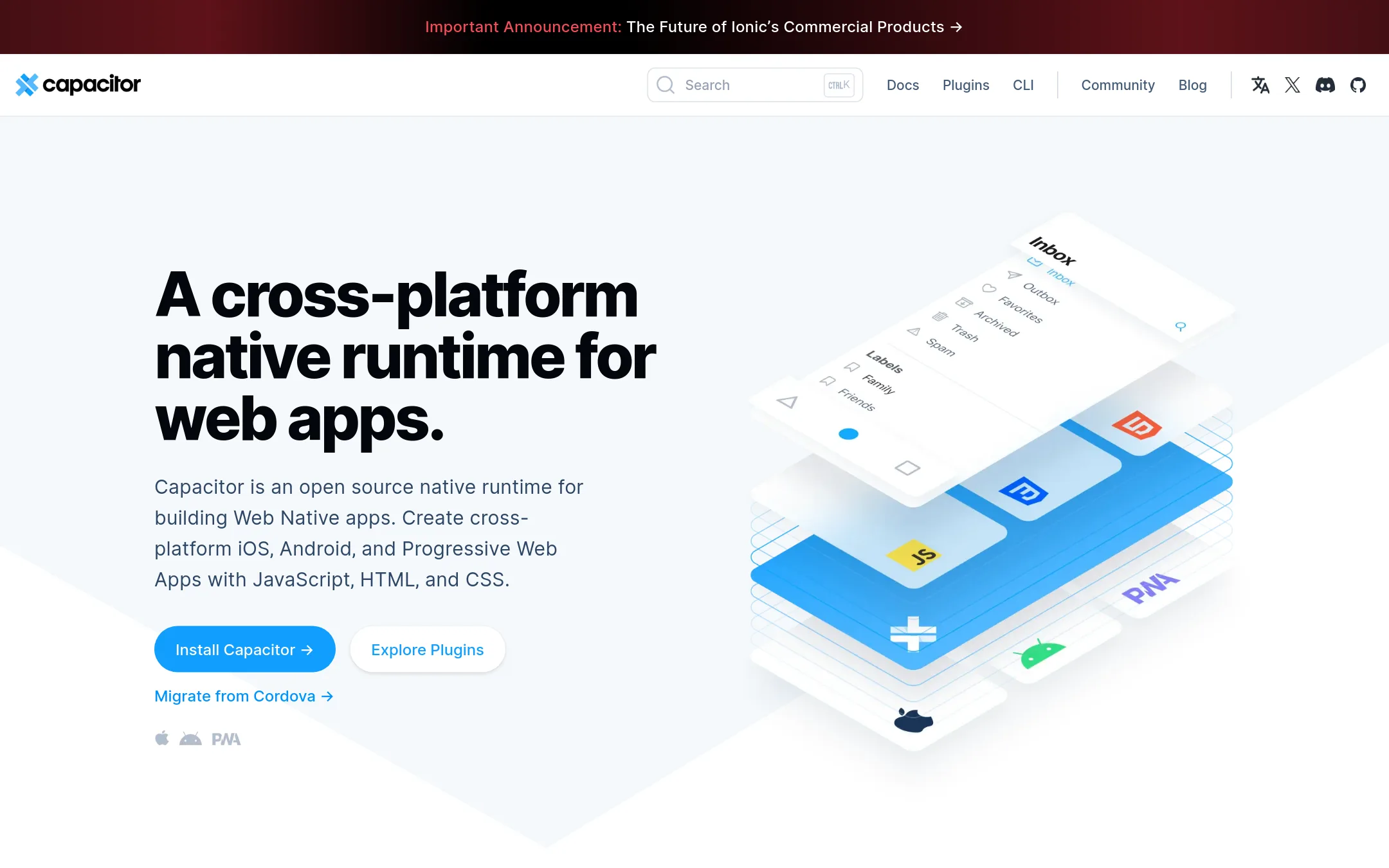
Capacitor is an open-source native runtime that wraps existing web apps into iOS, Android, and PWA shells. Choose it over Expo when you already have a web app built with React, Vue, or Svelte and want to ship it to mobile without rewriting in React Native.
Where it is strong
- Drop into any existing web project with your own framework
- Access native device APIs via plugins or custom code
- Open source with a Cordova compatibility layer
Where it falls short
- No managed build service or cloud CI/CD like Expo's
- Requires native tooling (Xcode, Android Studio) for builds
- Pricing:
- Pricing is not published on the site.
- Switching from Expo:
- Moving from Expo means abandoning React Native and rewriting your UI in web tech, then wrapping it with Capacitor.
- NFree (open-source)
5.NativeScript
Best for: Teams that need direct native API access and prefer TypeScript with a choice of web frameworks, especially those already using Angular or Vue.
- Pricing
- Free (open-source)
- Category
- Other
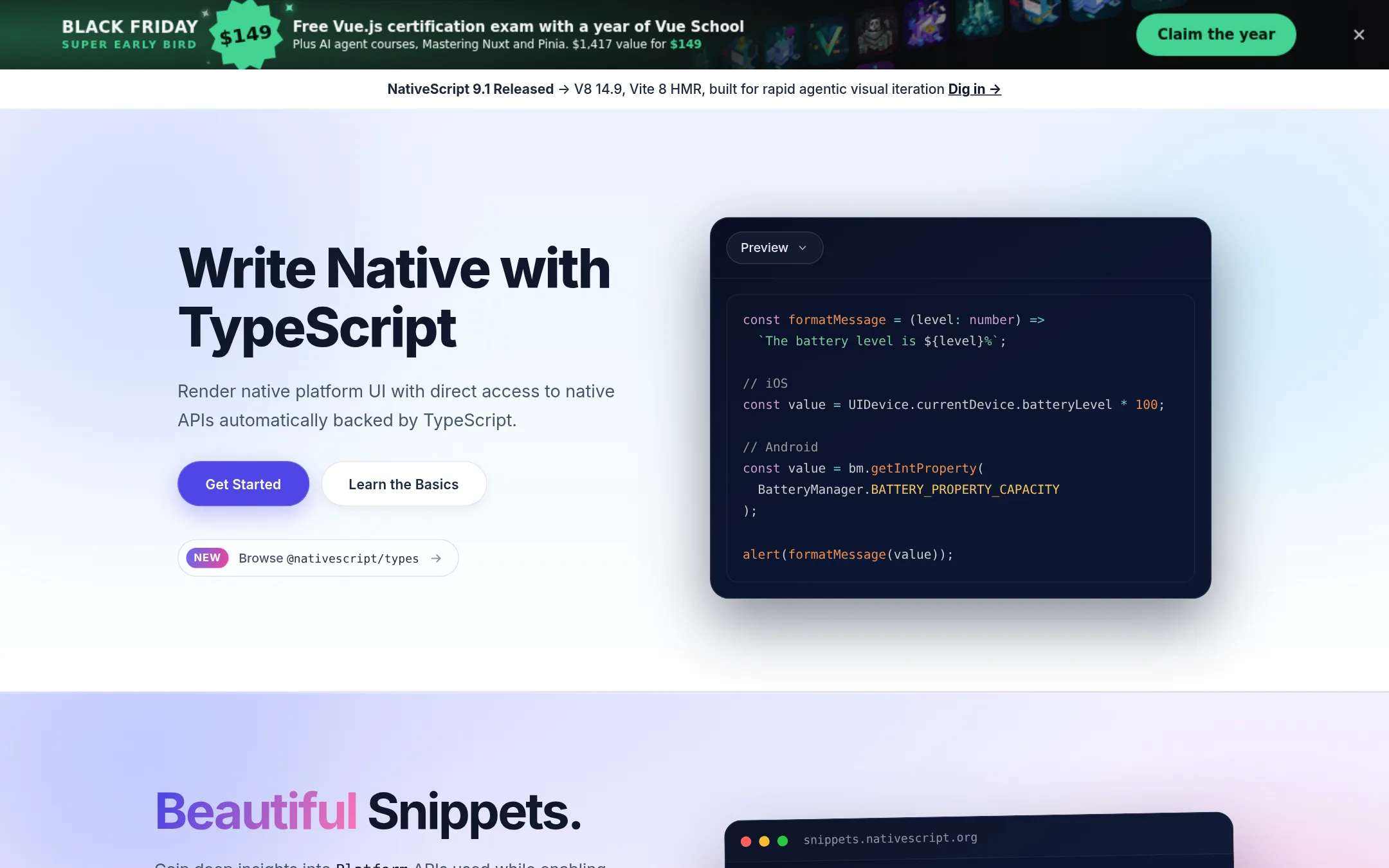
NativeScript lets you build native iOS and Android apps with TypeScript and direct access to native platform APIs, without a JavaScript bridge. Choose it over Expo if you need full native control and want to use frameworks like Angular, React, Solid, Svelte, or Vue.
Where it is strong
- Direct access to native platform APIs with TypeScript support.
- Works with Angular, React, Solid, Svelte, or Vue.
- Norrix offers cloud builds, store submissions, and over-the-air updates.
Where it falls short
- Smaller ecosystem and community compared to Expo.
- No built-in monitoring or observability features like Expo's Observe.
- Pricing:
- In the United States, NativeScript is open-source and free to use. The Norrix deployment platform has separate pricing not published on the site.
- Switching from Expo:
- Moving from Expo means rewriting your app's UI layer with NativeScript components and adjusting to its CLI and project structure. Your JavaScript/TypeScript logic can be reused.
- Pay for resources
6.Microsoft Azure CycleCloud
Best for: Teams running HPC workloads like simulations or rendering on Azure who need automated cluster orchestration.
- Pricing
- Pay for resources
- Category
- Developer Tools
Azure CycleCloud is a tool for orchestrating and managing high-performance computing (HPC) clusters on Azure. You would choose it instead of Expo if you need to run large-scale scientific or engineering workloads on Azure infrastructure, not build mobile apps.
Where it is strong
- Automates cluster creation and scaling
- Integrates with Azure HPC services
- Supports common schedulers like Slurm and PBS
Where it falls short
- Requires Azure expertise to set up
- Not designed for mobile app development
- Pricing:
- In the United States, Azure pricing is consumption-based. CycleCloud itself is free, but you pay for the underlying Azure resources you use.
- KNot published
7.Kotlin Multiplatform
Best for: Teams that already know Kotlin and need to share logic across platforms while keeping native UIs.
- Pricing
- Not published
- Category
- Other
Kotlin Multiplatform lets you share business logic across Android, iOS, web, and desktop while writing UI natively per platform. Choose it over Expo if you want full control over each platform's native look and feel and are comfortable working with Kotlin and platform-specific code.
Where it is strong
- Share code across Android, iOS, web, and desktop from one Kotlin codebase.
- Full access to each platform's native APIs and UI toolkit.
- Backed by JetBrains and a large, active community.
Where it falls short
- Requires writing separate UI code for each platform, unlike Expo's single codebase.
- No built-in build, update, or monitoring services like Expo provides.
- Pricing:
- Pricing is not published on the site.
- Not published
8.Tauri
Best for: Teams building performance-sensitive desktop apps (and mobile) who already use web technologies and want Rust-level control and tiny binary sizes.
- Pricing
- Not published
- Category
- Developer Tools
Tauri is a toolkit for building desktop and mobile apps with a web frontend and a Rust backend, producing very small binaries by using the OS's native web renderer. You would choose it over Expo if you want a lightweight, secure, cross-platform app without the React Native ecosystem and are comfortable with Rust for application logic.
Where it is strong
- App size can be as little as 600KB by using the OS web renderer.
- Supports any frontend framework, so you keep your existing web stack.
- Cross-platform for Linux, macOS, Windows, Android, and iOS from one codebase.
Where it falls short
- Requires Rust for application logic, which is a steeper learning curve than JavaScript-only.
- No built-in cloud build, update, or monitoring services like Expo's infrastructure.
- Pricing:
- Pricing is not published on the site.
See more comparisons in Developer Tools alternatives.
FAQ
Questions about Expo alternatives
What is the best alternative to Expo for a web development team?
Capacitor is the best choice if you already have a web app built with React, Vue, or Svelte and want to ship it to mobile without rewriting. It wraps your existing web code into native shells for iOS and Android, so you can reuse your skills and codebase with minimal changes.
Which alternative offers the best performance?
Flutter compiles to native machine code, which gives it a performance edge for graphics-intensive apps. It also gives you full control over pixels and rendering, making it ideal for pixel-perfect, high-performance applications.
Are there free alternatives to Expo?
Yes, React Native, Flutter, Capacitor, and NativeScript are all open-source and free to use. However, they lack Expo's built-in cloud build, update, and monitoring services, so you'll need to set up your own infrastructure or use third-party services.
Which alternative is best for teams that need native code control?
React Native and Kotlin Multiplatform both give you full access to native code. React Native is ideal if you're already using React, while Kotlin Multiplatform is better for teams that know Kotlin and want to share logic while writing native UIs per platform.
Do any alternatives provide over-the-air updates like Expo?
NativeScript's Norrix platform offers cloud builds, store submissions, and over-the-air updates. Other alternatives like Flutter and React Native do not have official over-the-air update services, so you'd need to integrate third-party solutions.
Last updated November 3, 2026.