
Falstad Circuit Simulator alternatives
9 products compared · Updated November 1, 2026
The short answer
For engineers needing accurate, shareable simulations, CircuitLab is the strongest alternative. For a free, complete PCB design workflow, KiCad is the best choice. For classrooms and beginners, Tinkercad Circuits offers a guided, ad-free learning environment.
Your shortlist, at a glance
Read the comparisons ↓ CircuitLabNot publishedEngineers and hobbyists who need accurate, shareable circuit simulations in the browser without installing software.
 Tinkercad CircuitsNot publishedTeachers and students in STEM classrooms who want a safe, ad-free environment to learn electronics alongside 3D design and coding.
 EveryCircuitNot publishedStudents and hobbyists who want to design and simulate circuits on a tablet or phone with animated feedback.
- MMultisimNot publishedEngineering teams and universities that need LabVIEW integration, automated test systems, or advanced PCB design alongside circuit simulation.
- PPartSimNot publishedTeams that already have PartSim credentials and need a web-based simulator, though the site is down right now.
EasyEDAFree core. Paid subHardware engineers and teams who need a free, web-based tool for full PCB design and manufacturing, not just circuit simulation.
 KiCadNot publishedEngineers and hobbyists who need a free, complete PCB design workflow on Windows, macOS, or Linux.
 PSpiceNot publishedHardware engineers and design teams working on automotive, IoT, or power electronics that need ISO 26262-compliant simulation and manufacturing yield assessment.
 ProteusNot publishedHardware engineers and embedded developers who need a complete PCB design and simulation workflow with MCU support.
About Falstad Circuit Simulator and its alternatives
Falstad Circuit Simulator is a free, browser-based interactive circuit simulator known for its simple, animated applet that helps users visualize circuit behavior. It is widely used for education and quick experiments, but it lacks advanced features like PCB design and professional-grade simulation.
When comparing alternatives, weigh pricing structure, platform availability, simulation depth, and whether you need PCB design or embedded firmware support. Consider your skill level, whether you need collaboration, and if you require offline access or integration with other tools.
Explore the alternatives
- Not published
1.CircuitLab
Best for: Engineers and hobbyists who need accurate, shareable circuit simulations in the browser without installing software.
- Pricing
- Not published
- Category
- Developer Tools
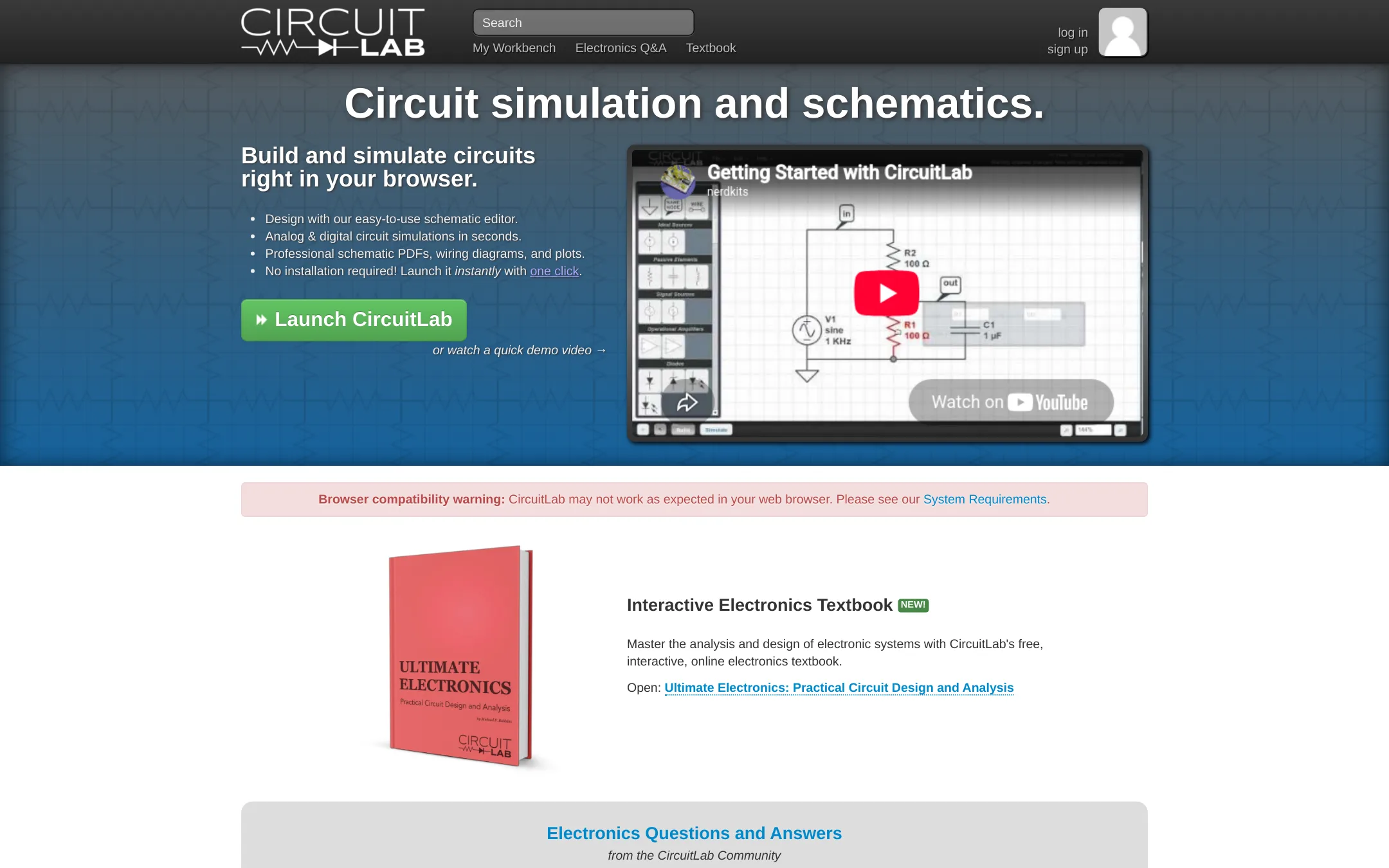
CircuitLab is a browser-based circuit simulator and schematic editor with SPICE-like accuracy and mixed analog/digital simulation. Choose it over Falstad when you need professional-grade simulation, shareable circuit URLs, and a built-in AI assistant to create and explain circuits.
Where it is strong
- Accurate SPICE-like component models for nonlinear effects
- Mixed-mode simulation of analog and digital circuits side-by-side
- AI assistant can create circuits from a text description
Where it falls short
- Pricing details are not shown on the site, so cost is unclear
- No offline desktop app. Requires an internet connection
- Pricing:
- Pricing is not published on the site.
- Switching from Falstad Circuit Simulator:
- Moving from Falstad involves learning CircuitLab's schematic editor and simulation setup, but you can copy/paste parts from public circuits to get started.
- Not published
2.Tinkercad Circuits
Best for: Teachers and students in STEM classrooms who want a safe, ad-free environment to learn electronics alongside 3D design and coding.

- Pricing
- Not published
- Category
- Design & Creative
Tinkercad Circuits is a free browser-based electronics simulator that also covers 3D design and coding, aimed at classrooms and beginners. Choose it over Falstad Circuit Simulator when you need guided, project-based learning with breadboard-style layouts and block-based programming, not just a bare circuit schematic tool.
Where it is strong
- Free for everyone with no downloads
- KidSAFE COPPA certified and ad-free
- Includes 3D design, electronics, and block-based coding in one tool
Where it falls short
- No desktop app, requires internet access
- Circuit simulation depth is less than Falstad's for advanced analog analysis
- Pricing:
- Pricing is not published on the site.
- Not published
3.EveryCircuit
Best for: Students and hobbyists who want to design and simulate circuits on a tablet or phone with animated feedback.
- Pricing
- Not published
- Category
- Design & Creative
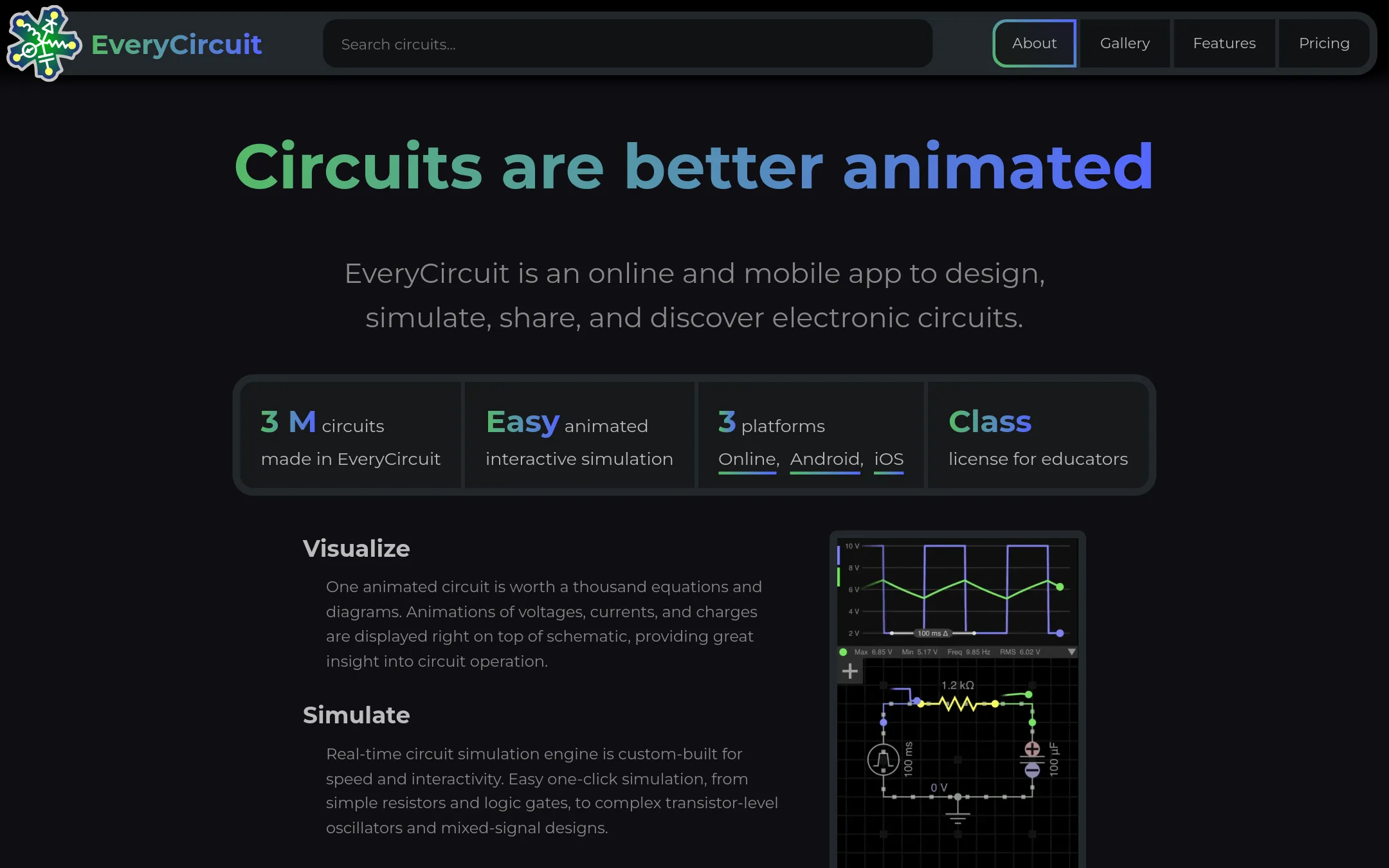
EveryCircuit is an animated interactive circuit simulator that runs online and on mobile. It is a good choice if you want a polished, touch-friendly experience with real-time visualization and a gallery of shared circuits, instead of Falstad's Java-based applet.
Where it is strong
- Animated real-time simulation makes circuit behavior easy to see.
- Works on both web and mobile with one subscription or purchase.
- Includes analog and digital components, AC analysis, and Bode plots.
Where it falls short
- Pricing details are not shown on the site, so you must visit to see current costs.
- May not offer the same breadth of components or educational applets as Falstad.
- Pricing:
- Pricing is not published on the site.
- MNot published
4.Multisim
Best for: Engineering teams and universities that need LabVIEW integration, automated test systems, or advanced PCB design alongside circuit simulation.
- Pricing
- Not published
- Category
- Other
Multisim is a professional circuit simulation and PCB design tool from NI, aimed at engineers and educators who need advanced analysis, integration with LabVIEW, and hardware testing. Choose it over Falstad when you need production-grade simulation, automated test workflows, or academic courseware rather than a quick interactive applet.
Where it is strong
- Deep integration with NI hardware and LabVIEW for automated testing
- Advanced simulation features like SPICE, parameter sweeps, and co-simulation
- Used in academic and industrial settings with extensive support resources
Where it falls short
- Steep learning curve compared to Falstad's simple interface
- Requires NI ecosystem or licensing, which may be costly for casual users
- Pricing:
- Pricing is not published on the site.
- Switching from Falstad Circuit Simulator:
- Moving from Falstad to Multisim involves learning a professional tool with a steeper learning curve and setting up NI software and licenses.
- PNot published
5.PartSim
Best for: Teams that already have PartSim credentials and need a web-based simulator, though the site is down right now.

- Pricing
- Not published
- Category
- Design & Creative
PartSim is a browser-based circuit simulation platform, but its website is currently unreachable, so it cannot be evaluated for actual use. Choose it only if you already have access through another route and need a web-based alternative to Falstad's applet.
Where it is strong
- Browser-based, no install needed
- Aimed at circuit simulation tasks
- Has a dedicated product site
Where it falls short
- Site is currently unreachable
- No pricing or feature details available
- Pricing:
- Pricing is not published on the site.
- Free core. Paid sub
6.EasyEDA
Best for: Hardware engineers and teams who need a free, web-based tool for full PCB design and manufacturing, not just circuit simulation.

- Pricing
- Free core. Paid sub
- Category
- Design & Creative
EasyEDA is a browser-based PCB design and circuit simulation tool that goes beyond Falstad's educational applet. It handles real schematic capture, PCB layout, 3D visualization, and manufacturing integration, so you would choose it when you need to take a circuit from concept to a manufacturable board, not just simulate it interactively. It also supports team collaboration and large designs, which Falstad does not.
Where it is strong
- Runs in the browser with no download, plus a desktop client with offline modes.
- Includes schematic capture, PCB layout, 3D visualization, and Gerber viewing in one tool.
- Offers team roles, real-time collaboration, and free custom library component requests.
Where it falls short
- The free Std Edition limits designs to 300 devices or 1000 pads, which is small for complex boards.
- Circuit simulation is described as simple, so it is less capable than Falstad's interactive simulator for educational exploration.
- Pricing:
- Core features are free for everyone. Paid annual subscriptions start at a few dollars, but exact prices are not listed on the pricing page.
- Switching from Falstad Circuit Simulator:
- Moving from Falstad means learning a full PCB design workflow, including schematic capture, layout, and manufacturing export, rather than just placing components in a simulation canvas.
- Not published
7.KiCad
Best for: Engineers and hobbyists who need a free, complete PCB design workflow on Windows, macOS, or Linux.
- Pricing
- Not published
- Category
- Design & Creative
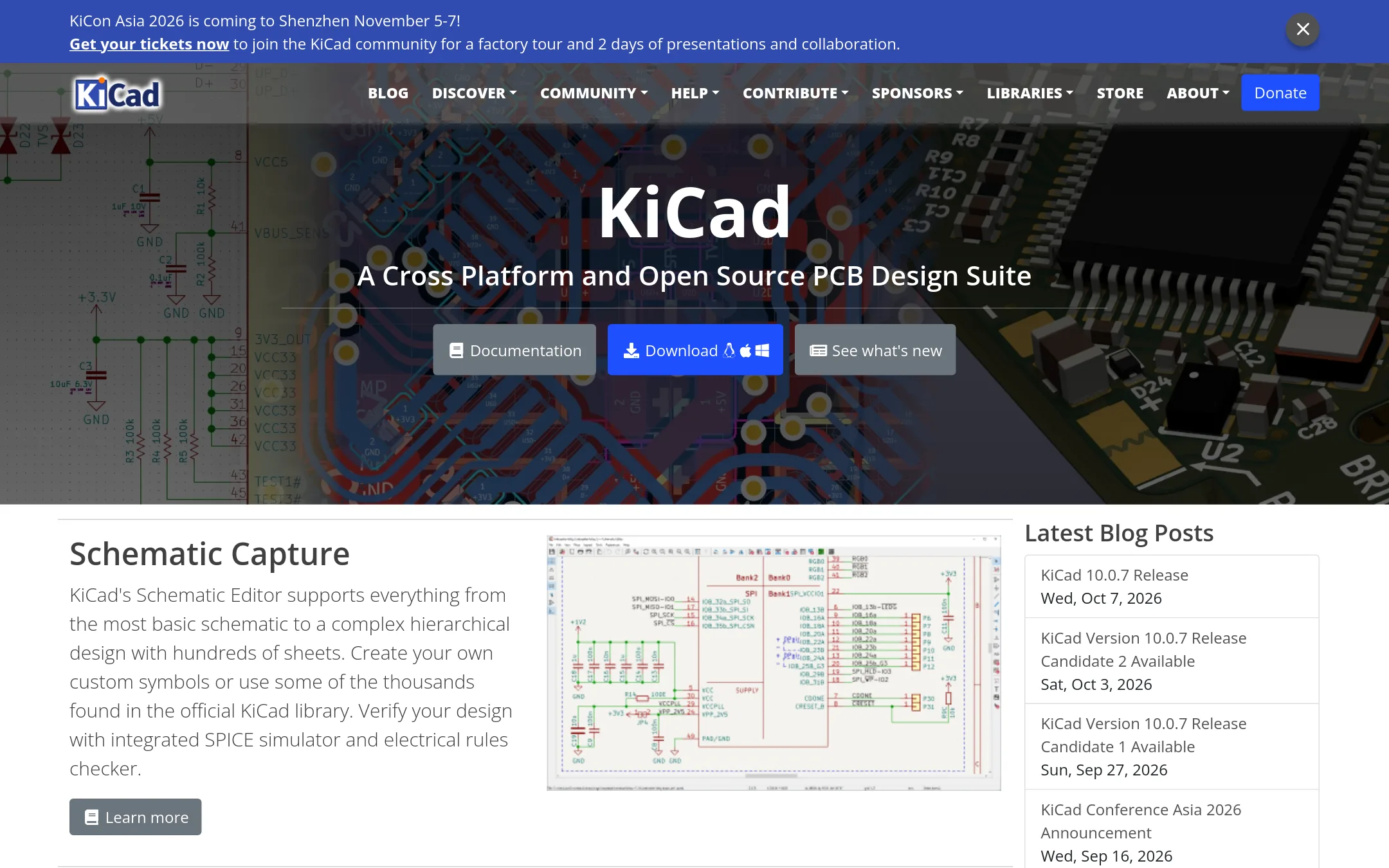
KiCad is a full open source electronics design suite that goes beyond simulation into schematic capture, PCB layout, and 3D viewing. Choose it when you need to take a circuit from concept to manufacturable board, which Falstad cannot do.
Where it is strong
- Free and open source, no license fees
- Includes schematic editor, PCB layout, and 3D viewer
- Integrated SPICE simulator for circuit verification
Where it falls short
- Steeper learning curve than Falstad's simple applet
- No in-browser instant simulation. Requires local install
- Pricing:
- Pricing is not published on the site.
- Switching from Falstad Circuit Simulator:
- Moving from Falstad means installing KiCad locally and learning its project-based workflow, which is more complex but far more capable.
- Not published
8.PSpice
Best for: Hardware engineers and design teams working on automotive, IoT, or power electronics that need ISO 26262-compliant simulation and manufacturing yield assessment.
- Pricing
- Not published
- Category
- Design & Creative
PSpice is a professional-grade SPICE simulation environment from Cadence, built for analog and mixed-signal design analysis. You would choose it over Falstad Circuit Simulator when you need advanced analyses like Monte Carlo, sensitivity, and smoke analysis, plus a large model library for real component-level verification before fabrication.
Where it is strong
- Includes advanced analyses: transient, smoke, sensitivity, Monte Carlo, and optimizer.
- Library of over 35,000 parametrized models from various IC vendors.
- Integrates with MATLAB/Simulink for electro-mechanical co-simulation.
Where it falls short
- Requires Cadence OrCAD or Allegro platform, so it is not a standalone web app.
- Steep learning curve compared to Falstad's simple interactive applet.
- Pricing:
- Pricing is not published on the site.
- Not published
9.Proteus
Best for: Hardware engineers and embedded developers who need a complete PCB design and simulation workflow with MCU support.
- Pricing
- Not published
- Category
- Design & Creative
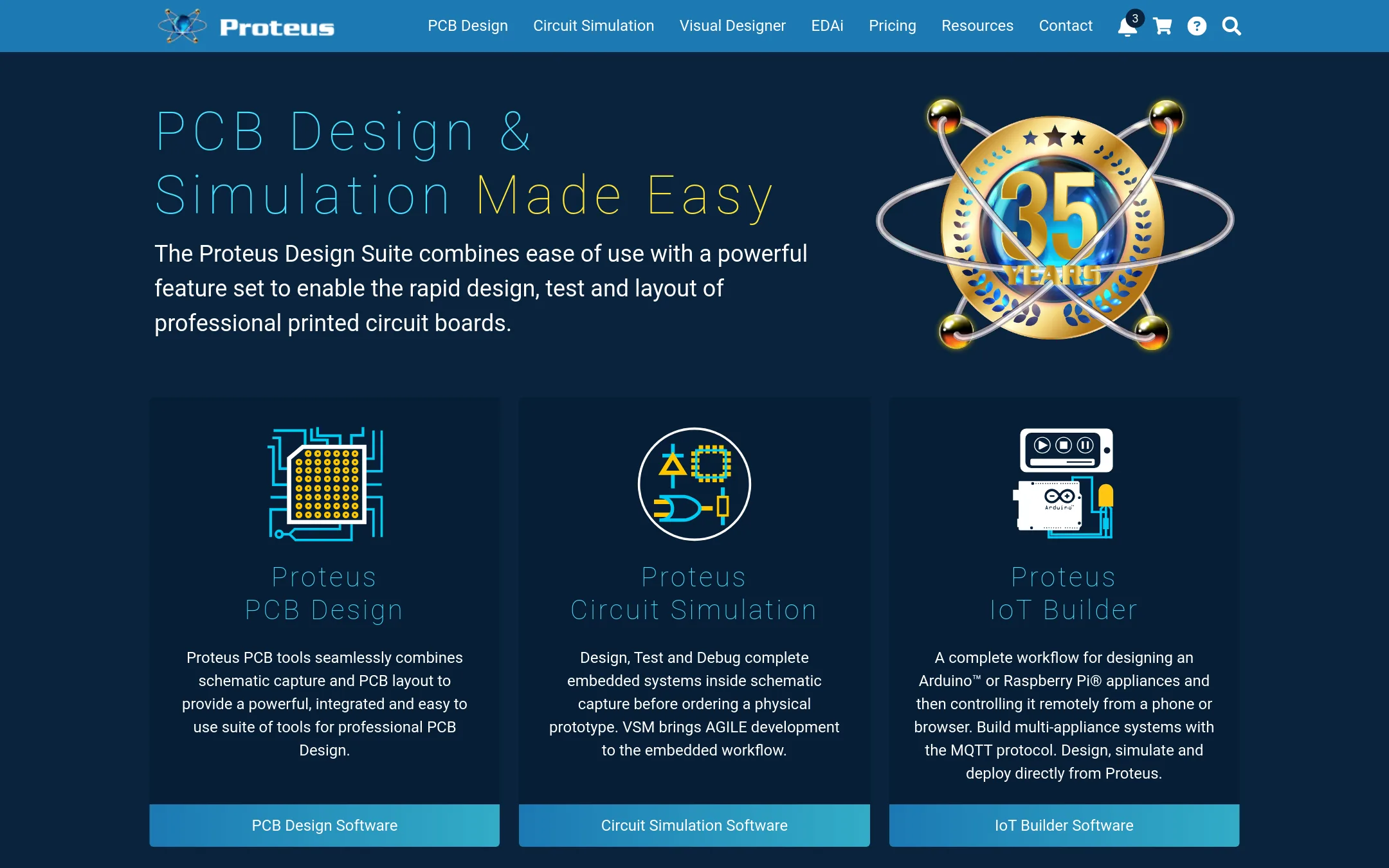
Proteus is a professional EDA suite for schematic capture, PCB layout, and microcontroller simulation. Choose it over Falstad when you need to design and test real printed circuit boards with embedded firmware before manufacturing.
Where it is strong
- Simulates microcontrollers and embedded firmware in schematic.
- Includes PCB layout with autorouting and high-speed design tools.
- Perpetual licensing, not subscription-based.
Where it falls short
- Pricing is not transparent. Requires contacting sales.
- Heavier and more complex than Falstad's quick interactive applet.
- Pricing:
- Pricing is not published on the site. Packages are listed with placeholders like $$$price.
- Switching from Falstad Circuit Simulator:
- Moving from Falstad involves learning a full EDA workflow, as Proteus requires schematic capture, part selection, and PCB layout steps that Falstad does not have.
See more comparisons in Design & Creative alternatives.
FAQ
Questions about Falstad Circuit Simulator alternatives
Which alternative is best for professional circuit simulation?
CircuitLab offers SPICE-like accuracy and mixed analog/digital simulation in the browser. It also includes an AI assistant for creating circuits from text. Pricing is not published, so you need to contact them for details.
Is there a free option for PCB design?
KiCad is free and open source, with schematic capture, PCB layout, and a 3D viewer. It requires a local install and has a steeper learning curve than Falstad. EasyEDA also offers free core features but limits designs to 300 devices or 1000 pads.
What is the best tool for teaching electronics to beginners?
Tinkercad Circuits is free, ad-free, and KidSAFE COPPA certified. It combines electronics with 3D design and block-based coding, making it ideal for classrooms. It requires internet access and has less simulation depth than Falstad.
Can I simulate microcontrollers with any of these tools?
Proteus simulates microcontrollers and embedded firmware in schematic, and includes PCB layout. It uses perpetual licensing but pricing is not transparent. PSpice and Multisim also support advanced simulation but are more complex and require specific platforms.
Are there any browser-based alternatives that work on mobile?
EveryCircuit runs on web and mobile with animated real-time simulation. It is touch-friendly and includes analog/digital components, AC analysis, and Bode plots. Pricing is not published on the site, so you must check current costs.
Last updated November 1, 2026.