
Feedbin alternatives
12 products compared · Updated November 1, 2026
The short answer
For most readers, NewsBlur is the strongest Feedbin alternative, offering granular filtering and self-hosting for power users. Feedly suits cyber threat intelligence teams needing AI-assisted monitoring, while Inoreader fits teams and power users wanting social monitoring and automation. For Apple users, Reeder provides a native, subscription-free experience.
Your shortlist, at a glance
Read the comparisons ↓ FeedlyNot publishedCyber threat intelligence teams that need AI-assisted collection, analysis, and sharing of threat signals from 10,000+ sources.
 InoreaderNot publishedTeams and power users who want RSS plus social monitoring, keyword alerts, and automated feed organization.
The Old ReaderNot publishedReaders who want a straightforward RSS reader with social features like friend connections and sharing.
 NewsBlur$36/yr to $29/moPower users and teams that want granular story filtering, AI-assisted reading, and the ability to self-host their news reader.
- MMinifluxFree (self-hosted)Privacy-conscious individuals and small teams who prefer self-hosting and a distraction-free reading experience.
- NNetNewsWireFreeIndividuals and teams on Apple devices who want a free, open-source RSS reader and are willing to bring their own sync backend.
 ReederNot publishedApple users who want a fast, native reader with iCloud sync and a unified timeline for multiple content types.
- UUnreadNot publishedApple-only users who want a fast, beautiful RSS client with offline caching and deep iOS/Mac integration.
- RReadKitNot publishedApple users who want a single app to read RSS feeds and saved articles, especially those already using Feedbin or other sync services.
 FreshRSSNot publishedPrivacy-focused individuals and small teams who want a free, self-hosted feed reader with full data ownership.
- TTiny Tiny RSSFree (self-hosted)Privacy-focused individuals and small teams who prefer self-hosting and have the technical skills to run a Docker container.
BazquxNot publishedReaders who want a fast, keyboard-driven RSS experience with social media page following and in-reader comments.
About Feedbin and its alternatives
Feedbin is a fast, simple RSS reader that also handles email newsletters, podcasts, and YouTube. It is known for a clean interface, customizable themes, and a single plan at $7 per month or $70 per year, with no tiers or add-ons.
When comparing alternatives, weigh pricing structure (flat vs. tiered, free vs. paid), regional availability, integrations with other services, support options, and contract terms like self-hosting or subscription length. Some alternatives offer free tiers or one-time purchases, while others require self-hosting or have unpublished pricing.
Explore the alternatives
- Not published
1.Feedly
Best for: Cyber threat intelligence teams that need AI-assisted collection, analysis, and sharing of threat signals from 10,000+ sources.
- Pricing
- Not published
- Category
- Media & Entertainment
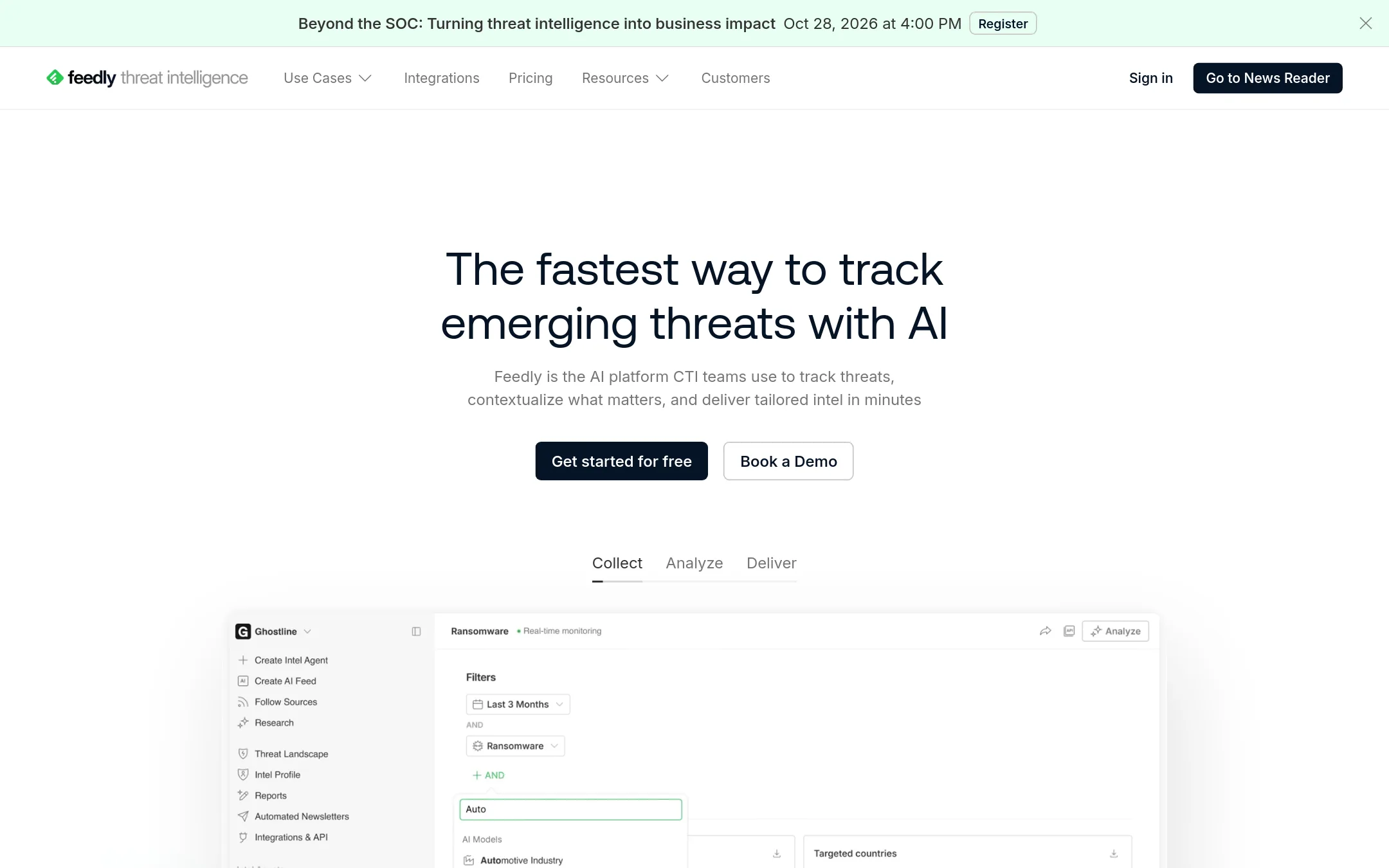
Feedly is an AI-powered threat intelligence platform for cyber security teams, not a general-purpose RSS reader. Choose it when you need to track vulnerabilities, threat actors, and malware across clear and dark web sources, and turn that into briefings for your security stack.
Where it is strong
- 1,000+ AI models extract entities and tag TTPs automatically
- Integrates with Open CTI, XSOAR, MISP, Slack, and Microsoft Teams
- Deep citations trace every AI response back to its source
Where it falls short
- No pricing on the site. Requires contacting sales for a quote
- Built for security teams, not for personal RSS reading or newsletters
- Pricing:
- Pricing is not published on the site.
- Not published
2.Inoreader
Best for: Teams and power users who want RSS plus social monitoring, keyword alerts, and automated feed organization.
- Pricing
- Not published
- Category
- Media & Entertainment
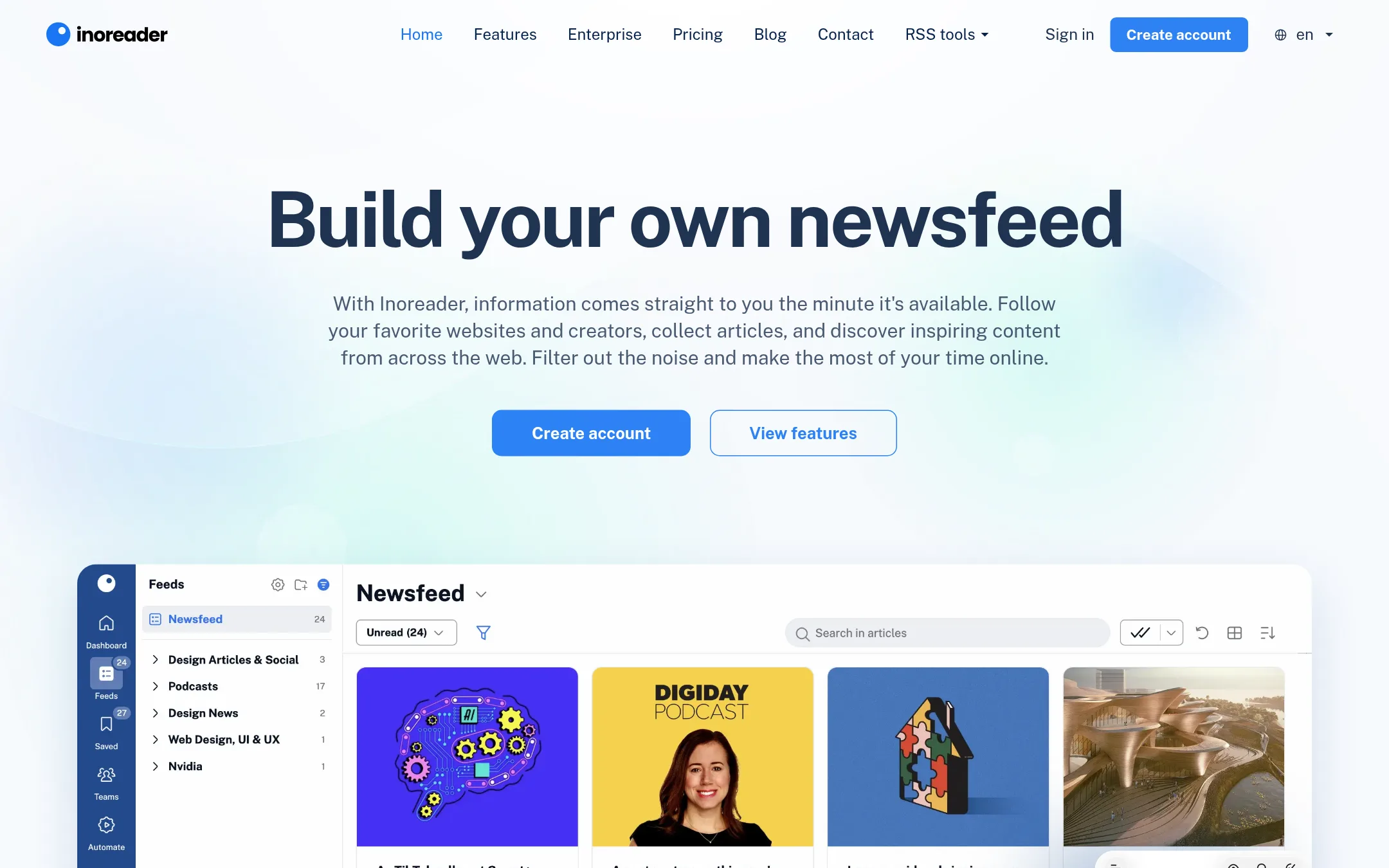
Inoreader is a feature-rich RSS reader that adds social listening, monitoring feeds, and automation rules on top of standard feed reading. Choose it over Feedbin if you need team collaboration, brand monitoring, or advanced filtering to manage high-volume content.
Where it is strong
- Supports social feeds from Facebook, Telegram, Mastodon, Reddit, and YouTube.
- Automation rules can tag, filter, and organize incoming articles.
- Collaboration features for sharing insights with a team.
Where it falls short
- Pricing details are not shown without starting a trial.
- The interface is busier than Feedbin's clean reading view.
- Pricing:
- Pricing is not published on the site.
- Not published
3.The Old Reader
Best for: Readers who want a straightforward RSS reader with social features like friend connections and sharing.

- Pricing
- Not published
- Category
- Media & Entertainment
The Old Reader is a simple social RSS reader that lets you follow blogs and news feeds, with a focus on connecting with friends and sharing articles. You would choose it over Feedbin if you want a more community-oriented reading experience and don't need Feedbin's newsletter, podcast, or YouTube features.
Where it is strong
- Imports subscriptions in one click, making migration easy.
- Works on any device with apps available.
- No algorithm, just RSS feeds in chronological order.
Where it falls short
- No newsletter, podcast, or YouTube support like Feedbin.
- Pricing details are not listed, so cost is unclear.
- Pricing:
- Pricing is not published on the site.
- Switching from Feedbin:
- Moving from Feedbin is straightforward: you can import your existing subscriptions in one click, but you'll lose access to Feedbin's newsletter, podcast, and YouTube features.
- $36/yr to $29/mo
4.NewsBlur
Best for: Power users and teams that want granular story filtering, AI-assisted reading, and the ability to self-host their news reader.
- Pricing
- $36/yr to $29/mo
- Category
- Media & Entertainment
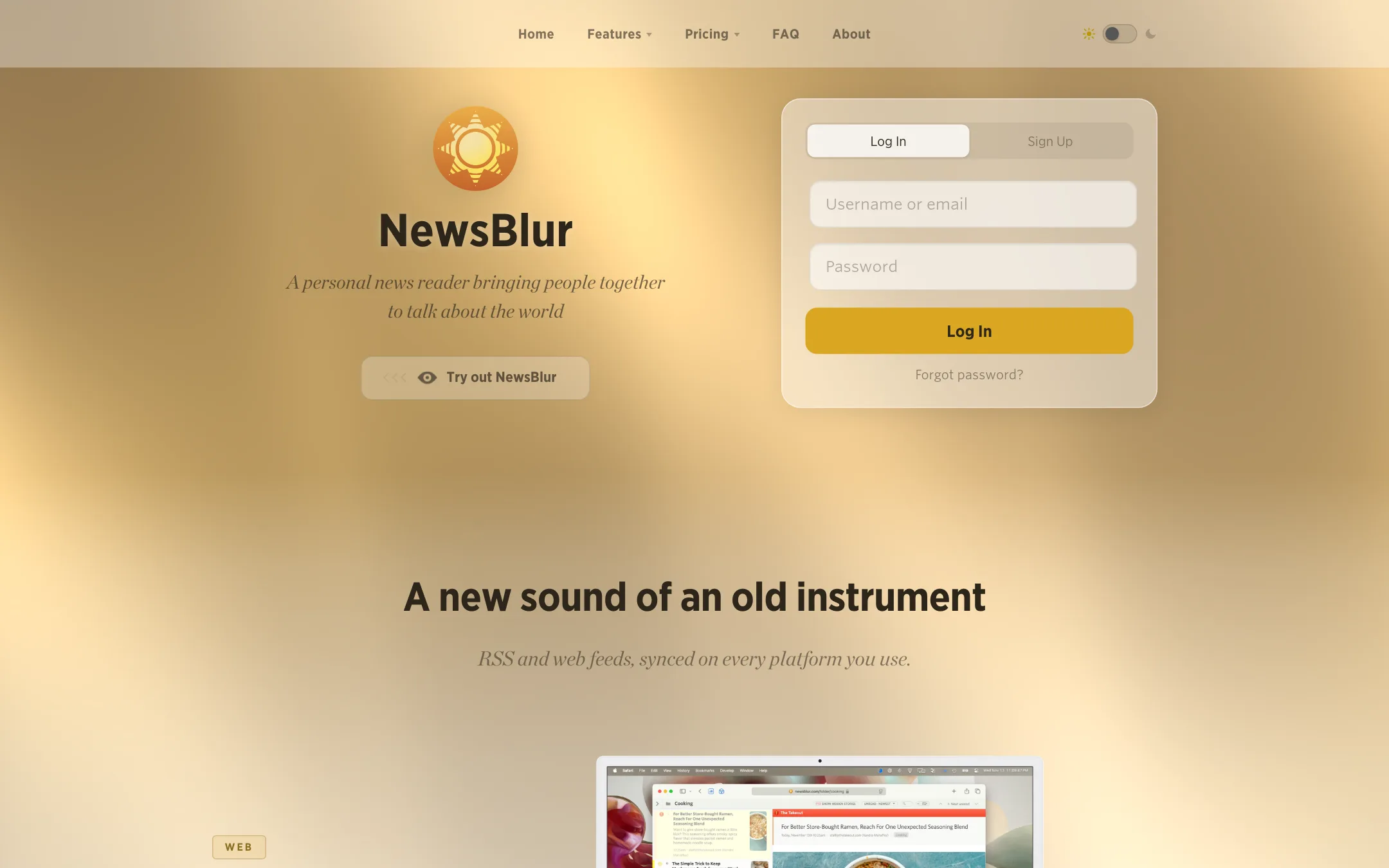
NewsBlur is a full-featured RSS reader with intelligence training, AI summaries, and a self-hostable open-source option. Choose it over Feedbin if you want to filter stories by author or tag, need full-text search across a permanent archive, or prefer to run your own instance.
Where it is strong
- Train stories by author, tag, title, or full text to filter noise.
- Open source under MIT, with Docker self-hosting and full data ownership.
- Native iOS and Android apps, plus sync with Reeder and NetNewsWire.
Where it falls short
- Free tier limits you to 64 sites, which may be too few for heavy readers.
- AI features like Ask AI and daily briefings require the $99/year Archive plan.
- Pricing:
- Premium is $36/year for up to 1,024 sites. Premium Archive is $99/year for 4,096 sites and full archive. Premium Pro is $29/month for 10,000 sites and 5-minute fetching.
- Switching from Feedbin:
- You can import your Feedbin subscriptions via OPML, and NewsBlur will restore your folders and feeds in seconds.
- MFree (self-hosted)
5.Miniflux
Best for: Privacy-conscious individuals and small teams who prefer self-hosting and a distraction-free reading experience.
- Pricing
- Free (self-hosted)
- Category
- Other
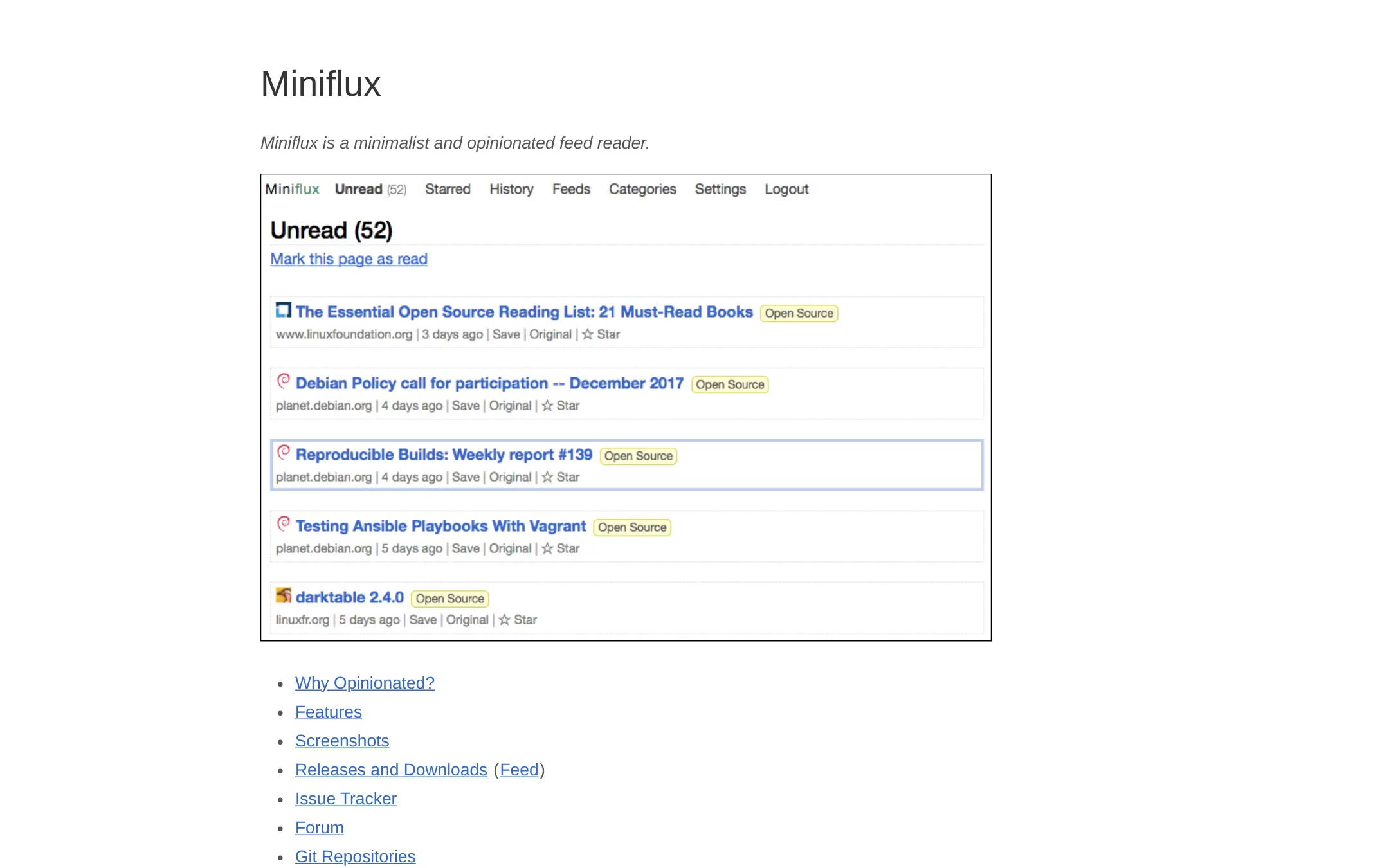
Miniflux is a self-hosted, minimalist feed reader focused on readability and privacy. Choose it over Feedbin if you want full control of your data and a lightweight, opinionated tool without extra features like podcasts or newsletters.
Where it is strong
- Automatically removes trackers and uses a media proxy for privacy
- Fetches full article content for summary-only feeds
- Keyboard shortcuts and lightweight UI for fast reading
Where it falls short
- No built-in newsletter or podcast support
- Requires self-hosting and technical setup
- Pricing:
- Pricing is not published on the site. It's free and open source under the Apache 2.0 License.
- Switching from Feedbin:
- Switching from Feedbin involves exporting your OPML file and importing it into your Miniflux instance.
- NFree
6.NetNewsWire
Best for: Individuals and teams on Apple devices who want a free, open-source RSS reader and are willing to bring their own sync backend.
- Pricing
- Free
- Category
- Other
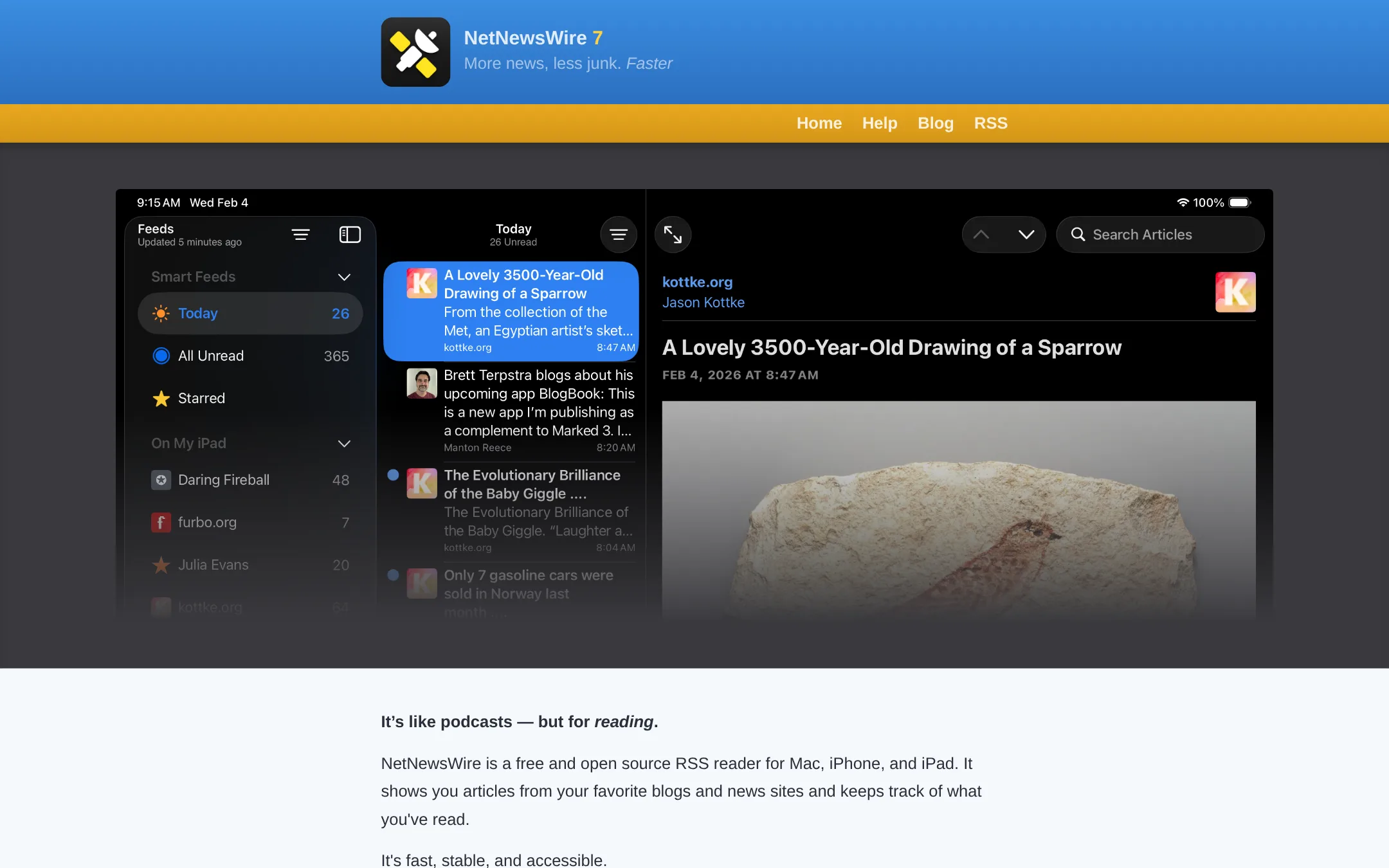
NetNewsWire is a free, open-source RSS reader for Mac, iPhone, and iPad. It's a good choice if you want a native, fast, and simple reader without paying a subscription, and you're comfortable managing your own sync or using a third-party service.
Where it is strong
- Free and open source with no ads or tracking.
- Native Mac and iOS apps with a clean, classic feel.
- Syncs with Feedbin, Feedly, Inoreader, and other services.
Where it falls short
- No built-in sync. You need to use iCloud or a third-party service.
- No newsletter, podcast, or YouTube support built in.
- Pricing:
- Pricing is not published on the site.
- Switching from Feedbin:
- Moving from Feedbin is straightforward: export your OPML file from Feedbin and import it into NetNewsWire, then choose a sync service if you want cross-device reading.
- Not published
7.Reeder
Best for: Apple users who want a fast, native reader with iCloud sync and a unified timeline for multiple content types.
- Pricing
- Not published
- Category
- Media & Entertainment
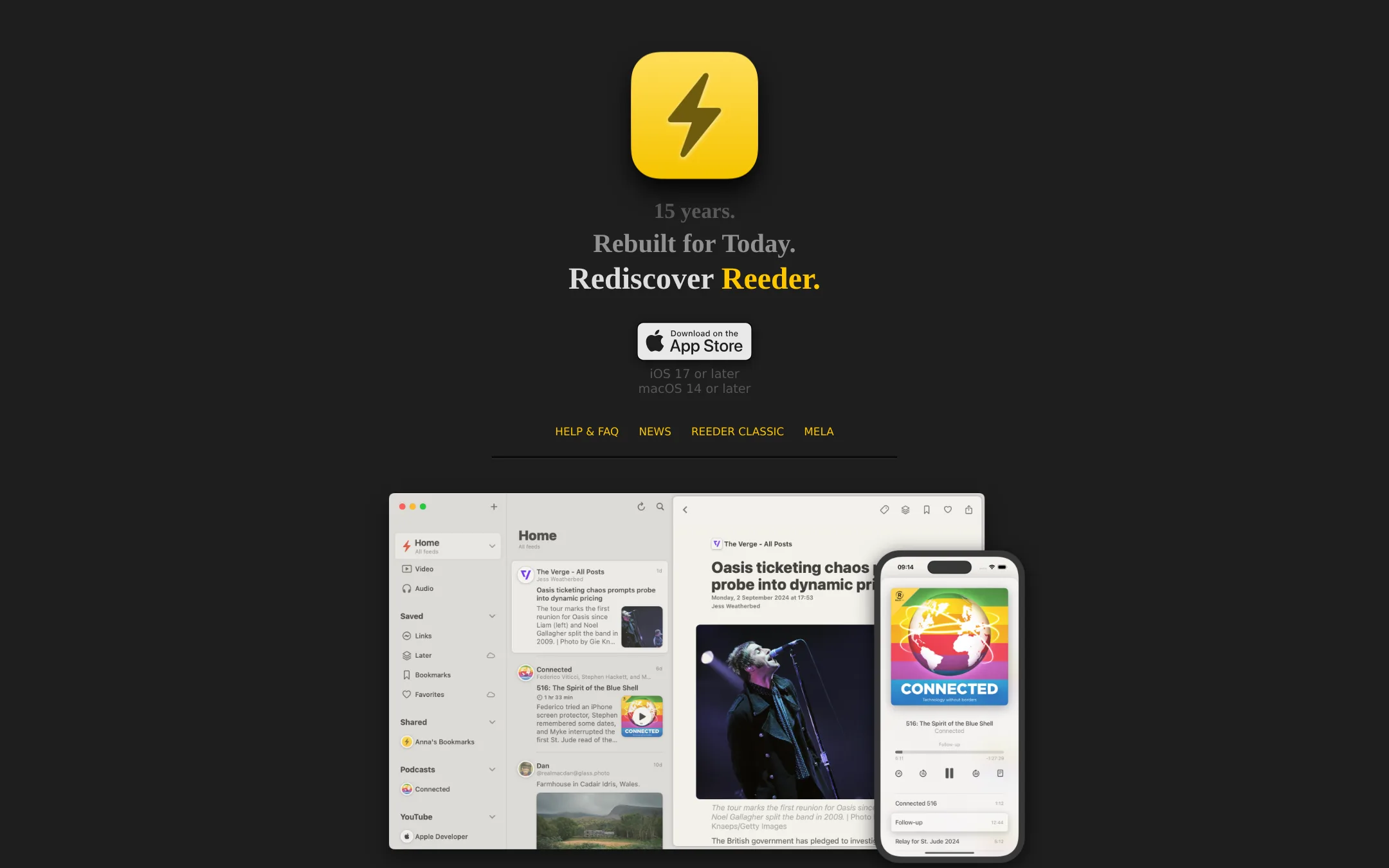
Reeder is a native iOS and macOS app that pulls RSS, podcasts, videos, and social posts into one unified timeline. Choose it over Feedbin if you want a local-first reader with iCloud sync and no subscription, rather than a hosted web service.
Where it is strong
- Unified timeline for RSS, podcasts, videos, and social posts
- iCloud sync for subscriptions, timeline position, and saved items
- No data collection or tracking
Where it falls short
- Requires iOS 17 or macOS 14 or later
- No web-based reader. Apple devices only
- Pricing:
- Pricing is not published on the site.
- UNot published
8.Unread
Best for: Apple-only users who want a fast, beautiful RSS client with offline caching and deep iOS/Mac integration.
- Pricing
- Not published
- Category
- Other
Unread is a native RSS reader for Mac, iPhone, and iPad with a focus on typography and color themes. Choose it over Feedbin if you want a polished, app-based reading experience on Apple devices and don't need Feedbin's built-in newsletter, podcast, or YouTube support.
Where it is strong
- Free tier with core reading features
- Syncs with Feedbin, Feedly, NewsBlur, and self-hosted services
- Offline caching and full-text extraction for paywalled sites
Where it falls short
- No built-in newsletter, podcast, or YouTube support
- Premium features require a subscription, but pricing isn't listed
- Pricing:
- Pricing is not published on the site.
- Switching from Feedbin:
- If you're coming from Feedbin, you can sync your existing feeds via Feedbin's API, but you'll lose Feedbin's newsletter and podcast features.
- RNot published
9.ReadKit
Best for: Apple users who want a single app to read RSS feeds and saved articles, especially those already using Feedbin or other sync services.
- Pricing
- Not published
- Category
- Other
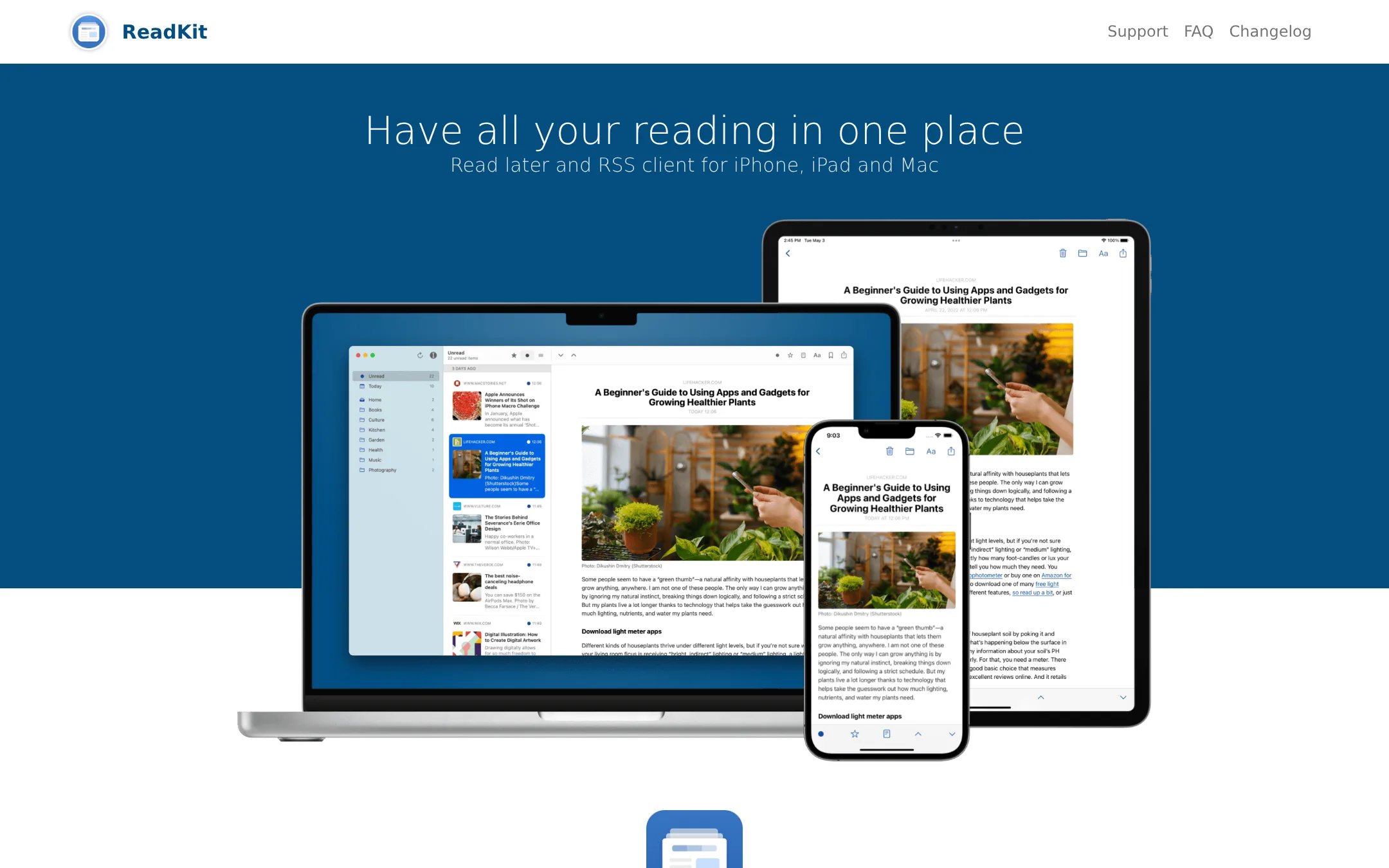
ReadKit is a native read-later and RSS client for iPhone, iPad, and Mac that can sync with Feedbin and other services. Choose it if you want a polished Apple-only app that combines RSS and read-later in one place, with iCloud sync as a built-in option.
Where it is strong
- Native iOS and macOS app with full feature parity
- Supports many RSS and read-later services, including Feedbin
- Free tier with no ads or data mining
Where it falls short
- Premium features require subscription or one-time purchase
- No web version. Only works on Apple devices
- Pricing:
- Pricing is not published on the site.
- Switching from Feedbin:
- If you already use Feedbin, you can connect your Feedbin account in ReadKit and keep your existing subscriptions.
- Not published
10.FreshRSS
Best for: Privacy-focused individuals and small teams who want a free, self-hosted feed reader with full data ownership.
- Pricing
- Not published
- Category
- Media & Entertainment
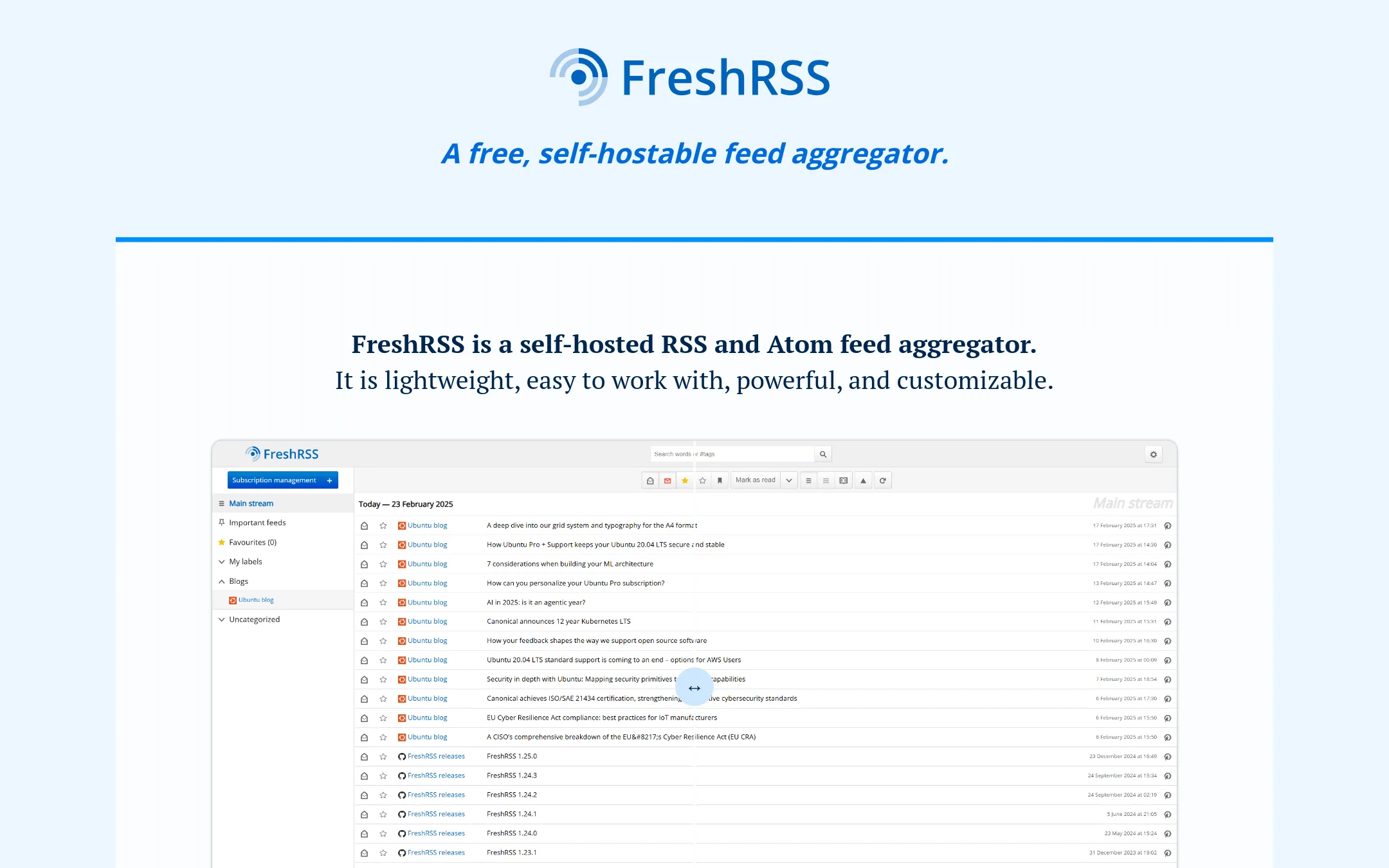
FreshRSS is a self-hosted RSS and Atom aggregator that you install on your own server, so you keep full control over your data. Choose it instead of Feedbin if you want a free, open-source reader and are comfortable managing your own infrastructure.
Where it is strong
- Self-hosted, so you own your data and can customize everything.
- Handles large volumes: 1M+ articles and 50k+ feeds.
- Supports themes, extensions, and web scraping for custom feeds.
Where it falls short
- Requires server setup and maintenance, unlike Feedbin's hosted service.
- No built-in newsletter or podcast features like Feedbin offers.
- Pricing:
- Pricing is not published on the site.
- Switching from Feedbin:
- Moving from Feedbin involves exporting your OPML file and importing it into FreshRSS, then configuring your server.
- TFree (self-hosted)
11.Tiny Tiny RSS
Best for: Privacy-focused individuals and small teams who prefer self-hosting and have the technical skills to run a Docker container.
- Pricing
- Free (self-hosted)
- Category
- Other
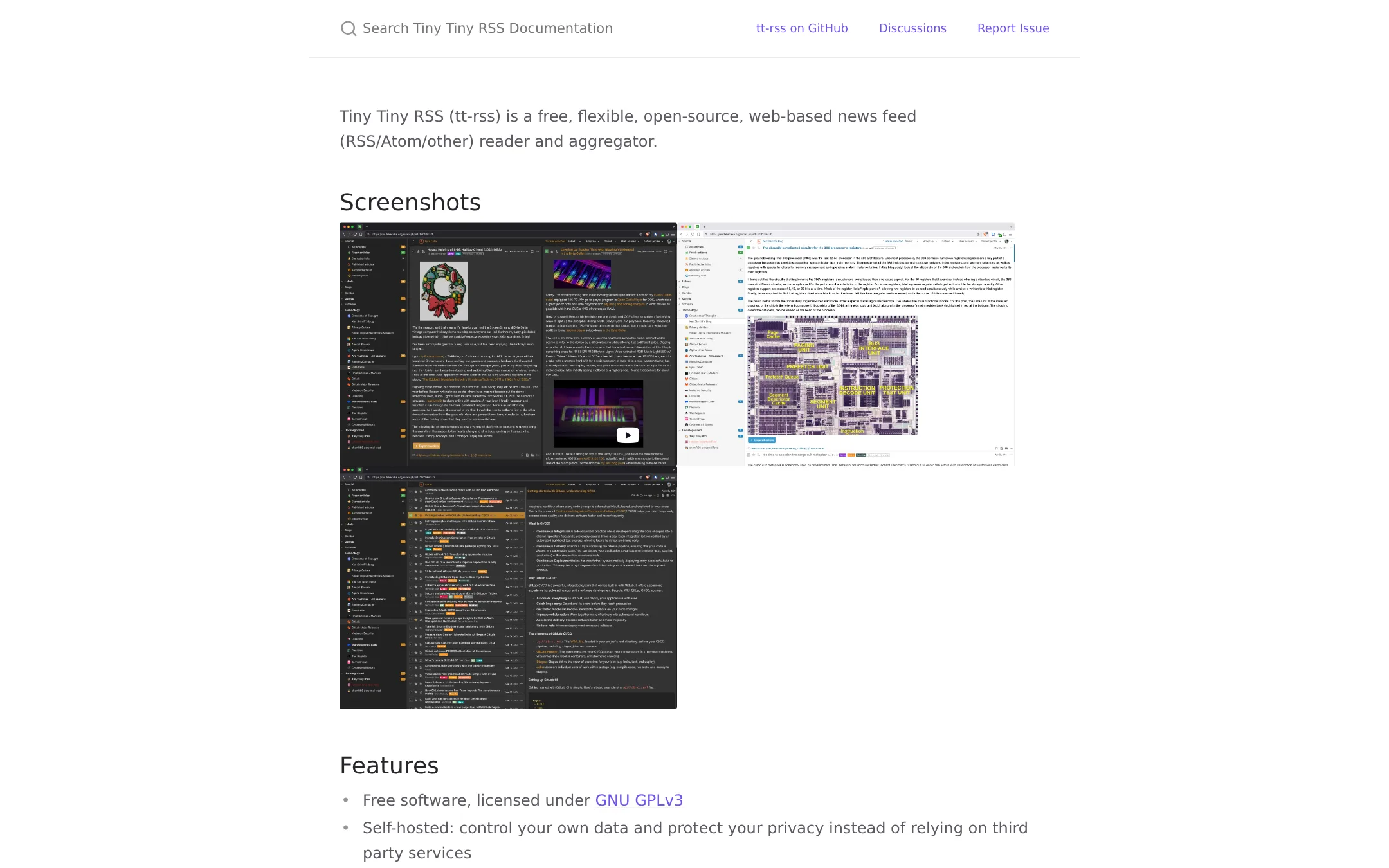
Tiny Tiny RSS is a self-hosted, open-source RSS reader that gives you full control over your data and server. Choose it over Feedbin if you want to avoid a hosted subscription and are comfortable managing your own Docker-based installation.
Where it is strong
- Open-source under GNU GPLv3, free to use
- Self-hosted, so you control your data and privacy
- Supports folders, plugins, themes, and JSON API
Where it falls short
- Requires Docker and ongoing maintenance
- No hosted option. You must run it yourself
- Pricing:
- Pricing is not published on the site.
- Switching from Feedbin:
- You can import your Feedbin subscriptions via OPML export and import, but you'll need to set up and maintain your own server.
- Not published
12.Bazqux
Best for: Readers who want a fast, keyboard-driven RSS experience with social media page following and in-reader comments.
- Pricing
- Not published
- Category
- Media & Entertainment
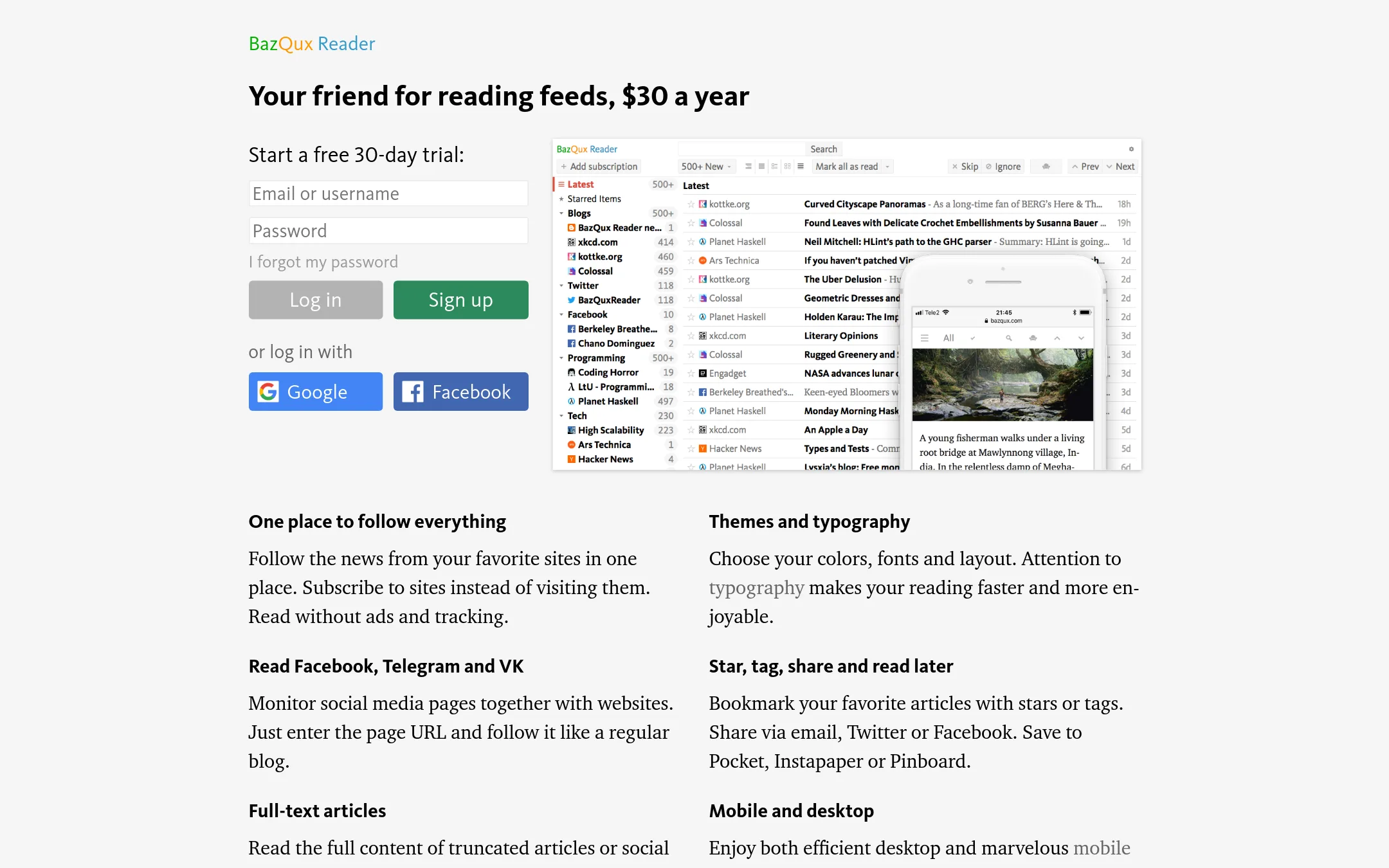
BazQux is a paid RSS reader that focuses on speed and efficiency, with a clean interface and keyboard shortcuts. It also supports following Facebook, Telegram, and VK pages, and reading article comments inside the reader, which Feedbin doesn't offer. Choose it if you want a no-frills, fast reader with social media monitoring and comment support.
Where it is strong
- Follow Facebook, Telegram, and VK pages alongside RSS feeds
- Read article comments without leaving the reader
- Fast, clean interface with keyboard shortcuts and mixed view modes
Where it falls short
- No built-in newsletter or podcast support like Feedbin
- Pricing details are not listed on the site, only the $30/year tagline
- Pricing:
- Pricing is not published on the site.
- Switching from Feedbin:
- You can import your existing subscriptions via OPML, and the trial is free for 30 days.
See more comparisons in Media & Entertainment alternatives.
FAQ
Questions about Feedbin alternatives
What is the cheapest Feedbin alternative?
NetNewsWire is free and open source, with no ads or tracking. FreshRSS and Miniflux are also free but require self-hosting. NewsBlur's Premium plan is $36 per year, which is cheaper than Feedbin's $70 per year.
Which alternative has the best support for newsletters and podcasts?
Feedbin itself offers newsletters and podcasts, but among alternatives, Inoreader supports social feeds and automation but not newsletters or podcasts. FreshRSS and Miniflux lack these features. For Apple users, Reeder unifies RSS, podcasts, and videos but not newsletters.
Can I self-host an RSS reader instead of paying a subscription?
Yes. FreshRSS, Miniflux, and Tiny Tiny RSS are self-hosted and free. They require server setup and maintenance. NewsBlur also offers a self-hostable open-source option, but its hosted service is paid.
Which alternative is best for teams or collaborative reading?
Inoreader has collaboration features for sharing insights with a team. Feedly is built for cyber threat intelligence teams with integrations like Slack and Microsoft Teams. NewsBlur is better for individual power users, not teams.
Are there any alternatives with a free tier?
NewsBlur has a free tier limited to 64 sites. Unread and ReadKit offer free tiers with core features, but premium features require payment. NetNewsWire is completely free, and FreshRSS, Miniflux, and Tiny Tiny RSS are free if you self-host.
Last updated November 1, 2026.