
FollowUpThen alternatives
6 products compared · Updated November 14, 2026
The short answer
The three strongest alternatives to FollowUpThen are Calendly, Todoist and Trello, each for a different job. Calendly suits consultants, coaches and sales teams that book many external meetings and want clients to pick their own times. Todoist suits individuals and teams who need shared task lists, project boards and deadlines in one place. Trello suits teams that manage projects visually with shared boards, assignees and due dates.
Your shortlist, at a glance
Read the comparisons ↓- BBoomerangNot publishedBusy professionals and small teams who send many emails and meeting requests every day and want scheduling inside their inbox.
 TodoistFree, Pro and BusinessTeams and individuals who need shared task lists, project boards and deadlines rather than one-off email reminders
- DDueSee websiteOther
- AAsanaFree to per-user paidSmall and growing teams that need shared project plans, timelines, and task ownership across several people
TrelloFree to $12.50/user/moTeams that manage projects visually and need shared boards with assignees, due dates and automation.
 CalendlyFree plan + paid tiersConsultants, coaches, and sales teams that book many external meetings and want clients to pick their own times.
About FollowUpThen and its alternatives
FollowUpThen is an email-based personal assistant that sends you reminders at a time you set, so you can follow up on a message or task when the moment is right. According to its site, it is known for simplicity, for working without connecting to your inbox, and for reminders that can repeat or stop when a reply arrives. It has a free plan with 50 active reminders a month, a Base plan at $4 a month, and a Team plan at $4 per user a month.
When comparing alternatives in this category, look first at what the tool is built to do. Some products handle personal reminders, others run team project work, and others handle meeting scheduling. Then check the pricing structure, whether it is per user or per account, and which features sit behind paid tiers. Also consider regions and currencies, integrations with the apps you already use, the quality of support, and contract terms such as monthly or annual billing.
Explore the alternatives
- BNot published
1.Boomerang
Best for: Busy professionals and small teams who send many emails and meeting requests every day and want scheduling inside their inbox.

- Pricing
- Not published
- Category
- Other
Boomerang is a browser extension, Outlook add-in and mobile app that adds scheduling and email productivity tools on top of your existing inbox. Someone would pick it over FollowUpThen when they want to schedule meetings from within the email itself and manage their email workflow in a browser or Outlook rather than just receive reminders by email.
Where it is strong
- Meeting scheduling sits inside the email compose window.
- Available as a browser extension, Outlook add-in and iOS and Android apps.
- Includes a task manager aimed at Google Workspace users.
Where it falls short
- Pricing is not published on the site, so cost is hard to judge in advance.
- It is built around inbox and calendar work, so it is not a simple reminder tool like FollowUpThen.
- Pricing:
- Pricing is not published on the site.
- Free, Pro and Business
2.Todoist
Best for: Teams and individuals who need shared task lists, project boards and deadlines rather than one-off email reminders
- Pricing
- Free, Pro and Business
- Category
- Productivity & Project Management
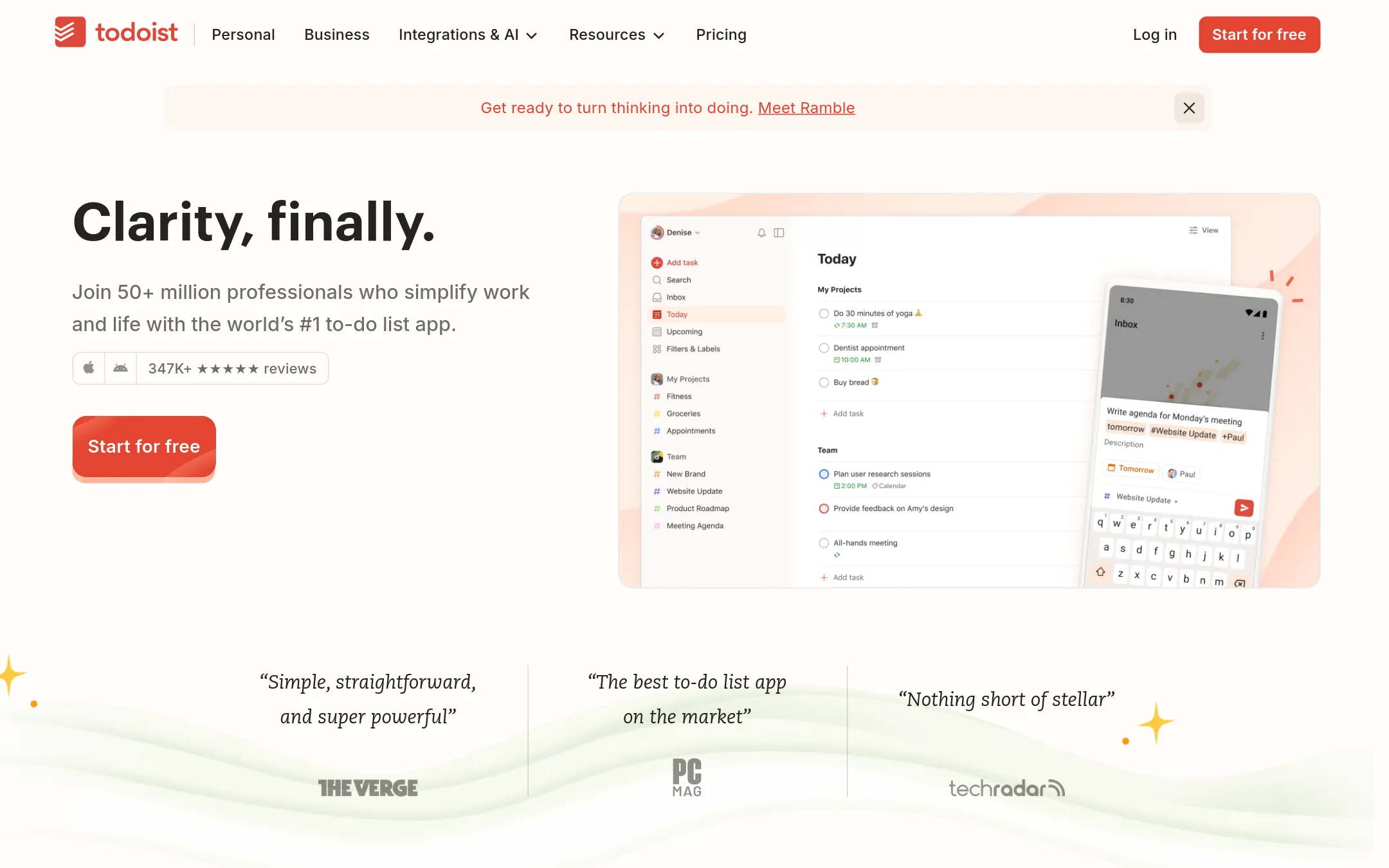
Todoist is a full task manager with projects, labels, filters, boards and calendar views on phone, tablet, watch, desktop and web. Someone would choose it over FollowUpThen when they need to track a broad set of tasks in one place, or share a task list with a team, rather than just get an email nudge at a set time.
Where it is strong
- Natural language quick add captures tasks fast
- Shared team projects with assignments, comments and activity logs
- Works on phone, tablet, watch, desktop and web
Where it falls short
- The free plan is limited to 5 personal projects and fewer filter views
- It does not send email reminders in the way FollowUpThen's core workflow does
- Pricing:
- Todoist lists a free Beginner plan, a Pro plan for individuals and a Business plan for teams, with the exact prices shown on its pricing page at the time of review.
- DSee website
3.Due
Other
Reminder app focused on persistent, repeating alerts with SMS-style notifications, suited to users who want a simple nudge until something is done.
- AFree to per-user paid
4.Asana
Best for: Small and growing teams that need shared project plans, timelines, and task ownership across several people
- Pricing
- Free to per-user paid
- Category
- Productivity & Project Management
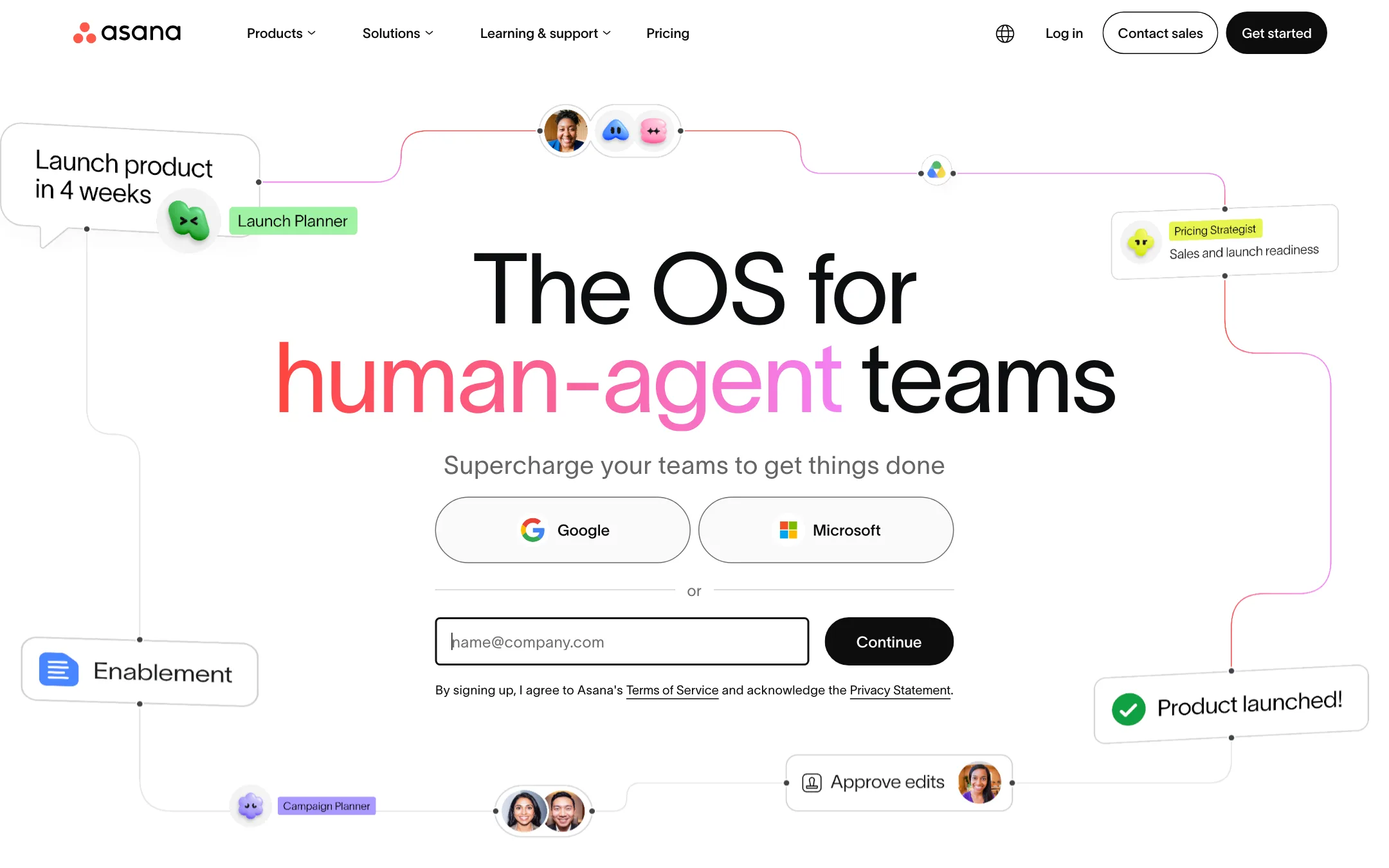
Asana is a full work management platform for teams that need projects, tasks, timelines, and cross-team coordination, with AI agents layered on top. Choose it over FollowUpThen when you need to manage a whole team's work rather than set personal email reminders for yourself.
Where it is strong
- Lists, boards, calendars, timelines, and Gantt charts for the same project
- Reporting dashboards and portfolios that show progress across many projects
- Forms, templates, and automations that handle repeat intake and routine updates
Where it falls short
- Built for team project work, so it is heavier than a simple email reminder for personal follow-ups
- Paid features and AI usage are limited by per-user and per-account credit allowances
- Pricing:
- Pricing is not published on the site in a region-specific way, but the default page lists a free Personal plan for one or two people, a Starter plan billed per user per month when paid annually, and an Advanced plan for growing teams.
- Switching from FollowUpThen:
- Moving from FollowUpThen means rebuilding your follow-up reminders as tasks with due dates in Asana, since the two tools work differently.
- Free to $12.50/user/mo
5.Trello
Best for: Teams that manage projects visually and need shared boards with assignees, due dates and automation.
- Pricing
- Free to $12.50/user/mo
- Category
- Productivity & Project Management
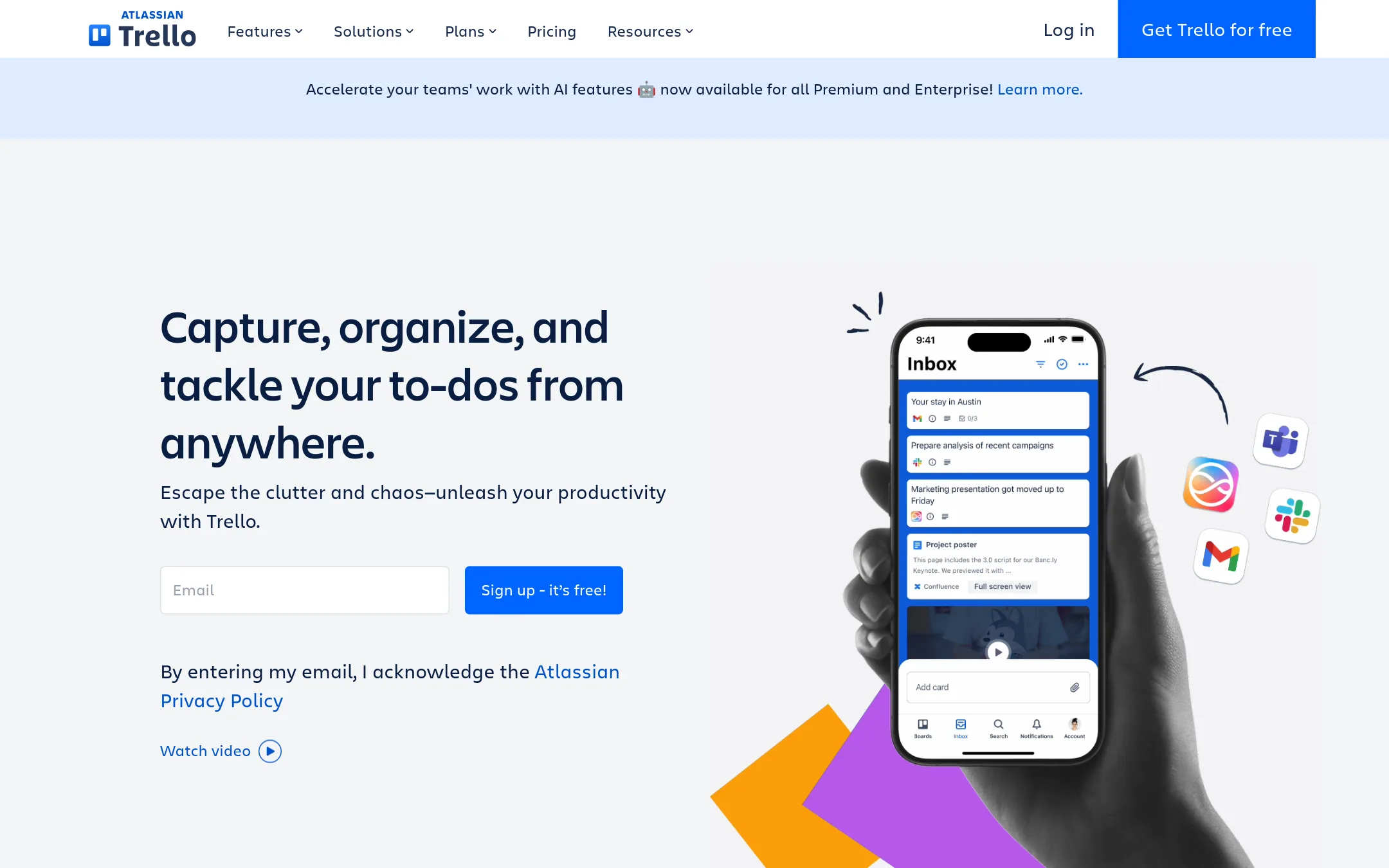
Trello is a visual board tool for tracking tasks across lists and cards, with an Inbox and Planner for capturing and scheduling to-dos. Someone would choose it over FollowUpThen when they need a shared workspace where a team moves work through stages, not a personal email reminder that nudges one person at a set time.
Where it is strong
- Free tier covers unlimited cards, up to 10 boards and the mobile apps.
- Built-in no-code automation runs on every board.
- Quick capture turns emails, Slack and Teams messages into to-dos.
Where it falls short
- Trello is built for shared boards, so it does not send personal email reminders the way FollowUpThen does.
- Cards and lists need setup before they are useful, which is more work than a single reminder email.
- Pricing:
- Pricing is shown per user per month, with a free tier for up to 10 collaborators per Workspace, Standard at $6 per user per month billed monthly ($5 billed annually implied by the site's annual figure is not stated, so use the listed $6 monthly), Premium at $1
- Free plan + paid tiers
6.Calendly
Best for: Consultants, coaches, and sales teams that book many external meetings and want clients to pick their own times.
- Pricing
- Free plan + paid tiers
- Category
- Productivity & Project Management
Calendly is a scheduling tool that lets people book meetings through a shared link, with calendar sync, reminders, and payments for paid calls. A founder would choose it over FollowUpThen when the main problem is finding meeting times with clients and taking payment at booking, not sending follow-up reminders to themselves by email.
Where it is strong
- Clients can book times themselves from a link, a website embed, or a browser extension.
- Built-in payments let you charge upfront for meetings, sell packages, and send invoices.
- Notetaker records meetings and sends recaps with action items, and Callie can handle scheduling by email.
Where it falls short
- Notetaker and Callie are only available in English at this time.
- Advanced features such as Salesforce routing and SSO are reserved for the Enterprise plan.
- Pricing:
- Pricing is not published on the site for a specific currency or region, but the free plan includes one event type and one calendar connection, and paid Standard and Teams plans add Notetaker, Callie, and payment features.
- Switching from FollowUpThen:
- Moving from FollowUpThen means setting up event types and connecting your calendar, and the site does not describe a direct import of existing reminders.
See more comparisons in Productivity & Project Management alternatives.
FAQ
Questions about FollowUpThen alternatives
What is the simplest alternative to FollowUpThen if I only want email reminders?
FollowUpThen itself is built around that job, so the closest substitutes are task managers that add reminders on top of a task list. Todoist is a good example. It covers personal tasks with deadlines and runs on phone, desktop and web, though it does not send email reminders the way FollowUpThen does.
Which alternative is best for booking meetings with clients?
Calendly is the strongest fit for that job. It lets people book times through a shared link, syncs with calendars, and can take payment for paid calls. Its free plan includes one event type and one calendar connection, and paid plans add features such as Notetaker and Callie.
Is there a free option that works for a small team?
Trello has a free tier that covers unlimited cards and up to 10 boards per Workspace, which can suit a small team with simple workflows. Todoist also has a free Beginner plan, though it caps personal projects at 5 and limits filter views. Check both pricing pages for the current limits before you commit.
Which alternative is best for managing a full project rather than personal reminders?
Asana is built for team project work, with lists, boards, timelines and Gantt charts for the same project. Its reporting dashboards and portfolios show progress across many projects. It is heavier than a simple email reminder, so it suits small and growing teams that need shared plans and task ownership.
Why is Boomerang listed, and how does it differ from FollowUpThen?
Boomerang adds scheduling and email tools on top of your existing inbox, as a browser extension, Outlook add-in and mobile app. It lets you schedule meetings from inside the compose window. Its pricing is not published on the site, so you will need to contact the vendor to confirm cost before comparing it with FollowUpThen.
Last updated November 14, 2026.