
Formcarry alternatives
10 products compared · 1 verified · Updated October 31, 2026
The short answer
Formspree is the strongest all-around alternative for freelancers and startups needing advanced automation and team features. Basin suits agencies managing multiple client forms with AI-assisted tools and branded emails. Web3Forms is the best free option for developers on small sites who want a simple form-to-email endpoint without cost.
Your shortlist, at a glance
Read the comparisons ↓ FormspreeFrom $10/moFreelancers, agencies, and startups that need a reliable form backend with advanced automation and team collaboration features.
 BasinFrom $12.50/moAgencies and freelancers managing multiple client forms who need branded emails, Slack integration, and AI-assisted form management.
 GetformFrom $0/moDevelopers and freelancers who want a form backend with visual workflows and direct Slack or Discord alerts.
- FFormSubmitNot publishedDevelopers and designers who want a zero-configuration, free form endpoint for static sites or simple contact forms.
 Netlify FormsFrom $9/mo + creditsDevelopers and teams already using Netlify for hosting who want form submissions handled without extra setup.
 FormsparkOne-time upgradeFreelancers and small teams who want a simple, no-recurring-cost form backend with basic spam filtering and team collaboration.
 Web3FormsFree / $12/moDevelopers and small sites that want a zero-cost form backend with a generous free tier and easy setup.
- FFormcakeNot publishedDevelopers building JAMStack or static sites who want a simple form endpoint with webhook and email actions and unlimited forms.
 Formsubmit.Site$10 per 100 creditsDevelopers and AI-agent workflows on static sites that want a CLI-driven form backend with no subscription.
 Static FormsFree, from $6/moDevelopers on static site generators like Hugo, Jekyll, or Gatsby who want a simple endpoint with generous free submissions and optional conditional routing.
About Formcarry and its alternatives
Formcarry is a form backend API that lets you keep your own form design in HTML, React, or any framework, while it handles submissions, email notifications, spam filtering, file uploads, and 3000+ integrations. It is known for a 3-minute setup, a free tier, and a REST API with MCP server access for AI tools.
When comparing alternatives, weigh pricing structure (subscription vs. credit-based vs. one-time), submission limits and free tiers, regional data storage and GDPR compliance, integration depth, and support quality. Also consider contract terms like yearly billing discounts and whether spam submissions count against your limits.
Explore the alternatives
- From $10/mo
1.Formspree
Best for: Freelancers, agencies, and startups that need a reliable form backend with advanced automation and team collaboration features.
- Pricing
- From $10/mo
- Category
- Developer Tools
Formspree is a production-ready form backend that handles submissions end-to-end, including storage, deliverability, spam protection, and integrations. Choose it over Formcarry when you need a more mature service with higher volume handling and advanced features like a rules engine and custom email domains.
Where it is strong
- Handles 5 million submissions monthly, so it scales with viral traffic.
- Includes a rules engine for routing submissions and custom email domains for branding.
- Offers a free forever plan for testing and development.
Where it falls short
- Free plan limits submissions to 50/month and archives to 30 days.
- Advanced features like rules engine and custom email domains require the Business plan.
- Pricing:
- Free plan with 50 submissions/month and 30-day archive. Paid plans start at $10/mo for 200 submissions, $20/mo for 2K submissions, $60/mo for 20K submissions, and custom pricing for high volume.
- Switching from Formcarry:
- Moving from Formcarry involves updating your form's action URL to a Formspree endpoint and recreating any integrations or validation rules in the Formspree dashboard.
- From $12.50/mo
2.Basin
Best for: Agencies and freelancers managing multiple client forms who need branded emails, Slack integration, and AI-assisted form management.
- Pricing
- From $12.50/mo
- Category
- Developer Tools
Basin is a form backend that accepts submissions from any HTML form and adds spam filtering, email notifications, file storage, and workflow automation. Choose it over Formcarry when you want AI-assisted form management through MCP, a built-in form builder, or a stronger focus on agency and client work with features like multi-step form support and incomplete submission recovery.
Where it is strong
- Spam submissions don't count against your monthly limits.
- Includes a drag-and-drop form builder and AI form generator.
- Support team responds quickly and offers video walkthroughs and 1-on-1 calls.
Where it falls short
- Free plan retains submissions for only 30 days.
- Advanced features like custom SMTP and location filtering require the Pro plan or higher.
- Pricing:
- Pricing starts at $0 for the Free plan with 1 form and 50 submissions per month. Paid plans are Starter at $12.50/mo, Growth at $24.17/mo, Pro at $40.83/mo, and Agency at $108.33/mo, all billed yearly.
- Switching from Formcarry:
- Switching from Formcarry means pointing your form's action URL to a Basin endpoint and recreating your notification, spam, and integration settings in the Basin dashboard.
- From $0/mo
3.Getform
Best for: Developers and freelancers who want a form backend with visual workflows and direct Slack or Discord alerts.
- Pricing
- From $0/mo
- Category
- Developer Tools
Getform (now Forminit) is a headless form backend that handles submissions, validation, spam protection, file uploads, and webhooks. You would choose it over Formcarry if you need built-in workflow automation, data retention controls, and Slack/Discord notifications without paying for a higher tier.
Where it is strong
- Free tier includes file uploads and 100 submissions per month
- Visual workflow builder with if/else conditions
- Built-in data retention controls for GDPR
Where it falls short
- Pro plan needed for webhooks, REST API, and Slack notifications
- Free plan limited to 1 form
- Pricing:
- Free plan includes 100 submissions/month and 1 form. Pro is $29/mo for 5,000 submissions and 10 forms. Business is $99/mo for 50,000 submissions and unlimited forms.
- Switching from Formcarry:
- Moving from Formcarry involves changing your form's action URL to a Forminit endpoint and updating any integrations, but the process is straightforward.
- FNot published
4.FormSubmit
Best for: Developers and designers who want a zero-configuration, free form endpoint for static sites or simple contact forms.
- Pricing
- Not published
- Category
- Other
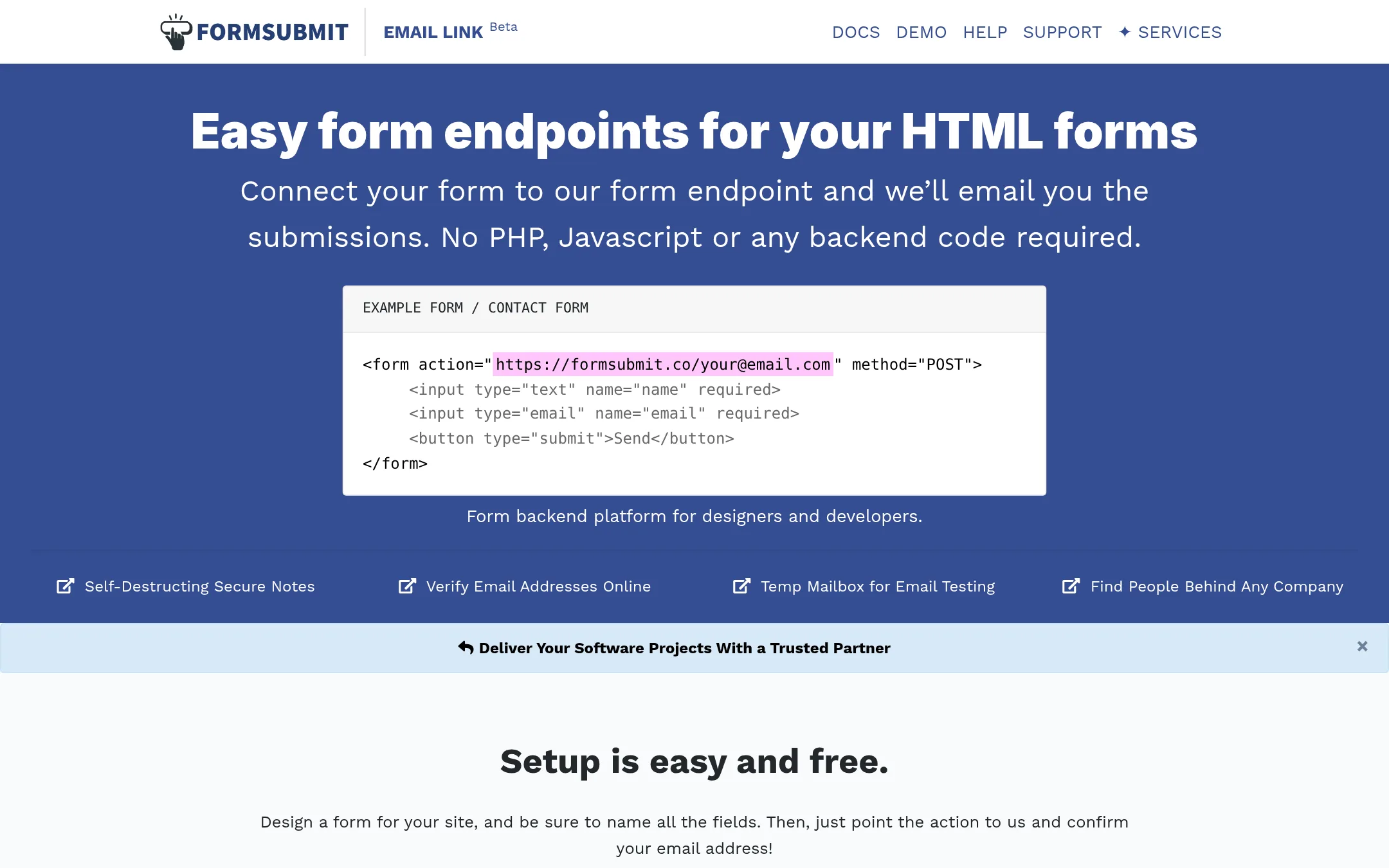
FormSubmit is a free form backend that emails submissions to you without any backend code. You point your form's action to FormSubmit and it handles the rest. Choose it over Formcarry when you need a simple, no-cost way to receive form submissions by email and don't need a dashboard, file uploads, or integrations.
Where it is strong
- Free to use with no signup required for basic email submissions.
- Simple setup: just change your form's action attribute to FormSubmit's URL.
- Supports custom thank-you pages, subject lines, CC, and autoresponses via hidden fields.
Where it falls short
- No dashboard to view submissions. Relies on email only.
- Limited spam protection compared to Formcarry's built-in filtering.
- Pricing:
- Pricing is not published on the site.
- Switching from Formcarry:
- Moving from Formcarry means changing your form's action URL to FormSubmit's endpoint and confirming your email. You'll lose the dashboard and integrations.
- From $9/mo + credits
5.Netlify Forms
Best for: Developers and teams already using Netlify for hosting who want form submissions handled without extra setup.
- Pricing
- From $9/mo + credits
- Category
- Developer Tools
Netlify Forms is a zero-config form backend built into the Netlify platform, so you can collect submissions from static sites without managing a separate service. Choose it when you're already deploying on Netlify and want forms, functions, and hosting in one place instead of adding Formcarry as an extra dependency.
Where it is strong
- Zero-config setup for forms on Netlify-hosted sites
- Includes spam filtering and file uploads
- Tight integration with Netlify's deploy previews and functions
Where it falls short
- Only works on Netlify, not for forms hosted elsewhere
- Credit-based pricing can be confusing for high-volume submissions
- Pricing:
- Netlify Forms is included in the Free plan with a 300 credit limit per month. Paid plans start at $9/month for Personal with 1,000 credits, and Pro at $20/month with 3,000 credits.
- Switching from Formcarry:
- Moving from Formcarry to Netlify Forms means changing your form's action URL to a Netlify endpoint and redeploying your site, but you'll need to migrate existing submissions manually.
- One-time upgrade
6.Formspark
Best for: Freelancers and small teams who want a simple, no-recurring-cost form backend with basic spam filtering and team collaboration.
- Pricing
- One-time upgrade
- Category
- Developer Tools
Formspark is a form-to-email service that stores submissions, filters spam, and routes them to email, Slack, Google Sheets, or your own backend. Choose it over Formcarry if you want a one-time payment instead of a subscription and don't need advanced features like file uploads or auto-responses.
Where it is strong
- No recurring payments. Pay once for 50,000 submissions.
- Spam filtering is automatic on every plan with no setup.
- Includes 5 team members for free, up to 50 on upgrade.
Where it falls short
- No file uploads or auto-responses, which Formcarry supports.
- Free plan has a lower submission limit (250/mo) than Formcarry's free tier (50/mo).
- Pricing:
- Free plan includes 250 submissions and 10 forms. The upgrade is a one-time payment for 50,000 submissions and 100 forms.
- Switching from Formcarry:
- Switching from Formcarry involves changing your form's action URL to Formspark's endpoint and updating any integrations, but your existing HTML form markup stays the same.
- Free / $12/mo
7.Web3Forms
Best for: Developers and small sites that want a zero-cost form backend with a generous free tier and easy setup.
- Pricing
- Free / $12/mo
- Category
- Developer Tools
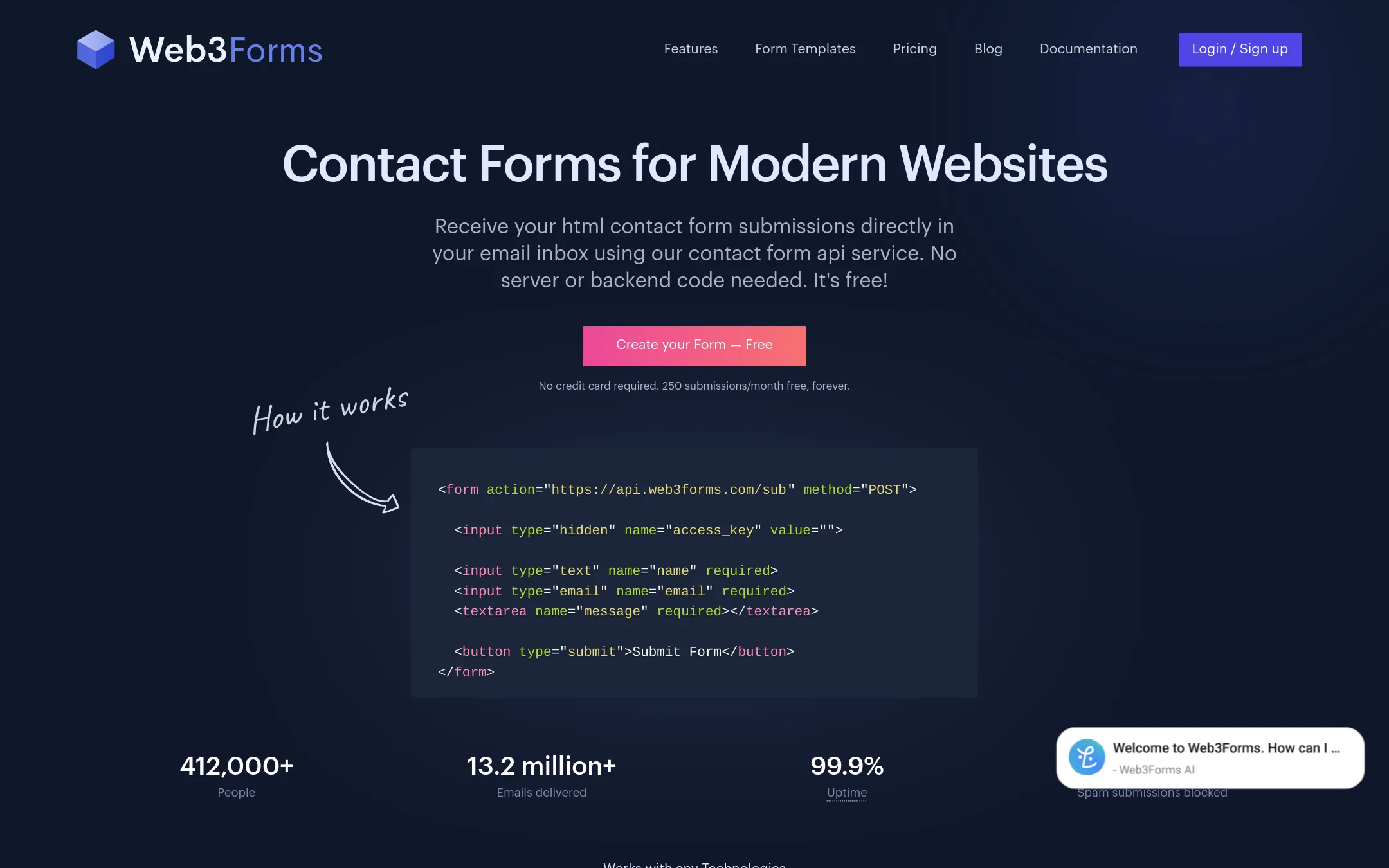
Web3Forms is a free form-to-email API that sends HTML form submissions straight to your inbox without any backend code. Choose it over Formcarry when you need a simple, free solution for basic contact forms and don't require advanced features like file uploads or autoresponders on the free tier.
Where it is strong
- Free forever plan with 250 submissions per month and unlimited forms.
- Works with any static site or framework, no backend code needed.
- GDPR friendly with data stored on AWS and encrypted at rest.
Where it falls short
- Free plan lacks file uploads, autoresponders, and webhooks.
- Submissions are stored for up to 3 years by default, which may be too long for some users.
- Pricing:
- Free plan includes 250 submissions per month. Paid plans start at $12/mo (billed yearly at $149) for 10k submissions, and $33/mo (billed yearly at $399) for 20k submissions.
- Switching from Formcarry:
- Switching from Formcarry is straightforward: replace your form's action URL with a Web3Forms endpoint and add your access key, then update any integrations or email notifications manually.
- FNot published
8.Formcake
Best for: Developers building JAMStack or static sites who want a simple form endpoint with webhook and email actions and unlimited forms.
- Pricing
- Not published
- Category
- Other
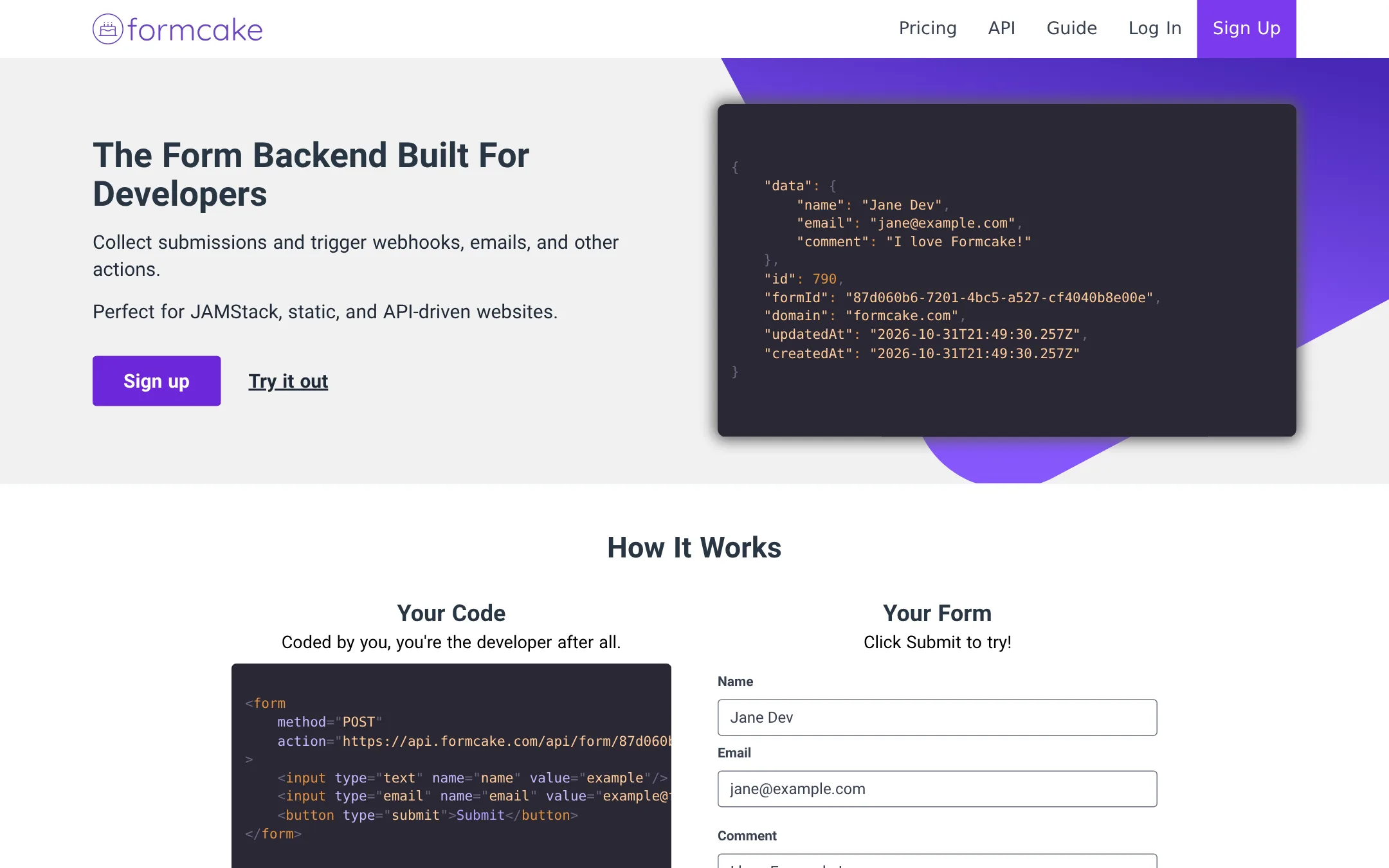
Formcake is a form backend that stores submissions and triggers webhooks, emails, and Zapier workflows. Choose it over Formcarry if you want unlimited forms on lower tiers and don't need the 3000+ integration catalog or built-in MCP server access.
Where it is strong
- Unlimited forms on all paid tiers
- Native reCAPTCHA v3 for spam protection
- File uploads with anti-virus scanning and API access
Where it falls short
- No pricing listed on the site, so cost is unclear
- Fewer integrations than Formcarry's 3000+ apps
- Pricing:
- Pricing is not published on the site. The plans listed show limits like 100, 1,000, and 10,000 submissions per month, but no prices are given.
- Switching from Formcarry:
- Moving from Formcarry means pointing your form's action attribute to a Formcake endpoint and re-creating any email notifications or webhooks in Formcake's dashboard.
- $10 per 100 credits
9.Formsubmit.SiteVerified
Best for: Developers and AI-agent workflows on static sites that want a CLI-driven form backend with no subscription.
- Pricing
- $10 per 100 credits
- Category
- Developer Tools
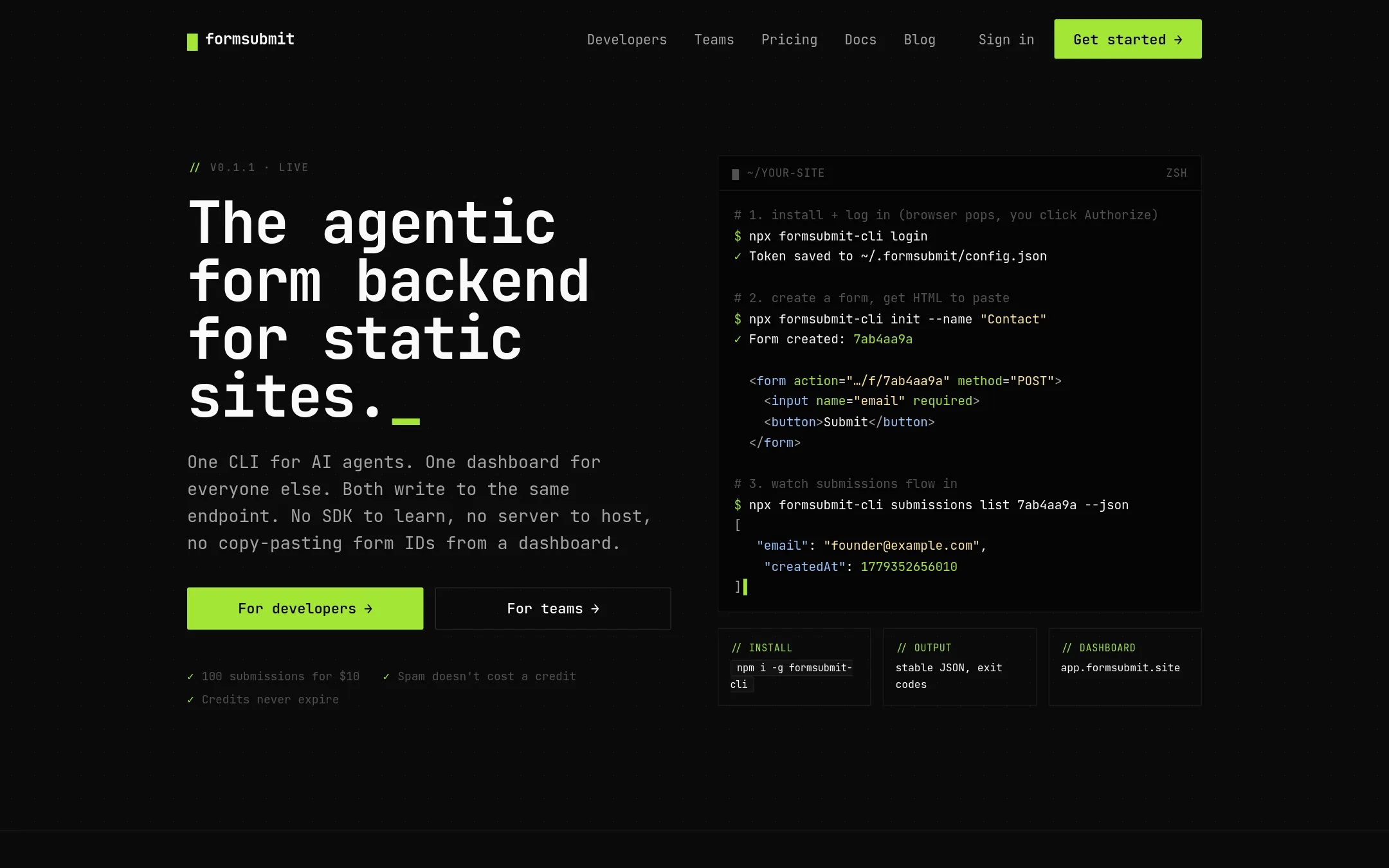
FormSubmit is a credit-based form backend for static sites. It is built for AI agents and developers who work from the terminal, with a CLI that creates forms and reads submissions. Choose it over Formcarry when you want pay-per-submission pricing, no monthly subscription, and a tool that works directly in Claude Code, Cursor, or similar environments.
Where it is strong
- CLI-first design works in AI agents like Claude Code and Cursor.
- Credits never expire and spam doesn't cost a credit.
- Unlimited forms. Pay only for submissions received.
Where it falls short
- Email notifications cost an extra credit per submission.
- No monthly plans or free tier, so low-volume users pay upfront.
- Pricing:
- Pricing is credit-based: 100 credits cost $10, 500 credits cost $50, 1,000 credits cost $80, and 2,500 credits cost $175. Credits never expire, and spam submissions do not consume credits.
- Switching from Formcarry:
- Moving from Formcarry means changing your form's action URL to FormSubmit's endpoint and setting up a credit pack. Your existing form HTML and submission handling will need to be pointed to the new backend.
- Free, from $6/mo
10.Static Forms
Best for: Developers on static site generators like Hugo, Jekyll, or Gatsby who want a simple endpoint with generous free submissions and optional conditional routing.
- Pricing
- Free, from $6/mo
- Category
- Developer Tools
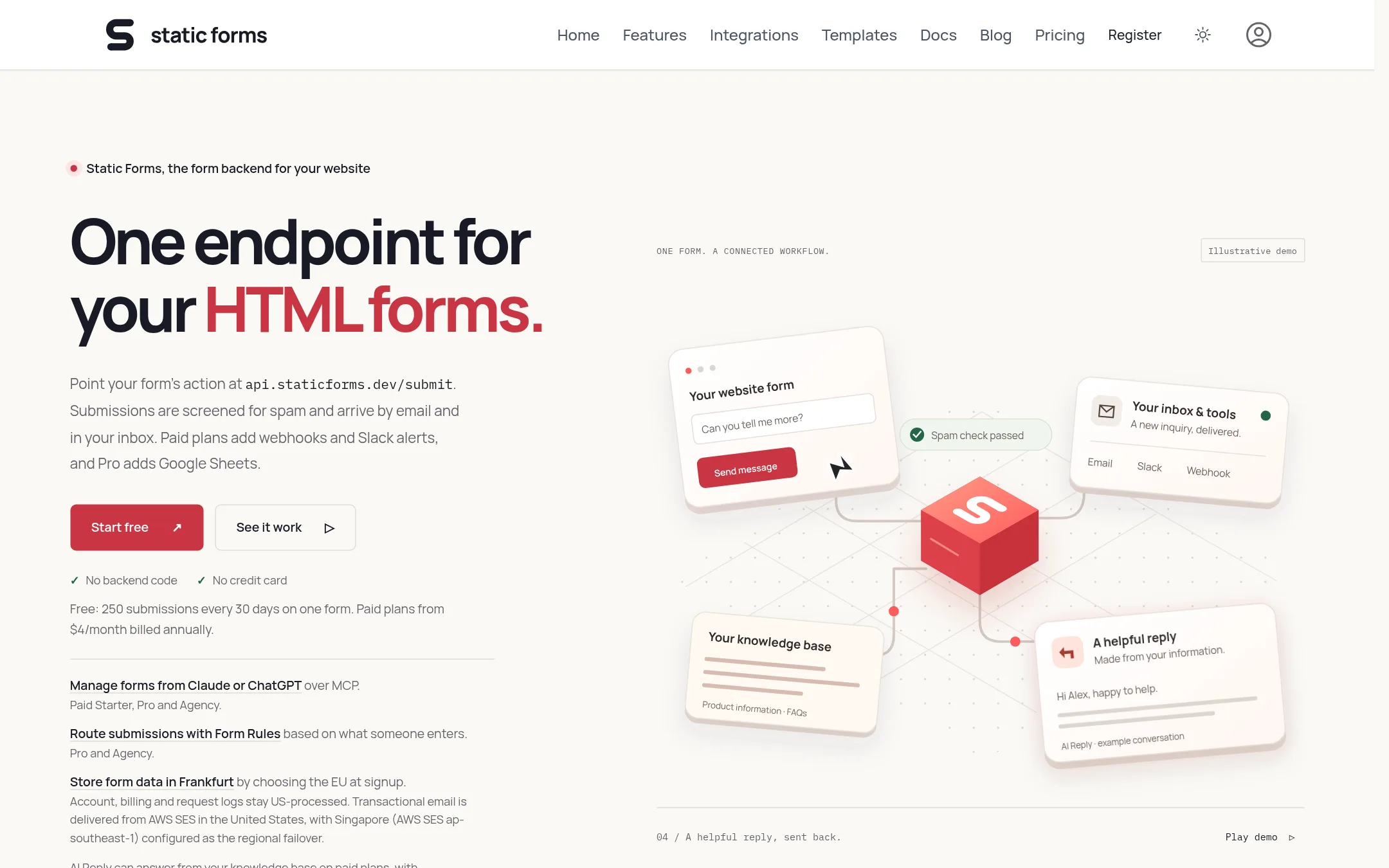
Static Forms is a form backend for static sites that screens submissions for spam and delivers them by email. Choose it over Formcarry when you want a free plan with 250 submissions every 30 days, or when you need conditional routing rules and AI replies on paid plans.
Where it is strong
- Free plan with 250 submissions every 30 days, no credit card required
- Conditional routing rules based on submitted fields (Pro and Agency)
- AI Reply feature answers submissions from your knowledge base on paid plans
Where it falls short
- File uploads capped at 4.5MB per submission, even on paid plans
- Form Rules and AI Reply require paid plans, limiting free-tier functionality
- Pricing:
- Free plan includes 250 submissions every 30 days. Starter is $6/month billed annually at $48, Pro is $9/month billed annually at $90, and Agency is $16/month billed annually at $192.
- Switching from Formcarry:
- Moving from Formcarry involves changing your form's action attribute to api.staticforms.dev/submit and adding your API key. Submissions start arriving by email immediately.
See more comparisons in Developer Tools alternatives.
FAQ
Questions about Formcarry alternatives
What is the best free alternative to Formcarry?
Web3Forms offers a free plan with 250 submissions per month and unlimited forms, which is more generous than Formcarry's 50-submission free tier. It works with any static site and requires no backend code, but lacks file uploads and autoresponders on the free plan. FormSubmit is also free with no signup, but it has no dashboard and relies on email only.
Which alternative has the most generous submission limits for the price?
Formspree's $20/mo plan includes 2,000 submissions, which is competitive. Basin's Growth plan at $24.17/mo (yearly) offers 10,000 submissions, giving more volume per dollar. Formspark offers a one-time payment for 50,000 submissions, which is the best value if you don't need recurring features.
Do any alternatives offer a one-time payment instead of a subscription?
Yes, Formspark offers a one-time payment for 50,000 submissions and 100 forms, with no recurring costs. Formsubmit.Site uses a credit-based system where you buy credits that never expire, so you pay upfront but only for what you use. These are good options if you want to avoid monthly fees.
Which alternative is best for agencies managing multiple client forms?
Basin is designed for agencies, with an Agency plan that supports multiple client forms, branded emails, and Slack integration. It also offers AI-assisted form management through MCP and a drag-and-drop form builder. Formspree also has team collaboration features and a rules engine, making it a strong second choice.
Do any alternatives have AI features like Formcarry's MCP server?
Basin offers AI-assisted form management through MCP, similar to Formcarry, allowing AI tools to manage forms and submissions. Static Forms has an AI Reply feature that answers submissions from your knowledge base on paid plans. Formsubmit.Site is built for AI agents with a CLI that works in Claude Code and Cursor.
Last updated October 31, 2026.