
FreshRSS alternatives
10 products compared · Updated November 1, 2026
The short answer
For a hosted RSS reader with AI features, NewsBlur is a strong choice. For cybersecurity threat intelligence, Feedly is the best fit. For a hosted reader with social monitoring and team collaboration, Inoreader is a good option.
Your shortlist, at a glance
Read the comparisons ↓- MMinifluxNot publishedIndividuals and small teams who want a lightweight, privacy-focused RSS reader with a clean interface and keyboard shortcuts.
- TTiny Tiny RSSNot publishedSelf-hosters and privacy-focused users who want a flexible, open-source RSS reader with Docker-based deployment and a continuous update model.
- RRSSHubNot publishedTeams that need to aggregate content from platforms without native RSS feeds and are willing to self-host a feed generator.
 Feedbin$7/mo or $70/yrIndividuals and small teams who want a fast, hosted RSS reader with newsletter and podcast support and don't want to self-host.
The Old ReaderNot publishedReaders who want a hosted RSS reader with social sharing and friend discovery, without server maintenance.
 InoreaderNot publishedTeams and power users who need a hosted reader with social media monitoring, automation, and collaboration tools.
 NewsBlurFree / $36/yrReaders who want a hosted RSS service with AI summaries, full-text search, and native iOS/Android apps without self-hosting.
BazquxNot publishedReaders who want a paid, hosted feed reader with social media monitoring and full-text extraction, instead of self-hosting FreshRSS.
 FeedlyNot publishedCybersecurity threat intelligence teams that need AI-assisted analysis and STIX-formatted intel delivery.
 ReederNot publishedApple users who want a unified reader for feeds, podcasts, and social posts without managing server infrastructure.
About FreshRSS and its alternatives
FreshRSS is a free, self-hostable RSS and Atom feed aggregator. It is lightweight, easy to work with, and customizable. It can manage over 1 million articles and 50,000 feeds. It supports web scraping, feed generation, and OPML import/export. It is translated into more than 15 languages.
When comparing alternatives, consider whether you want to self-host or use a managed service. Check the pricing structure, including free tiers and subscription costs. Look at the regions where the service operates and the integrations it offers. Evaluate the level of support and the contract terms, such as whether you can cancel anytime.
Explore the alternatives
- MNot published
1.Miniflux
Best for: Individuals and small teams who want a lightweight, privacy-focused RSS reader with a clean interface and keyboard shortcuts.
- Pricing
- Not published
- Category
- Other
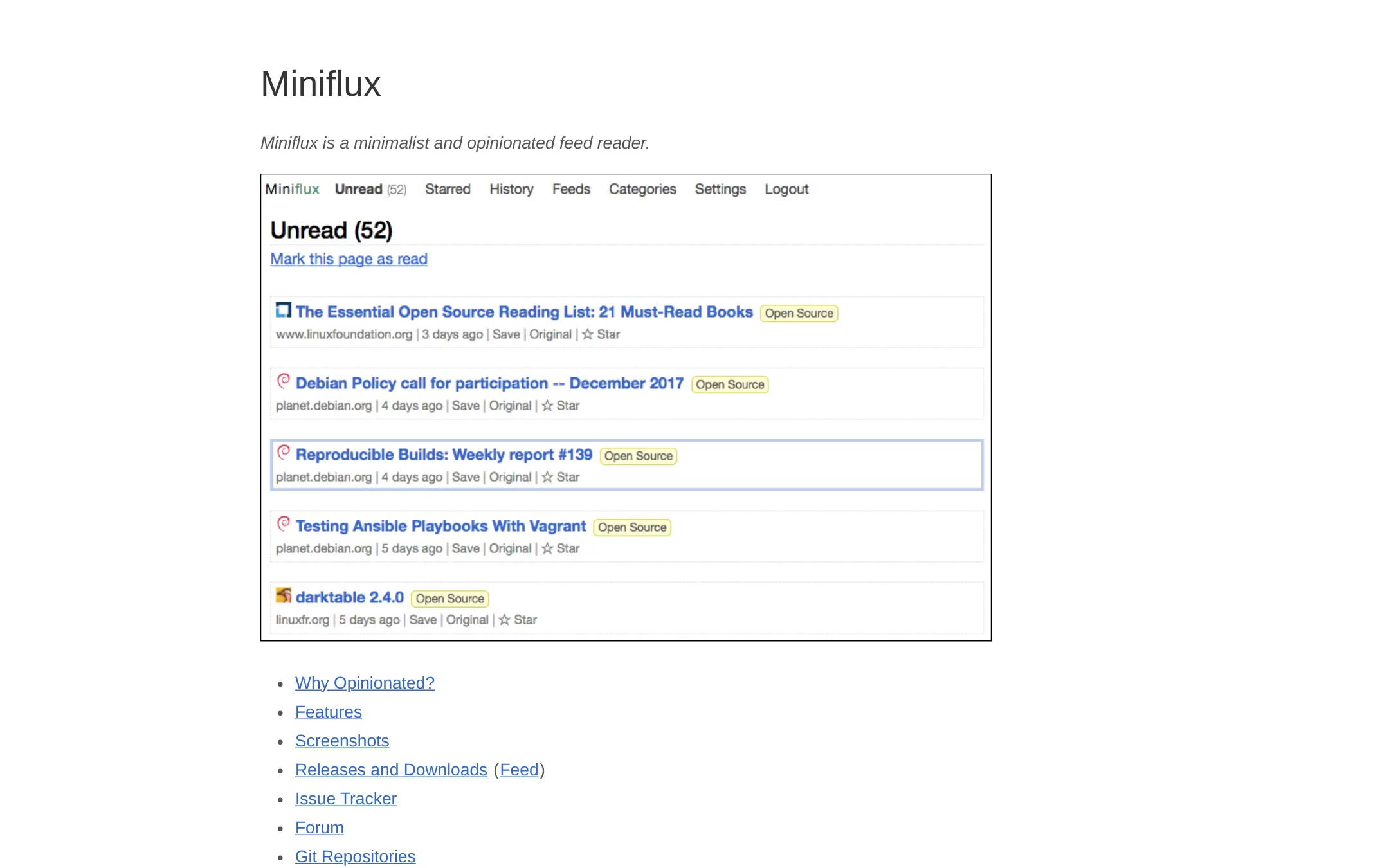
Miniflux is a minimalist, opinionated feed reader focused on readability and privacy. You would choose it over FreshRSS if you want a simpler, faster, self-hosted tool without extra features like web scraping or feed generation.
Where it is strong
- Automatically fetches full article content for summary-only feeds.
- Removes trackers, tracking parameters, and uses a media proxy for privacy.
- Static binary with no external dependencies, simple to install.
Where it falls short
- No web scraping or feed generation features that FreshRSS offers.
- Opinionated design may feel limited if you want extensive customization.
- Pricing:
- Pricing is not published on the site.
- TNot published
2.Tiny Tiny RSS
Best for: Self-hosters and privacy-focused users who want a flexible, open-source RSS reader with Docker-based deployment and a continuous update model.
- Pricing
- Not published
- Category
- Other
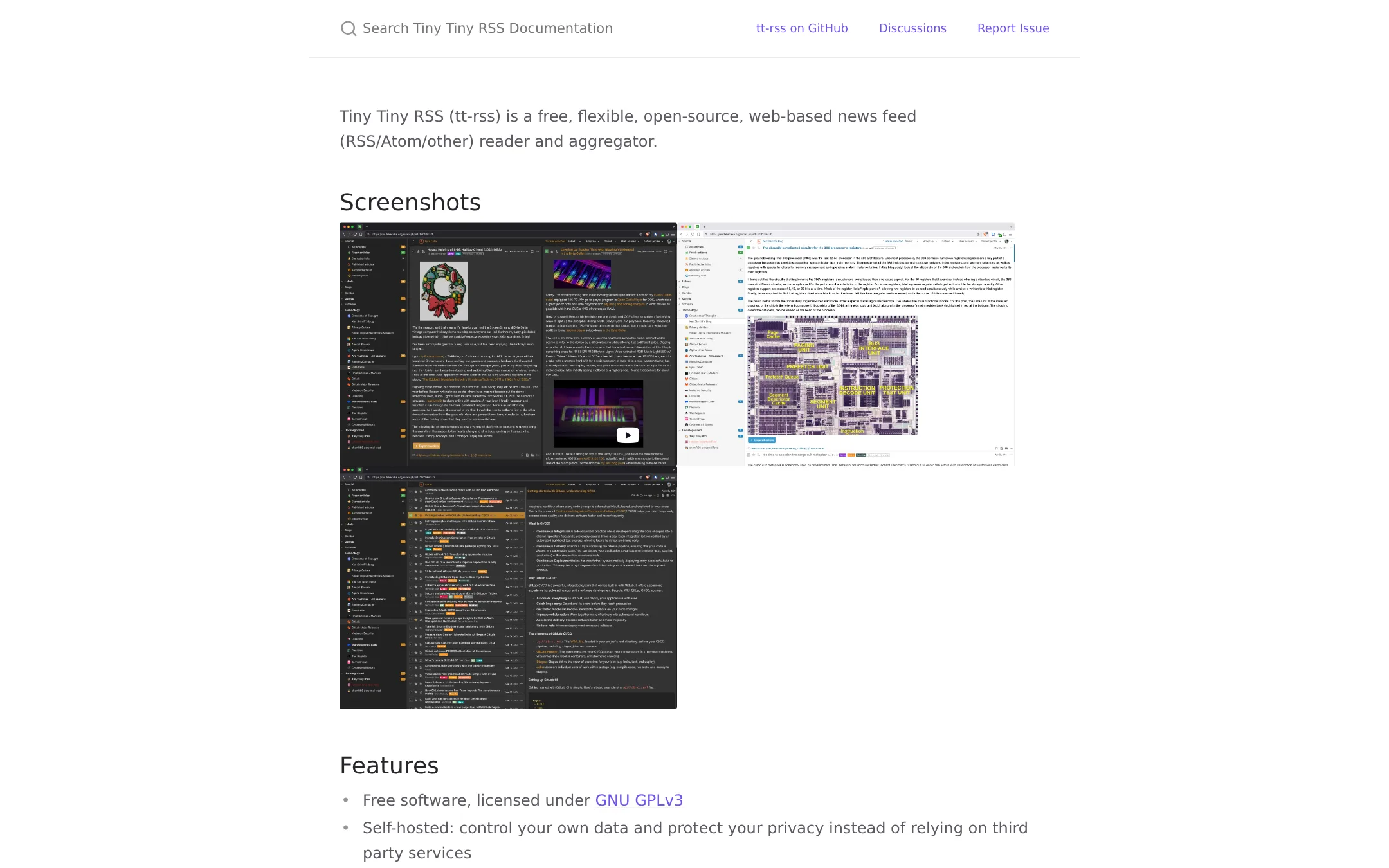
Tiny Tiny RSS is a free, self-hosted RSS reader that gives you full control over your data and privacy. Choose it if you want a lightweight, open-source aggregator with a strong focus on self-hosting and a continuous development model, similar to FreshRSS but with a different interface and plugin ecosystem.
Where it is strong
- Self-hosted with full data control and privacy.
- Supports folders, subfolders, and flexible article filtering.
- Includes JSON API and plugins for sharing and content embedding.
Where it falls short
- Requires Docker for recommended installation. Non-Docker support is limited.
- No web scraping or feed generation features like FreshRSS offers.
- Pricing:
- Pricing is not published on the site.
- Switching from FreshRSS:
- Moving from FreshRSS involves exporting your feeds via OPML and importing them into Tiny Tiny RSS, then reconfiguring any custom filters or themes.
- RNot published
3.RSSHub
Best for: Teams that need to aggregate content from platforms without native RSS feeds and are willing to self-host a feed generator.
- Pricing
- Not published
- Category
- Other
RSSHub generates RSS feeds for websites that don't offer them, using community-contributed routes. You would choose it instead of FreshRSS when you need to follow content from sites like Twitter, Instagram, or YouTube that lack native RSS support.
Where it is strong
- Generates feeds for hundreds of non-RSS sites
- Self-hostable for full control and stability
- Community-driven routes keep expanding
Where it falls short
- Public instance is for testing only and may be restricted
- Requires technical setup and maintenance for production use
- Pricing:
- Pricing is not published on the site.
- $7/mo or $70/yr
4.Feedbin
Best for: Individuals and small teams who want a fast, hosted RSS reader with newsletter and podcast support and don't want to self-host.
- Pricing
- $7/mo or $70/yr
- Category
- Media & Entertainment
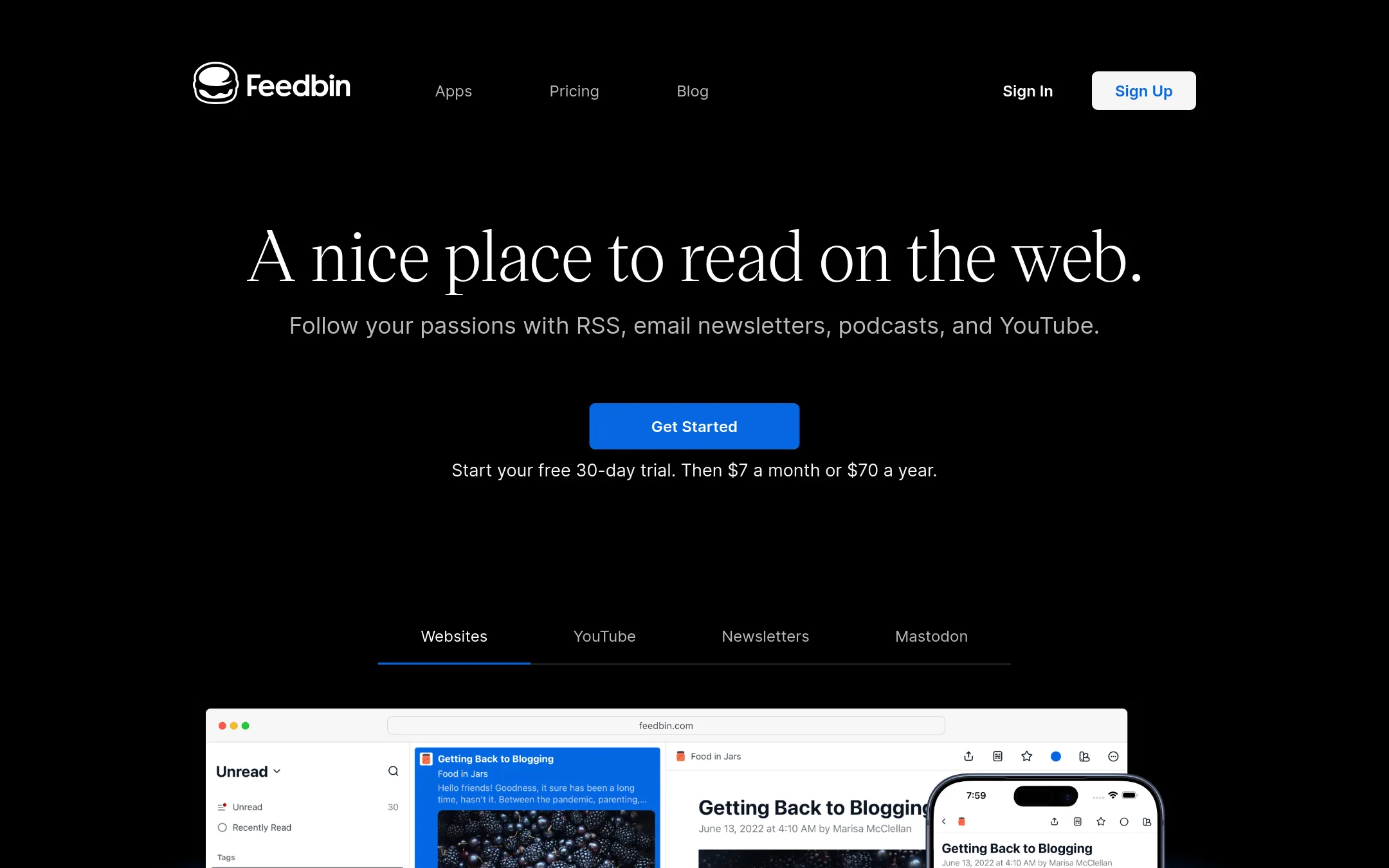
Feedbin is a hosted RSS reader that also handles email newsletters, podcasts, and YouTube channels in one clean interface. You would choose it over FreshRSS if you want a polished, managed service with no server setup and a great reading experience across devices.
Where it is strong
- Clean, customizable reading interface with full-screen mode and hand-picked fonts.
- Built-in support for email newsletters, podcasts, and YouTube channels.
- Syncs with iOS, Mac, and Android apps for reading on the go.
Where it falls short
- Not self-hostable. Your data lives on Feedbin's servers.
- No free tier after the 30-day trial, unlike FreshRSS which is free to self-host.
- Pricing:
- Start your free 30-day trial. Then $7 a month or $70 a year.
- Switching from FreshRSS:
- Moving from FreshRSS involves exporting your OPML file and importing it into Feedbin, then re-creating any custom filters or actions.
- Not published
5.The Old Reader
Best for: Readers who want a hosted RSS reader with social sharing and friend discovery, without server maintenance.

- Pricing
- Not published
- Category
- Media & Entertainment
The Old Reader is a hosted RSS reader with a social layer for sharing and finding friends. Choose it if you want a managed service with social features and don't want to self-host.
Where it is strong
- Social features to share articles and connect with friends.
- Works on any device with dedicated apps.
- Simple RSS-based feed following, no algorithm.
Where it falls short
- No self-hosting option, unlike FreshRSS.
- Limited customization and extension support compared to FreshRSS.
- Pricing:
- Pricing is not published on the site.
- Switching from FreshRSS:
- You can import your existing OPML subscriptions directly, but you'll lose FreshRSS-specific features like web scraping and feed generation.
- Not published
6.Inoreader
Best for: Teams and power users who need a hosted reader with social media monitoring, automation, and collaboration tools.
- Pricing
- Not published
- Category
- Media & Entertainment
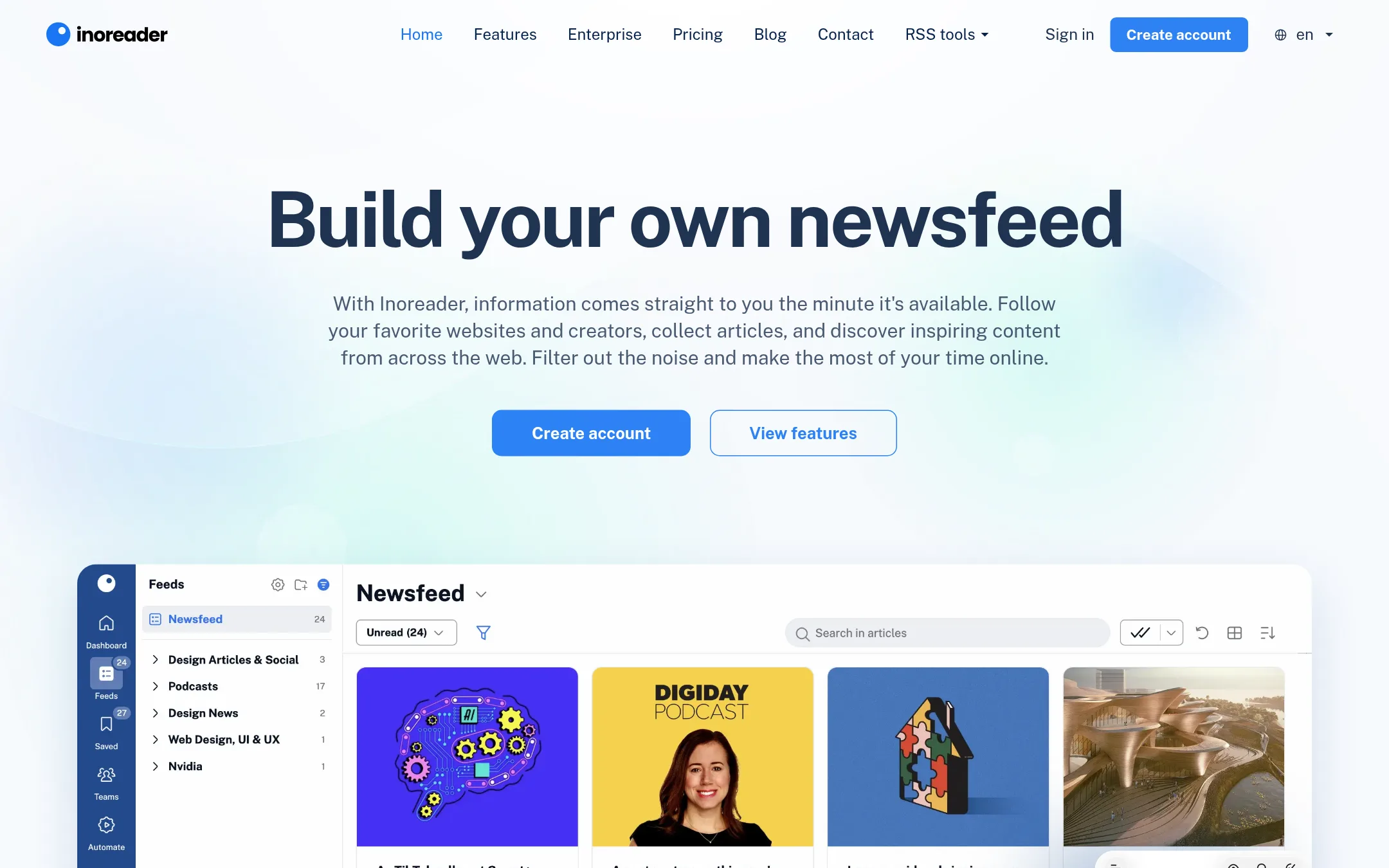
Inoreader is a hosted RSS reader that adds social listening, monitoring feeds, and automation rules on top of core feed reading. Choose it if you want a managed service with team collaboration and AI features, rather than running your own server like FreshRSS.
Where it is strong
- Includes social listening for Facebook, Telegram, Mastodon, and Reddit
- Automation rules and filters to tag and organize incoming content
- Collaboration features for sharing insights with a team
Where it falls short
- Hosted service, so you don't control your data or server
- Advanced features like monitoring and automation may require a paid plan
- Pricing:
- Pricing is not published on the site.
- Switching from FreshRSS:
- Moving from FreshRSS involves exporting your OPML file and importing it into Inoreader, then re-creating any custom filters or rules.
- Free / $36/yr
7.NewsBlur
Best for: Readers who want a hosted RSS service with AI summaries, full-text search, and native iOS/Android apps without self-hosting.
- Pricing
- Free / $36/yr
- Category
- Media & Entertainment
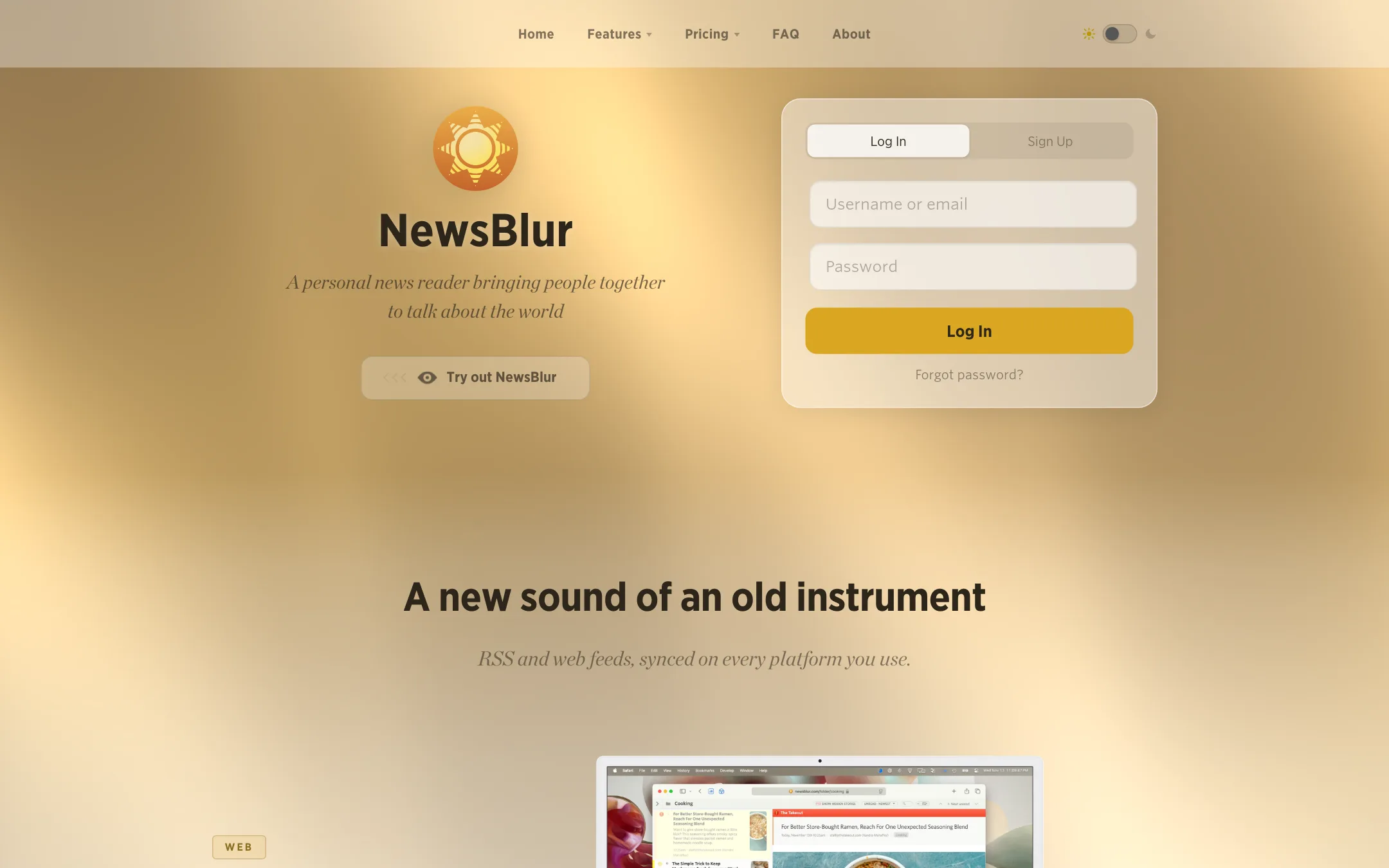
NewsBlur is a hosted RSS reader with AI features like story summaries and daily briefings, plus intelligence training to filter by author or tag. Choose it if you want a polished, cross-platform service with native apps and don't want to manage your own server.
Where it is strong
- AI-powered daily briefings and story summaries
- Train stories by author, tag, or full text to filter noise
- Native iOS and Android apps with full sync
Where it falls short
- Free tier limited to 64 sites, much lower than FreshRSS's self-hosted limits
- Hosted service, so you don't control your data unless you self-host the open-source version
- Pricing:
- Free tier with up to 64 sites. Premium at $36/yr for 1,024 sites. Premium Archive at $99/yr for 4,096 sites. Premium Pro at $29/mo for 10,000 sites.
- Switching from FreshRSS:
- Moving from FreshRSS is straightforward: export your OPML file and import it into NewsBlur, which supports OPML uploads from any reader.
- Not published
8.Bazqux
Best for: Readers who want a paid, hosted feed reader with social media monitoring and full-text extraction, instead of self-hosting FreshRSS.
- Pricing
- Not published
- Category
- Media & Entertainment
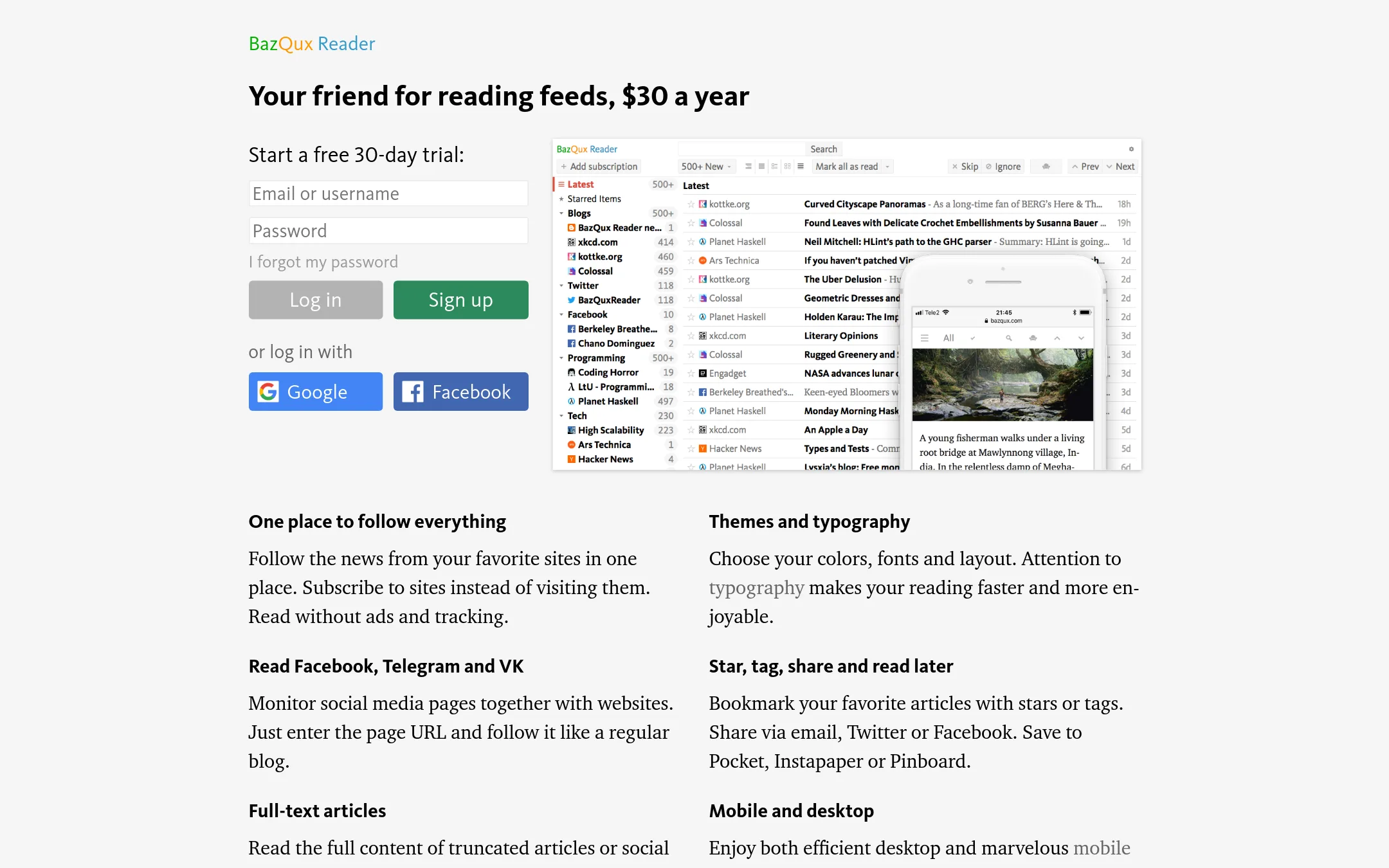
BazQux is a hosted RSS reader that costs $30 a year and handles social media pages like Facebook, Telegram, and VK alongside regular feeds. Choose it if you want a managed service with full-text articles and comment reading, without running your own server.
Where it is strong
- Follows Facebook, Telegram, and VK pages as feeds.
- Full-text article extraction for truncated feeds.
- Reads article comments without leaving the reader.
Where it falls short
- No self-hosting option. You must use their service.
- Pricing details are not listed on the site.
- Pricing:
- Pricing is not published on the site.
- Switching from FreshRSS:
- You can import your existing OPML file from FreshRSS to BazQux to move your subscriptions.
- Not published
9.Feedly
Best for: Cybersecurity threat intelligence teams that need AI-assisted analysis and STIX-formatted intel delivery.
- Pricing
- Not published
- Category
- Media & Entertainment
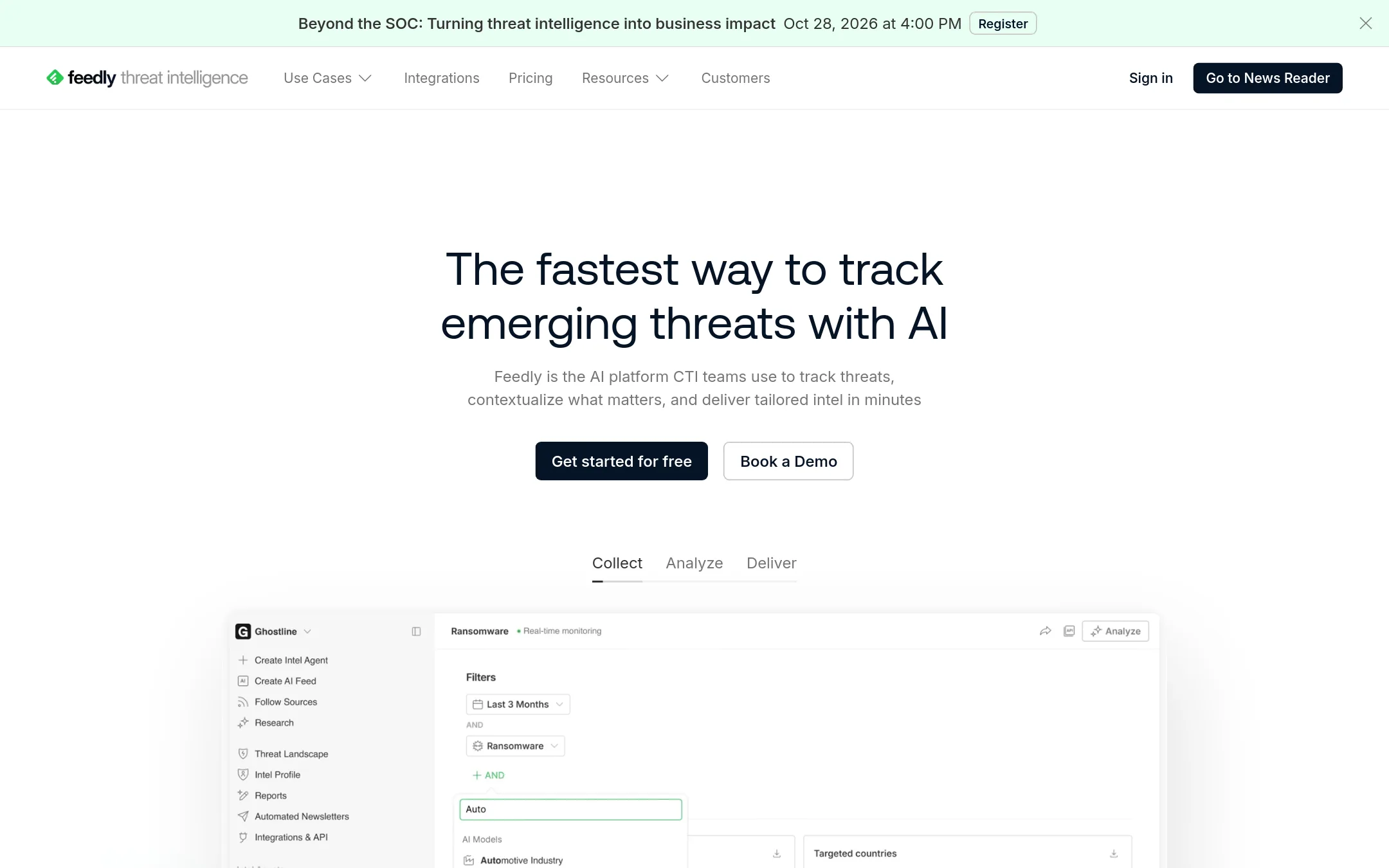
Feedly is an AI-powered threat intelligence platform for cybersecurity teams, not a general RSS reader. Choose it over FreshRSS if you need to track vulnerabilities, threat actors, and IoCs from thousands of sources and generate tailored briefings.
Where it is strong
- AI models extract entities and tag TTPs automatically
- Integrates with OpenCTI, XSOAR, MISP, Slack, and MS Teams
- Report Builder and newsletter templates for tailored briefings
Where it falls short
- No self-hosting option. It's a cloud service
- Focused on threat intel, not general feed reading
- Pricing:
- Pricing is not published on the site.
- Not published
10.Reeder
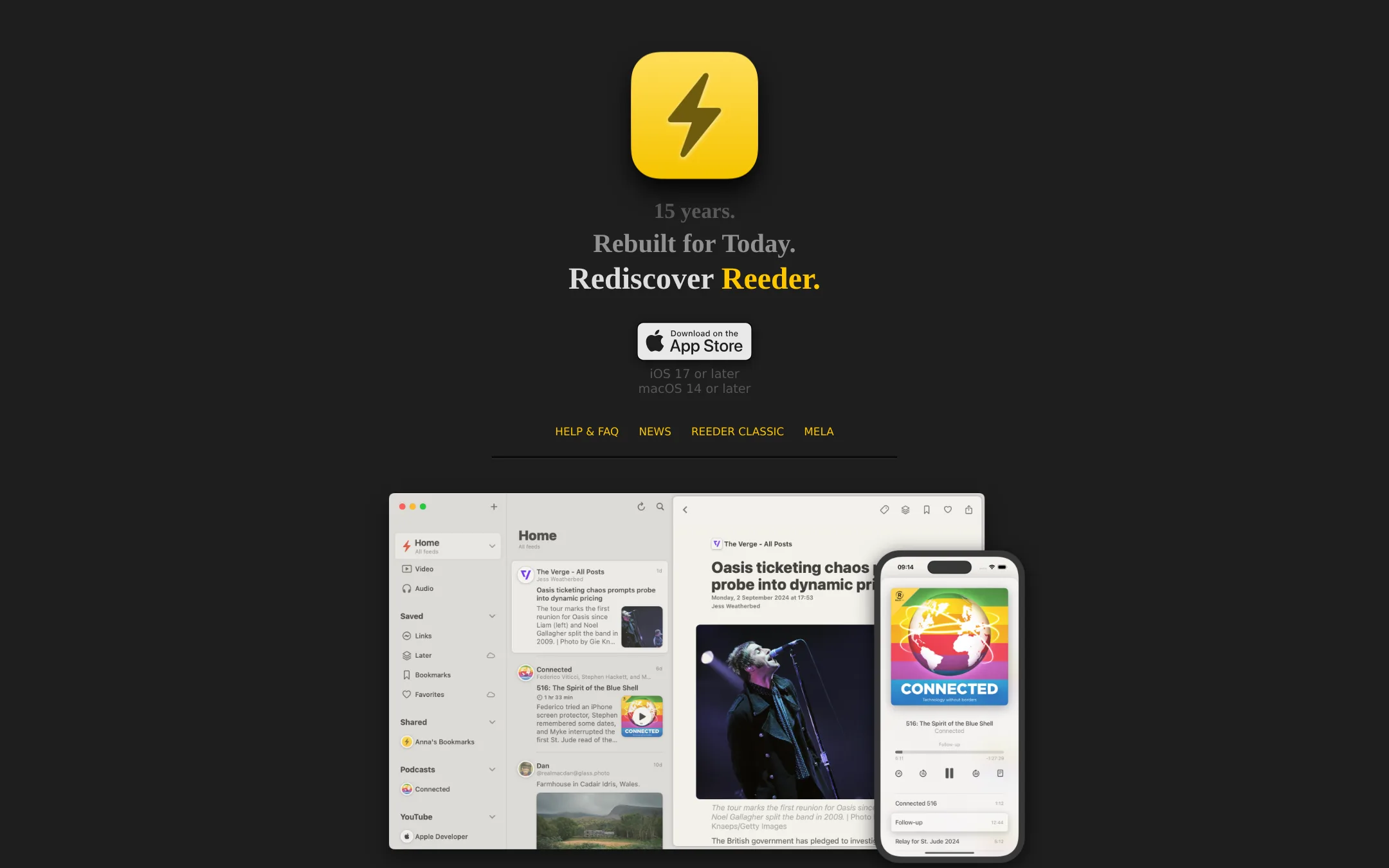
Best for: Apple users who want a unified reader for feeds, podcasts, and social posts without managing server infrastructure.
- Pricing
- Not published
- Category
- Media & Entertainment
Reeder is a native iOS and macOS app that pulls RSS, podcasts, videos, and social posts into one timeline, with iCloud sync and no tracking. Choose it over FreshRSS if you want a polished Apple-only client and don't need to self-host your own server.
Where it is strong
- Unified timeline for RSS, podcasts, videos, and social posts
- iCloud sync keeps timeline position and tags across devices
- Zero tracking and no data collection beyond Apple's defaults
Where it falls short
- Requires iOS 17 or macOS 14, so older Apple devices are out
- No self-hosting option. You rely on iCloud and reederapp.net for shared feeds
- Pricing:
- Pricing is not published on the site.
- Switching from FreshRSS:
- Moving from FreshRSS means exporting your OPML file and importing it into Reeder, then re-creating any custom filters or tags manually.
See more comparisons in Media & Entertainment alternatives.
FAQ
Questions about FreshRSS alternatives
What is the main difference between FreshRSS and hosted alternatives?
FreshRSS is self-hosted, so you control your data and server. Hosted alternatives like NewsBlur, Inoreader, and Feedbin manage the infrastructure for you. This means less maintenance but less control.
Are there free options among the alternatives?
Yes, NewsBlur has a free tier for up to 64 sites. FreshRSS itself is free to self-host. Other services like Feedbin offer a 30-day free trial, then require a paid subscription.
Which alternative is best for cybersecurity teams?
Feedly is designed for threat intelligence. It extracts entities, tags TTPs, and integrates with OpenCTI, XSOAR, MISP, Slack, and MS Teams. It is a cloud service, so no self-hosting is possible.
Can I use these alternatives on mobile devices?
Yes, NewsBlur has native iOS and Android apps. Feedbin syncs with iOS, Mac, and Android apps. Reeder is a native iOS and macOS app. The Old Reader also has dedicated apps.
Do any alternatives support social media feeds?
Inoreader includes social listening for Facebook, Telegram, Mastodon, and Reddit. BazQux follows Facebook, Telegram, and VK pages. RSSHub generates feeds for sites like Twitter and Instagram.
Last updated November 1, 2026.