
GetYouTubeTranscript alternatives
6 products compared · Updated November 27, 2026
The short answer
The three strongest alternatives to GetYouTubeTranscript are Recast Studio, Glasp and Otter.ai, each for a different job. Recast Studio suits marketing teams that want to turn webinars and podcasts into social clips and blog drafts. Glasp suits researchers and students who want to highlight and revisit ideas from articles, PDFs and videos in one library. Otter.ai suits sales, research and operations teams that need live meetings transcribed, summarized and synced to their other tools.
Your shortlist, at a glance
Read the comparisons ↓- NNottaNot publishedSales, recruiting and operations teams in Japan that need meeting minutes and call notes from live conversations
- TTactiqNot publishedTeams and professionals who run many live video calls and want automatic meeting notes and action items
- GGlaspNot publishedResearchers, students and lifelong learners who want to highlight articles, PDFs and videos in one library and chat with what they saved
- RRecast StudioFrom $14/moMarketing teams repurposing podcasts, webinars and interviews into social clips without a video editor
- DDownsubNot publishedSubtitle translators and fansub-style editors who need caption files from Viki, Viu, WeTV or Hotstar as well as YouTube
Otter.aiNot publishedSales, research and operations teams that want every live meeting transcribed, summarized and synced to their CRM and other tools
About GetYouTubeTranscript and its alternatives
GetYouTubeTranscript is a YouTube transcript tool. According to its site, it returns the full transcript of a video in about a second by reading the video's own captions, with copy and download options, an API and an MCP server for Claude and ChatGPT. Its site says it is known for speed and for working on any video that has captions.
When comparing alternatives in this category, weigh the pricing structure first: whether it is per seat, per credit or per minute, and whether a free tier exists. Check the regions and languages each tool covers, what integrations it connects to, how responsive support is, and the contract terms, including whether you can cancel at any time. Also check whether the tool fetches existing captions or records new audio, since that decides which kind of source it can handle.
View GetYouTubeTranscript’s profileExplore the alternatives
- NNot published
1.Notta
Best for: Sales, recruiting and operations teams in Japan that need meeting minutes and call notes from live conversations
- Pricing
- Not published
- Category
- Other
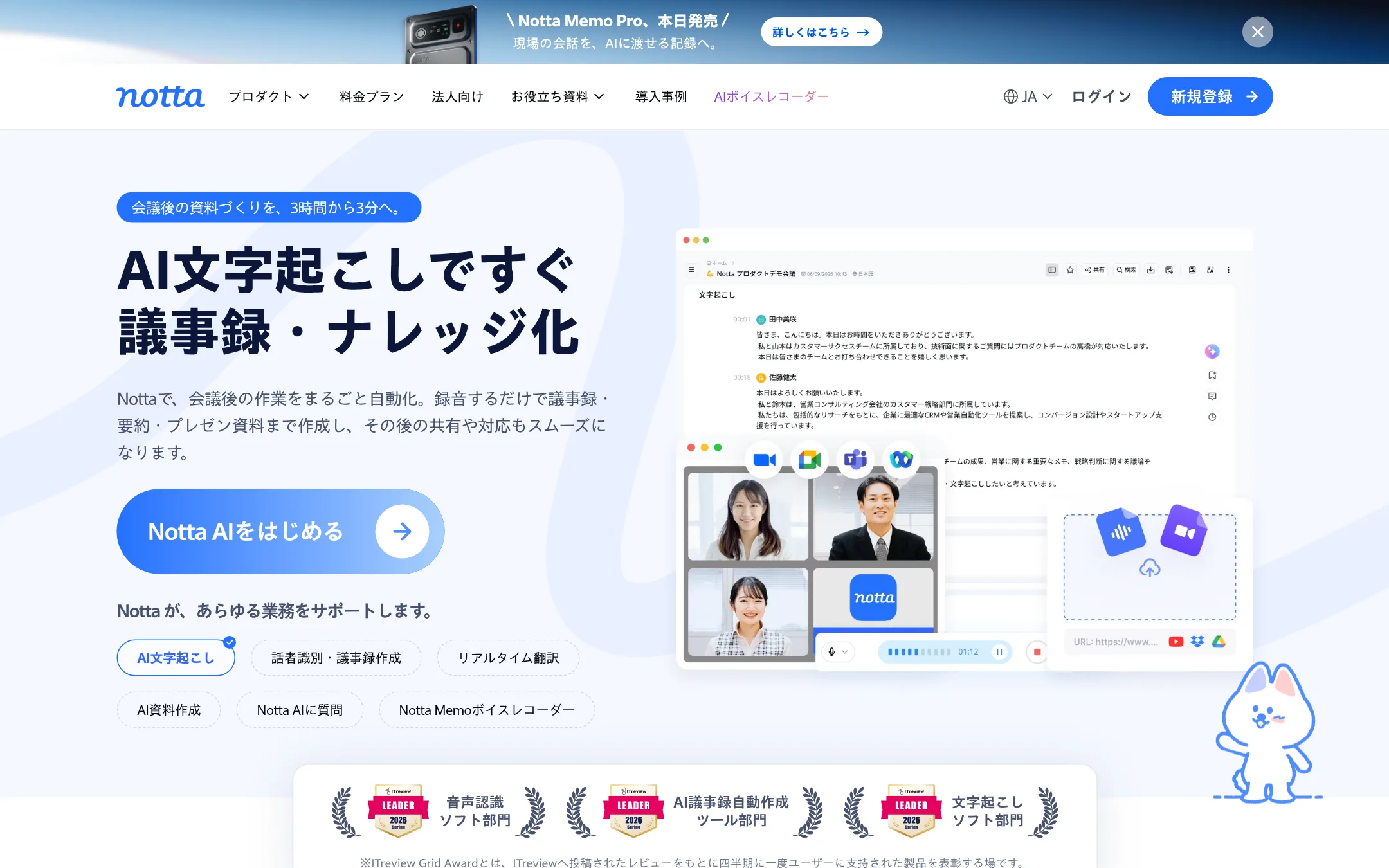
Notta is a general AI transcription and meeting-notes service. It records live audio, meetings and phone calls, then produces transcripts, summaries and minutes, and it is aimed at people who need to transcribe speech that has no captions. Someone would pick it over GetYouTubeTranscript when the source is a live conversation, an in-person meeting, or a recording rather than a YouTube video.
Where it is strong
- Records meetings, calls and in-person conversations, not only video links
- Produces AI summaries and meeting minutes from the transcript
- Dedicated AI voice recorder hardware is sold for capturing face-to-face talk
Where it falls short
- Built for recorded speech, so it does not fetch a YouTube video's existing captions
- Its strongest support and features are oriented to Japanese-language use
- Pricing:
- Pricing is not published on the site.
- TNot published
2.Tactiq
Best for: Teams and professionals who run many live video calls and want automatic meeting notes and action items
- Pricing
- Not published
- Category
- Other
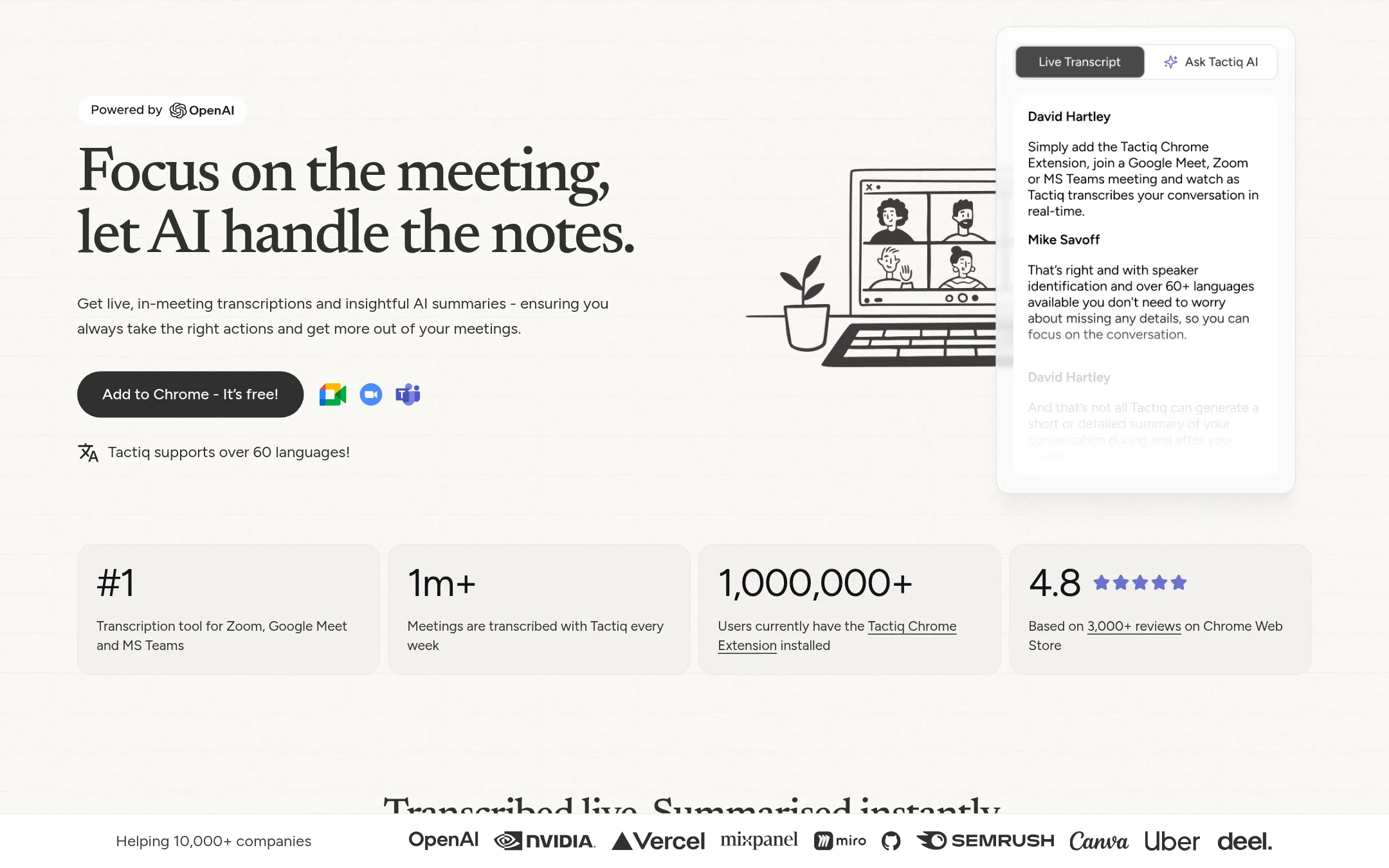
Tactiq is an AI meeting note taker that transcribes live during Google Meet, Zoom and Teams calls without a bot joining the call. It produces summaries, action items and custom AI answers from meetings. Someone would choose it over GetYouTubeTranscript when they need notes from their own live meetings, not transcripts of public YouTube videos.
Where it is strong
- Live transcription with no bot joining the call
- Summaries, action items and custom AI questions from meetings
- Supports over 60 languages and speaker identification
Where it falls short
- It is built for your own meetings, so it does not transcribe arbitrary YouTube videos the way GetYouTubeTranscript does
- Pricing is not published on the site, so costs cannot be compared upfront
- Pricing:
- Pricing is not published on the site.
- GNot published
3.Glasp
Best for: Researchers, students and lifelong learners who want to highlight articles, PDFs and videos in one library and chat with what they saved
- Pricing
- Not published
- Category
- Other
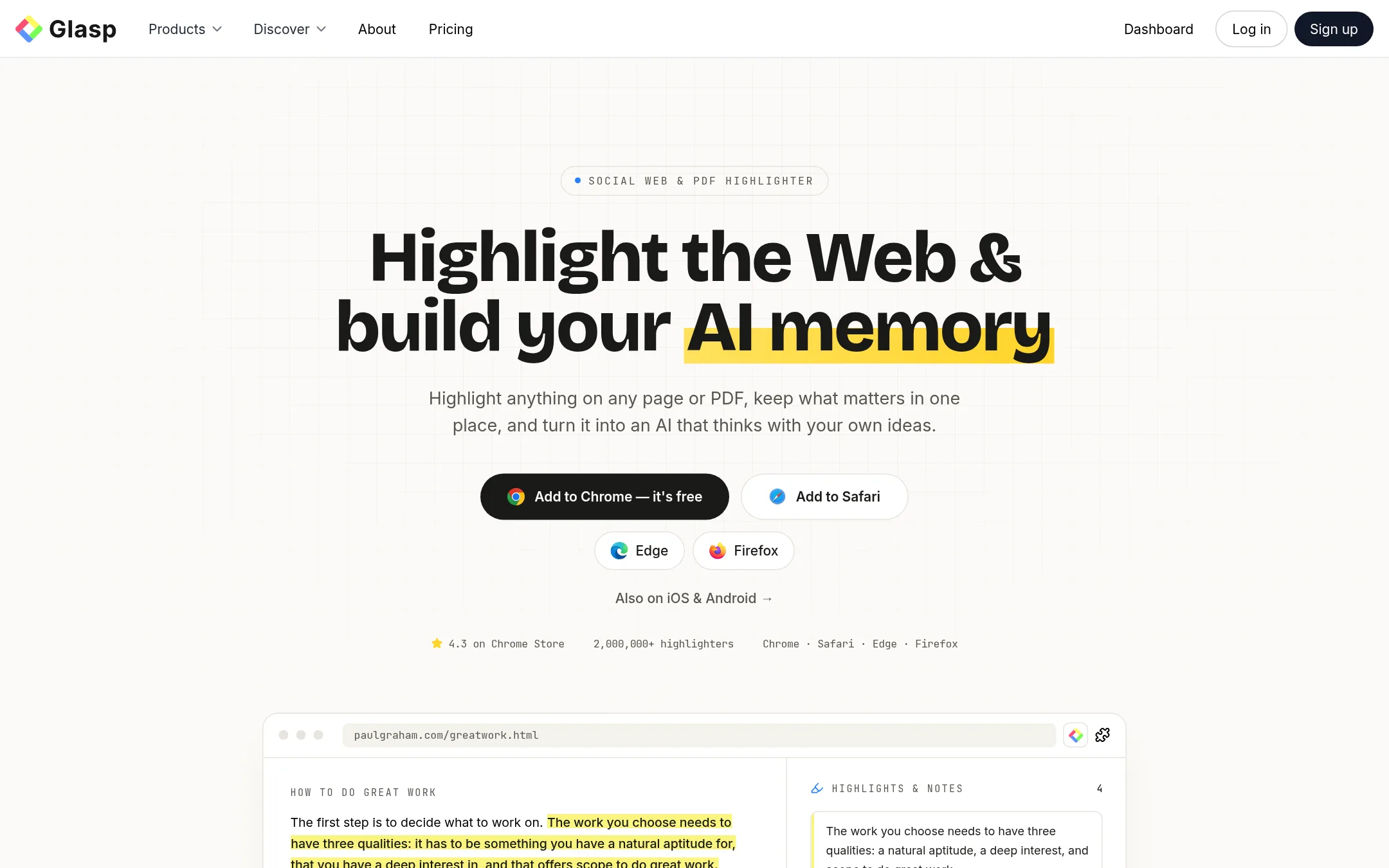
Glasp is a highlighter for the web, PDFs, YouTube videos and Kindle books. Highlights go into one searchable library, and an AI chat can answer questions using what you have saved. Choose it over GetYouTubeTranscript when your goal is to collect and revisit ideas from many sources rather than to pull a transcript out of a single video.
Where it is strong
- Highlight directly on any webpage or PDF in Chrome, Safari or Edge, with notes added while reading
- Keeps highlights from web, PDFs, YouTube and Kindle in one library, searchable by tag and author
- Lets you chat with your saved highlights and export them to Notion, Obsidian, Markdown, CSV or JSON
Where it falls short
- It is built around personal highlighting, so it does not give you raw transcripts or subtitle files like GetYouTubeTranscript does
- Pricing details are not published on the site, so costs are hard to compare before signing up
- Pricing:
- Pricing is not published on the site.
- RFrom $14/mo
4.Recast Studio
Best for: Marketing teams repurposing podcasts, webinars and interviews into social clips without a video editor
- Pricing
- From $14/mo
- Category
- Other
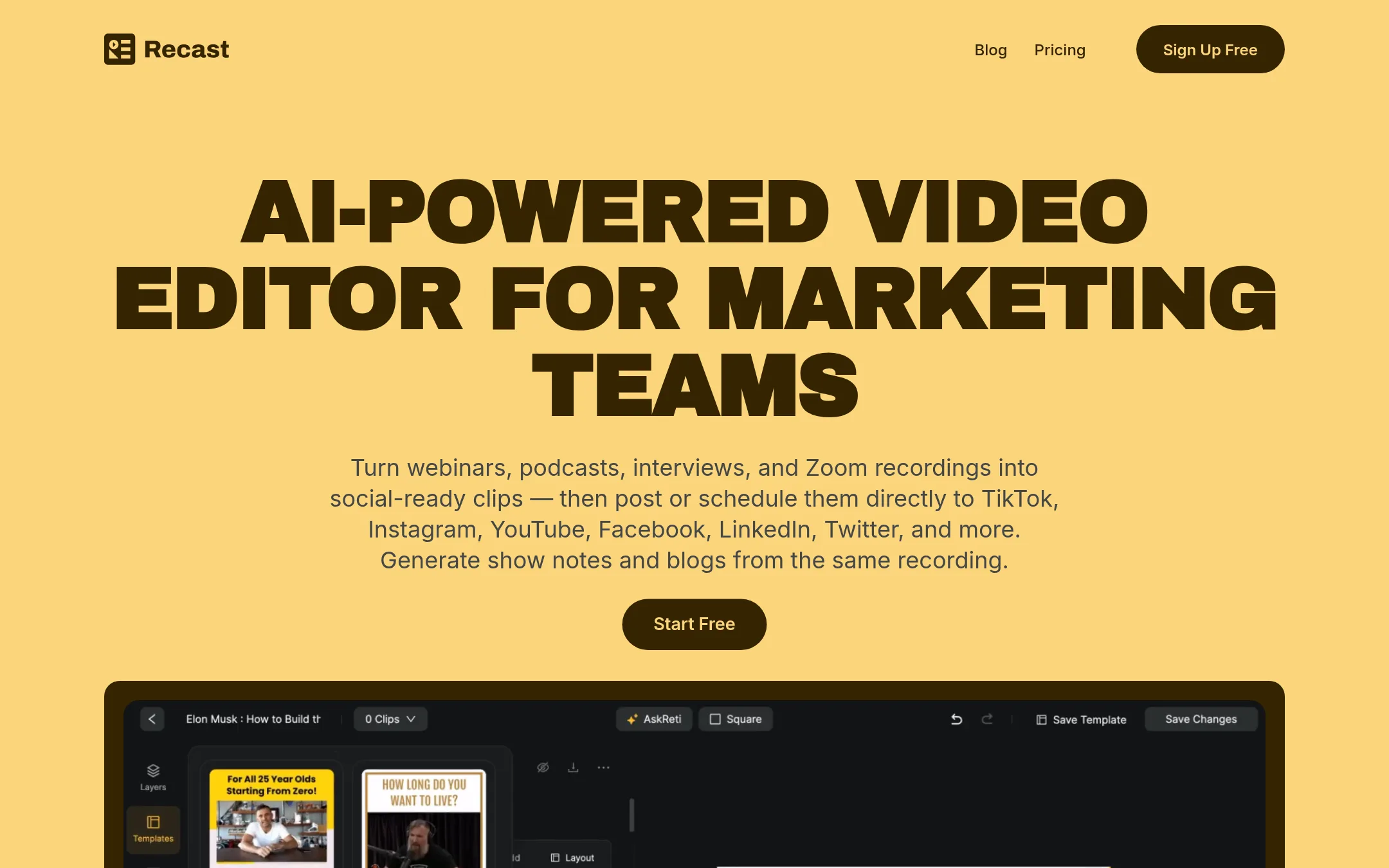
Recast Studio is a video editor for marketing teams that turns webinars, podcasts and Zoom recordings into social clips, then posts or schedules them to TikTok, Instagram, YouTube, Facebook, LinkedIn and Twitter. It also generates blog drafts and show notes from the same recording. Choose it over GetYouTubeTranscript when the goal is to produce and publish clips and written content, not to pull a transcript out of a video you already have.
Where it is strong
- Edit video by editing the transcript text, with no timeline needed
- Publish or schedule clips directly to six social platforms from the editor
- Generates social posts, blog drafts and show notes from the same recording
Where it falls short
- Built for editing and publishing video, so it does not offer a transcript API or download formats like GetYouTubeTranscript
- Storage is capped at 3GB on Starter and 15GB on the next tier, and files are kept for 7 days
- Pricing:
- Pricing is listed in USD: a one-time free trial of 60 credits, Starter at $14 per month or $170 per year, and Professional at $26 per month or $310 per year, with annual billing saving up to 30%.
- DNot published
5.Downsub
Best for: Subtitle translators and fansub-style editors who need caption files from Viki, Viu, WeTV or Hotstar as well as YouTube
- Pricing
- Not published
- Category
- Other
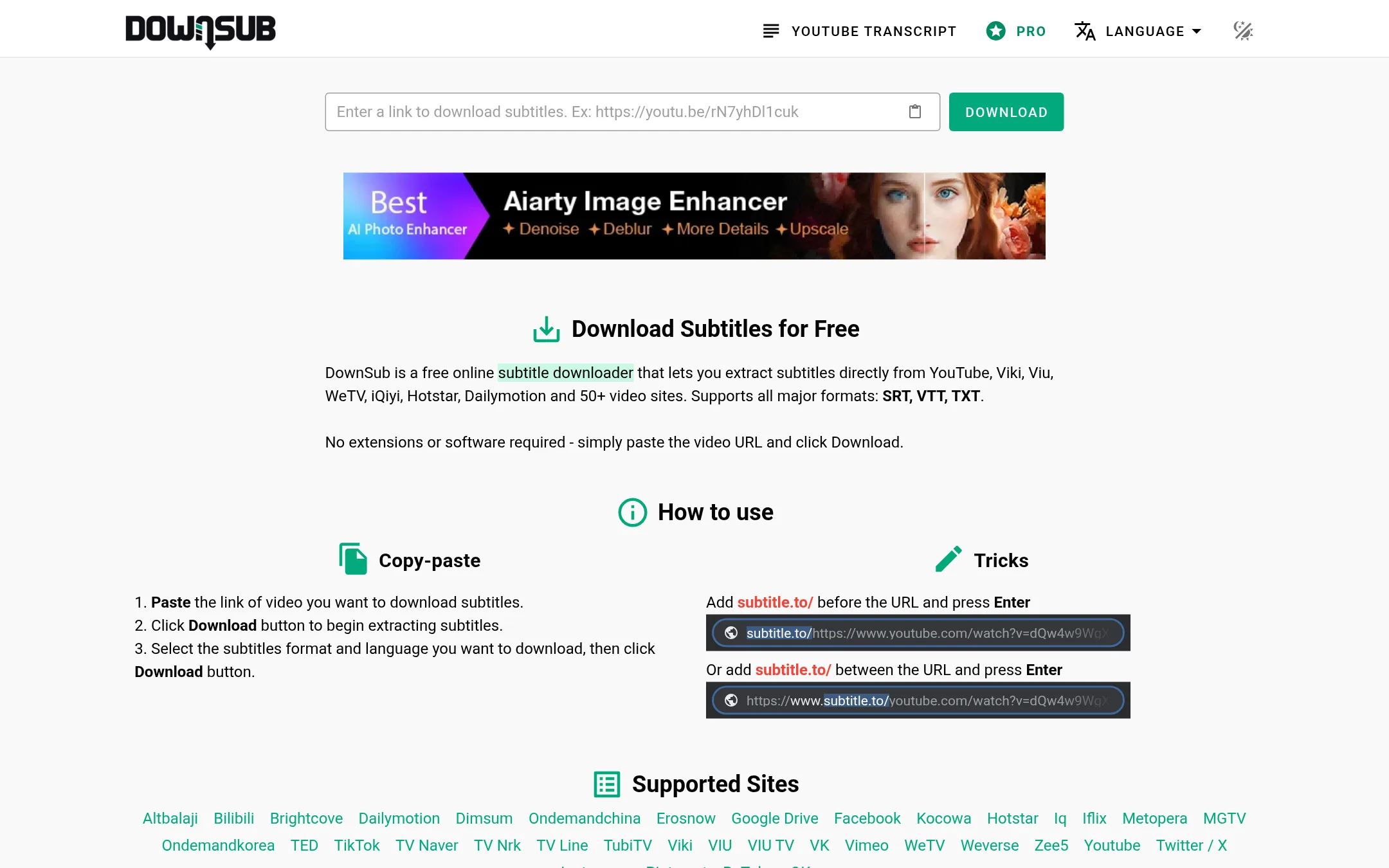
DownSub is a free online subtitle downloader that pulls SRT, VTT and TXT subtitle files from YouTube and more than 50 other video sites, including Viki, Viu, WeTV, Hotstar and Dailymotion. Choose it over GetYouTubeTranscript when you need subtitle files from streaming or regional platforms beyond YouTube, or when you want a tool that needs no account at all.
Where it is strong
- Covers 50+ sites, including several Asian streaming services that GetYouTubeTranscript does not list
- Exports SRT, VTT and TXT files directly from a pasted video link
- No extension, software install or sign-up is described on the site
Where it falls short
- The site does not describe an API, MCP server or AI features like summaries or chat with the video
- Its supported-site list is about subtitle downloads, so it is not built around a transcript reading workflow
- Pricing:
- Pricing is not published on the site.
- Not published
6.Otter.ai
Best for: Sales, research and operations teams that want every live meeting transcribed, summarized and synced to their CRM and other tools
- Pricing
- Not published
- Category
- AI & Machine Learning
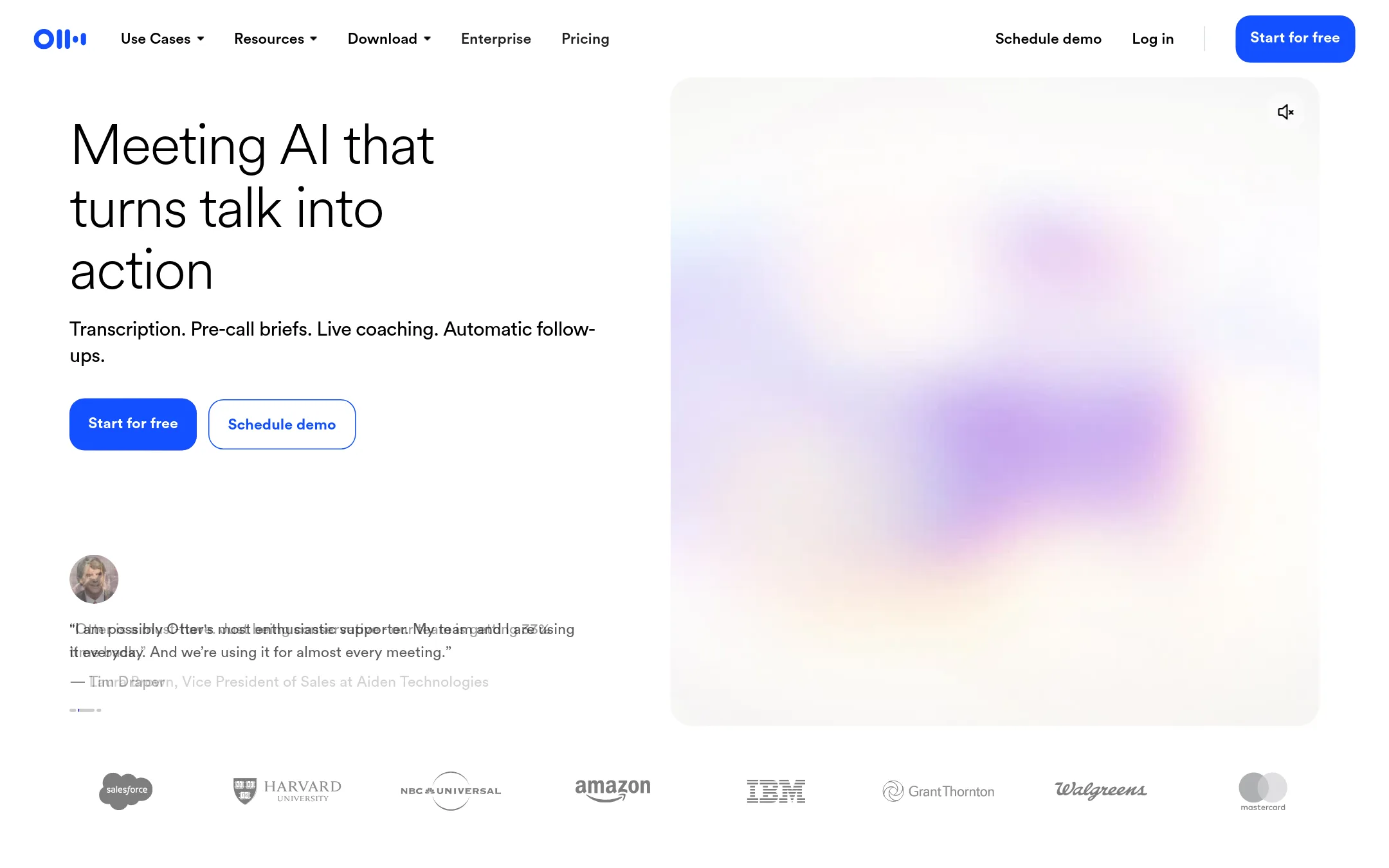
Otter.ai is an AI notetaker for live meetings. It joins Zoom, Teams and Google Meet, or records from a desktop or phone, then produces summaries, action items and searchable transcripts. Choose it over GetYouTubeTranscript when you need to capture your own calls and conversations rather than read captions from existing YouTube videos.
Where it is strong
- Records live meetings on Zoom, Teams and Google Meet, and bot-free from a Mac or Windows desktop
- Produces summaries, decisions and action items from each meeting
- Connects to Slack, Salesforce, Google Drive and many other apps
Where it falls short
- Built for recording your own conversations, so it does not fetch transcripts for arbitrary YouTube videos
- Enterprise features such as SSO, SCIM and HIPAA are listed as contact-sales or add-on items
- Pricing:
- Pricing is not published on the site.
See more comparisons in Productivity & Project Management alternatives.
FAQ
Questions about GetYouTubeTranscript alternatives
What is the best alternative to GetYouTubeTranscript for meetings?
Otter.ai is built for recording live meetings on Zoom, Teams and Google Meet, then producing summaries, action items and searchable transcripts. Tactiq is another option for live transcription without a bot joining the call. Both work on your own conversations rather than on public YouTube videos.
Which alternative is best for turning videos into social content?
Recast Studio is the closest fit for this need. It turns webinars, podcasts and recordings into social clips, publishes or schedules them to six platforms, and generates blog drafts and show notes. Its published pricing starts at a free trial of 60 credits, with Starter at $14 per month or $170 per year.
Is there an alternative that works with subtitles from streaming sites?
Downsub pulls SRT, VTT and TXT subtitle files from YouTube and more than 50 other video sites, including Viki, Viu, WeTV, Hotstar and Dailymotion. The site describes it as free and requiring no account. It does not describe an API or AI features.
Which alternative helps with research across many sources?
Glasp lets you highlight webpages, PDFs, YouTube videos and Kindle books into one searchable library, and chat with what you have saved. It can export highlights to Notion, Obsidian, Markdown, CSV or JSON. It does not provide raw transcript or subtitle files like GetYouTubeTranscript.
Can I compare prices across these alternatives?
Only partly. Recast Studio publishes its prices in USD, but Otter.ai, Notta, Tactiq, Glasp and Downsub do not publish pricing on their sites, so their costs are hard to compare before signing up. GetYouTubeTranscript lists its monthly plan at $5.00 for 1,000 credits, with developer plans starting at $19 per month.
Last updated November 27, 2026.