
GitBook alternatives
12 products compared · Updated November 1, 2026
The short answer
For API-first companies needing interactive API references, ReadMe is the strongest choice. Mintlify suits startups that want Git-based docs with AI features. Teams needing a general workspace for internal knowledge and project tracking should consider Notion.
Your shortlist, at a glance
Read the comparisons ↓ NotionFrom $10/user/moTeams that want a flexible workspace for internal wikis, project management, and documentation in one place, without a developer-focused docs pipeline.
JiraNot publishedSoftware and IT teams that need structured workflows for issue tracking, sprints, and project reporting.
 ReadMeCustom quoteAPI-first companies and developer tool teams that need interactive API references and Git-based documentation workflows.
MintlifyFree, Pro $450/moStartups and developer-focused teams that want Git-based docs with AI assistant and automation features.
 DocusaurusOpen source (free)Developer-focused teams that want versioned, localized docs with a custom design and Git-based workflow
- MMkDocsNot publishedDeveloper teams that prefer a docs-as-code workflow and want to build and host documentation themselves.
ArchbeeSee websiteTURN STATIC DOCS INTO INSTANT ANSWERS
- PPromptlessSee websiteAn AI teammate that automatically updates your customer-facing docs
 TheneoSee websiteStripe-like API Docs in just a few clicks
 ApiaryNot publishedAPI teams that want to design, prototype, document, and test APIs in one place with GitHub sync and style guide enforcement.
 PostmanFrom $9/mo (Solo)API development teams that need to build, test, and monitor APIs with built-in collaboration and AI assistance.
 RedocFrom $2,988/yrAPI-first teams that want docs generated from OpenAPI, with linting, mock servers, and agent-readiness scores on every pull request.
About GitBook and its alternatives
GitBook is a knowledge platform that connects your docs, product, and users. It is known for AI-ready documentation, docs-as-code support, and features that flag outdated content and identify knowledge gaps.
When comparing alternatives, weigh pricing structure, such as per-site versus per-user costs. Consider regional pricing if listed, integrations with your existing tools, support options, and contract terms like annual billing or custom quotes.
Explore the alternatives
- From $10/user/mo
1.Notion
Best for: Teams that want a flexible workspace for internal wikis, project management, and documentation in one place, without a developer-focused docs pipeline.
- Pricing
- From $10/user/mo
- Category
- Productivity & Project Management
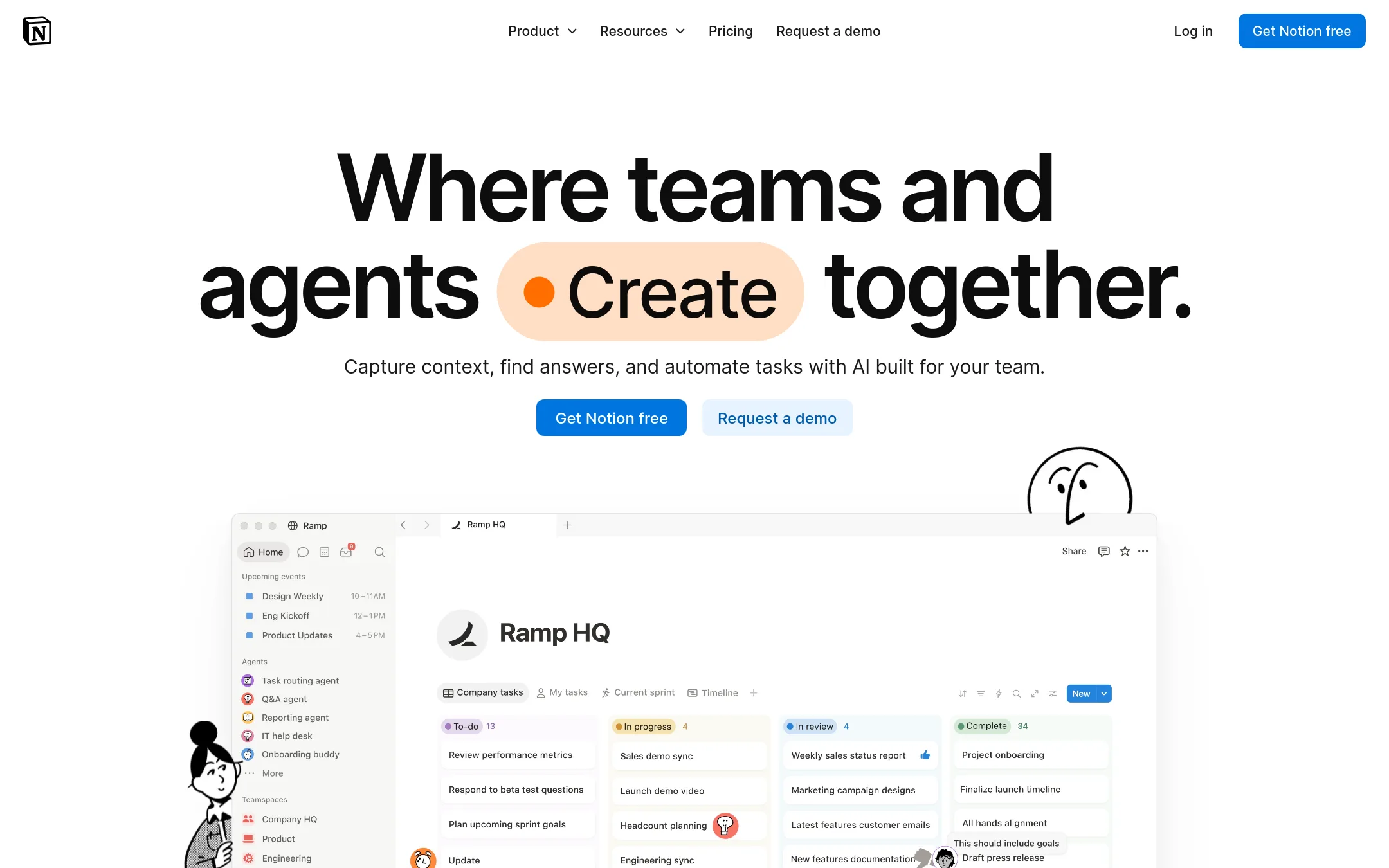
Notion is a general-purpose workspace for notes, wikis, and project tracking, with AI features layered on top. Choose it over GitBook when your team wants one tool for internal knowledge, tasks, and databases, and does not need GitBook's docs-as-code workflow or AI-driven content quality monitoring.
Where it is strong
- Combines docs, databases, and project management in one flexible workspace.
- AI features are built in, including meeting notes and custom agents.
- Strong collaboration with granular permissions and private teamspaces.
Where it falls short
- No native docs-as-code support like Git Sync with GitHub or GitLab.
- Lacks GitBook's automated content drift detection and AI quality monitoring.
- Pricing:
- In the United States, Free is $0, Plus is $10 per user/month, Business is $20 per user/month, and Enterprise is custom. Notion AI costs $10 per 1,000 credits.
- Switching from GitBook:
- Moving from GitBook to Notion means manually recreating docs and losing Git Sync and AI-driven accuracy checks, though you can import existing pages.
- Not published
2.Jira
Best for: Software and IT teams that need structured workflows for issue tracking, sprints, and project reporting.
- Pricing
- Not published
- Category
- Productivity & Project Management
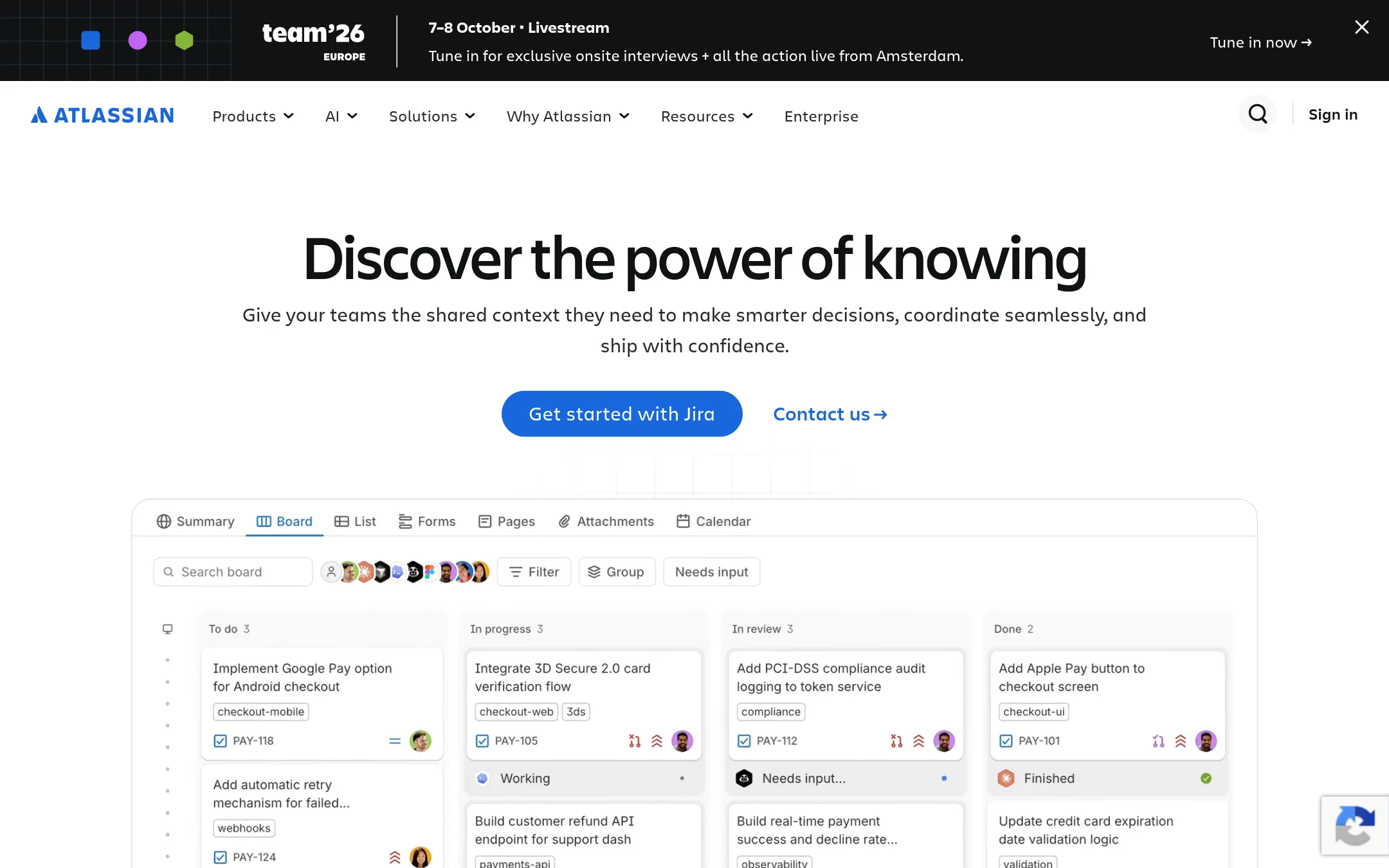
Jira is a project management and issue tracking tool for software, IT, and business teams. Choose it instead of GitBook when your priority is planning and tracking work, not publishing and maintaining documentation.
Where it is strong
- Strong issue tracking with customizable workflows
- Supports agile methodologies like Scrum and Kanban
- Integrates with the broader Atlassian ecosystem
Where it falls short
- No built-in documentation publishing or AI features
- Steeper learning curve for non-technical users
- Pricing:
- Pricing is not published on the site.
- Custom quote
3.ReadMe
Best for: API-first companies and developer tool teams that need interactive API references and Git-based documentation workflows.
- Pricing
- Custom quote
- Category
- Developer Tools
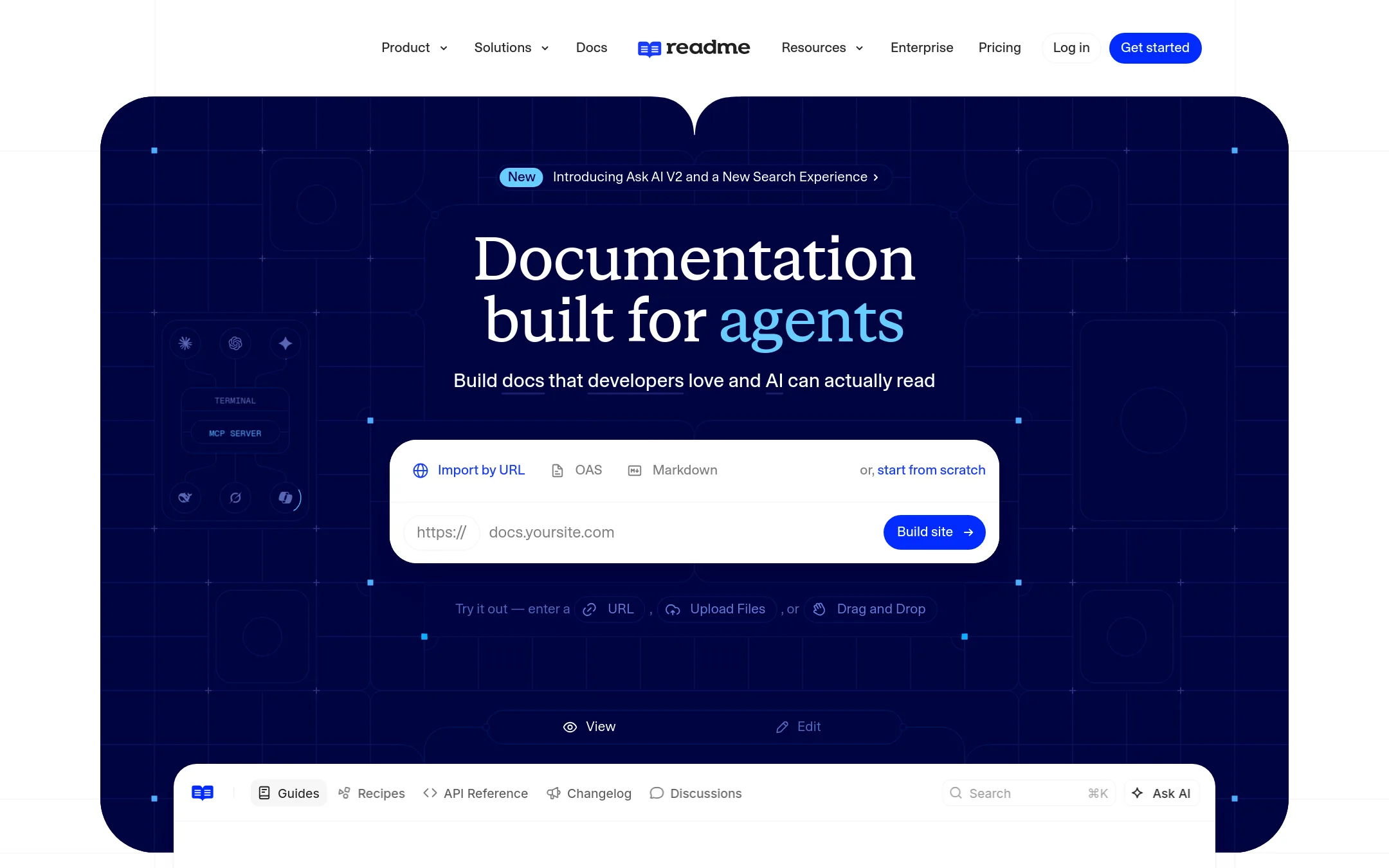
ReadMe is a documentation platform built specifically for API and developer documentation, with interactive API references, MDX support, and bi-directional Git sync. You would choose it over GitBook when your primary need is developer-facing API docs that are interactive and tightly integrated with your code workflow.
Where it is strong
- Interactive API reference with built-in code samples and try-it-out functionality
- Bi-directional sync with GitHub, GitHub Enterprise, and GitLab, including branch review and merge
- AI tools for writing, linting, and auditing docs, plus MCP server support
Where it falls short
- Pricing is not transparent and requires contacting sales
- Limited to one project on lower tiers, with additional admins costing extra
- Pricing:
- Pricing is not published on the site. Plans are custom quote based.
- Free, Pro $450/mo
4.Mintlify
Best for: Startups and developer-focused teams that want Git-based docs with AI assistant and automation features.
- Pricing
- Free, Pro $450/mo
- Category
- Developer Tools
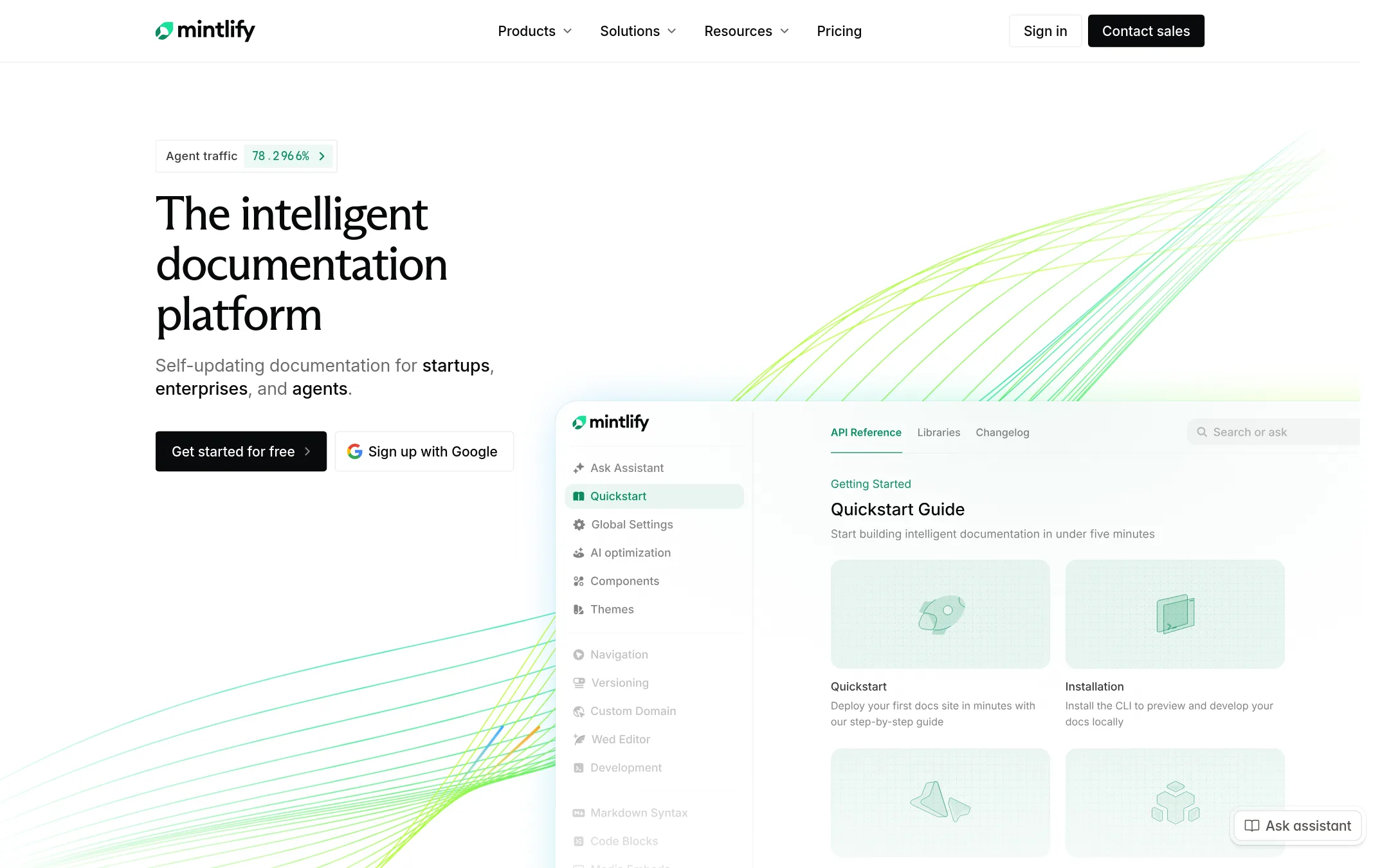
Mintlify is a documentation platform that stores pages as Markdown in a Git repository and focuses on AI-native features like an assistant and self-updating docs. Choose it over GitBook if you want docs-as-code with Git sync as the core workflow and need agent-ready features like an MCP server.
Where it is strong
- Free plan includes hosting, custom domain, and up to 5 editor seats.
- Docs live in a Git repo as Markdown, so you keep full history and edit locally.
- AI features are credit-based with no charge when the assistant can't answer or automation finds nothing to update.
Where it falls short
- Pro is significantly more expensive than GitBook's Essential plan at $65 per site/month.
- Automated migration only supports Readme and Docusaurus out of the box. Other providers need manual help.
- Pricing:
- Starter is free. Pro is $450/month billed annually or $540/month billed monthly. Enterprise pricing is custom. AI features use credits: an Assistant answer costs 25 credits, an automation run costs 250 credits, overages are $0.01/credit.
- Switching from GitBook:
- Moving from GitBook involves converting your content to Markdown files in a Git repo, which Mintlify supports for Readme and Docusaurus but not GitBook directly.
- Open source (free)
5.Docusaurus
Best for: Developer-focused teams that want versioned, localized docs with a custom design and Git-based workflow
- Pricing
- Open source (free)
- Category
- Developer Tools
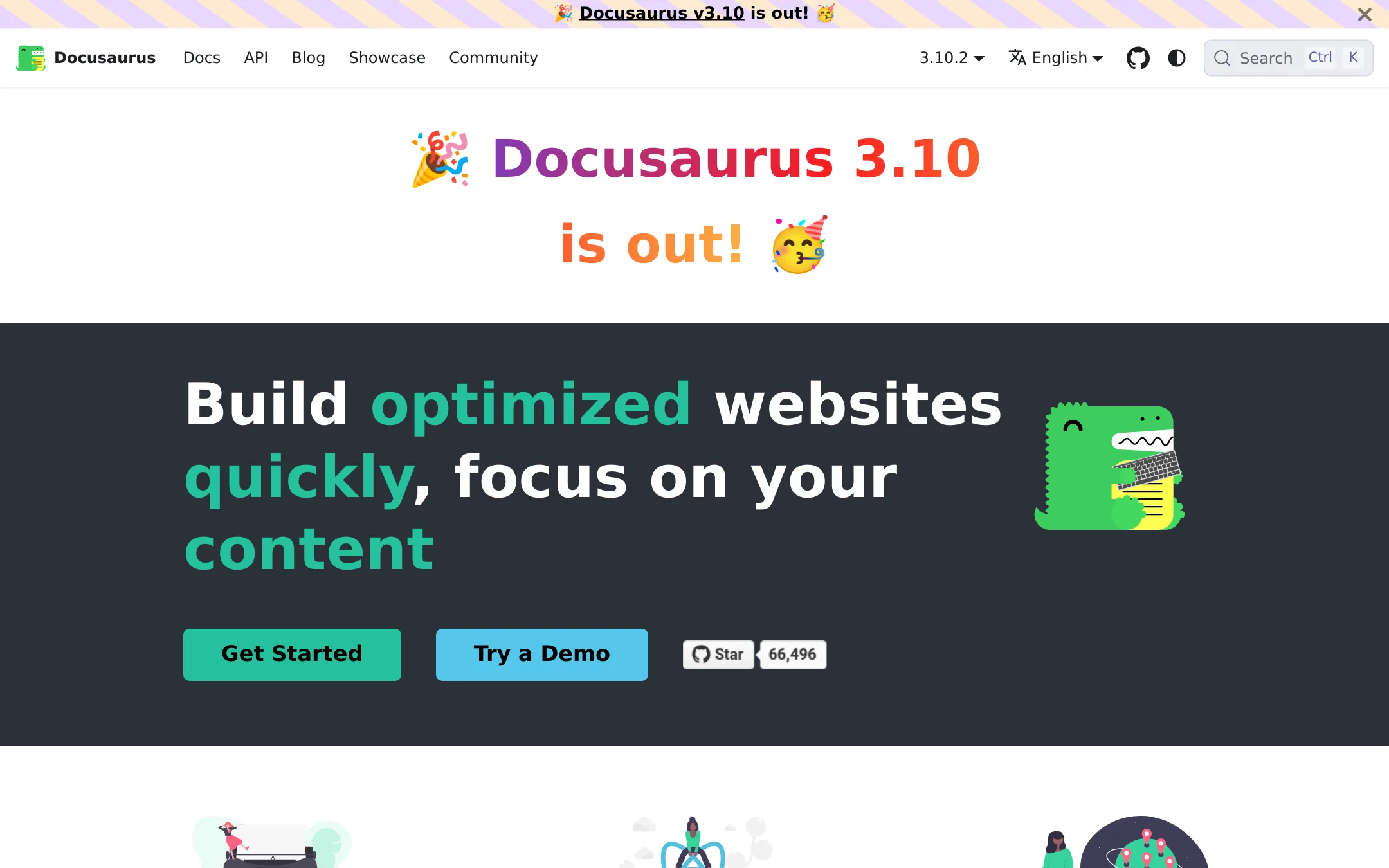
Docusaurus is an open-source static site generator for documentation, blogs, and marketing pages. Choose it over GitBook if you want full control over your site's code, layout, and deployment, and if you prefer writing in Markdown/MDX with React components.
Where it is strong
- MDX lets you embed React components in Markdown
- Built-in versioning and localization support
- Static output can be hosted anywhere, no vendor lock-in
Where it falls short
- No built-in AI assistant or agent features
- Requires React and Node.js knowledge to customize deeply
- Pricing:
- Pricing is not published on the site.
- Switching from GitBook:
- Moving from GitBook means rewriting your docs into Markdown/MDX files and setting up a new build and deploy pipeline, since Docusaurus has no hosted editor or sync with GitBook.
- MNot published
6.MkDocs
Best for: Developer teams that prefer a docs-as-code workflow and want to build and host documentation themselves.

- Pricing
- Not published
- Category
- Other
MkDocs is a static site generator for project documentation written in Markdown. Choose it instead of GitBook when you want full control over your docs as code, with no vendor lock-in and no AI features.
Where it is strong
- Open source and free to use
- Docs are plain Markdown files in your repo
- Full control over hosting and customization
Where it falls short
- No built-in AI assistant or insights
- Requires manual setup and maintenance
- Pricing:
- Pricing is not published on the site.
- See website
7.Archbee
Productivity & Project Management
TURN STATIC DOCS INTO INSTANT ANSWERS
- PSee website
8.Promptless
Customer Support
An AI teammate that automatically updates your customer-facing docs
- See website
9.Theneo
Developer Tools
Stripe-like API Docs in just a few clicks
- Not published
10.Apiary
Best for: API teams that want to design, prototype, document, and test APIs in one place with GitHub sync and style guide enforcement.
- Pricing
- Not published
- Category
- Developer Tools
Apiary is a dedicated API design and documentation platform. It focuses on the full API lifecycle, from design to testing, with tools like API Blueprint, mock servers, and Dredd. Choose it over GitBook when your primary need is API documentation and design workflow, not general knowledge management.
Where it is strong
- Built-in API design tools like API Blueprint and OpenAPI support.
- Mock server and interactive documentation for testing APIs.
- GitHub sync and style guide rules for consistent API design.
Where it falls short
- Pricing is not transparent. Requires contacting sales.
- No AI features or knowledge gap detection like GitBook offers.
- Pricing:
- Pricing is not published on the site. Plans are Free, Standard, Pro, and Custom, but no prices are listed.
- Switching from GitBook:
- Moving from GitBook to Apiary means shifting from general docs to API-specific workflows, which may require reworking content into API Blueprint or OpenAPI formats.
- From $9/mo (Solo)
11.Postman
Best for: API development teams that need to build, test, and monitor APIs with built-in collaboration and AI assistance.
- Pricing
- From $9/mo (Solo)
- Category
- Developer Tools
Postman is an API platform for building, testing, and managing APIs. Choose it instead of GitBook when your team's primary need is API development workflows, not documentation. It offers API discovery, testing, mocking, and monitoring with AI features.
Where it is strong
- Includes API client, testing, mocking, and monitoring in one tool.
- AI credits included in paid plans for generating tests and collections.
- Free plan available for individuals.
Where it falls short
- Not a documentation platform. Lacks GitBook's docs-as-code and AI knowledge features.
- Team plan requires annual billing and per-user pricing may add up for large teams.
- Pricing:
- Free plan for individuals. Solo at $9 per month (billed annually). Team at $19 per user/month (billed annually). Enterprise pricing is contact sales.
- From $2,988/yr
12.Redoc
Best for: API-first teams that want docs generated from OpenAPI, with linting, mock servers, and agent-readiness scores on every pull request.

- Pricing
- From $2,988/yr
- Category
- Developer Tools
Redoc is built for teams that already have an OpenAPI description and want to turn it into API reference docs, an MCP server, SDKs, and tests. It keeps everything in git and checks the docs against the live API on every pull request. Choose it over GitBook if your primary docs are API reference material and you want agent-readiness scoring and workflow testing.
Where it is strong
- Unlimited seats on every plan, so inviting teammates never costs extra
- Generates reference docs, mock server, MCP server, and SDKs from one OpenAPI description
- Agent-readiness score and workflow tests run on every pull request
Where it falls short
- Focused on API docs, so general knowledge base or help center features are limited compared with GitBook
- Pro plan includes only 3 projects, and adding more costs $390 per year each
- Pricing:
- Pro is $2,988 per year (billed annually) for 3 projects, Scale is $8,748 per year for 10 projects, and Enterprise is an annual contract with custom pricing. All plans include unlimited seats.
- Switching from GitBook:
- Moving from GitBook means moving your content into a git repository next to your OpenAPI description, then rebuilding your site with Redocly's tooling.
See more comparisons in Developer Tools alternatives.
FAQ
Questions about GitBook alternatives
What is the cheapest alternative to GitBook?
Mintlify has a free Starter plan. Notion also has a free plan for individuals. Docusaurus, Swagger UI, and MkDocs are open source and free to use.
Which alternative is best for API documentation?
ReadMe is built for interactive API references with code samples and try-it-out functionality. Stoplight and Redoc also focus on API docs, with Redoc generating docs from OpenAPI and offering agent-readiness scores.
Which alternative supports docs-as-code?
Mintlify stores docs as Markdown in a Git repo. Docusaurus and MkDocs are static site generators that work with Markdown files. ReadMe offers bi-directional Git sync with GitHub and GitLab.
Which alternative has transparent pricing?
Mintlify publishes its pricing, with Starter free and Pro at $450 per month. Postman lists plans starting at $9 per month. Notion lists plans starting at $10 per user per month. Redoc publishes annual pricing starting at $2,988 per year.
Which alternative is best for a non-technical team?
Notion is a flexible workspace that combines docs, databases, and project management without needing code. It has built-in AI features and granular permissions, making it suitable for teams that don't need a developer-focused docs pipeline.
Last updated November 1, 2026.