
Google Keep alternatives
12 products compared · Updated October 30, 2026
The short answer
For teams needing structured project tracking, Trello offers visual boards and automation. Notion suits startups wanting a shared knowledge base and project hub. For household shopping, AnyList provides purpose-built grocery lists and meal planning. Choose based on whether you need team workflows or family organization.
Your shortlist, at a glance
Read the comparisons ↓- MMicrosoft OneNoteNot publishedTeams and educators who want searchable digital notebooks with handwriting, voice transcription, and shared content libraries.
EvernoteNot publishedTeams and individuals who need a structured second brain with tasks, notebooks, and AI-assisted note management.
 NotionFree. Plus $10/user/moStartups and small teams that want to replace scattered notes with a shared knowledge base and project management hub.
- AApple NotesNot publishedIndividuals and teams using Apple devices who want a free, native notes app with tight iCloud sync.
 TodoistNot publishedIndividuals and teams who need a shared to-do list with due dates, priorities, and recurring tasks across work and personal life.
TrelloFree / $6 / $12.50 / $Teams that need a visual kanban-style workflow with boards, cards, and built-in automation.
 AnyListNot publishedFamilies or roommates who want a shared, categorized grocery list with recipe and meal planning built in.
 CoziNot publishedFamilies and households that want one shared calendar, lists, and meal plans synced across everyone's phones.
 ListonicNot publishedFamilies or roommates who share grocery shopping and want real-time list syncing, price tracking, and AI-assisted list building.
 Microsoft To DoSee websiteSimple task management from Microsoft
 OurGroceriesNot publishedHouseholds and families that need a real-time shared grocery list with photos, quantities, and automatic aisle grouping.
 Out of MilkNot publishedHouseholds and families who want a simple, shared grocery list with barcode scanning and pantry tracking.
About Google Keep and its alternatives
Google Keep is a note-taking service from Google that lets you capture quick notes, checklists, and images. It is known for its simplicity and tight integration with Google accounts, making it a default choice for personal and light collaborative notes.
When comparing alternatives, weigh pricing structure, including free tiers and per-user costs. Consider regional availability, integrations with your existing tools, support options, and contract terms like annual versus monthly billing. These factors determine long-term fit and total cost.
Explore the alternatives
- MNot published
1.Microsoft OneNote
Best for: Teams and educators who want searchable digital notebooks with handwriting, voice transcription, and shared content libraries.
- Pricing
- Not published
- Category
- Other
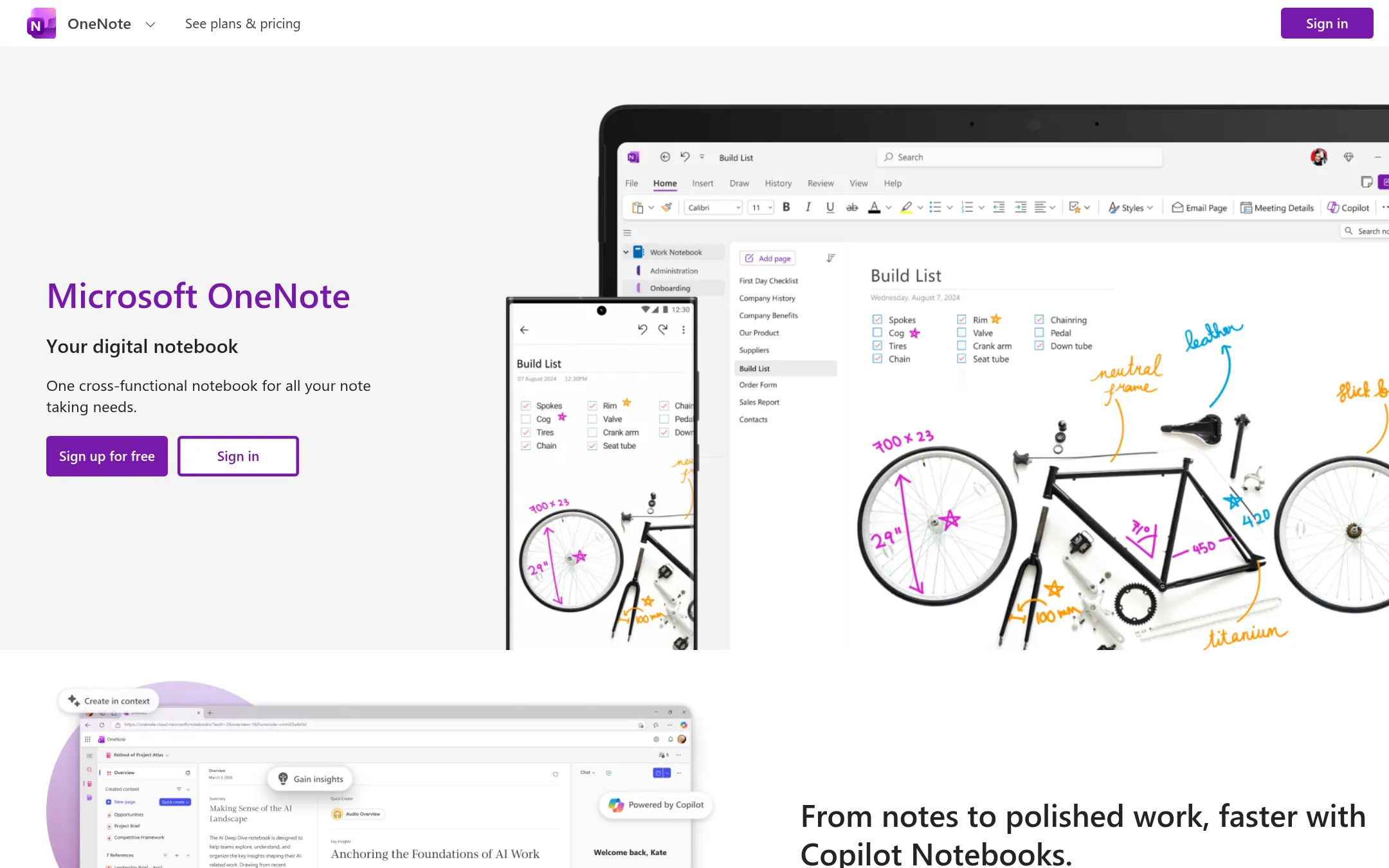
Microsoft OneNote is a full notebook app for capturing, organizing, and sharing notes across devices. Choose it over Google Keep when you need structured notebooks, digital ink, and deeper collaboration tools rather than quick sticky notes.
Where it is strong
- Supports digital ink, sketching, and highlighting
- Voice transcription for capturing meetings and lectures
- Shared notebooks for team and classroom collaboration
Where it falls short
- Pricing details are not listed on the site
- Heavier interface than Google Keep for quick notes
- Pricing:
- In the United States, pricing is not published on the site. The page only describes features.
- Not published
2.Evernote
Best for: Teams and individuals who need a structured second brain with tasks, notebooks, and AI-assisted note management.
- Pricing
- Not published
- Category
- Productivity & Project Management
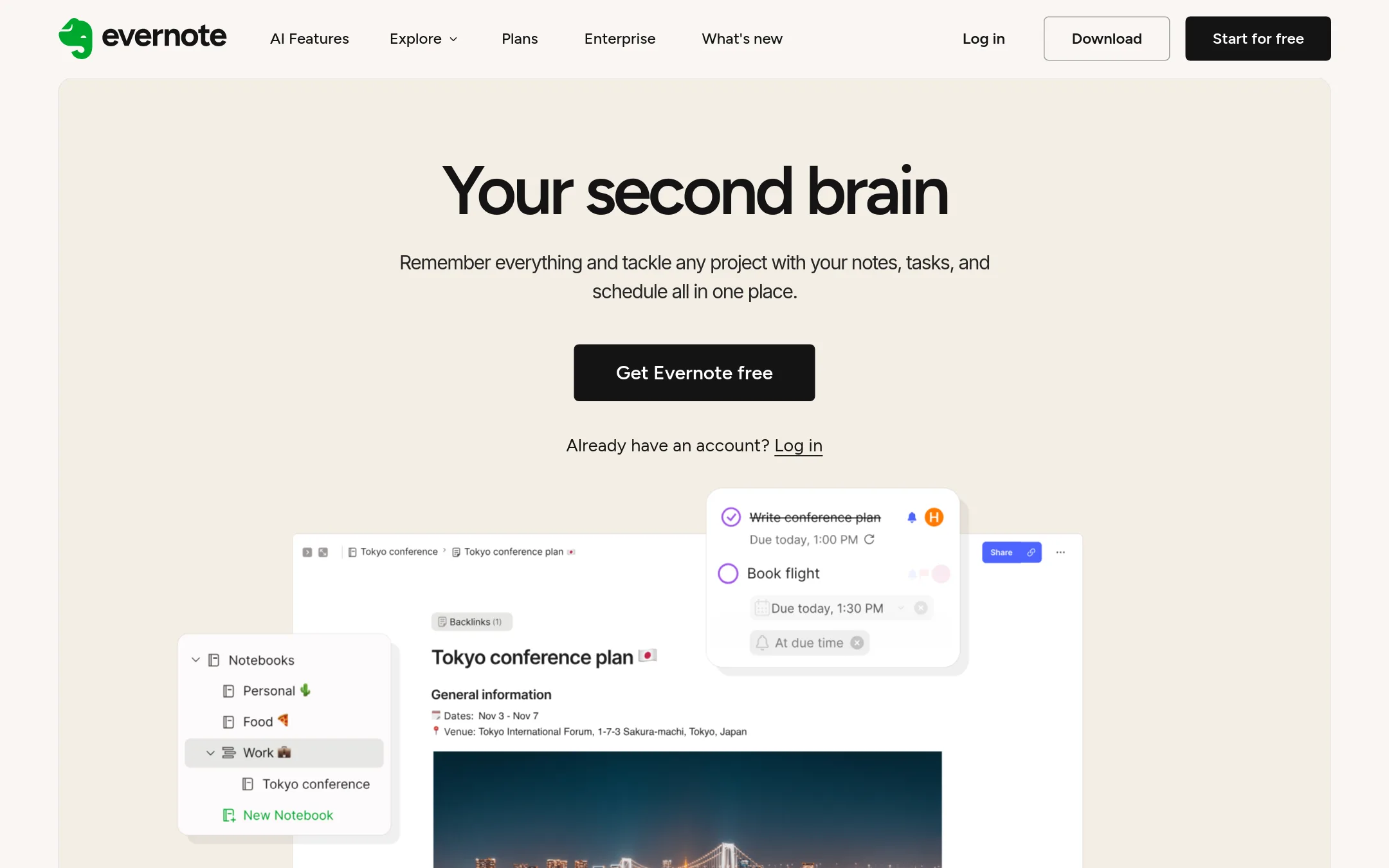
Evernote is a full note-taking app with tasks, calendar integration, and AI features. You would choose it over Google Keep when you need deeper organization, advanced search, and collaboration for projects, not just quick notes.
Where it is strong
- Unlimited notes on paid plans with up to 1GB storage on Free
- AI features like semantic search and transcription
- Real-time collaboration with comments and task assignment
Where it falls short
- Free plan limited to 1 device and 1GB storage
- No offline access on Free plan
- Pricing:
- Pricing is not published on the site. The compare page lists plans (Free, Starter, Advanced, Flexible, Unlimited) but no prices.
- Switching from Google Keep:
- Moving from Google Keep means importing notes manually, as Evernote does not offer a direct Keep import tool.
- Free. Plus $10/user/mo
3.Notion
Best for: Startups and small teams that want to replace scattered notes with a shared knowledge base and project management hub.
- Pricing
- Free. Plus $10/user/mo
- Category
- Productivity & Project Management
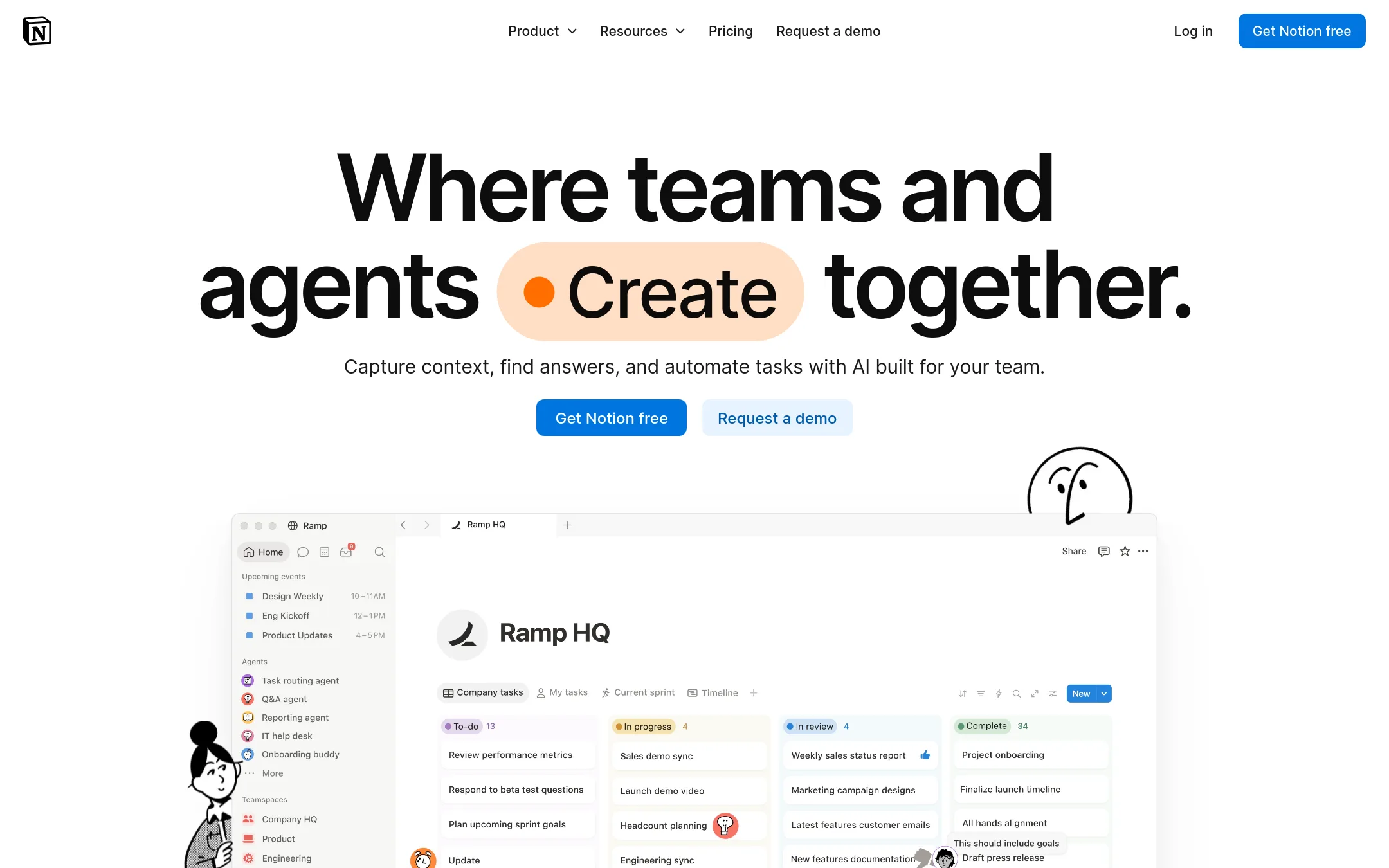
Notion is a flexible workspace where you can build notes, databases, wikis, and project trackers in one place. Choose it over Google Keep when you need structured documentation and team collaboration beyond simple checklists and sticky notes.
Where it is strong
- Flexible pages and databases for notes, docs, and projects
- Strong team collaboration with comments and shared workspaces
- Free plan covers individuals and small teams
Where it falls short
- Steeper learning curve than Google Keep's simple note-taking
- Advanced features like AI and granular permissions require paid plans
- Pricing:
- In the United States, the Free plan includes basic forms and databases. Plus starts at $10 per user per month. Business is $20 per user per month. Enterprise is custom.
- Switching from Google Keep:
- Moving from Google Keep means manually copying notes into Notion pages or using an import tool, then reorganizing them into databases and templates.
- ANot published
4.Apple Notes
Best for: Individuals and teams using Apple devices who want a free, native notes app with tight iCloud sync.
- Pricing
- Not published
- Category
- Other
Apple Notes is a note-taking app that syncs across Apple devices via iCloud. Choose it if you are deeply embedded in the Apple ecosystem and want a simple, built-in notes app that works offline and integrates with Siri and other Apple services.
Where it is strong
- Free with any Apple device
- End-to-end encryption for notes with iCloud
- Works offline and syncs automatically
Where it falls short
- No native app for Android or Windows
- Limited collaboration features compared to Google Keep
- Pricing:
- Pricing is not published on the site.
- Not published
5.Todoist
Best for: Individuals and teams who need a shared to-do list with due dates, priorities, and recurring tasks across work and personal life.
- Pricing
- Not published
- Category
- Productivity & Project Management
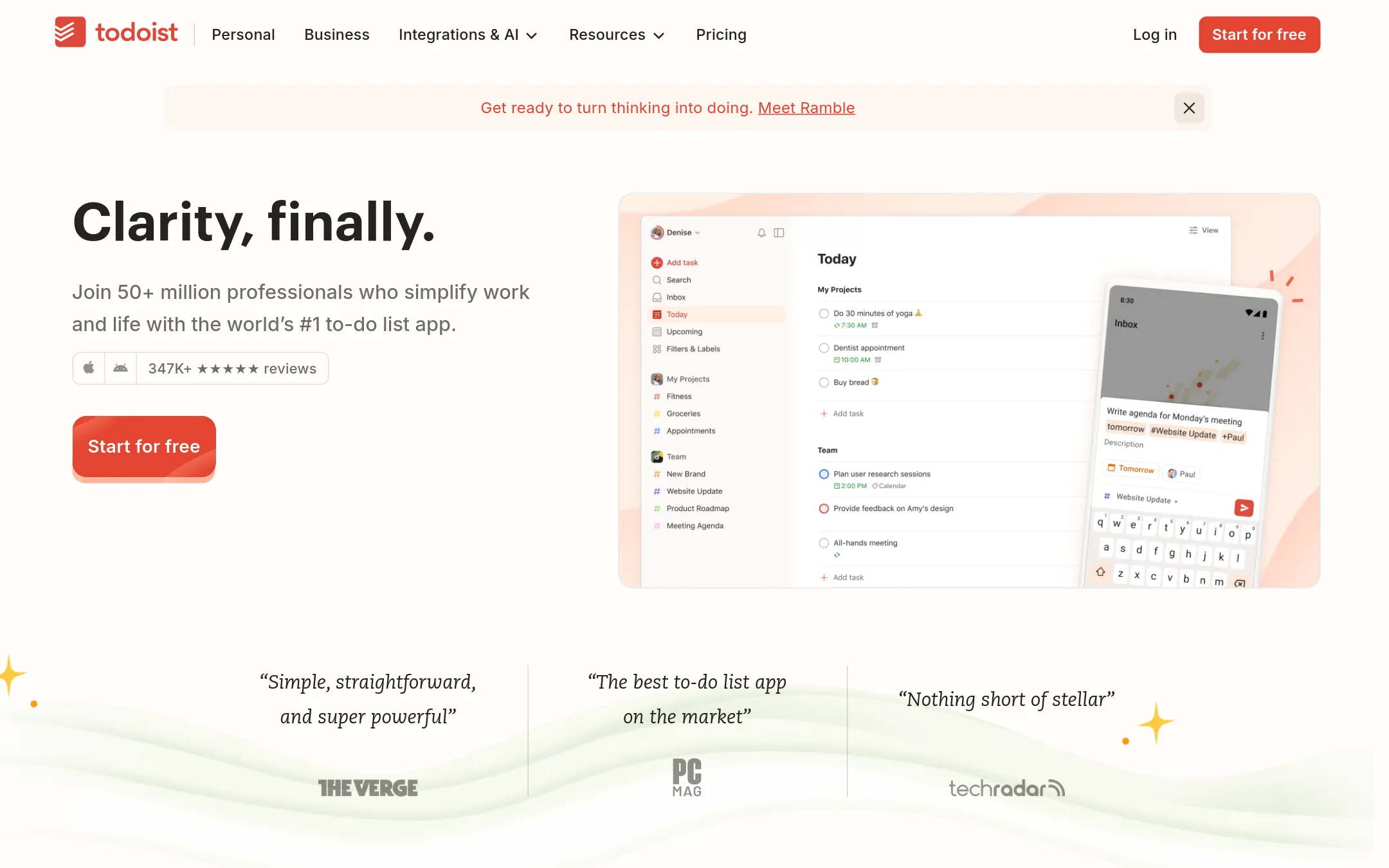
Todoist is a task manager built for capturing and organizing to-dos with natural language input, recurring due dates, and shared team projects. You would choose it over Google Keep when you need structured task tracking with deadlines, priorities, and collaboration, rather than freeform notes and checklists.
Where it is strong
- Natural language quick add captures tasks fast
- Shared team projects with roles and permissions
- Calendar view and recurring due dates for planning
Where it falls short
- Free plan limits you to 5 personal projects
- No built-in note-taking or image capture like Google Keep
- Pricing:
- Pricing is not published on the site.
- Switching from Google Keep:
- Moving from Google Keep means re-creating your notes as tasks, since Todoist doesn't import Keep notes directly.
- Free / $6 / $12.50 / $
6.Trello
Best for: Teams that need a visual kanban-style workflow with boards, cards, and built-in automation.
- Pricing
- Free / $6 / $12.50 / $
- Category
- Productivity & Project Management
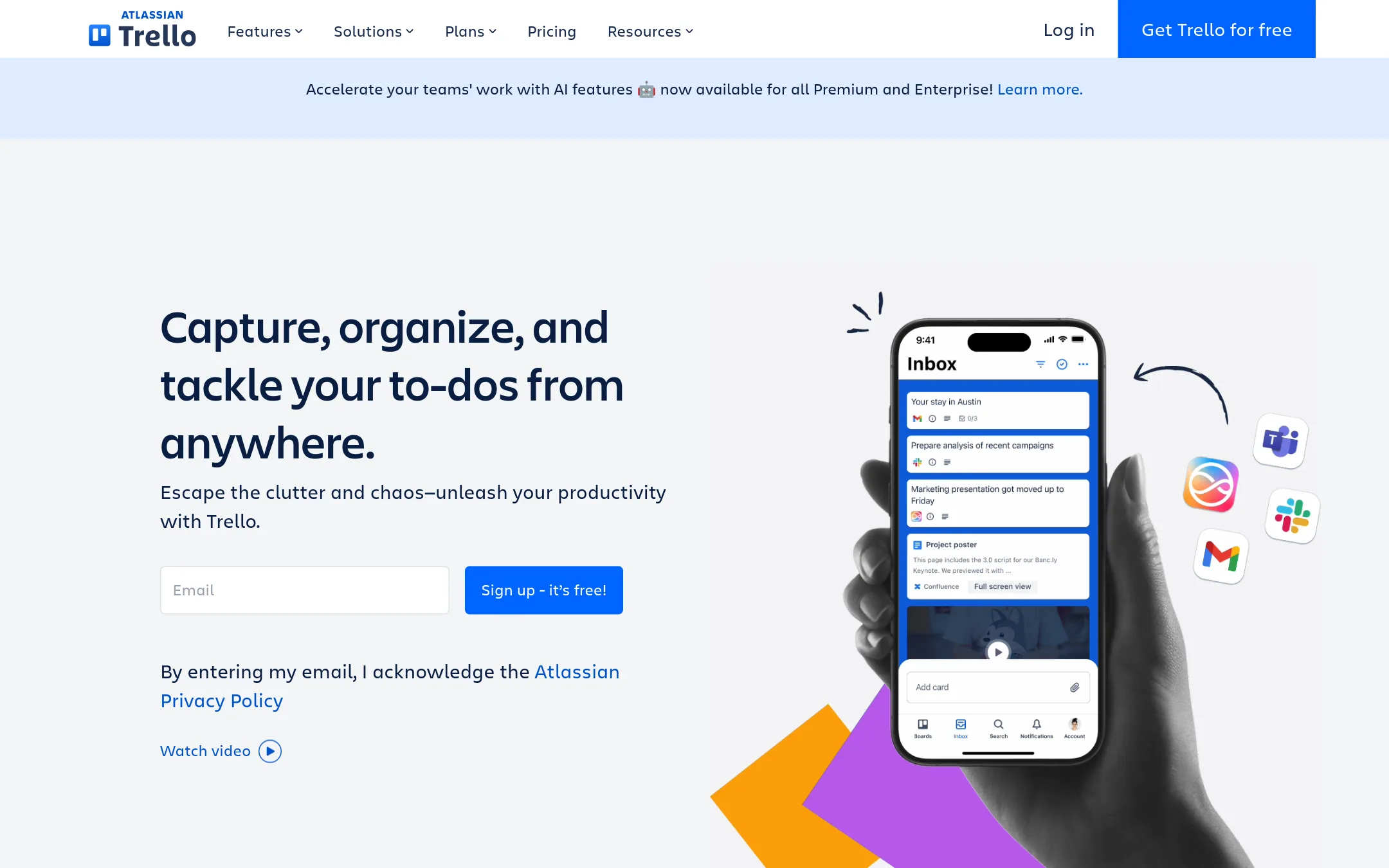
Trello is a visual project management tool built around boards, lists, and cards. You would choose it over Google Keep when you need structured task tracking, team collaboration, and automation rather than simple note-taking.
Where it is strong
- Unlimited cards and Power-Ups on the free plan
- Built-in no-code automation for repetitive tasks
- Views like Calendar, Timeline, Table, Dashboard, and Map on Premium
Where it falls short
- Free plan limits you to 10 boards per Workspace
- No native note-taking features like labels or drawing, which Google Keep has
- Pricing:
- Free for up to 10 collaborators per Workspace. Standard is $6 per user/month billed annually ($6 billed monthly). Premium is $12.50 per user/month billed annually ($12.50 billed monthly). Enterprise is $210.00 annual price per user.
- Switching from Google Keep:
- Moving from Google Keep means recreating your notes as cards on boards, which takes time if you have many notes.
- Not published
7.AnyList
Best for: Families or roommates who want a shared, categorized grocery list with recipe and meal planning built in.
- Pricing
- Not published
- Category
- Productivity & Project Management
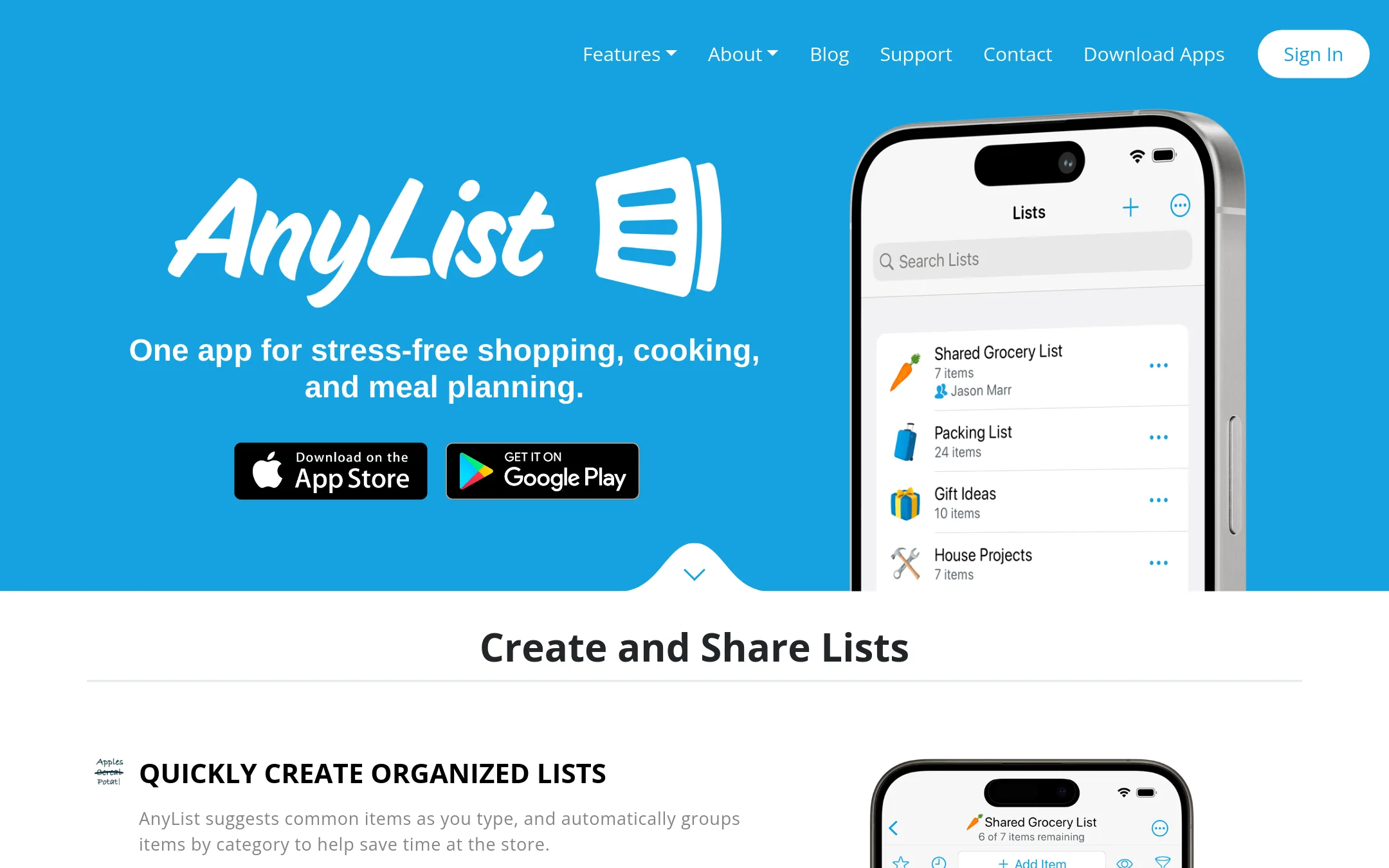
AnyList is a dedicated shopping and meal planning app. It organizes grocery items by category, syncs shared lists instantly, and lets you add recipes from the web. Choose it over Google Keep if you want a purpose-built tool for household shopping and cooking, not a general note app.
Where it is strong
- Automatically groups items by category as you type
- Shared lists sync instantly with family and friends
- Add items by voice with Siri
Where it falls short
- No pricing details listed on the site
- Recipe import and meal planning require unlocking the full version
- Pricing:
- Pricing is not published on the site.
- Not published
8.Cozi
Best for: Families and households that want one shared calendar, lists, and meal plans synced across everyone's phones.
- Pricing
- Not published
- Category
- Productivity & Project Management
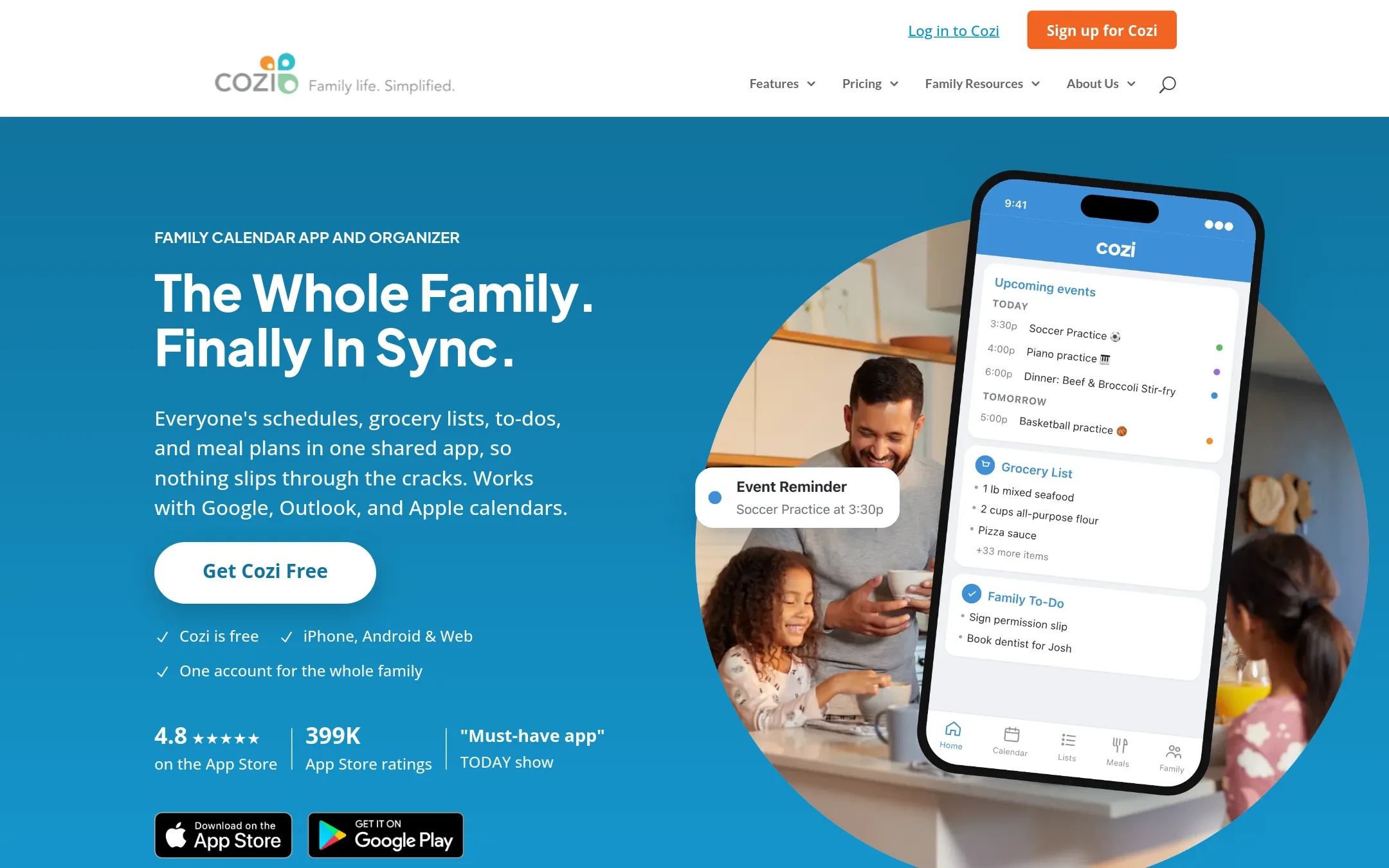
Cozi is a shared family organizer that combines a color-coded calendar, grocery and to-do lists, and meal planning in one app. You would choose it over Google Keep if you need a single shared space for a household's schedules and chores, with reminders and agenda emails, rather than individual notes.
Where it is strong
- Shared calendar with color-coded entries for each person
- Real-time grocery and to-do lists that update for everyone
- Meal planner with recipe box and ingredient-to-shopping-list flow
Where it falls short
- Free plan shows ads and lacks month view on mobile
- No web-based note-taking or rich text features like Google Keep
- Pricing:
- Pricing is not published on the site.
- Not published
9.Listonic
Best for: Families or roommates who share grocery shopping and want real-time list syncing, price tracking, and AI-assisted list building.
- Pricing
- Not published
- Category
- Productivity & Project Management
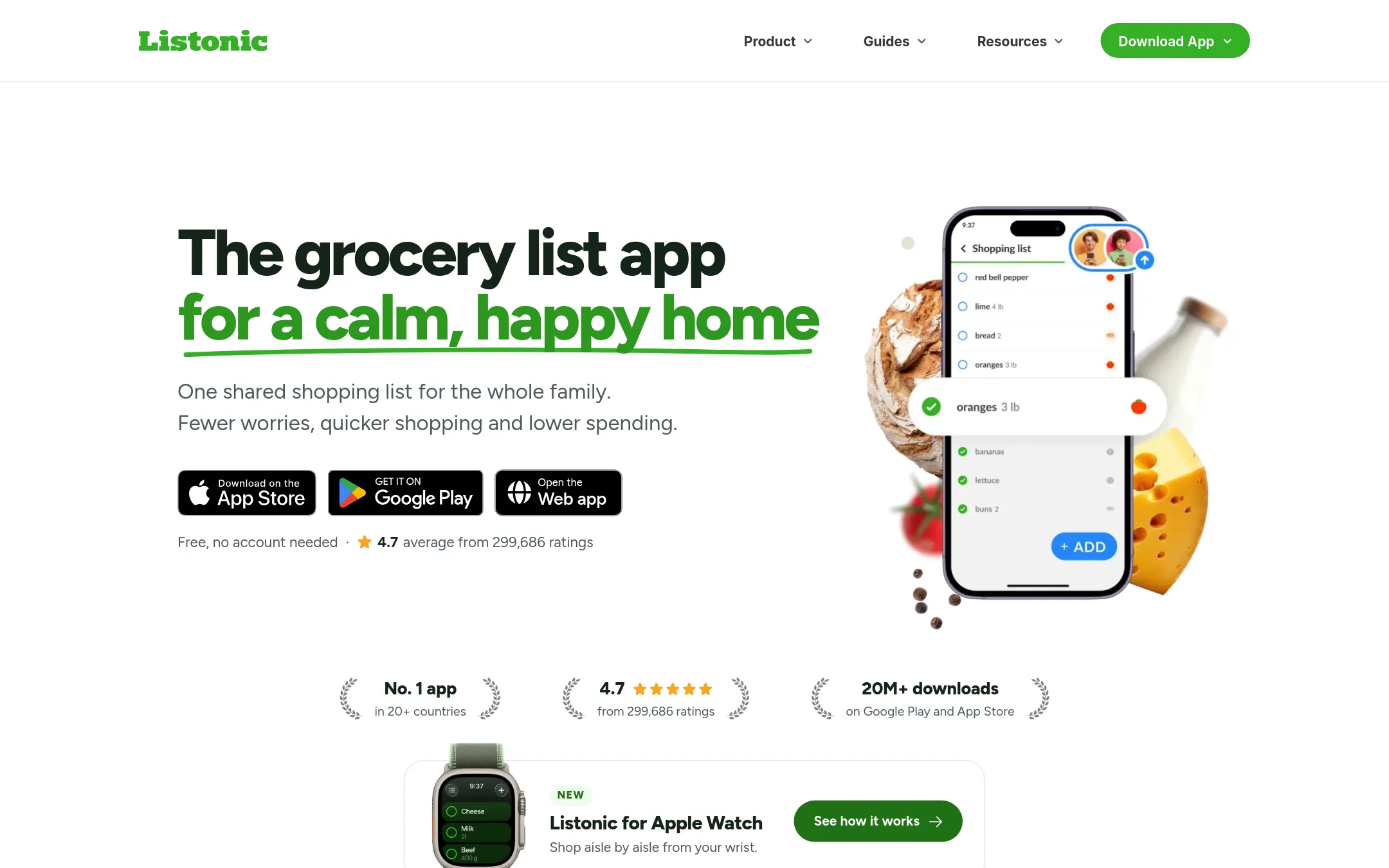
Listonic is a dedicated grocery shopping list app with real-time sharing, aisle-based sorting, and a budget calculator. You'd choose it over Google Keep when you want a purpose-built tool for household shopping, not a general note app.
Where it is strong
- Real-time list sharing with instant updates for all members
- Automatic sorting by aisle or product type to speed up shopping
- Built-in budget calculator and price tracking per item
Where it falls short
- No desktop app for Windows or Mac, only web and mobile
- Free version may show ads, with premium needed for ad-free experience
- Pricing:
- Pricing is not published on the site.
- See website
10.Microsoft To Do
Productivity & Project Management
Simple task management from Microsoft
- Not published
11.OurGroceries
Best for: Households and families that need a real-time shared grocery list with photos, quantities, and automatic aisle grouping.
- Pricing
- Not published
- Category
- Productivity & Project Management
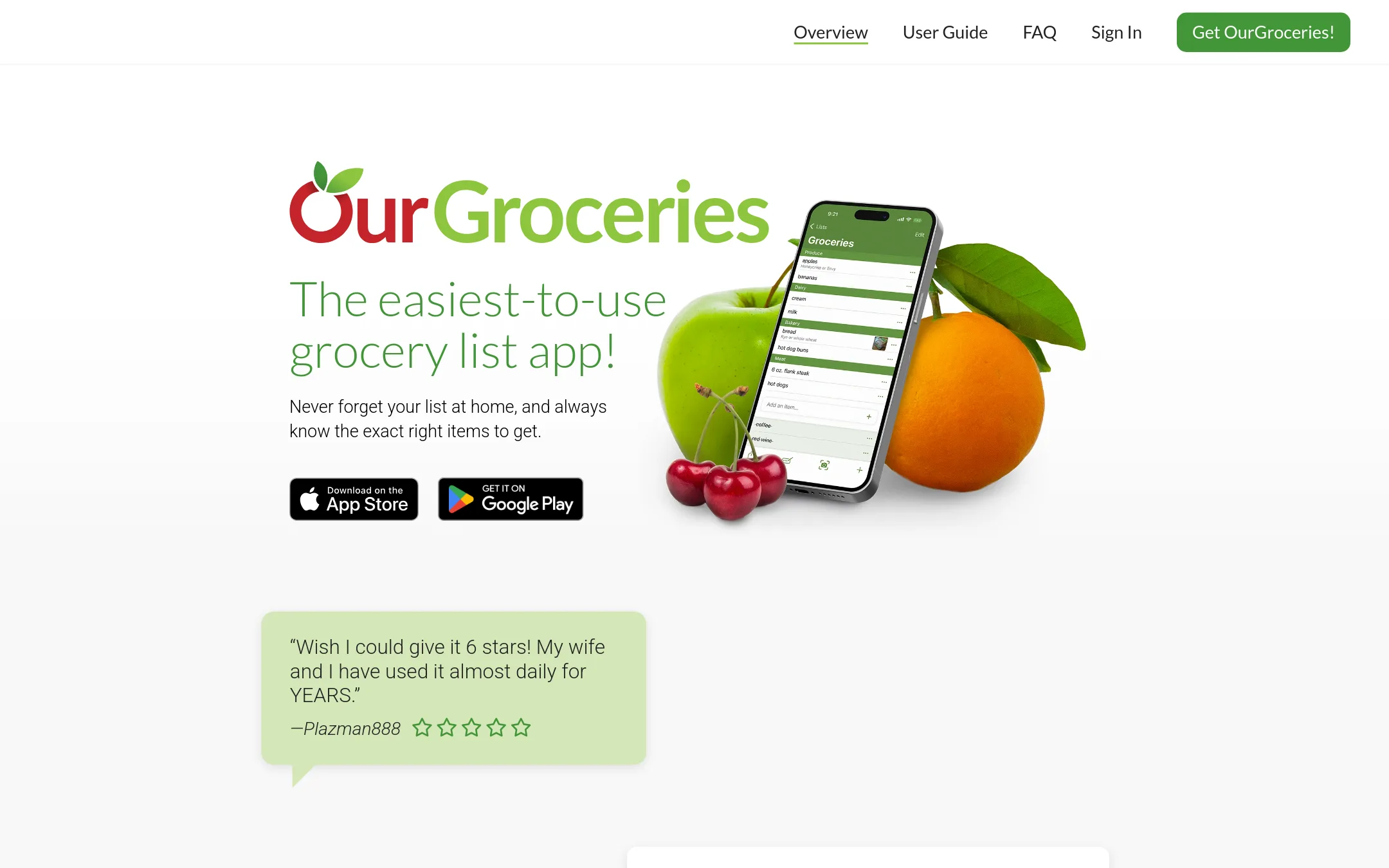
OurGroceries is a shared shopping list app that syncs in real time across devices, so everyone in a household sees updates instantly. You would choose it over Google Keep when you want a purpose-built grocery list with aisle grouping, barcode scanning, and Alexa support, rather than a general note app.
Where it is strong
- Real-time sync across devices, including Apple Watch and Echo
- Automatic grouping into grocery store aisles
- Add photos, notes, quantities, and barcodes to items
Where it falls short
- No pricing information on the site, so cost is unclear
- Focused only on shopping lists, not general note-taking
- Pricing:
- Pricing is not published on the site.
- Not published
12.Out of Milk
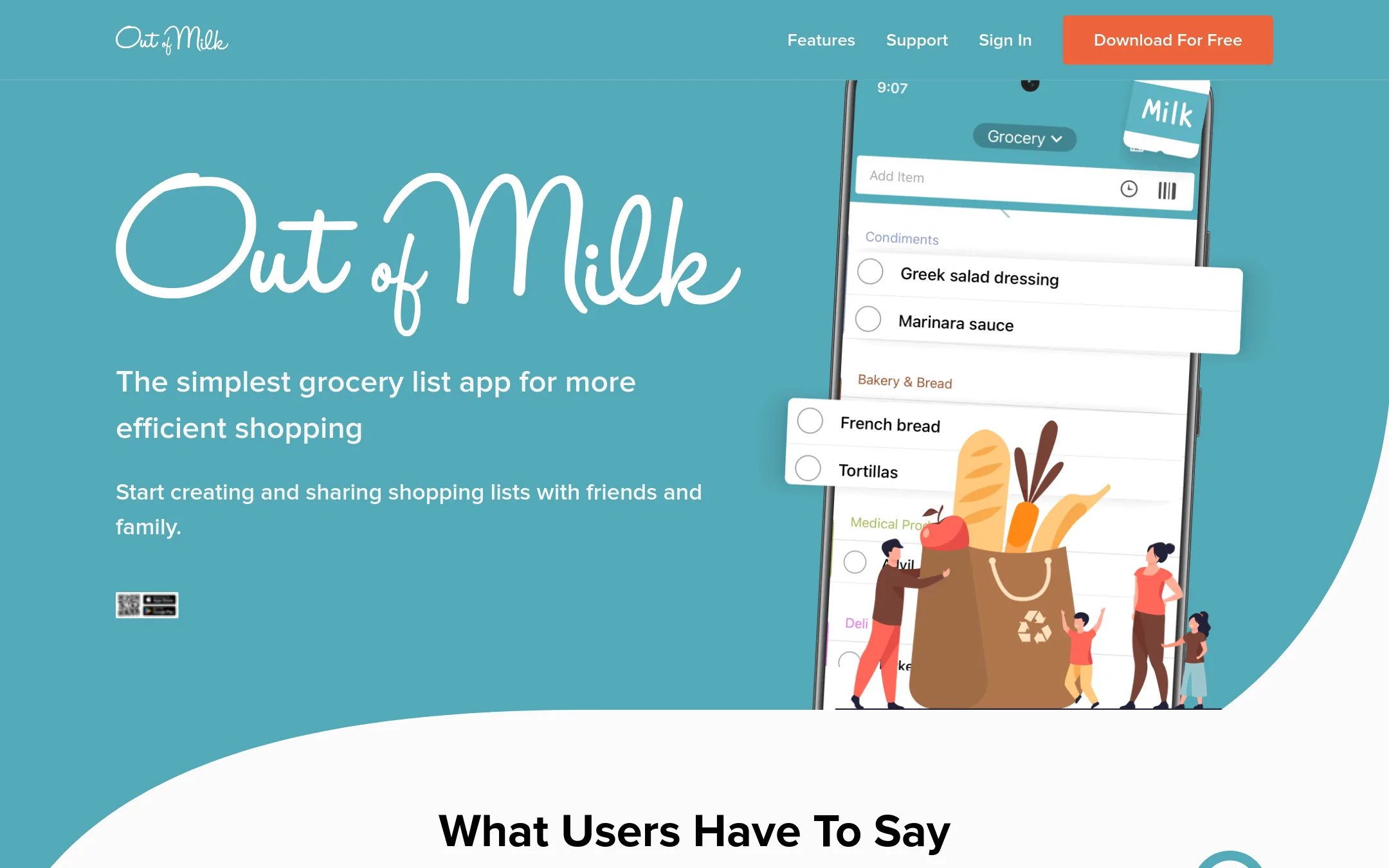
Best for: Households and families who want a simple, shared grocery list with barcode scanning and pantry tracking.
- Pricing
- Not published
- Category
- Productivity & Project Management
Out of Milk is a dedicated grocery list app with shared lists, barcode scanning, and pantry tracking. Choose it over Google Keep when you want a purpose-built tool for shopping trips rather than a general note app.
Where it is strong
- Shared lists with real-time contribution from family or friends
- Barcode scanner to quickly add items
- Cart feature to track what you've bought and what's left
Where it falls short
- No web app mentioned, only Android and iOS
- Limited to grocery and shopping lists, not general note-taking
- Pricing:
- Pricing is not published on the site.
See more comparisons in Productivity & Project Management alternatives.
FAQ
Questions about Google Keep alternatives
Which alternative is best for team project management?
Trello is the strongest for visual kanban-style workflows with boards, cards, and automation. Notion also works well for teams needing a shared knowledge base and project tracking. Choose Trello for simplicity and built-in automation, or Notion for more flexible documentation.
What is the best option for shared grocery lists?
AnyList, OurGroceries, and Out of Milk are all purpose-built for shared shopping. AnyList adds recipe and meal planning, OurGroceries offers real-time sync and aisle grouping, and Out of Milk includes barcode scanning and pantry tracking. Pick based on whether you need meal planning or just a simple list.
Are there free plans available?
Trello has a free plan for up to 10 collaborators per Workspace. Notion offers a free plan for individuals and small teams. Other tools like AnyList and OurGroceries do not publish pricing, so free tiers are unclear. Check each product's site for current details.
Which tools integrate with other apps?
Trello supports Power-Ups for integrations, and Notion offers a flexible workspace that can connect with many tools. OurGroceries works with Alexa and Apple Watch. Google Keep integrates with Google services. Consider your existing stack when choosing.
What are the main drawbacks of these alternatives?
Trello lacks native note-taking features like drawing. Notion has a steeper learning curve. AnyList and OurGroceries have unclear pricing. Apple Notes only works on Apple devices. Weigh these limitations against your needs.
Last updated October 30, 2026.