
Google Web Designer alternatives
12 products compared · Updated November 1, 2026
The short answer
For founders and operators choosing a Google Web Designer alternative, the strongest options are Bannerflow for enterprise teams that need to scale HTML5 and video ad production with automation and localization, Creatopy for marketing teams that want AI-assisted ad generation and direct publishing to 40+ ad networks, and Animaker for teams producing animated videos from text prompts without design experience. Each suits a different workflow: Bannerflow for large-scale ad operations, Creatopy for high-volume multi-format ad creation, and Animaker for quick explainer or training videos.
Your shortlist, at a glance
Read the comparisons ↓ Adobe AnimateNot publishedCreative teams and animators who need advanced vector animation and multi-format export for games, web, and video.
HypeFree (app)Crypto traders who want a single app for memecoin discovery, trading, wallet tracking, and perpetuals.
- BBannerflowNot publishedEnterprise marketing and creative teams that need to scale ad production across multiple channels and markets with automation and collaboration.
- CCreatopyFrom $348/yrMarketing teams and agencies that need to scale ad production across multiple formats, languages, and ad networks without manual resizing.
- AAd Maker by SteelHouseSee websiteOther
- BBannersnackFrom $84/yrMarketers and small teams who need to produce display and social ads quickly from templates, without coding.
 NyckelSee websiteClassify Anything
 TumultNot publishedDesigners and developers on macOS who need a polished HTML5 animation tool with optional advanced features like responsive layouts and physics.
 AnimakerFrom $10/moMarketing, HR, and L&D teams that want to produce animated videos at scale without design or animation experience.
 FramerNot publishedTeams and freelancers building marketing sites, portfolios, or small business websites who want design freedom without writing code.
 LottieFilesFrom $19.99/moDesign and development teams that need to create, share, and implement lightweight animations across websites and apps.
- PPrincipleNot publishedProduct designers on macOS who need to prototype multi-screen app interactions and animations with Figma or Sketch imports.
About Google Web Designer and its alternatives
Google Web Designer is a free desktop app for creating HTML5 ads, videos, and interactive designs. It is known for animation tools, 3D content, responsive ads, and direct integration with Google products like Studio and Drive. It is intended for business use only and requires a download and installation.
When comparing alternatives, weigh the pricing structure, since some tools publish transparent per-seat or per-year prices while others require sales contact. Consider whether the tool supports your region and integrates with your existing stack, such as Figma, Google Ads, or ad networks. Also check support options and contract terms, especially for enterprise plans that may be custom-quoted.
Explore the alternatives
- Not published
1.Adobe Animate
Best for: Creative teams and animators who need advanced vector animation and multi-format export for games, web, and video.
- Pricing
- Not published
- Category
- Design & Creative
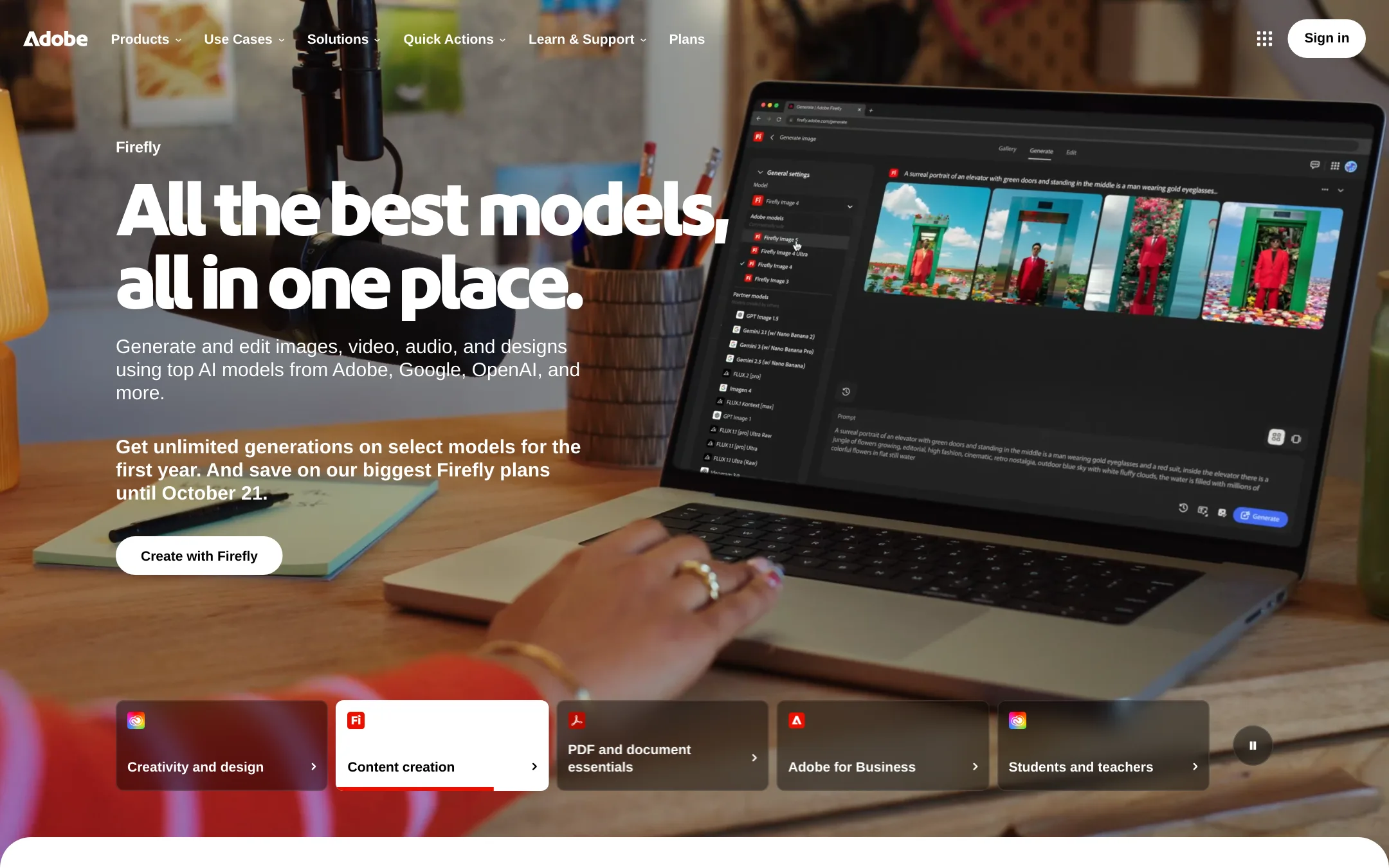
Adobe Animate is a full animation tool for vector art, interactive content, and character rigging, with export to HTML5, video, and other formats. Choose it over Google Web Designer when you need deeper animation control and a broader creative suite, not just ad production.
Where it is strong
- Advanced vector and character animation tools
- Exports to HTML5, video, and other formats
- Part of Adobe Creative Cloud with other apps
Where it falls short
- Requires a paid Creative Cloud subscription
- Steeper learning curve than Google Web Designer for simple ads
- Pricing:
- Pricing is not published on the site.
- Switching from Google Web Designer:
- Moving from Google Web Designer involves learning a new timeline-based interface and re-creating ad projects, as Animate does not import GWD files.
- Free (app)
2.Hype
Best for: Crypto traders who want a single app for memecoin discovery, trading, wallet tracking, and perpetuals.
- Pricing
- Free (app)
- Category
- Finance & Accounting
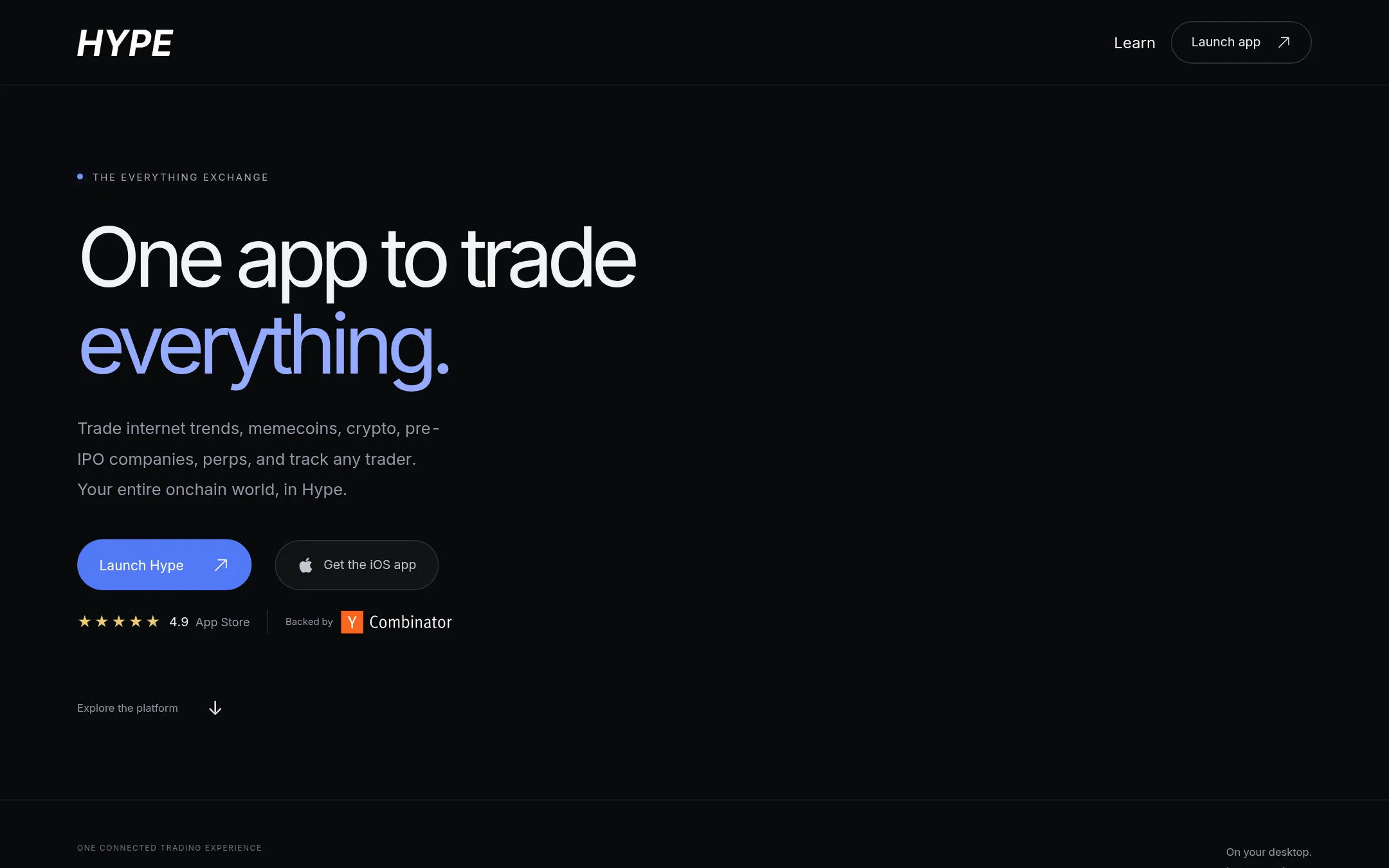
Hype is a trading platform for memecoins and crypto, not a design tool. You would choose it instead of Google Web Designer if you are a crypto trader who needs to discover, trade, and track tokens across Solana and EVM chains, with access to Hyperliquid perpetuals.
Where it is strong
- Supports trading on Solana and Base with crosschain bridging.
- Includes paper trading mode to practice strategies.
- Offers wallet and social trackers, plus trader leaderboards.
Where it falls short
- Not a design tool, so it cannot create HTML5 ads or interactive content.
- Trading involves risk and availability of features varies by surface and asset.
- Pricing:
- In the United States, the app is listed as free on the App Store, but the site does not publish detailed pricing for trading fees or subscriptions.
- BNot published
3.Bannerflow
Best for: Enterprise marketing and creative teams that need to scale ad production across multiple channels and markets with automation and collaboration.
- Pricing
- Not published
- Category
- Other
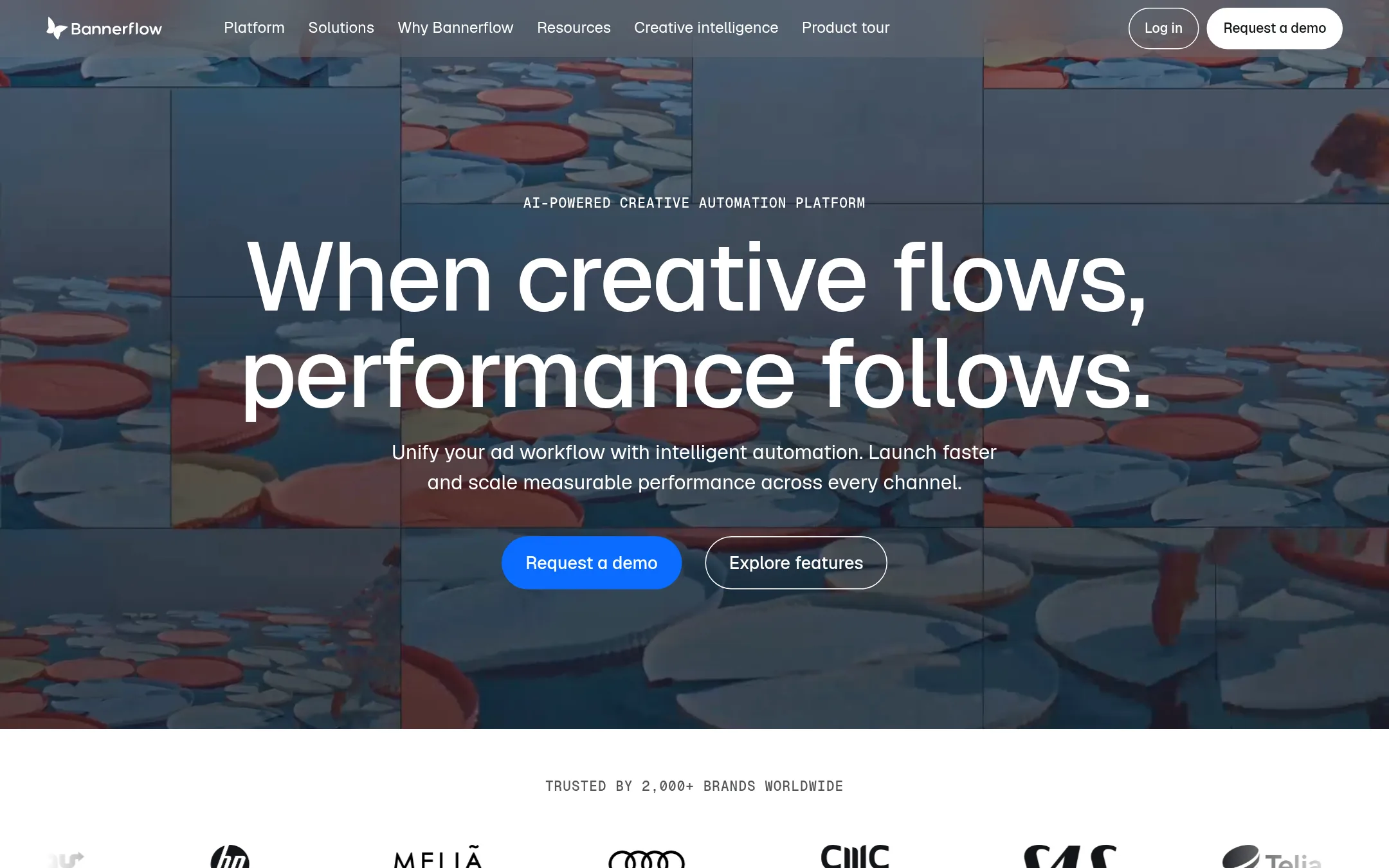
Bannerflow is a cloud-based creative automation platform for teams that need to produce and manage large volumes of HTML5 and video ads. Choose it over Google Web Designer when you need versioning, localization, and real-time updates across many formats and markets without rebuilding creatives.
Where it is strong
- Automates scaling one master creative into every format and version
- Real-time updates to live campaigns without rebuilding or republishing
- Built-in translation and localization with brand control
Where it falls short
- Pricing not disclosed, likely enterprise-focused
- No direct code editing like Google Web Designer's Design and Code views
- Pricing:
- Pricing is not published on the site.
- Switching from Google Web Designer:
- Moving from Google Web Designer means shifting from a free desktop tool to a paid cloud platform, so you'll need to rework your ad production workflow around Bannerflow's automation and collaboration features.
- CFrom $348/yr
4.Creatopy
Best for: Marketing teams and agencies that need to scale ad production across multiple formats, languages, and ad networks without manual resizing.
- Pricing
- From $348/yr
- Category
- Other
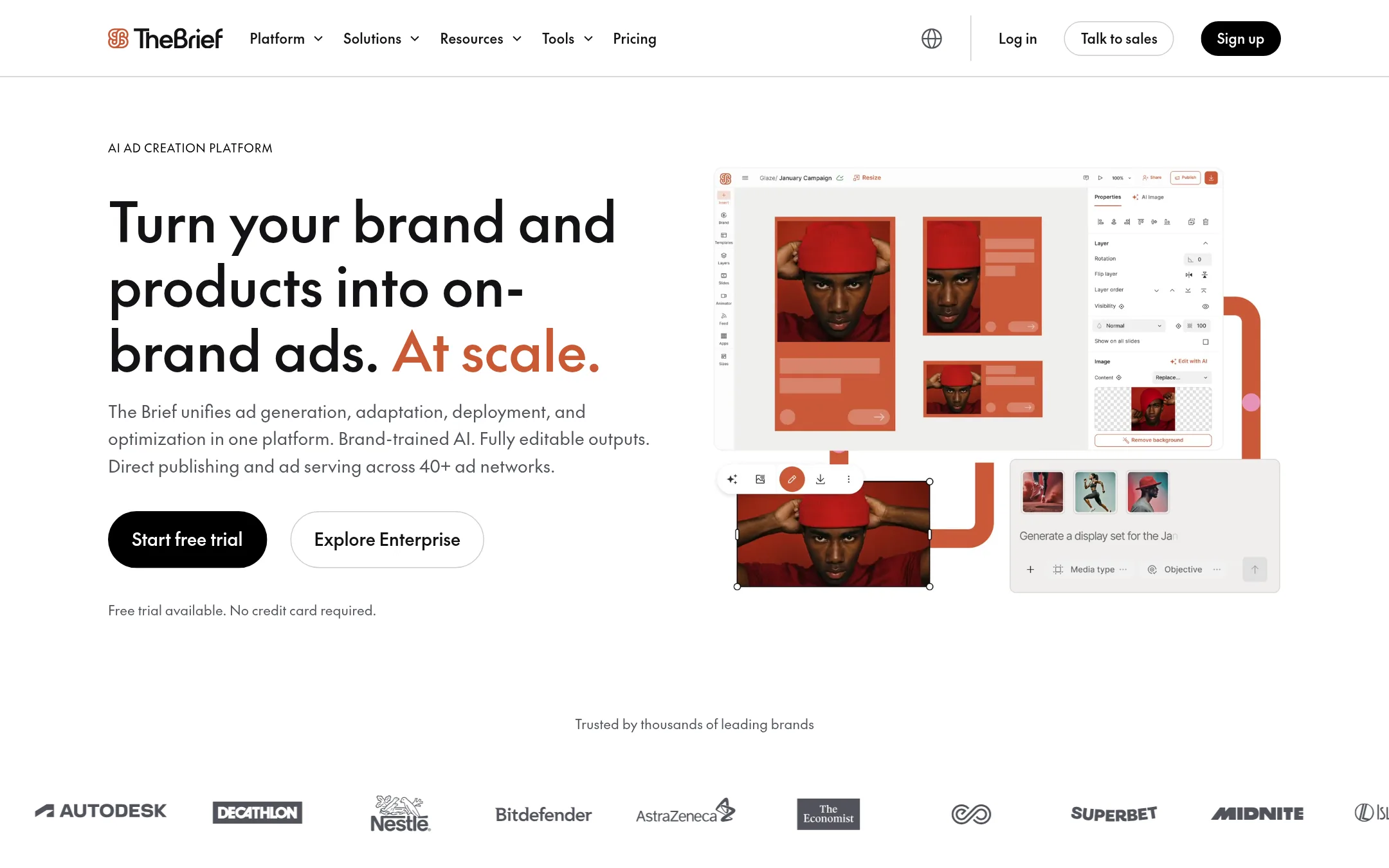
Creatopy (The Brief) is an AI-powered ad creation platform that generates, adapts, and publishes ads across formats and networks. Choose it over Google Web Designer when you need to produce large volumes of on-brand ads quickly, with AI assistance and direct ad serving, rather than manually building each creative.
Where it is strong
- AI generates and resizes ads automatically, saving hours on repetitive tasks.
- Direct publishing to 40+ ad networks, including Meta and Google Ads.
- Imports PSD and Figma files, so existing designs can be adapted easily.
Where it falls short
- AI features may require brand training and fine-tuning for full control.
- Advanced features like ad serving and API access are only on higher-tier plans.
- Pricing:
- Pro is $348/year (billed annually), Ultra is $948/year, Team is $588/seat/year, and Enterprise pricing is custom.
- Switching from Google Web Designer:
- Moving from Google Web Designer involves importing your existing HTML5 ads or rebuilding them in Creatopy's editor, then using its AI tools to resize and adapt them for new campaigns.
- ASee website
5.Ad Maker by SteelHouse
Other
A tool for creating and testing HTML5 display ads with dynamic creative capabilities.
- BFrom $84/yr
6.Bannersnack
Best for: Marketers and small teams who need to produce display and social ads quickly from templates, without coding.
- Pricing
- From $84/yr
- Category
- Other
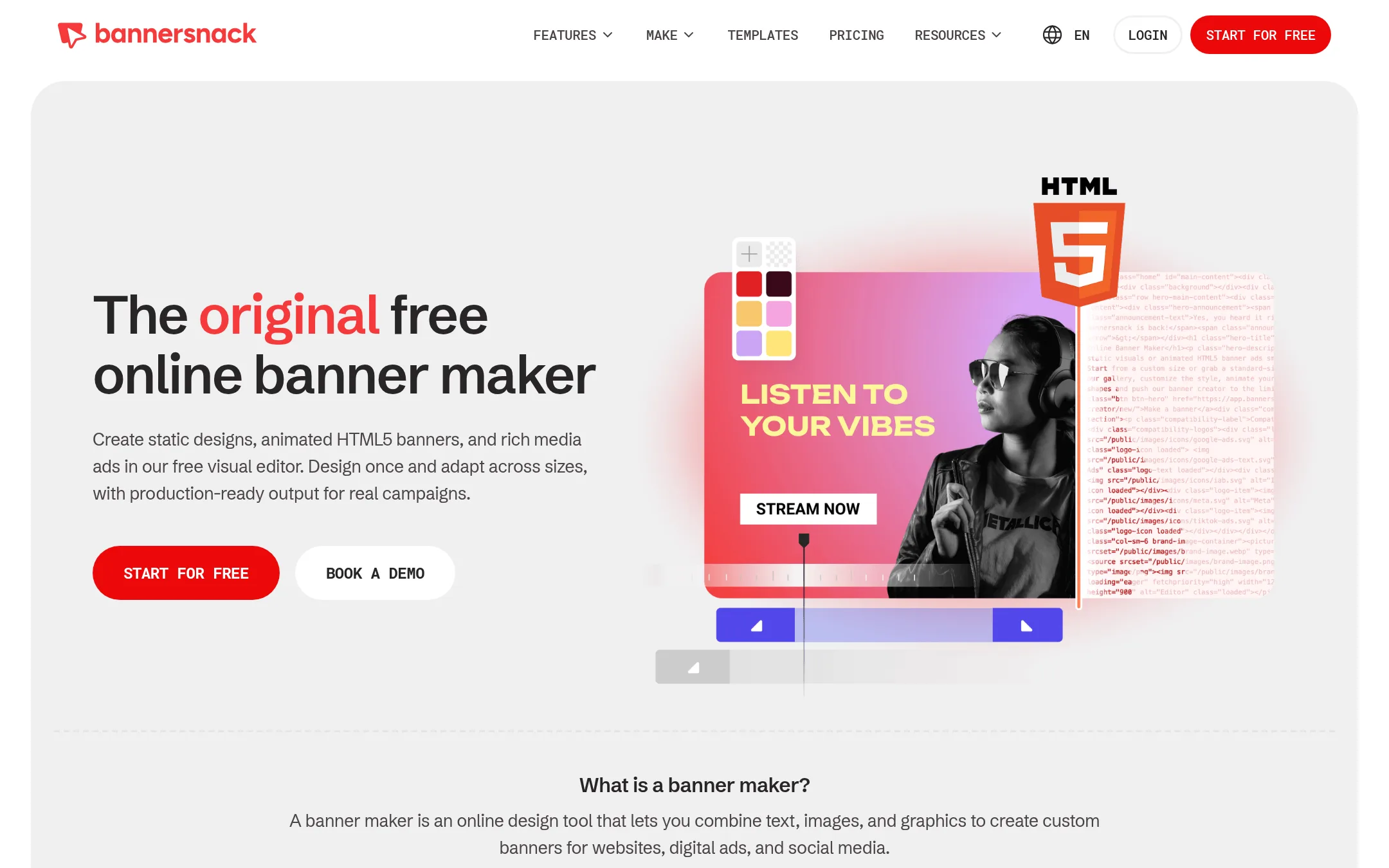
Bannersnack is a browser-based banner maker for static, animated HTML5, and rich media ads. Choose it over Google Web Designer if you want a visual editor with templates and multi-size scaling, without installing a desktop app.
Where it is strong
- No installation, works in the browser
- Resize designs across 50+ sizes automatically
- Export to HTML5, MP4, GIF, PNG, JPG, or PDF
Where it falls short
- Starter plan lacks animations and HTML5 export
- Free plan limited to 10 designs and no HTML5 export
- Pricing:
- Free plan includes 10 designs. Paid plans start at $84/year (Starter) and go up to $4,200/year (Large team).
- Switching from Google Web Designer:
- Moving from Google Web Designer means adapting to a template-first workflow and a subscription model, but you can import existing HTML5 assets if they meet Bannersnack's requirements.
- See website
7.Nyckel
AI & Machine Learning
Classify Anything
- Not published
8.Tumult
Best for: Designers and developers on macOS who need a polished HTML5 animation tool with optional advanced features like responsive layouts and physics.

- Pricing
- Not published
- Category
- Design & Creative
Tumult Hype is a macOS app for creating animated and interactive HTML5 content without coding. Choose it over Google Web Designer if you work on a Mac and want a desktop tool focused on animation and interactivity, with a professional upgrade available for responsive layouts and physics.
Where it is strong
- No coding required for animations and interactive content
- Works on desktops, smartphones, and iPads
- Professional upgrade adds Responsive Layouts, Physics, and Symbols
Where it falls short
- Mac-only, so Windows users can't use it
- No mention of Google integrations like Studio or Drive
- Pricing:
- Pricing is not published on the site.
- From $10/mo
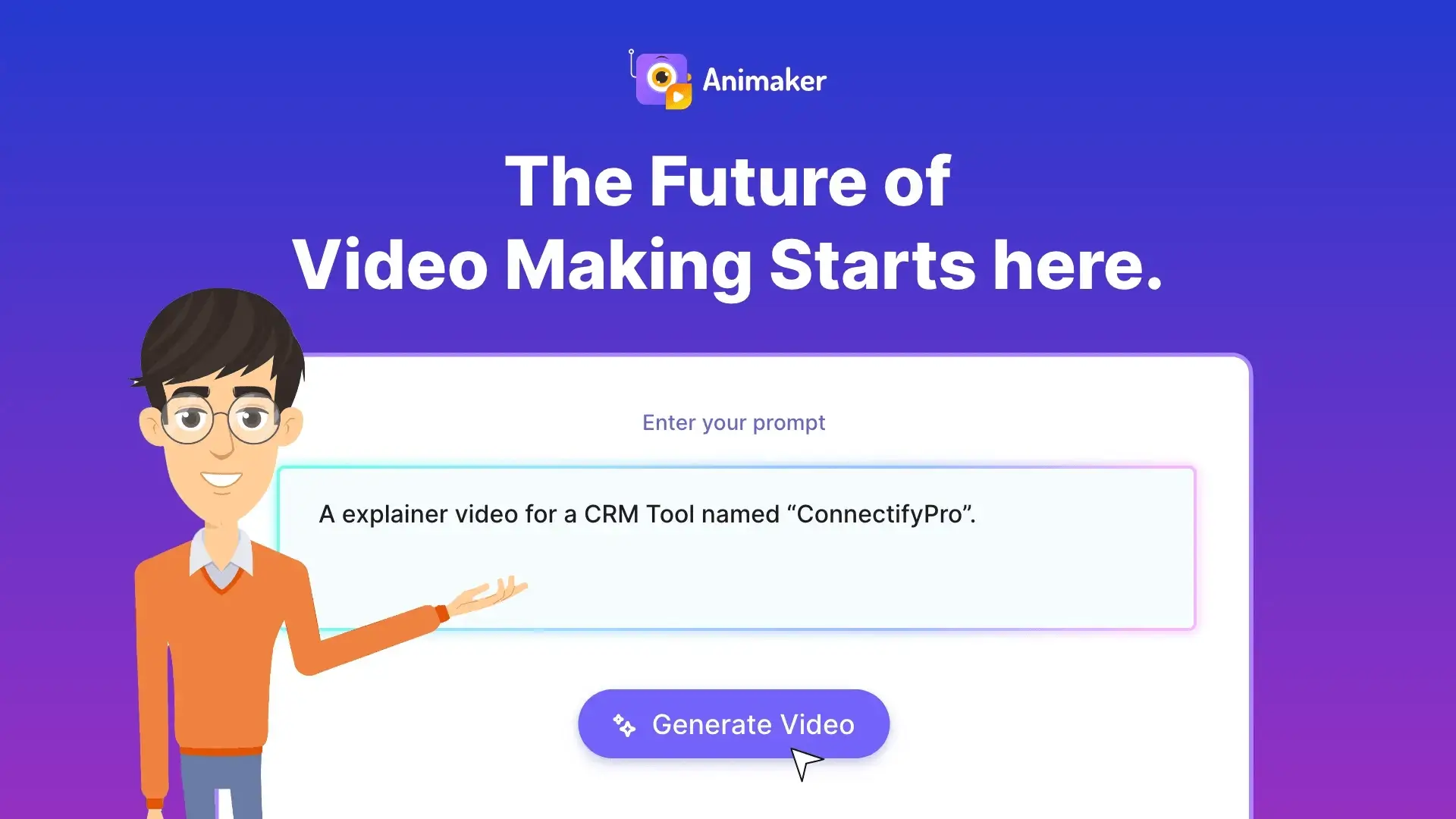
9.Animaker
Best for: Marketing, HR, and L&D teams that want to produce animated videos at scale without design or animation experience.
- Pricing
- From $10/mo
- Category
- Design & Creative
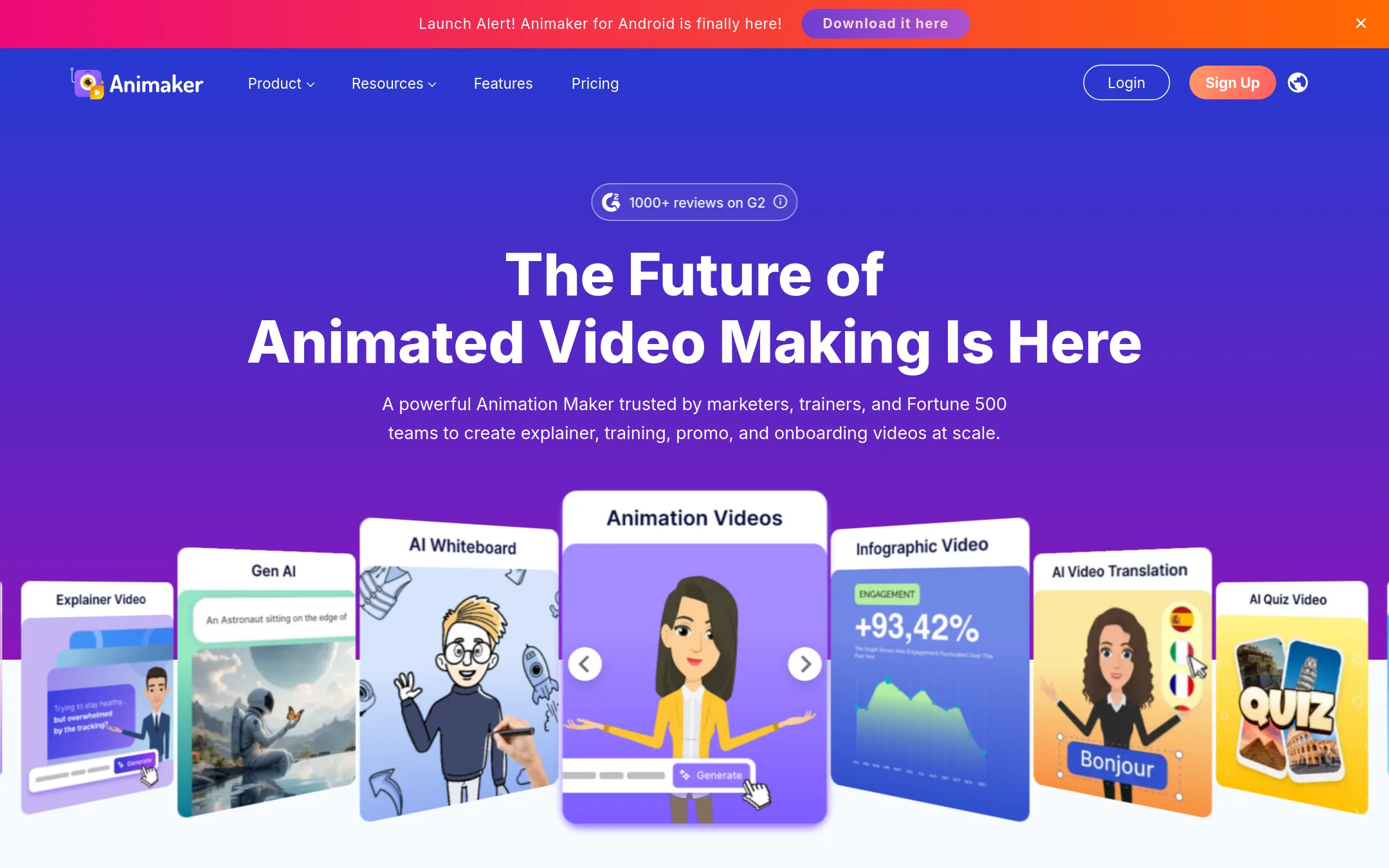
Animaker is an online animation maker that turns text prompts into animated videos with characters, voiceovers, and subtitles. Choose it over Google Web Designer if you need quick explainer or training videos without coding or ad-specific workflows.
Where it is strong
- AI generates full videos from a text prompt, including scenes, characters, and voiceover.
- Huge asset library with 100M+ stock media, 70K+ icons, and 30K+ music tracks.
- One-click video translation into 100+ languages and auto-subtitles in 130+ languages.
Where it falls short
- Free plan exports are watermarked and limited to 20 exports per month.
- Not designed for HTML5 ad production or direct publishing to ad platforms like Google Studio.
- Pricing:
- Pricing starts at $10/mo for the Basic plan (yearly billing), with Starter at $19/mo, Pro at $49/mo, and Enterprise on custom quote. A free plan with watermarked exports is available.
- Switching from Google Web Designer:
- Moving from Google Web Designer means shifting from code-based ad authoring to a template-driven video workflow, so you'll need to recreate your ads as animated videos rather than import existing projects.
- Not published
10.Framer
Best for: Teams and freelancers building marketing sites, portfolios, or small business websites who want design freedom without writing code.
- Pricing
- Not published
- Category
- Design & Creative
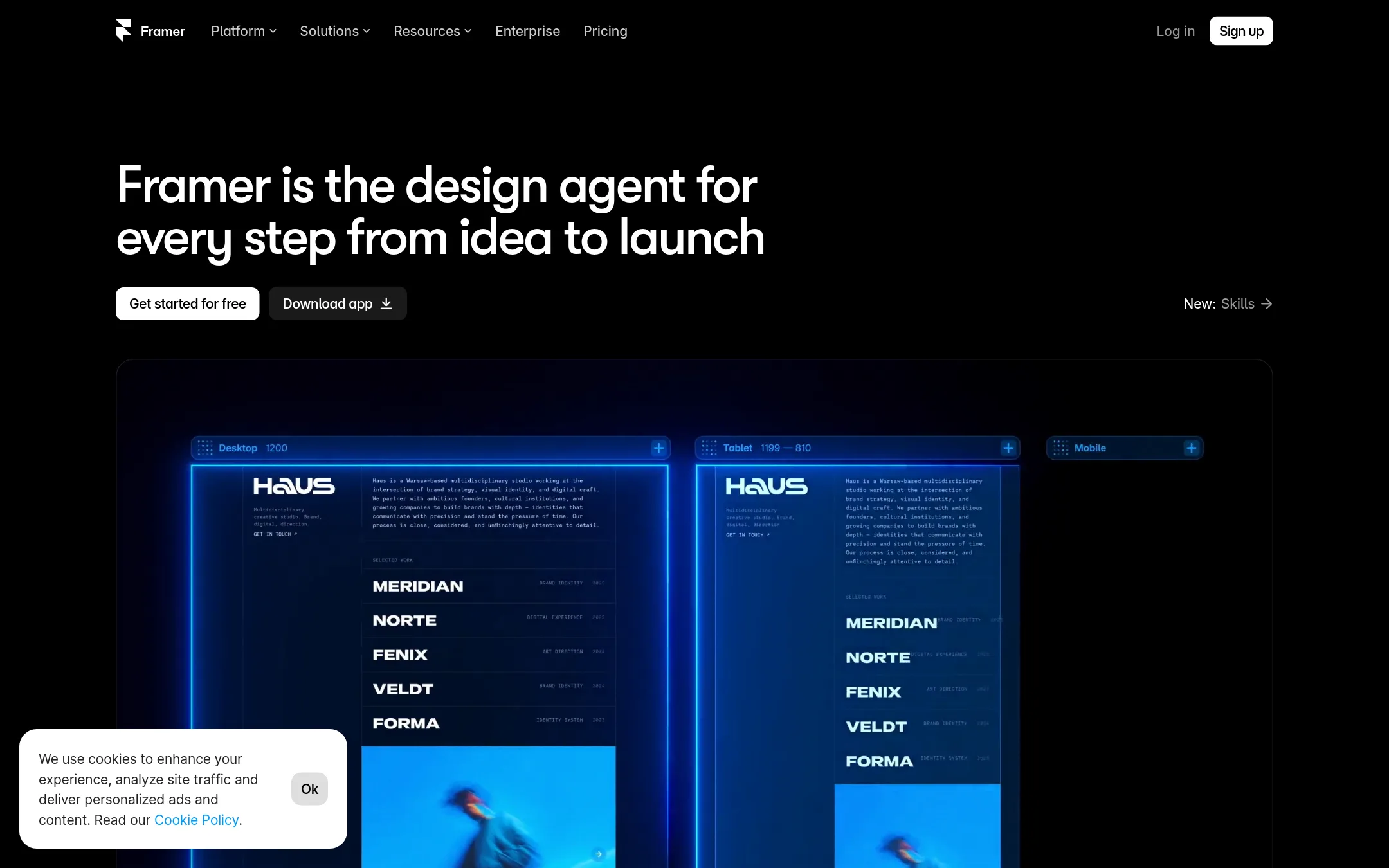
Framer is a no-code website builder that lets you design, publish, and manage professional sites with built-in hosting, CMS, and SEO. Choose it over Google Web Designer when you need a full website rather than just HTML5 ads or interactive banners, and you want to avoid hand-coding.
Where it is strong
- Free plan with 500 AI credits and 1 GB bandwidth
- Built-in CMS, SEO, and hosting on paid plans
- Design freedom with no-code tools and AI assistance
Where it falls short
- No animation timeline or 3D tools like Google Web Designer
- Advanced features like A/B testing require add-ons
- Pricing:
- Pricing is not published on the site.
- From $19.99/mo
11.LottieFiles
Best for: Design and development teams that need to create, share, and implement lightweight animations across websites and apps.
- Pricing
- From $19.99/mo
- Category
- Design & Creative
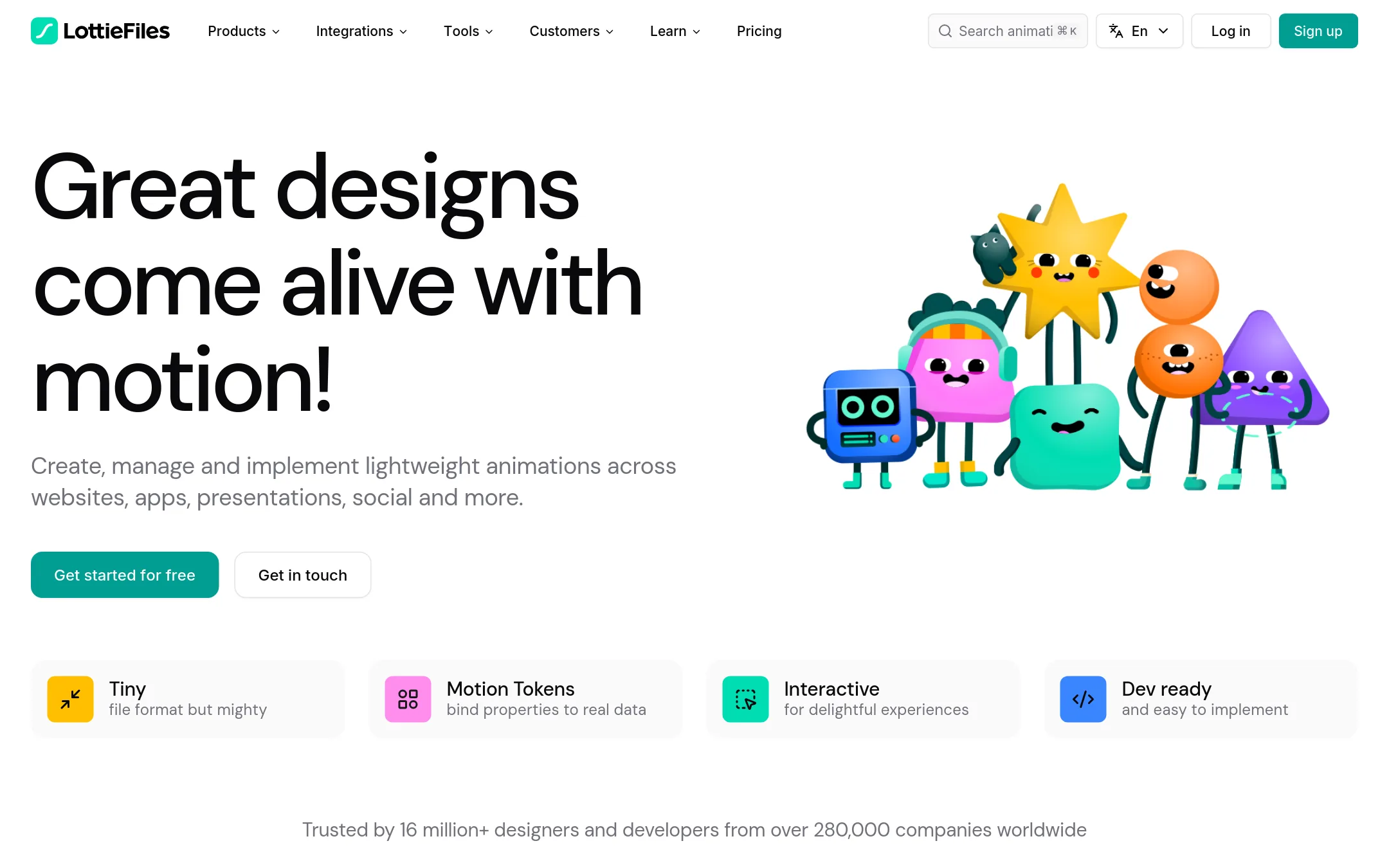
LottieFiles is a platform for creating, managing, and shipping lightweight Lottie animations for web and apps. Choose it over Google Web Designer when your team focuses on motion design and needs a library of ready-to-use animations, collaboration tools, and developer handoff, rather than building full HTML5 ads.
Where it is strong
- Access to over 800,000 free and premium animations
- Built-in CDN and runtimes for easy implementation
- Integrates with Figma, After Effects, Canva, and more
Where it falls short
- Not designed for creating full HTML5 ads or interactive banners
- Advanced features like SSO and SOC2 are only on enterprise plans
- Pricing:
- Individual plan is $19.99 per user per month billed annually. Team plan is $24.99 per user per month. Enterprise pricing is custom via sales.
- Switching from Google Web Designer:
- Moving from Google Web Designer means shifting from HTML5 ad authoring to a motion-focused workflow, where you'll create or source Lottie animations and implement them via code or plugins.
- PNot published
12.Principle
Best for: Product designers on macOS who need to prototype multi-screen app interactions and animations with Figma or Sketch imports.
- Pricing
- Not published
- Category
- Design & Creative
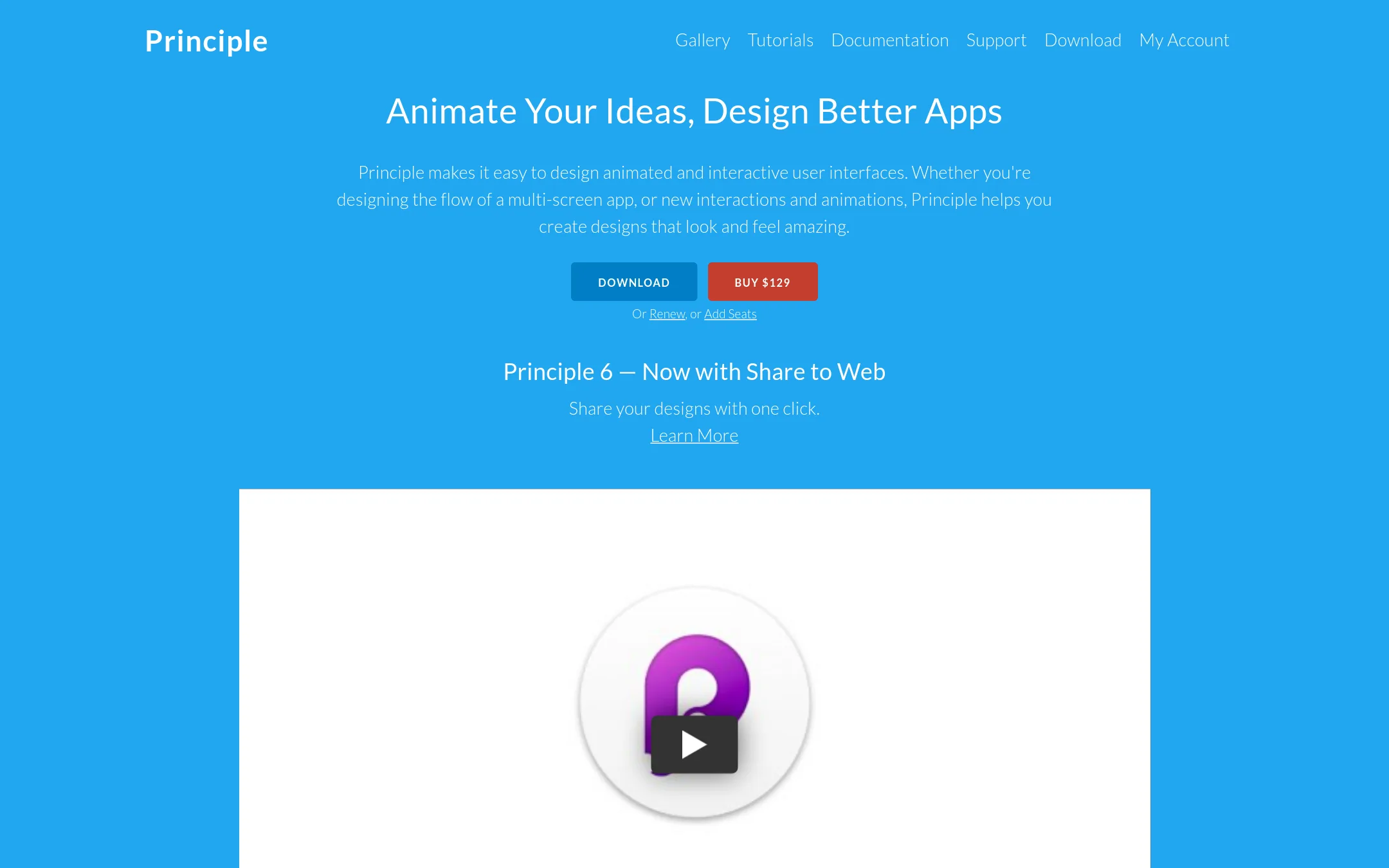
Principle is a macOS app for designing animated and interactive user interfaces. Choose it over Google Web Designer when your focus is prototyping app flows and micro-interactions rather than building HTML5 ads.
Where it is strong
- Timeline-based animation with easy bounce, ease, and pop effects.
- Import from Figma or Sketch with intelligent merging on re-import.
- One-click share to web for viewing on any device without installs.
Where it falls short
- Mac-only, so Windows or Linux teams can't use it.
- No built-in ad publishing or dynamic data workflows like Google Web Designer.
- Pricing:
- Pricing is not published on the site.
- Switching from Google Web Designer:
- Moving from Google Web Designer means shifting from HTML5 ad creation to app prototyping, and you'll need to import your designs from Figma or Sketch rather than starting from scratch.
See more comparisons in Design & Creative alternatives.
FAQ
Questions about Google Web Designer alternatives
Which alternative is best for scaling ad production across many formats?
Bannerflow is built for enterprise teams that need to produce and manage large volumes of HTML5 and video ads. It automates scaling one master creative into every format and version, and supports real-time updates and localization. Pricing is not published, so expect a sales conversation.
Can I publish ads directly to ad networks without manual upload?
Creatopy offers direct publishing to 40+ ad networks, including Meta and Google Ads. This saves time compared to Google Web Designer, which requires publishing to Studio or sharing files on Drive. Direct publishing is available on higher-tier plans, so check your plan level.
Is there a free option among these alternatives?
Yes, several tools have free tiers. Framer offers a free plan with 500 AI credits and 1 GB bandwidth. Bannersnack has a free plan limited to 10 designs, and Animaker has a free plan with watermarked exports. These free plans have limitations, so review them before committing.
Which tool is best for creating animated videos without coding?
Animaker is designed for non-designers and generates full videos from text prompts, including scenes, characters, and voiceover. It has a huge asset library and supports one-click translation into 100+ languages. Pricing starts at $10 per month with yearly billing.
Are there Mac-only alternatives to Google Web Designer?
Yes, Tumult Hype and Principle are both macOS apps. Tumult Hype focuses on HTML5 animation and interactivity without coding, while Principle is for prototyping app interfaces. Both are Mac-only, so Windows users should look at browser-based tools like Bannersnack or Creatopy.
Last updated November 1, 2026.