
Heptabase alternatives
10 products compared · Updated November 3, 2026
The short answer
For visual learning and research, Heptabase remains the strongest choice. If you need a team-wide workspace with databases and AI, Notion is the best alternative. For a free, local-first knowledge base with deep customization, Obsidian is the strongest pick.
Your shortlist, at a glance
Read the comparisons ↓ ObsidianFree. Sync $4/moIndividuals and teams who want a private, offline-first knowledge base with deep customization via plugins.
 NotionFrom $10/mo per userTeams and companies that want one workspace for docs, wikis, projects, and AI assistance, rather than a dedicated learning tool.
 Roam ResearchNot publishedResearchers and writers who want a fast, keyboard-driven outliner for associative thought and don't need visual mapping.
LogseqNot publishedStudents, academics, writers, and developers who want a free, local-first, and extensible note-taking tool.
 MilanoteFrom $9.99/moCreative teams and individuals in filmmaking, design, marketing, or content creation who need to organize visual inspiration and project plans on boards.
- SScrintalNot publishedStudents, researchers, and small teams who want to visually map ideas and documents on an infinite canvas with real-time collaboration.
 TanaFrom $15/member/moAI-native teams that want their existing Claude or ChatGPT agents to act on live meeting content in Zoom, Teams, or Google Meet.
- CCraftFrom $6.4/moIndividuals and small teams who want a flexible, design-forward notes and docs tool that also handles tasks and publishing.
EvernoteNot publishedIndividuals and small teams who need a reliable, all-purpose note app with tasks and calendar, not a visual learning tool.
 Bear$100/moSmall businesses and marketing teams that want to track AI agent usage and automate content generation and outreach.
About Heptabase and its alternatives
Heptabase is an intelligent, visual knowledge base built for students, researchers, and lifelong learners. It is known for whiteboards, cards, bi-directional links, PDF annotation, and AI features that help you learn complex topics.
When comparing alternatives, weigh pricing structure (monthly vs annual, per-user vs flat), whether the tool is local-first or cloud-based, the depth of AI features, collaboration capabilities, and support for offline access. Also check contract terms like free plans and minimum user counts.
Explore the alternatives
- Free. Sync $4/mo
1.Obsidian
Best for: Individuals and teams who want a private, offline-first knowledge base with deep customization via plugins.
- Pricing
- Free. Sync $4/mo
- Category
- Productivity & Project Management
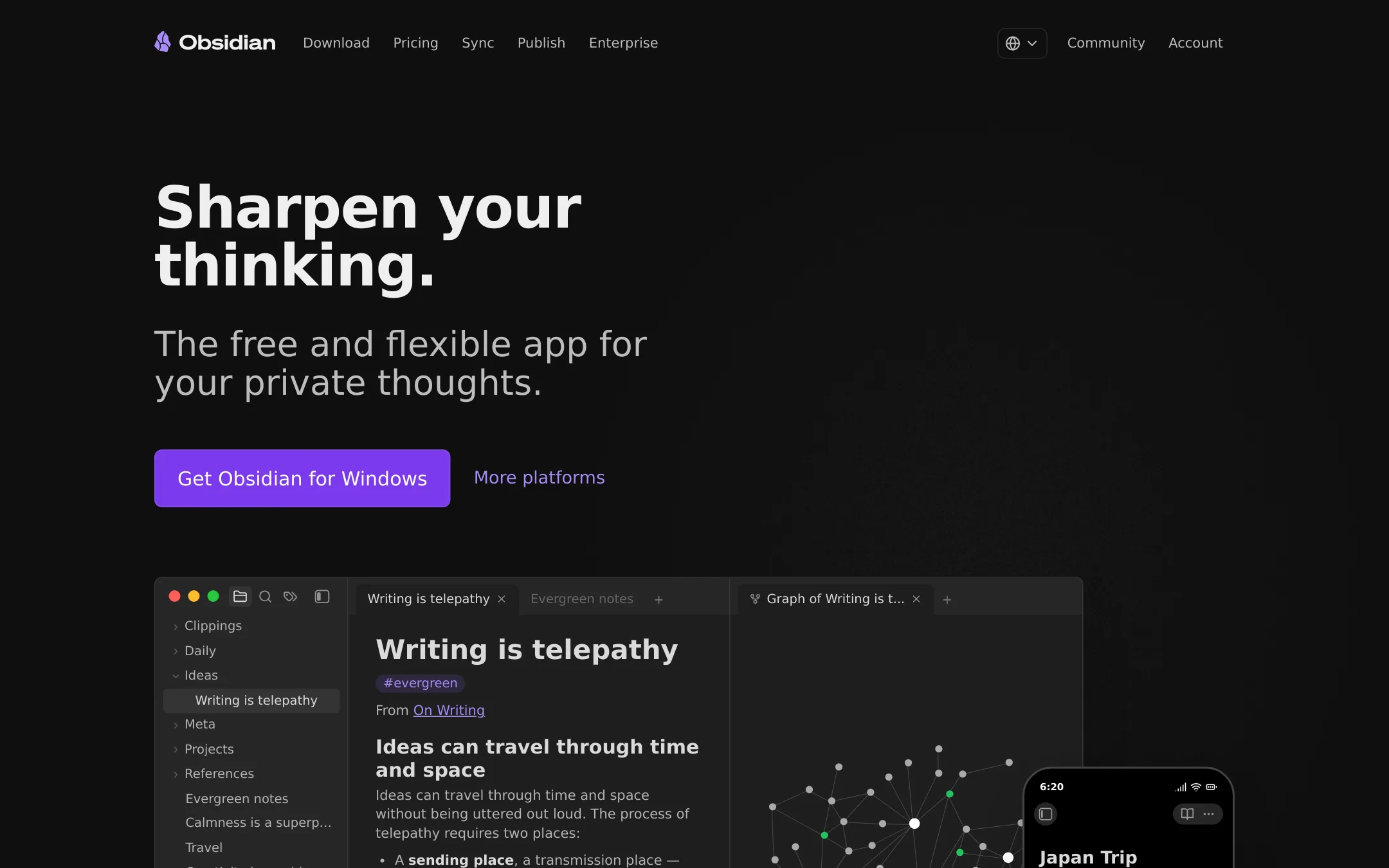
Obsidian is a free, local-first note app with a plugin ecosystem that lets you build a custom knowledge base. Choose it over Heptabase if you want full control over your data and workflow, and don't need built-in AI tutoring or PDF annotation.
Where it is strong
- Free for personal use with no limits on notes or features.
- Stores notes as plain Markdown files on your device, so you own your data.
- Thousands of plugins and themes let you tailor the app to your workflow.
Where it falls short
- No built-in AI features like Heptabase's AI agent or tutor.
- Real-time collaboration requires paid Sync, and setup is more technical than Heptabase.
- Pricing:
- The core app is free. Sync costs $4 per user per month billed annually, and Publish costs $8 per site per month billed annually.
- Switching from Heptabase:
- Moving from Heptabase means exporting your notes and whiteboards as Markdown or JSON, then importing them into Obsidian's vault structure. You'll need to recreate any visual layouts manually.
- From $10/mo per user
2.Notion
Best for: Teams and companies that want one workspace for docs, wikis, projects, and AI assistance, rather than a dedicated learning tool.
- Pricing
- From $10/mo per user
- Category
- Productivity & Project Management
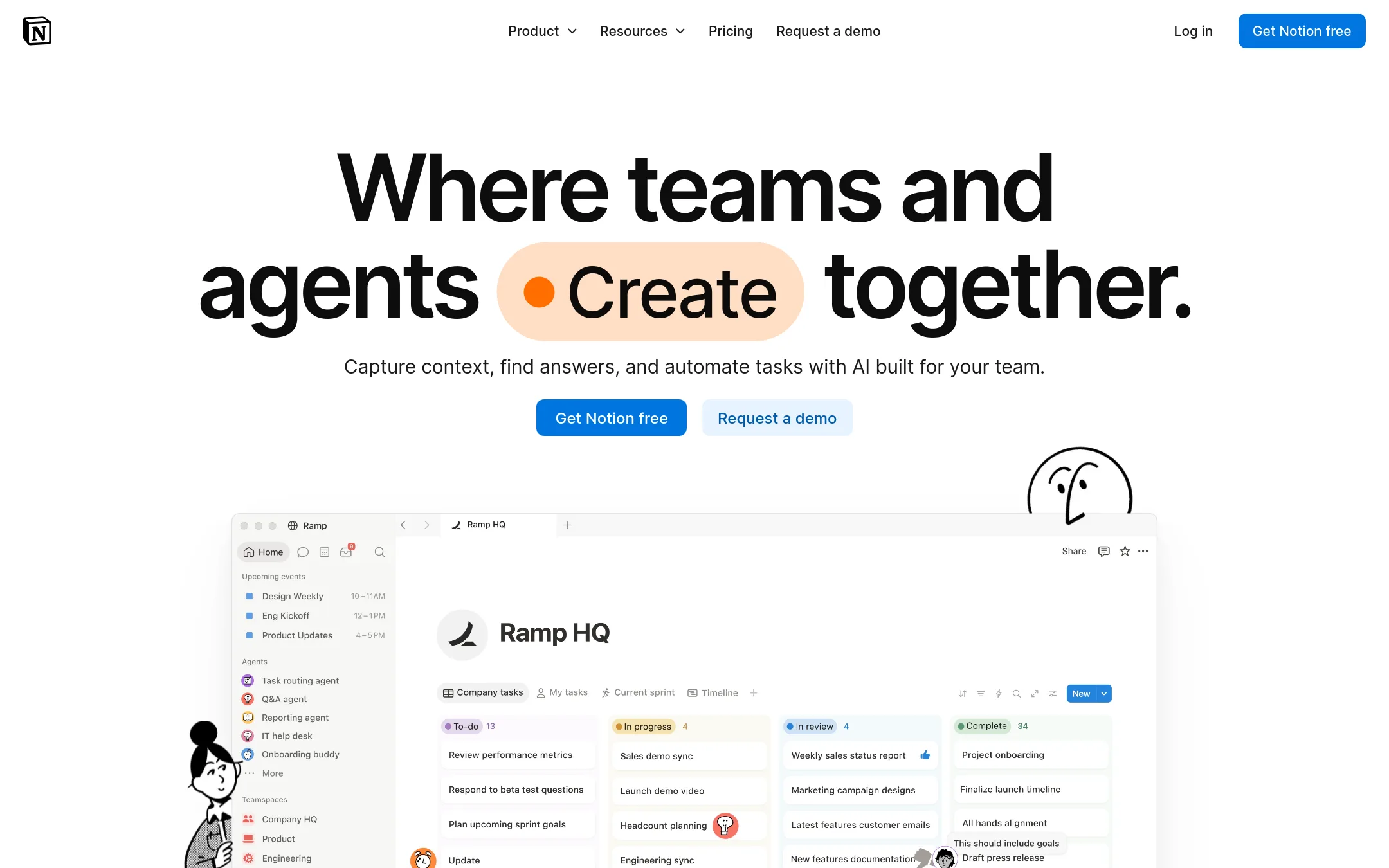
Notion is a general-purpose workspace for notes, docs, wikis, and project management, with AI features built in. Choose it over Heptabase if you need a team-wide tool that also handles tasks, databases, and company knowledge, not just deep learning and research. Heptabase is better for visual whiteboard-based study. Notion is better for running a whole organization.
Where it is strong
- Flexible pages and databases for any workflow
- Strong collaboration with real-time editing and comments
- AI features integrated across docs, search, and agents
Where it falls short
- No visual whiteboard for mapping complex ideas like Heptabase
- Steeper learning curve for organizing large knowledge bases
- Pricing:
- In the United States, the Free plan is $0, Plus starts at $10 per user per month, Business at $20 per user per month, and Enterprise is custom. AI credits cost $10 per 1,000 monthly credits.
- Switching from Heptabase:
- Moving from Heptabase means recreating your whiteboard-based notes as pages and databases, and losing the visual card-based learning flow.
- Not published
3.Roam Research
Best for: Researchers and writers who want a fast, keyboard-driven outliner for associative thought and don't need visual mapping.
- Pricing
- Not published
- Category
- Productivity & Project Management
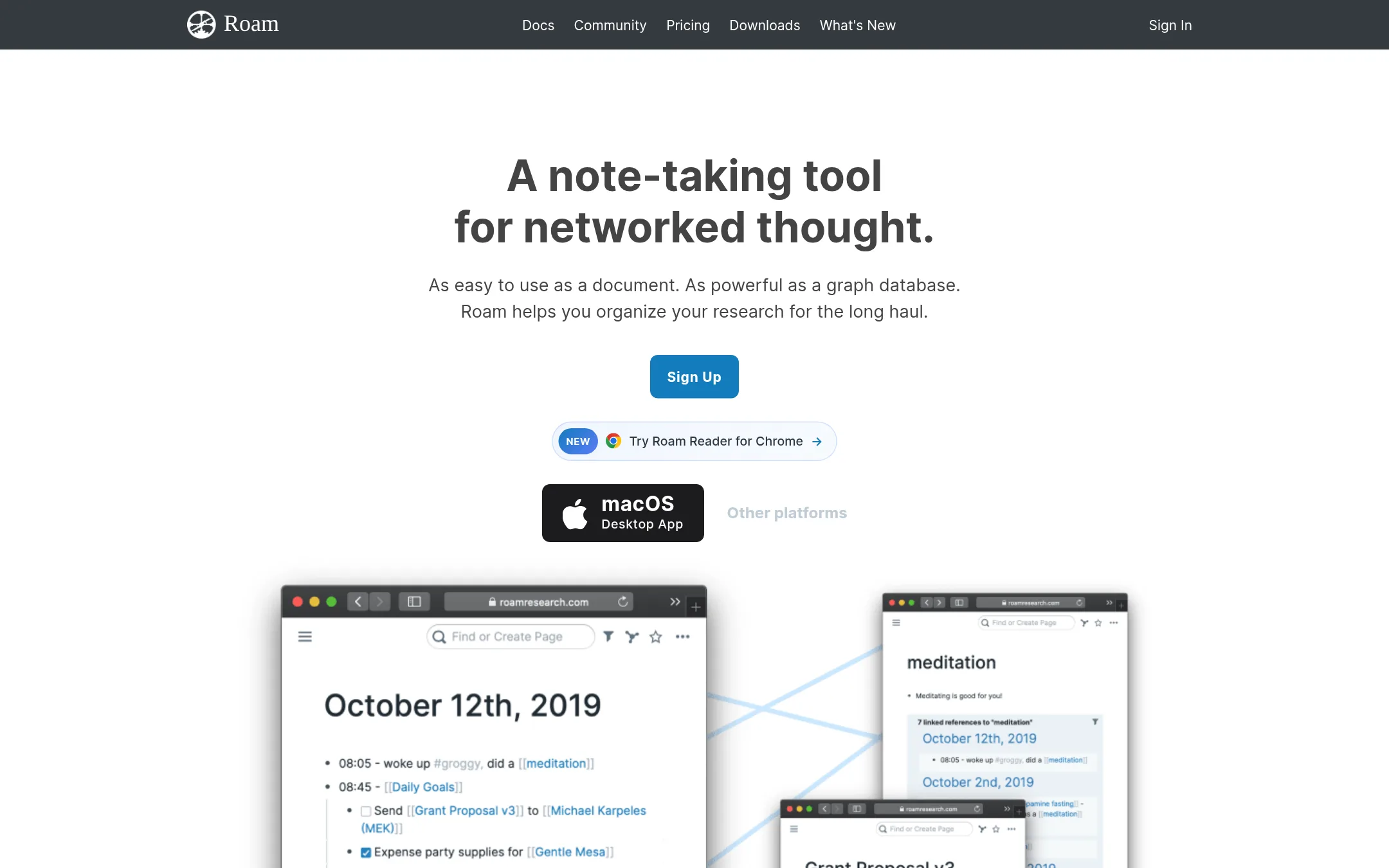
Roam Research is a networked note-taking tool that connects ideas through bi-directional links and daily notes. Choose it over Heptabase if you prefer a plain-text, outliner-style workflow and want to build a graph of your thinking rather than work on visual whiteboards.
Where it is strong
- Bi-directional links make connections automatic
- Daily notes encourage a lightweight capture habit
- Real-time collaboration is built in
Where it falls short
- No visual whiteboard or card layout like Heptabase
- Steeper learning curve for new users
- Pricing:
- Pricing is not published on the site.
- Switching from Heptabase:
- Moving from Heptabase means exporting your notes and rebuilding your whiteboard structure as an outliner, since Roam has no canvas equivalent.
- Not published
4.Logseq
Best for: Students, academics, writers, and developers who want a free, local-first, and extensible note-taking tool.
- Pricing
- Not published
- Category
- Productivity & Project Management
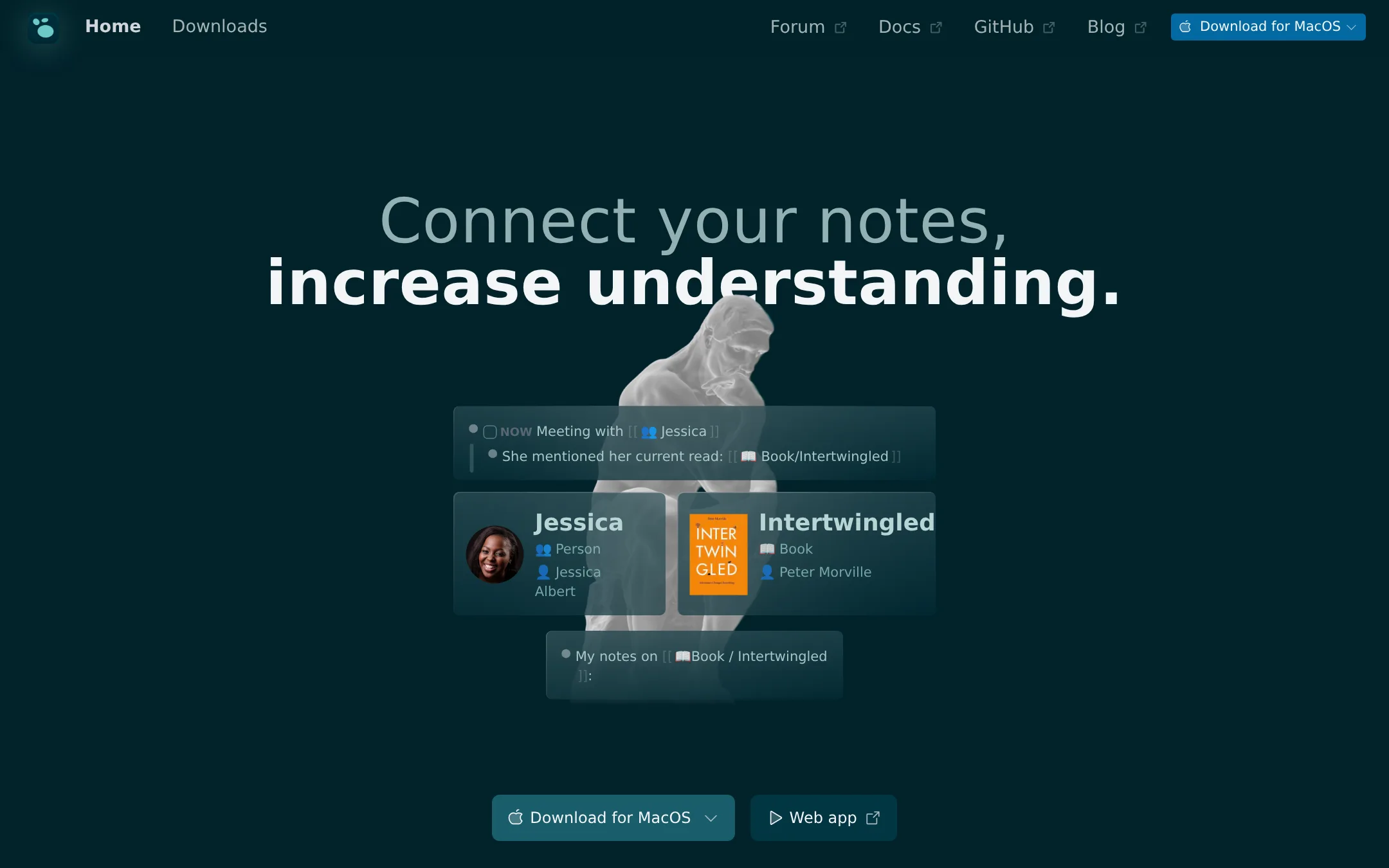
Logseq is a privacy-first, open-source knowledge base that stores everything locally in Markdown files. Choose it over Heptabase if you want full control of your data, a free personal plan, and a strong plugin ecosystem.
Where it is strong
- Free forever for personal use
- Open source and local-first, you own your data
- 150+ plugins and 30+ themes for customization
Where it falls short
- No built-in AI features like Heptabase's AI agent
- Visual whiteboard capabilities are less developed than Heptabase's
- Pricing:
- Pricing is not published on the site.
- Switching from Heptabase:
- Moving from Heptabase involves exporting your notes and whiteboards, then importing them into Logseq's Markdown-based structure, which may require manual reorganization.
- From $9.99/mo
5.Milanote
Best for: Creative teams and individuals in filmmaking, design, marketing, or content creation who need to organize visual inspiration and project plans on boards.
- Pricing
- From $9.99/mo
- Category
- Productivity & Project Management
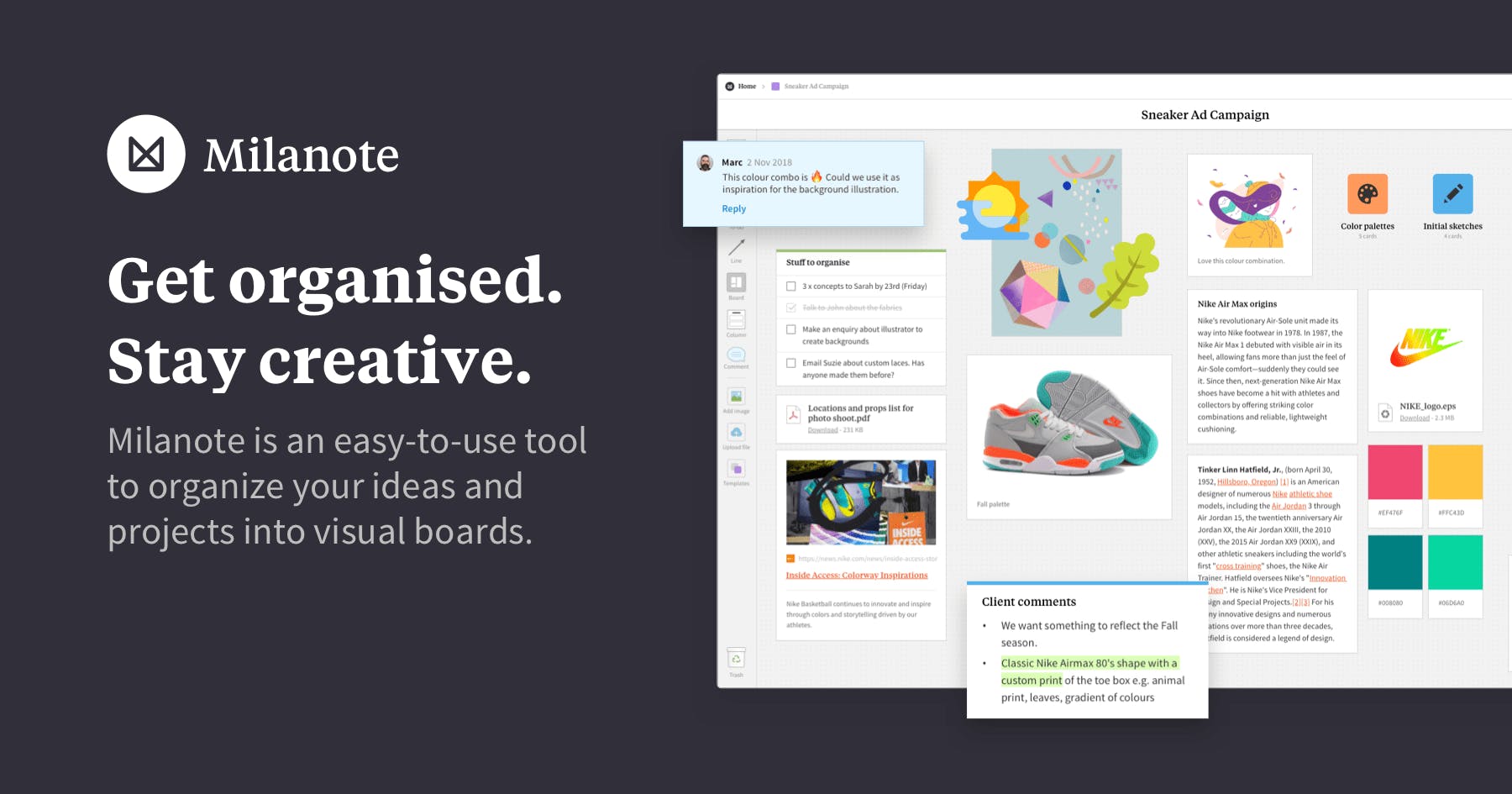
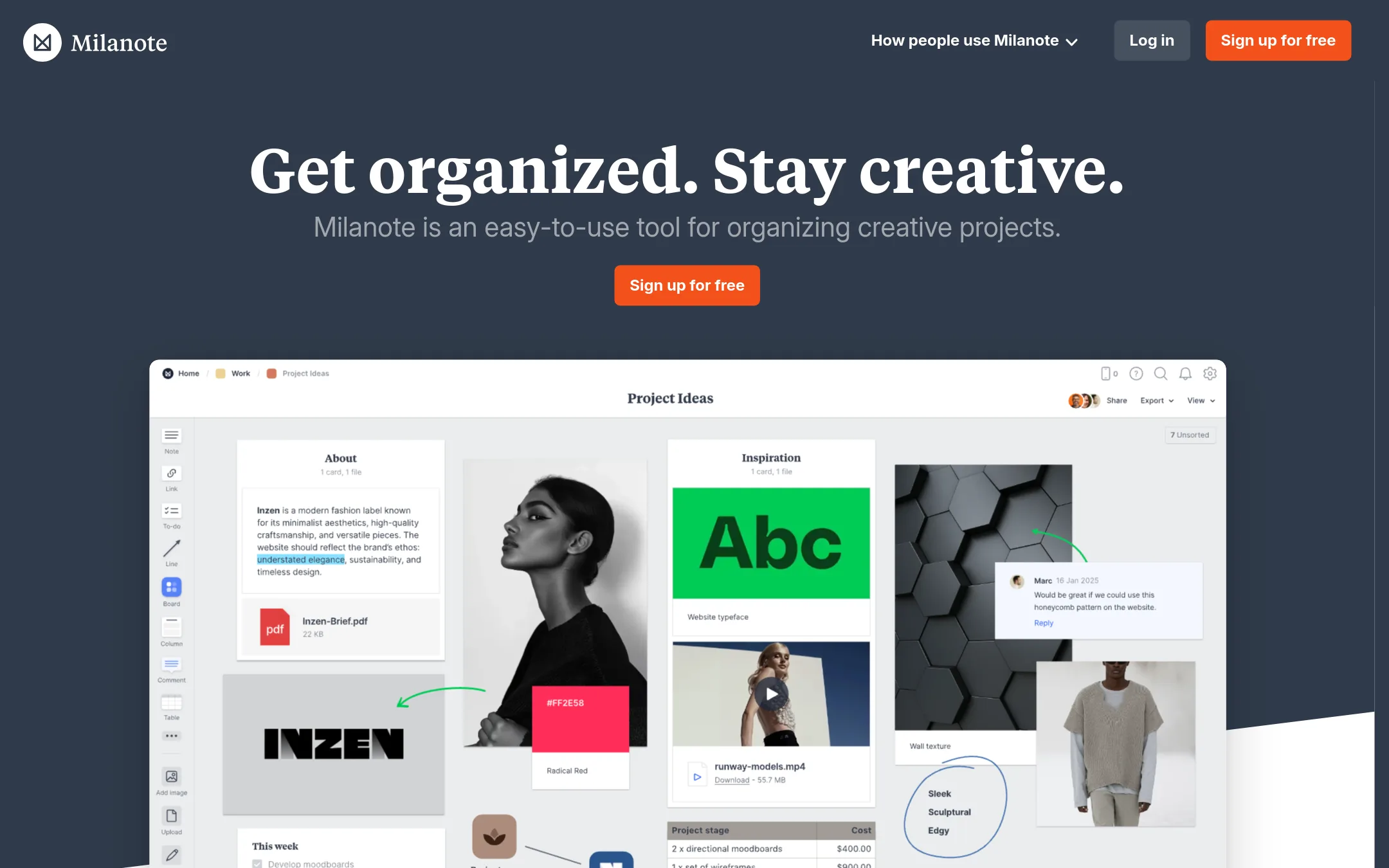
Milanote is a visual board tool for organizing creative projects, letting you collect notes, images, links, and files on a canvas. You would choose it over Heptabase when your work is more about moodboards, storyboards, and project planning than building a connected knowledge base for learning. It is simpler and more visual, built for creative workflows rather than research and note-taking.
Where it is strong
- Visual boards make it easy to arrange ideas and inspiration spatially.
- Free plan has no time limit, so you can use it indefinitely.
- Collaboration is built in with editing, commenting, and viewing permissions.
Where it falls short
- Lacks the AI features and knowledge base structure that Heptabase offers for learning.
- No offline access mentioned, so you may need an internet connection to use it.
- Pricing:
- Free plan with 100 notes, images or links and 10 file uploads. Paid plan at $9.99 per month billed annually or $12.50 monthly. Team plan at $49 per month for up to 50 people.
- SNot published
6.Scrintal
Best for: Students, researchers, and small teams who want to visually map ideas and documents on an infinite canvas with real-time collaboration.
- Pricing
- Not published
- Category
- Other
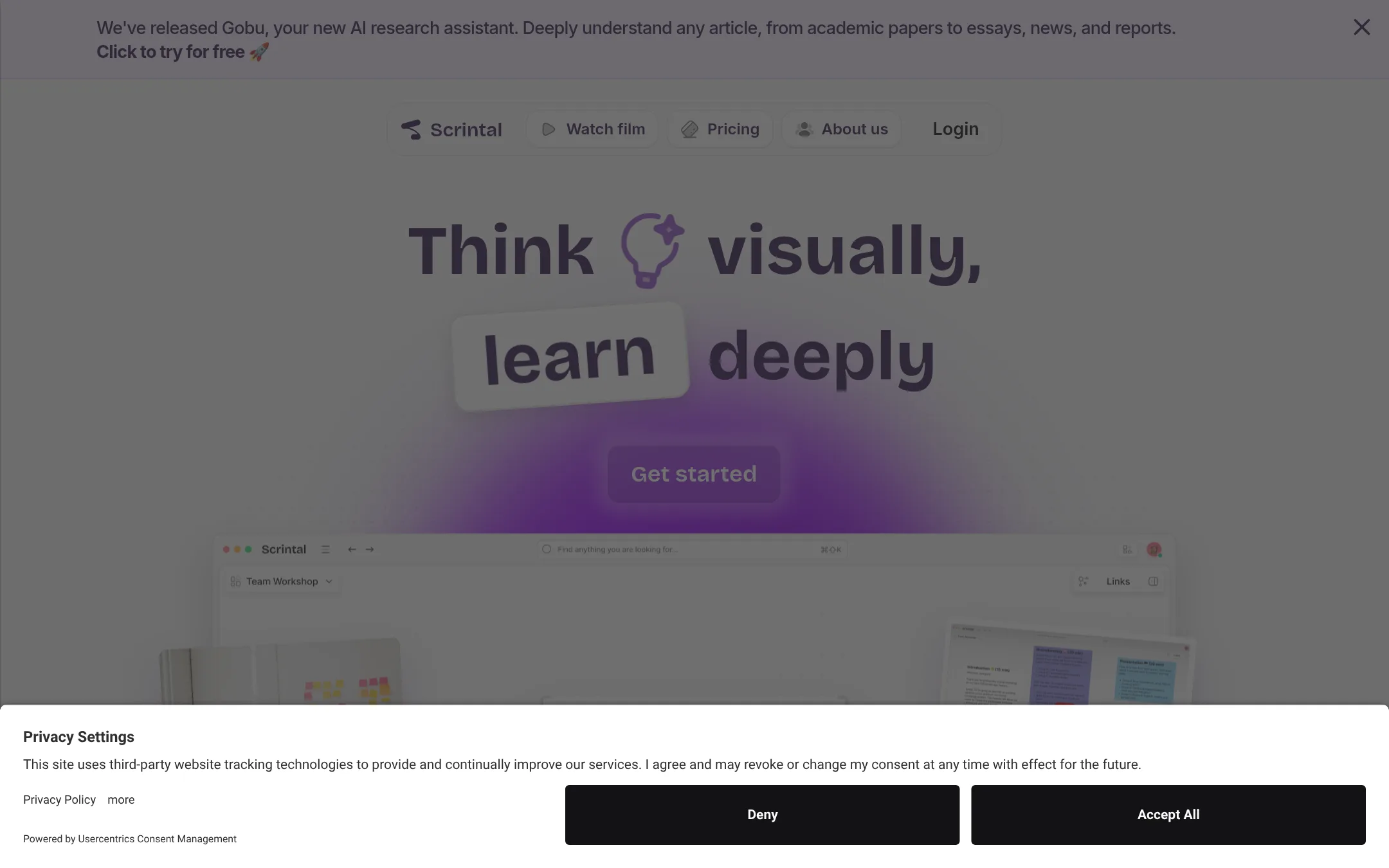
Scrintal is a visual note-taking tool that combines an infinite canvas with blocks, docs, and bi-directional links. Choose it over Heptabase if you want a more flexible canvas-first workspace for brainstorming and research, with a lighter AI assistant.
Where it is strong
- Infinite canvas with blocks, docs, arrows, and bi-directional links
- Real-time collaboration for teams
- Templates for study and research workflows
Where it falls short
- Pricing is not transparent on the site
- No offline access mentioned, unlike Heptabase
- Pricing:
- Pricing is not published on the site. The page shows a Pro plan with monthly billing but no visible price.
- Switching from Heptabase:
- Moving from Heptabase involves importing your Markdown files and rebuilding your visual layout, since Scrintal uses a different canvas and block structure.
- From $15/member/mo
7.Tana
Best for: AI-native teams that want their existing Claude or ChatGPT agents to act on live meeting content in Zoom, Teams, or Google Meet.
- Pricing
- From $15/member/mo
- Category
- Other
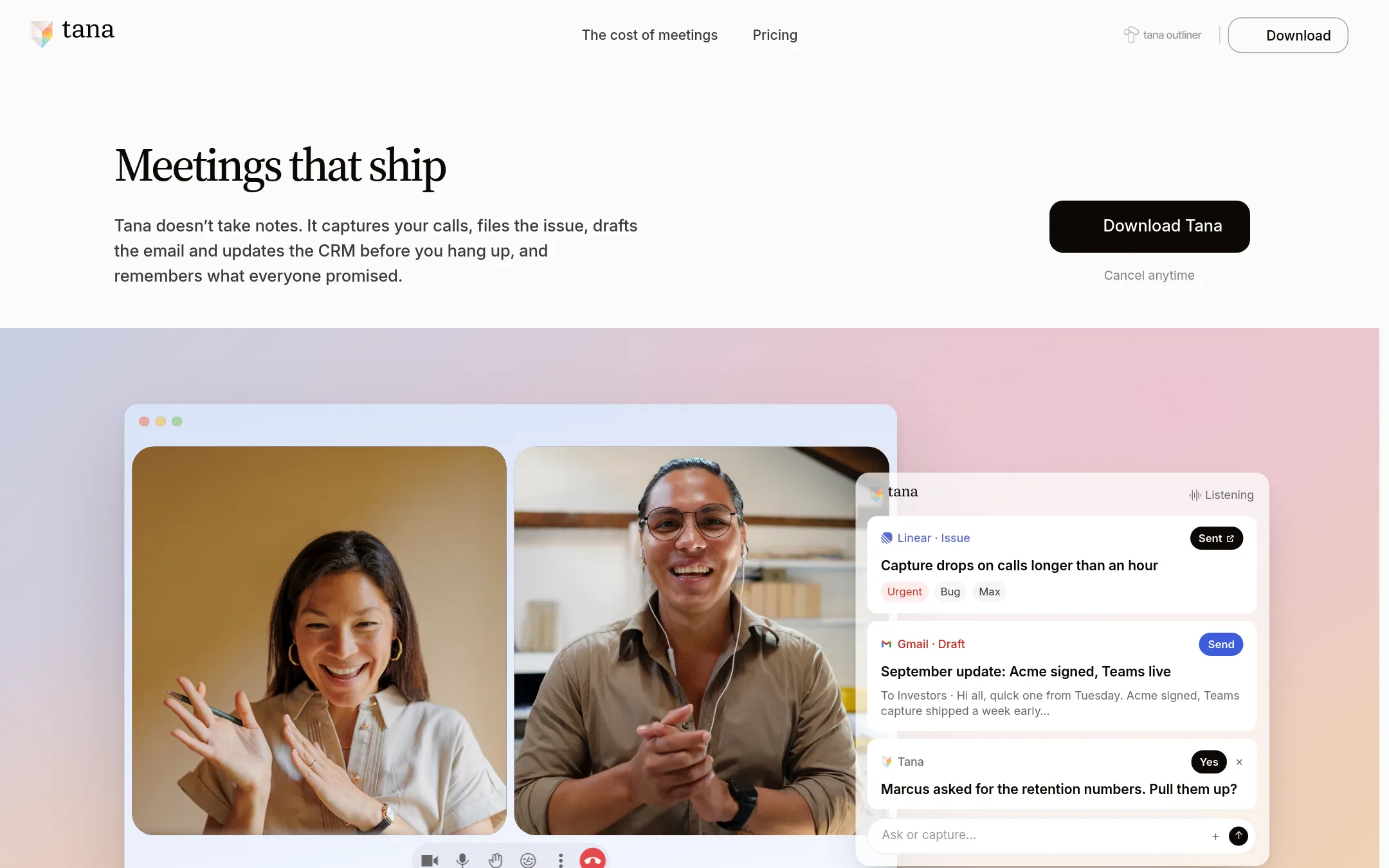
Tana is an agentic meeting platform where AI agents do work during native video calls, not a knowledge base. Choose it over Heptabase if your team's core need is turning meeting discussions into completed tasks and updated docs, rather than building a visual learning system.
Where it is strong
- Bring your own Claude or ChatGPT agents into meetings. No bot joins the call.
- Agents get live transcript and screen share, and can update docs, plans, and records during the call.
- SOC 2 Type 2, GDPR compliant, EU hosting available, and no training on your data.
Where it falls short
- Not a knowledge base or note-taking tool. It's a separate product from Tana Outliner.
- HIPAA compliance is still in progress, expected Q1 2027.
- Pricing:
- Free plan includes botless meeting agents for Zoom, Teams, and Google Meet with 30 days of searchable history. Pro is $15 per member per month billed yearly, and Business starts at $35 per member per month billed yearly.
- CFrom $6.4/mo
8.Craft
Best for: Individuals and small teams who want a flexible, design-forward notes and docs tool that also handles tasks and publishing.
- Pricing
- From $6.4/mo
- Category
- Other
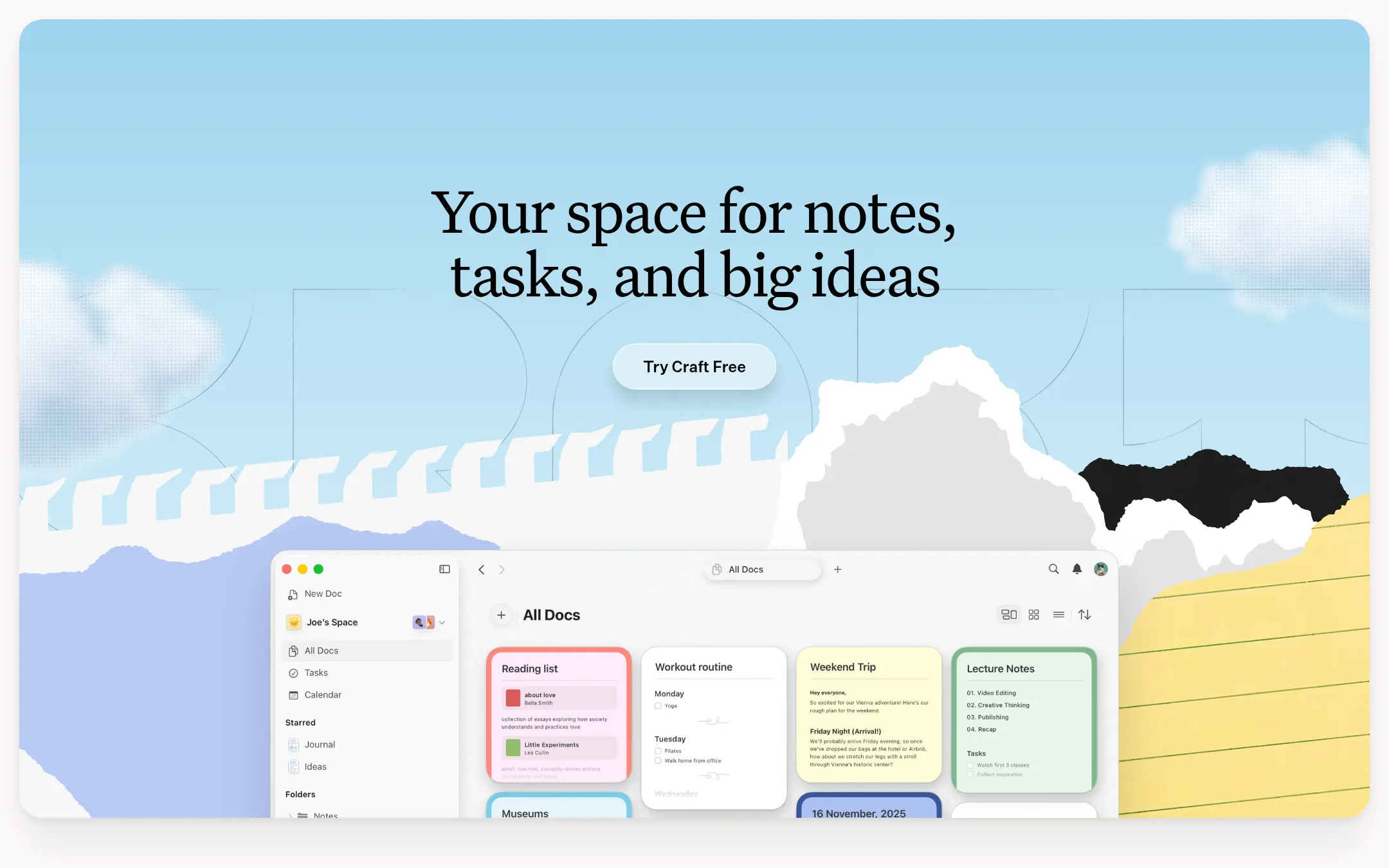
Craft is a general-purpose notes and docs app with tasks, calendar, and whiteboards, aimed at everyday productivity rather than deep learning. You would choose it over Heptabase if you want a polished, cross-device workspace for writing, planning, and sharing, and you don't need Heptabase's visual knowledge-base or AI learning features.
Where it is strong
- Clean, modern interface that works well across all devices.
- Tasks and calendar are embedded directly in documents.
- Generous free plan for occasional use, plus student and nonprofit discounts.
Where it falls short
- Free plan limits you to 1,500 blocks and 1 GB storage, which is tight for heavy note-takers.
- No built-in AI learning features like Heptabase's AI tutor or source explanation.
- Pricing:
- Free plan includes 1,500 blocks and 1 GB storage. Plus is $6.4/month. Family is $12.0/month for up to 6 accounts. Team is $5/user/month with a minimum of 3 members. Enterprise is custom.
- Switching from Heptabase:
- Moving from Heptabase means exporting your notes and whiteboards, then rebuilding your structure in Craft's spaces and folders, since the two tools organize knowledge differently.
- Not published
9.Evernote
Best for: Individuals and small teams who need a reliable, all-purpose note app with tasks and calendar, not a visual learning tool.
- Pricing
- Not published
- Category
- Productivity & Project Management
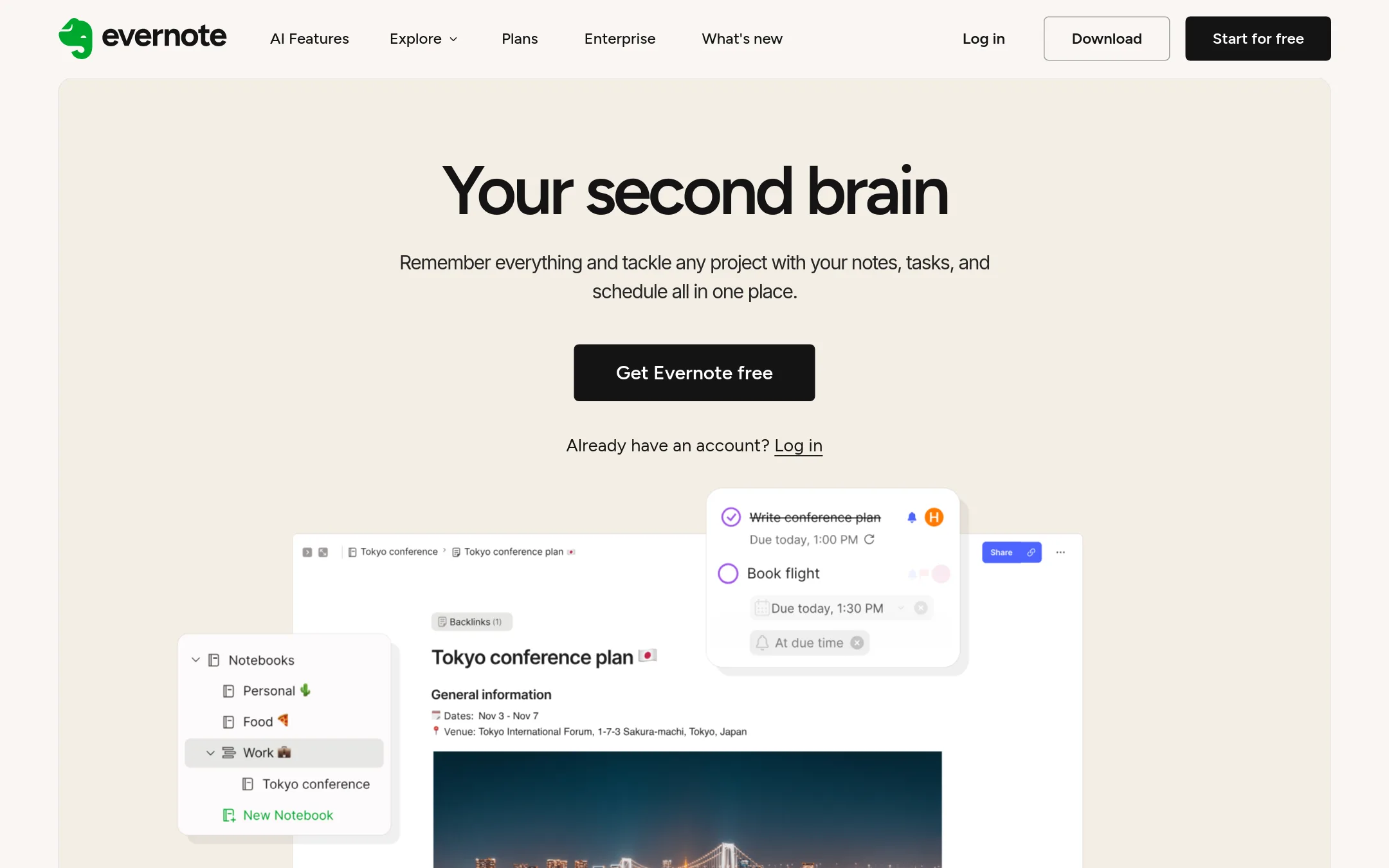
Evernote is a general-purpose note-taking app that captures text, images, audio, and web clips, with tasks and calendar integration. You would choose it over Heptabase if you want a simple, cross-platform notes hub for everyday work and personal organization, rather than a visual whiteboard for deep research and knowledge synthesis.
Where it is strong
- Capture anything: text, audio, scans, and web clips in one place.
- Integrated tasks and calendar to manage to-dos alongside notes.
- Works offline and syncs across devices, with a free tier for up to 1,000 notes.
Where it falls short
- No visual whiteboard or spatial canvas for mapping complex ideas.
- Free plan limits syncing to one device and 1GB storage.
- Pricing:
- Pricing is not published on the site. The page shows plan names (Free, Starter, Advanced, Flexible, Unlimited) but no dollar amounts.
- Switching from Heptabase:
- Moving from Heptabase means exporting your notes and whiteboards, then re-creating them as linear notes in Evernote. You lose the visual card-and-whiteboard structure.
- $100/mo
10.Bear
Best for: Small businesses and marketing teams that want to track AI agent usage and automate content generation and outreach.
- Pricing
- $100/mo
- Category
- Marketing & Sales
Bear is a marketing stack for AI agents, helping teams track AI usage and generate content. It is now Specific Labs, so choose it if you need to monitor AI prompts and automate blog and outreach workflows, not for visual knowledge management.
Where it is strong
- Tracks AI agent usage across models like GPT-5 and Claude
- Includes email outreach workflow in the Basic plan
- Generates up to 2 blogs per month with the blog agent
Where it falls short
- No visual whiteboard or knowledge base features like Heptabase
- Limited to 30 prompts on Basic, which may be restrictive
- Pricing:
- Basic is $100/mo for tracking GPT-5, up to 30 prompts, and 2 blogs/month. Enterprise pricing is custom.
See more comparisons in Education alternatives.
FAQ
Questions about Heptabase alternatives
Which alternative is best for a team that needs both knowledge management and project tracking?
Notion is the strongest choice. It combines docs, wikis, databases, and project management in one workspace, with AI features built in. It suits teams that want a single tool for the whole organization, not just learning.
Is there a free alternative to Heptabase that still offers visual mapping?
Obsidian is free for personal use and offers plugins for canvas and visual mapping, though the core app doesn't include a built-in whiteboard. Logseq is also free and open-source, but its visual whiteboard is less developed than Heptabase's.
Which alternative has the most transparent pricing?
Obsidian and Craft publish clear prices. Obsidian's core app is free, with Sync at $4 per user per month and Publish at $8 per site per month. Craft lists free, Plus, Family, and Team plans with specific block and storage limits.
Are there any alternatives that work offline like Heptabase?
Obsidian is local-first and works fully offline. Logseq also stores data locally in Markdown files and works offline. Evernote offers offline access on paid plans, but the free plan limits syncing to one device.
Which alternative is best for creative teams rather than researchers?
Milanote is built for visual inspiration and project planning, with boards for moodboards and storyboards. It suits creative teams in design, marketing, or content creation, but lacks Heptabase's AI and knowledge base features.
Last updated November 3, 2026.