
Hestia Control Panel alternatives
12 products compared · Updated November 2, 2026
The short answer
For a free, open-source control panel with strong community support, CyberPanel offers OpenLiteSpeed performance and built-in Docker. If you need a commercial, vendor-supported panel with WordPress tooling, Plesk is a solid choice. For hosting providers requiring reseller management and paid support, DirectAdmin fits best.
Your shortlist, at a glance
Read the comparisons ↓- VVesta Control PanelFree (GPLv3)Developers and small hosting providers who want a free, open-source control panel with low resource usage and a simple web interface.
 CyberPanelNot publishedDevelopers and small hosting providers who want a free control panel with OpenLiteSpeed performance and built-in Docker support.
VirtualminNot publishedSystem administrators and hosting providers who want a flexible, scriptable panel on their own Linux infrastructure.
- FFroxlorNot publishedHosting providers and server administrators who want a free, open-source panel with a modern interface and automation capabilities.
ISPConfigNot publishedSystem administrators running multiple Linux servers who want a free, open-source panel with multi-server management.
- AAjentiNot publishedSystem administrators managing low-end machines or routers who want a lightweight, non-destructive server admin panel with Python extensibility.
 CloudPanelFreeDevelopers and small agencies managing a few VPS servers who want a free, simple panel with modern app support.
aaPanelNot publishedTeams managing Linux or Windows servers who want a web-based panel with one-click app deployment and AI-assisted diagnostics.
 CockpitNot publishedTeams that want a lightweight, self-hosted content backend with full data control and no vendor lock-in.
 DirectAdminNot publishedHosting companies that need reseller management and a control panel with a commercial support contract.
 PleskFrom €12.04/moWeb professionals and hosting providers who want a commercial, supported control panel with WordPress tooling and cloud integrations.
 cPanelNot publishedHosting providers and digital agencies that need a commercially supported control panel with AI features and WordPress tooling.
About Hestia Control Panel and its alternatives
Hestia Control Panel is an open-source web server control panel known for its speed, ease of use, and community-driven development. It lets you manage websites, users, and advanced features through a simple interface, with extensibility via themes, templates, and an API.
When comparing alternatives, weigh pricing structure (free vs. commercial), region availability, integrations with cloud providers or WordPress, support options (community vs. paid), and contract terms like domain limits or licensing. Consider your technical comfort level and whether you need reseller features or container support.
Explore the alternatives
- VFree (GPLv3)
1.Vesta Control Panel
Best for: Developers and small hosting providers who want a free, open-source control panel with low resource usage and a simple web interface.
- Pricing
- Free (GPLv3)
- Category
- Other
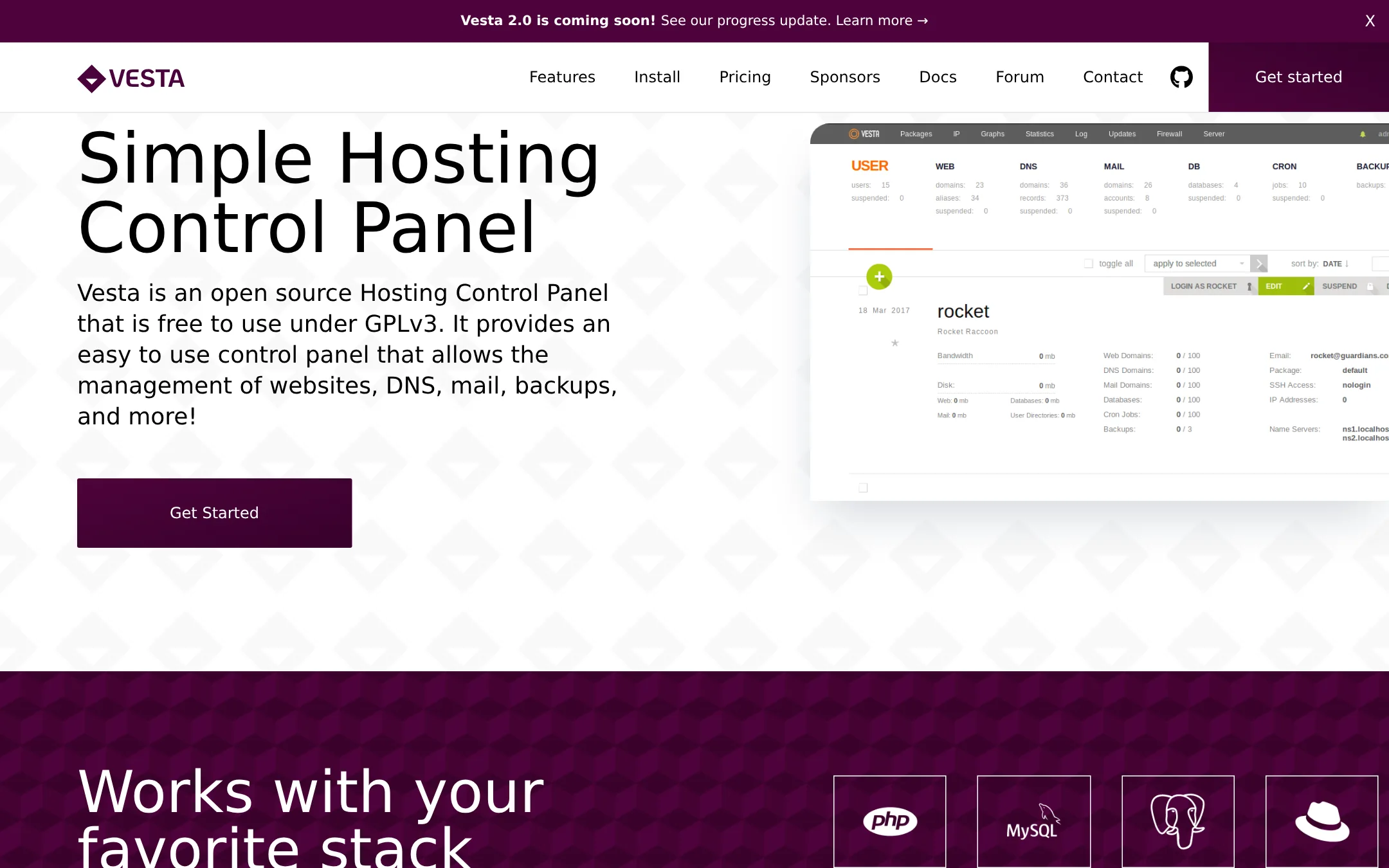
Vesta Control Panel is an open-source hosting control panel for managing websites, DNS, mail, backups, and more. It is a good choice if you want a free, lightweight panel with a fast web interface and a built-in firewall, especially if you are comfortable with a more traditional hosting setup.
Where it is strong
- Free and open-source under GPLv3
- Low resource usage, can serve 10,000 users per day on a 512MB VPS
- Built-in firewall with smart filters to block brute-force attempts
Where it falls short
- Some features like payments and billing are still coming soon
- Support for most Linux distributions is not yet available
- Pricing:
- Pricing is not published on the site. The core is free under GPLv3, and commercial plugins like SFTP Chroot and File Manager are currently free with license codes.
- Switching from Hestia Control Panel:
- Moving from Hestia Control Panel involves reinstalling your server with Vesta's single-command installer and reconfiguring your websites, DNS, and mail settings.
- Not published
2.CyberPanel
Best for: Developers and small hosting providers who want a free control panel with OpenLiteSpeed performance and built-in Docker support.

- Pricing
- Not published
- Category
- Developer Tools
CyberPanel is a free, open-source control panel built around OpenLiteSpeed, which gives it a performance edge over Hestia's default Apache/Nginx stack. It also includes Docker and n8n support out of the box, so you can run containerized apps alongside your websites without extra plugins. Choose it if you want a faster web server and easier container workflows, and you're comfortable with OpenLiteSpeed's configuration style.
Where it is strong
- Free and open source with unlimited websites
- Built-in Docker and n8n support for app workflows
- Includes SSL, firewall tools, and WordPress scanning
Where it falls short
- OpenLiteSpeed is not Apache, so some .htaccess rules need adjustment
- Premium add-ons and hosted services are paid extras
- Pricing:
- Pricing is not published on the site.
- Switching from Hestia Control Panel:
- The knowledge base includes migration guidance, so moving from Hestia is possible but requires checking the docs for your current setup.
- Not published
3.Virtualmin
Best for: System administrators and hosting providers who want a flexible, scriptable panel on their own Linux infrastructure.
- Pricing
- Not published
- Category
- Developer Tools
Virtualmin is a Linux hosting control panel that manages websites, mail, databases, DNS, SSL, and backups from one interface. It uses your system's standard packages rather than building its own stack, which keeps servers lean and makes it a good choice if you want deep control and automation via CLI or API. Choose it over Hestia if you need container deployment with Podman or centralized WordPress management through WP Workbench.
Where it is strong
- Uses standard OS packages, keeping servers lean and predictable
- Podman plugin deploys Docker-compatible images per domain
- WP Workbench centralizes WordPress updates, backups, and cloning
Where it falls short
- Pro features like containers and WordPress tooling require paid edition
- No built-in billing or client management for hosting resellers
- Pricing:
- Pricing is not published on the site.
- Switching from Hestia Control Panel:
- Moving from Hestia involves re-creating virtual servers and re-pointing DNS, but Virtualmin's use of standard packages means your data and backups remain intact.
- FNot published
4.Froxlor
Best for: Hosting providers and server administrators who want a free, open-source panel with a modern interface and automation capabilities.
- Pricing
- Not published
- Category
- Other
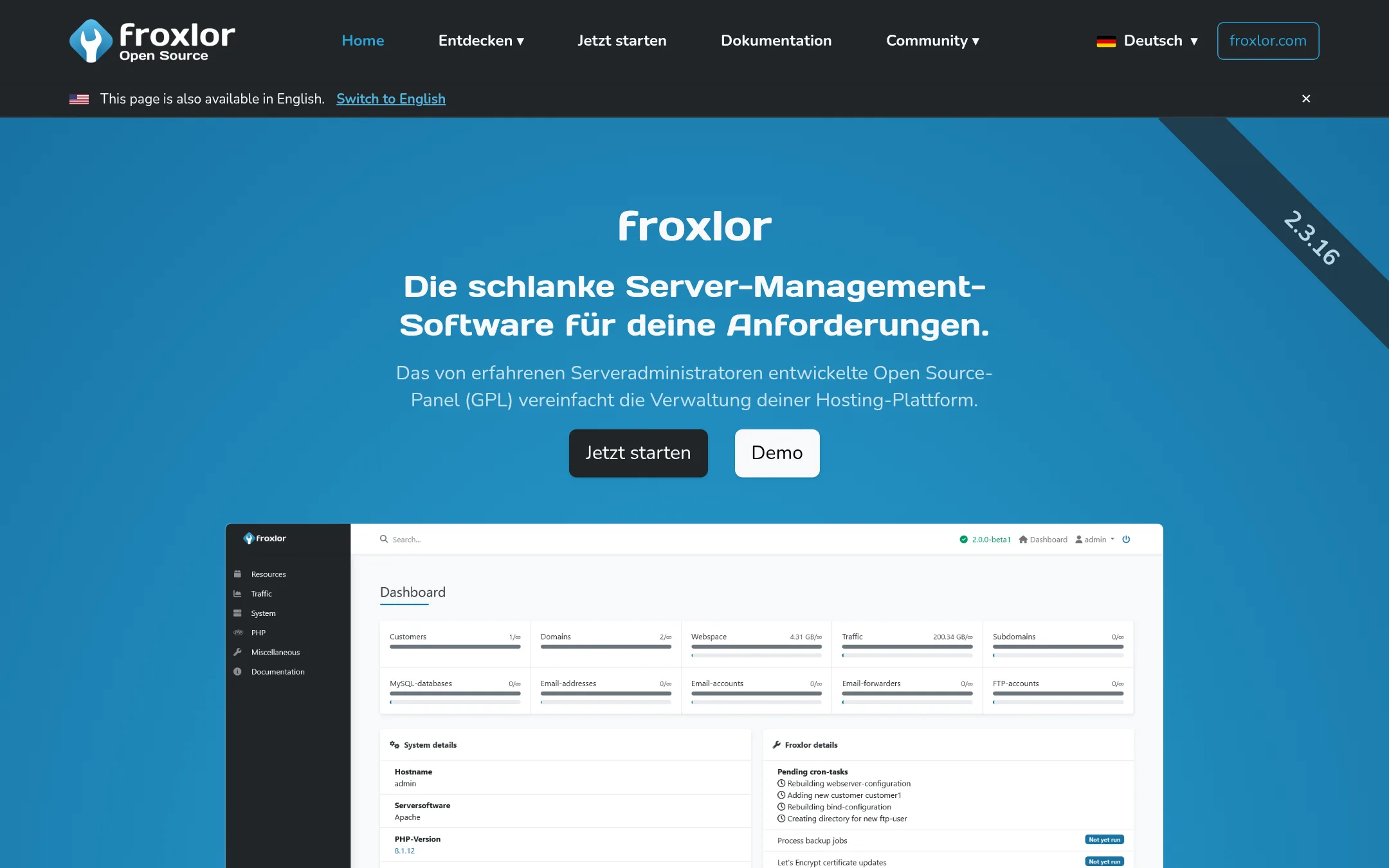
Froxlor is a lightweight, open-source server management panel for hosting platforms. Choose it over Hestia Control Panel if you need a modern, responsive UI, automated CLI installation, and support for multiple MySQL servers.
Where it is strong
- Modern Bootstrap 5 UI with light and dark mode
- Automated installation via CLI and API management
- Supports multiple MySQL servers and PHP-FPM by default
Where it falls short
- No built-in web server control panel features like Hestia's quick install apps
- Documentation and support primarily in German, though English is available
- Pricing:
- Pricing is not published on the site.
- Switching from Hestia Control Panel:
- Migration from Hestia Control Panel is not covered in the available facts.
- Not published
5.ISPConfig
Best for: System administrators running multiple Linux servers who want a free, open-source panel with multi-server management.
- Pricing
- Not published
- Category
- Developer Tools
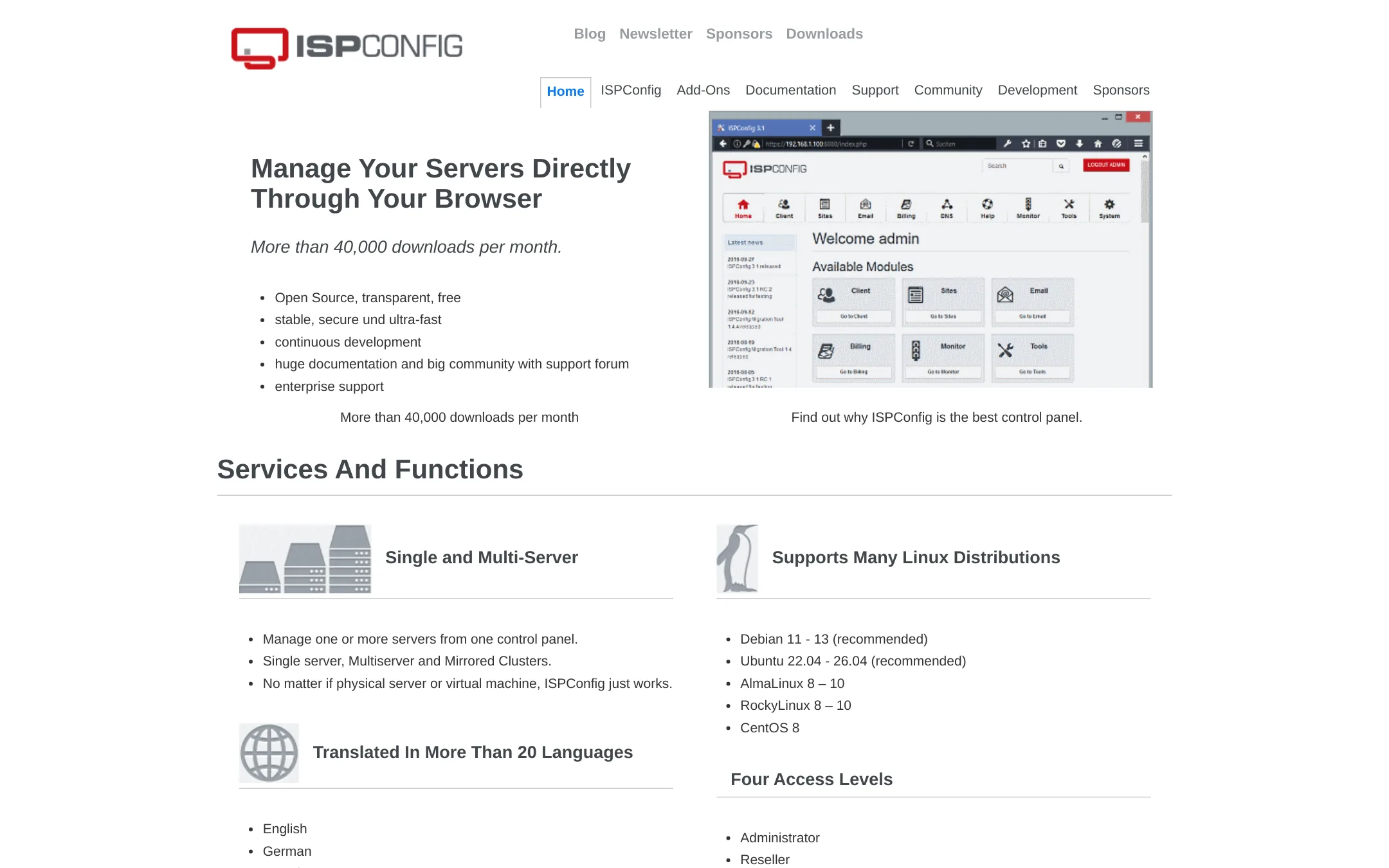
ISPConfig is an open-source control panel that manages one or multiple Linux servers from a single browser interface. Choose it over Hestia Control Panel if you need to handle several servers or mirrored clusters, or if you prefer a panel with a long history and a large community forum.
Where it is strong
- Free and open source with no licensing fees
- Supports single-server, multiserver, and mirrored cluster setups
- Works on Debian, Ubuntu, AlmaLinux, RockyLinux, and CentOS
Where it falls short
- No official pricing or paid support tiers listed on the site
- Interface and feature set are more traditional compared to modern panels
- Pricing:
- Pricing is not published on the site.
- ANot published
6.Ajenti
Best for: System administrators managing low-end machines or routers who want a lightweight, non-destructive server admin panel with Python extensibility.
- Pricing
- Not published
- Category
- Other
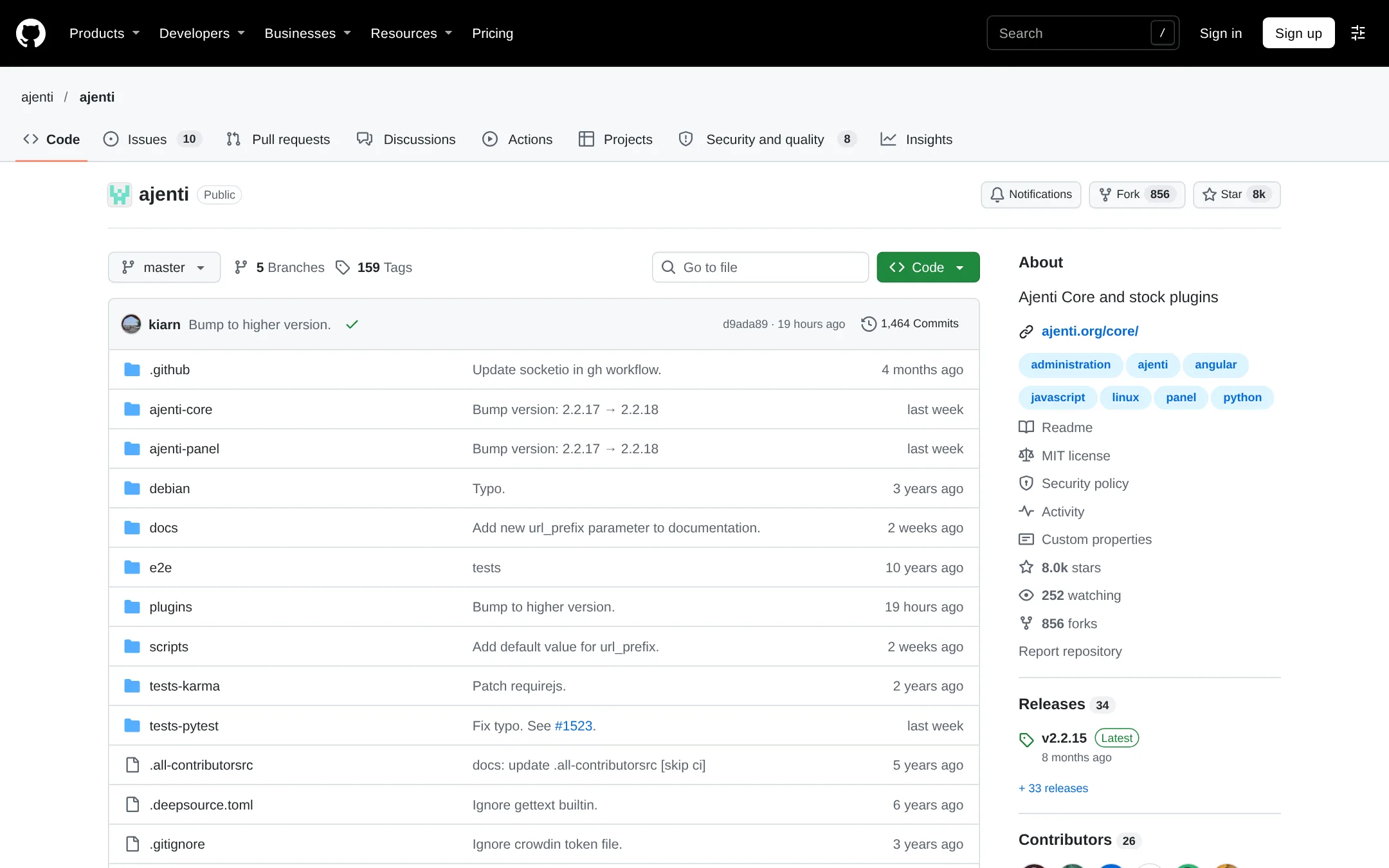
Ajenti is a modular server admin panel for Linux and BSD that works with your existing configuration without overwriting files. Choose it over Hestia Control Panel if you want a lightweight, extensible panel that runs on low-end hardware and prefer Python-based plugin development.
Where it is strong
- Non-destructive: does not overwrite your config files or comments
- Lightweight: small memory and CPU footprint, runs on low-end devices
- Extensible via Python plugins with a documented API
Where it falls short
- Development is in flux with a major rewrite (Ajenti 3) still in progress
- Fewer built-in web server management plugins compared to Hestia Control Panel
- Pricing:
- Pricing is not published on the site.
- Free
7.CloudPanel
Best for: Developers and small agencies managing a few VPS servers who want a free, simple panel with modern app support.
- Pricing
- Free
- Category
- Developer Tools
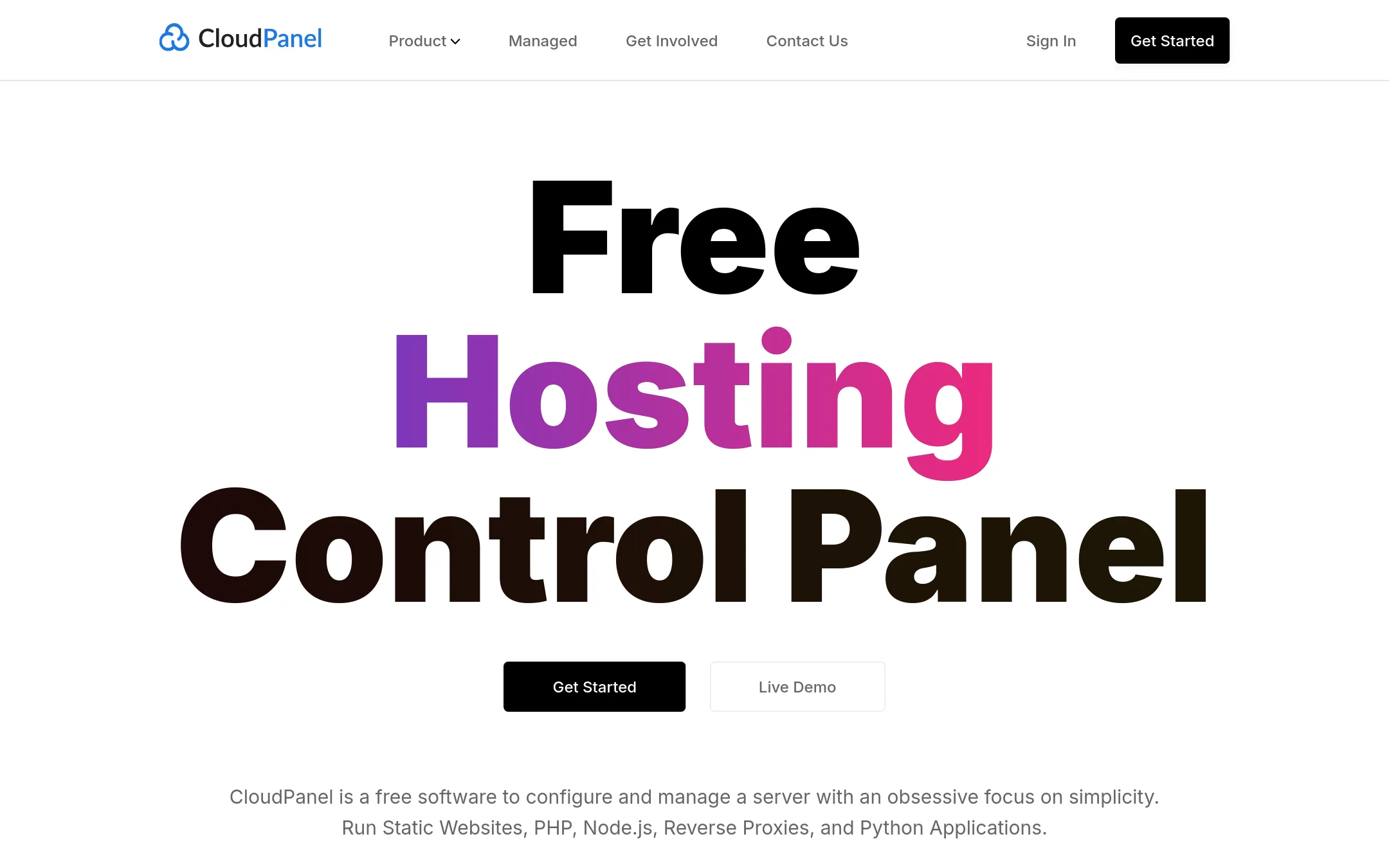
CloudPanel is a free, lightweight hosting control panel for Debian and Ubuntu servers. It focuses on simplicity and supports PHP, Node.js, Python, and static sites in isolated environments. Choose it over Hestia Control Panel if you want a minimal, modern panel with quick cloud provider deployment and strong security defaults.
Where it is strong
- Supports PHP, Node.js, Python, and static sites in isolated environments.
- One-click Let's Encrypt SSL and easy firewall configuration via UFW.
- Runs on ARM servers with low resource requirements (1 core, 2GB RAM).
Where it falls short
- Only supports Debian and Ubuntu, not other distributions like CentOS.
- No built-in email server management, unlike Hestia Control Panel.
- Pricing:
- Pricing is not published on the site.
- Switching from Hestia Control Panel:
- Migration from Hestia involves recreating sites and configurations manually, as CloudPanel does not offer an import tool.
- Not published
8.aaPanel
Best for: Teams managing Linux or Windows servers who want a web-based panel with one-click app deployment and AI-assisted diagnostics.

- Pricing
- Not published
- Category
- Developer Tools
aaPanel is a server management panel with one-click tools for websites, databases, FTP, SSL, and Docker. It also includes AI-assisted operations and a large app library. Choose it over Hestia Control Panel if you want a panel that covers both Linux and Windows servers and emphasizes automated, AI-driven management tasks.
Where it is strong
- Supports both Linux and Windows servers
- One-click deployment for LAMP/LNMP and popular apps like WordPress
- Built-in AI assistant for diagnostics and site analysis
Where it falls short
- Site and documentation are primarily in Chinese, which may be a barrier for non-Chinese speakers
- No public pricing details, so cost comparison with Hestia is unclear
- Pricing:
- Pricing is not published on the site.
- Not published
9.Cockpit
Best for: Teams that want a lightweight, self-hosted content backend with full data control and no vendor lock-in.

- Pricing
- Not published
- Category
- Developer Tools
Cockpit is a self-hosted, API-first content platform for managing structured content. You would choose it instead of Hestia Control Panel when you need a headless CMS backend for a website, mobile app, or SPA, rather than a web server control panel.
Where it is strong
- Self-hosted with MIT-licensed open-source core.
- API-first design works with any frontend stack.
- GDPR-compliant by design, with no US data access.
Where it falls short
- No pricing details are listed on the site.
- Not a web server control panel, so it cannot manage domains, email, or server resources like Hestia does.
- Pricing:
- Pricing is not published on the site.
- Not published
10.DirectAdmin
Best for: Hosting companies that need reseller management and a control panel with a commercial support contract.

- Pricing
- Not published
- Category
- Developer Tools
DirectAdmin is a commercial web hosting control panel with a three-level admin/reseller/user structure and a focus on low resource usage. Choose it over Hestia Control Panel if you run a hosting business and need reseller accounts, automatic crash recovery, and a vendor that offers paid support.
Where it is strong
- Three-level access (admin, reseller, user) under one login
- Automatic crash recovery with admin notifications
- Uses minimal system resources, suitable for low-end VPS
Where it falls short
- No open-source community contribution model like Hestia
- Pricing details require creating a client account
- Pricing:
- Pricing is not published on the site.
- Switching from Hestia Control Panel:
- Moving from Hestia Control Panel to DirectAdmin requires reinstalling the control panel on your server, as they are separate systems with different configuration formats.
- From €12.04/mo
11.Plesk
Best for: Web professionals and hosting providers who want a commercial, supported control panel with WordPress tooling and cloud integrations.
- Pricing
- From €12.04/mo
- Category
- Developer Tools
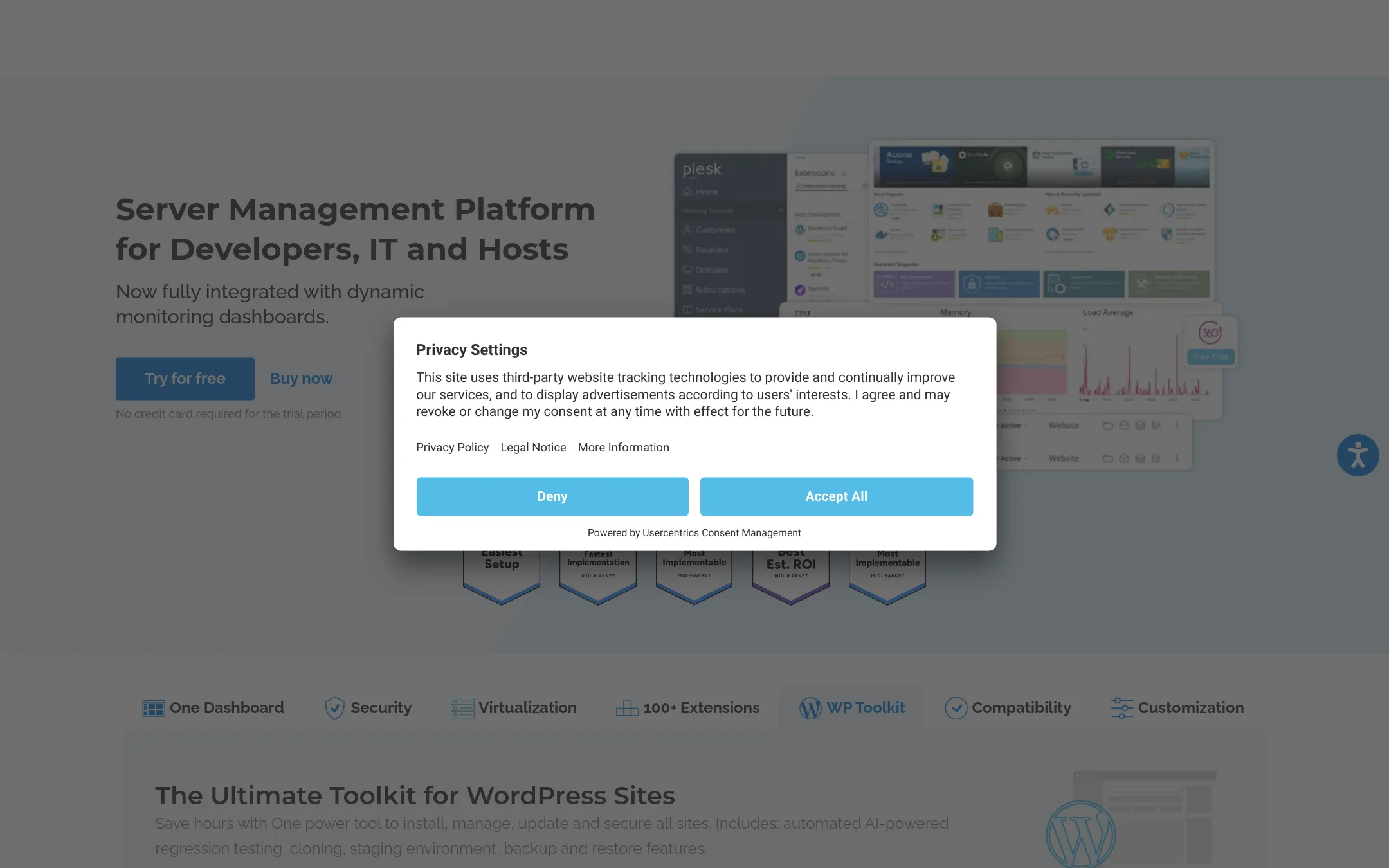
Plesk is a commercial server management platform with a strong focus on WordPress and a large extension marketplace. Choose it over Hestia Control Panel if you need a supported, business-oriented panel with a polished UI and integrations with major cloud providers.
Where it is strong
- Includes WP Toolkit for managing WordPress sites
- Over 100 extensions to add functionality
- Runs on all major cloud providers and virtualization platforms
Where it falls short
- Commercial license required. No free tier
- Domain limits on lower tiers (10 or 30 domains)
- Pricing:
- Pricing starts at €12.04/mo for the Web Admin Edition (10 domains), €18.29/mo for Web Pro (30 domains), and €31.38/mo for Web Host (unlimited domains).
- Switching from Hestia Control Panel:
- Moving from Hestia Control Panel to Plesk involves migrating your sites and server configuration, and you will need to purchase a license.
- Not published
12.cPanel
Best for: Hosting providers and digital agencies that need a commercially supported control panel with AI features and WordPress tooling.
- Pricing
- Not published
- Category
- Developer Tools
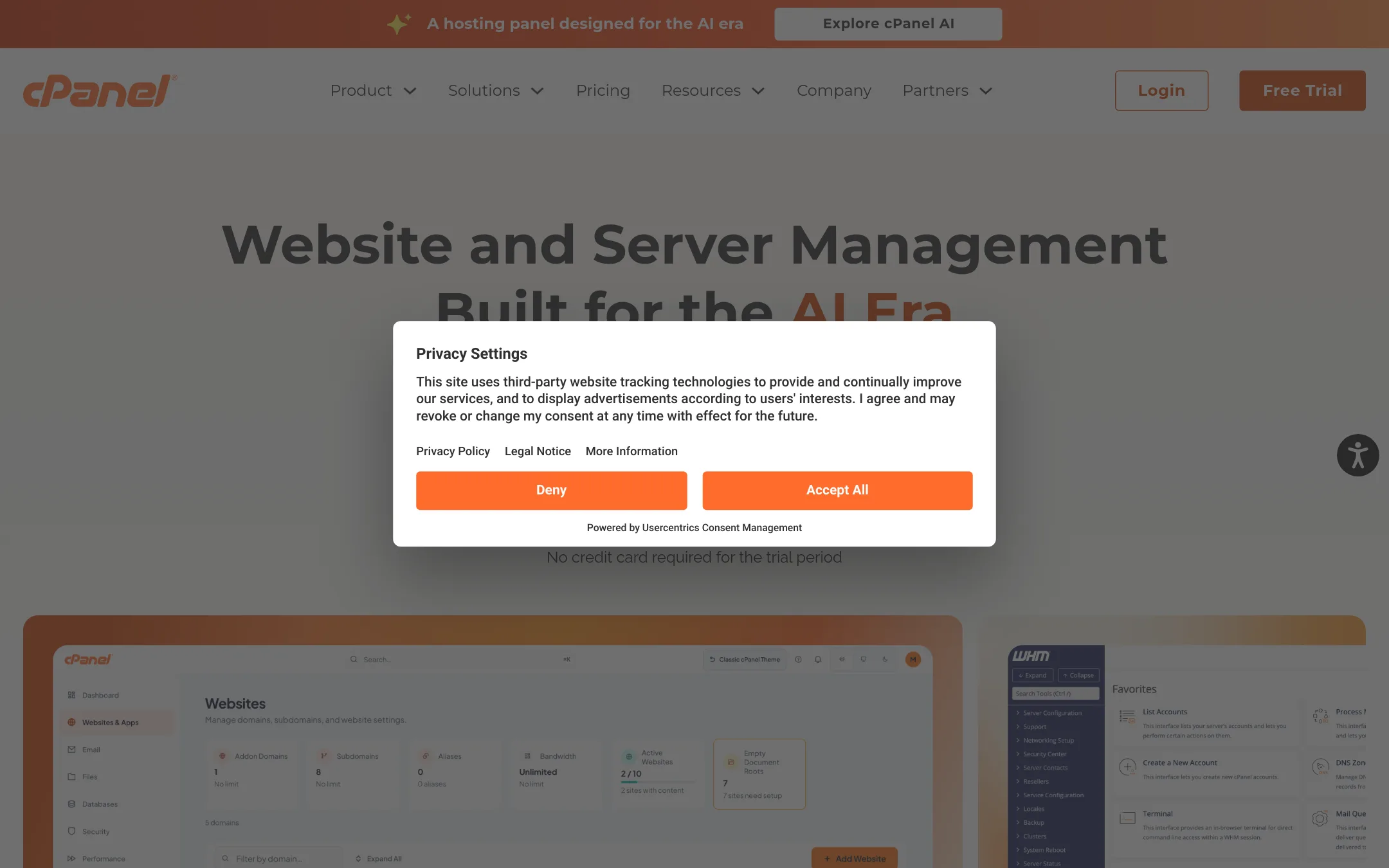
cPanel is a commercial web hosting control panel with a long track record and a broad feature set, including AI-assisted workflows and tools for WordPress management. You would choose it over Hestia Control Panel if you need a vendor-supported, widely recognized platform for managing multiple client websites or running a hosting business, and you are willing to pay for that stability and support.
Where it is strong
- 20+ years of proven stability and a large ecosystem of integrations.
- AI-assisted workflows built into the panel for onboarding, diagnostics, and app deployment.
- Includes WP Toolkit, SSL certificates, website builder, and monitoring in every plan.
Where it falls short
- Commercial licensing costs money, unlike Hestia's open-source model.
- AI features are only available in v138 and higher, so older versions miss them.
- Pricing:
- Pricing is not published on the site.
- Switching from Hestia Control Panel:
- cPanel provides built-in transfer tools and self-guided migration tools, so moving from Hestia involves exporting your sites and accounts and importing them via cPanel's migration interface.
See more comparisons in Developer Tools alternatives.
FAQ
Questions about Hestia Control Panel alternatives
Which alternative is best for a small developer on a budget?
CyberPanel is free and open-source with unlimited websites, making it a strong choice. CloudPanel is also free and lightweight, supporting PHP, Node.js, and Python. Both avoid licensing costs.
Do any alternatives offer reseller management?
DirectAdmin has a three-level admin/reseller/user structure under one login, ideal for hosting companies. cPanel also supports managing multiple client websites, though pricing is not published.
Which panels support WordPress management?
Plesk includes WP Toolkit for managing WordPress sites, and cPanel offers WP Toolkit in every plan. Virtualmin's WP Workbench centralizes WordPress updates, backups, and cloning, but requires a paid edition.
Are there free panels with Docker support?
CyberPanel includes built-in Docker support for containerized apps. Virtualmin offers a Podman plugin for Docker-compatible images, but it's a pro feature. aaPanel also supports Docker with one-click deployment.
What are the main drawbacks of commercial panels?
Commercial panels like Plesk and cPanel require paid licenses, unlike Hestia's open-source model. Plesk has domain limits on lower tiers (10 or 30 domains), and cPanel's AI features only work on v138 and higher.
Last updated November 2, 2026.