Hyperbeam alternatives
6 products compared · Updated November 17, 2026
The short answer
The three strongest Hyperbeam alternatives are Kernel, Browserbase and Browserless, each for a different kind of browser work. Kernel suits teams building AI agents that need fast, scalable browsers with managed logins and reusable sessions. Browserbase suits engineering teams whose agents must log in to sites, fill forms and extract data at scale. Browserless suits teams building agents or scrapers that need a browser that stays logged in and avoids bot blocks.
Your shortlist, at a glance
Read the comparisons ↓- BBrowserbaseFrom $0.10/browser hrEngineering teams building AI agents that need to log in to websites, navigate interactive flows, and extract data at scale
- BBrowserlessFrom $0.0015 per unitEngineering teams building AI agents or scrapers that need a browser that stays logged in and avoids bot blocks
- SSteel$0.10/browser hourAI agent builders and scraping teams that need real browsers with persistent logins, CAPTCHA solving, and proxies
- AAnchor BrowserNot publishedEngineering teams building AI agents that must log into and operate websites that have no API
 Kernel$30/mo + usageTeams building AI agents or web automations that need fast, scalable browsers with managed logins and reusable sessions
- AApifyNot publishedTeams that need ready-made web data scrapers and feeds for AI or lead generation
About Hyperbeam and its alternatives
Hyperbeam is an API for embedding shared, embeddable web browsers, which it calls Virtual Computers, inside a web app. According to its site, it is known for embedding any third-party website or application, syncing audio and video among multiple participants, and adding multi-user control with a few lines of code.
When comparing alternatives in this category, weigh the pricing structure first, including whether usage is billed per minute, per browser hour or per unit, and whether a free tier is included. Check regional server options, which affect latency, and how well the product integrates with your existing code and languages. Also look at support and contract terms, and whether the tool is built for live shared sessions with people or for autonomous agents and scraping.
Explore the alternatives
- BFrom $0.10/browser hr
1.Browserbase
Best for: Engineering teams building AI agents that need to log in to websites, navigate interactive flows, and extract data at scale
- Pricing
- From $0.10/browser hr
- Category
- Other
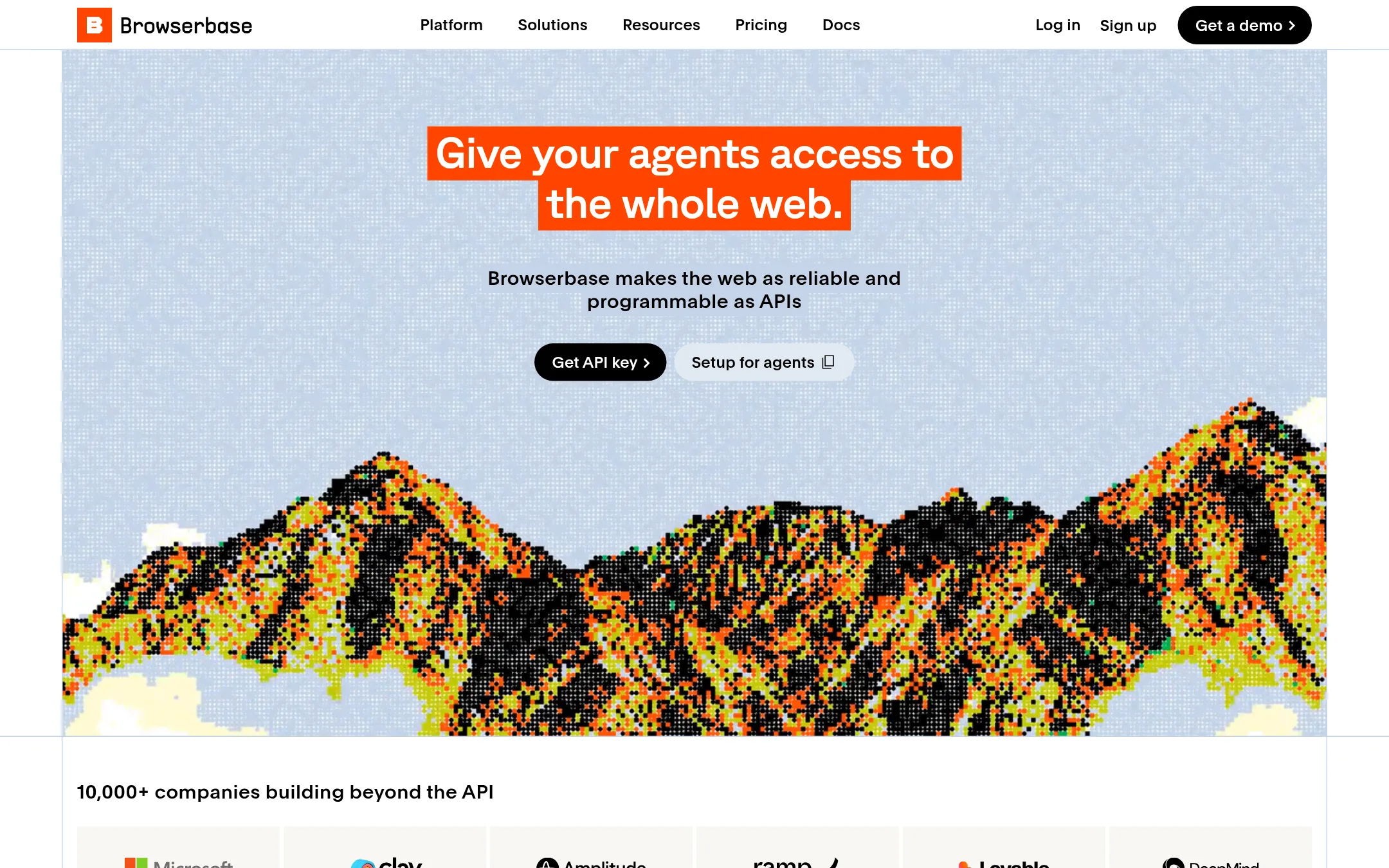
Browserbase gives AI agents a real headless browser they can drive, plus Search and Fetch APIs for pulling web content. A team would pick it over Hyperbeam when the goal is an agent that logs into sites, fills forms, or extracts data from pages with no API, rather than a shared embeddable browser that people use together inside their own app.
Where it is strong
- Gives agents a full browser they can control, including login walls and multi-step forms
- Includes Search and Fetch APIs so agents can find and read web pages without a browser session
- Published tiers scale from a free start to custom enterprise plans, with HIPAA and SSO options on Enterprise
Where it falls short
- Built for autonomous agents rather than live shared sessions where several people control one browser together
- Does not publish a feature for embedding browser sessions in your own product UI, which Hyperbeam is built around
- Pricing:
- The site lists a free Start plan with 3 concurrent browsers and 1 browser hour, a Developer tier with 25 concurrent browsers and 100 browser hours then $0.12/browser hr, a Startup tier with 100 concurrent browsers and 500 browser hours then $0.10/browser hr, a
- BFrom $0.0015 per unit
2.Browserless
Best for: Engineering teams building AI agents or scrapers that need a browser that stays logged in and avoids bot blocks
- Pricing
- From $0.0015 per unit
- Category
- Other
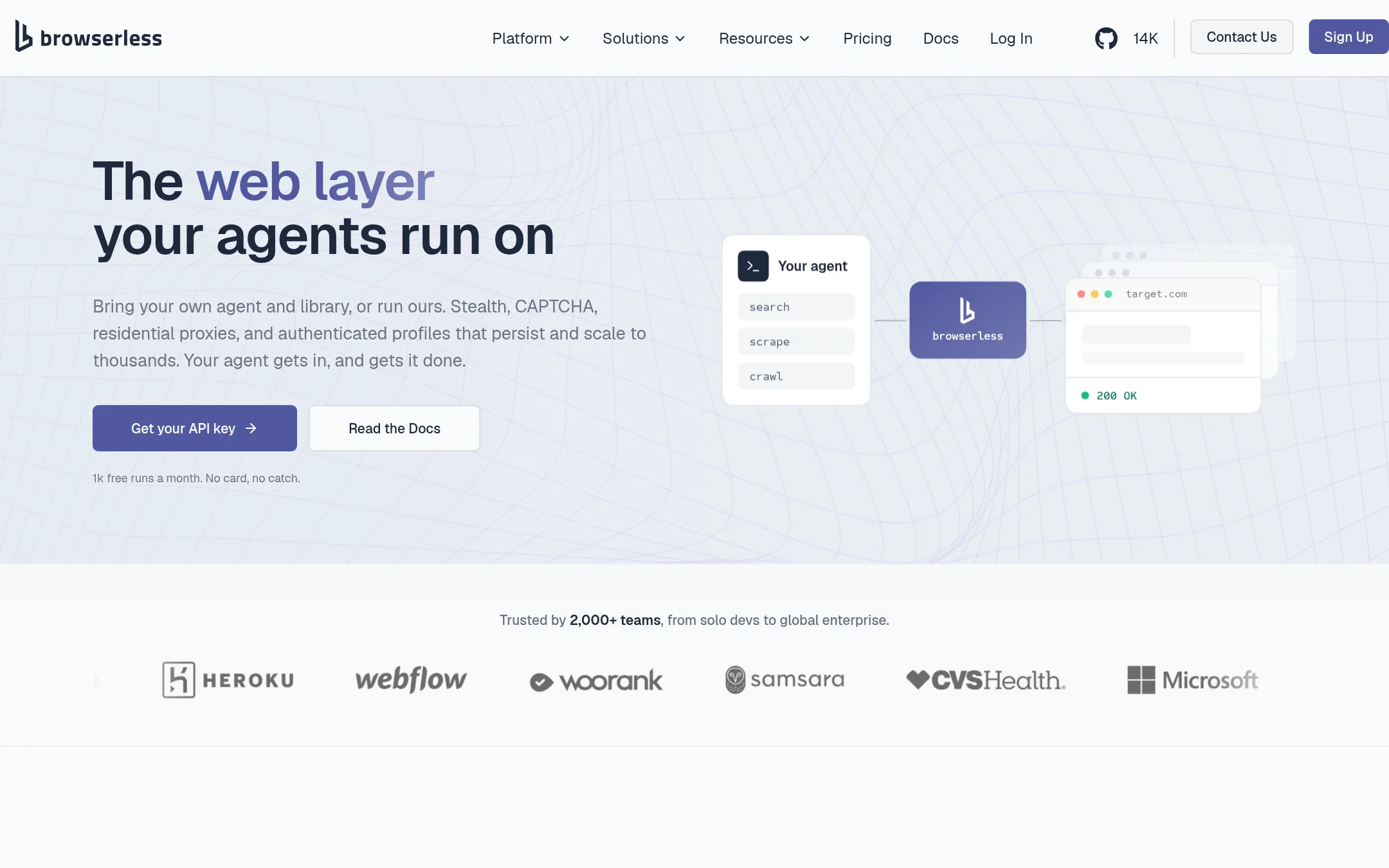
Browserless runs cloud browsers that AI agents and automation scripts can drive through Puppeteer, Playwright, or MCP. It adds stealth, CAPTCHA solving, and Authenticated Profiles so logins persist across runs. Teams pick it over Hyperbeam when their goal is scraping or automating sites with a headless browser, not embedding a shared browser into their own product UI.
Where it is strong
- Works with existing Puppeteer and Playwright scripts by changing one connection line
- Authenticated Profiles let agents start signed in without credentials in code
- Self-hosting is available with the same API as the cloud version
Where it falls short
- Built for automation and scraping, so it does not embed a shared browser for end users the way Hyperbeam does
- Pricing is unit-based, so costs depend on how long each session runs
- Pricing:
- The free plan includes 1k units per month and 2 concurrent browsers, paid plans are 20k units for Prototyping, 180k for Starter and 500k for the next tier, with overages at $0.0020, $0.0017 and $0.0015 per unit.
- S$0.10/browser hour
3.Steel
Best for: AI agent builders and scraping teams that need real browsers with persistent logins, CAPTCHA solving, and proxies
- Pricing
- $0.10/browser hour
- Category
- Other
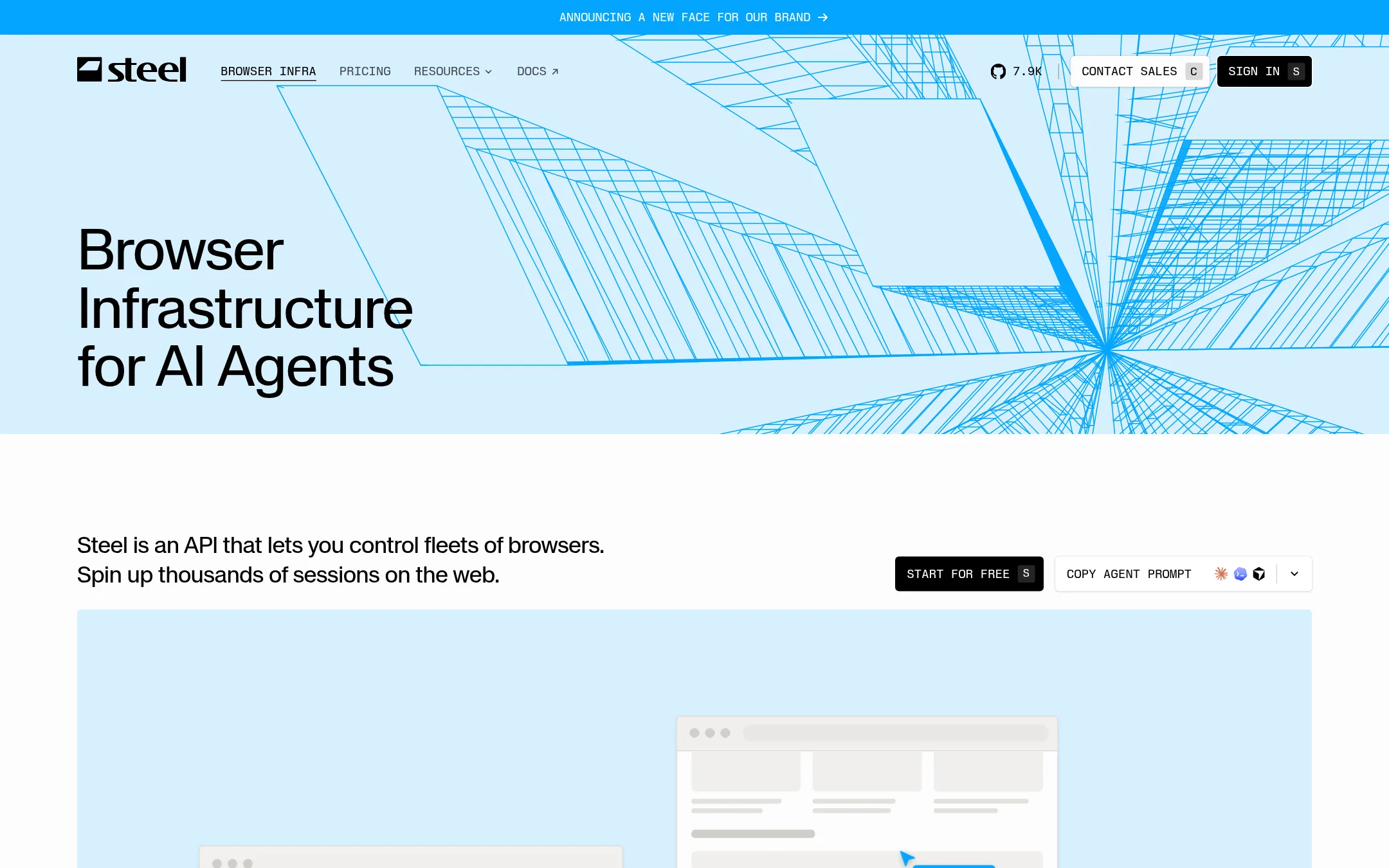
Steel is an open-source browser API that gives AI agents and automation scripts real cloud browsers, with sessions that start in under a second and can resume with the same cookies and tabs. Teams pick it over Hyperbeam when the job is driving a browser for scraping, agents, or web automation rather than embedding a shared virtual computer in their own product's UI.
Where it is strong
- Browser sessions start in under a second and can be resumed with the same cookies, tabs and state.
- Open source, so the server can be self-hosted and inspected.
- Works with Playwright, Puppeteer, Python and Node SDKs, and a CLI.
Where it falls short
- Built around automating browsers for agents and scraping, not for embedding a shared virtual computer in an end user's web app with multi-us
- The Launch plan caps sessions at 15 minutes and concurrency at 10.
- Pricing:
- Steel has a Launch plan at $0 per month plus usage with $30 of one-time credits, a Scale plan at $250 per month plus usage with $100 of monthly credits, and custom Enterprise pricing, with browser hours at $0.10 on Launch and $0.08 on Scale.
- ANot published
4.Anchor Browser
Best for: Engineering teams building AI agents that must log into and operate websites that have no API
- Pricing
- Not published
- Category
- Other
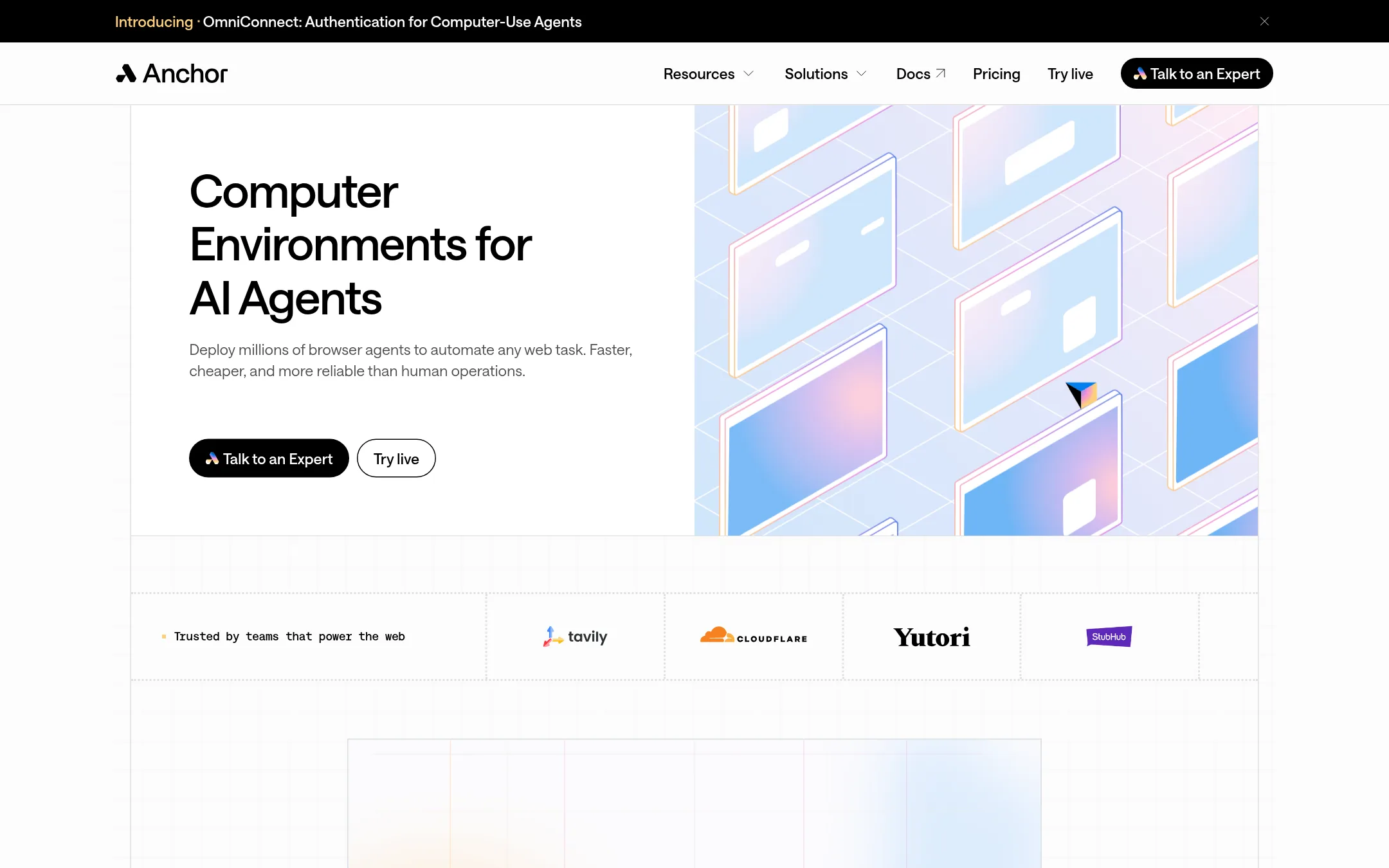
Anchor Browser is a cloud-hosted browser for AI agents that need to act on websites without an API. It handles logins, sessions, and bot protection, so the agent can submit forms and pull data like a person would. Teams pick it over Hyperbeam when their goal is automating web workflows for agents rather than embedding a shared, interactive browser inside their own app.
Where it is strong
- Built for AI agents that need authenticated sessions across many sites.
- Offers an MCP and SDK so agents can call the browser directly.
- Includes an enterprise tier with SOC 2, ISO 27001, and HIPAA-related options.
Where it falls short
- Aimed at agent automation, so it is a poor fit for simply embedding a shared browser for live users.
- Does not describe multi-user control or audio and video sync the way Hyperbeam does.
- Pricing:
- Pricing is not published on the site.
- $30/mo + usage
5.Kernel
Best for: Teams building AI agents or web automations that need fast, scalable browsers with managed logins and reusable sessions
- Pricing
- $30/mo + usage
- Category
- AI & Machine Learning
Kernel is browser infrastructure for AI agents and web automations. It gives agents managed auth, reusable sessions, and browsers that spin up in under a second, with autoscaling. Pick it over Hyperbeam when the goal is an agent that acts on websites rather than a shared, embeddable browser that people watch and control together.
Where it is strong
- Browsers boot in under a second, and per-action speed is measured inside running sessions.
- Managed auth and reusable sessions mean users don't log in again each run.
- Stealth mode includes a residential proxy and captcha solver on the free tier.
Where it falls short
- It is built for agents and automation, so it lacks Hyperbeam's live shared control and audio/video sync for multiple human participants.
- Regional browser placement and GPU acceleration only appear on the start-up plan and above.
- Pricing:
- Pricing is published: a free tier with $5 of monthly usage credits and 5 concurrent browsers, a hobbyist plan at $30/mo, a start-up plan at $200/mo, and custom enterprise pricing, with usage billed at $0.0000166667 per GB-second.
- ANot published
6.Apify
Best for: Teams that need ready-made web data scrapers and feeds for AI or lead generation
- Pricing
- Not published
- Category
- Other
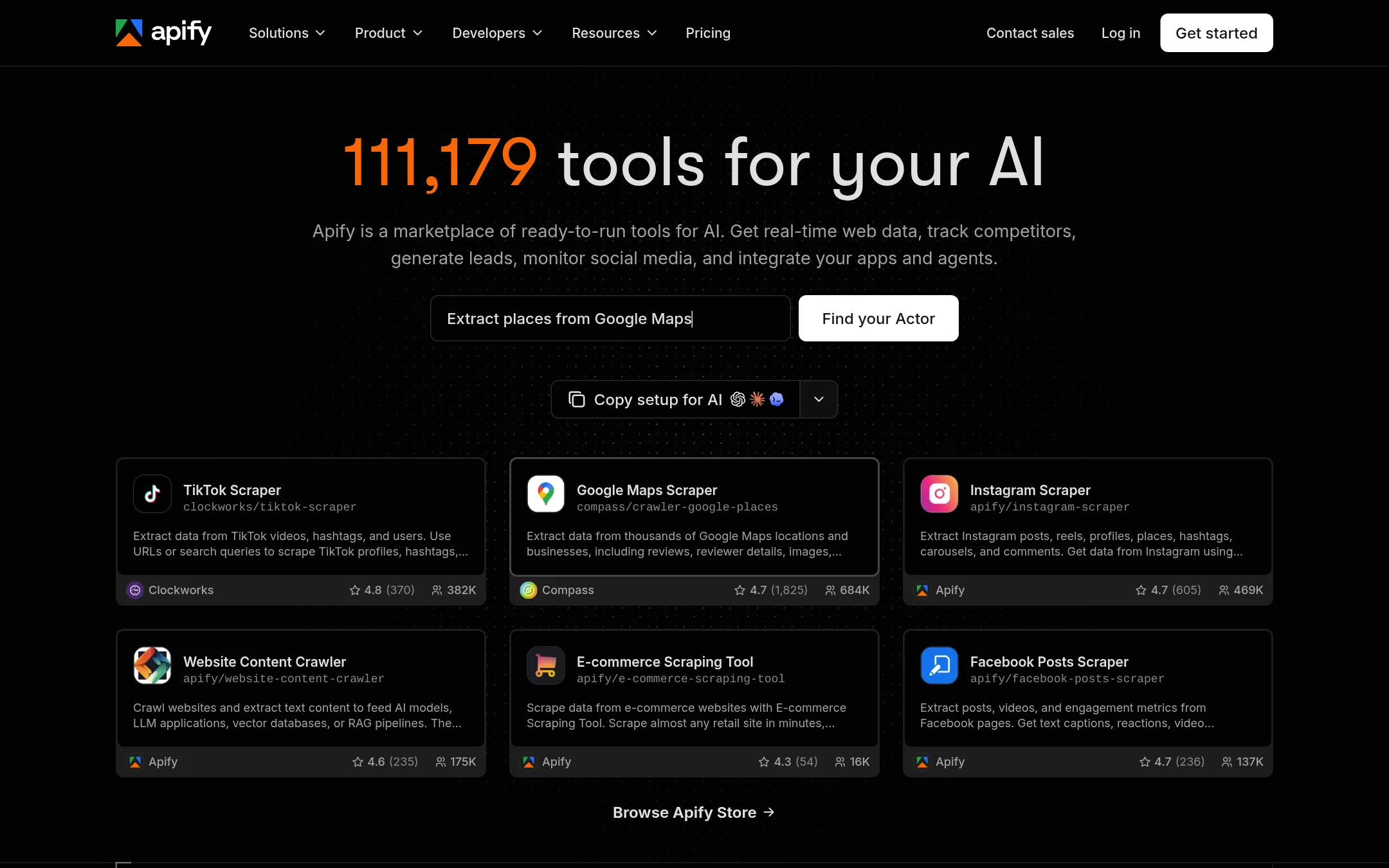
Apify is a marketplace of ready-made scrapers and automation tools called Actors, plus a platform to build and run your own. Teams pick it when they need web data such as Google Maps listings, Instagram posts or website text for AI pipelines, rather than embedded remote browsers. Hyperbeam is for embedding live virtual computers in your own app, so Apify fits data collection work and not interactive user sessions.
Where it is strong
- Thousands of pre-built Actors for sites like Google Maps, Instagram and TikTok
- Publish your own Actor and reach users through the Apify Store
- Plans range from a free tier to a $999 Business plan with pay-as-you-go usage
Where it falls short
- Built for scraping and data extraction, not for embedding interactive browsers in your product
- Costs vary by Actor run, so budgeting takes some work
- Pricing:
- Pricing is not published on the site.
See more comparisons in Developer Tools alternatives.
FAQ
Questions about Hyperbeam alternatives
What is the main difference between Hyperbeam and Browserbase?
Hyperbeam is built to embed a shared browser that people watch and control together inside their own app. Browserbase gives AI agents a headless browser they can drive, including logging into sites and filling forms, and it does not publish a feature for embedding sessions in a product UI.
Which alternative is best for AI agents that need fast browsers?
Kernel is built for AI agents and web automations, and its site says browsers boot in under a second with autoscaling. It also offers managed auth and reusable sessions so users do not log in again on each run.
Can I use Apify to embed a live browser in my product?
Apify is a marketplace of ready-made scrapers and automation tools called Actors, aimed at collecting web data such as Google Maps listings or website text. It is not designed for embedding interactive browsers in your product, so it fits data collection rather than live user sessions.
How does Browserless differ from Steel?
Both run cloud browsers that agents and scripts can drive, but Browserless emphasizes Authenticated Profiles, CAPTCHA solving and unit-based pricing with a self-hosting option. Steel is open source, starts sessions in under a second and can resume with the same cookies and tabs. Choose based on whether you need persistent logins or open-source self-hosting.
Which alternatives should I avoid if I need multi-user control?
The entries describe Kernel, Browserbase, Apify, Browserless, Steel and Anchor Browser as tools for agents, scraping and automation, and none of them describe multi-user control or audio and video sync for multiple participants the way Hyperbeam does. If live shared control is the goal, these alternatives are a poor fit.
Last updated November 17, 2026.